

1. Otter vs Fathom vs Fireflies: Which AI Meeting Notes Tool Is Right for You?
I've lost count of how many calls end with everyone agreeing something was decided, and nobody agreeing on what. The recording sits untouched. The notes are half a page of fragments. A week later, someone asks "wait, who was doing that?"
If you're reading this, you've probably already noticed the real problem: meetings aren't the issue — what happens after them is. Writing notes by hand doesn't scale past two or three calls a day, and handing the job to an AI you don't trust yet doesn't feel much better either. That tension is exactly why Otter, Fathom, and Fireflies exist.
This guide is for anyone who wants AI meeting notes that capture what matters, don't create a second cleanup job, and fit into a workflow that already exists. I'm not walking you through every menu and setting — I'll show you how these three tools behave differently in practice, where each earns its keep, and where it quietly falls short.
📚 Recommended Read
If you're adding one of these tools to cut down on mental overhead, it's worth understanding where AI genuinely earns its place in a workflow — and where a person still has to make the call. "The AI Advantage" by Thomas H. Davenport and Rajeev Ronanki is the clearest breakdown I've found of that line, and it reframes the question from "what can the tool do" to how you use it to support real decisions.
Read The AI Advantage →2. What People Actually Want from AI Meeting Notes (And Why Most Tools Fail)

Most people don't start looking for AI meeting tools because they love automation. They start because meetings were quietly eating their focus before the workday even really began. And what almost everyone actually wants, once you strip away the feature lists, is surprisingly consistent.
- No need for a full transcript of everything said
- No new app to babysit on top of the calendar and inbox
- No rewatching a 45-minute recording to find one detail
- Just clear outcomes once the call ends
In other words, the real ask behind AI meeting notes is simple: help me move forward without extra work. This is exactly where a lot of tools fall short — they record everything and summarize everything, and you're still left asking "okay, but what do I need to do now?"
That framing lines up with a well-known Harvard Business Review analysis of modern meeting culture, and it matches what I found researching this space: people search for "AI meeting transcription," "meeting summary AI," and "best AI meeting tools" not because they want more technology, but because they want relief from the after-meeting cleanup.
Otter, Fathom, and Fireflies all promise to close that gap, but they take genuinely different approaches to doing it — one leans on accuracy, one on speed, one on getting data into the systems you already use. Section 3 breaks down how each one actually behaves, beyond the marketing page.
3. How Otter, Fathom, and Fireflies Handle AI Meeting Notes Differently
On the surface, all three AI meeting notes tools promise the same thing: record the meeting, produce notes, save you time. In practice they make very different tradeoffs — and that gap is exactly why picking the wrong one leads to frustration a week in. The real difference isn't what they capture. It's how each one decides what's worth surfacing.
Otter.ai — Built Around Transcription First
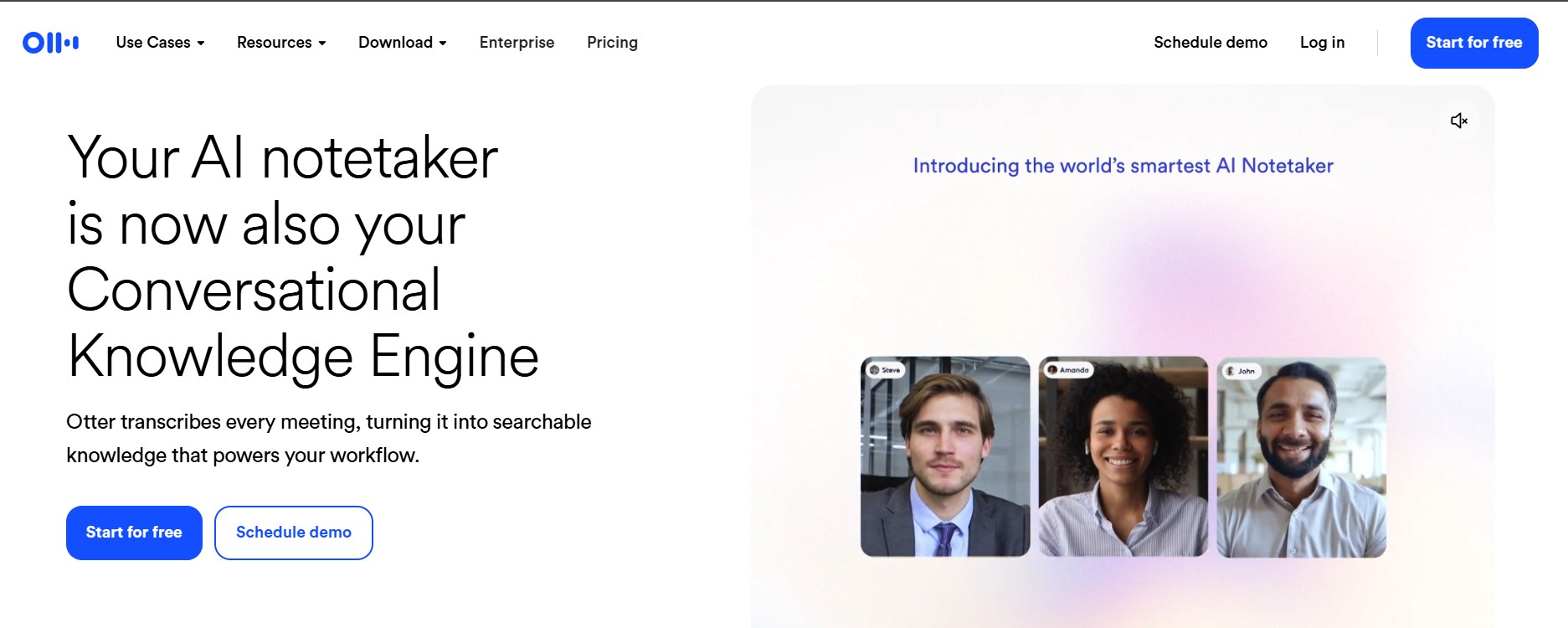
Otter turns spoken conversation into searchable, timestamped text better than either competitor — that's its whole design center. It's the right pick when you need detailed records, quote exact phrases later, or care more about wording accuracy than a tidy synthesis.
The free Basic plan gives you 300 transcription minutes a month, capped at 30 minutes per call — fine for a handful of short meetings, tight for anything back-to-back. Pro runs $16.99/month ($8.33/month billed annually) with 1,200 monthly minutes; Business is $30/month ($19.99/month annually, 5-seat minimum) and removes the cap entirely. The tradeoff across every tier: you'll likely still interpret the transcript yourself rather than get a ready-made action list.
Fathom — Built for Instant Understanding, With a New Catch
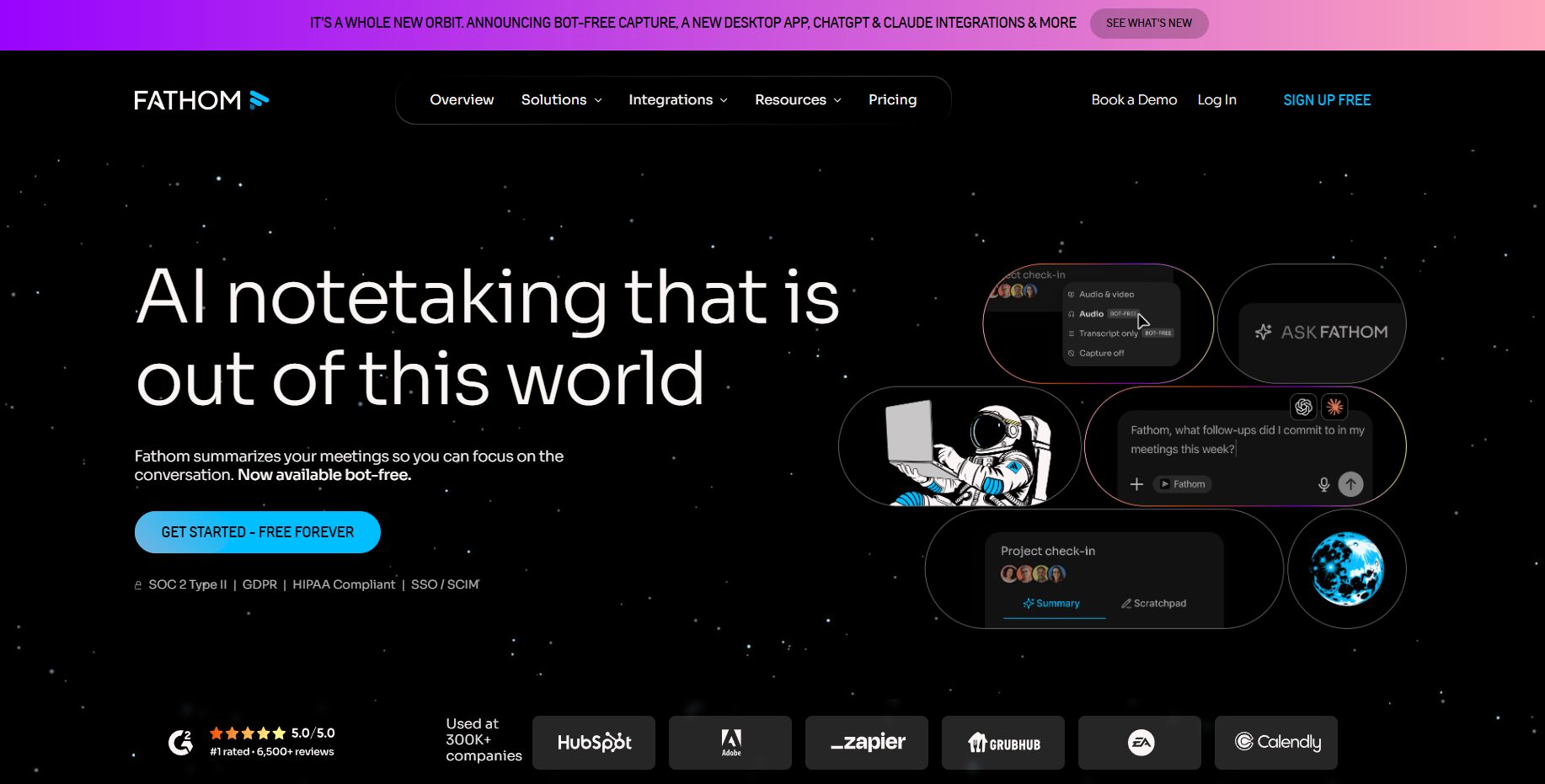
Fathom optimizes for speed: clear summaries, highlighted decisions, and action items ready to review within about 30 seconds of the call ending. It works best when meetings are frequent and you want clarity immediately, without opening the full recording.
Here's the detail most comparisons still get wrong. Fathom's free plan gives you unlimited recording, transcription, and storage — genuinely generous — but as of 2026, advanced AI summaries are capped at 5 calls a month. Past that, you drop to a basic chronological transcript with no action items until the next billing cycle. Premium removes that cap at $20/month ($16/month annually); Team runs roughly $19/month ($15/month annually, 2-seat minimum); Business adds Salesforce and HubSpot field sync at roughly $34/month ($25/month annually).
Fireflies — Built to Push Meetings Into Your Workflow
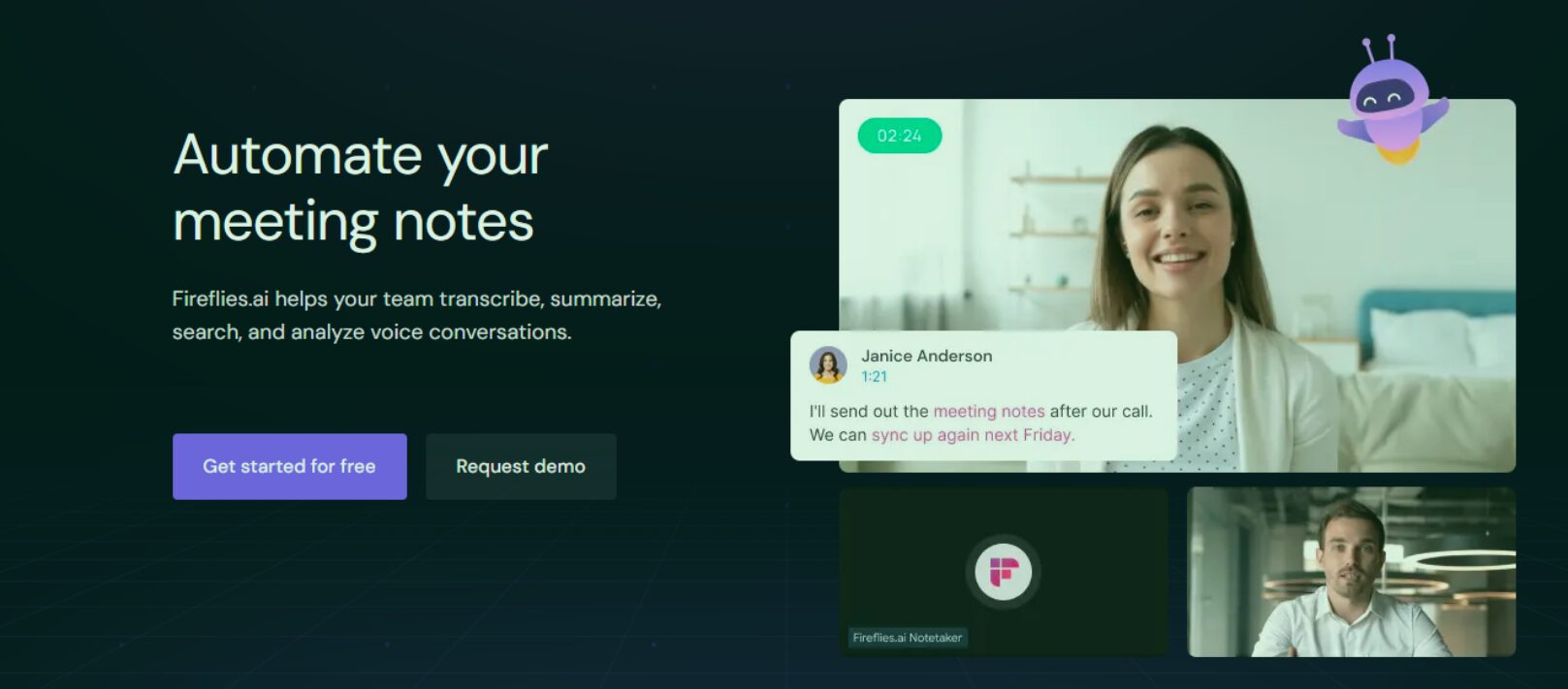
Fireflies sits between the two, with its strength in workflow integration — connecting meetings to tasks and CRMs, supporting team-wide search, and keeping conversations linked to live projects. That makes it the natural fit for teams where a call is meant to update a deal record, not just get summarized.
The free plan includes unlimited transcription and AI summaries, but storage caps at 400 minutes for the whole team, exports are blocked, and there's no CRM sync until you upgrade. Pro is $10/month annually ($18/month monthly) with 8,000 stored minutes per seat and transcript downloads; Business runs $19/month annually ($29/month monthly) with unlimited storage and team analytics; Enterprise is $39/month, billed annually only.
Want the deeper dive on either single tool? I've got a full Fireflies.ai review and a step-by-step Fathom setup guide that go further than this comparison has room for.
Here's the side-by-side on what people weigh most when choosing:
| What matters | Otter | Fathom | Fireflies |
|---|---|---|---|
| Primary strength | Transcription accuracy | Fast, clean summaries | Workflow & CRM integration |
| Free plan limit | 300 min/mo, 30 min/call | 5 AI summaries/mo | 400 min storage (team) |
| Cheapest paid tier | $8.33/mo (annual) | $16/mo (annual) | $10/mo (annual) |
| Best for | Detailed, searchable records | Fast clarity after calls | Teams & shared systems |
| Learning curve | Low | Very low | Medium |
What this table doesn't show, but matters just as much: there's no universal winner here. Each tool optimizes for a different stage of the meeting lifecycle — capturing, understanding, or acting on what was said.
4. Real-World Use Cases: Which Tool Fits Each Type of User
Once you step away from feature lists, the decision gets simpler. What matters is how meetings fit into your week, and what you need your AI meeting notes tool to hand you the moment a call ends. Here's how each one tends to perform for different roles.
| User type | Needs most | Best fit | Why |
|---|---|---|---|
| Solo pros & freelancers | Reliable, searchable records | Otter | Strong transcription makes details easy to find later |
| Managers & founders | Clear decisions, fast | Fathom | Speed cuts follow-up friction — mind the 5-call free cap |
| Sales & customer success | CRM-ready notes | Fireflies | Integrations connect calls straight to the pipeline |
| Remote / async teams | Shared understanding, no rewatch | Fathom or Fireflies | Both cut the need for extra sync meetings |
A simple filter, if your meetings mostly involve remembering: transcription matters most, so lean Otter. If they're about deciding: summaries matter most, so lean Fathom (paid, if you're in frequent calls). If they're about executing: integrations matter most, so lean Fireflies.
5. Privacy, Consent, and Ethics: What Happens to Your Meeting Data

As AI meeting notes become part of daily work, one question keeps coming up, and it's a fair one: who else is listening? Recording and summarizing conversations isn't neutral — meetings carry sensitive context, half-formed ideas, and opinions people didn't mean to have transcribed forever. Ethical use here isn't a legal checkbox. It's about trust inside a team.
Before enabling any of these tools, it's worth getting straight answers to a few questions:
- Are participants clearly told that AI is recording the call?
- Where does the recording live, and for how long?
- Is the content ever used to train a model?
- Can a recording and its summary be fully deleted, not just hidden?
In Europe, expectations here are shaped directly by GDPR's core principles — transparency, purpose limitation, and data minimization. A tool can be compliant on paper and still feel invasive if it's used carelessly. The UK Information Commissioner's Office guidance is a useful reference here — it explains why limiting recording scope matters even when a tool is technically approved.
A few practices I'd treat as non-negotiable: always disclose recording, even internally; don't auto-record by default for sensitive conversations; limit summary sharing to people who actually need it; and delete data on a schedule, not "someday." Used thoughtfully, AI meeting notes reduce stress. Used carelessly, they erode the psychological safety that made honest conversation possible in the first place — and no tool fixes that once it's gone. For more on this, I've written separately about the hidden privacy risks of AI note-takers at work.
6. Final Verdict: How to Choose the Right AI Meeting Notes Tool in 2026
By now the honest answer should be clear: there's no single "best" option for everyone. The right pick depends on what you actually need after a meeting ends — clarity, accountability, or execution. Here's the simplest way to decide, based on real usage rather than a feature checklist.
- Choose Otter if accurate, searchable records are your priority — you revisit exact wording, quotes, or long discussions later.
- Choose Fathom if you want instant clarity and stay under roughly one summarized call a week on the free plan — or budget for Premium if you don't.
- Choose Fireflies if meetings feed directly into team workflows, CRMs, or shared systems across a group.
What matters most: AI meeting notes should remove friction, not add a new habit to manage. If you find yourself editing summaries, chasing follow-ups by hand, or explaining what the AI actually meant, the tool isn't doing its job — no matter how advanced it sounds on the pricing page. If you've been running notes wrong for a while and want to fix the workflow itself rather than just the tool, I've also covered why AI meeting notes come out wrong and how to fix it.
| Tool | Best for | Verified 2026 pricing | Try it |
|---|---|---|---|
| Otter AI | Accurate, searchable transcripts | Free (300 min/mo) · Pro from $8.33/mo · Business from $19.99/mo | Try Otter → |
| Fathom | Fast summaries & decisions | Free (5 AI summaries/mo) · Premium from $16/mo | Try Fathom → |
| Fireflies | Teams & CRM workflows | Free (400 min storage) · Pro from $10/mo | Try Fireflies → |
Pricing shown is the lowest verified tier per plan as of September 2026 and may change — always confirm on the vendor's own pricing page before subscribing.