AI tools for small business finance and invoicing dashboard illustration 2025

AI Tools to Streamline Small Business Finance & Invoicing (2025 Guide)

📅 Published on: September 7, 2025

Disclosure:
Some links in this post are affiliate links. If you click and purchase, we may earn a small commission at no extra cost to you. Thank you for supporting AIDigitalSpace.com and helping us keep this content free and useful.

1. Introduction – Why AI Finance Tools Are a Game-Changer for Small Businesses

Running a small business means wearing many hats — and finance is usually the one that takes the most time and energy. Bookkeeping, invoicing, expense tracking, and tax preparation can easily steal hours every week that you could spend growing your business. This is where AI tools for small business finance step in.

AI-powered finance apps now do much more than just basic automation. They can categorize expenses automatically, create professional invoices, remind clients about due payments, and even forecast your cash flow so you know what to expect next month. For many small businesses, this means less stress and fewer mistakes.

We suggest thinking of AI finance tools as your digital assistant — they don’t replace a professional accountant (and shouldn’t, especially for compliance), but they make daily financial tasks faster and easier. According to Forbes  companies using AI in accounting report up to a 40% reduction in manual errors, which translates into real cost savings.


If you’ve been managing everything manually with spreadsheets or paper invoices, now is the perfect moment to try one of these tools. Many of them offer free plans or trials, so you can see how much time you save before committing to a paid plan.

2. Quick Picks – Best AI Tools for Small Business Finance (2025)

Logos of top AI tools for small business finance including FreshBooks, Zoho Books, QuickBooks, Wave, and Xero

Not all small businesses have the same needs — some only need a simple invoicing tool, while others want full bookkeeping automation. Here are our top quick picks to save you time right away:

Tool Best For Key Features Try
FreshBooks AI Smart Invoicing & Expenses AI-powered expense categorization, automatic late payment reminders, professional invoice templates Try FreshBooks
Zoho Books All-in-One Finance Hub End-to-end bookkeeping, AI-driven insights, tax compliance, recurring billing Explore Zoho
QuickBooks AI Bookkeeping & Tax Prep AI-assisted bookkeeping, real-time reports, integrations with payment systems Get QuickBooks
Wave Free Accounting No-cost invoicing, AI expense tracking, basic financial dashboards Use Wave Free
Xero Cash Flow Forecasting AI-based cash flow prediction, automated reconciliation, mobile-first invoicing Explore Xero

These tools are trusted by thousands of entrepreneurs worldwide and are designed to take care of finance while you focus on growing your business. If you’re just starting out, Wave offers a free entry point, while FreshBooks and Zoho are great for teams that need AI-powered automation and scalability.

3. What to Look for in AI Finance & Invoicing Tools

Choosing the right AI tools for small business finance is not just about features — it’s about finding the tool that actually saves you time and avoids future headaches. Here’s what we recommend checking before you commit:

Ease of Use

Look for platforms with a clean dashboard and mobile app. The best AI finance tools feel intuitive even if you’re not a finance professional.

Automation Level

Good AI tools should categorize expenses automatically, generate recurring invoices, and even suggest tax deductions. This reduces manual input and the risk of human error.

Integrations

Your finance tool should connect easily with your payment gateways, e-commerce platforms, and even your CRM. Tools like QuickBooks and Zoho Books excel at integrations that streamline your entire workflow.

Compliance & Security

Financial data is sensitive. Ensure the platform is GDPR-compliant, uses encryption, and follows security standards like SOC-2. According to TechCrunch, demand for secure AI finance platforms is growing as SMBs become more data-aware.

Scalability


If you plan to grow, pick a tool that supports multiple users, projects, and currencies. This prevents you from switching later when your business expands.

4. Best AI Tools for Small Business Finance

Here’s a closer look at the most reliable AI tools for small business finance in 2025. We’ve selected them based on automation features, ease of use, security, and value for money.

FreshBooks AI – Smart Invoicing & Expenses

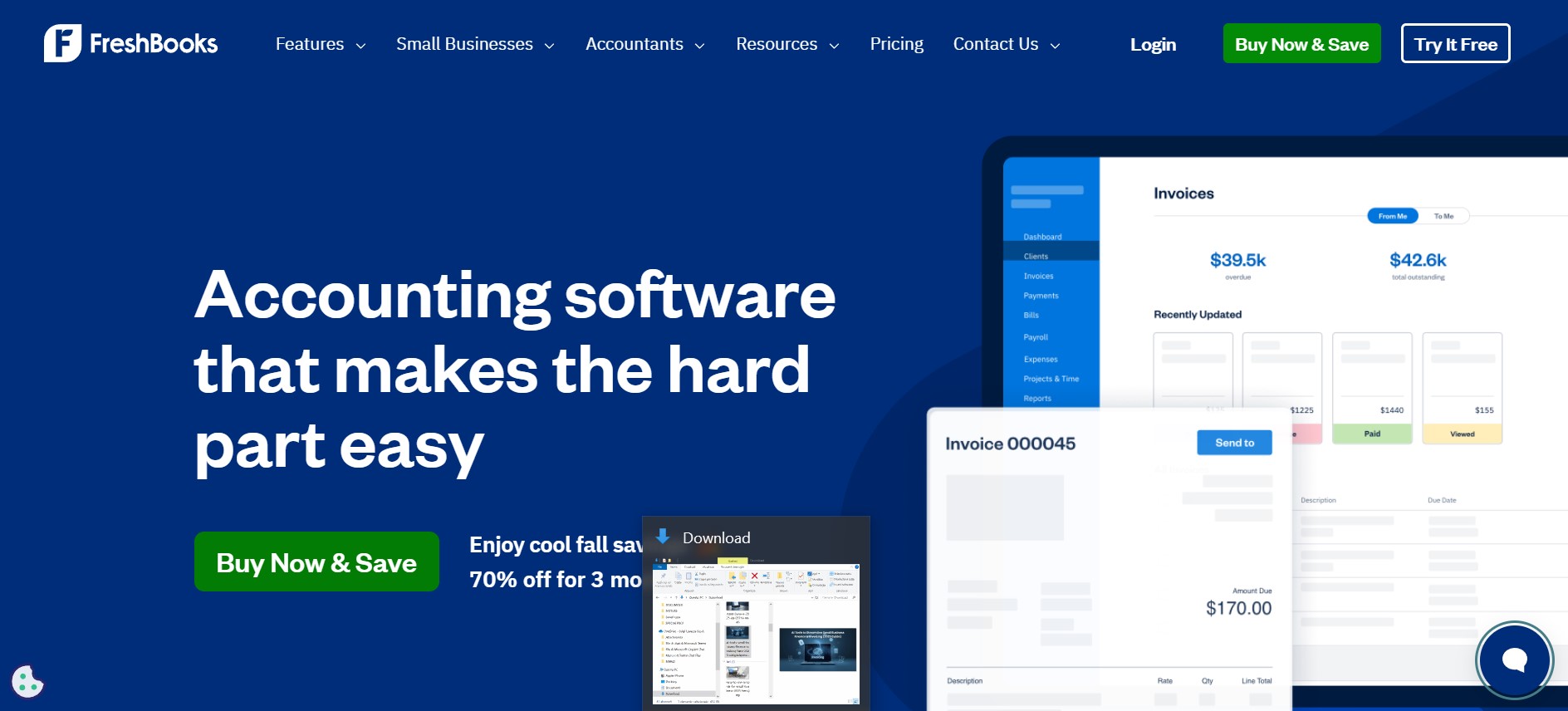
FreshBooks is one of the most popular tools for small business owners who want invoicing to be quick and stress-free. Its AI automatically categorizes expenses, generates professional invoices, and sends polite payment reminders to clients.


Why we like it: It has one of the cleanest interfaces on the market, making it perfect if you hate complicated accounting software.

Key Insights
✅ Pros
✔ AI expense categorization saves time
✔ Polite automatic payment reminders
✔ Clean interface and mobile app
✔ Supports recurring billing
⚠️ Cons
✖ Advanced reporting requires higher plan
✖ Limited integrations compared to Zoho Books
🔎 Ethical Insight
FreshBooks processes financial data via secure servers. Check how client information and invoices are stored, and enable 2FA for extra protection.
Zoho Books interface with automated bookkeeping and AI cash flow insights for small business finance

Zoho Books – All-in-One Finance Hub

Zoho Books goes beyond invoicing — it’s a complete finance suite with automated bookkeeping, expense tracking, and even tax compliance features. The AI engine gives insights on where your cash flow is going and helps plan for upcoming expenses.


Why we like it: It’s ideal for growing businesses that need a tool that scales with multiple projects and users.

Key Insights
✅ Pros
✔ Full finance suite (invoicing, expenses, tax)
✔ Excellent integrations with CRM and inventory
✔ Affordable for growing teams
✔ Strong automation for recurring tasks
⚠️ Cons
✖ Can feel complex for freelancers
✖ Some features locked behind higher tiers
🔎 Ethical Insight
Zoho has a strong privacy policy and does not sell user data. Still, review its data retention terms if handling sensitive client information.

QuickBooks AI – Bookkeeping & Tax Prep

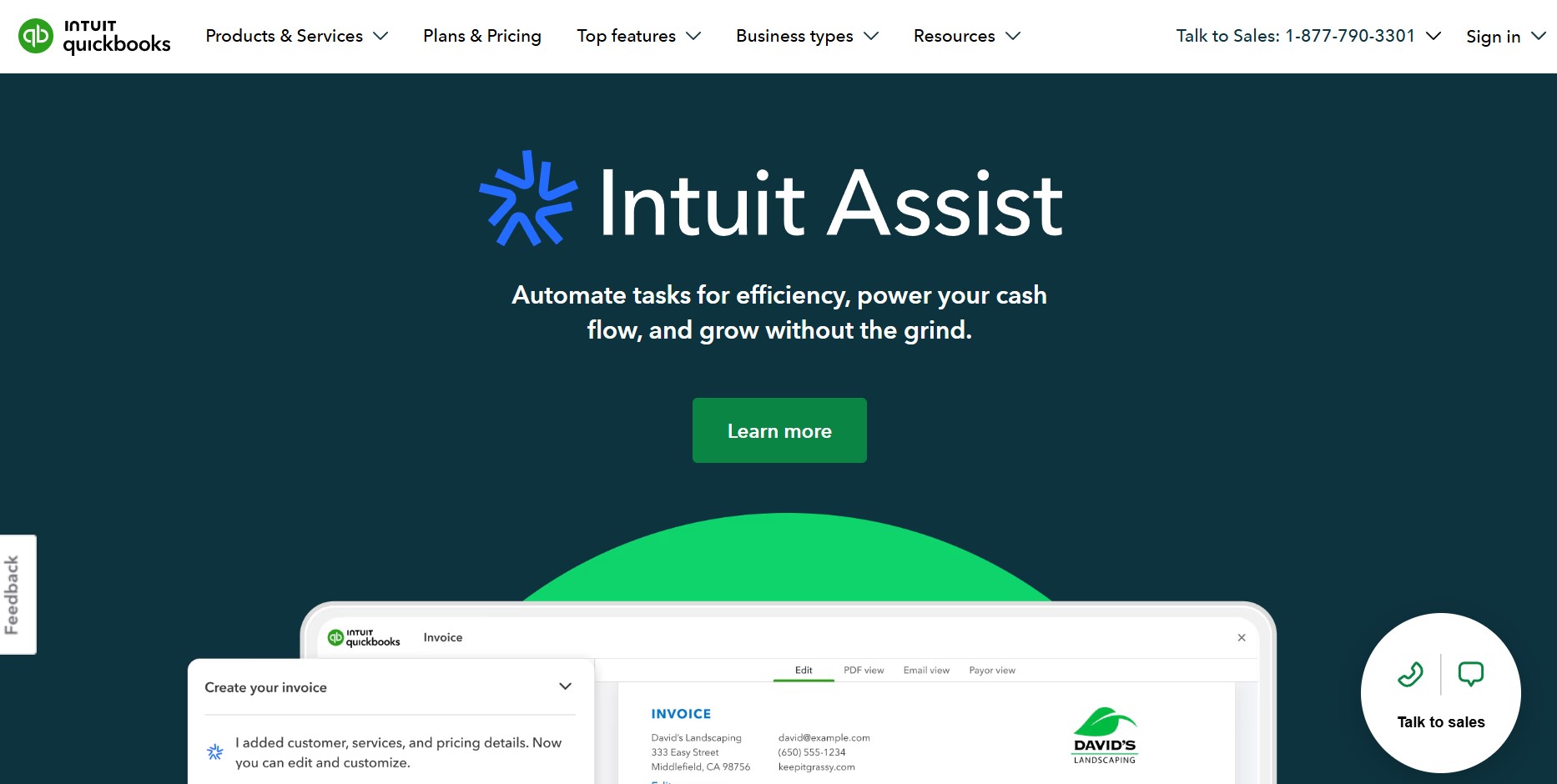
QuickBooks has been trusted by millions of small businesses for years, and its AI features make it even better. It can auto-reconcile transactions, generate tax-ready reports, and provide real-time financial dashboards.


Why we like it: It’s excellent for business owners who want a tool that works seamlessly with payment gateways and payroll.

Key Insights
✅ Pros
✔ Best-in-class for bookkeeping and taxes
✔ AI-assisted reconciliation saves hours
✔ Real-time reports and dashboards
✔ Trusted by millions of SMBs
⚠️ Cons
✖ Higher price than some competitors
✖ May feel overwhelming for very small teams
🔎 Ethical Insight
QuickBooks encrypts financial data and is SOC-2 compliant. Review its data-sharing settings to limit third-party access where possible.

Wave – Free AI Accounting for Small Teams

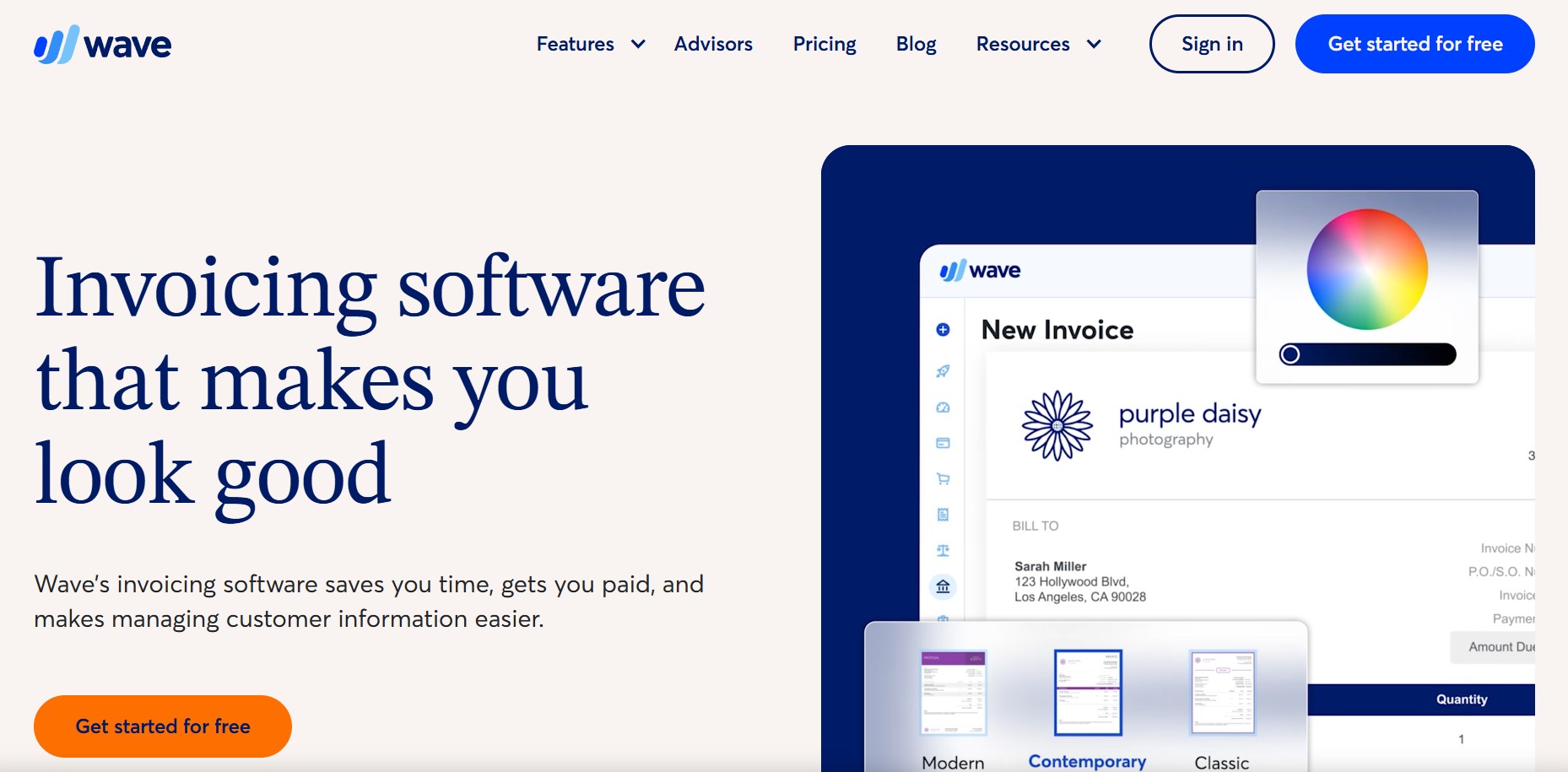
Wave is a perfect starting point if you’re budget-conscious. It’s completely free and still provides AI-based expense tracking and basic invoicing. While not as powerful as paid tools, it’s more than enough for freelancers and small teams.


Why we like it: Zero cost and no hidden fees make it easy to try before upgrading later.

Key Insights
✅ Pros
✔ Completely free invoicing and accounting
✔ Good for freelancers and microbusinesses
✔ Simple interface with minimal learning curve
✔ AI expense categorization included
⚠️ Cons
✖ Limited support for complex reporting
✖ No advanced forecasting features
🔎 Ethical Insight
Wave is ad-supported in some regions. Review its privacy policy to understand how anonymized usage data may be used.

Xero – AI-Powered Cash Flow Forecasting

Xero stands out for its AI-driven cash flow predictions, which can help prevent cash crunches before they happen. It also makes bank reconciliation easy and supports multi-currency businesses.


Why we like it: It’s the best choice for businesses that want to keep a close eye on future revenue and expenses.

Key Insights
✅ Pros
✔ Best cash flow forecasting with AI
✔ Excellent multi-currency support
✔ Seamless bank reconciliation
✔ Strong integrations with payment platforms
⚠️ Cons
✖ Slightly higher learning curve for new users
✖ Premium pricing for full feature set
🔎 Ethical Insight
Xero is transparent about data storage locations. Check if your region’s financial regulations require additional compliance steps.

5. Step-by-Step: How to Automate Your Invoicing Process with AI

Once you’ve chosen one of the AI tools for small business finance, the next step is putting it to work. Here’s a simple, clear process to start automating your invoicing today:

Step 1 – Connect Your Bank & Payment Methods

Link your business bank account and payment gateways (Stripe, PayPal, etc.). Most tools, like FreshBooks, support secure, encrypted connections so your transactions sync automatically.

Step 2 – Import or Add Your Clients

Upload your existing client list or add them manually. This makes it easy to send invoices with just a few clicks — no need to rewrite client info every time.

Step 3 – Create Your First Smart Invoice

Use the tool’s template and let AI suggest line items and categories. Many platforms can detect recurring services and offer one-click recurring billing setup.

Step 4 – Set Up Automated Reminders

Turn on gentle, automated reminders for overdue payments. This saves you the awkward follow-up emails and keeps cash flow steady.

Step 5 – Track & Analyze Payments

Your dashboard will show who has paid, who is late, and where most of your income is coming from. Use these insights to adjust payment terms or offer incentives for early payments.

Automating your invoicing process is one of the easiest ways to save hours every month and reduce human error. According to Small Business Trends, companies using AI-driven invoicing see up to 30% faster payment collection — a huge win for cash flow.

6. Pros & Cons of Using AI for Small Business Finance

No tool is perfect. Before you fully adopt AI tools for small business finance, it’s important to weigh the advantages against the possible downsides. Here’s a quick, honest look:

✅ Pros ⚠️ Cons
Saves hours every month by automating invoices, expense tracking, and reconciliations Initial setup may take time to connect accounts and configure categories
Reduces human error and improves accuracy Some advanced features are locked behind paid plans
Provides real-time financial insights and cash flow forecasts Relies on consistent internet connection to stay synced
Helps with tax compliance by organizing receipts and reports May require a learning curve if you are used to spreadsheets

Overall, the benefits clearly outweigh the drawbacks for most small businesses. You’ll save time, reduce errors, and gain insights that can guide better decisions. If budget is a concern, start with a free tool like Wave and upgrade as your needs grow.

7. Ethical Insights – Data Security & Compliance for SMBs

Business owner reviewing secure AI finance dashboard with data encryption and GDPR compliance icons

When using AI tools for small business finance, it’s not just about convenience — it’s about handling sensitive financial data responsibly. Client invoices, bank transactions, and payroll details are confidential information that must be protected.

Data Protection Standards

Choose tools that are GDPR-compliant and use end-to-end encryption. Look for platforms with SOC-2 or ISO 27001 certifications, which confirm that security processes are audited and meet international standards. The official EU GDPR portal is a good place to check what compliance should look like.

Access Control & Permissions

If you work with a team, make sure your tool allows you to control who can see what — for example, giving your accountant full access but restricting sensitive data for interns or external collaborators.

Responsible AI Use


AI can streamline finance, but decisions like approving payments or changing invoice terms should still be reviewed by a human. Keeping a human in the loop helps prevent costly errors and ensures you stay compliant with local regulations.

8. Pricing & ROI – Is AI Worth It for Small Businesses?

Many small business owners hesitate before paying for new software — and that’s completely understandable. The good news is that AI tools for small business finance often pay for themselves quickly if you use them consistently.

Typical Pricing

  • Free Plans: Tools like Wave offer free invoicing and basic expense tracking — perfect for freelancers or micro-businesses.

  • Entry-Level Paid Plans: Start around $15–$20/month for solutions like FreshBooks or Zoho Books.

  • Advanced Plans: Scale up to $30–$60/month for multi-user access, detailed reporting, and advanced automation features.

ROI in Real Numbers

Automating invoicing can save 4–8 hours per month — time you can spend on billable work or sales. If your hourly rate is even $30, that’s $120–$240 in value recovered monthly, far outweighing the cost of most AI finance tools.

Hidden Savings


  • Fewer late payments thanks to automated reminders

  • Reduced accounting fees because your books stay organized

  • Lower risk of tax penalties due to missed deadlines or lost receipts

Our suggestion: start with a free trial, measure how much time and money you save in 30 days, and then upgrade only if you see a clear return. According to Harvard Business Review, companies that integrate AI into operations report up to 20% higher profitability after the first year.

9. Comparison Table – Best AI Finance & Invoicing Tools 2025

Here’s a quick

h comparison of the best AI tools for small business finance we’ve covered in this guide.

Tool Best For Key Features Get It
FreshBooks AI Smart Invoicing & Expenses AI-powered expense categorization, automated reminders, recurring billing 🚀 Try FreshBooks
Zoho Books All-in-One Finance Hub Bookkeeping automation, tax compliance, project billing, advanced reports 📊 Explore Zoho
QuickBooks AI Bookkeeping & Tax Prep AI-assisted reconciliation, tax-ready reports, payment gateway integrations 📈 Get QuickBooks
Wave Free AI Accounting No-cost invoicing, receipt scanning, AI categorization, basic dashboards 💸 Use Wave Free
Xero Cash Flow Forecasting AI-based predictions, multi-currency support, easy bank reconciliation 🔮 Explore Xero

This table makes it easy to compare features at a glance and choose the tool that fits your business needs — whether you want free invoicing or a complete AI-powered finance suite.

10. FAQs – Common Questions About AI for Small Business Finance

Q: What are the best AI tools for small business finance in 2025?
A: The top picks include FreshBooks AI for invoicing, Zoho Books for full finance management, QuickBooks AI for bookkeeping and tax prep, Wave for free accounting, and Xero for cash flow forecasting.

Q: Are AI finance tools safe for handling sensitive data?
A: Yes, when you choose a platform that is GDPR-compliant and uses encryption. Look for providers with SOC-2 or ISO 27001 certifications and enable two-factor authentication for extra security.

Q: How much do AI finance tools cost?
A: Many offer free plans (Wave) or free trials. Paid plans start around $15–$20/month and can scale depending on the number of users and advanced features you need.

Q: Can AI replace my accountant?
A: No — AI tools simplify daily tasks but they don’t replace professional judgment, especially for tax filing and compliance. They work best as a complement to an accountant or bookkeeper.


Q: Will using AI actually save me time?
A: Definitely. Most small businesses save 4–8 hours a month on invoicing, expense categorization, and report generation. That’s valuable time you can invest back into growing your business.