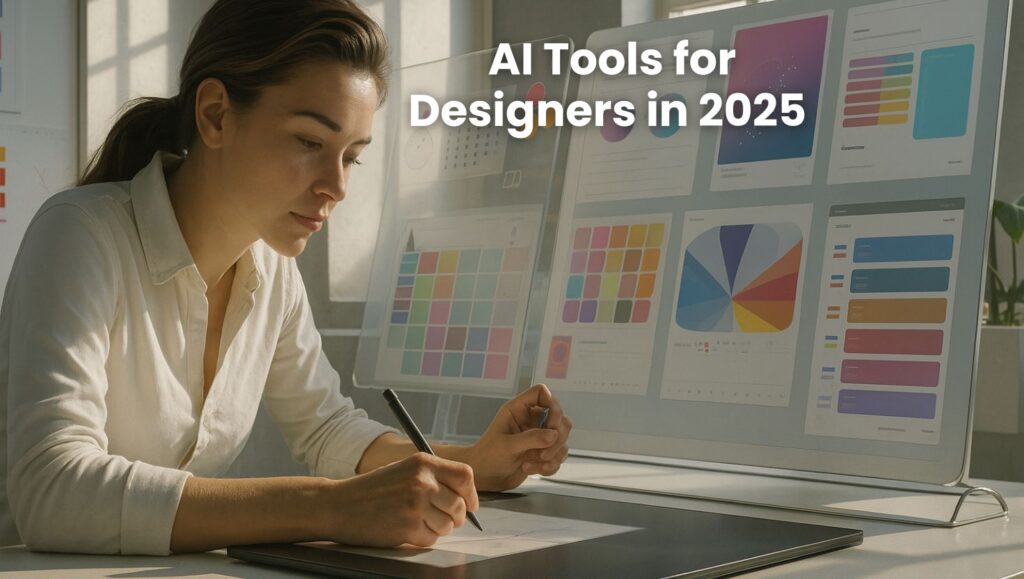
A designer using futuristic AI-powered tools in a digital workspace for creative design projects.

Best AI Tools for Designers in 2025 – Smart Ways Creatives Use Them

📅 Published on: July 16, 2025

Affiliate Disclaimer:
Some of the links in this post are affiliate links. This means we may earn a small commission if you click through and make a purchase, at no extra cost to you. We only recommend tools we truly believe offer value.

1. Introduction

If you’re a designer in 2025, chances are you’ve already heard people talking about AI tools for designers. Maybe you’ve seen someone create a logo in seconds with just a prompt, or used Midjourney to generate mood boards that actually impress clients.

The truth is, artificial intelligence has become a daily companion for many creatives—not because it’s trendy, but because it’s practical.

I started testing AI tools out of curiosity, but quickly realized how powerful they are when used with intention. From speeding up repetitive tasks to unlocking entirely new design directions, these tools aren’t just assistants—they’re part of the process now.

Take a look at design platforms like Behance, and you’ll notice AI-assisted work is becoming more common—and more accepted. What used to take hours can now be done in minutes, giving you more time to focus on style, meaning, and storytelling.

In this article, I’ll explain exactly how designers are using AI today, which tools are worth trying, and some simple techniques I personally recommend to get the most out of them. Whether you’re designing your first brand kit or managing complex client projects, there’s probably an AI feature that can help—and I’ll show you how.

2. How Designers Use AI in 2025

AI tools for designers have become essential across almost every design workflow. Whether you’re working on branding, UI mockups, content visuals, or packaging, there’s likely a tool that can speed up your process or help you think differently. Here’s a breakdown of how professionals are using these tools today, with practical examples and tools you can test right away.

1. Brainstorming Ideas with Visual Prompts

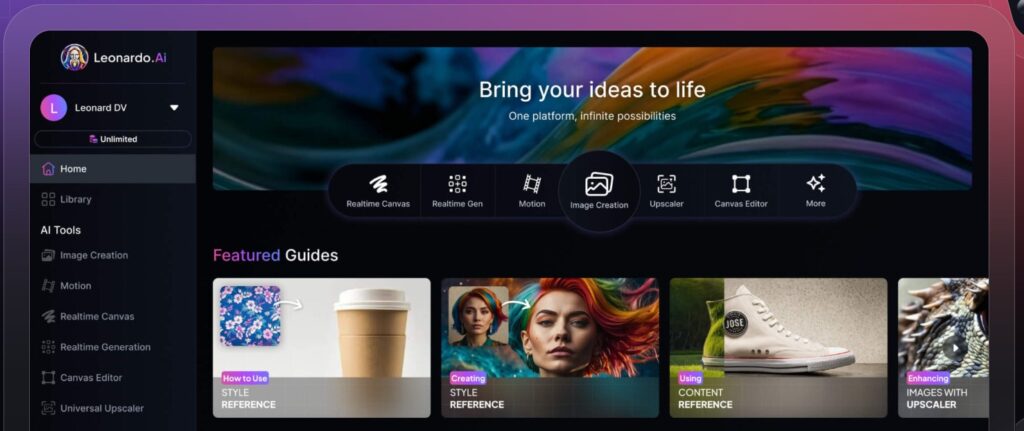
Designers often start with a rough concept. But in 2025, instead of staring at a blank page, many are using tools like Leonardo AI, Midjourney, and DALL·E 3 to generate visual prompts and inspiration boards in seconds. These AI platforms let you type in a prompt like “bold retro logo for vegan energy drink” and instantly get several creative directions to build on.
My tip: Add reference styles in your prompts (e.g., “in Bauhaus style” or “inspired by minimal Swiss design”) to get more targeted results.
👉 Compare Leonardo vs Midjourney – Best AI for Artists

2. Creating Mockups and Layouts Faster

One of the most useful applications of AI tools for designers is layout generation. Tools like Canva Magic Design, Uizard, and Visily help designers produce web or app mockups without starting from zero. You select a use case—say, a mobile app home screen—and the tool generates layout ideas you can customize in minutes.
Real example: I recently used Canva’s AI to draft a brand kit presentation. It gave me four layout versions instantly, which saved me at least 2 hours of manual design.
🔗 Try Canva Pro 
🔗 Try Uizard 

3. Playing with Typography and Color Palettes

AI tools can also help with something designers often struggle with: picking the right fonts and color combos. Tools like Khroma and Fontjoy use machine learning to suggest aesthetically balanced pairings. And with plugins in Figma or Adobe XD, you can preview these combinations directly in your design canvas.
🧠 Hack: Train the AI with your existing brand guidelines. It can then generate suggestions that stay on-brand but still offer variety.

4. Editing Photos and Visual Assets

Tools like Remini, Adobe Firefly, and Runway ML help designers clean up images, remove objects, enhance textures, or even animate stills. These aren’t just photo filters—they’re professional-grade tools built into your creative workflow.

5. Testing User Experience with AI Feedback

Designers focused on UX are using AI to test and iterate faster. For example, Hotjar AI can analyze user behavior on prototypes and generate actionable feedback: where people click, what they ignore, and how far they scroll.
Real use case: A team we worked with used Hotjar’s AI assistant to get user feedback on a sales page before even launching the product. That feedback shaped their final layout.

These examples show just how embedded AI has become in creative workflows. Whether you’re trying to save time, test new styles, or impress a client, the right tool can make a huge difference.
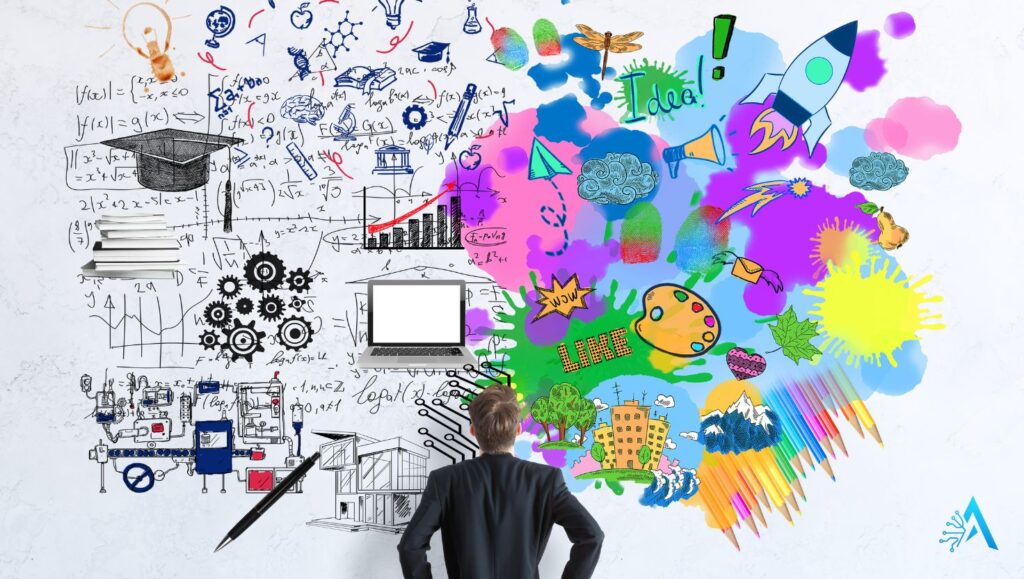
Visual representation of AI tools for designers showing the balance between technical and creative design in 2025

3. Best AI Tools for Designers – 2025 Edition

There are hundreds of AI tools on the market, but only a handful are truly useful in a designer’s day-to-day work. Below is a curated list of the most powerful AI tools for designers in 2025, based on usability, output quality, and relevance to real creative tasks.

These tools can help you generate assets, test ideas, streamline presentations, and even deliver more polished work in less time.

Tool Best For Free Plan
Leonardo AI Concept art, moodboards, illustrations
Canva Pro AI Brand kits, social visuals, presentations ✅ (limited)
Runway ML Video editing, animation, background removal
Uizard UI mockups and app wireframes
Khroma AI color palette generation

If you’re just starting out with AI tools for designers, I suggest testing one visual generator (like Leonardo or Runway) and one layout assistant (like Canva or Uizard). Once you see how fast and useful they are, you’ll likely build them into your daily process.

4. Tips & Hacks to Use AI Tools Effectively

Using AI tools for designers isn’t just about generating things quickly—it’s about learning how to get better results with less trial and error. Here are some of the most useful strategies I’ve picked up (and seen others use effectively) that can help you level up your creative workflow.

1. Combine Style + Action in Your Prompts

When using visual generators like Leonardo AI or Midjourney, don’t just describe what you want—also describe the style and intent.
✅ Example:
Instead of writing:
“3D logo for gaming channel”
Try:
“3D metallic logo for gaming channel, dark background, esports vibe, cinematic lighting”
The more detail you give in one go, the less you’ll need to tweak later.

2. Use AI as a Creative Draft, Not a Final Product

One of the most common mistakes is over-relying on AI for the final result. The most effective designers treat AI outputs as sketches or drafts, then refine them manually.
🧠 My approach: I often generate 3–5 concepts, then mix elements or rebuild the best one in Figma or Illustrator. That way, the idea starts fast, but the final execution still feels polished and personal.

3. Create an “AI Sandbox” Workspace

Set up a private workspace in tools like Figma, Notion, or Canva where you experiment only with AI-generated content. This helps you:

  • Track what prompts work best

  • Test new ideas without client pressure

  • Build a visual library of styles and variants
    Over time, this sandbox becomes a goldmine of reusable ideas.

4. Train Tools with Your Brand or Design System

Some tools let you upload style guides or train the AI with your own templates. This is especially helpful for designers working in-house or with long-term clients.
🛠 Try it with:

  • Canva’s “Brand Hub”

  • Uizard’s theme learning

  • Khroma’s color personalization engine
    Once trained, the AI won’t just guess — it will generate outputs that actually match your look.

5. Use AI for Faster A/B Testing

Instead of spending time redesigning every version manually, use AI to generate multiple layout variations, then test them with users or your team.
Example: One eCommerce designer I know used Uizard to produce 6 homepage variants in 15 minutes, then tested them with Hotjar to see which layout had the best visual flow.
This lets you make data-backed design decisions—without weeks of guesswork.

Bonus Tip: Use Unexpected Styles to Unblock Creativity

Whenever I feel stuck, I ask the AI to generate something in a completely different aesthetic—like vaporwave, brutalism, or 80s poster style—even if I don’t plan to use it. Often, one surprising element sparks a better idea for the real project.
Creativity often comes from contrast. AI is great at giving you that contrast instantly.
5. Ethical Design with AI in 2025

As AI tools for designers become more advanced, they also raise new questions. What counts as original work? Should clients be told when something is AI-assisted? And what happens when designers rely too heavily on automation?

These aren’t theoretical concerns—they’re real challenges we face right now in 2025.

Many platforms, including Adobe and Figma, have already started introducing AI transparency features. Some clients even ask whether content includes AI-generated elements. This shift shows one thing clearly: ethical design isn’t optional anymore—it’s part of being a professional.

Here’s what ethical use looks like today:

  • Be honest about AI involvement. If a logo or concept was generated with AI, it’s smart to let clients know. It shows integrity—and gives context to the creative process.

  • Don’t blindly trust AI suggestions. AI can recommend colors or layouts, but it doesn’t understand brand voice or context. Use it as support, not a substitute for strategic thinking.

  • Avoid replicating other artists’ work. Many AI tools can mimic popular art styles. But using prompts like “in the style of XYZ designer” without credit or permission walks a fine ethical line.

  • Train your tools responsibly. If a tool allows you to upload reference images, avoid using artwork you don’t own or have rights to. Stick to your own work, client-approved content, or open-license assets.

In my opinion, the most respected designers in the AI space are those who combine speed and originality with transparency and intention. You can absolutely use AI to be more efficient—but don’t lose sight of what makes your creative voice valuable in the first place.

6. Final Thoughts

If you’re a designer in 2025, working without AI means leaving powerful tools on the table.

Whether you need help with concepting, layouts, color systems, or user testing, there’s an AI tool that can make your workflow faster and more flexible—without replacing your creativity. The real opportunity isn’t about doing less work. It’s about freeing up time and mental space so you can focus on what really matters: the ideas, the meaning, and the message behind the visuals you create.

My advice? Start small. Pick one or two AI tools for designers that match your current projects and try them out with low stakes. Set up a private playground, experiment, get a feel for what works—and build from there.

The future of design isn’t AI alone. It’s you + AI, working together intentionally.

✅ Your Next Step

Want to explore more AI tools built for creative workflows?
👉 Check out the latest picks from the Creativity Tools section

Or, if you’re looking for visuals that wow:
👉 See how Leonardo AI and Midjourney compare

And if you found this post useful, don’t forget to share it or subscribe for more real-world AI tips.
7. Frequently Asked Questions

Q: What are AI tools for designers?
A: AI tools for designers are intelligent platforms that assist with creative tasks like generating visuals, layouts, color palettes, and typography. They help speed up workflows, offer inspiration, and automate repetitive design steps. Popular examples include Leonardo AI, Canva Pro AI, and Uizard.

Q: Can AI tools replace graphic designers?
A: No. AI tools are meant to support, not replace, professional designers. They can automate basic tasks and generate ideas, but the creative direction, decision-making, and final polish still depend on human skills. AI is most powerful when used as a smart assistant—not as a standalone creator.

Q: Are AI-generated designs considered original?
A: It depends on how the tool is used. AI can create unique outputs, but if the design mimics existing styles or artworks too closely, originality becomes a concern. It’s always best to customize AI results and combine them with your own input for a truly original outcome.

Q: Is it ethical to use AI in client work?
A: Yes, if you’re transparent. Using AI tools in client projects is completely acceptable as long as you’re clear about how the visuals were created and ensure quality control. Avoid over-relying on AI, and make sure you’re not infringing on other creators’ work when generating content.

Q: What’s the best AI tool for designers in 2025?
A: There’s no one-size-fits-all answer. For visual inspiration and concept generation, Leonardo AI is widely used. For presentations, branding, and social media graphics, Canva Pro AI is a great option. For wireframes and app layouts, Uizard is a top pick among UX and product designers.

Orange pencil sketching the word creativity with an orange paper plane, symbolizing innovative ideas for designers using AI tools