
 Last Updated: March, 2026
 Note: We haven’t personally tested these tools. This guide is based on official documentation, product pages, and consistent user feedback from reliable sources to provide a practical, unbiased overview.
In 2026, content is everywhere — but attention is rare. That’s why more creators and businesses are turning to the best AI video presenter tools to deliver polished video content quickly, affordably, and at scale.
 Save Time and Cut Costs
Traditional video production requires planning, scripting, shooting, editing — and often a full team. AI video presenter platforms eliminate much of that overhead. With just a script and a few clicks, you can generate a professional video in minutes — no studio, actors, or cameras required.
 No Need for On-Camera Talent
Not everyone is comfortable in front of a camera. AI presenters solve that. Whether you need a human-like avatar or a polished narration, these tools offer realistic digital presenters that look and sound great — perfect for maintaining professional quality without live filming.
 Brand Consistency Every Time
With AI tools like Synthesia and HeyGen, you can ensure your messaging is always on-brand — same tone, style, and presenter every time. This level of consistency is especially powerful for corporate training, onboarding, and multi-platform content.
 Scalability for Any Use Case
From YouTube creators and marketers to educators and HR teams, AI video presenter tools unlock endless scaling potential. Need to localize a product video in 10 languages? Roll out training updates to hundreds of employees overnight? These platforms are built for that kind of reach.
The bottom line: If you want to create engaging video content without hiring a production crew, the best AI video presenter tool can become your secret weapon in 2026.

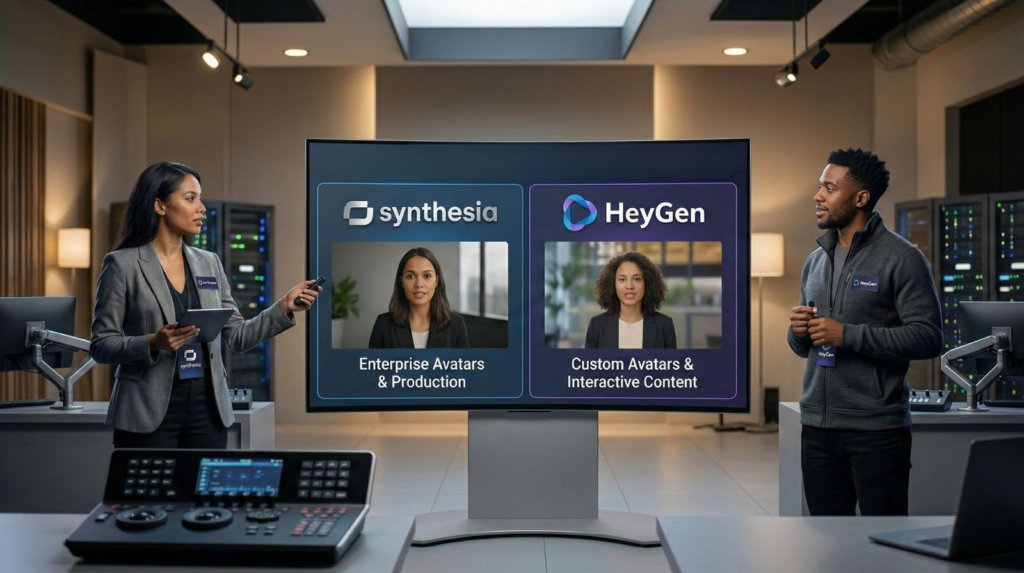
In the race to become the best AI video presenter tool, two platforms stand out: Synthesia and HeyGen. Each offers cutting-edge features for turning plain text into engaging videos with AI avatars—but they serve different needs and styles.
Whether you’re a content creator, educator, or marketing professional, understanding what each tool brings to the table is key to making the right choice.
What Each Platform Offers
Synthesia shines as a high-end, professional video creation tool for enterprises. It delivers studio-quality AI videos perfect for corporate training, internal communication, and multilingual content at scale.
HeyGen, on the other hand, is dynamic, flexible, and more creator-friendly. It allows you to experiment with interactive avatars, generate characters from a photo or prompt, and quickly localize content in 175+ languages.
If you’re looking for the best AI video presenter tool for formal business settings, Synthesia is a top contender. If you’re all about flexibility and interactivity, HeyGen might be the better fit.
Main Use Cases Compared
 Supported Languages & Localization Tools
Both tools are strong contenders for global video creation.
But who wins the language game?
Synthesia supports 140+ languages and dialects, offering lifelike voiceovers and automatic subtitle generation.
HeyGen stretches ahead with 175+ supported languages, enhanced by expressive lip-syncing and emotion-preserving dubbing.
If you’re creating multilingual content daily, both platforms excel—HeyGen just adds a little extra punch for localization needs.
 Avatar Options: Who’s on Camera?
Let’s talk about avatars—the virtual faces of your videos.
Synthesia offers:
230+ high-quality stock avatars
Custom avatars from webcam or studio shoots
Voice cloning in 30 languages
Micro-expressions like blinks, smiles, head nods
HeyGen gives you:
Flexible stock avatars
AI-generated avatars from a single photo or prompt
Real-time interactive avatars (think AI customer reps)
Custom characters with outfits, expressions, and backgrounds
When deciding on the best AI video presenter tool, avatar flexibility is a major differentiator—HeyGen clearly pushes the envelope on creativity here.
Who Should Use Each Tool?
Still not sure which tool fits your needs? Here’s the breakdown:
Synthesia is ideal for large companies, HR teams, or anyone needing brand-consistent, high-quality videos without fuss. Think internal training, onboarding, or global announcements.
HeyGen is perfect for creators, educators, and marketers who want videos that stand out on social media or engage users through interactive avatars and fast localization.
Bottom line?
If your top priority is delivering polished, reliable videos at scale, Synthesia might be your best AI video presenter tool. But if you value customization, speed, and interactive experiences, HeyGen is likely your go-to. Next up: we’ll show you what it’s like to create a video with each tool, step-by-step—from script to avatar on screen. You might be surprised which one saves more time.
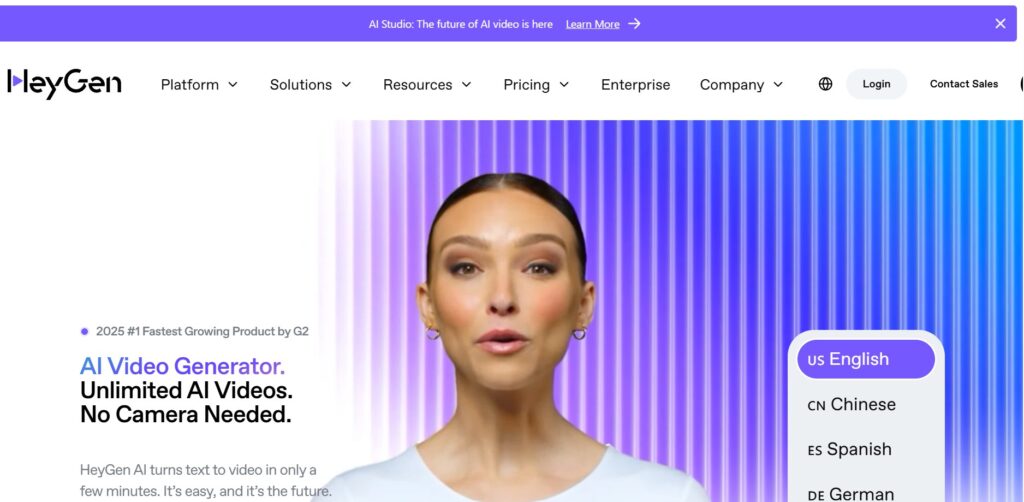
Even the best AI video presenter tool is useless if it’s frustrating to navigate. In this section, we look beyond features and focus on user experience—because whether you’re producing training videos or marketing content, speed and simplicity matter.
So, how easy is it to create a video with Synthesia or HeyGen? Let’s explore how each platform handles templates, editing, and whether they’re beginner-friendly.
 How Intuitive Is Each Platform?
Synthesia offers a highly structured experience. Its editor works like a slide deck: each scene contains a script, an avatar, and layout elements. It’s efficient, but leans corporate. Think PowerPoint meets video production.
HeyGen, on the other hand, feels more modern and playful. Its timeline editor allows for drag-and-drop freedom, with easy visual adjustments for avatars, expressions, and background elements. For creators used to tools like Canva or TikTok, it feels like second nature.
 Templates & Project Workflow
When using the best AI video presenter tool, templates save time—and both platforms deliver.
Synthesia includes built-in templates for corporate training, onboarding, HR communication, and formal explainers. Everything is designed with professional consistency in mind, making it great for teams working across multiple projects.
HeyGen takes a more creator-first approach. Its templates are ready for action: social media stories, product demos, YouTube intros, UGC testimonials, and more. The layout is visual and mobile-optimized, which makes experimenting fast and fun.
 Beginner-Friendly: Which Tool Wins?
 Final Thoughts on Usability
If you’re creating internal presentations, corporate training, or need structured control, Synthesia gives you a reliable, no-frills workflow.
But if you’re producing video content for social media, marketing campaigns, or online courses and want the freedom to create, remix, and test fast, HeyGen might just be the best AI video presenter tool for you.
For anyone searching for the best AI video presenter tool, quality is a non-negotiable. Whether you’re pitching to clients or teaching an online course, how real your AI presenter looks and sounds determines how your audience feels—and trusts—your content.
In this section, we’ll break down how Synthesia and HeyGen perform in terms of avatar realism, voice clarity, lip-sync precision, and the subtle emotional details that separate AI-generated content from true human presence.
 Lifelike Movement & Expressions
Synthesia takes the crown for realism in enterprise-grade videos. Avatars perform micro-expressions like eyebrow raises, smiles, and subtle head tilts. These details, though small, add credibility and natural pacing, especially in business contexts.
HeyGen leans toward dynamic visual flair. Its avatars may be slightly less polished in small gestures but are better suited for engaging, expressive, high-energy content (like UGC, tutorials, or ads). With newer generative avatars, you can even tune expressions to match tone—think surprise, excitement, or curiosity.
 Synthesia = professional believability HeyGen = attention-grabbing animation
 Avatar Diversity: Inclusivity Matters
Both platforms recognize that the best AI video presenter tools must represent global audiences.
HeyGen clearly leads in customization. You can create avatars from a selfie, generate new personas with a prompt, and even dress avatars based on brand style or tone.
Synthesia, however, ensures consistent quality for every avatar—ideal if you’re delivering repeated messages across teams, countries, and departments.
 Lip-Sync Accuracy & Emotion Handling
Nothing kills credibility faster than mismatched lips and audio.
Synthesia has strong sync accuracy, especially with studio avatars. Gestures, pacing, and mouth movements are well-aligned—even in fast-spoken or translated videos.
HeyGen pushes ahead in emotional sync. Their avatars tend to “emote” better in casual scripts, using not only mouth movement but facial posture and body position for more expressive storytelling.
They also support interactive avatars, meaning the mouth syncs in real-time during conversations—a massive plus for customer-facing applications.
 Voice Options: Robotic or Human?
Let’s face it: many AI voices still sound like robots reading cue cards.
But things are changing fast:
Synthesia’s voices:
-
Wide range of natural-sounding tones
-
Consistent across languages
-
Some support voice cloning for brand alignment
-
Fine-tuned pronunciation and speed editing
-
Formal, balanced, neutral delivery
HeyGen’s voices:
-
More emotional range and tonal control
-
Realistic pauses, emphases, and intonation
-
Better suited for expressive marketing or creator-style content
-
Supports audio-only avatars if needed
Summary: Which Feels More “Real”?
Final Word on Quality
If you’re producing business training videos or multilingual corporate comms, Synthesia gives you rock-solid, consistent realism that’s hard to beat.
But if your goal is audience engagement, fast-paced storytelling, or building an on-brand digital persona, HeyGen’s combination of voice tone and avatar diversity makes it a strong contender for the best AI video presenter tool for creators in 2026.
When comparing the best AI video presenter tools in 2025, pricing isn’t just about the number—it’s about value.
Some platforms might offer a low entry price but limit features heavily. Others may charge more upfront but deliver high-quality results that save you time, money, and effort down the line.
Let’s see how Synthesia and HeyGen compare in terms of plans, features per tier, and what you actually get for your investment.
 Synthesia Pricing Overview
Synthesia operates primarily on a seat-based model, making it ideal for teams or businesses with multiple users.
Starter Plan: ~$29/month
Includes 10 minutes of video/month
Access to 70+ avatars
Basic editing, subtitles, and MP4 export
Creator Plan: Custom pricing
Higher limits, more avatars, premium voices
Brand kits, scene management, multi-language projects
Enterprise Plan: Tailored
Custom avatars, analytics, LMS integrations, security tools
Best for: businesses, L&D teams, agencies No free plan (but you can request a demo)
HeyGen Pricing Overview
HeyGen leans more toward creators and small businesses with flexible monthly pricing and a generous free trial.
Free Plan: 1 free credit, basic avatars, watermark
Creator Plan: $29/month
15 minutes of video
Full access to avatars and voice options
Vertical/square/landscape exports
Team Plan: $89/month
Collaboration features, more credits, higher priority rendering
Enterprise Plan: Custom
Interactive avatars, API access, SSO, white-labeling
Best for: content creators, educators, marketers Includes a free trial Supports credit top-ups without upgrading plan
 Side-by-Side Pricing Table
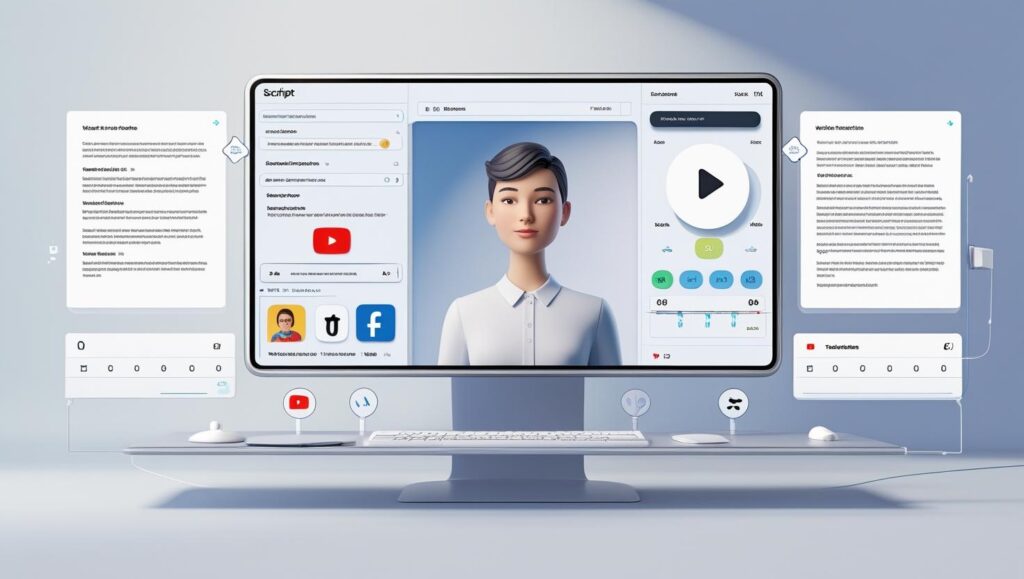
Now that we’ve compared features, usability, quality, and pricing, the next question is: What can you actually create with the best AI video presenter tools?
From engaging social media clips to multilingual corporate training, AI avatars are reshaping how we deliver video content in 2026. Below are the most powerful and popular ways creators, marketers, and businesses are using tools like Synthesia and HeyGen today.
Marketing & Sales Videos
Need a fast, professional way to explain your service or pitch a product?
AI video presenter tools let you turn sales scripts into scroll-stopping visuals—perfect for landing pages, paid ads, or email campaigns.
HeyGen is great for UGC-style marketing videos with expressive avatars and dynamic formats (square, vertical, 16:9).
Synthesia offers brand consistency across global campaigns with templated scenes and multilingual voiceovers.
 Product Demos
Explaining how your product works just got easier—and faster.
Instead of hiring talent or editing hours of footage, you can build short demo videos using branded avatars. Add your product screenshots, voiceover, and clean animations—done.
Synthesia shines when structure and clarity matter most.
HeyGen is ideal when you need personality, punch, and social shareability.
 Example coming soon: AI-powered walkthrough using HeyGen for a SaaS onboarding flow.
 Internal Training Content
For companies looking to streamline employee onboarding, AI presenter tools are a game-changer.
Translate complex training manuals into clear, engaging explainer videos.
Save HR and L&D teams hours by reusing branded templates and avatars.
 In our deep-dive on video quality, avatars, and voices →, we explored why Synthesia is especially effective in this use case.
Multilingual Explainer Videos
Going global? No problem.
The best AI video presenter tools support over 100 languages—and some even handle tone-specific dubbing and auto-subtitles.
Synthesia is built for international training and policy videos.
HeyGen makes localization fun and fast—especially if you want avatar voiceovers to match regional styles or dialects.
 LinkedIn, YouTube & Social Content
For solopreneurs, consultants, and content creators, AI avatars can help you scale your personal brand.
HeyGen is a favorite for LinkedIn clips, YouTube intros, and TikTok tutorials.
Add custom avatars, personalize scripts, and batch-create weekly content.
Final Thoughts on Use Cases
Whether you’re building trust through marketing videos or training global teams in multiple languages, the best AI video presenter tools help you scale content creation without scaling cost.
In our final section, we’ll give you a verdict: who wins in 2026—and which platform you should choose based on your goals.
Choosing the best AI video presenter tool isn’t just about features—it’s about trade-offs.
Some platforms offer incredible technical stability but feel creatively rigid. Others give you full expression but might lack enterprise-level polish. Below, we’ve broken down the key pros and cons of Synthesia and HeyGen, so you can quickly identify which one aligns with your content goals.
Synthesia – Pros & Cons
HeyGen – Pros & Cons
We’ve compared Synthesia and HeyGen across all the metrics that matter. But when it comes to choosing the best AI video presenter tool for your specific needs in 2026, the final decision depends on what you want to achieve.
Here’s our tailored breakdown based on real-world use cases.
Best for Marketers & Content Creators: HeyGen
If your focus is on:
Creating short-form videos for TikTok, Instagram, YouTube, or LinkedIn
Producing UGC-style content with personality and engagement
Running fast-paced campaigns that require quick turnaround
Then HeyGen is likely the best AI video presenter tool for you.
With flexible avatars, interactive options, and support for vertical and square formats, it’s ideal for content that’s made to move—and convert.
Ideal for: creators, social media marketers, startup teams Free plan available to start testing now
 Explore more creative-focused AI tools in our TOP AI Tools section →
 Best for eLearning, HR & Corporate Training: Synthesia
If you need:
High-quality, structured videos for internal training or employee onboarding
Brand consistency across departments or regions
SCORM-compatible exports and subtitle-ready formats
Then Synthesia delivers enterprise-grade performance. It’s built for clarity, consistency, and global scalability—making it perfect for formal environments.
Ideal for: HR departments, L&D teams, corporate trainers Voice cloning, templates, and language dubbing built-in
 Best for Fast, Mobile-Format Content: HeyGen
Want to produce quick, polished videos optimized for mobile?
HeyGen wins again here, thanks to:
Instant vertical and square format exports
Real-time previewing as you type
Templates built for engagement and speed
It’s the best AI video presenter tool for creators who work fast and post faster.
Ideal for: solo creators, coaches, ecommerce sellers, UGC freelancers
 Our Tailored Recommendation
If you’re still undecided, here’s a quick cheat sheet:
| If you… | Use… |
|---|---|
| Want structured, business-ready video | Synthesia |
| Need creative freedom & avatar fun | HeyGen |
| Work in HR or learning departments | Synthesia |
| Create for social & mobile formats | HeyGen |
| Prioritize multilingual consistency | Synthesia |
| Want personality and storytelling | HeyGen |
Both are strong choices—but choosing the right one helps you get real results from your AI-powered content strategy.
 Still Not Sure? Let Us Help
We regularly test and review the top tools so you can focus on what matters—making great content.
No matter which platform you choose, getting the most out of the best AI video presenter tools comes down to how you use them.
With the right strategy, you can create videos that feel natural, professional, and aligned with your brand—without ever picking up a camera.
Here are our top tips to boost quality, engagement, and consistency across every video you create with tools like HeyGen and Synthesia.
 1. Keep Your Script Short and Natural
AI avatars perform best with conversational, clear language. Avoid long paragraphs or overly technical jargon.
Stick to short, punchy sentences
Read it out loud before uploading—does it sound like a real person?
Use contractions (“you’ll”, “it’s”) to make it feel less robotic
Need help writing high-performing scripts? Explore our content AI tool picks →
2. Choose the Right Avatar and Tone
Not all avatars suit all messages. Choose based on:
Tone: Formal for HR? Friendly for product demo?
Pacing: Slower for onboarding, upbeat for marketing
Appearance: Match brand diversity and audience expectations
Both Synthesia and HeyGen offer multiple styles and tones—experiment until you find the one that feels aligned with your voice.
Tip: HeyGen allows more expressive avatars for casual or social-first content.
3. Always Add Subtitles
Many people watch videos on mute—especially on social platforms. Subtitles improve:
Accessibility
Retention
SEO (if embedded correctly)
Both platforms make adding captions easy. In Synthesia, it’s automatic. In HeyGen, you can customize subtitle fonts, size, and placement.
Bonus: Captions help reinforce key points even for fast scrollers.
 4. Reuse Scenes and Templates for Brand Consistency
Don’t reinvent the wheel every time.
Use your intro and outro scenes across all videos
Stick to 1–2 branded avatars for consistent tone
Apply the same colors, logo placements, and background styles
Synthesia excels here with scene templates and brand kits, but you can do the same in HeyGen using custom workspaces and saved projects.
Pro tip: Reusing templates also speeds up content creation, making your AI video workflow scalable and repeatable.
Using the best AI video presenter tools opens incredible possibilities—but also a few ethical doors we shouldn’t ignore.
As creators and brands, we need to stay transparent, respectful, and intentional in how we use AI avatars and voices. Here’s what we keep in mind at AIDigitalSpace—and what we encourage our readers to consider, too.
 Be Aware of Deepfake Perception
AI avatars can look remarkably real. That’s powerful—but if misused, it crosses into deepfake territory. The difference? Intent and transparency.
 Use AI to inform, not to impersonate. When in doubt, ask: Would my viewer feel deceived?
 Disclose When It’s AI
Let your audience know when a human isn’t speaking. A simple label like “AI-generated presenter” builds trust—especially in marketing, training, or social content.
It’s honest. And your audience will respect you more for it.
 Use Avatars and Voices Responsibly
Choose avatars that reflect your audience fairly. Never clone someone’s voice or face without permission—and always respect tone, context, and cultural relevance.
Enhance your message. Don’t fake someone else’s.
 Handle Data with Care
Voice cloning and script inputs should be treated like sensitive data. Don’t upload private info or use cloned voices without consent. And always check your platform’s privacy terms.