
 Published on: January 2, 2026
Affiliate Disclaimer:
Some of the links in this post are affiliate links. This means we may earn a small commission if you click through and make a purchase, at no extra cost to you. We only recommend tools we truly believe offer value.
1. From Ideas to Visual Scenes Without Drawing Skills
We have all experienced this moment.
An idea feels crystal clear in our head — a scene, a sequence, a flow — but the second we try to explain it to someone else, it becomes frustratingly vague.
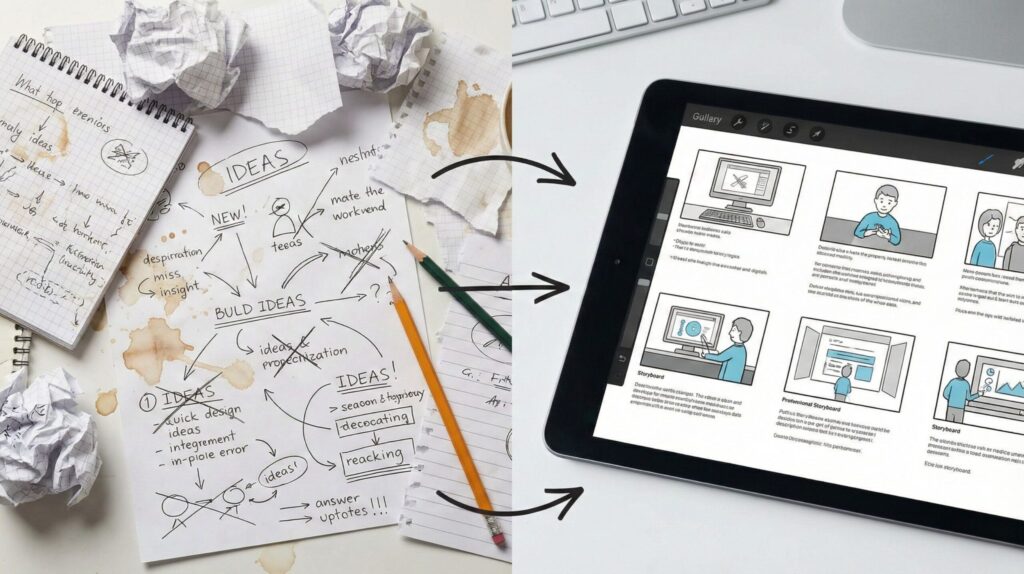
For a long time, visual planning meant sketching things out by hand. Storyboards, rough panels, arrows on paper. If drawing was not our strength, this step often felt like a barrier instead of a help. Many creators simply skipped it and moved straight to production, hoping clarity would come later.
That approach is starting to change.
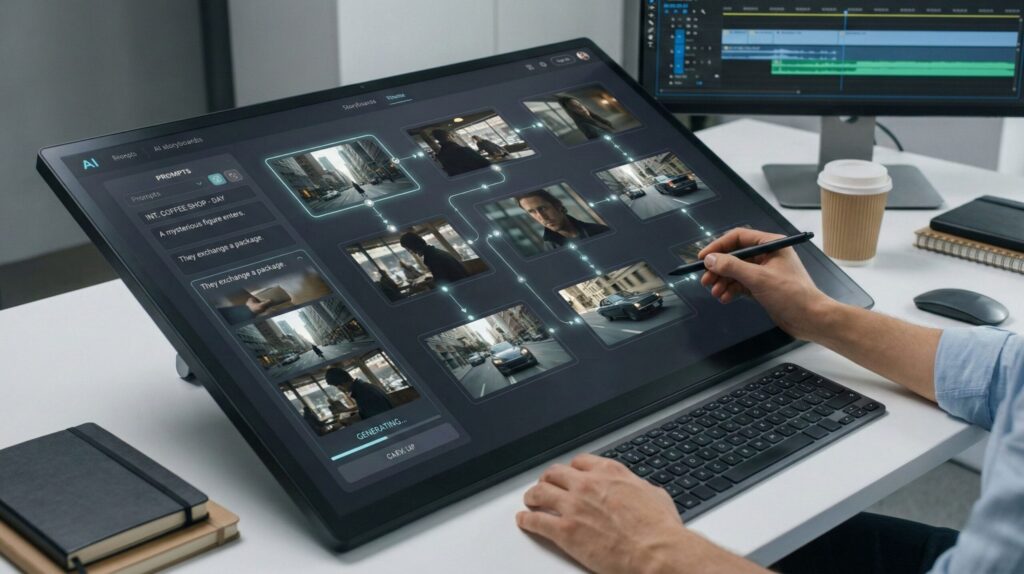
AI storyboarding tools let us turn written ideas into visual scenes without needing illustration skills. By describing what we imagine, we can generate structured frames that help us see the story, communicate it to others, and refine it before investing time or money.
In this guide, we will clarify:
why visual planning breaks down for many creators
what AI changes in the storyboarding process
and when these tools genuinely improve creative workflows
No technical overload, no buzzwords.
Just a clear explanation of a shift that many of us are already noticing in daily creative work.
If you have ever thought “I know exactly what I want, but I can’t show it”, this article is written for you.
For additional context on why visual structure improves communication and decision-making, the Nielsen Norman Group provides a beutiful visual thinking design guide.
If you want to strengthen your visual storytelling skills beyond tools, Directing the Story is a classic reference. It explains how professionals think in scenes, shots, and visual flow — a mindset that pairs perfectly with modern AI storyboarding tools.
2. Why Traditional Storyboarding Slows Creators Down
Most of us don’t avoid storyboarding because we think it’s useless.
We skip it because, in practice, it often slows everything down — especially without the support of modern AI storyboarding tools.
Traditional storyboarding assumes we can quickly sketch scenes, adjust angles, and iterate visually. In reality, that process takes time, confidence, and a skill set many creators don’t have — especially when working alone or under pressure, without the help of AI tools for creators designed for early planning.
What usually happens instead:
ideas stay trapped in notes or bullet points
visual decisions get postponed until production
feedback arrives too late, when changes are costly
This is where frustration builds. We know planning would help, but traditional tools feel heavier than the problem they are meant to solve — particularly in fast-paced pre-production AI tools workflows where speed matters.
For fast-moving workflows — social videos, ads, client pitches, YouTube content — this friction is enough to make creators abandon visual planning altogether. And when that happens, clarity suffers before the project even starts, long before visual storytelling AI can add real value.
This is not a creativity issue. It’s a process mismatch.
3. What AI Storyboarding Tools Can and Cannot Do
At this point, it helps to reset expectations.
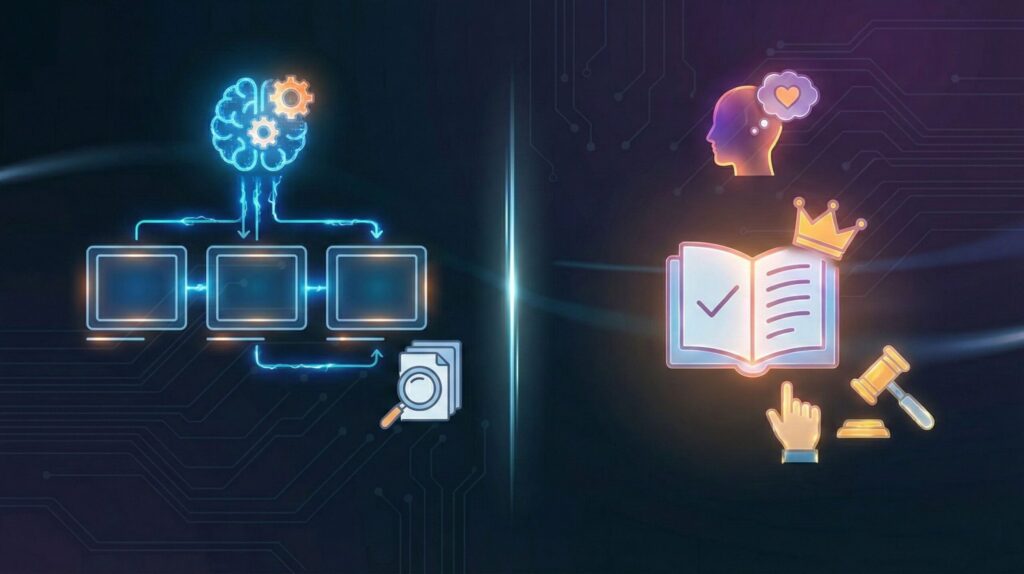
AI storyboarding tools are not magic creativity engines — and they are not meant to replace creative thinking. What they do is remove friction between an idea and its first visual form, acting as an AI storyboard generator that speeds up early planning.
What they can do well:
turn written descriptions into structured visual scenes using visual storytelling AI
help us explore different visual directions quickly, without committing too early
create rough sequences that are easy to revise, compare, and discuss
This is especially useful early on, when clarity matters more than polish. Instead of staring at a blank page or struggling to sketch, AI storyboarding tools let us focus on structure, flow, and intent.
What they cannot do:
fully understand narrative nuance or emotional subtext
guarantee perfect continuity across complex stories
replace human judgment in visual storytelling
These AI storyboarding tools work best when we treat them as assistants, not decision-makers. They give us something concrete to react to — which is often all we need to move forward.
This distinction matters. Studies on human–AI collaboration show that AI is most effective when supporting ideation and exploration, rather than final creative control. The Harvard Business Review highlights this balance clearly when discussing AI in creative work in the post of How Generative AI Is Changing Creative Work.
4. Best AI Storyboarding Tools for Different Creative Needs
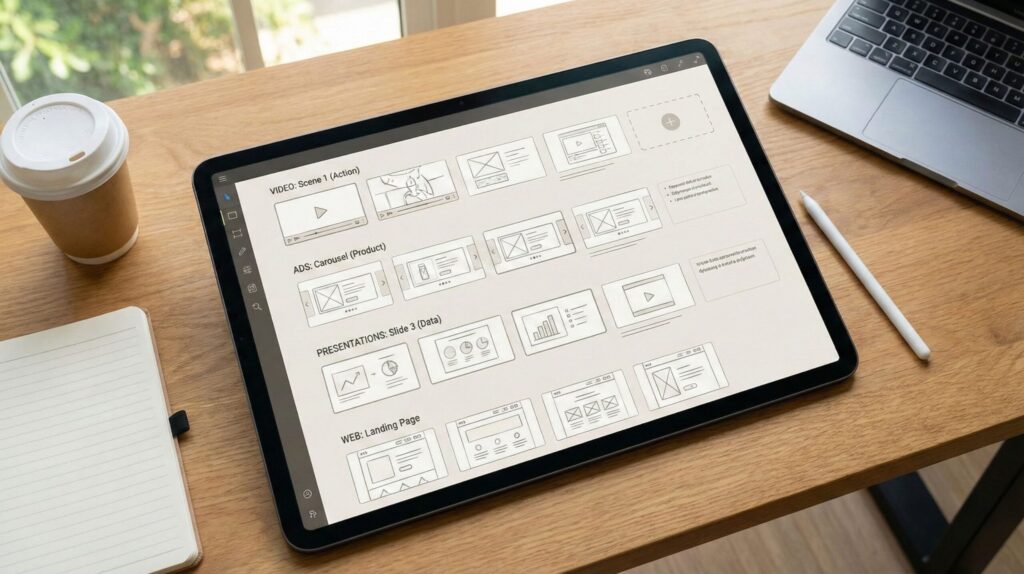
Not all creators use storyboards the same way — and this is where many recommendations fall short.
Instead of asking “what’s the best tool overall?”, it’s more useful to ask what problem we are trying to solve. Speed, clarity, collaboration, or structure all lead to different choices.
Here’s a practical way to look at the most common use cases.
| Who it’s for | Best use case | Why it works | Recommended tool |
|---|---|---|---|
| Solo creators & YouTubers | Planning scenes before filming | Fast text-to-scene output without drawing skills | StoryboardHero |
| Marketing & ad teams | Aligning visuals before production | Clear scene structure for reviews and approvals | Canva |
| Product & UX teams | Explaining user flows visually | Focus on logic and sequencing over artwork | Runway |
| Educators & presenters | Turning concepts into visual narratives | Simple scenes that improve understanding | Boords |
What matters most is fit, not feature count.
The right AI storyboarding tool should support how we already think and work — helping ideas take shape faster, not forcing us into a new process.
5. Common Mistakes Creators Make with AI Storyboards
AI can make storyboarding faster — but it can also make us waste time very efficiently if we use it the wrong way.
The biggest mistake is treating the tool like a “final-output machine” instead of a planning assistant. Storyboards are meant to clarify decisions, not to look perfect.
Here are the most common traps (and the quick fixes that actually work).
Mistake 1: Writing prompts like a novel
When we describe everything in one long paragraph, the output often becomes inconsistent.
Fix: write the scene like a shot list: who / where / action / camera / mood.
Mistake 2: Skipping the story beat and jumping to visuals
If the “why” of the scene is unclear, AI will generate frames that look cool but feel meaningless.
Fix: add one line first: “This scene should communicate ___.” Then generate.
Mistake 3: Changing style every time (and losing continuity)
We regenerate endlessly and the storyboard becomes a random collage.
Fix: lock 3 constants early: character look, setting, visual style.
Mistake 4: Confusing storyboards with finished frames
When we aim for cinematic perfection, we delay the real goal: clarity.
Fix: accept “rough but readable” first. Polish only after the sequence works.
Mistake 5: Ignoring feedback timing
The whole advantage is getting alignment early — but many people show the storyboard too late.
Fix: share the storyboard before production, even if it’s rough.
If you want a simple rule that keeps everything on track, use this:
If we can’t explain the scene sequence clearly in 10 minutes using the storyboard, the problem is not the AI — the structure is still missing.
To make this even easier, in the next section we’ll walk through a step-by-step workflow that turns a rough idea into a usable storyboard without overthinking it.
6. How to Turn an Idea into a Visual Storyboard Step by Step
Most creators don’t struggle because they lack tools.
They struggle because they don’t have a repeatable process — even when using modern AI storyboarding tools.
When we remove guesswork and follow a simple sequence, AI storyboarding becomes predictable, fast, and genuinely useful. The goal here is not perfection — it’s clarity we can build on with the right AI storyboarding tool.
Below is a workflow we can reuse for videos, ads, presentations, and client projects, using AI storyboarding tools without overthinking or redesigning the process every time.
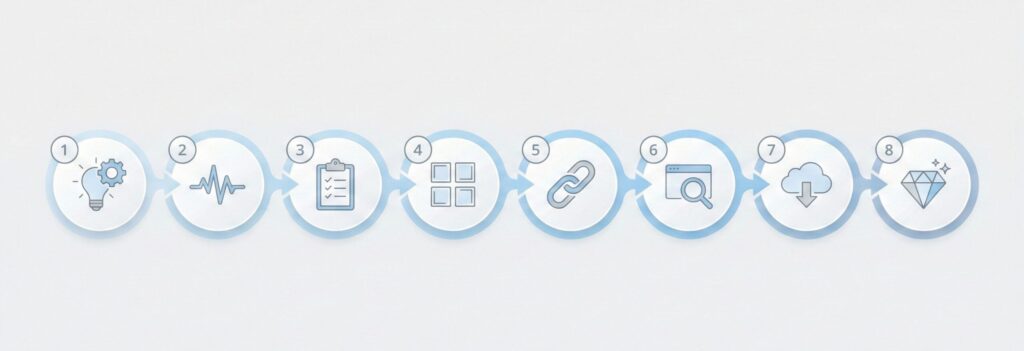
| Step | What we do | Why it matters | Quick example |
|---|---|---|---|
| 1 | Write the one-line purpose | Prevents “cool but meaningless” scenes | “This storyboard should communicate urgency.” |
| 2 | Break the idea into 6–8 beats | Creates a clear sequence before visuals | Arrive → spot problem → react → attempt → outcome |
| 3 | Convert beats into a shot list | Makes prompts consistent and easy to control | Subject / Action / Setting / Camera / Mood |
| 4 | Generate frames in small batches (2–3) | Keeps style stable and reduces randomness | Frames 1–3 first, then 4–6 |
| 5 | Lock the 3 constants | Maintains continuity across the storyboard | Character look, Setting, Visual style |
| 6 | Run a 10-minute clarity review | Fixes structure early (before it’s expensive) | Can we explain the sequence clearly? |
| 7 | Export + label like a real storyboard | Improves collaboration and feedback | Scene 1A / 1B / 1C + intent line |
| 8 | Polish only if needed | Avoids wasting time on aesthetics too early | Upgrade style after the sequence works |
If this process feels almost too simple, that’s intentional.
Good storyboards are not about artistic talent — they’re about making ideas visible early, when changes are cheap and clarity matters most.
7. Ethical and Copyright Considerations You Should Know
This is the part many creators skip — until a problem shows up.
AI storyboarding tools make visual planning easier, but they also introduce new responsibilities, especially when the work is shared with clients, collaborators, or a public audience.
First, authorship and ownership.
In most cases, the storyboard you generate using AI storyboarding tools belongs to you — but the model that helped create it was trained on large datasets you don’t control. That means we should be careful about presenting AI-generated storyboards as fully original artwork, especially in professional contexts.
Second, client transparency.
If a storyboard created with AI storyboarding tools is used to sell an idea, pitch a campaign, or guide production, it’s good practice to be clear that AI was used during the planning phase. Not because it’s a weakness — but because it builds trust and avoids misunderstandings later.
Third, style borrowing vs imitation.
Using AI to explore a general visual style is very different from intentionally mimicking a living artist or a recognizable brand. Even when AI storyboarding tools allow it, that doesn’t always make it a good idea. Staying on the safe side protects both creative integrity and long-term credibility.
A simple rule we follow is this:
AI helps us think faster — it shouldn’t quietly take credit for human judgment.
If you want a deeper look at how copyright and generative AI currently intersect, the U.S. Copyright Office provides regularly updated guidance on what is and isn’t protected.
8. Final Takeaways and How to Choose the Right Tool
If there’s one thing worth keeping in mind, it’s this: AI storyboarding tools work best when they reduce friction, not when they add complexity.
They are most useful when we:
need to see ideas early, before committing time or budget
want clear visual alignment with collaborators or clients
prefer structure and speed over artistic perfection
They are less useful when we expect them to decide the story for us. The thinking still belongs to us — the tools simply help make that thinking visible.
A practical way to choose the right tool is to ask three simple questions:
Do I need speed or collaboration?
Am I planning alone or with others?
Is this for internal clarity, or for presenting to someone else?
Once those answers are clear, the right option usually becomes obvious.
If this guide helped you understand how AI storyboarding tools fit into real creative workflows, you may want to go a step further and explore related topics where creators often get stuck or want to improve their results. We’ve covered these in depth in the posts below:
→ Midjourney Prompt Hacks – Get Better Images with Smarter Prompts
→ Leonardo vs Midjourney – Which AI Image Tool Is Better for Creators?
→ How to Create AI Images That Don’t Look Fake (Simple Fixes)
Each of these dives deeper into practical workflows, common mistakes, and real use cases — so we can move from experimenting with AI visuals to using them confidently and consistently.