
Giorgio
AI Tech Writer
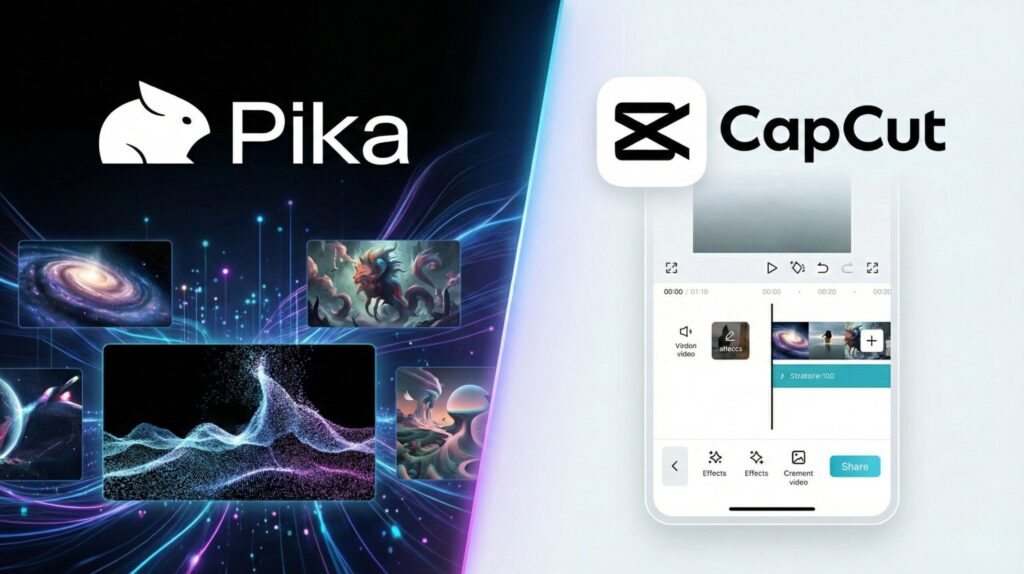
"Should I use Pika Labs or CapCut AI for my faceless YouTube channel?" — this question exploded in creator communities in early 2026, but it reveals a fundamental misunderstanding. These tools solve completely different problems: Pika Labs generates AI video from text/images, while CapCut AI edits existing footage. Most creators waste hours testing the wrong tool for their workflow. I spent 40+ hours testing both platforms on real short-form content projects to show you exactly which one you actually need — and when you might need both.
🎬 What's Inside
Some links are affiliate links · You support the blog at no extra cost · Details
1. Why Creators Are Comparing Pika Labs and CapCut AI in 2026
Here's the core confusion: when you see a polished short-form video on TikTok, you can't tell if it was generated by AI from text or edited from existing footage. That's why Pika Labs vs CapCut AI searches exploded in 2026—creators need clarity on which tool actually solves their problem.
The same framework applies if you're comparing Runway ML vs Pika Labs—understand the generation vs editing distinction first, then evaluate features. Let's break down exactly when each tool makes sense for faceless video creation workflows.
2. AI Video Generation vs AI Editing: What Users Are Really Confused About

The biggest confusion isn't about features—it's about roles. People searching for Pika Labs vs CapCut AI aren't asking "Which tool is more powerful?" They're asking something simpler: "What am I actually supposed to use to make short-form videos faster?"
AI Video Generation
Creating new visuals from scratch—turning text or images into video scenes. No camera, no stock footage needed.
AI-Assisted Editing
Editing and adapting existing clips for TikTok, Reels, Shorts—auto-captions, cuts, transitions, format optimization.
This confusion amplifies because TikTok's creator ecosystem prioritizes speed over perfection in 2026. Publishing consistently beats over-producing. That's why AI video editing and faceless video creation tools both exploded—but they serve different workflow stages, similar to how Runway ML workflows separate generation from post-production.
- Do we need help creating visuals—or keeping up with trends?
- Are we starting from ideas, or from clips we already have?
Once this distinction is clear, the Pika Labs vs CapCut AI comparison becomes much easier. Next, we'll look at real short-form use cases and see how each tool fits into everyday creator workflows—without assuming advanced skills or professional setups.
3. Pika Labs vs CapCut AI – Real Short-Form Use Cases Compared
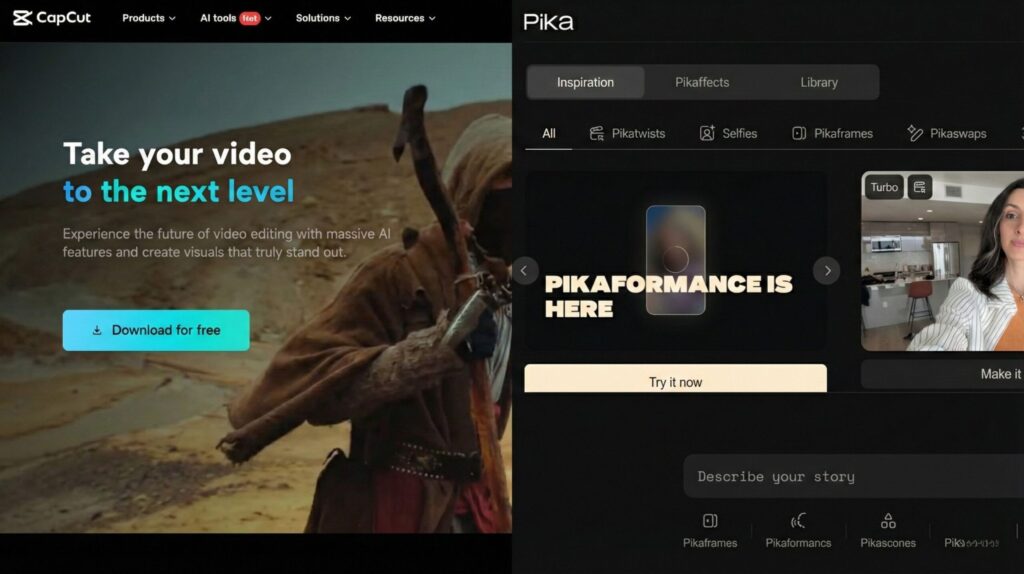
Let's see exactly when you'd choose Pika Labs vs CapCut AI in real workflows. These aren't hypothetical scenarios—these are the actual situations creators face when building viral short videos with AI.
Generate Background Visuals
Create AI video scenes from text prompts—historical footage, abstract concepts, product visualizations that don't exist yet.
✅ Best for: Creating content from zero footage
Assemble & Polish Final Video
Add auto-captions, transitions, trending effects, music sync—turn raw AI-generated clips into platform-ready content.
✅ Best for: Final editing & platform optimization
Not Needed Here
You're not generating new visuals—you're working with existing podcast footage.
❌ Skip: Wrong tool for this workflow
Auto-Clip & Reformat
Extract highlight clips, auto-caption, resize for vertical format, add trending templates—all AI video editing automation.
✅ Perfect fit: Editing existing footage faster
Understanding these use cases reveals why comparing Pika Labs vs CapCut AI as competitors misses the point entirely. Next, we'll map specific creator scenarios to help you choose the right tool—or combination—for your exact workflow needs.
4. Which Tool Should You Use in 2026? Creator Scenarios Explained
Choosing between Pika Labs vs CapCut AI comes down to one question: do you need to create footage, or edit what you already have? Here's how different creators should approach AI short-form video tools in 2026.
"I explain historical events, science concepts, or book summaries without showing my face."
"I have long-form video content and need to extract viral clips for TikTok/Reels."
"I need product demos, lifestyle shots, or concept visualizations for ads."
"I create scroll-stopping content without cameras—pure faceless video creation."
The Pika Labs vs CapCut AI debate dissolves when you map tools to your actual workflow stage. But there's more to consider: limits, ethics, and reliability issues both platforms don't advertise upfront.
5. Limits, Ethics, and Reliability: What These AI Tools Don’t Tell You

Before choosing any AI tool for daily publishing, it helps to pause and look at the trade-offs. Not the dramatic ones—but the practical, everyday limits that affect consistency, trust, and long-term use.
To make this easier to navigate, let’s break it down clearly.
1) Data, prompts, and reuse
Both tools rely on cloud-based AI processing. In simple terms:
Prompts, edits, and uploads are processed on external servers
Some data may be used to improve systems or features, depending on settings and plans
What matters in practice:
Avoid uploading private, confidential, or client-only material
Treat AI tools as production tools, not storage spaces
This aligns with broader guidance from digital rights organizations like the Electronic Frontier Foundation, which regularly highlights how cloud-based creative tools handle user data and why caution matters: check out here.
2) Creative ownership isn’t always black and white
With AI-generated visuals and AI-assisted edits:
You typically retain usage rights to what you publish
But outputs may reflect learned patterns, not fully original intent
This doesn’t mean “don’t use AI.” It means:
AI works best for drafting, ideation, and acceleration
Responsibility for context, accuracy, and originality stays with us
3) Reliability changes when tools become routine
Occasional use feels smooth. Daily use exposes limits:
AI generation can produce uneven results across prompts
AI editing can push everything toward the same visual style
Updates may quietly change features or workflows
That’s why depending on a single AI tool for the entire process often leads to frustration over time.
A more sustainable approach is:
Use AI where it clearly saves time
Keep creative and publishing decisions human-led
4) Ethical use is mostly about transparency
Using AI for short-form content isn’t a problem by itself. Issues appear when:
AI-generated content is framed as lived experience
Viewers aren’t given enough context to understand what they’re seeing
Staying on solid ground usually means:
Using AI as support, not substitution
Avoiding misleading representations, especially in educational or informational content
Key takeaway:
Pika Labs and CapCut AI are powerful tools—but they’re not neutral. Knowing their limits helps us use them intentionally, instead of letting speed quietly dictate creative choices.
6. Final Verdict + FAQ
🏆 Final Verdict: Stop Comparing, Start Choosing
Pika Labs vs CapCut AI isn't a competition—they're different workflow stages. Pika Labs generates video from text for faceless video creation. CapCut AI edits existing footage with auto-captions and effects.
Most successful creators use both AI short-form video tools sequentially: generate with Pika, polish with CapCut. If you're choosing just one, ask: do I need footage created, or edited?
What is the main difference between Pika Labs and CapCut AI?
+Pika Labs is an AI video generator that creates video from text prompts or images — you start with ideas and generate footage from scratch.
CapCut AI is an AI video editor that speeds up editing of existing footage with auto-captions, cuts, transitions, and effects.
Pika Labs generates; CapCut AI edits. They solve different workflow stages, which is why many creators use both sequentially for faceless video creation.
Which is better for beginners: Pika Labs or CapCut AI?
+CapCut AI is easier for beginners because it works with familiar concepts — you upload clips and apply edits. Pika Labs requires learning text-to-video prompting, which has a steeper learning curve.
If you already have footage (phone recordings, screen captures), start with CapCut AI. If you need to create content from scratch without filming, Pika Labs is necessary despite the learning curve. CapCut also offers more free features, making it more beginner-friendly budget-wise.
Are Pika Labs and CapCut AI free?
+CapCut AI has a generous free tier with auto-captions, basic effects, and transitions — enough for casual creators. The Pro plan ($9.99/month) unlocks advanced AI features, more exports, and watermark removal.
Pika Labs offers limited free credits (around 250 credits/month), but serious use requires a paid plan starting at $10/month for Standard ($8/month if paid annually). For budget-conscious creators, CapCut AI provides more value in its free tier.
Can you use Pika Labs and CapCut AI together?
+Absolutely — this is the most common workflow for faceless video creation. Use Pika Labs to generate AI video clips from text prompts, then import those clips into CapCut AI for final editing: add auto-captions, music sync, transitions, and platform optimization for TikTok or YouTube Shorts.
This hybrid approach combines the strengths of both AI short-form video tools — generation first, editing second.
Which tool is better for faceless YouTube channels?
+For faceless video creation, you'll likely need both. Pika Labs generates the background visuals, B-roll, and concept illustrations without filming. CapCut AI then assembles those clips into a polished video with captions, effects, and pacing.
If you're repurposing existing content (voiceovers, stock footage, screen recordings), CapCut AI alone works. If you're creating explainer videos, historical content, or abstract concepts from scratch, start with Pika Labs.
Can I use Pika Labs or CapCut AI for commercial projects?
+Yes, both allow commercial use on paid plans. Pika Labs Standard and above grants commercial rights to generated videos. CapCut Pro subscribers can use outputs commercially, but free-tier videos may have usage restrictions — check CapCut's current terms.
Always review licensing if you're creating client work, ads, or monetized content. For faceless video creation at scale, budget for paid plans to avoid licensing issues.
Do Pika Labs and CapCut AI work on mobile?
+CapCut AI has full-featured mobile apps for iOS and Android with most desktop features, including auto-captions and AI effects — ideal for on-the-go editing.
Pika Labs is currently web-based only with no dedicated mobile app, though you can access it via mobile browsers. For mobile-first workflows, CapCut AI is more practical. Serious Pika Labs work requires a desktop for better prompt control and preview quality.
Which AI video tool is better: Pika Labs, CapCut AI, or Runway ML?
+They serve different purposes. Pika Labs and Runway ML are both AI video generators (text-to-video), while CapCut AI is an editor. Between Pika and Runway, Runway ML offers more advanced features and professional-grade outputs but costs more.
CapCut AI can't replace either for generation — it only edits existing footage. For a detailed comparison of generation tools, see our Runway ML vs Pika Labs guide. Most creators choose based on their starting point: footage vs ideas.