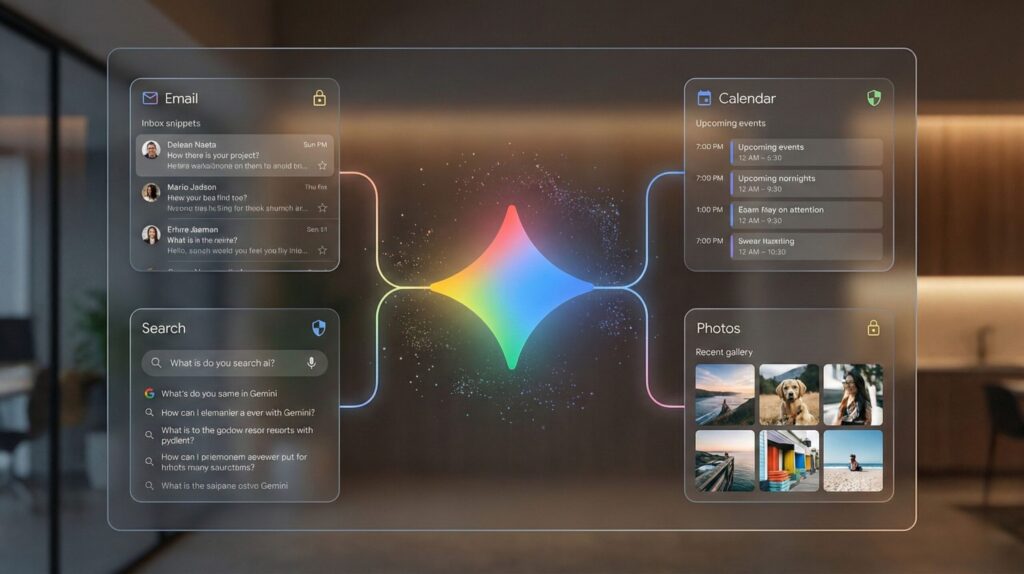
Gemini Personal Intelligence can now read far more than your Gmail. Google's own list includes Photos, YouTube history, Calendar, Drive, Contacts, Maps and, in the U.S., Google Wallet receipts and linked accounts. It's free for U.S. users since March, and the setup card offers a one-tap "Connect all." There's also a catch Google mentions only in its help pages: the feature won't run unless you keep your Gemini activity saved.
⚡ Short answer: Set up Gemini Personal Intelligence with "Choose apps," not "Connect all." Connect Gmail, Calendar and Search if you want the help, skip Wallet and Contacts, and set Keep Activity auto-delete to 3 months. To make Gemini forget something, delete the chats and disconnect the app: doing only one isn't enough.
🆕 What changed in this update (October 18, 2026)
- Updated availability: free for U.S. personal accounts since March, still not offered in the EU, UK or Switzerland.
- Added Google's full list of connectable apps, including Contacts and Wallet.
- Added the Keep Activity requirement and the two-step "forget" process.
- Replaced generic Google Account tips with Gemini's own Personal Intelligence menu.
Some links are affiliate links · they support this site at no extra cost to you · Full disclosure
🔒 This is one part of my complete guide to AI privacy settings, with the exact switch for ChatGPT, Claude, Gemini, Copilot, Meta AI and more.
What is Gemini Personal Intelligence?
Short answer: Gemini Personal Intelligence is an opt-in Gemini feature that lets the assistant look inside your own Google apps before it answers. Ask "when does my car insurance renew?" and it can find the email. Ask for a weekend plan and it can check your calendar and photos. It's off until you connect apps, and you choose which ones.
Google launched it on January 14 as a beta for paying Google AI Pro and Ultra subscribers in the U.S., then expanded it to free U.S. accounts in March, across the Gemini app, Gemini in Chrome and AI Mode in Search. It works on the web, Android and iPhone, with every model in the Gemini picker.
Who can use Gemini Personal Intelligence?
Short answer: U.S. users aged 18 or over with a personal Google account, on free or paid plans. It isn't available in the European Economic Area, the UK, Switzerland or Nigeria, and it doesn't work on work, school or supervised accounts. If you're eligible, Gemini shows a setup card the next time you open it.
Regional note: if you're in the EU or UK, none of the steps below apply to you yet. The rest of Gemini's AI privacy controls do, and they're covered in the Gemini section of my pillar guide linked above.
What can Gemini Personal Intelligence read?
Short answer: Six groups of Google data, per Google's own help page: Gmail, Calendar and Drive; Search, Maps and Shopping; YouTube history; Google Photos; Contacts; and, in the U.S., Google Wallet, including payment methods, receipts and linked financial account details. When it's on in a chat, it also uses your saved memory and instructions.
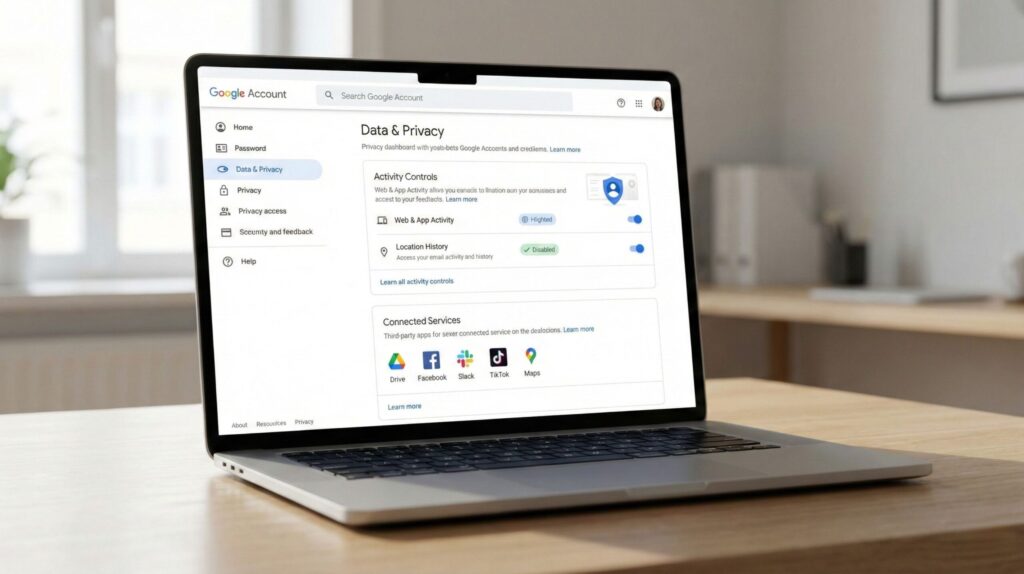
Two Photos details are easy to miss: the Photos connection needs Face Groups and "Estimate missing locations" switched on, so connecting it means agreeing to face grouping too. And Photos isn't offered in every country even where the rest of the feature is.
The Keep Activity catch
Short answer: Gemini Personal Intelligence only works with Keep Activity switched on. That's the setting that saves your Gemini chats for 18 months by default and lets Google sample them for human review and model improvement. So the privacy trade isn't just "Gemini reads my email": it's also "my chats about that email are kept."
Google's Personal Intelligence help page states the requirement directly, and it also needs Web & App Activity, YouTube History and Gmail's smart features in other Google products. If you turned any of those off for privacy, connecting Personal Intelligence quietly asks you to turn them back on.
Key idea: You can't have Gemini Personal Intelligence and Keep Activity off at the same time. The safest version is Keep Activity on with a 3-month auto-delete, plus a temporary chat for anything you don't want saved.
Does Google train on your Gmail and Photos?
Short answer: Not directly, according to Google. Its launch post says Gemini doesn't train on your Gmail inbox or Google Photos library. It does train on limited information, such as your prompts and Gemini's replies, after filtering personal data. So the content of your email stays out of training, but what you ask about it may not.
That distinction comes from Google's Personal Intelligence announcement. In practice: if you ask Gemini to summarize a medical email, the email isn't training data, but your prompt and the summary can be, unless Keep Activity is off, which this feature doesn't allow.
How to set up Gemini Personal Intelligence safely
Short answer: Seven steps, about ten minutes: choose apps instead of connecting all, skip Wallet and Contacts, set auto-delete to 3 months, use temporary chats for sensitive questions, review saved memory, stop rating replies, and recheck connected apps monthly. Each step limits what Gemini Personal Intelligence keeps.
⚠️ Don't rate replies with thumbs up or down if you care about privacy: Google can use the feedback and the related chat to improve Gemini, even outside your normal settings.
Which apps to connect, and which to skip
- Gmail (bookings, renewals, receipts)
- Calendar
- YouTube history
- Google Photos (needs face grouping)
- Drive (work files?)
- Search and Maps history
- Google Wallet
- Contacts
My rule for Gemini Personal Intelligence: connect an app only when you can name a question you'd ask about it this week. If you can't, the convenience isn't worth the access.
How to make Gemini forget something
Short answer: Delete the chats where it came up and disconnect the app it came from. Google's help page says you need both: deleting chats alone leaves the connection, and disconnecting alone leaves the chats. Changes can take several days to show up in Gemini's answers.
- 1Delete the chats. Gemini → Settings & help → Activity, then delete the conversations (or a whole time range).
- 2Disconnect the source app. Menu → profile → Personal Intelligence → Connected Apps → turn the app off.
- 3Clear saved memory. Remove any matching memory entry under Personal Intelligence.
- 4Wait a few days, then ask Gemini about it once to confirm it's gone.
One limit Google states plainly: disconnecting Search or YouTube doesn't stop Gemini using public information from those services. It only stops your personal history being used.
How to turn off Gemini Personal Intelligence
Short answer: Open Gemini → menu → your profile picture → Personal Intelligence → Connected Apps, and turn every app off. That stops Gemini Personal Intelligence reading your Google apps. If you also want Gemini to stop saving chats, turn Keep Activity off afterward; Personal Intelligence stops working once you do.
On the web it's Menu → Settings & help → Personal Intelligence → Connected Apps. If you want Gemini gone from your phone and Gmail entirely, my guide to turning off AI on 10 apps covers Android, Gmail and Chrome.
When it gets things wrong
Google admits Gemini Personal Intelligence can "over-personalize": its own example is assuming you love golf because you have photos taken at a golf course. It also struggles with changes over time, like a relationship that ended or an interest you dropped.
Treat its answers about your life like a helpful but nosy assistant's guesses: check dates and amounts in the original email before acting on them, and correct it in the chat when it's wrong instead of rating the reply.
Lock down the account behind it
Short answer: With Gemini Personal Intelligence on, one Google login opens your email, photos, calendar and an AI that can summarize all of them in seconds. That makes account security part of AI privacy: turn on 2-Step Verification, add a passkey, and consider a hardware security key.
Google's account security checklist walks through 2-Step Verification and passkeys. For the strongest protection against phishing, a physical key like a YubiKey means nobody can sign in without the key in hand.