Published on: August 13, 2025
Disclosure:
This post may contain affiliate links. If you purchase through them, we may earn a small commission — at no extra cost to you. This helps support our research and keeps AI Digital Space running. Thank you!
1. Introduction – Why AI is Changing the Way We Learn
If you think online learning peaked with pre-recorded lectures and static quizzes, 2025 will prove you wrong. AI tools for learning are reshaping education into something faster, smarter, and more personal than ever before. From mastering Python in weeks to speaking Spanish with flawless pronunciation, these tools adapt in real time to your pace, skills, and even your mood. The World Economic Forum highlights how AI-driven personalization is becoming a cornerstone of modern education.
The magic lies in personalization. Unlike traditional one-size-fits-all lessons, modern AI learning tools adjust dynamically to your progress. Stuck on a coding problem? You’ll get hints tailored to your exact mistake. Racing through a vocabulary list? The system will challenge you with harder examples to keep you growing.
Many of today’s most advanced platforms combine adaptive algorithms, natural language processing, and speech recognition to create interactive, immersive experiences. For instance, Khanmigo from Khan Academy acts as a patient virtual tutor, guiding you through complex concepts step-by-step. Meanwhile, tools like Grammarly not only correct your writing but also explain the reasoning behind each change—reinforcing the lesson so it sticks.
Another game-changer? AI tools for learning are available 24/7. Whether you’re sipping your morning coffee, commuting, or studying late at night, you can access on-demand lessons and instant feedback. Features like gamification, progress tracking, and achievement badges transform learning into something you actually want to do daily.
To see just how these adaptive systems are influencing the future of education, take a look at our Behind the Algorithm: How AI Understands You article—where we break down the science behind how AI processes and responds to your input.
2. AI Tools for Learning Coding & Programming
Coding is one of the most in-demand skills in 2025, and the good news is that AI tools for learning programming make the process much less intimidating. Instead of scrolling through endless tutorials or getting stuck on confusing syntax, you can now have an AI tutor walk you through the exact steps you need—right when you need them.
Here are some of the best AI platforms to help you learn coding faster and with less frustration:
1. GitHub Copilot
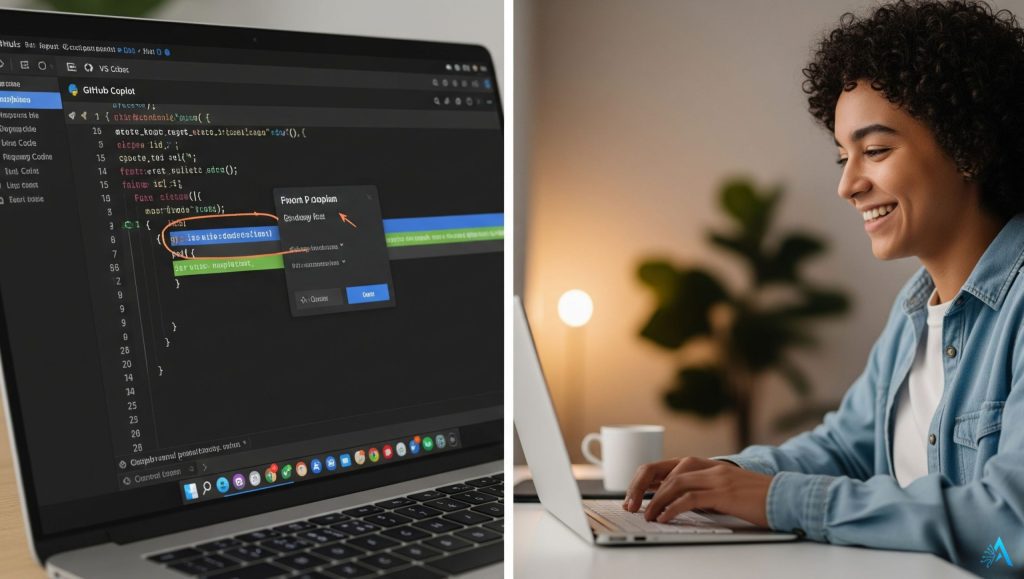
Think of GitHub Copilot as a coding partner that never gets tired. Powered by OpenAI, it suggests entire lines of code, explains errors, and offers alternative solutions in real time. It’s perfect for beginners who want to understand why something works and for advanced coders looking to speed up their workflow. Tip: Use Copilot to explore “what-if” scenarios in your code—try different approaches and see the explanations side-by-side.
2. Codeium
If you want a free alternative to Copilot, Codeium offers AI-powered code completion, documentation search, and built-in explanations. Its strength lies in multi-language support, so you can practice Python today and switch to JavaScript tomorrow without missing a beat. Tip: Use its “Explain Code” feature to break down complex functions into plain language. It’s a great way to learn logic, not just syntax.
Replit’s Ghostwriter is ideal if you want to learn by doing. It’s a cloud-based environment where you can build and test projects instantly, while Ghostwriter suggests improvements and explains coding concepts as you work. Tip: Start with small projects like calculators or quizzes, then build your way up to web apps—it’s more motivating when you see your work come alive.
Why these AI tools work so well for coding
The real strength of these AI tools for learning programming isn’t just speed—it’s understanding. They adapt to your current knowledge, provide context, and give you the freedom to experiment without fear of making “fatal” mistakes. This combination of instant feedback and personalized guidance turns learning into a continuous, rewarding process.
3. AI Tools for Learning Languages
Mastering a new language used to mean thick grammar books, endless flashcards, and awkward practice sessions. In 2025, AI tools for learning languages have transformed the process into something interactive, personalized, and even fun. Whether you’re starting from scratch or refining fluency, these tools adapt to your strengths, weaknesses, and learning style.
Here are some standout platforms worth your attention:
1. Duolingo Max
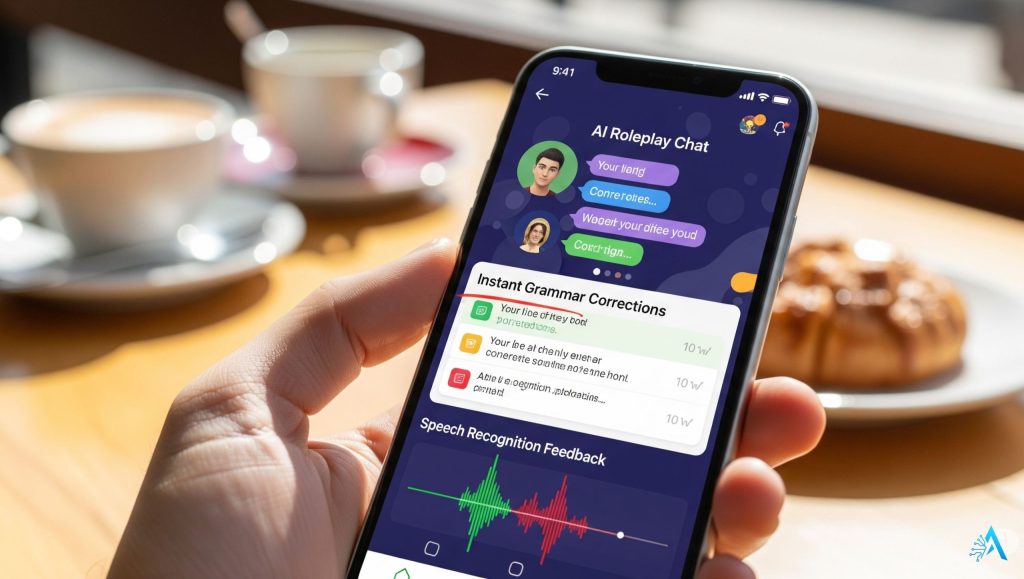
The classic green owl has leveled up with AI. Duolingo Max now offers Explain My Answer and Roleplay features, powered by GPT-4, so you can practice real-life conversations and get instant, tailored feedback. Tip: Use “Roleplay” daily—it forces you to think on your feet and respond naturally, just like in real conversations.
2. LingQ
LingQ turns any content—news articles, podcasts, YouTube videos—into interactive language lessons. The AI highlights unfamiliar words, suggests translations, and tracks your vocabulary growth automatically. Tip: Import videos or articles you actually enjoy. Learning through topics you care about makes retention much easier.
3. Memrise
Memrise uses AI-driven spaced repetition and short video clips of native speakers to help you pick up authentic pronunciation and everyday phrases. Its adaptive system ensures you review words right before you’re likely to forget them. Tip: Record yourself repeating sentences from Memrise—hearing your own progress is a huge motivator

Why these AI tools work so well for language learning
The biggest advantage of AI in language learning is the real-time personalization. Instead of a generic lesson plan, you get feedback and challenges that evolve with your abilities. This keeps you in the “sweet spot” between too easy and too hard—a key to building fluency.
If you’re curious about the ethical side of AI, see our Behind the algorithm section later on.
4. AI Tools for General Knowledge & Skill Building
Not all learning is about coding or languages. Sometimes you just want to broaden your horizons—whether it’s understanding world history, improving your design skills, or picking up financial literacy. In 2025, AI tools for learning general knowledge make it easy to explore new subjects without feeling overwhelmed.
These platforms are designed to spark curiosity and help you absorb information in ways that stick.
1. Khan Academy – Khanmigo
Khan Academy’s Khanmigo isn’t just a tutor—it’s a mentor across multiple subjects. From algebra to art history, it guides you step-by-step, explains concepts in plain language, and adapts its teaching style to your pace. Tip: Use Khanmigo’s “Socratic” questioning to dig deeper into topics instead of just memorizing facts.
2. Curipod
Curipod helps teachers and learners create interactive presentations and lessons instantly with AI. Whether you want to understand climate change or explore design thinking, it breaks down topics into visual, easy-to-follow chunks. Tip: If you’re a self-learner, use Curipod to create your own study guides—it’s a great way to reinforce knowledge.
3. Perplexity AI
Perplexity AI works like a next-generation search engine with built-in citations. Ask a question—anything from “How did the Renaissance start?” to “What’s the best way to design a resume?”—and it pulls structured, fact-checked answers from multiple sources. Tip: Always check the source links in Perplexity to dig deeper and verify accuracy.

Why these AI tools shine for skill building
The value of these AI tools for learning is that they remove the biggest barrier to self-education: information overload. By delivering concise, relevant, and structured content, they help you focus on learning instead of endlessly searching for where to start.
5. AI Tutoring & Study Assistance Platforms
Sometimes, what you need isn’t just information—it’s a coach to help you stay organized, focused, and ready for exams or projects. In 2025, AI tools for learning tutoring and study support are like having a 24/7 personal assistant who knows your syllabus, tracks your progress, and adapts to your learning style.
These platforms are especially valuable for students juggling multiple subjects or professionals preparing for certifications.
1. Quizlet Q-Chat
Quizlet has always been a favorite for flashcards, but Q-Chat adds a conversational AI tutor to the mix. It quizzes you, explains wrong answers, and adjusts difficulty as you improve. Tip: Use Q-Chat for quick daily reviews—short, consistent sessions help knowledge stick better than last-minute cramming.
2. Socratic by Google
Socratic lets you snap a photo of any problem—math, science, history—and instantly get step-by-step explanations. Its AI breaks down complex topics into digestible parts, making it ideal for visual learners. Tip: After getting the solution, challenge yourself to explain it back without looking—that’s how you’ll know you’ve mastered it.
3. StudyMonkey
StudyMonkey turns AI tutoring into a personalized study plan. It recommends what to review, generates practice questions, and tracks your weak spots so you can focus where it matters most. Tip: Use it a week before exams to pinpoint areas you’ve overlooked—it’s a real time-saver.

Why AI tutoring tools matter
The best AI tools for learning don’t just teach—they guide. With real-time feedback, adaptive difficulty, and personalized study schedules, these platforms keep you engaged and ensure your study time is as productive as possible.
6. Ethical Considerations of AI Learning Tools
While AI tools for learning are unlocking opportunities like never before, they also raise questions we can’t ignore. The convenience of instant answers and personalized lessons comes with responsibilities—for learners, educators, and developers.
1. Data Privacy
Most AI learning platforms collect data on your progress, interests, and sometimes even your voice (in language apps) or video (in tutoring apps). While this data helps improve personalization, it’s worth asking: How is it stored, and who has access to it? Always review privacy policies and, when possible, choose tools that allow you to opt out of unnecessary data tracking.
2. Over-Reliance on AI
AI tutors are available 24/7, but they shouldn’t replace critical thinking or human mentorship. The risk is falling into “AI autopilot,” where you accept answers without questioning them. Use AI to guide your learning, not to do the thinking for you.
3. Bias in Learning Content
AI models learn from massive datasets—and those datasets can contain cultural, historical, or linguistic biases. This means the way a concept is explained might unintentionally reflect a certain perspective. Cross-check important information with reputable sources and diversify your learning material.
4. Accessibility and Cost
While many AI tools for learning have free tiers, premium features often come with a price tag. This can create a gap between those who can afford advanced features and those who can’t. Look for platforms that balance accessibility with quality, or combine free and paid tools strategically.
Practical takeaway:
Think of AI as a power tool for your brain—it can speed up learning dramatically, but it’s most effective when paired with human curiosity, skepticism, and ethics. For a deeper dive into this topic, see our Behind the Algorithm: How AI Understands You post, where we explore how AI processes your input and why understanding that process matters.
7. Quick Comparison Table – Best AI Tools for Learning 2025
Choosing the right platform can be overwhelming when there are so many AI tools for learning on the market. This quick comparison table helps you see at a glance which tools match your goals—whether you want to master coding, speak a new language, or improve your study habits. By comparing features, pricing, and our top tips, you can decide which AI tools for learning will give you the fastest and most effective results.
| Tool | Category | Best for | Key AI Features | Pricing (indicative) | Our Tip | Try |
|---|---|---|---|---|---|---|
| GitHub Copilot | Coding | Real-time code help & explanations | Context-aware suggestions, error explanations, test gen | From ~$10/mo student/individual | Ask “why” for each suggestion to learn patterns, not just syntax. | Try Copilot |
| Codeium | Coding | Free code completion across languages | Autocomplete, “Explain code,” doc search | Free; teams paid tiers | Toggle between languages to compare patterns faster. | Try Codeium |
| Replit Ghostwriter | Coding + Projects | Learning by building apps in-browser | Live hints, code fixes, explain-as-you-build | Free tier; paid add-ons | Start micro-projects (calculators, to-dos) for fast wins. | Try Replit |
| Duolingo Max | Languages | Conversational practice & instant feedback | Roleplay with AI, explain-my-answer, spaced repetition | Premium plan (varies) | Use Roleplay daily to build reflexes like real chats. | Try Duolingo |
| LingQ | Languages | Learning from real content (news, podcasts, video) | Auto word tracking, smart translations, review queues | Free tier; premium monthly | Import topics you love—motivation drives retention. | Try LingQ |
| Memrise | Languages | Real-world phrases & pronunciation | Spaced repetition, native speaker clips, AI review plan | Free tier; premium monthly | Record yourself repeating sentences for feedback. | Try Memrise |
| Khan Academy (Khanmigo) | Multi-subject | Step-by-step tutoring across subjects | Socratic prompts, adaptive help, worked examples | Free core; pilot features vary | Use “why?” chains to deepen understanding. | Try Khanmigo |
| Curipod | Skill Building | Visual study guides & interactive lessons | AI slide drafts, polls, formative checks | Free tier; educator plans | Turn notes into slides to reinforce memory. | Try Curipod |
| Perplexity AI | Research | Fast answers with sources & drill-downs | Cited responses, follow-ups, focused search | Free; Pro monthly | Open sources to verify and go deeper. | Try Perplexity |
| Quizlet Q-Chat | Study Coach | Smart quizzes & spaced review | Adaptive questioning, error explanations, progress goals | Free; Plus monthly | Do 10-minute daily sessions—consistency wins. | Try Quizlet |
| Socratic (Google) | Study Help | Step-by-step problem solving (snap-to-solve) | Vision OCR, guided explanations, topic maps | Free | After solving, explain it back from memory. | Try Socratic |
| StudyMonkey | Study Planner | Personalized study schedules & practice | Weak-spot tracking, practice gen, reminders | Free trial; paid plans | Use it a week pre-exam to target gaps. | Try StudyMonkey |
| Grammarly | Writing Coach | Clearer writing & instant explanations | Real-time feedback, tone detection, rewrite with reasons | Free; Premium monthly/yearly | Read the explanation to learn, not just fix. | Try Grammarly |
Final thought on choosing AI tools for learning
The best way to get results is to pick one or two AI tools for learning that fit your current goals and commit to using them consistently. You don’t need to try them all at once—focus on building momentum and celebrating small wins. If you’re curious about how AI adapts to your style and pace, check out our Behind the Algorithm: How AI Understands You article for a deeper look at the technology powering these platforms.
8. Conclusion – How to Get Started with AI Learning in 2025
The biggest advantage of AI tools for learning is that they meet you exactly where you are—no matter your starting point. Whether your goal is to code your first website, hold a conversation in Japanese, or prepare for a certification exam, there’s a platform ready to guide you with personalized feedback and real-time support.
If you’re just starting, keep it simple:
Choose one main goal. Decide whether you want to focus on coding, languages, or a specific skill.
Pick one or two tools. Refer back to the comparison table above and select the AI tools for learning that fit your budget, learning style, and time commitment.
Set a routine. Even 10–20 minutes daily can create consistent progress, especially when the tool adapts to your pace.
Track and review. Use built-in analytics or progress trackers to see what’s working—and where you need extra practice.
Remember, the best learning happens when curiosity drives the process. AI can make that curiosity more rewarding by removing roadblocks, giving instant answers, and making complex topics easier to understand.
If you’re ready to explore even more AI-powered possibilities, head to our AI Tools section for reviews, comparisons, and tips that will keep you learning smarter every day.
9. FAQ – AI Tools for Learning
Q: What are AI tools for learning?
A: AI tools for learning are digital platforms or applications that use artificial intelligence to personalize lessons, provide instant feedback, and adapt to your pace. They can teach coding, languages, general knowledge, and more, often using natural language processing, adaptive algorithms, and gamification.
Q: Are AI tools for learning better than traditional study methods?
A: They’re not a replacement for traditional methods, but they can be more efficient. AI tools for learning offer real-time adjustments, targeted practice, and 24/7 availability—advantages you don’t get from static textbooks or fixed lesson plans.
Q: Do I need to pay for AI tools for learning?
A: Many platforms offer free tiers with solid features, but advanced personalization, premium content, or one-on-one AI tutoring may require a subscription. Combining free and paid tools can be an effective and affordable strategy.
Q: Can AI tools for learning replace human teachers?
A: No—while they can explain concepts and track progress, human teachers offer emotional support, mentorship, and nuanced feedback that AI can’t fully replicate. The best approach is to use AI as a supplement, not a substitute.
Q: Which AI tools for learning are best for beginners?
A: For coding, GitHub Copilot or Codeium are beginner-friendly. For languages, Duolingo Max and LingQ are great starting points. For general study help, Socratic and Quizlet Q-Chat are easy to use and free to start.
Q: How do I choose the right AI tools for learning?
A: Define your learning goal, test a few free options, and see which interface and teaching style you enjoy most. Consistency matters more than the specific tool you pick.
If this guide helped you understand how AI tools can support learning — from coding and languages to building new skills — you may also find these related posts useful:
AI for Beginners: Top 5 Tools to Start Using in 2025 (No Learning Curve)
Top AI Tools for Students with Learning Disabilities
How AI Tools Are Helping Neurodivergent Users (ADHD, Dyslexia & More)