

Mirko
AI Tech Writer
If you searched for ChatGPT plugins expecting a plugin store, you're working from a page that's a year and a half out of date on ChatGPT automation — OpenAI killed the original plugin ecosystem back in 2024. I went through what actually runs ChatGPT workflow automation in 2026 — Apps, Scheduled Tasks, and Custom GPTs — and mapped exactly when each one replaces a paid tool like Zapier, and when it doesn't.
Some links are affiliate links · they support this site at no extra cost to you · Full disclosure
- Plugins are gone. OpenAI retired the plugin store in 2024 — ChatGPT automation today runs on Apps, Scheduled Tasks, and Custom GPTs instead.
- Scheduled Tasks is free. Expanded from Plus-only to every plan, including Free, around August 2026.
- Apps cover 7 major partners. Canva, Spotify, Booking.com, Coursera, Figma, Expedia, and Zillow, right inside the chat.
- You still need an external tool sometimes. Past roughly 5 connected apps on a live trigger, native ChatGPT automation stops being enough.
Why "ChatGPT Plugins" Isn't the Right Search Anymore
OpenAI shut down the original ChatGPT plugins — the browsing and retrieval add-ons it launched in March 2023 — back in 2024, folding that functionality into Custom GPTs and Actions instead. The ChatGPT automation most guides still describe belongs to a store that no longer exists.
What replaced it moved fast. In October 2025, OpenAI launched Apps in ChatGPT on a new Apps SDK, with 7 pilot partners — Booking.com, Canva, Coursera, Figma, Expedia, Spotify, and Zillow. In December 2025, it renamed "Connectors" to "Apps," merging two separate systems into one. By early 2026, ChatGPT became fully compatible with the MCP Apps UI standard, the same open protocol AI agents use to reach outside tools.
That's the real shape of ChatGPT workflow automation today: Apps for connecting outside services mid-conversation, Scheduled Tasks for running prompts on a timer, and Custom GPTs for a fixed persona you reuse. Three different jobs, not three names for the same thing.
ChatGPT Apps: The 2026 Replacement for Plugins
That's the App half of ChatGPT automation: a third-party service that runs inside the chat window instead of opening a new tab. ChatGPT suggests one when it's relevant, or you can call it by name — "use Canva to make this a carousel" — and an interactive card renders right in the conversation instead of a wall of text.
Who Gets Access, and Who Doesn't
Apps are available to every logged-in ChatGPT user on Free, Go, Plus, and Pro — this isn't a Plus-only perk like it was during the original plugin era, and it's a meaningful part of why native ChatGPT automation now reaches so many more people than it used to. The one carve-out: Apps aren't available inside the European Economic Area, Switzerland, or the United Kingdom yet, which matters if you're writing for or working with a UK/EU team.
Under the hood, Apps run on MCP, the same protocol behind most modern AI agent tooling — meaning an app built for ChatGPT can often be reused by other MCP-aware assistants without a rebuild. For a solopreneur, this slice of ChatGPT automation means Canva, Booking.com, or Spotify without leaving the chat, with more partners rolling out through 2026's Apps Directory.
Scheduled Tasks: A Background Worker Inside ChatGPT
Of everything covered here, Scheduled Tasks is the closest thing ChatGPT has to real workflow automation — you describe what you want done and when, and it runs on its own from a dedicated Scheduled sidebar. OpenAI relaunched the feature on June 17, 2026, and folded in Pulse, its older proactive-briefing feature, which was retired around July 1, 2026.
Tasks can be time-based — "every weekday at 7am, summarize AI news" — or event-triggered off a connected app: a new Gmail message from a specific sender, a new Slack message in a channel where you've added @ChatGPT, or new pull-request activity on an authorized GitHub repo. Full trigger details are in OpenAI's own Scheduled Tasks documentation. As of August 2026, the feature is no longer paid-only; OpenAI extended it to Free and Go accounts alongside unlimited text chats.
Where Scheduled Tasks Stops
It's a monitor-and-notify tool, not an execution engine. Runs are capped at roughly once per hour, so it's not built for real-time triggers. Inside a task, you also lose voice, file uploads, and Custom GPTs — a scheduled prompt runs in plain text only. For anything needing faster reaction times or a GPT's custom instructions, you're back to Apps, a Custom GPT session, or an external tool.
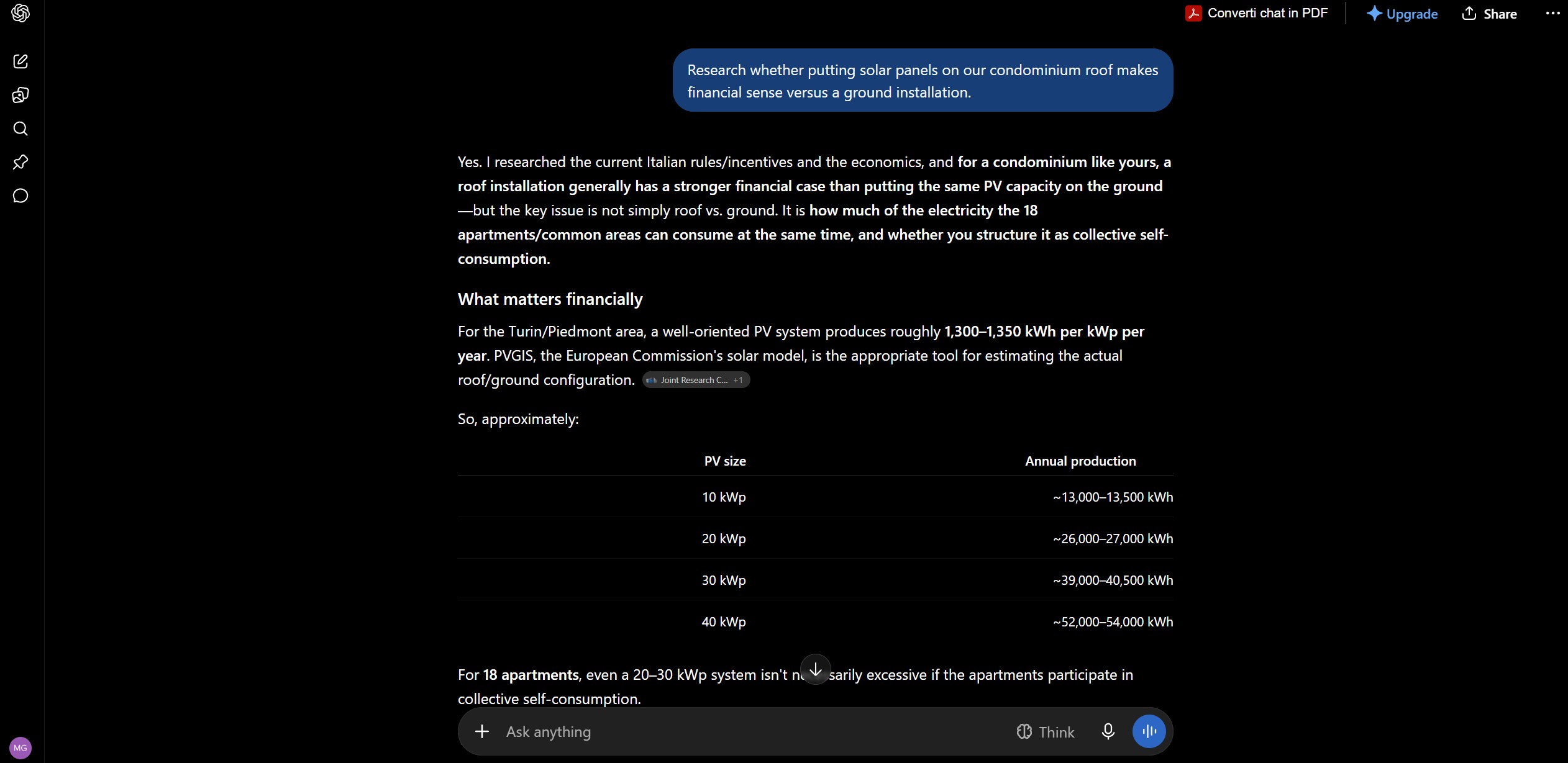
Custom GPTs in 2026: Still Worth Building?
Custom GPTs are the oldest piece of native ChatGPT automation still standing — the GPT Store feature from 2024 never went away, but OpenAI's own attention has clearly shifted to Apps. One practical warning if you built GPTs months ago: GPT-4.5 retired from ChatGPT on June 26, 2026, including inside custom GPTs, so any GPT still referencing it is now silently running on a newer model without telling you.
GPTs are still the fastest no-code way to pin a fixed persona, instructions, and a knowledge file for a task you repeat often — a brand-voice writing assistant, a client-intake screener. What they can't do anymore is run unattended: Custom GPTs are explicitly excluded from Scheduled Tasks, so a GPT only works while you're actively in the chat with it.
Which One Fits Your Goal
Instead of another feature dump, here's how I'd map a real task to the right slice of ChatGPT automation — and where its native toolkit genuinely stops being enough.
| Your Goal | Best Native Choice | Why |
|---|---|---|
| Get a daily brief without lifting a finger | Scheduled Tasks | Runs on a timer, even while you're offline |
| Book travel or design a graphic mid-chat | Apps (Booking.com, Canva) | Interactive result card renders right in the conversation |
| Reuse a fixed persona for repeat writing tasks | Custom GPT | No-code instructions + knowledge file, reusable on demand |
| Move data across 5+ apps on a real-time trigger | External platform | Native ChatGPT automation doesn't do multi-app orchestration — I compared the leading options in Zapier vs Make vs n8n |
Set Up Your First Scheduled Task, Step by Step
Setting up this slice of ChatGPT automation is conversational — no settings menu to hunt through. Here's the sequence I'd follow for a first task.
Describe the outcome, not the mechanics
Type what you want, in plain language: "every weekday at 7am, summarize AI news I'd care about."
Pick the trigger type
Choose time-based (a fixed schedule) or event-based (a new Gmail message, Slack post, or GitHub PR).
Connect the app it needs
For an event-based task, authorize Gmail, Slack, or GitHub when ChatGPT prompts you to.
Confirm the schedule and notifications
Set Push, Email, or both under Settings → Notifications so a run doesn't go unnoticed.
Check the Scheduled sidebar after the first run
Review the output and narrow the prompt — "AI news" becomes "AI news about the tools I already use."
3 Real ChatGPT Automation Workflows
These are the three ChatGPT automation setups I'd build first, in the order I'd build them.
1. The Monday Morning Business Brief
The simplest form of ChatGPT automation I run: a single Scheduled Task, set to fire every Monday at 7am, pulls web search results on your industry and drops a summary in your inbox before you've opened your laptop — no Zapier zap required for this one.
2. The Client-Inbox Watcher
This is ChatGPT automation at its simplest: an event-triggered task watches Gmail for a new message from a specific client and drafts a reply for you to approve. If you need it to act across your calendar, CRM, and inbox together rather than only draft and wait, that's a heavier job — I set mine up with Lindy, which is built specifically for that multi-app handoff.
3. Design Requests Without Leaving the Chat
Type "turn this into a Canva carousel" and the Canva App renders an editable draft inline — no separate tab, no export-import loop. For a more custom slice of ChatGPT automation that combines several steps into one no-code flow beyond what a single App does, MindStudio is the tool I'd reach for next.
Which ChatGPT Plan You Need
As of September 2026, none of the ChatGPT automation features above require the top-tier plan. Apps work on every paid and free account. Scheduled Tasks, once Plus-only, now runs on Free ($0) and Go ($8/mo) too — Plus ($20/mo) mainly buys a stronger default model and higher task limits, not the feature itself.
| Plan | Price | Apps / Scheduled Tasks |
|---|---|---|
| Free | $0 | Both, with the lowest task limits |
| Go | $8/mo | Both, roomier limits than Free |
| Plus | $20/mo | Both, plus the strongest default model |
| Business | $20–25/seat | Both, plus admin controls for event-triggered tasks |
The takeaway: if you've been holding off on ChatGPT automation because you thought it needed a paid plan, that hasn't been true since August 2026.
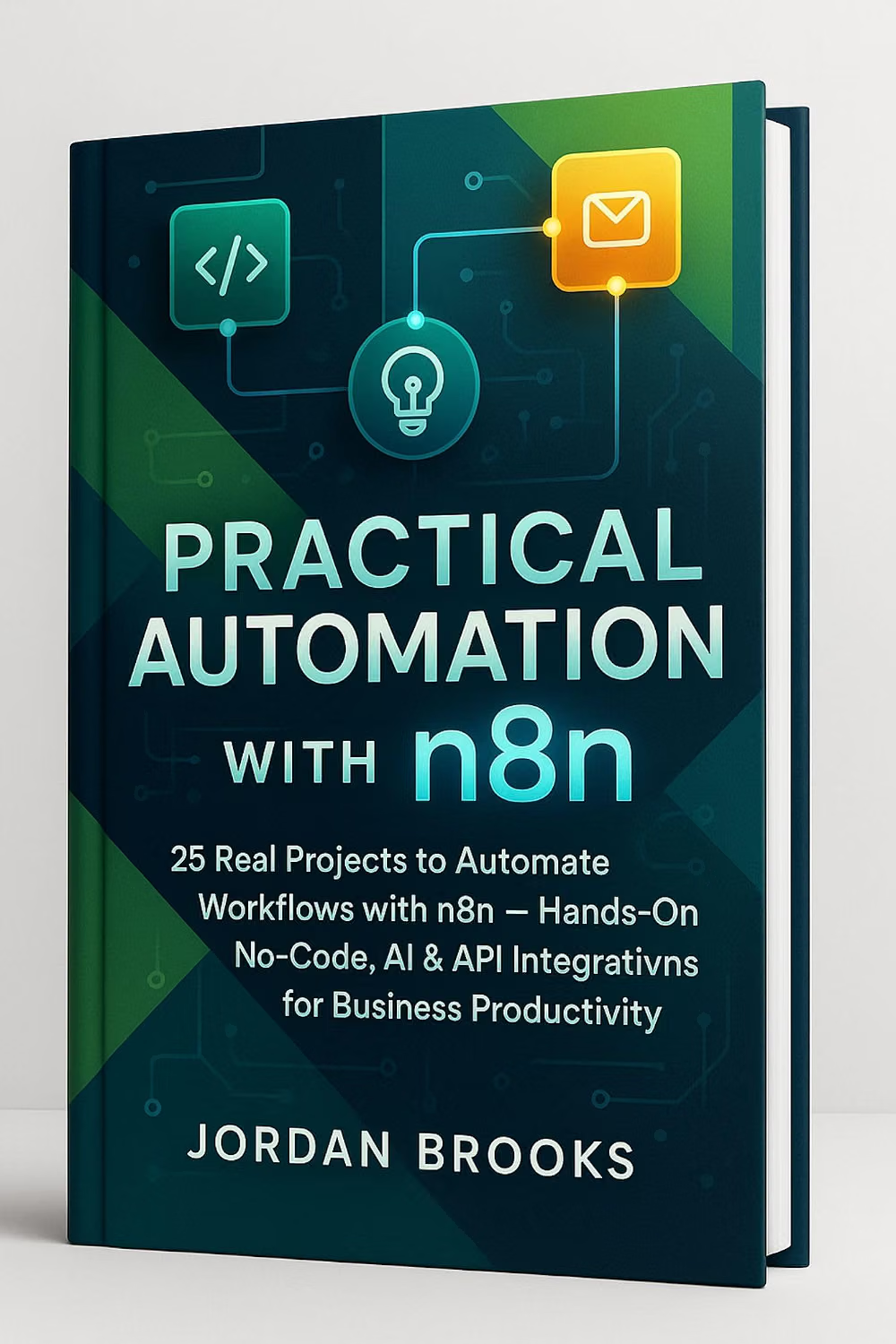
Ready to go past ChatGPT's native tools?
Once a workflow outgrows native ChatGPT automation and needs to touch more than two or three apps, Practical Automation with n8n: Business Automation Made Simple is the clearest walkthrough I've found for building that layer yourself.
Check the Book →Privacy and Responsible Use
Any form of ChatGPT automation that's event-triggered means ChatGPT is reading something on a schedule — a Gmail inbox, a Slack channel, a GitHub repo. Before connecting one, check exactly what it can see: a monitoring task that reads "new messages from this sender" is a narrower grant than "read my whole inbox," and the narrower option is almost always the right default.
Keep a human checkpoint on anything customer-facing. Scheduled Tasks is good at noticing and summarizing, weaker at judgment calls. Automating the noticing is the win; automating the sending still deserves a second look before it goes out.
FAQ — ChatGPT Apps, Scheduled Tasks & Automation
Are ChatGPT plugins still available in 2026?
What replaced ChatGPT plugins?
Is ChatGPT Scheduled Tasks free?
Can I use a Custom GPT inside a Scheduled Task?
What's the real difference between ChatGPT Apps and Custom GPTs?
How often can a Scheduled Task run?
Do I still need Zapier if I use ChatGPT's native automation?
Which ChatGPT plan do I need for Apps and Scheduled Tasks?
Is my data safe when I connect Gmail or Slack to ChatGPT?
What happened to ChatGPT Pulse?
🚀 Beyond Native ChatGPT Automation
You've got native ChatGPT automation mapped out. Here's where I'd go next once a workflow outgrows what's built in: