

Quick answer: among the best AI meeting tools, MeetGeek is our top pick for team analytics and CRM sync, Otter.ai wins on simple real-time transcription, and Loom wins on async video updates that skip the live call entirely.
Otter quietly cut its Pro plan from 6,000 to 1,200 transcription minutes without lowering the price. That kind of shift is exactly why a "best AI meeting tools" list needs a refresh more than once a year. We rechecked pricing and features on Loom, MeetGeek, and Otter this month so you're not planning around numbers that changed six months ago.
Some links are affiliate links · You support us at no extra cost · Full disclosure
1. Why the Best AI Meeting Tools Matter More Than Ever
Ever left a call unsure who owns the follow-up? You're not alone. Meetings eat more of the workday than most teams realize, and the gap between talk time and real output keeps growing.
According to a Microsoft Work Trend Index report, professionals spend 57% of their time in meetings — yet only a fraction leads to action. Best AI meeting tools close that gap.
Quick fact: MeetGeek's free plan now caps out at 3–5 hours of transcription monthly — tighter than many earlier tools offered.
That shift alone pushes solo users toward a paid tier faster than expected.
Loom, MeetGeek, and Otter each attack this differently — recording, transcribing, and summarizing so nobody re-types a decision that was already made out loud. That's the common thread running through the best AI meeting tools worth using in 2026. For a broader roundup, see our meeting productivity tools guide.
2. The Problem with Traditional Online Meetings
Even the best AI meeting tools can't fix a broken meeting culture by themselves. People talk over each other, tasks disappear into chat threads, and decisions get forgotten within days.
Human attention can't keep pace with digital communication. That's why meeting transcription software has become less of a nice-to-have and more of a baseline expectation for remote teams.
If you've ended a call unsure of your next step, you're not alone. Otter and MeetGeek convert spoken dialogue into searchable summaries and task lists automatically.
Quick Tip: How the Best AI Meeting Tools Help You Close the Loop
- Review your AI-generated summary within 5 minutes of the call ending
- Assign one clear owner per action item — not "the team"
- Cross-check the transcript once a week for missed follow-ups
For a workflow-specific breakdown, our Castmagic AI review covers a fourth option worth weighing alongside the best AI meeting tools in this comparison.
3. Loom, MeetGeek, and Otter – What Each AI Tool Does Best
Finding the right assistant isn't about chasing features — it's about matching the tool to how your team actually meets.
Among the best AI meeting tools available today, Loom, MeetGeek, and Otter each earn their place in a different way. Here's what each of the best AI meeting tools looks like inside the actual dashboard:
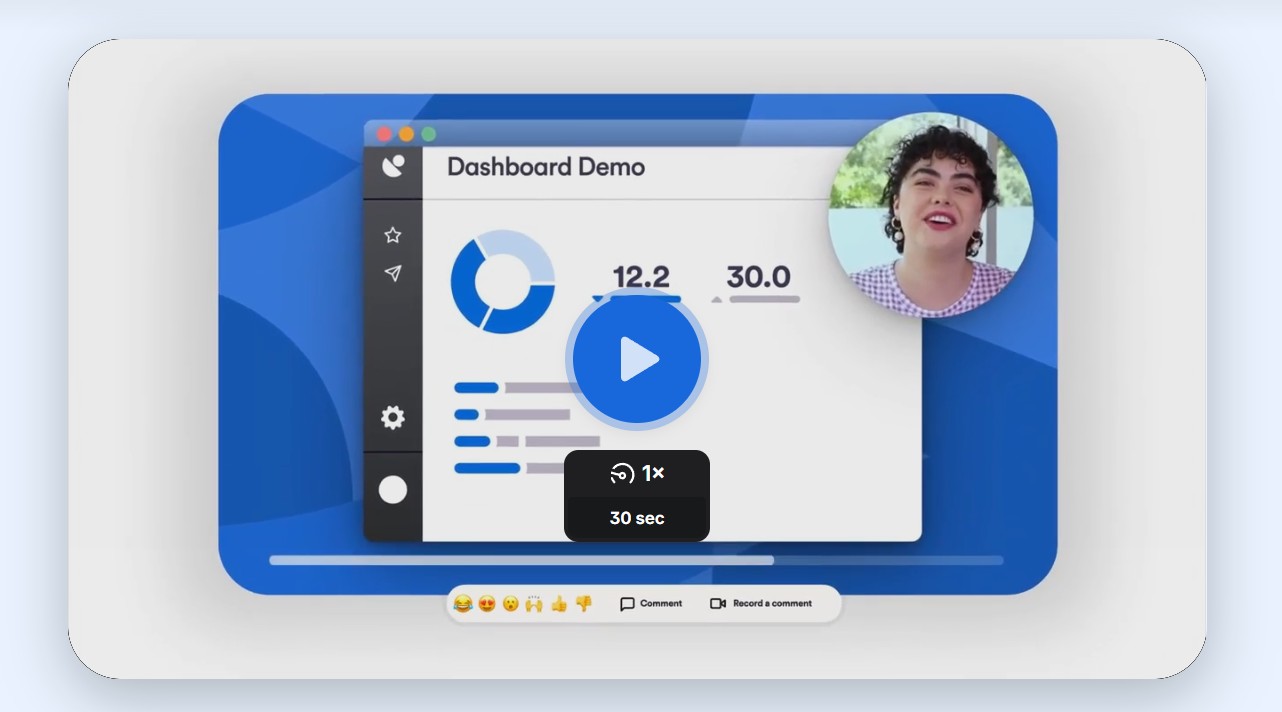
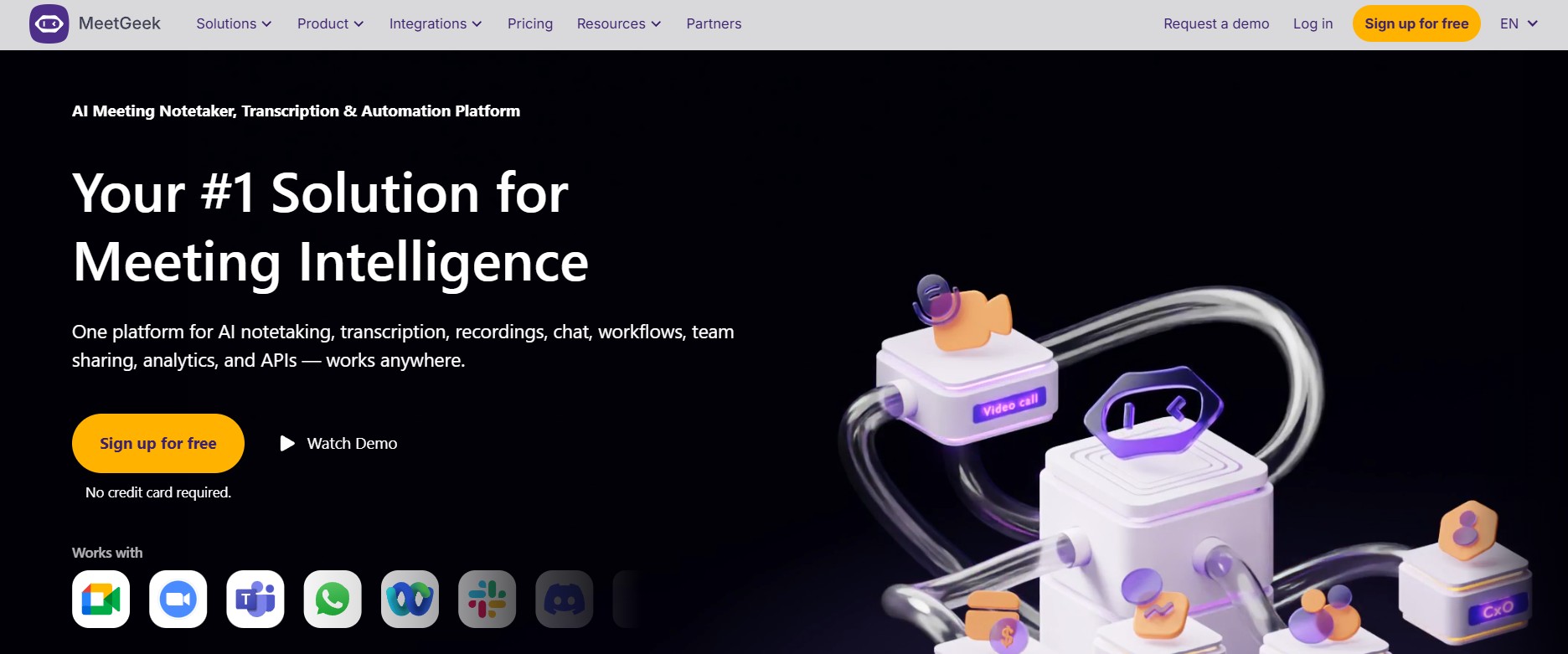
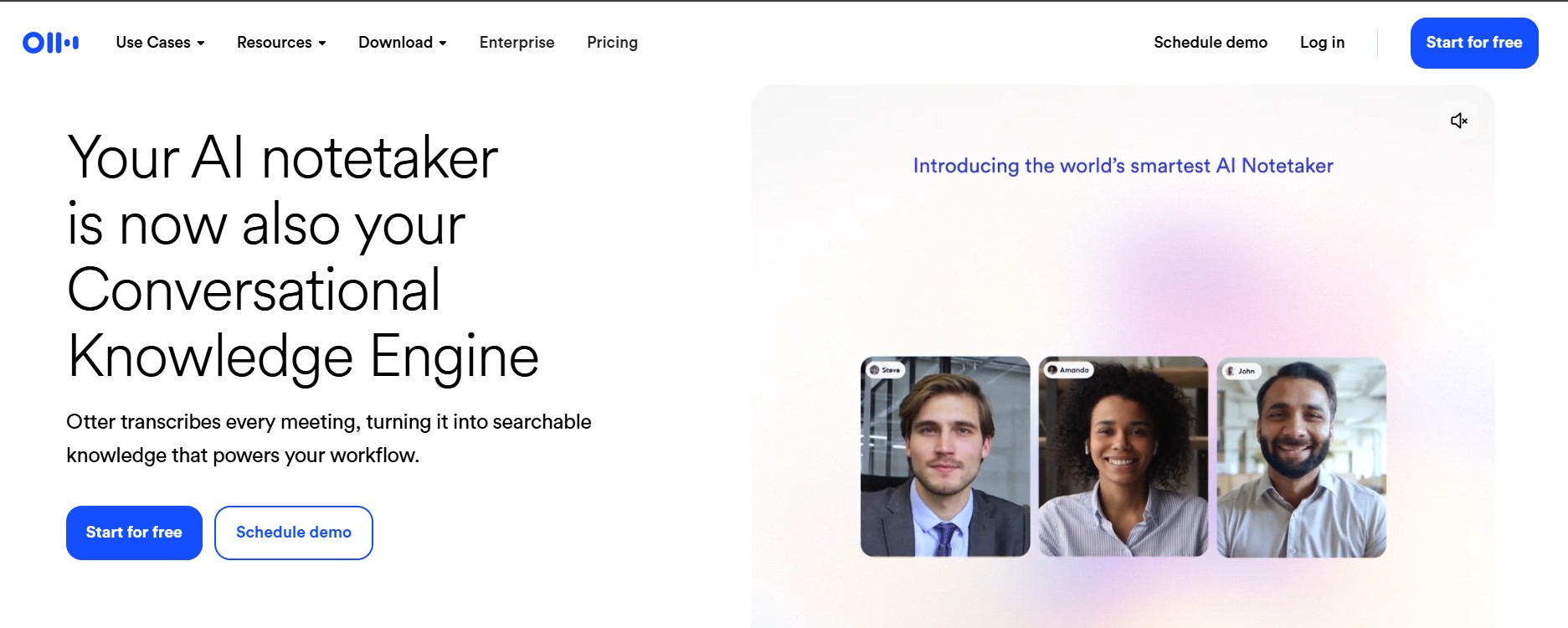
Here's how the three best AI meeting tools stack up feature-by-feature:
| Best AI Meeting Tools | Ideal Use Case | Key Features | Try It |
|---|---|---|---|
| Loom | Async video updates instead of live status calls. | Screen + camera recording, instant sharing. AI summaries and filler-word removal sit behind the Business + AI tier — not the base plan. | Visit Loom → |
| MeetGeek | Teams running multiple live meetings weekly. | Auto-join and record, 100+ language summaries, CRM sync, meeting-type auto-detection on Pro. | Try MeetGeek → |
| Otter.ai | Freelancers and students needing fast transcripts. | Real-time transcription, AI chat over notes, searchable archives. Free tier capped at 300 minutes/month. | Start Otter Free → |
Worth knowing: among the best AI meeting tools, Loom isn't a direct swap for MeetGeek or Otter — it replaces the meeting itself with a recording, while the other two sit inside a live call.
For a narrower meeting-notes comparison, see our Otter vs Fathom vs Fireflies breakdown.
4. How to Use the Best AI Meeting Tools for Smarter Collaboration
Using the best AI meeting tools isn't about recording every word — it's about turning discussions into results. Once Loom, MeetGeek, or Otter join the workflow, missed details and slow follow-ups drop fast.
Before the meeting — set your purpose
For Loom, decide what you'll record asynchronously. For live calls, connect your calendar so MeetGeek or Otter auto-joins and records — this alone saves roughly 10 minutes of setup per session.
During the meeting — let the AI take notes
MeetGeek tags speakers and key phrases automatically, while Otter generates live captions for every participant. You stay present instead of multitasking between talking and typing.
After the meeting — act within the hour
Loom can generate short highlight reels, while MeetGeek and Otter export shareable notes to Notion or Slack. Acting within the first hour keeps accountability high.
Here's the exact workflow we use to get the most from the best AI meeting tools in this comparison:
| Step | Recommended Tool | Action | Time Saved |
|---|---|---|---|
| Pre-Meeting | MeetGeek or Otter | Enable calendar or Zoom integration so the AI auto-joins and records. | ≈ 10 min/meeting |
| During Meeting | Otter | Use live captions and real-time transcription to stay fully engaged. | ≈ 15 min/meeting |
| Post-Meeting | Loom or MeetGeek | Share automatic summaries or short highlight videos for fast follow-ups. | ≈ 20 min/meeting |
If you're specifically stuck on setup, our Fathom AI setup guide walks through calendar integration step by step — useful even if you land on MeetGeek or Otter instead.
5. Real 2026 Pricing: Which of the Best AI Meeting Tools Fits Your Workflow
Among the best AI meeting tools compared here, pricing is where the real gaps show up — not on the feature list.
MeetGeek and Otter list clear per-tier pricing on their own sites; Loom's true AI cost only shows once you look past the base plan.
| Best AI Meeting Tools | Free Plan | Paid Plans | Best For |
|---|---|---|---|
| Loom | 25 videos, 5-min cap |
Business$15–18/user
+ AI$20–24/user
|
Async status updates, no live call needed |
| MeetGeek Best Value | 3–5 hrs/month transcription |
Pro$9.99/user
Business$17/user
|
Team analytics, CRM sync, multilingual |
| Otter.ai | 300 min/month, 30-min cap |
Pro$8.33/user
Business$19.99/user
|
Fast real-time transcripts, simple setup |
Prices reflect each provider's own pricing page as of July 2026 and can change without notice — confirm current rates before subscribing.
Quick workflow match
- Replacing internal update meetings → Loom cuts meeting time fastest
- Running structured, multi-person meetings → MeetGeek gives the richest insights
- Want effortless note-taking → Otter is the simplest way to start
Whichever you pick, test the free tier for a week — among the best AI meeting tools, the fit matters more than the price tag.
6. Ethical AI Reflection: Privacy and Data Use
Every one of the best AI meeting tools handles sensitive information — recordings, transcripts, and sometimes video. Understanding how each stores and secures that content matters before you adopt it at work.
MeetGeek publishes enterprise-grade encryption and compliance controls. Otter lets users restrict access or delete recordings locally. Loom offers private video links with adjustable sharing permissions.
None of that replaces judgment. Disable auto-upload for confidential calls and periodically clear outdated transcripts — the tool can't decide what's sensitive for you.
Before You Connect Any of the Best AI Meeting Tools to a Client Call:
- Check whether recordings sync to a third-party CRM by default
- Confirm how long transcripts are retained after you cancel
- Read our full guide on how to stop AI from collecting your data
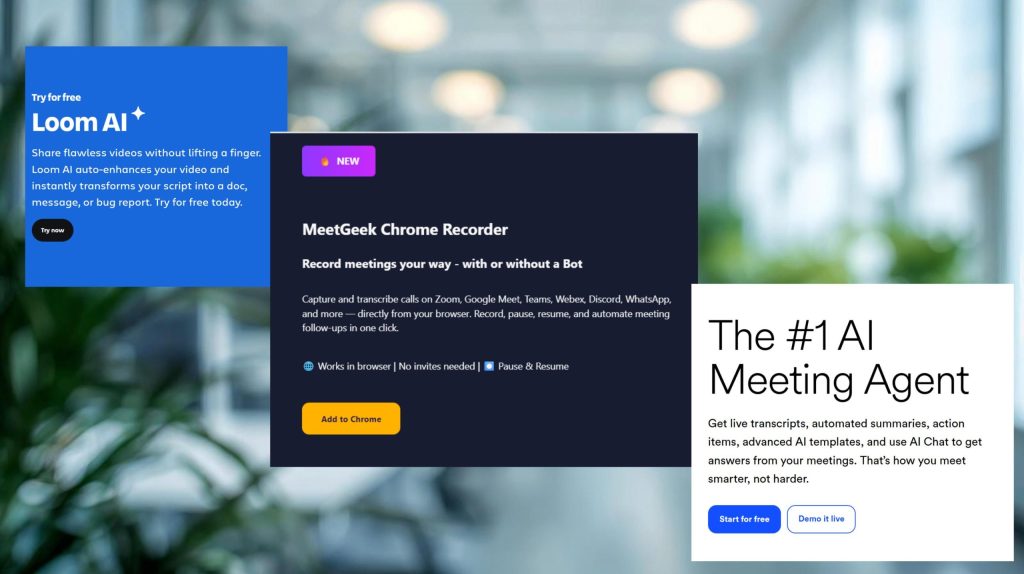
7. Final Insights: Our Top Pick Among the Best AI Meeting Tools
After comparing pricing, features, and real workflow fit across the best AI meeting tools, one thing is clear — no single platform wins in every situation. The right choice depends on how you meet, not how advanced the AI looks on paper.
If your workflow revolves around quick async updates, Loom keeps communication fast. If you manage a team and want deep analytics, MeetGeek delivers the most value per dollar. If you want reliable live transcription without extra setup, Otter.ai remains the simplest starting point.
| Best AI Meeting Tools | Best For | Our Verdict |
|---|---|---|
| Loom | Teams replacing live status calls with async video updates. | Cuts routine sync meetings well, but AI features add $5–9/user to the real cost. |
| MeetGeek Top Pick 2026 | Teams running frequent meetings needing analytics and CRM sync. | Best balance of price and depth among the best AI meeting tools we compared, multilingual, scalable, and strong free-to-paid value. |
| Otter.ai | Freelancers and small teams needing dependable transcripts. | Solid and simple, but the free tier's 300-minute cap is tight for daily use. |
Every minute saved in a meeting is a minute reinvested elsewhere. Start with a free plan — you'll feel the difference within a week.
8. FAQ: Common Questions About the Best AI Meeting Tools in 2026
Is Otter.ai still free to use in 2026?
+Yes, among the best AI meeting tools, Otter's free Basic plan includes 300 transcription minutes monthly, capped at 30 minutes per call.
Paid plans start at $8.33/user monthly on annual billing (or $16.99 billed monthly) for the Pro tier's 1,200 minutes.
Does Loom have an AI meeting assistant feature?
+Loom's AI summaries, auto-titles, and filler-word removal sit behind the Business + AI plan, priced around $20–$24 per user monthly.
The base Business plan at $15–$18 doesn't include those AI features at all.
Does MeetGeek record meetings automatically?
+MeetGeek integrates with Google Calendar and Zoom to auto-join, record, and summarize your calls.
The free plan covers 3–5 hours monthly; Pro at $9.99/user removes most of that cap.
Which is cheaper, MeetGeek or Otter.ai?
+MeetGeek's entry paid tier runs about $9.99/user monthly, slightly below Otter's $8.33 Pro plan.
Otter's free tier caps out faster at 300 minutes versus MeetGeek's 3–5 hours, so real cost depends on your call volume.
Are AI meeting assistants safe for confidential discussions?
+Most tools use encryption and secure servers, but privacy still depends on your settings. Review retention policies and disable auto-recording for sensitive calls.
See our guide on stopping AI from collecting your data for a full walkthrough.
Can I use Loom instead of a live meeting entirely?
+Yes — that's Loom's core use case. Teams record a short async update instead of scheduling a live call.
It works well for status updates but doesn't replace discussions that need real-time back-and-forth.
What happened to Otter's Pro plan minute limit?
+Otter cut the Pro plan's monthly allowance from 6,000 minutes to 1,200 without lowering the price.
Heavy users relying on the old allowance may find the current cap tight for daily back-to-back calls.
Which AI meeting tool is best for teams?
+For team analytics, CRM integration, and multilingual transcription, MeetGeek remains the strongest all-around option among the best AI meeting tools in 2026.
For a narrower comparison, see our Otter vs Fathom vs Fireflies breakdown.

🎙️ Keep Comparing Your Meeting Stack
You've now seen the best AI meeting tools compared side by side. Here's where to go deeper on the tools that fit your exact workflow: