

 Published on: December 22, 2025
Disclosure:
This post contains affiliate links. If you click through and make a purchase, we may earn a small commission at no additional cost to you. Thank you for supporting AIDigitalSpace — we only recommend tools and services we genuinely trust and believe bring real value to our readers.
1. Why Superhuman vs Copilot vs Gemini Matters in 2025 for Daily Work
Superhuman vs Copilot vs Gemini is becoming a real decision point for anyone who works with emails, documents, or project tasks every day. We see these tools everywhere now—inside our inboxes, browsers, and even mobile apps—and the choices can feel overwhelming.
Most of us just want something simple: write faster emails, summarize long documents, or turn messy notes into clean action items. That’s why Superhuman vs Copilot vs Gemini matters today. Each one promises to boost productivity, but they do it in different ways, and choosing the wrong one can mean paying for features we’ll never use.
I personally think the rise of AI assistants is a good thing, as long as we stay practical. We don’t need to chase hype—we need tools that actually improve our day-to-day routines.
Experts also highlight this shift toward AI-first productivity ecosystems, as seen in this detailed report from MIT Technology Review (source: MIT Tech). It confirms that assistants like these are shaping modern workflows and changing how we manage information.
So in this post, we’ll look at Superhuman vs Copilot vs Gemini with one simple goal: help you pick the one that fits how you work, not how the marketing sounds.
Recommended Read
If you’re exploring Superhuman vs Copilot vs Gemini and want to build stronger focus and deep productivity habits that make AI assistants actually work for you, “Make Time” by Jake Knapp & John Zeratsky is a must-read. It offers simple, practical strategies to structure your workday so tools like Superhuman, Copilot, and Gemini feel like upgrades — not distractions.
2. The biggest productivity pain points these AI assistants aim to fix
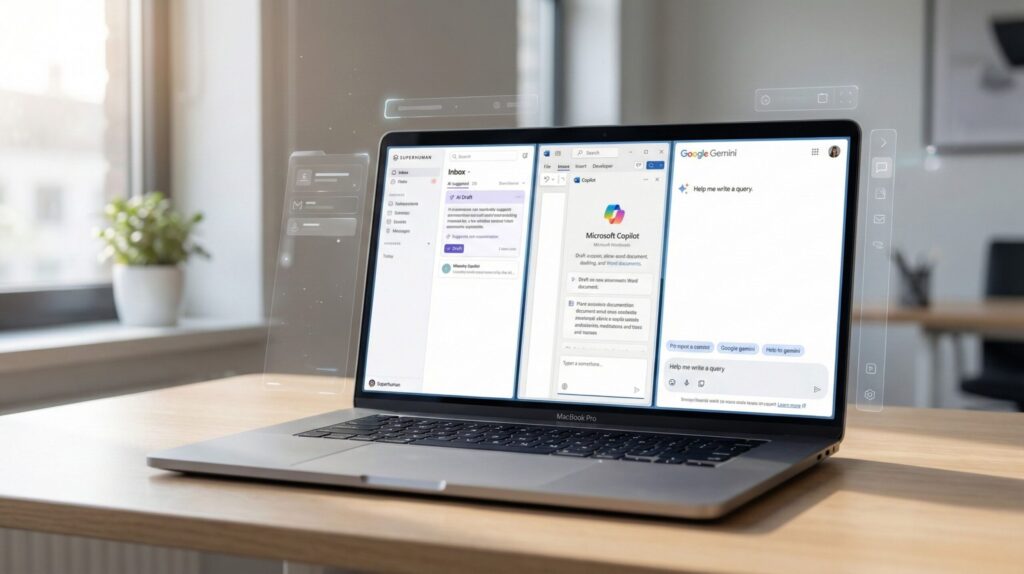
Most of us don’t start by asking about Superhuman vs Copilot vs Gemini.
We start from something simpler: “Why is my workday so messy?”
Here are the main pain points these tools try to solve:
Email overload – inboxes with 100+ unread messages, threads that never end, and important emails buried under newsletters.
Blank-page anxiety – writing reports, replies, or summaries from scratch when you’re already tired.
Context switching – jumping between tabs, chats, docs, and apps just to finish one simple task.
Meeting fatigue – calls that generate action items but no clear summary or follow-up.
Information hunting – wasting time searching for that one document, note, or message.
Studies on knowledge workers (like the ongoing research in the Microsoft Work Trend Index) show how much time we lose just managing information instead of doing focused work. I see the same pattern in our daily routines.
This is why Superhuman vs Copilot vs Gemini is more than a “which tool is cooler” debate.
Choosing the right assistant can turn those repeated frustrations into quick wins: faster replies, automatic summaries, and fewer mental tabs open.
Personally, I think the best way to look at Superhuman vs Copilot vs Gemini is simple: which one removes the most friction from your real workday, not someone else’s.
3. What Superhuman, Copilot, and Gemini actually do and how they differ
When we compare Superhuman vs Copilot vs Gemini, it’s easy to assume they all do the same thing.
But their core purpose is different, and understanding that helps us choose the right one with confidence.
Superhuman focuses on email and communication speed. It turns long threads into quick summaries, suggests replies, and helps triage inboxes without feeling overwhelmed. If most of your workday lives in Gmail or Outlook, this assistant keeps you moving without distractions.
Copilot works best inside Microsoft 365. It helps analyze spreadsheets, turn notes into documents, summarize meetings, and generate draft content directly in tools many companies already use. For structured, office-style workflows, it’s a natural fit.
Gemini integrates deeply with Google’s ecosystem. It supports docs, search, browsing, and planning. If you rely on Google Workspace, mobile prompts, or research tasks, Gemini feels smoother and more versatile.
Here’s a quick comparison to make the differences clear:
| Feature | Superhuman | Copilot | Gemini |
|---|---|---|---|
| Main Focus | Email speed & smart triage | Docs, spreadsheets & meetings | Search, docs & research |
| Best Ecosystem | Gmail & Outlook | Microsoft 365 | Google Workspace |
| Ideal User | Inbox-heavy professionals | Teams & office workflows | Researchers & Google users |
| Strength | Fast replies & summaries | Spreadsheet & doc automation | Web knowledge & contextual help |
| Learning Curve | Low | Medium | Low |
| Try it | Try Superhuman | Try Copilot | Try Gemini |
My take? The real value of Superhuman vs Copilot vs Gemini appears when we match tools to habits. If email drains your time, Superhuman helps. If you build docs and spreadsheets all day, Copilot wins. If you live on Google apps and research, Gemini feels more intuitive.
Understanding these differences is the first step toward picking the AI assistant that actually fits how we work—not just the one that sounds most impressive.
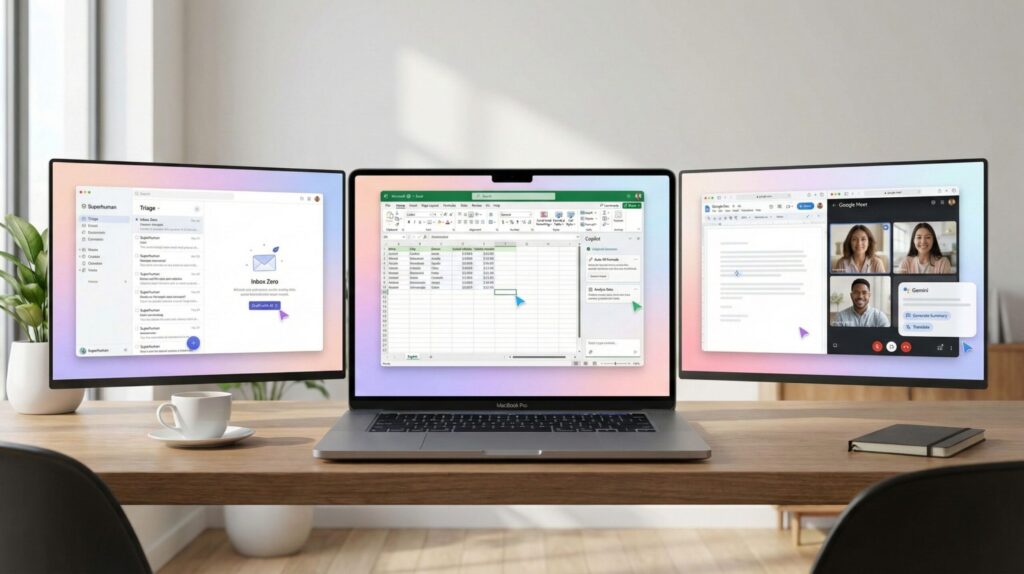
4. Real-world workflows: email, docs, and task automation
Choosing between Superhuman vs Copilot vs Gemini only makes sense when we look at how they work in simple, everyday situations. Most of us don’t need complex automation—we just want to save time on tasks we repeat every day.
Here’s how these assistants help in real workflows:
Email replies and triage → Superhuman suggests short replies, highlights urgent messages, and clears inbox clutter fast.
Document drafting and summarizing → Copilot can turn meeting notes into a clean document or summarize a long report without starting from zero.
Research and planning → Gemini helps find supporting info, outline ideas, and verify facts while staying inside Google apps.
A recent analysis on the Harvard Business Review (see HBR) explains how AI assistants reduce context switching, which is a major time drain in modern knowledge work.
The goal of Superhuman vs Copilot vs Gemini isn’t to replace our skills—it’s to support small but meaningful improvements that add up every day.
5. Strengths, weaknesses, and practical tips when choosing an assistant
When comparing Superhuman vs Copilot vs Gemini, it’s easy to focus on features.
But the real value appears when we understand what each tool does well, where it struggles, and how to avoid common mistakes.
Strengths
Superhuman is excellent for inbox-heavy workflows. It speeds up replies, highlights important emails, and reduces clutter.
Copilot performs well with spreadsheets, documents, and meeting notes—ideal for structured office environments.
Gemini feels strong for research, planning, and Google Workspace tasks, especially when you need fast context or search help.
Weaknesses
Superhuman is mostly focused on email, so it may not help much if your work doesn’t involve heavy communication.
Copilot becomes less useful outside Microsoft 365, so if you work mainly in Google Workspace, you may feel limited.
Gemini works best inside Google’s ecosystem—outside tools might not integrate smoothly.
Practical Tips
Match the assistant to your main daily tools.
Don’t pay for extra features you won’t use.
Start with small tasks, like email summaries or meeting notes.
Test using free trials when available to avoid commitment regret.
Our advice?
Don’t look at Superhuman vs Copilot vs Gemini as a quest for the “best” overall tool. Look at which one saves you the most time in your own routine. A small improvement repeated daily often matters more than a long list of features you never use.
6. Ethical AI reflection on privacy, bias, and everyday transparency

When comparing Superhuman vs Copilot vs Gemini, it’s important to remember that productivity isn’t the only factor. These assistants process emails, documents, and personal data, which means we should stay aware of how information is handled.
The main ethical points are simple:
Privacy → Emails, files, and meeting content may be analyzed to generate drafts or summaries. We should check what is stored and what isn’t.
Bias → AI systems may reflect patterns in the data they were trained on, which can affect suggestions or summaries.
Transparency → It should be clear when content is generated by AI and how much we rely on suggestions during work.
For most people, the safest approach is to avoid putting sensitive information inside any assistant without understanding its policies. A helpful resource on responsible use is available via the OECD AI Principles (source: OECD AI), which explains how trustworthy AI should manage data and decision-making.
Our view is straightforward: Superhuman vs Copilot vs Gemini can genuinely support our workflow, but we should stay mindful of how our data is moved or stored. Productivity should not come at the cost of privacy or control, and taking a moment to review settings is often enough to work confidently and responsibly.
7. Which AI work assistant fits you best and how to get started today
Choosing between Superhuman vs Copilot vs Gemini becomes much easier when we focus on our daily habits instead of features. If most of your time is spent managing communication, Superhuman fits naturally. If you build documents, spreadsheets, or meeting notes every day, Copilot feels more aligned. If you work in Google Workspace and do a lot of research or planning, Gemini is usually the smoothest option.
A simple way to decide is to ask yourself where you lose the most time right now. Inbox overload points toward Superhuman. Document workflows lean toward Copilot. Research and Google tools align with Gemini. By matching the assistant to the biggest friction points, we avoid paying for functions we won’t use.
Our suggestion is to start with small tasks—like summarizing emails or drafting meeting notes—before exploring more advanced features. This keeps the learning curve manageable and shows whether Superhuman vs Copilot vs Gemini actually makes your workflow lighter.
you don’t need to master everything at once. Pick one assistant, test it for the tasks that drain your energy, and only upgrade if it truly supports you. The goal of Superhuman vs Copilot vs Gemini isn’t perfection—it’s progress that makes work feel lighter day after day.
8. FAQ About Superhuman vs Copilot vs Gemini
Q: Which assistant is best for everyday office tasks?
A: Copilot is usually the best fit if your workflow is built around Microsoft 365 and you spend time in documents, spreadsheets, or meeting notes. For many office environments, it feels the most natural.
Q: Is Superhuman worth it if I only want faster email replies?
A: Yes. Superhuman focuses specifically on email speed and triage, so if your main frustration is inbox overload, it’s often the most efficient option in the Superhuman vs Copilot vs Gemini decision.
Q: Does Gemini work outside Google Workspace?
A: Gemini can assist with web research and planning beyond Google apps, but it feels most intuitive when you stay inside Workspace tools like Docs, Sheets, and Gmail.
Q: Can I try these assistants without switching systems?
A: In most cases, yes. You can start with a free trial or basic plan and test small tasks before committing to a full subscription or making big workflow changes.
Q: Which one should I pick if I use both Google and Microsoft tools?
A: If you split your time, Gemini may feel smoother for search and quick prompts, while Copilot might support structured documents. In this Superhuman vs Copilot vs Gemini mix, the best option depends on where you spend more time daily.
If you want to explore more and build a stronger workflow around AI assistants, these guides connect perfectly with what we’ve discussed:
→ Taskade AI – Your Second Brain for Team Productivity
→ Notion AI vs Coda AI – Best Workflow Copilot for Teams (2025 Review)
→ The Truth About Free AI Tools: Are You Paying With Your Data?