 Published on: July 14, 2025
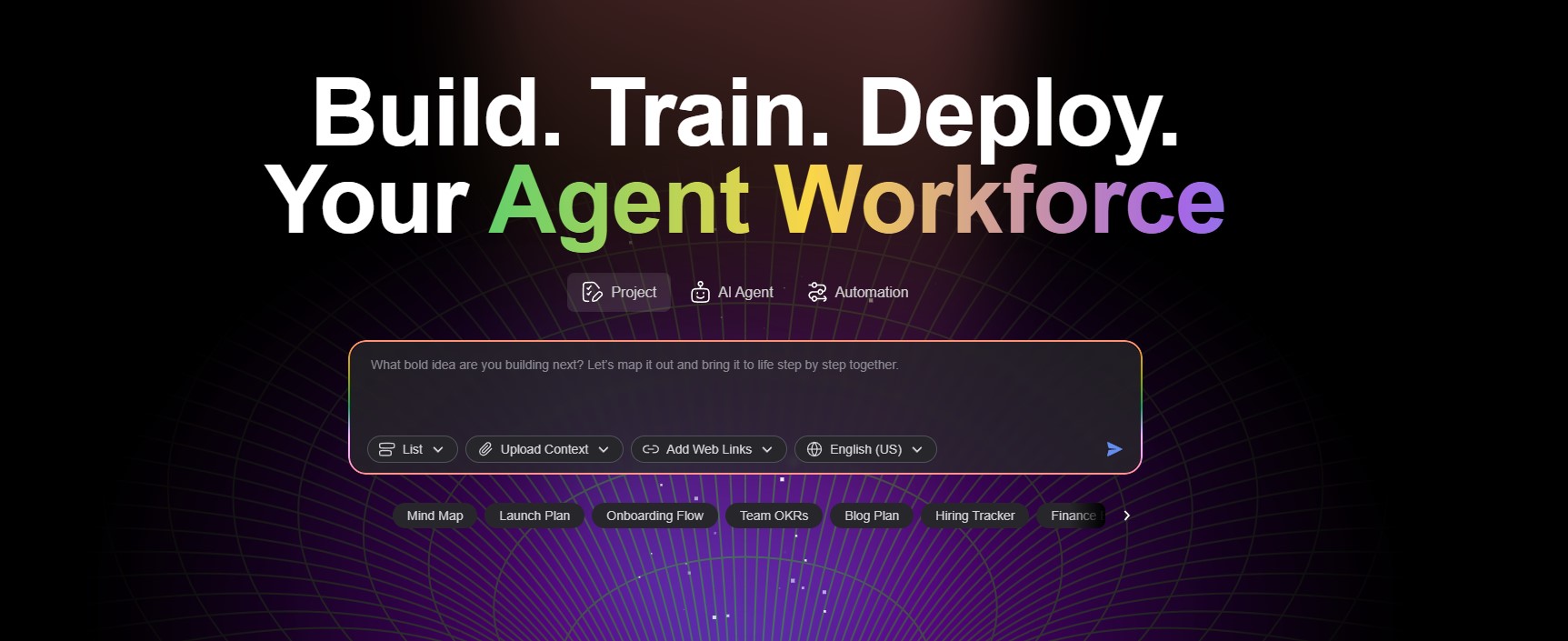
What makes it more than just another task manager? It’s the way everything works together — powered by artificial intelligence, but designed for humans.
Here are the features that make Taskade AI one of the smartest productivity tools of 2025:
 AI-Powered Workspace
Taskade AI doesn’t just store your notes — it helps you generate them.
You can use AI to: Write outlines, brainstorm ideas, and build project plans Summarize long discussions into actionable points Turn a simple bullet list into a full report, instantly
It’s like having ChatGPT built right into your project flow — only more organized.
Task Lists, Mind Maps, and Kanban in One
Switch between list view, mind map, org chart, or Kanban board without losing your structure.
Everything syncs instantly, so your team can work however they want — visually or in checklist mode.
This is what sets Taskade AI apart from rigid platforms like Trello or ClickUp.
Real-Time Collaboration
Multiple users can write, edit, chat, and plan together — all in the same workspace.
It’s ideal for remote teams, hybrid setups, or students working across different time zones.
 Taskade even supports built-in video calls, so you can meet while editing the same doc.
Cross-Platform Access
Use Taskade on your browser, desktop, or mobile. Everything updates in real time, and your AI workspace goes with you — no matter where or how you work.
Automation Without the Complexity
Set up recurring tasks, pre-built workflows, and quick-start templates with ease.
Taskade suggests the next steps for your team, so you don’t waste time deciding what to do next.
It removes friction and adds clarity — something many project tools still lack.
Let’s clear something up first: we’re not developers ourselves. We didn’t train our own models or contribute code to GitHub. But we did spend hours researching what’s happening behind the scenes — and what makes open source AI such a big deal today.
At its core, open source AI is about transparency and accessibility. Unlike closed tools like ChatGPT or Gemini, open-source models such as Mistral, LLaMA, Stable Diffusion, and Phi-3 are built in the open. Anyone can study the code, reuse the architecture, or fine-tune the models to fit new needs. This is a big shift — not just for engineers, but for all of us who rely on AI tools every day.
One of the most discussed developments lately is Meta’s open-source strategy with LLaMA, which is powering a wave of innovation in fields from education to accessibility. On the other hand, many experts are asking: is this openness always a good thing?
In this guide, we’ll break it all down in a way that’s easy to understand. Whether you’re an AI-curious entrepreneur, a tech-savvy student, or just someone wondering why everyone is ditching black-box tools — you’re in the right place.
We’ll cover:
What “open source AI” actually means
Why developers, companies, and even governments care
The risks and ethical dilemmas you need to know
The top models you should be aware of today
How this could affect the tools we all use in the future
Let’s get into it.
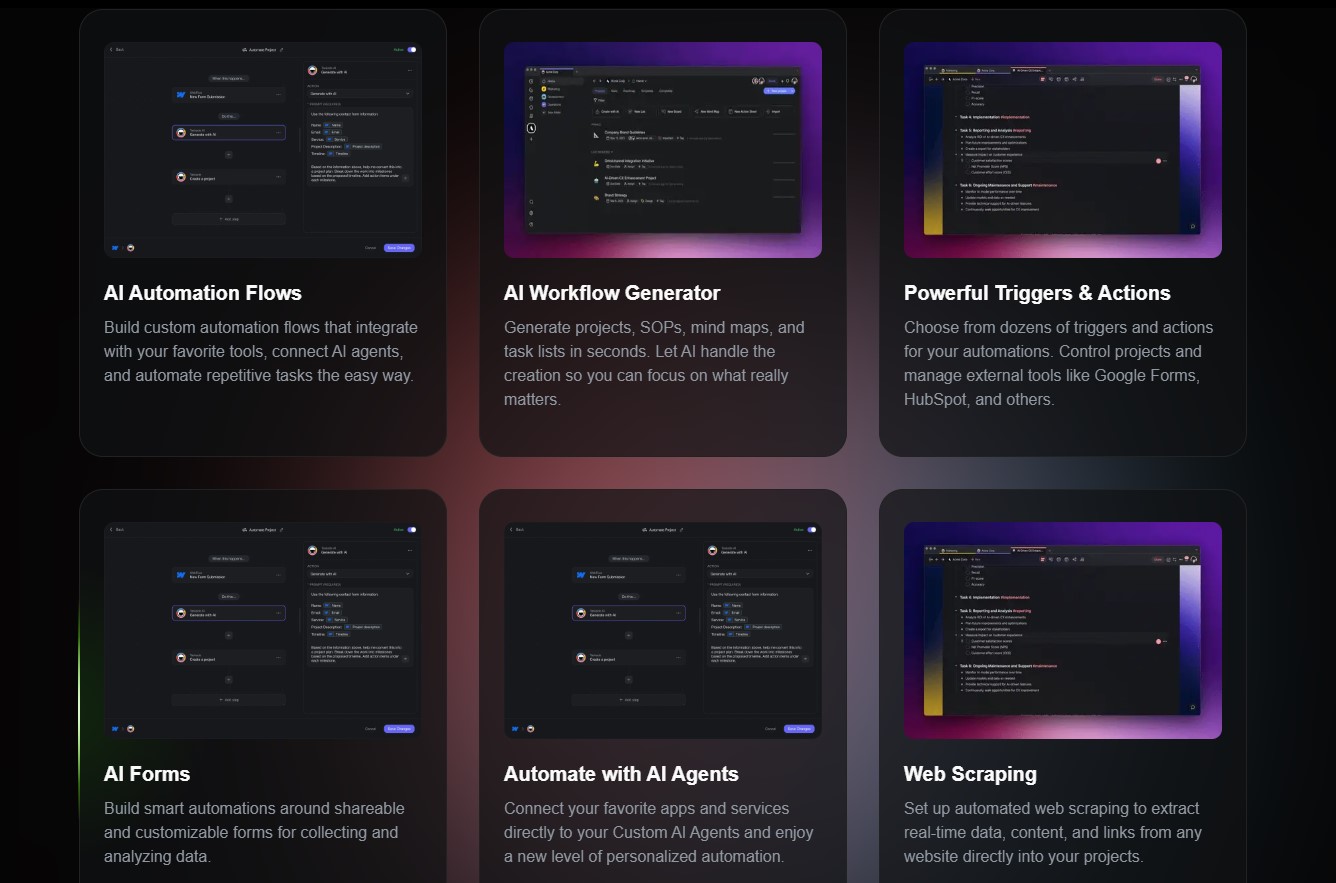
It isn’t just about features — it’s about how teams actually work better together. From startups to remote agencies, it offers flexible setups that match the way people organize tasks and communicate today.
Here’s how teams are using it in practice:
Daily Standups Made Easy
Instead of running your morning meeting in one app and tracking tasks in another, teams use Taskade to combine everything in one view. Create a daily standup template Collaborate in real time Let the AI summarize yesterday’s updates
It saves time, avoids repetition, and makes async work easier.
Remote Teams Stay Synchronized
Working across time zones? No problem.
With Taskade AI, teams: Drop updates in shared workspaces Use AI to convert voice notes into task lists Quickly assign new action points after a meeting
No more back-and-forth in Slack or lost notes in Google Docs.
Creative Agencies Run Projects Visually
Agencies love the ability to brainstorm as a mind map, then instantly switch to a Kanban board to assign work.
Each campaign gets its own workspace, and the AI helps: Draft creative briefs Suggest deadlines Track task dependencies across the team
Startups Manage Chaos Without Complexity
Growing teams use this tool to skip the mess of onboarding five different tools.
Everything — from idea notes to video calls — happens in the same place. The AI keeps things moving by recommending what to focus on next.

Taskade AI is flexible, but sometimes the real value only clicks when you see how others are actually using it. Whether you’re working solo, in a startup, or part of a larger organization, here’s how teams are putting it to use every day.
Remote Teams: Staying in Sync Without Slack Overload
Instead of juggling Slack, Trello, and Google Docs, remote teams consolidate everything into one Taskade workspace. Use a shared template for weekly planning Let AI summarize team updates or meetings Assign tasks directly during live video calls
For teams working across time zones, Taskade AI eliminates the noise and makes async work smoother.
Agencies: From Brainstorm to Delivery
Marketing and creative agencies use Taskade to structure campaigns from start to finish. Start with a mind map to organize ideas Switch to Kanban to track progress Use the AI to generate briefs, content drafts, or timelines
Because everything is editable in real time, feedback loops are faster and clearer.
Freelancers: Smarter Solo Productivity
Even solo professionals benefit. Create daily checklists and let the AI organize them Draft emails, client proposals, or reports Sync tasks between mobile and desktop with one login
It’s like having an assistant who helps plan and write at the same time.
Students & Study Groups: Collaborate Without Chaos
In education, Taskade AI simplifies group projects and note-taking. Set up a shared doc for lecture notes Use AI to summarize dense material Turn outlines into full reports with one click
For more tools like this, check our AI tools for students list.
One of the biggest questions with any productivity tool is simple: How much does it cost? Fortunately, it offers a generous free plan and a few clear upgrades for power users.
Here’s how the pricing breaks down in 2025:
Free Plan (Great for Individuals & Small Teams)
Taskade AI’s free version includes everything you need to get started: Unlimited projects and tasks Up to 3 users per workspace Basic AI assistant access (limited runs/month) Cross-platform sync on web, mobile, and desktop Mind maps, Kanban, chat, and limited templates
For students, freelancers, or small teams, it’s surprisingly powerful — and free forever.
Pro Plan (From $8/month per user)
The Pro version unlocks the full power of Taskade AI. Unlimited AI usage Advanced workflows & templates Project version history Priority support Admin tools and permission control
For teams managing multiple projects or scaling collaboration, the upgrade is usually worth it.
Business & Enterprise Plans
For larger organizations or agencies, Taskade offers scalable plans with SSO Advanced analytics Team management tools SLA guarantees
You can compare all options on Taskade’s official pricing page.
If you’re unsure, start free and upgrade only if your team outgrows it — a strategy we often recommend in our productivity tool comparisons.
After testing and exploring all the features, one thing is clear: Taskade AI isn’t trying to be everything for everyone — it’s built to simplify how modern teams work together.
If you’re someone who juggles multiple tools every day — one app for notes, another for tasks, and maybe a third for team chat — this tool could seriously improve your setup.
Use it if you’re…
A remote team looking for one unified workspace
A startup or freelancer wanting less chaos
An agency that collaborates on creative projects
A student or teacher managing shared notes and assignments
 Skip it if you…
Already have a complex setup you don’t want to change
Rarely work in teams or collaborate online
Prefer ultra-minimal tools with no AI features
There’s no perfect productivity tool, but Taskade AI comes close — especially if you’re ready to try something new that saves time, reduces switching, and gives you smart support along the way.
And remember: even if you don’t upgrade, the free version gives you enough to decide whether it fits your workflow or not.