
 Published on: January 11, 2026
Affiliate Disclaimer:
Some of the links in this post are affiliate links. This means we may earn a small commission if you click through and make a purchase, at no extra cost to you. We only recommend tools we truly believe offer value.
1. Why AI Inbox Overload Is Hurting Productivity in 2026
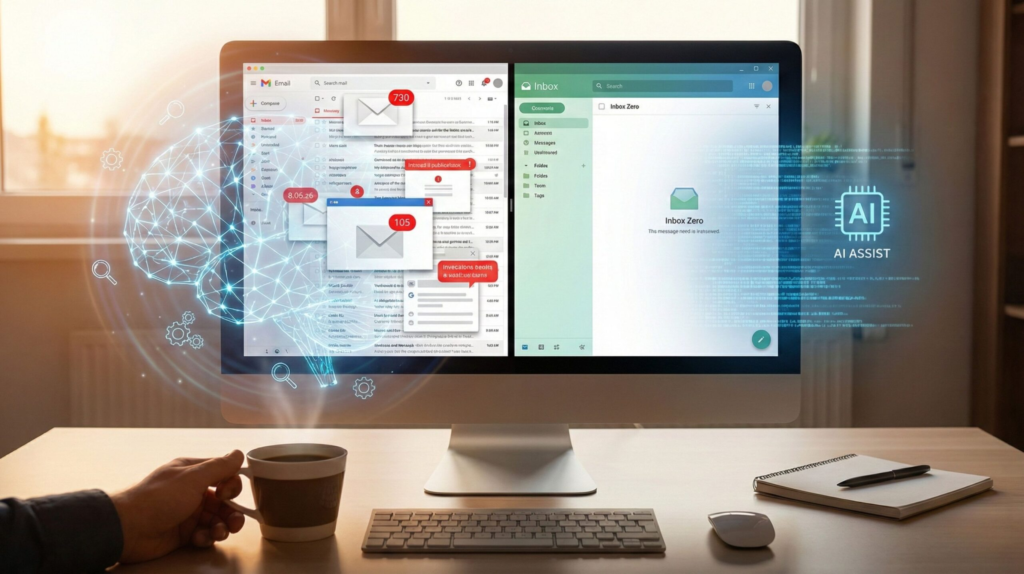
We’ve all had that moment. We open our inbox with the intention of replying to one email, and twenty minutes later we’re still there — scrolling, flagging, postponing, unsure where to start.
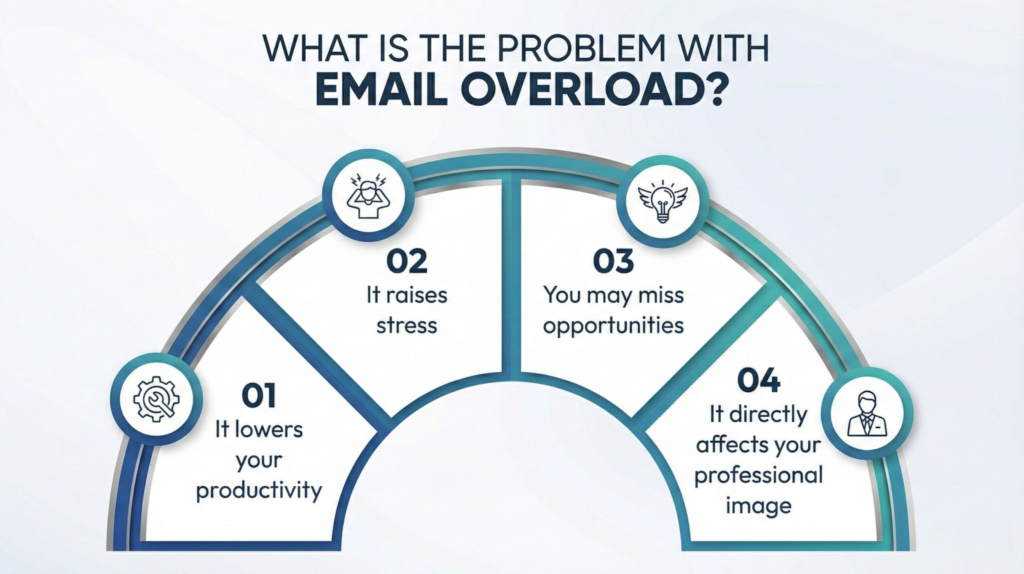
What’s frustrating is that nothing is technically “wrong.” The tools work. The emails arrive. But the feeling is always the same: too many messages, too little clarity. Important emails get buried. Low-priority ones steal attention. And even when we try to stay organized, the inbox refills faster than we can handle.
This is what AI inbox overload looks like in everyday work.
Not a dramatic failure — but a constant background pressure that quietly makes it harder to focus, decide, and move forward. It doesn’t always feel urgent, yet it affects how we work every single day.
Most of us already sense that old habits aren’t enough anymore. Filters help a bit. Folders help for a while. But as work becomes more asynchronous and communication spreads across time zones, AI inbox overload turns the inbox into a task manager, a reminder system, and a notification hub — all at once.
In this guide, we’ll look at why AI inbox overload has become one of the most common productivity problems today — and, more importantly, how modern AI tools can help us regain control without adding more complexity, rigid rules, or stress.

2. Why Traditional Email Systems No Longer Work
For years, we’ve been told that the solution to email stress is better discipline. Create folders. Set up rules. Aim for inbox zero. And for a while, these systems do feel like progress.
The problem is that the way we use email has quietly changed.
Our inbox is no longer just a place to receive messages. It’s where tasks arrive, decisions get delayed, files are shared, meetings are scheduled, and follow-ups are expected — often all at once. The volume isn’t just higher; it’s more fragmented and more time-sensitive.
This shift has been widely observed. Research shared by Harvard Business Review (article here) highlights how constant email interruptions increase cognitive load and reduce our ability to focus on meaningful work, even when we believe we’re being productive.
This is where AI inbox overload starts to show its real impact.
Traditional systems assume we have the time and mental space to manually sort, prioritize, and decide. In reality, most of us are doing this between meetings, notifications, and other work that already demands attention.
What usually happens is subtle — but consistent:
Important emails get “marked for later” — and quietly forgotten
Low-priority messages still interrupt focus, even when they don’t matter
We keep checking the inbox just in case something urgent arrived
Over time, AI inbox overload turns the inbox from a helpful tool into a constant source of cognitive load. Instead of supporting our work, it competes with it.
This doesn’t mean we’re using email “wrong.”
It means the tools we’re relying on were designed for a simpler communication rhythm — one that no longer matches how modern work actually happens.
Understanding why AI inbox overload breaks these systems down is the first step toward choosing tools that reduce friction instead of adding another layer to manage.
3. Quick Picks: The Best AI Tools to Fix Inbox Overload in 2026
Once we accept that inbox overload isn’t just about habits or discipline, the next step becomes practical: which tools actually reduce the pressure instead of adding another system to manage?
The most effective solutions don’t try to “replace email.” They work quietly in the background, helping us see what matters, act faster, and stop revisiting the inbox every few minutes.
Based on real-world use cases, these tools consistently stand out because they each solve a specific inbox problem — not everything at once.
Below is a quick overview to help you understand where each one fits.
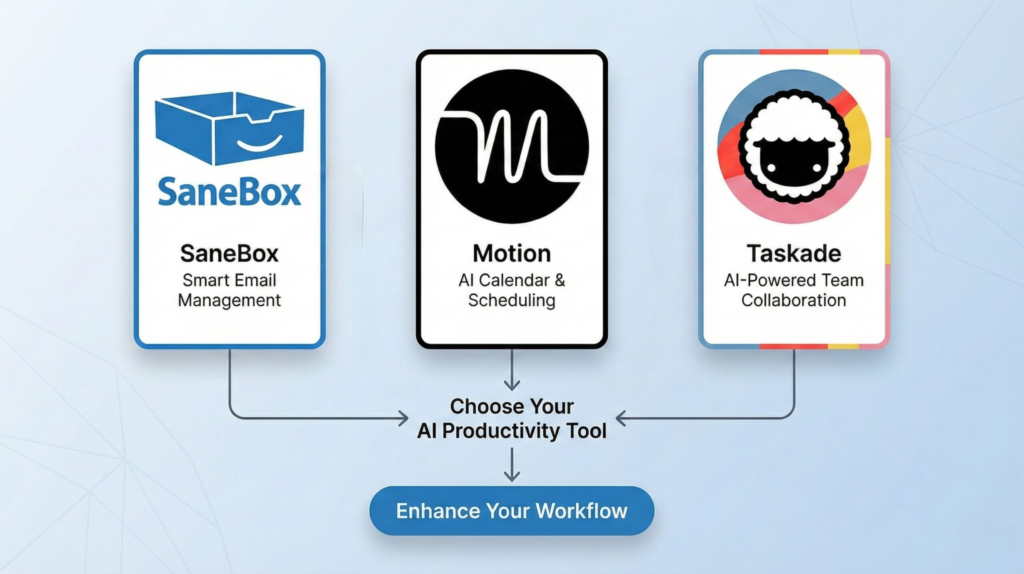
| Tool | Best for | What it actually fixes | Effort | Try it |
|---|---|---|---|---|
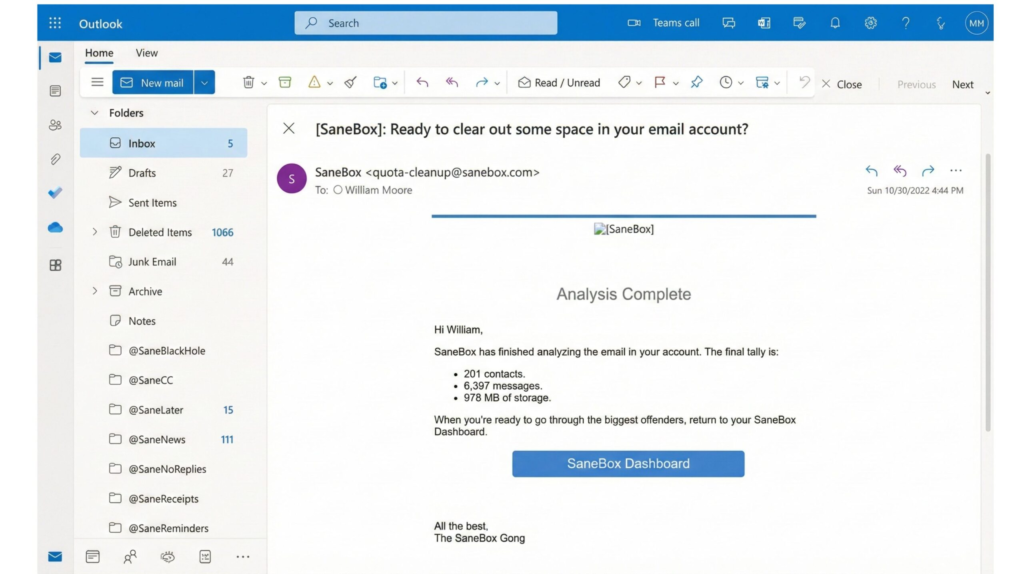
| SaneBox Inbox triage | Priority filtering | Automatically separates important emails from distractions, so urgent messages are easier to spot. | Low | Try SaneBox |
| Motion Schedule-first | Planning & scheduling | Turns emails that require action into scheduled tasks, reducing mental load and forgotten replies. | Medium | Check Motion |
| Taskade Follow-ups | Follow-ups & async work | Keeps ongoing conversations and follow-ups organized so they don’t disappear inside the inbox. | Low–Medium | Try Taskade |
What matters here isn’t choosing the most advanced tool — it’s choosing the one that removes the specific friction you feel every day.
The first noticeable change isn’t speed — it’s the feeling that the inbox finally stops demanding attention every few minutes.
In the next section, we’ll compare these tools more closely and look at how to choose the right one based on your workflow, not just features.
4. How to Choose the Right AI Inbox Tool for Your Workflow
Once we see the options side by side, the real question becomes more personal: which tool fits the way we actually work?
There isn’t a single “best” choice for everyone — and that’s exactly why AI inbox overload often feels so hard to solve.
The easiest way to decide is to start from where AI inbox overload hurts us most.
If our inbox feels overwhelming mainly because of noise, notifications, and low-priority emails constantly interrupting focus, tools that specialize in automatic prioritization tend to deliver the fastest relief. They reduce clutter without asking us to change habits or learn a new system.
If the problem is more about forgetting to reply or act, then AI inbox overload isn’t just about volume — it’s about unfinished work. In this case, tools that turn emails into scheduled tasks help move decisions out of the inbox and into a clear, visible plan.
And if we work with ongoing conversations, follow-ups, or shared responsibilities, the biggest risk becomes losing context. Here, AI inbox overload shows up as constant re-checking. Tools that keep discussions and next steps visible outside the inbox reduce the need to constantly “check just in case.”
A simple rule of thumb we’ve seen work well:
When attention is the issue → reduce noise first
When execution is the issue → connect emails to tasks
When continuity is the issue → track follow-ups outside the inbox
What matters most is starting with one clear friction point, not trying to fix everything at once. Many AI inbox overload problems ease as soon as the main pressure is removed — and that’s often enough to feel back in control again.
In the next section, we’ll slow down and look at a part that’s easy to overlook but critical: privacy, trust, and when AI should — and should not — handle our email.
5. Privacy, Ethics, and When AI Should Not Handle Your Email
Before relying on an AI inbox tool long term, it’s worth pausing for a moment and setting a few practical boundaries. Not technical ones — human ones. These are the small decisions that make the difference between a tool that genuinely helps and one that quietly erodes trust.
The most important thing to remember is that AI inbox tools work best as a support layer, not as a replacement for judgment. Their role is to reduce noise and surface what matters — not to make sensitive decisions on our behalf.
In practice, responsible use usually looks like this:
We let AI organize and prioritize, not decide outcomes
We keep final replies and sensitive conversations under human control
We regularly review how the tool behaves, especially in the first weeks
Privacy is often the main concern — and understandably so. Most reputable tools limit access to email content, process data securely, and allow users to control what’s analyzed and what isn’t. Still, it’s good practice to avoid automating anything involving personal data, financial details, or confidential discussions.
If you want a clear, non-technical overview of how responsible automation and data access should be handled, the Electronic Frontier Foundation offers a solid reference on ethical data use and user control in digital tools.
Another quiet risk is accuracy drift. If FAQs, priorities, or rules change but the system isn’t updated, the AI may continue acting on outdated assumptions. A quick periodic review is usually enough to prevent this.
Used thoughtfully, AI doesn’t replace attention — it protects it.
The goal isn’t to hand over control, but to create enough mental space to focus on the work that actually requires us.
6. Final Verdict: Which AI Tool Actually Fixes Inbox Overload in 2026?
By this point, one thing should be clear: AI inbox overload isn’t a personal failure — it’s a signal that the way we work has outgrown manual email management.
The right AI tool doesn’t try to do everything. It quietly removes the single pressure point that costs us the most focus every day — which is exactly how AI inbox overload should be addressed.
If our biggest struggle is constant distraction and low-priority noise, starting with an AI tool that automatically prioritizes what matters is often the fastest win. It reduces anxiety caused by AI inbox overload without changing how we work.
If emails regularly turn into forgotten tasks or delayed replies, AI inbox overload isn’t just about volume — it’s about unfinished work. In that case, tools that connect messages to planning and scheduling help move decisions out of the inbox and into a clear structure.
And if our work depends on ongoing conversations, follow-ups, or shared context, AI inbox overload shows up as threads slipping away. Solutions that track these outside the inbox prevent important discussions from quietly disappearing.
The most effective approach we’ve seen is simple: start small.
Fix one friction point, let real usage guide adjustments, and only expand once the value is obvious. That’s how AI inbox overload turns into support — not another system to manage.
| If this sounds like you… | Start with | Why this works | Action |
|---|---|---|---|
| My inbox feels noisy and stressful, even when nothing is truly urgent | SaneBox | Automatically filters distractions so important emails stand out without changing how you work. | Try SaneBox |
| I forget to reply or act on emails and feel constantly behind | Motion | Turns emails into scheduled tasks so decisions move out of the inbox and into a clear plan. | Check Motion |
| I manage follow-ups, shared projects, or conversations that span days or weeks | Taskade | Keeps context, next steps, and follow-ups visible outside the inbox. | Try Taskade |
7. FAQ – AI Inbox Overload Tools
Q: Do AI inbox tools really save time, or do they just reorganize emails?
A: When used correctly, they reduce decision fatigue. The time savings come from fewer interruptions and faster clarity — not just better organization.
Q: Is it safe to let AI access my emails?
A: Reputable tools limit access and offer clear controls. It’s still best to keep sensitive or confidential conversations under manual control.
Q: Can I try these tools without committing long-term?
A: Most tools offer free trials or low-risk plans. Starting small is the safest way to see real value before upgrading.
Q: Will this replace my current workflow?
A: No. The goal is to support your workflow, not replace it. The best results come when AI reduces noise while you keep control.
Q: What’s the simplest way to get started?
A: Pick one tool that solves your biggest inbox pain, let it run for a week, and review the impact. Real usage beats over-planning every time.
If this guide helped you understand how to reduce inbox overload using AI — without turning email into another source of stress, and you’d like to build a more reliable productivity system around it, these related guides pair naturally with what we’ve covered here:
→ SaneBox Review 2025 – The Best Fix for 100+ Unread Emails
→ Best AI Tools for Meeting Productivity: Transcription, Summaries & Action Items (2025)
→ AI Workflow Bots 2025: Automate Your 9–5 and Reclaim Your Time
Each of these explores a different part of the same challenge: reducing mental load, keeping context intact, and using AI as quiet support — not as a replacement for how we think and work.