Published on: February 25, 2026
This post contains affiliate links. If you buy through them, we may earn a small commission at no extra cost to you — thanks for supporting. Learn more.
1. Are AI Meeting Notes Reliable?
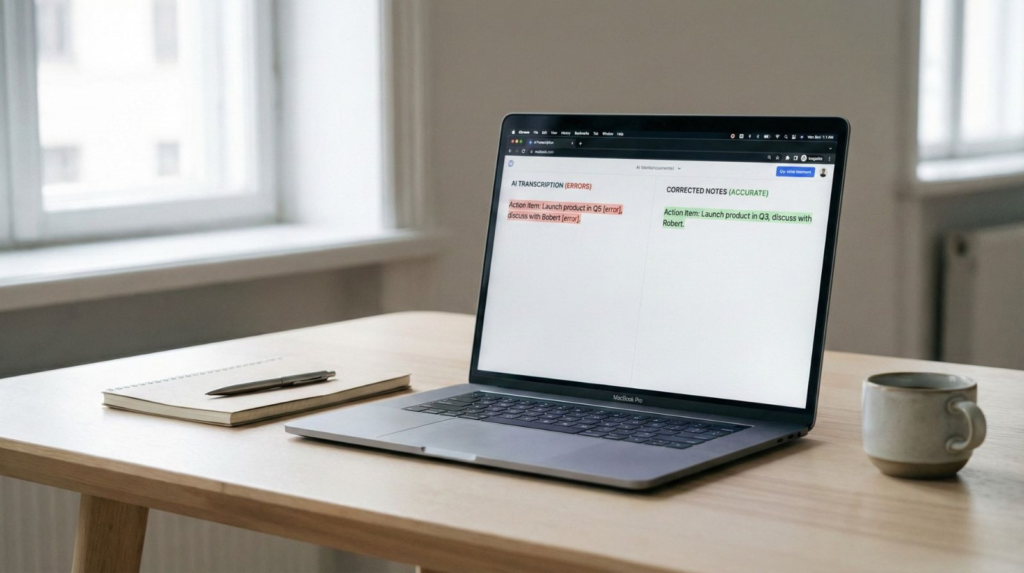
AI meeting notes wrong? Here’s why it happens and how to fix it fast. AI meeting notes can be incredibly helpful — but they aren’t always 100% accurate. When AI meeting notes are wrong, it’s usually not because the software is broken. Instead, it’s caused by predictable factors like background noise, overlapping voices, unclear speech, or technical terminology the system hasn’t learned yet.
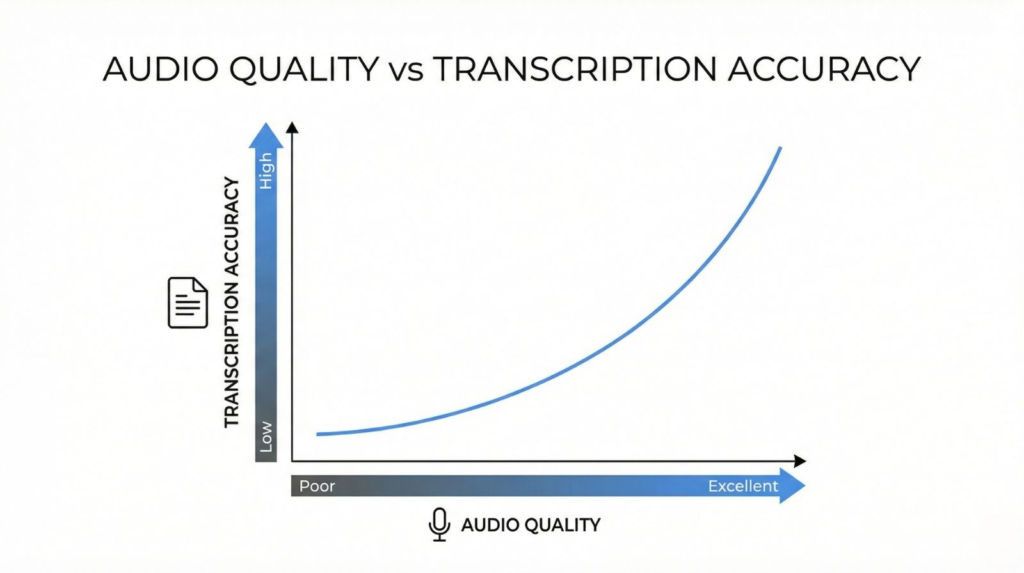
The important thing to understand is this: most AI transcription tools are already very accurate in good conditions. In fact, modern speech-to-text systems often reach accuracy rates between 85% and 95% when audio quality is clean. Problems usually appear when real-world meetings get messy — multiple speakers talking, accents, fast conversations, or low-quality microphones.
According to independent speech recognition benchmarks, audio quality and speaker clarity are among the biggest factors affecting transcription accuracy.So yes, AI meeting notes are reliable overall, but only if you use them correctly.
The difference between inaccurate notes and highly accurate ones usually comes down to three things: setup, environment, and tool choice — not luck.
Quick takeaway:
AI meeting notes aren’t randomly wrong. They follow patterns, and once you understand those patterns, you can fix most errors in minutes.
Want to compare real AI accuracy in action? See our detailed breakdown of Descript vs CapCut Pro for transcription, editing, and AI processing to find which tool actually performs better.
2. Why AI Meeting Notes Are Sometimes Wrong
Even the best tools can struggle sometimes. When AI meeting notes are wrong, it’s rarely random — there are specific technical reasons behind it. Understanding these causes is the fastest way to improve accuracy and get more reliable transcripts from any AI meeting assistant.
Here are the most common reasons AI transcription systems make mistakes:
Background noise and poor audio quality
AI relies heavily on sound clarity. If the microphone picks up keyboard clicks, echoes, traffic, or room noise, the system may misinterpret words or skip phrases entirely. Even advanced models can’t fully compensate for distorted audio.
Multiple people speaking at once
Overlapping voices are one of the biggest challenges for speech recognition. When two speakers talk simultaneously, AI often merges sentences or assigns text to the wrong speaker. This is especially common in fast team discussions or brainstorming calls.
Accents, dialects, and speech speed
Modern transcription AI is trained on massive datasets, but not every accent or speaking style is equally represented. Fast talkers, regional accents, or unclear pronunciation can reduce accuracy significantly — even in premium tools.
Technical vocabulary and niche terminology
Industry-specific words confuse AI more than everyday language. Terms related to software, medicine, finance, or product names may be transcribed incorrectly unless the system has been trained or customized for those terms.
Weak AI configuration or default settings
Many users don’t realize that most tools include accuracy settings. Features like speaker detection, noise filtering, and vocabulary learning can dramatically improve results — but they’re often disabled by default.
Key insight:
AI meeting notes accuracy depends far more on environment and setup than on the tool itself. In many cases, simply adjusting audio conditions or enabling the right settings can increase transcription accuracy instantly.
3. How to Fix AI Meeting Notes Errors (Step-by-Step)
If AI meeting notes are wrong, it usually means one of three things: audio quality, speaker separation, or missing vocabulary. The good news is that you can fix most AI transcription errors with a few simple adjustments — and you’ll often get more accurate AI meeting notes without changing tools.
What matters most:
clean audio + correct settings + a quick review workflow.
When you combine these, accuracy improves fast — and your summaries and action items become far more reliable.
Use the checklist below before your next call and you’ll see immediate results.
| Problem (What’s going wrong) | Fast Fix (Do this) | Why it works |
|---|---|---|
| Background noise ruins the transcript | Use a headset mic + close windows + mute unused mics | Cleaner input = fewer AI transcription errors |
| Speakers get mixed up or merged | Enable speaker identification and ask people to avoid talking over each other | AI separates voices better and assigns notes correctly |
| Names / brands are transcribed wrong | Add a custom vocabulary (client names, products, acronyms) | The model recognizes your terms and improves AI notes accuracy |
| Technical jargon becomes nonsense | Share the agenda in chat + keep key terms visible | More context reduces wrong substitutions in AI meeting notes |
| Echo or “hollow audio” | Switch room / add soft materials (curtains) / avoid laptop speakers | Echo confuses recognition and lowers transcript accuracy |
| Summary is missing decisions or action items | End with a 30-second recap (“Decision: … Next step: … Owner: …”) | Clear verbal structure → cleaner summaries + better action items |
| AI meeting notes are wrong in key parts | Do a quick review before sharing (names, numbers, deadlines) | A 30-second check prevents costly mistakes and keeps notes reliable |
👉 Not all AI meeting tools perform the same. Some generate far more accurate transcripts than others. See which ones rank highest in our comparison of top AI meeting productivity tools.
4. Accuracy Comparison — Which AI Meeting Tool Is Most Accurate?
Not all tools produce the same results. Even when audio conditions are identical, AI meeting notes accuracy can vary dramatically depending on the transcription engine, training data, and speaker detection model used by each platform.
Some tools prioritize speed. Others prioritize structure. The best ones balance both — delivering clean transcripts and usable summaries.
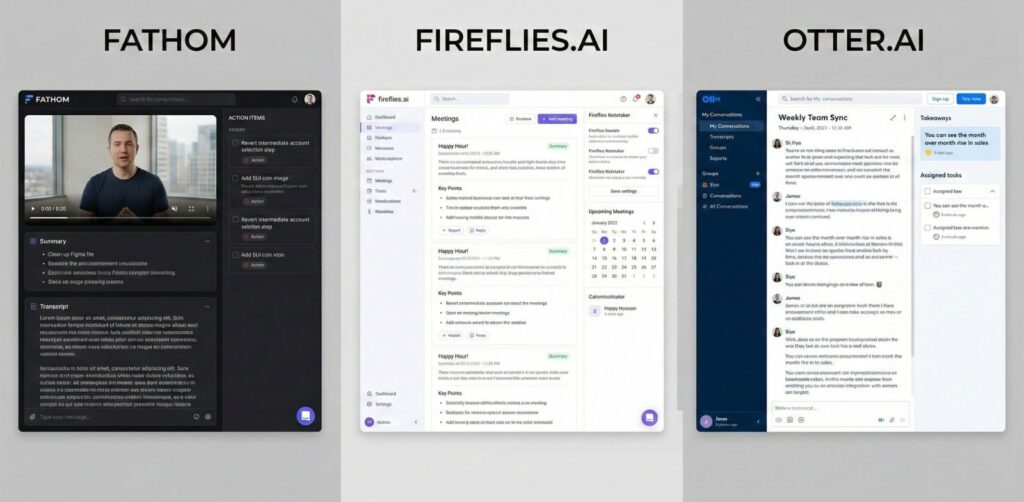
Below is a real-world style comparison showing how popular platforms perform in the areas that matter most for reliable AI meeting notes.
| Tool | Transcript Accuracy | Speaker Detection | Summary Quality | Best For |
|---|---|---|---|---|
| Fathom | ⭐⭐⭐⭐⭐ | Excellent | Highly structured | Professional meetings |
| Otter | ⭐⭐⭐⭐ | Very good | Clear summaries | Teams + interviews |
| Fireflies | ⭐⭐⭐⭐ | Strong | Detailed insights | Sales + CRM workflows |
| Krisp AI | ⭐⭐⭐☆ | Moderate | Simple summaries | Noise-heavy calls |
| Notion AI | ⭐⭐⭐☆ | Limited | Strong rewriting | Editing notes after meetings |
If accuracy is your priority, Fathom currently delivers the most reliable transcripts overall, especially in multi-speaker meetings. Tools like Otter and Fireflies are extremely strong alternatives, particularly if you want integrations or workflow automation.
Meanwhile, tools such as Notion AI perform best after meetings — refining notes rather than capturing them.
Want a full breakdown of platforms built specifically for productivity workflows?
See our curated list of AI tools for meeting productivity and automation to find the best option for your use case.
Best AI Meeting Tool for Each Use Case
Not sure which one to choose? Here’s the fastest way to decide based on your needs:
- 🏆 Best overall accuracy →
Fathom
Most reliable transcripts and structured summaries - 👥 Best for teams →
Otter
Great collaboration and speaker detection - 📊 Best for business workflows →
Fireflies
Strong integrations with CRM and productivity tools - 🔇 Best for noisy environments →
Krisp
Noise cancellation improves transcription quality - ✍️ Best for editing notes →
Notion AI
Ideal for refining summaries after meetings
Tip: the best choice isn’t always the most accurate tool — it’s the one that fits your workflow.
5. Best AI Tools for Accurate Transcripts & Summaries
Choosing the right platform is one of the fastest ways to improve AI meeting notes accuracy. While setup and audio quality matter, the transcription engine behind each tool still plays a major role. Some platforms focus on raw transcript precision, others specialize in structured summaries, and a few balance both.
Below are the most reliable tools right now for generating accurate AI meeting notes, clean transcripts, and usable action items.
Fathom — Best Overall Accuracy
If your priority is reliability, Fathom consistently delivers some of the most accurate transcripts available. It handles multi-speaker conversations well and structures notes automatically into decisions, tasks, and highlights.
Best for: professionals, teams, client calls
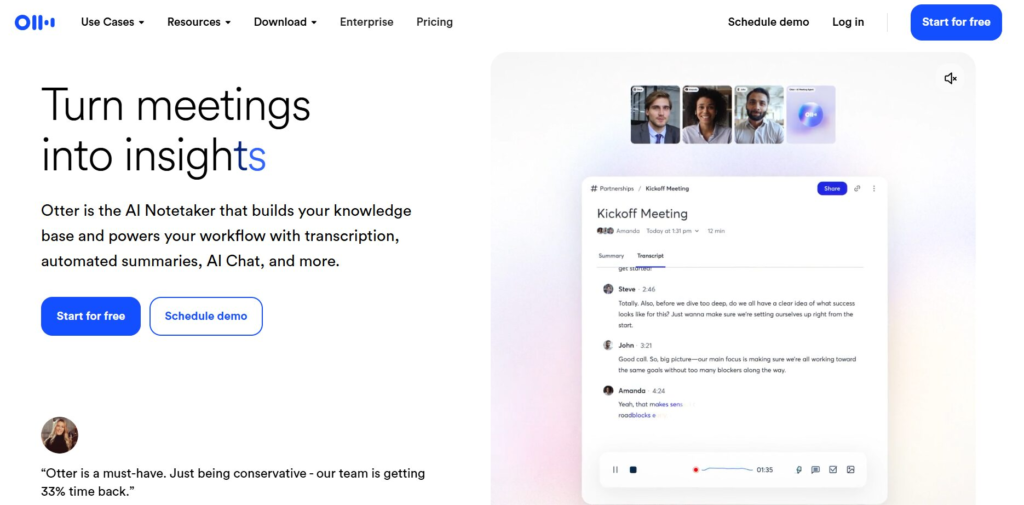
Otter — Best for Collaboration
Otter performs extremely well when multiple participants need access to shared notes. Its speaker detection is strong and transcripts are easy to review and edit.
Best for: teams, interviews, workshops
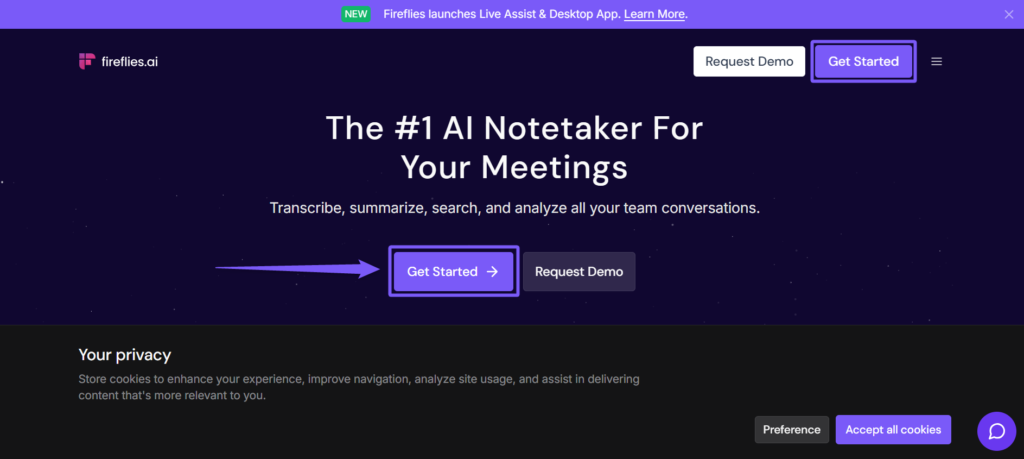
Fireflies — Best for Workflow Automation
Fireflies shines when integrated into workflows. It connects with CRMs, calendars, and productivity apps, making it ideal if you want meeting notes to automatically trigger follow-ups or tasks.
Best for: sales teams, managers, operations
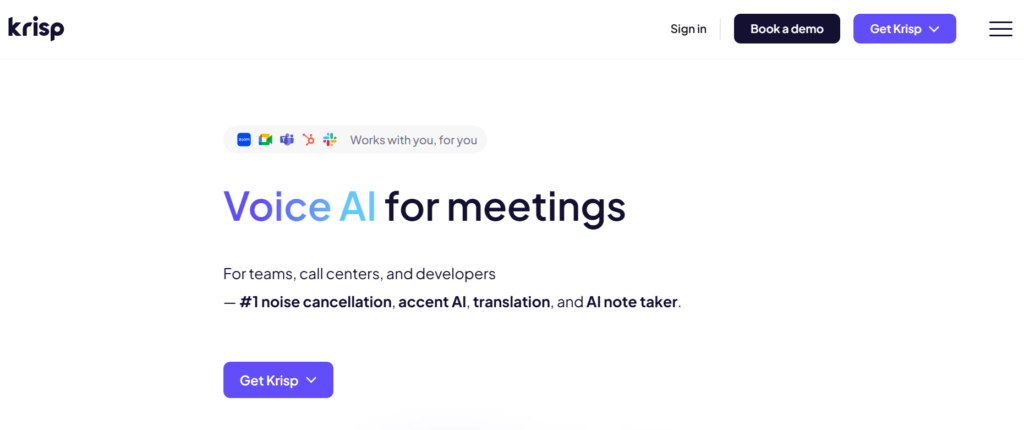
Krisp — Best for Noisy Environments
Krisp focuses on audio enhancement rather than note-taking itself. By cleaning the sound before transcription, it improves accuracy across any meeting platform you use.
Best for: remote calls, shared spaces, travel work
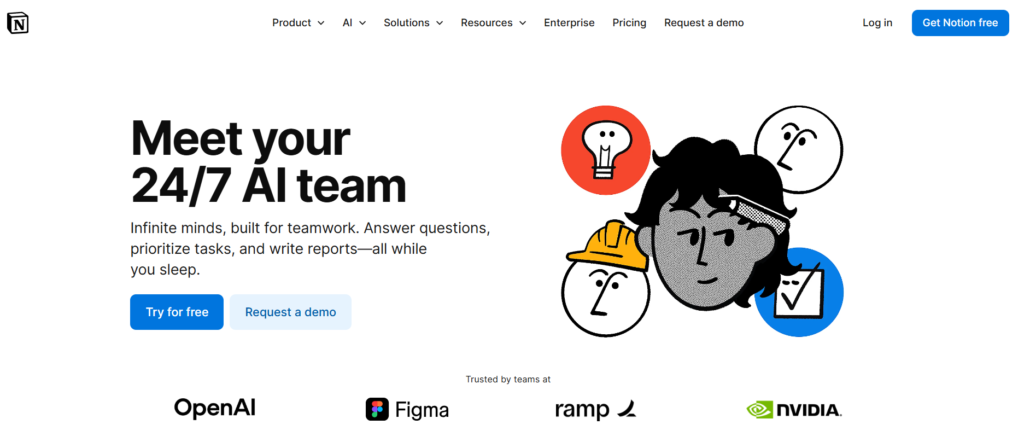
Notion AI — Best for Editing Notes After Meetings
Notion AI isn’t primarily a meeting recorder, but it’s excellent at refining transcripts. It can rewrite notes, structure summaries, and clarify messy transcripts generated elsewhere.
Best for: post-meeting organization and documentation
6. Pro Tips to Improve AI Meeting Notes Accuracy
Most users assume accuracy depends only on the software, but in reality the biggest improvements in AI meeting notes accuracy come from small behavioral and setup tweaks. Professionals who consistently get reliable transcripts follow a few simple habits that dramatically reduce AI transcription errors.
Here are the expert-level tips that make the biggest difference:
Speak in clear, structured sentences
AI performs best when speech is organized. Short statements with clear wording are easier to interpret than long improvised explanations.
Example:
Instead of saying “yeah maybe we could try next week if that works”
say → “Decision: launch next Tuesday.”
Structured speech produces structured notes.
Give context at the beginning of meetings
Opening with a short description of the meeting topic helps the AI understand vocabulary and conversation flow.
Try starting with:
“This meeting is about Q3 strategy and product launch timeline.”
This single sentence can noticeably improve transcript accuracy.
Use verbal markers for decisions and tasks
AI models are very good at detecting repeated or emphasized information. If you clearly label decisions and action items out loud, they’re much more likely to appear correctly in summaries.
Helpful phrases:
Final decision is…
Next step is…
Assigned to…
These signals act like anchors for the transcription engine.
Control the audio environment
Even the best AI meeting tools struggle with messy sound input. Background noise, echoes, and overlapping voices increase the chance that AI meeting notes are wrong.
Simple rule:
If humans struggle to hear clearly, AI will struggle too.
Let AI capture first — edit after
Trying to correct transcripts during a meeting interrupts flow and reduces productivity. Instead, let the AI record everything and review once at the end. A quick 30-second scan usually fixes most issues.
Introduce speakers before discussion begins
When participants say their names once at the start, speaker detection improves significantly. This prevents mis-labelled dialogue and keeps notes organized.
Quick Expert Insight
The difference between average and highly accurate AI meeting notes usually isn’t the platform — it’s how you use it. Small setup improvements often increase accuracy more than switching tools.
7. FAQ — AI Meeting Notes Accuracy
Still have questions? Here are the most common ones about AI meeting notes accuracy.
Q: Are AI meeting notes accurate?
A: Yes, most modern tools are highly accurate when audio quality is clear. In good conditions, AI meeting notes can reach accuracy levels above 90%. Errors usually happen because of background noise, overlapping speakers, or unclear speech rather than problems with the AI itself.
Studies and industry analysis reported by MIT Technology Review show that modern AI systems can reach very high accuracy when audio conditions are clear.
Q: Why are my AI meeting notes wrong sometimes?
A: When AI meeting notes are wrong, it’s usually caused by poor audio quality, fast speech, accents, or technical vocabulary. Improving microphone quality and enabling speaker detection can instantly fix most transcription errors.
Q: Which AI meeting tool has the best accuracy?
A: Tools designed specifically for meetings usually perform best because they combine speech recognition, speaker detection, and structured summaries. The most accurate option depends on your environment, audio setup, and workflow needs.
Q: How can I improve AI transcription accuracy quickly?
A: The fastest improvement comes from better audio conditions. Using a headset microphone, reducing background noise, and speaking clearly can dramatically increase AI meeting notes accuracy without changing tools.
Q: Can AI meeting notes replace manual note-taking?
A: For most meetings, yes. AI can generate transcripts, summaries, and action items automatically. However, reviewing notes once after the meeting is recommended to ensure key decisions, names, and deadlines are correct.
Q: Do AI meeting tools work with accents and different languages?
A: Most modern AI meeting assistants support multiple accents and languages, but accuracy can vary depending on training data and pronunciation clarity. Speaking slightly slower usually improves results.
8. Final Verdict — How to Get Reliable AI Meeting Notes
So, are AI meeting notes reliable?
Yes — when you use the right setup, environment, and tool.
Most accuracy issues don’t come from AI limitations. They come from poor audio, unclear speech, or default settings that users never adjust. Once those factors are optimized, modern tools can generate highly accurate AI meeting notes, structured summaries, and usable action items in seconds.
The key takeaway is simple:
Reliable AI meeting notes are not about luck — they’re about choosing the right workflow.
How to choose the right tool for you
Use this quick decision guide:
Want maximum accuracy → choose a tool built specifically for meetings
Need collaboration → pick one with strong speaker detection
Work in noisy environments → use audio-optimized tools
Want structured summaries → choose platforms with action-item detection
Choosing based on your real use case matters more than picking the most popular platform.
Expert Insight
Professionals who rely on AI notes daily don’t look for a “perfect” tool. They look for the one that matches their workflow. The right match can improve productivity far more than switching platforms repeatedly.
Want to turn meeting decisions into real daily progress? Pair your notes with a structured planner like Akiflow (discover more in this post) to transform action items and follow-ups into a clear, prioritized schedule you can actually execute.
Final Takeaway
If your AI meeting notes are wrong, don’t assume the technology failed. In most cases, adjusting your setup and workflow can dramatically improve accuracy. Once optimized, AI note-taking becomes one of the most powerful productivity upgrades available today.
If this guide on AI meeting notes helped you understand why accuracy issues happen and how to fix them, these related reads go deeper into how AI tools work, how to use them safely, and how to choose the right ones for your needs:
→ Best AI Books
→ Stop AI From Reading Your Private Data — Privacy Guide
→ AI Tools for Beginners (2025) — Complete Starter Guide