

Most "best AI productivity tools" roundups still list Notion AI as a $10/month add-on and point you toward Motion for scheduling. Neither is accurate anymore. I rebuilt my AI productivity stack around three tools that are live, correctly priced, and built to work together.
Some links in this post are affiliate links — they support this site at no extra cost to you. Full disclosure
Why the 2025 Productivity-Tools Advice Is Already Wrong
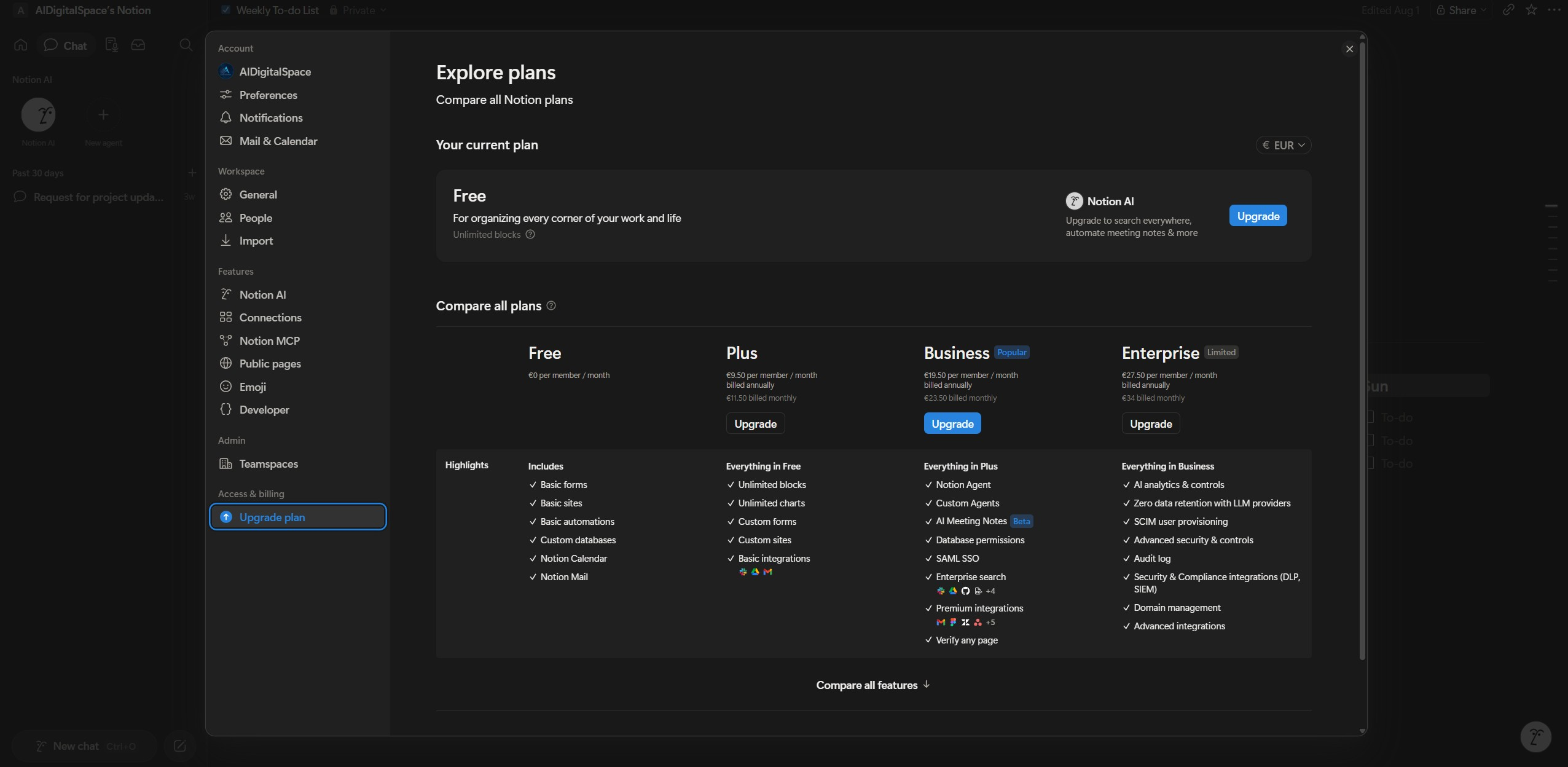
Notion killed its standalone AI add-on in May 2025 — the old $10/month bolt-on. Today, full Notion AI ships only on the Business plan at $20/member/month, confirmed on Notion's own pricing page. Free and Plus get a capped trial, not the real thing.
That single change breaks most "best AI productivity tools" posts still circulating, mine included — and it's not the only one. Motion's affiliate partnership with this site ended, and Bardeen's isn't currently active either.
"An AI productivity stack built on outdated pricing and dead sign-up links isn't a recommendation — it's a liability for whoever trusts it."
So this is a rebuilt AI productivity stack — three tools I can confirm are live, priced correctly, and worth the money: Notion AI to organize, Make to automate, and Reclaim AI to schedule.
The AI Productivity Stack: Organize, Automate, Schedule
An AI productivity stack only earns the name if the pieces genuinely hand off to each other. These three cover the three jobs that eat the most unpaid time — capturing work, moving data between apps, and protecting the hours left over to do the work itself.
| Tool | Job in the Stack | Starting Price | Free Plan? |
|---|---|---|---|
| Notion AI | Capture notes, plan projects, summarize | $20/member/mo (Business) | Trial only |
| Make | Move data between apps automatically | $9/mo (Core, annual) | Yes — 1,000 ops/mo |
| Reclaim AI | Auto-schedule tasks and protect focus time | $8/mo (Starter) | Yes — Lite plan |
None of these three requires the others to be useful on its own. The point of calling it a stack is what happens when a task captured in Notion triggers a Make automation that lands on Reclaim's calendar without you touching any of the three apps directly — covered in the chaining section below.
Notion AI — Where the Stack Starts
Every task, note, and half-formed idea in this AI productivity stack starts in Notion. It's the workspace layer everything else reads from — which is exactly why the pricing correction above matters: if you're planning around a $10/month add-on that Notion discontinued, you're going to hit a paywall mid-workflow.
What Notion AI Does on the Business Plan
The Business plan ($20/member/month, or roughly $18/month billed annually) bundles Notion Agent, AI Meeting Notes, and a beta Enterprise Search feature that answers questions across every connected page. Free and Plus members get a limited AI trial, not ongoing access.
| Feature | What It Does |
|---|---|
| Notion Agent | Runs multi-step actions inside your workspace from a single prompt |
| AI Meeting Notes | Transcribes and summarizes calls directly into a linked page |
| Enterprise Search (beta) | Answers questions using every page in the workspace as context |
I checked this against Notion's own changelog rather than comparison sites still quoting the old $10 add-on — several, dated as recently as June 2026, hadn't caught up. If a "best AI productivity tools" post still lists Notion AI as a cheap add-on, that's the tell it's stale.
Want the deeper head-to-head instead of just the pricing? I compared it directly against the free alternative in Notion AI vs ChatGPT. Try Notion AI →
Make — The Automation Layer of the AI Productivity Stack
I'd originally have pointed you to Bardeen here. Its sign-up isn't currently active through this site, so it's out, and the swap turned out to be an upgrade anyway for this AI productivity stack: Make covers cross-app automation — not just browser actions — across more than 2,000 connected apps.
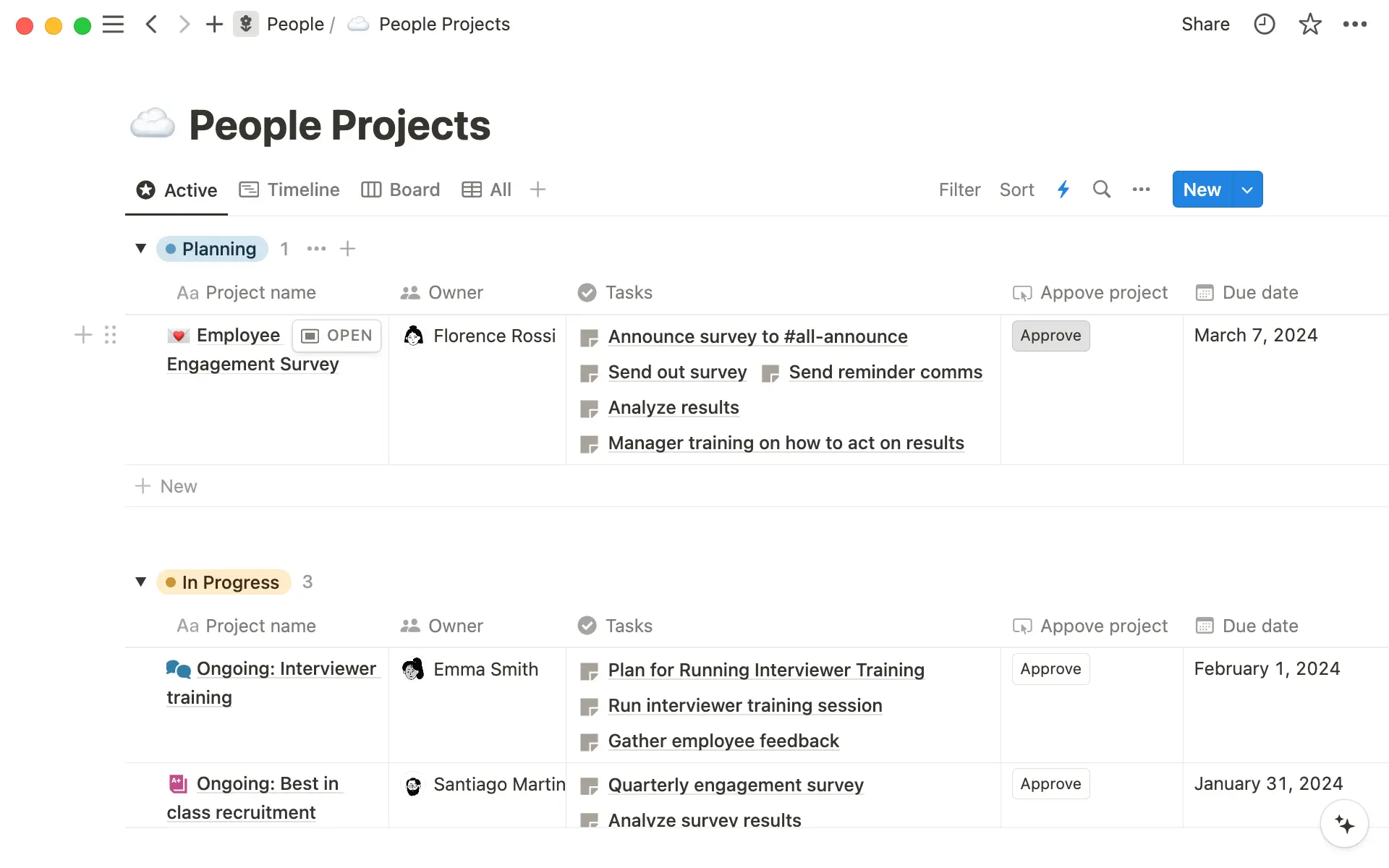
Make Bills by Operation, Not by Zap
Make charges per operation — each module a scenario runs counts as one, including triggers and filters, not just the final action. The free plan includes 1,000 operations a month with a 15-minute minimum run interval. Core starts at $9/month billed annually for 10,000 operations and unlimited scenarios; Pro adds priority execution and custom variables from around $16/month.
Because branching logic only consumes credits on the path it takes, Make tends to run cheaper than task-based competitors for conditional workflows — though the exact number depends on how many modules your workflow touches, so a single "average cost" figure wouldn't mean much here.
If you're weighing Make against the other two big automation names, I put all three side by side in Zapier vs Make vs n8n. Try Make Free →
Reclaim AI — The Scheduling Layer of the AI Productivity Stack
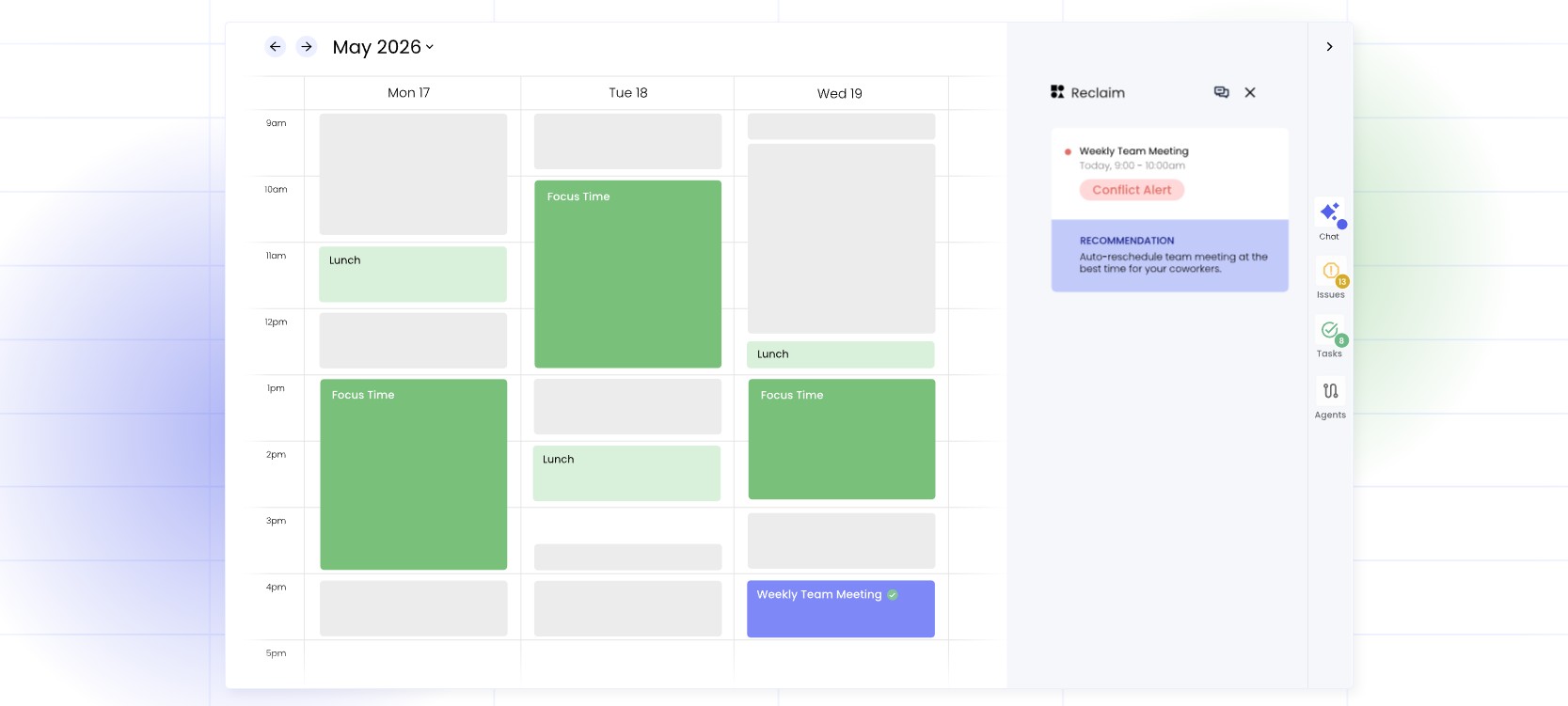
Motion used to be the default pick here. Its affiliate partnership with this site ended, and rather than keep sending readers toward a link that no longer pays anyone, I swapped in Reclaim AI to close out this AI productivity stack — it turns a task list into an actual calendar block instead of a static checkbox.
What's on Each Plan
The Lite plan is free and covers basic task scheduling. Starter runs $8/month and adds Smart 1:1s and Buffer Time; Business at $12/month adds team analytics and priority scheduling. That undercuts Motion's own $19–29/seat/month range for a comparable AI-scheduling feature set.
I couldn't verify, without hands-on use of both, whether Reclaim's rescheduling logic handles a packed calendar as gracefully as Motion's — a real gap here, not one to paper over. If Motion's meeting-shuffling behavior matters to your decision, I covered it separately in Motion vs Akiflow. Try Reclaim AI Free →
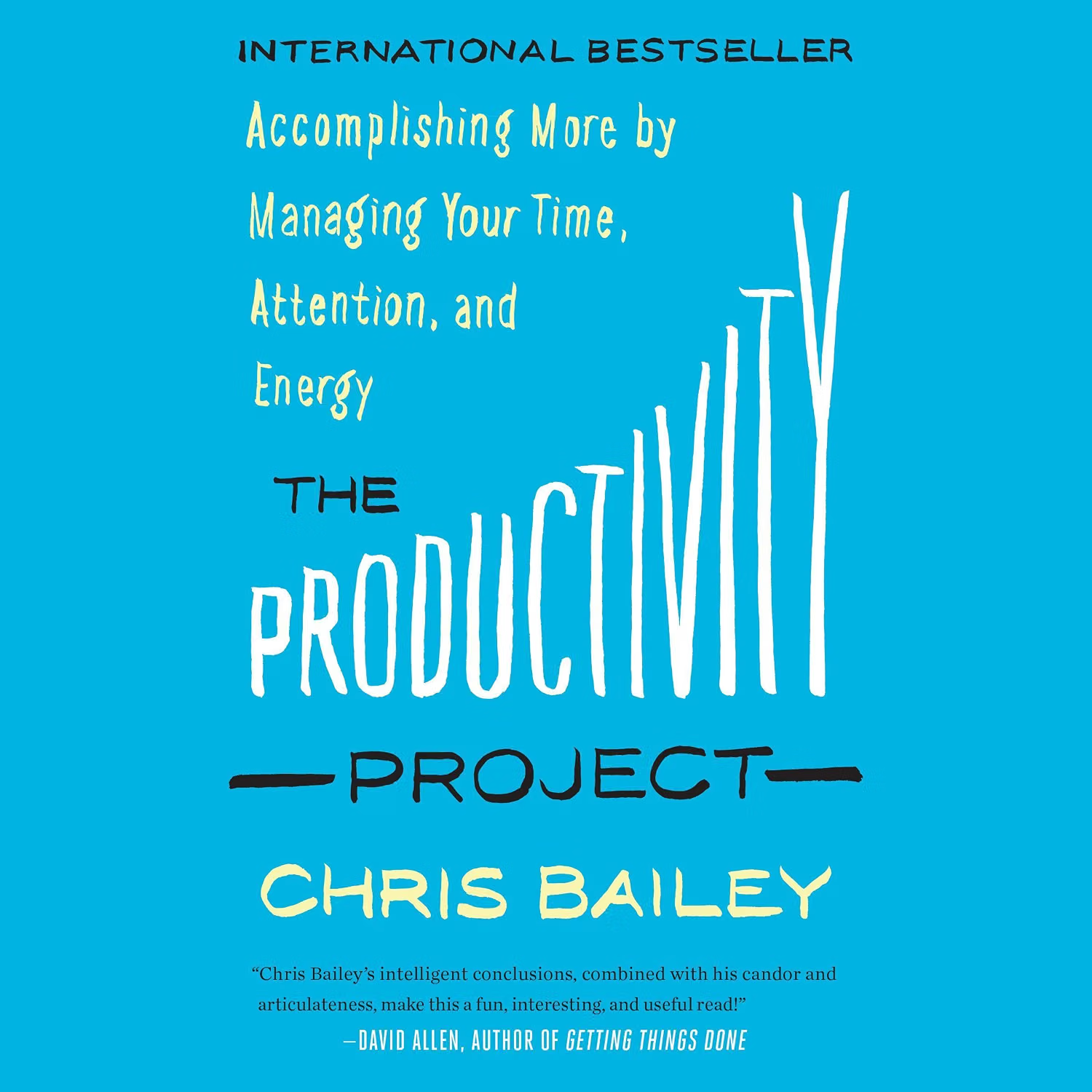
The Productivity Project by Chris Bailey is the book I'd pair with this AI productivity stack — none of these three tools matter if the underlying system they're plugged into is wrong.
Get the Book →How I'd Chain This AI Productivity Stack Together
This AI productivity stack only pays off once the three tools stop needing you as the middleman. Here's the chain I'd set up first, in the order the work moves.
| Step | Tool | What Happens |
|---|---|---|
| 1 | Notion AI | A task or meeting note gets captured and tagged with a due date |
| 2 | Make | A scenario watches that Notion database and pushes new tasks out automatically |
| 3 | Reclaim AI | The task lands on the calendar as a protected time block, rescheduled if something conflicts |
Set up this AI productivity stack in reverse order: get Reclaim protecting real time on your calendar first, connect Make second once you know which Notion database is worth watching, and only then automate the handoff — building it forward tends to produce a scenario that fires on the wrong triggers.
This is the same chaining principle behind a lot of the AI agent workflows I cover elsewhere — see 4 Best AI Tools for Meeting Productivity if meetings specifically are the bottleneck rather than tasks.
The Real Monthly Cost of This AI Productivity Stack
Running all three on their cheapest paid tier — Notion AI Business, Make Core, and Reclaim Starter — comes to $37/month. Start free on all three and only pay once a specific limit gets hit.
| Tool | Free Tier Limit | Cheapest Paid |
|---|---|---|
| Notion AI | Trial only, no ongoing free AI | $20/mo |
| Make | 1,000 ops/mo | $9/mo |
| Reclaim AI | Unlimited on Lite | $8/mo |
Notion AI is the one piece of this AI productivity stack with no meaningful free tier left — that's the real cost of the May 2025 pricing change, and it's worth knowing going in rather than discovering it after you've built your workflow around the assumption of a cheap add-on.
FAQ: Building an AI Productivity Stack
🚀 Go Deeper on Each Piece of the AI Productivity Stack
You've got the full AI productivity stack — organize, automate, schedule. Here's where I'd go next for tool-by-tool detail: