Last update: February 13, 2026
Affiliate links may earn us a commission at no extra cost to you — thank you for supporting our work. Learn more.
1. Introduction – One AI Tool Might Be All You Need
Imagine starting your day with one tab — not ten. No more jumping between a to-do app, writing tool, notes document, and calendar. Today, that’s not just possible — it’s quickly becoming the smarter way to work.
All-in-one AI tools are emerging as the go-to solution for people who want to write, organize, automate tasks, and manage workflows from a single platform. Instead of juggling multiple apps, we can rely on one intelligent workspace that handles everything — from planning our week to generating content and streamlining repetitive processes.
This shift isn’t just hype. Research shows that reducing task-switching significantly improves productivity and focus, especially for digital professionals and remote teams, as highlighted in analysis from Harvard Business Review. In other words, fewer tools often means better output.
Still, not every platform delivers the same results.
That’s why we created this guide to the best all-in-one AI tools available right now — the platforms professionals, creators, and teams are actually using to simplify workflows and save time. If we want a deeper look at how modern AI platforms are reshaping daily productivity, our guide on top AI tools Picks explores the biggest trends and practical use cases worth knowing.
Let’s explore the smartest platforms transforming how we work — all from one powerful hub.
Most flexible workspace for writing, planning, and organizing everything in one place.
Ideal for managing projects, timelines, dashboards, and team collaboration.
Perfect for mind maps, brainstorming, and structured planning workflows.
Combines documents, tables, automations, and logic into one powerful system.
Seamlessly integrated with Word, Excel, Outlook, and Teams.
2. What Are All-in-One AI Tools?
All-in-one AI tools are platforms designed to centralize your digital work — combining features like writing, task management, note-taking, automation, and project planning into a single workspace powered by artificial intelligence.
Instead of using separate apps for:
Writing content
Creating to-do lists
Scheduling tasks and meetings
Organizing notes and ideas
Collaborating with others
…you use one AI-enhanced tool that does it all.
In 2025, the best all-in-one AI tools go beyond basic task organization. They help you:
Generate text using AI (blog posts, emails, social content, summaries)
Manage tasks and deadlines using smart lists and reminders
Collaborate in real time with AI suggestions built into the document
Automate workflows, notifications, and recurring tasks
Organize everything from a dashboard that learns how you work
Whether you’re a solo creator or part of a remote team, these tools let you stay focused without switching tabs 50 times a day. They’re especially helpful if you’re working across multiple roles — like writing content, managing clients, planning launches, and keeping everything documented.
💡 Pro Tip:
The more you centralize your tools, the less time you spend looking for things or switching context — one of the biggest productivity killers.
3. The Best All-in-One AI Tools
Below are the top all-in-one AI tools that are gaining traction among creators, remote workers, marketers, and small teams. Each one brings together AI writing, task planning, collaboration, and workflow automation — all inside a single dashboard.
We’ve focused on tools widely recommended by productivity experts and trusted sources, and that offer either a free plan or excellent value.
1. Notion AI
Notion AI is one of the most versatile all-in-one workspaces available today. Instead of switching between separate tools for notes, tasks, writing, and databases, Notion combines everything into a single platform enhanced with built-in AI assistance. It’s designed to help us plan, write, organize, and automate workflows without leaving the same dashboard.
What it does best
Generates summaries, brainstorms ideas, writes drafts, organizes documents, builds task systems, and connects notes, projects, and databases into one smart workspace. Its AI can also rewrite text, simplify content, and extract key insights from long pages.
Why it stands out
Unlike many AI tools that focus on one function, Notion AI works inside a full productivity ecosystem. That means we can generate content and instantly turn it into tasks, databases, calendars, or project boards — all without switching apps.
Best for
Creators, students, freelancers, startups, and teams who want one centralized system for both productivity and content creation.
Pricing
Free plan available. Full AI access typically requires the Business plan (~$20+/month), while Free and Plus users get only limited AI trials.
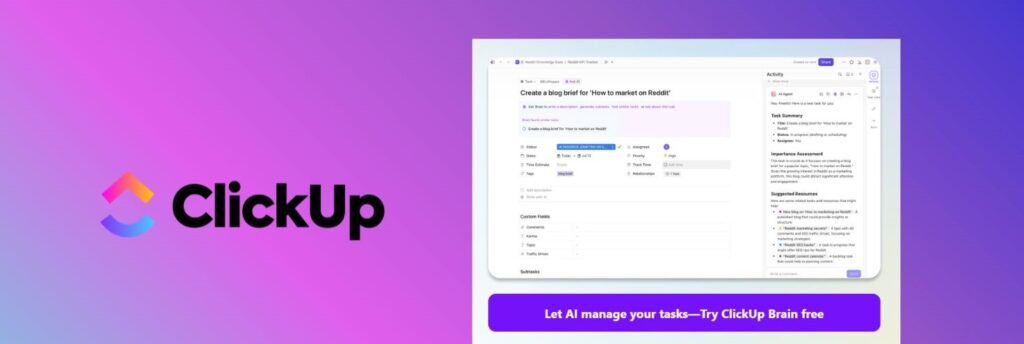
2. ClickUp AI
ClickUp AI transforms project management into a true all-in-one productivity workspace. It combines tasks, docs, dashboards, calendars, chat, and automation into one platform, then layers AI on top to help us write content, summarize meetings, generate subtasks, and manage projects faster — without switching tools.
What it does best
Generates summaries, writes emails and task descriptions, auto-creates subtasks from goals, answers project questions, and condenses long comment threads into clear action points. Its AI assistant can also search your workspace and return insights instantly.
Why it stands out
Unlike standalone AI writers, ClickUp’s AI works inside a full project system. That means we can generate content and immediately convert it into tasks, timelines, dashboards, or workflows — all within the same environment.
Best for
Project managers, remote teams, agencies, startups, and operations teams that want one platform to plan, track, and execute work.
Pricing
Free plan available. Paid plans start around $7–$12 per user/month, but AI features are not included by default — they require a separate add-on subscription.
Typical AI pricing options:
Brain AI → about $9/user/month
Full AI bundles → up to about $28/user/month depending on features
Some AI features also run on usage credits (e.g., automation agents or image generation), which can be purchased separately.
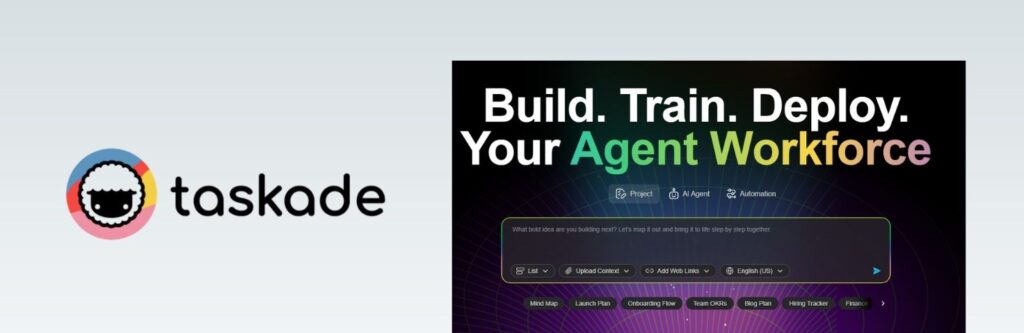
3. Taskade AI
Taskade AI is a great pick for visual thinkers who want a flexible workspace for planning, brainstorming, and team collaboration. It combines task lists, outlines, docs, mind maps, and AI agents in one place — so we can turn messy ideas into structured plans fast.
What it does best
Helps us brainstorm, summarize, and turn notes into actionable tasks. The standout is how quickly Taskade lets us switch between views like outlines and mind maps for the same project, which is ideal when we want to see the “big picture” and the step-by-step plan.
Why it stands out
Taskade isn’t just a task app with an AI chat box. Its AI is designed to work with projects, agents, and automations inside the same workspace — useful when we’re building repeatable workflows (content planning, weekly goals, campaign checklists, SOPs). Check source here.
Best for
Solo creators, YouTubers, students, remote teams, and small businesses that prefer visual planning (mind maps + outlines) and want lightweight collaboration.
Pricing
Free plan available (includes a limited monthly credit allowance). Paid tiers start at Starter ~$6/month, with Pro ~$16/month (monthly pricing shown; annual billing may reduce the effective cost). Plans differ mainly by AI credits, number of apps/agents/automations, and advanced features.
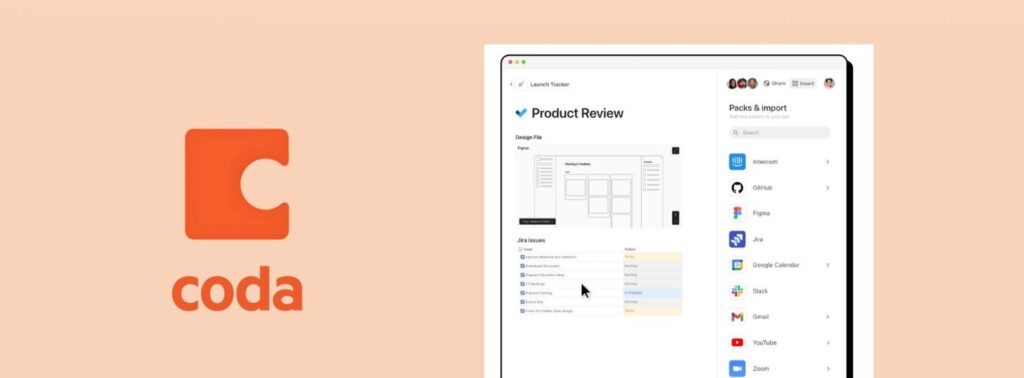
4. Coda AI
Coda AI turns documents into powerful interactive workspaces that combine writing, data, automation, and apps in one place. Instead of using separate tools for spreadsheets, docs, and workflows, Coda lets us build custom systems inside a single doc — enhanced with built-in AI assistance.
What it does best
Generates text directly inside tables and documents, summarizes long pages, drafts content, and automates workflows using buttons, formulas, and integrations. Its AI can also analyze structured data from tables and turn it into insights or summaries instantly.
Why it stands out
Coda isn’t just a document editor with AI added. It’s closer to a customizable app builder where AI works inside databases, dashboards, and automations — which makes it especially useful for operations workflows, trackers, and internal tools.
Best for
Analysts, operations teams, startups, product managers, and data-driven teams that want a flexible system instead of rigid software.
Pricing
Free plan available. Paid plans start around $10–12 per Doc Maker/month, while higher tiers increase automation limits, version history, integrations, and AI credit allowances.
Important AI details:
AI is included for Doc Makers on paid plans with monthly credit limits
Extra credits can be purchased
Unlimited AI option ≈ $12/month per Doc Maker
Free plan users receive trial credits only
5. Microsoft Copilot
Microsoft Copilot is Microsoft’s official AI assistant integrated across its ecosystem — including Word, Excel, Outlook, Teams, and Windows. Instead of switching between tools, Copilot works directly inside the apps we already use, helping generate content, analyze data, summarize information, and automate repetitive tasks.
What it does best
Drafts emails and documents, summarizes meetings and files, analyzes spreadsheets, generates presentations, and answers questions using data from your Microsoft workspace. It can also automate workflows across apps when connected to Microsoft 365 data.
Why it stands out
Unlike standalone AI tools, Copilot works natively inside productivity software many teams already rely on. That deep integration means it understands context — like files, conversations, and calendars — making its responses more relevant and actionable.
Best for
Business professionals, corporate teams, consultants, analysts, and organizations already using Microsoft 365.
Pricing
Requires a Microsoft account or Microsoft 365 subscription.
Typical pricing tiers:
Copilot (personal version) → included free in Windows and web versions
Copilot Pro → about $20/month for advanced AI features and priority access
Microsoft 365 Copilot → about $30/user/month add-on for business plans
Exact pricing depends on plan type and region, and enterprise features may vary.
Summary Table
| Tool | Best For | Key Features |
|---|---|---|
| Notion AI | All-in-one productivity systems | Docs, databases, AI writing, project tracking |
| ClickUp AI | Team workflows & project management | Tasks, automations, dashboards, AI assistant |
| Taskade AI | Visual planners & creators | Mind maps, outlines, agents, AI workflows |
| Coda AI | Data-driven teams & operations | Tables, automations, formulas, AI insights |
| Microsoft Copilot | Enterprise productivity ecosystems | Office AI, data analysis, summaries, automation |
4. How to Choose the Right Tool for You
With so many great all-in-one AI tools available, choosing the right one depends on your specific needs, habits, and working style. The good news is — you don’t need them all. The smartest move is to pick the one that matches how you work.
Here’s a simple way to decide:
| Your Goal | Recommended Tools | Why They Work Well |
|---|---|---|
| Writing, blogging, or note-taking | Notion AI, Coda AI | Notion is ideal for flexible writing workflows, while Coda adds powerful structure with tables, logic, and automation. |
| Managing teams or complex projects | ClickUp AI, Taskade AI | ClickUp excels at timelines and project tracking, while Taskade provides a lighter visual workflow for fast collaboration. |
| Already using Microsoft tools | Microsoft Copilot | Deep integration with Word, Excel, Outlook, and Teams makes it the most seamless option for existing Microsoft users. |
| Visual planning and brainstorming | Taskade AI | Built for visual thinkers with mind maps, outlines, and AI-assisted planning inside one clean interface. |
Pro Tip:
Start with just one tool and stick with it for a week. All of these platforms have learning curves, but once set up, they can save you hours every month.
And remember — all-in-one doesn’t always mean all-at-once. You can combine tools smartly (for example, writing in Notion AI and managing delivery in ClickUp) if needed.

5. Pro Tips to Work Smarter with These Tools
Choosing the right platform is only the first step. The real advantage of all-in-one AI tools comes when we use them intentionally and apply a few smart strategies to streamline our workflow and reduce friction.
Here are proven ways to get the most out of an AI-powered workspace:
1. Start with templates instead of building from scratch
Most platforms (like Notion AI or ClickUp AI) include ready-made templates for content calendars, project planning, SOPs, meeting notes, and more. Starting with a structure saves time, reduces decision fatigue, and helps us stay consistent from day one.
2. Build a daily command dashboard
Create a single home screen showing priorities, tasks, deadlines, notes, and projects. Tools like ClickUp or Coda let us design a personalized control center that updates in real time — so we always know what matters most.
3. Let AI draft first — then refine
Instead of staring at a blank page, ask your AI workspace to generate a first draft, outline, or checklist. Even if we don’t use it word-for-word, it accelerates thinking and removes creative friction.
4. Connect calendar and communication tools
Integrate your AI platform with Google Calendar, Outlook, Slack, or Gmail. This allows meetings to become tasks automatically and triggers workflows without manual input — creating a truly unified system.
5. Automate recurring work
Use built-in automations to send reminders, update statuses, generate reports, or create weekly task lists. Once repetitive work runs automatically, we free up mental energy for high-value tasks.
6. Optimize gradually, not perfectly
The best systems evolve over time. Start simple, test what works, and refine as your workflow grows. If we want a deeper look at how automation and AI systems can transform daily productivity, our guide on AI workflow automation tools explores practical setups worth trying.
6. Ethical AI Use & What to Watch Out For
While all-in-one AI tools offer real advantages in productivity and organization, it’s important to stay aware of their limitations and potential risks. Using these tools responsibly means asking the right questions and keeping some healthy boundaries.
Here are a few things to keep in mind:
1. Be mindful of sensitive data
Many tools process information on cloud servers. Even if security standards are high, it’s a good habit not to feed them confidential client data, passwords, or financial details — especially in AI-generated documents or chat prompts.
2. Check what the AI is doing behind the scenes
Some platforms use AI to make suggestions or automate changes in the background. This can be helpful — or risky — if you’re not aware of it. Always review suggestions before accepting AI edits or summaries, especially in shared workspaces.
3. Don’t over-rely on AI judgment
AI can write faster than you, but it doesn’t understand like you do. Use it to draft, structure, or inspire — but always apply human judgment before publishing, sharing, or acting on content it generates.
4. Respect team transparency
If you’re using AI to summarize meeting notes, write emails, or auto-fill reports, be open with your team about it. Ethical AI use means avoiding hidden automation that others depend on — especially in collaborative work.
5. Know the difference between automation and delegation
AI can automate steps, but it shouldn’t replace the personal touches that matter — like client communication, creative decisions, or leadership. Use it to amplify, not replace, your contribution.
Overall thought:
AI works best when you stay in charge. The smartest way to use these tools is to make them your assistants — not your replacements.
7. Final Thoughts – Make AI Work with You, Not for You
In a world full of scattered tools and endless tabs, the rise of all-in-one AI tools is a breath of fresh air. These platforms give us a smarter way to manage projects, create content, stay organized, and simplify our digital lives — all from one clean interface.
Whether you’re building a business, launching a blog, running a remote team, or just trying to stay productive every day, choosing the right tool can save you hours per week and eliminate the mental clutter.
You don’t need to use them all. Start with one that fits your style — like Notion AI for flexible docs or ClickUp AI for full project management — and let it evolve with your workflow. Most offer free plans or trials, so there’s zero risk in trying.
The real win isn’t just using AI — it’s building a system that supports how you work best.
And if you’re ready to turn productivity chaos into clarity, one of these all-in-one AI tools might be exactly what you need.
For more recommendations, check out our full list of Top AI Tools designed to save you time and boost your creativity.
8. FAQ – All-in-One AI Tools
Q1: What are the best all-in-one AI tools right now?
A: Some of the best all-in-one AI tools currently include Notion AI, ClickUp AI, Taskade AI, Coda AI, and Microsoft Copilot. Each combines writing, planning, task tracking, and automation features inside one platform. The best choice depends on whether you need a system for personal productivity, team collaboration, or business workflows.
Q2: Can I replace multiple apps with a single AI platform?
A: Yes. These platforms are designed to reduce tool overload by combining notes, tasks, writing, automation, and collaboration in one workspace. Many users replace three to five separate apps with a single AI system.
Q3: Are all-in-one AI tools free?
A: Most offer free plans with basic functionality. Advanced AI features — like automation, smart assistants, or integrations — usually require a paid plan or usage credits, depending on the platform.
Q4: Are these AI productivity tools safe to use?
A: Leading platforms use encryption, permission controls, and enterprise-level security infrastructure. However, it’s always best practice not to input highly sensitive data unless your organization allows it.
Q5: Which all-in-one AI tool is best for teams?
A: ClickUp AI and Microsoft Copilot are often best for teams because they support structured workflows, permissions, collaboration features, and integrations with existing business tools.
Q6: Do all-in-one AI tools actually improve productivity?
A: Yes, when configured correctly. They reduce task switching, automate repetitive work, and centralize information. This helps users focus on meaningful work instead of managing multiple apps.
If this guide helped you understand how all-in-one AI tools can simplify your workflow and replace multiple apps, here are a few related reads on AIDigitalSpace that expand on the same idea from different angles:
→ Notion vs Coda: Best AI Workspace for Productivity
→ AI Workflow Bots : Automate Your Workday Step-by-Step
→ Bardeen AI Review — Automate Tasks Directly in Your Browser
Each of these explores the same core goal from a different perspective: building smarter systems that reduce busywork, automate repetitive tasks, and help us focus on meaningful output instead of tool-hopping.