
 Published on: September 5, 2025
- 1. Introduction – Why Small Businesses Need Easy-to-Use AI in 2025
- 2. Quick Picks: Best AI Tools You Can Start Using Today
- 3. Comparison Table: Pricing, Features, Ease of Use
- 4. Marketing & Customer Support – AI That Brings You More Sales
- 5. Admin & Website Tasks – Automate the Boring Stuff
- 6. Content & Design – Fast, Professional-Looking Assets
- 7. Choosing the Right Tool Stack (Without Overwhelm)
- 8. FAQ & Final Recommendations
- 9. Final Take – Our Recommendations for 2025
Disclosure:
Some links in this post are affiliate links. If you click and purchase, we may earn a small commission at no extra cost to you. Thank you for supporting AIDigitalSpace.com and helping us keep this content free and useful.
1. Introduction – Why Small Businesses Need Easy-to-Use AI in 2025
f you’re searching for easy-to-use ai tools for small business 2025, here’s the short version: pick tools that plug into what you already use, start with one or two high-impact workflows (marketing, customer replies, invoices), and measure time saved in weeks—not months. Recent research shows AI is delivering real productivity gains across businesses, and leaders expect it to free teams for more strategic work. Microsoft+1
Small businesses don’t need custom models to benefit—practical, no-code tools are enough. Surveys in 2025 indicate many SMBs are actively exploring or already using AI, while policy groups note adoption is highest when tools are simple and the business is already somewhat digitalized. Translation: choose accessible apps with low setup and clear ROI. PayPal NewsroomOECD
In this guide we’ll keep it practical: quick choices you can try today (like ChatGPT, Canva Pro, Notion AI, Taskade, and Grammarly), a comparison table for pricing and ease of use, and simple checklists to avoid tool sprawl. For broader context on where work is headed, see Microsoft’s 2025 Work Trend Index and Google’s latest Workspace AI updates—useful reads as you shape your stack. MicrosoftGoogle Workspace
What to expect next: a short Quick Picks section, a Comparison Table, and focused chapters by job-to-be-done (sales/marketing, support, admin/website, content/design), plus a no-overwhelm plan to choose the right stack for your size and budget.
2. Quick Picks: Best AI Tools You Can Start Using Today
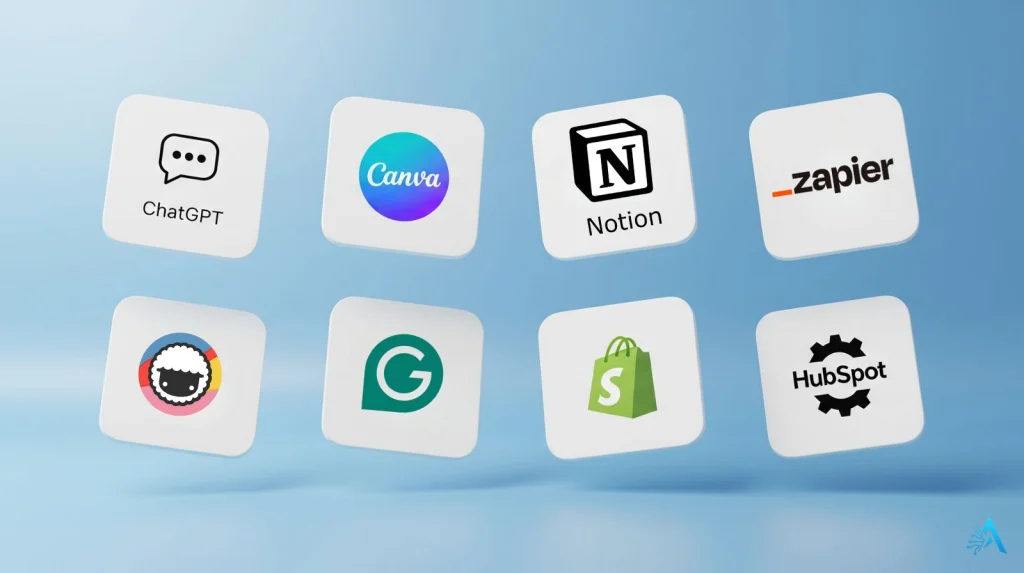
If you just want to know which easy-to-use AI tools for small business 2025 we recommend, here’s our shortlist. These tools were selected for three reasons: they’re beginner-friendly, save noticeable time within the first week, and are affordable (many with generous free plans).
| Tool | What It Does | Why It’s Useful |
|---|---|---|
| ChatGPT | Generates customer emails, blog drafts, and FAQs in seconds | Great for saving time on writing and support replies |
| Canva Pro | Creates social media posts, flyers, ads, and presentations | AI design suggestions make graphics look professional fast |
| Notion AI | Organizes SOPs, projects, and generates summaries | Keeps teams aligned and makes knowledge easy to find |
| Taskade | Visual task boards and AI-generated project outlines | Perfect for collaboration and remote team planning |
| Grammarly | Corrects grammar, tone, and clarity instantly | Helps you send professional, error-free communication |
| Zapier AI | Connects CRM, invoicing, email, and other tools automatically | Eliminates repetitive work and manual data entry |
| Shopify Magic | Generates product descriptions and smart suggestions | Helps store owners sell more with minimal copywriting effort |
| HubSpot AI | Automates marketing campaigns and analyzes leads | Saves hours on email marketing and CRM follow-up |
Each of these is trusted by millions of users worldwide and continuously updated for 2025. The goal here is to give you “ready-to-go” picks, not a shopping list of 50 tools. If you want to explore deeper, check Microsoft’s Work Trend Index 2025 for adoption data and future predictions that confirm why these are the most impactful categories.
3. Comparison Table: Pricing, Features, Ease of Use
This section helps readers compare the most popular easy-to-use AI tools for small business 2025 side by side — so they can see pricing, features, and learning curve before committing. It’s designed to be mobile-friendly and easy to scan.
| Tool | Best For | Ease of Use | Free Plan | Starting Price |
|---|---|---|---|---|
| ChatGPT | Content creation, customer support replies | ⭐⭐⭐⭐⭐ | ✅ | $20/mo Pro |
| Canva Pro | Social media graphics, presentations | ⭐⭐⭐⭐⭐ | ✅ | $12.99/mo |
| Notion AI | Knowledge base, SOPs, brainstorming | ⭐⭐⭐⭐ | ✅ | $8/mo |
| Taskade | Team planning, project collaboration | ⭐⭐⭐⭐ | ✅ | $10/mo |
| Grammarly | Emails, proposals, contracts | ⭐⭐⭐⭐⭐ | ✅ | $12/mo |
| Zapier AI | Automation between apps (CRM, email, invoicing) | ⭐⭐⭐ | ✅ (limited) | $19.99/mo |
| Shopify Magic | E-commerce product descriptions | ⭐⭐⭐⭐ | Included | Part of Shopify plan |
| HubSpot AI | Marketing automation, lead scoring | ⭐⭐⭐⭐ | ✅ | CRM free, upgrades from $20/mo |
Pro Tip: Start with just one tool from the table that solves your biggest pain point today — like ChatGPT for quick replies or Canva Pro for instant visuals. Measure the time saved in a week, then add another tool if you see ROI. This avoids tool overload and keeps your stack lean.
Growth Hack: Pair ChatGPT with Zapier AI to automate lead follow-ups. Here’s how: use ChatGPT to generate a personalized reply template for new leads, then set up Zapier to send it automatically when a form is filled. This combo can save hours every week and help you respond faster than competitors.
4. Marketing & Customer Support – AI That Brings You More Sales
Marketing and customer service are the two areas where easy-to-use AI tools for small business 2025 deliver the fastest wins. The goal is simple: reach more people, reply faster, and keep customers happy — without hiring extra staff.
AI can now generate social media posts, ad copy, and even answer basic support questions automatically. For example, tools like ChatGPT or Gemini can draft engaging Instagram captions or Facebook ads in minutes. Platforms such as HubSpot AI and Mailchimp AI take care of email campaigns, personalizing subject lines and scheduling sends at optimal times. External research confirms that businesses using AI for marketing report higher engagement and conversion rates compared to manual campaigns.
On the support side, AI chatbots and helpdesk assistants reduce response time dramatically. Shopify Magic, Intercom Fin, and Zendesk AI can answer FAQs, process returns, and even hand off complex queries to a human agent when needed. This frees up time for your team to focus on high-value customer interactions.
Our Recommendation:
Start by automating one marketing channel — for example, use Canva Pro to design a month of social posts and pair it with ChatGPT to write the captions. Then add a simple chatbot on your website to handle common questions (shipping, pricing, hours). You’ll quickly see improved response times and a more consistent online presence.
5. Admin & Website Tasks – Automate the Boring Stuff
When it comes to easy-to-use AI tools for small business 2025, back-office and website tasks are where you’ll notice instant relief. The goal is simple:
• Invoices that send themselves
• Appointments that book themselves
• A website that updates in minutes, not hours
What to Automate First
Invoices & Receipts: Use platforms like Stripe Invoicing for recurring bills and reminders, or accounting suites like QuickBooks and Xero to auto-categorize expenses and reconcile bank feeds. Pair this with ChatGPT to draft polite payment reminders that match your brand’s tone.
Appointments & Forms: Allow customers to self-serve with booking links and intake forms. Summarize submissions with Notion AI and send tasks straight to your team using Taskade.
Website Updates: Use AI to generate product copy, FAQs, and policy pages, then polish with Grammarly. Keeping images optimized will also improve website speed and mobile experience.
Recommended Tools
• Website & E-commerce: Shopify’s built-in AI assistants make product descriptions and basic SEO effortless.
• Accounting: QuickBooks and Xero handle automated bank feeds, rules, and reconciliations — plus integrate with CRMs and payment processors.
• Payments & Invoices: Stripe Invoicing makes recurring billing and reminders simple.
• Scheduling & Forms: Calendly for booking links, Tally or Typeform for intake forms — all easy to embed on any site.
Quick Workflow You Can Try Today
Draft your invoice reminder once in ChatGPT.
Turn on automatic invoices and late reminders in your billing platform.
Add a “Book a Call” button on your homepage with a Calendly link, push new bookings to Notion via Zapier, and assign tasks in Taskade.
For new products or service updates, generate a draft with AI, refine with Grammarly, and publish.
Pro Tip: Start with one automation per area — invoices (billing), bookings (scheduling), and a single website task (e.g. product descriptions). Measure time saved for a week before adding more to keep your stack lean and manageable.
Responsible Use: Always review invoices and website content before they go live. A quick check avoids errors and protects your brand’s credibility.
6. Content & Design – Fast, Professional-Looking Assets
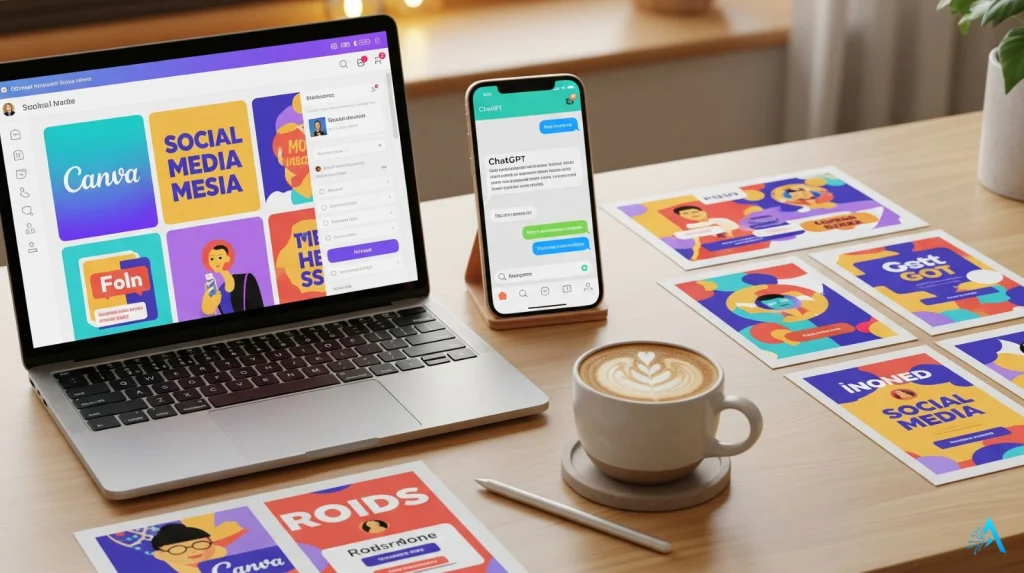
For many small business owners, creating content is the biggest time drain. The good news? Easy-to-use AI tools for small business 2025 can now handle everything from writing first drafts to designing polished graphics — all without hiring a team or learning complicated software.
Where AI Can Help Right Away
Blog posts & articles: Use ChatGPT to create blog outlines, generate first drafts, and suggest catchy headlines. Then quickly edit and add your personal touch.
Social media posts: Pair Canva Pro with AI-generated copy to create a month’s worth of Instagram, LinkedIn, or Facebook posts in one sitting. Canva’s Magic Design can even suggest layouts and colors.
Brand assets: Create logos, product mockups, and promotional banners quickly with AI design suggestions — perfect for small businesses without a full-time designer.
Proofreading & tone: Run everything through Grammarly to catch typos, adjust tone, and ensure your content sounds professional before publishing.
Quick Content Sprint Example
Use ChatGPT to create a 500-word draft about your latest offer.
Open Canva Pro’s Magic Design, paste the key message, and generate a social media graphic.
Run the text through Grammarly to ensure clarity and professionalism.
Schedule everything for the week using your preferred social media scheduler (Buffer, Later, or even Canva’s built-in scheduler).
Pro Tip: Batch-create content once per week instead of daily. A 2-hour “content sprint” can give you a full week of posts, emails, and graphics — freeing up the rest of your time to focus on running the business.
7. Choosing the Right Tool Stack (Without Overwhelm)
Once you’ve seen how powerful these easy-to-use AI tools for small business 2025 can be, it’s tempting to install them all. The smartest approach is to build your tool stack slowly and intentionally.
Step 1 – Identify Your Biggest Time Drain
Start by asking: Where am I losing the most time?
Is it writing emails, posting on social media, chasing payments, or handling customer questions? Pick one pain point and solve it first.
Step 2 – Choose One Tool per Category
Avoid doubling up. For example, if you already use Notion AI for documentation, you may not need another note-taking tool. Similarly, if Canva is covering design and scheduling, you don’t need a separate graphics scheduler.
You can check our AI Tools for Productivity category for reviews of individual platforms that fit each use case — we update it regularly with tools we test and research.
Step 3 – Integrate Slowly
Start with one tool, get comfortable, then add another. Use a connector like Zapier when you have a repeatable workflow between apps. For instance:
• ChatGPT → Google Sheets for lead summaries
• Shopify → Notion for inventory notes
• Calendly → Taskade for automatic follow-ups
Step 4 – Track ROI
Measure how much time or money each tool saves after 2–4 weeks. If a tool doesn’t clearly save hours or boost revenue, replace it with something better.
Pro Tip: Keep a simple “tool tracker” inside Notion AI or Google Sheets listing what you’re using, cost per month, and ROI. This avoids paying for tools you no longer need — a common issue when businesses grow fast.
For readers who want to go deeper, link to your other guides, like Best All-in-One AI Tools for 2025 – Work, Write & Organize Smarter and Frase vs Scalenut – Best SEO AI for 2025?. These keep readers exploring your site and boost SEO through natural internal linking.
8. FAQ
Readers often have a few last questions before they commit to trying new tools. Here’s a short FAQ section that addresses the most common concerns about easy-to-use AI tools for small business 2025 and leaves them with clear next steps.
FAQ
Q: Are these tools really beginner-friendly?
A: Yes — every tool listed here was chosen for its low learning curve. Options like ChatGPT and Canva Pro work right out of the box and don’t require any coding or special training.
Q: Do I need to pay for all these tools?
A: Not necessarily. Most have free plans that are enough for testing. When you see time savings or higher sales, you can upgrade. Start with one or two free tools and expand gradually.
Q: Will AI replace human employees?
A: No — the goal is to support small teams, not replace them. AI handles repetitive work (like drafting emails or summarizing data) so you can focus on strategy, customer care, and growth.
Q: What about data privacy?
A: Always check each platform’s privacy policy and opt out of data sharing when possible. For example, you can disable chat history in ChatGPT and review GDPR settings in tools like HubSpot and Mailchimp.
9. Final Take – Our Recommendations for 2025
Choosing the right easy-to-use AI tools for small business 2025 doesn’t have to be overwhelming. We’ve seen small businesses get the biggest wins when they focus on solving one real problem at a time — whether that’s speeding up customer replies, automating invoices, or finally getting consistent on social media.
Our suggestion? Start small, measure your results, and build your stack with intention. Tools like ChatGPT Canva Pro and Notion AI can save hours every week, but the real magic happens when you combine them with good systems and human oversight.
AI isn’t here to replace your judgment — it’s here to make space for it. By automating repetitive tasks, you free up time to focus on strategy, customer relationships, and creativity. That’s where small businesses stand out and compete even against much larger players.
Closing Tip: Pick one tool today and put it to work this week. The sooner you start experimenting, the sooner you’ll see what actually moves the needle for your business.