

Mirko
AI Tech Writer
Most people don't need five separate apps to write, plan, and organize their week — they've just never taken ten minutes to look for the one tool that does all three.
All-in-one AI tools bundle writing, task management, and automation into a single workspace. I'm covering the five worth actually comparing for productivity — Notion AI, ClickUp AI, Taskade, Coda AI, and Microsoft Copilot — plus where creative suites and marketing hubs fit if your stack needs to do more than tasks and docs.
One thing worth knowing upfront: Notion retired its standalone $10/month AI add-on back in 2025 — full Notion AI now only comes bundled with the $20/user/month Business plan.
Some links are affiliate links · they support this site at no extra cost to you · Full disclosure
1. Introduction – One AI Tool Might Be All You Need
Imagine starting your day with one tab open — not ten. No more jumping between a to-do app, a writing tool, a notes doc, and a calendar just to get through a normal Tuesday.
All-in-one AI tools are built for exactly that: one workspace that writes, organizes, automates tasks, and manages your workflow, instead of five separate apps doing five separate jobs. Reducing how often you switch between tools isn't just a nice idea — research from Harvard Business Review links heavy task-switching to real drops in focus and output for remote and digital-first teams.
Not every platform actually delivers on that promise, though. I've put together this guide to the five all-in-one AI tools worth comparing for productivity in 2026 — the ones professionals, creators, and teams are genuinely using to simplify their stack — plus a look at where creative suites and marketing hubs fit if writing-and-tasks isn't the whole job. For a wider look at where AI productivity is heading, my top AI tools roundup covers the bigger trends.
"Fewer tools, done well, tends to mean better work — not just tidier tabs."
2. What Are All-in-One AI Tools?
All-in-one AI tools are platforms designed to centralize your digital work — combining writing, task management, note-taking, automation, and project planning into a single workspace powered by artificial intelligence, instead of juggling separate apps for writing content, to-do lists, scheduling, notes, and collaboration.
In 2026, the strongest ones go beyond basic task organization. Between them, they generate text for blog posts and summaries, manage deadlines with smart reminders, add real-time AI suggestions inside the document you're already working in, automate recurring notifications and workflows, and organize everything from a dashboard that learns how you work.
Whether you're a solo creator or part of a remote team, these tools let you stay focused instead of switching tabs fifty times a day — especially useful if you're juggling multiple roles, like writing content, managing clients, and planning launches at once. Want to test a few risk-free first? My curated list of free AI tools that require no login is a good place to start before committing to anything.
💡 What Can All-in-One AI Tools Do in 2026?
- Generate text — blog posts, emails, social content, summaries
- Manage tasks and deadlines with smart lists and reminders
- Collaborate in real time with AI suggestions built into the document
- Automate workflows, notifications, and recurring tasks
- Organize everything from a dashboard that learns how you work
⚡ Pro Tip: The more you centralize your tools, the less time you spend switching context — one of the biggest productivity killers. Many professionals save 5–10 hours per week by consolidating their workflow.
3. The Best All-in-One AI Tools for Productivity
Below are the five productivity workspaces gaining real traction among creators, remote workers, marketers, and small teams for tying writing, planning, and automation together in a single dashboard. I've focused on tools with either a genuinely usable free plan or strong value for what they cost, verified against each vendor's own pricing page.
1. Notion AI
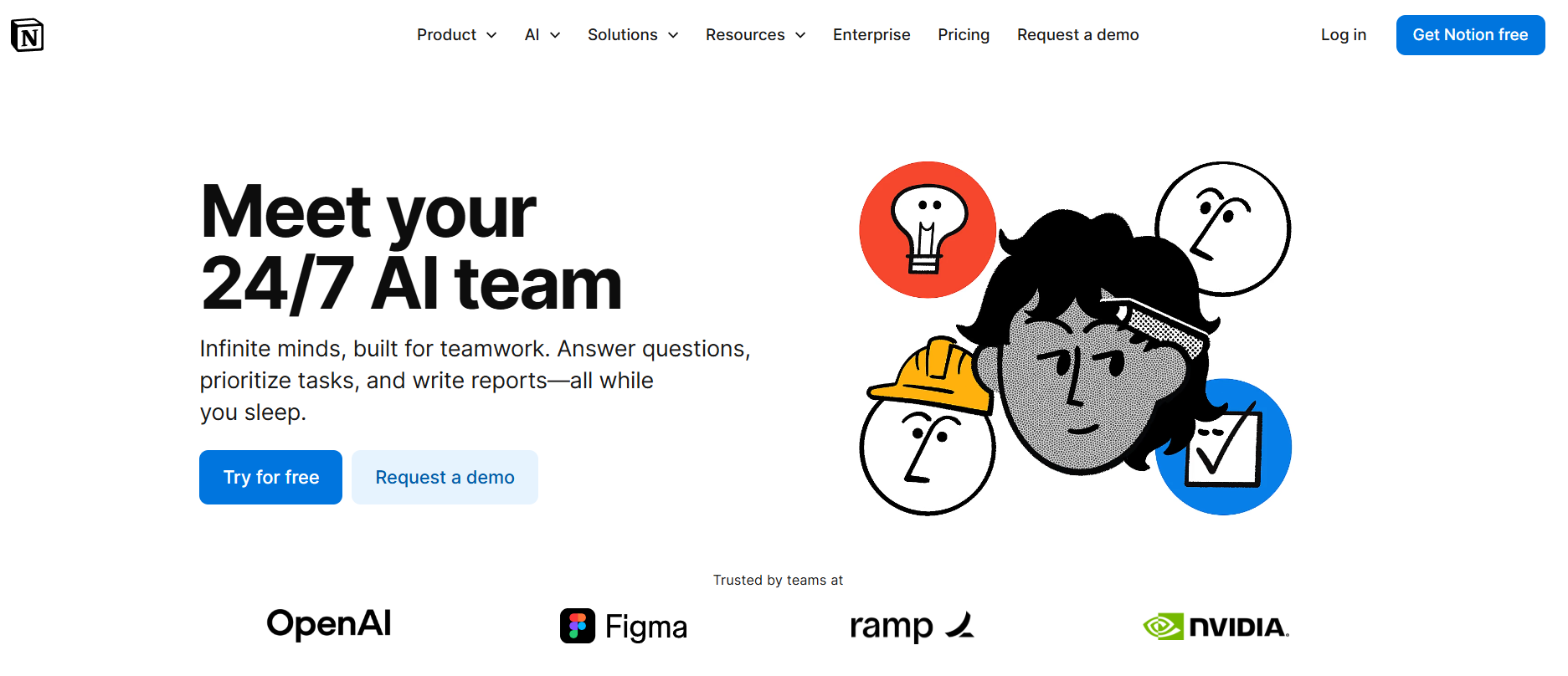
Notion AI is one of the most versatile all-in-one workspaces available today. Instead of switching between separate tools for notes, tasks, writing, and databases, Notion combines everything into a single platform with AI built in — plan, write, organize, and automate without leaving the same dashboard.
What it does best: generates summaries, brainstorms ideas, writes drafts, and connects notes, projects, and databases into one workspace. It can also rewrite text, simplify content, and extract key insights from long pages.
Why it stands out: Notion AI works inside a full productivity ecosystem, so you can turn generated content straight into tasks, databases, or project boards without switching apps. Best for: creators, students, freelancers, and small teams who want one centralized system for both productivity and content creation.
💰 Pricing
Notion retired its $10/month AI add-on back in 2025. As of September 2026, full Notion AI — Agent, AI Meeting Notes, Enterprise Search, Ask Notion — only ships with the Business plan at $20/user/month billed annually ($24 monthly).
Free and Plus ($10/user/month) give you a limited AI trial, not the full toolset. Custom Agents run separately on credits — about $10 per 1,000 monthly credits on top of your seats.
Read the Notion AI Review →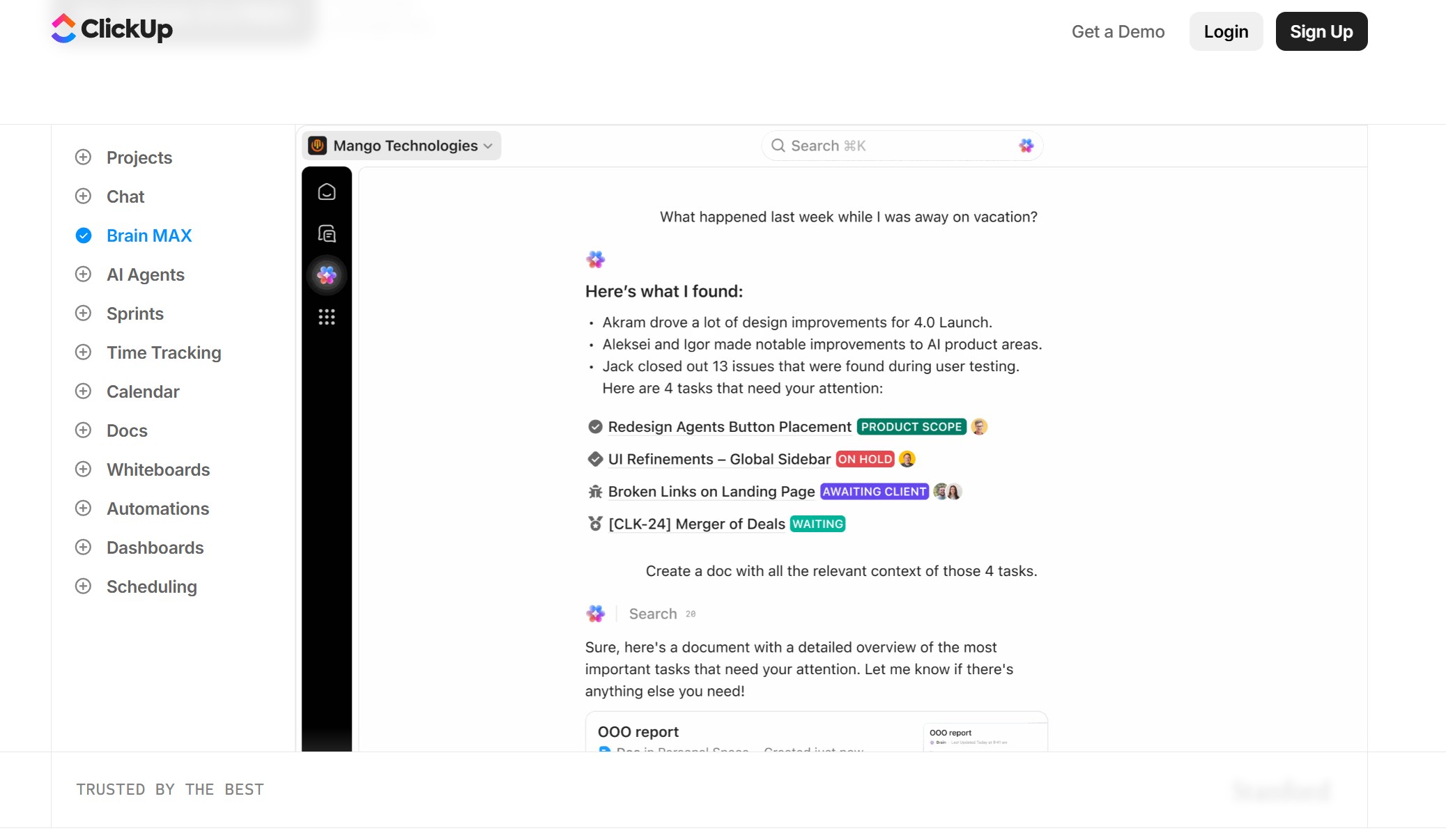
2. ClickUp AI
ClickUp AI transforms project management into a true all-in-one workspace — tasks, docs, dashboards, calendars, chat, and automation in one platform, with AI layered on top to write content, summarize meetings, and generate subtasks.
What it does best: writes emails and task descriptions, auto-creates subtasks from goals, and condenses long comment threads into clear action points. Its assistant can also search your whole workspace and return answers instantly.
Why it stands out: the AI works inside a full project system, so generated content converts straight into tasks, timelines, or dashboards. Best for: project managers, remote teams, and agencies that want one platform to plan, track, and execute work.
💰 Pricing
Base workspace plans run $7–$12/user/month billed annually, but AI isn't included by default.
ClickUp Brain adds about $9/user/month on top of any paid plan; the fuller Everything AI tier runs up to $28/user/month — both billed per seat, whether that seat uses AI or not.
See ClickUp's Current Pricing →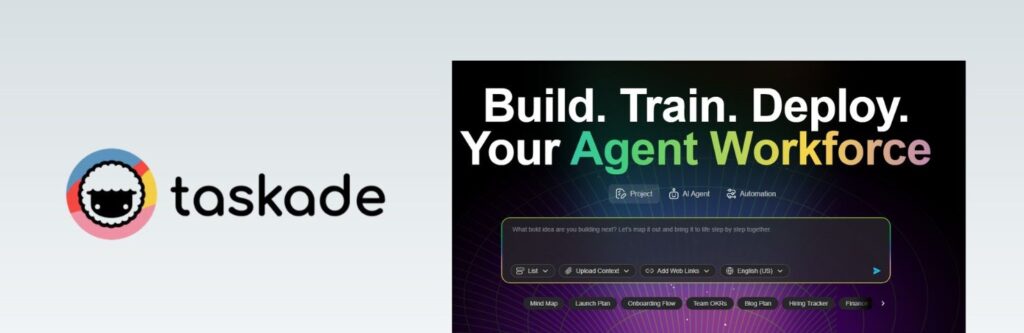
3. Taskade AI
Taskade AI is a great pick for visual thinkers who want a flexible workspace for planning, brainstorming, and team collaboration — task lists, outlines, docs, mind maps, and AI agents all in one place.
What it does best: helps you brainstorm, summarize, and turn notes into actionable tasks. The standout is how quickly you can switch between outline and mind-map views of the same project — useful for seeing the big picture and the step-by-step plan at once.
Why it stands out: its AI works with projects, agents, and automations inside the same workspace, which helps for repeatable workflows like content planning or campaign checklists. Best for: solo creators, YouTubers, and small teams that prefer visual planning over rigid task lists.
Want the full breakdown? Check out my in-depth Taskade AI review to see if it's the right fit for your workflow.
💰 Pricing
Free plan includes a one-time AI credit allowance to test the workspace.
Paid tiers start at Starter (~$6/month), with Pro — the most popular tier — at ~$16/month, both billed annually. Plans differ mainly by AI credit volume, not by which features you can access.
Try Taskade Free →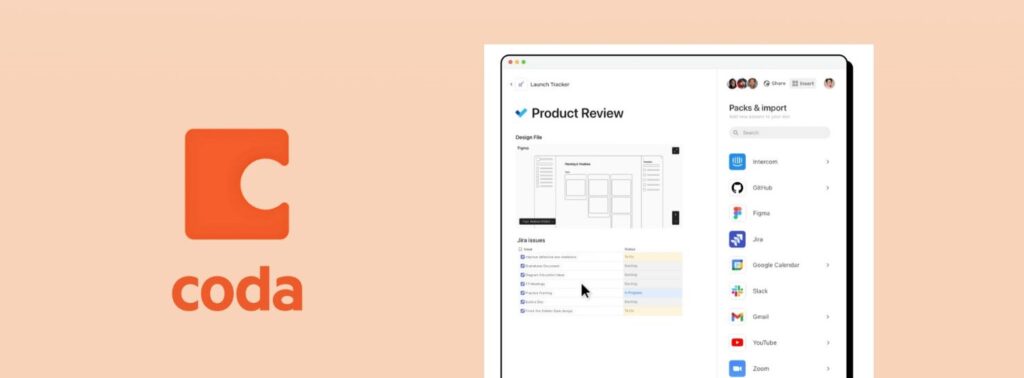
4. Coda AI
Coda AI turns documents into interactive workspaces that combine writing, data, automation, and apps in one place — closer to a customizable app builder than a document editor with AI bolted on.
What it does best: generates text directly inside tables and documents, summarizes long pages, and automates workflows using buttons, formulas, and integrations. It can also analyze structured data from tables and turn it into instant summaries.
Why it stands out: AI works inside databases and dashboards, which makes it especially useful for operations, trackers, and internal tools. Best for: analysts, operations teams, and product managers who need a flexible system rather than rigid software.
Running into team collaboration issues? My guide on fixing common Coda AI team mistakes covers the most common ones.
💰 Pricing
Free plan available with unlimited Doc Makers and limited doc size. Pro starts at $10/Doc Maker/month billed annually ($12 monthly), with AI on a shared monthly credit pool.
Team runs $30/Doc Maker/month ($36 monthly) with a larger pool and unlimited automations. Only builders pay — editors and viewers stay free under Coda's Doc Maker billing model.
See Coda's Current Pricing →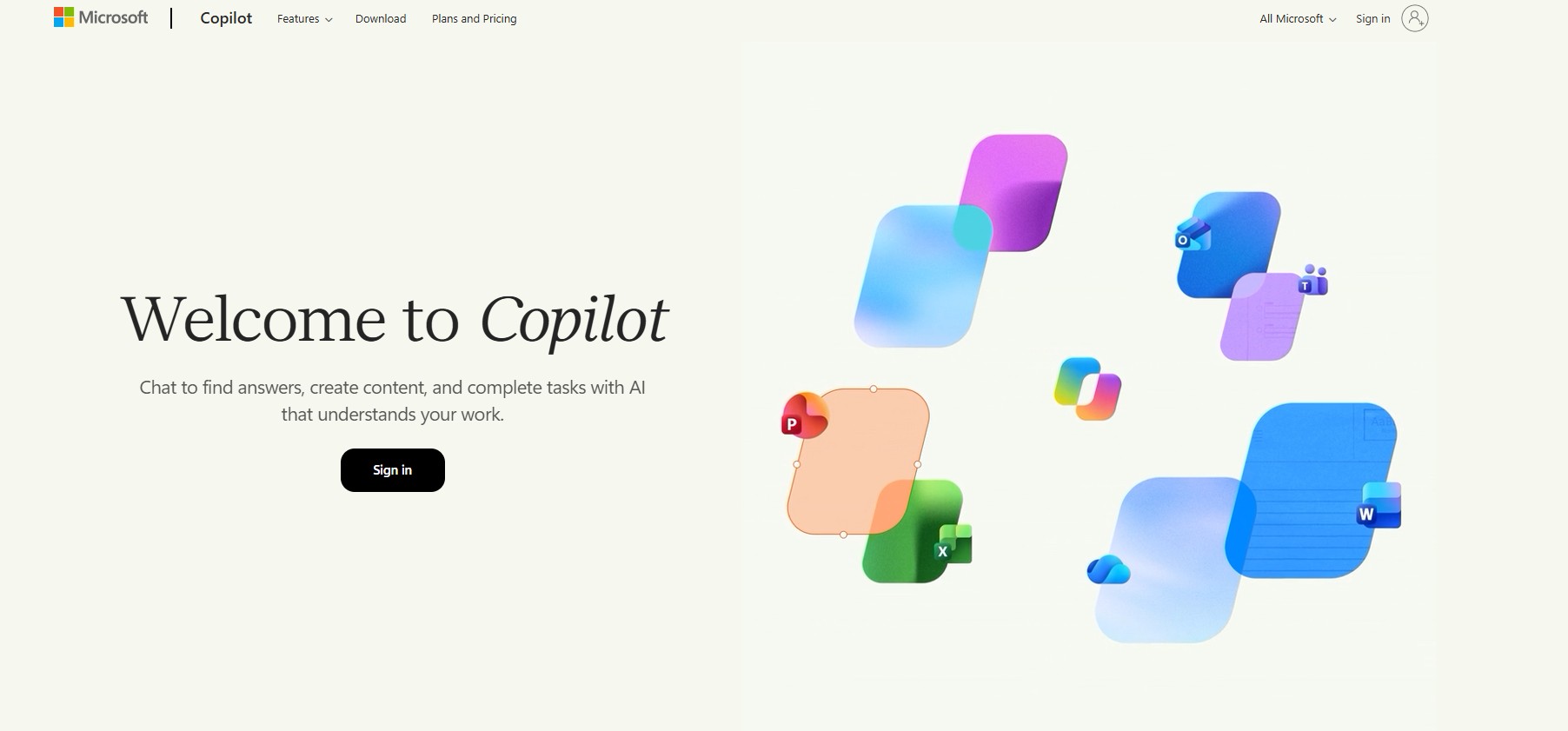
5. Microsoft Copilot
Microsoft Copilot is Microsoft's AI assistant built into Word, Excel, Outlook, Teams, and Windows — it works directly inside apps you already use rather than asking you to switch to a separate tool.
What it does best: drafts emails and documents, summarizes meetings and files, analyzes spreadsheets, and generates presentations using data from your own Microsoft workspace.
Why it stands out: deep native integration means it understands context — your files, conversations, and calendar — instead of starting from a blank prompt every time. Best for: business professionals and organizations already invested in Microsoft 365.
Comparing AI assistants? My breakdown of Superhuman vs Copilot vs Gemini looks at which fits your workflow best.
💰 Pricing
Copilot Chat is free for eligible Microsoft 365 users, but it doesn't read your files, emails, or Teams data.
The add-on that does — inside Word, Excel, and Outlook — runs $30/user/month for enterprise (annual) or around $21/user/month for small-business plans under 300 seats. Either way, it's on top of a qualifying Microsoft 365 base plan.
See Microsoft Copilot's Pricing →4. Beyond the Big Five – Other All-in-One AI Categories
The five above are the productivity-workspace category. But "all-in-one AI tool" means something different depending on the job — the wider 2026 market splits roughly into creative suites, creator stacks, and marketing hubs. Quick rundown in case none of the five above are actually what you need.
"Productivity tools consolidate your tasks. Creative suites consolidate your outputs. Most people need one of each."
Multi-Modal Creative Suites
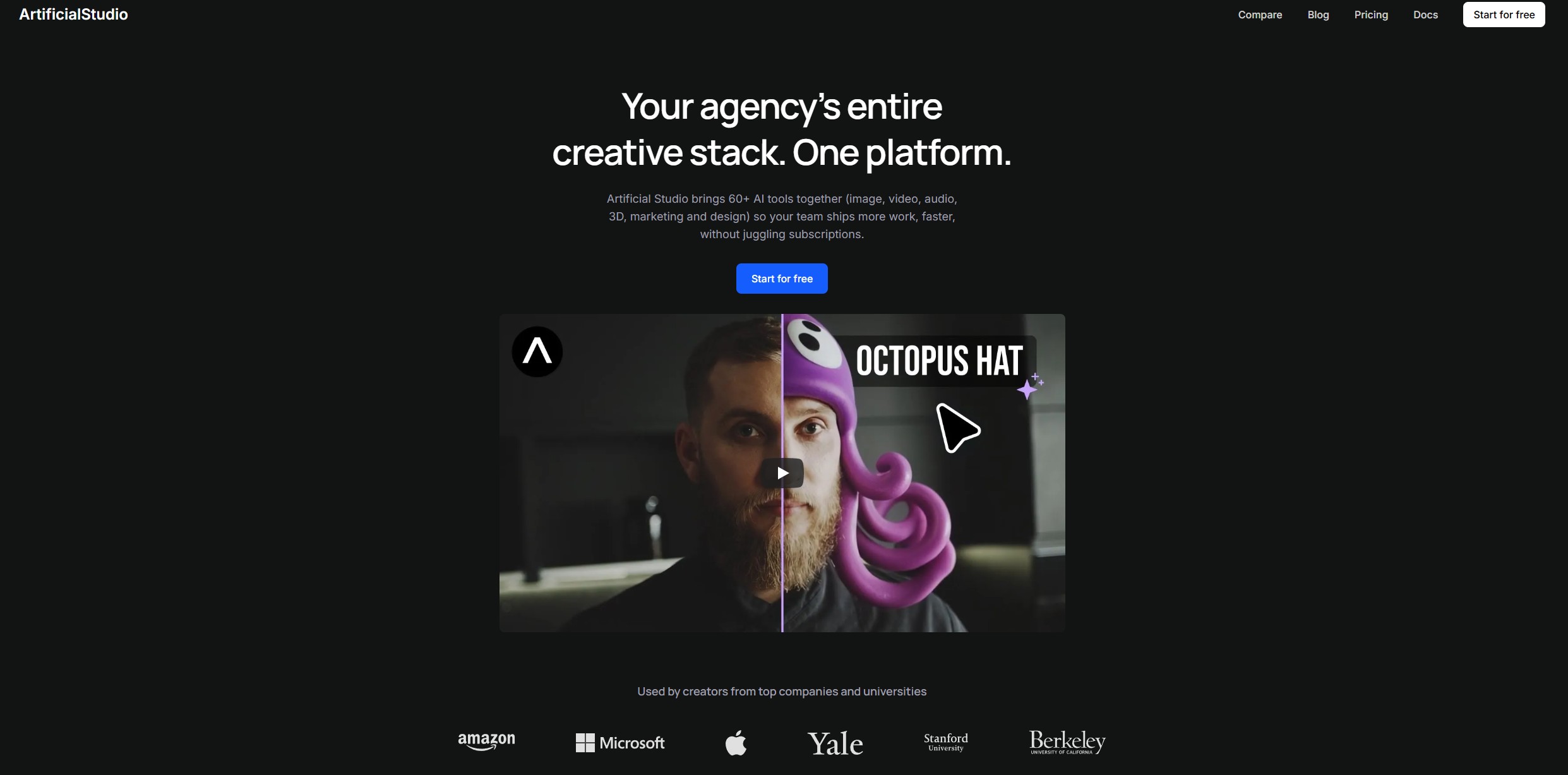
Instead of separate subscriptions per format, a creative suite puts image, video, audio, and sometimes 3D behind one login and credit pool — "one wallet" instead of five. Artificial Studio routes a plain-language request to the right tool automatically across 60+ AI models. ImagineArt pairs image and video generation with an AI Audio Studio for text-to-speech, voice cloning, and music.
Creator Research-to-Publish Stacks
For creators, the pattern is a stitched-together stack rather than one app: research, write, publish. Newer entrants like Eden pitch indexing existing posts to find an angle and draft in your voice — not on my confirmed list yet, so treat it as one to watch. A stack that already works: ChatGPT or Claude for research and scripts, Canva for visuals, and a scheduler for posting. Claude in particular holds up well for long-form course material and detailed guides.
Marketing & Social Command Centers
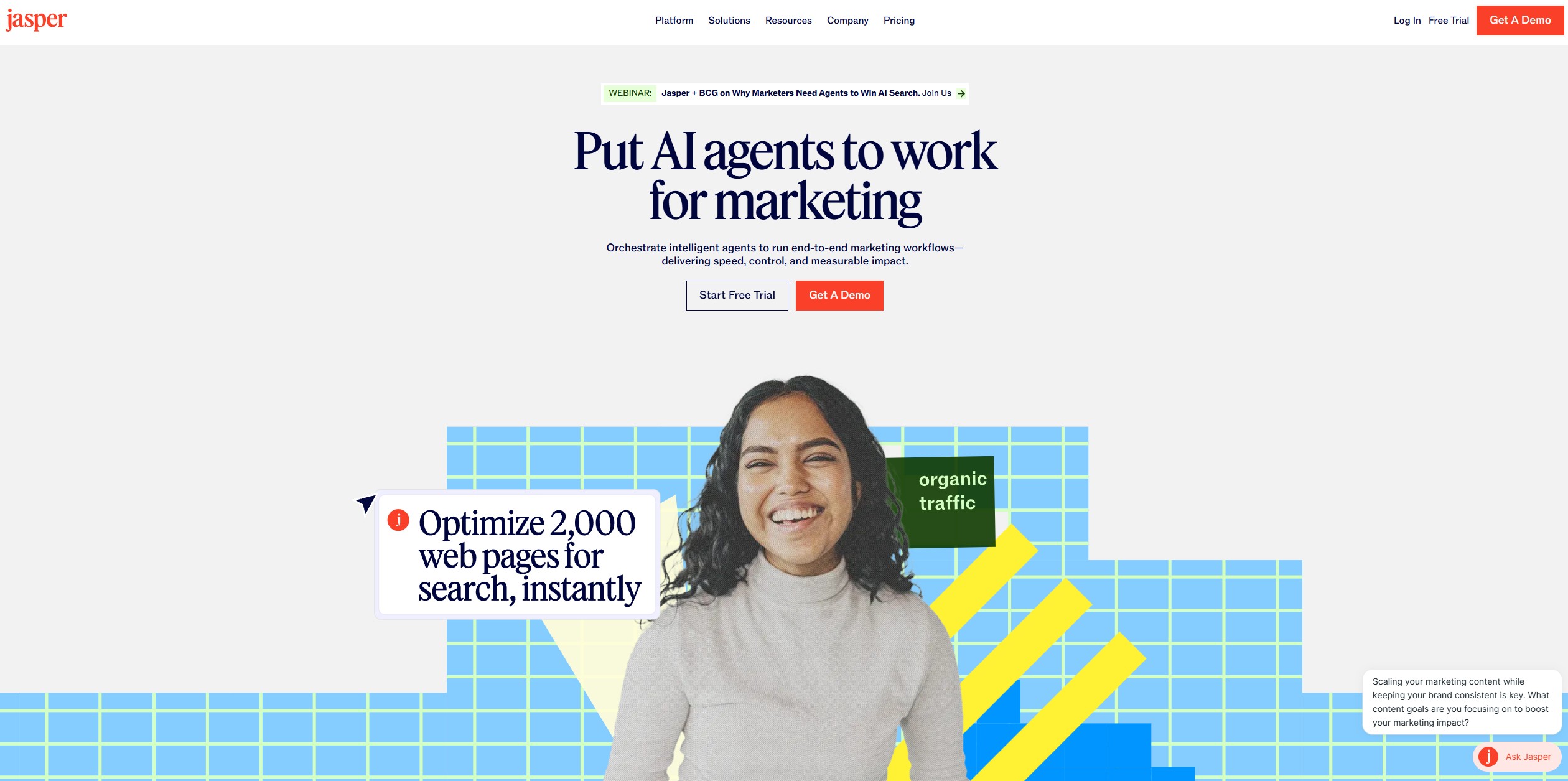
Marketing teams have their own "all-in-one": creation, scheduling, and analytics under one roof. Jasper centers on brand voice and multi-format campaigns; Copy.ai and Writesonic focus more narrowly on SEO blogs and ads. I've compared the writing-focused options directly in Jasper vs Copy.ai and Copy.ai vs Writesonic.
On scheduling, Buffer and Hootsuite act as AI-assisted social command centers, and small businesses tend to like PosterMyWall for templates and quick AI touch-ups on ready-to-post images. A practical stack: Claude for scripts, Canva for visuals, Buffer for scheduling — see my AI social media scheduling tools roundup for more options.
Building a Second Brain
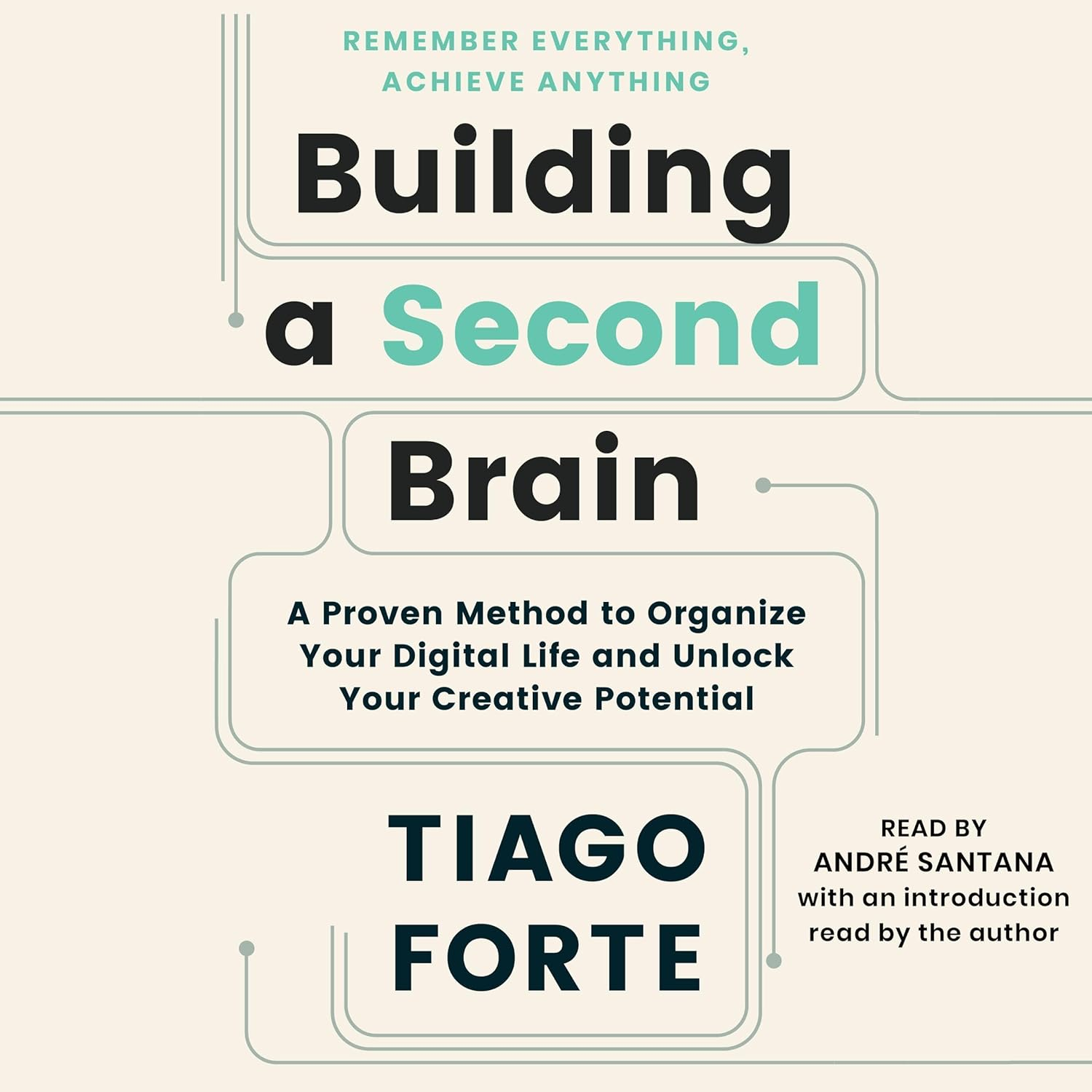
Everything above comes down to one idea: capture and organize information in one system instead of scattering it across apps. Tiago Forte's Building a Second Brain named that philosophy — the closest thing to a manual for actually using a workspace like Notion or Coda the way it's meant to be used.
Get the Book →5. How to Choose the Right Tool for You
With so many all-in-one AI tools available, the smartest move is picking the one that matches how you actually work — you don't need all five, or all three categories above.
Pro Tip: Start with just one tool and stick with it for a week — every platform on this list has a learning curve, but once set up, they save hours a month. Consolidating doesn't have to mean all-at-once: combining tools smartly (writing in Notion, managing delivery in ClickUp) works fine too.
6. Pro Tips to Work Smarter with These Tools
Choosing the right platform is only the first step. The real advantage shows up when you use it intentionally, with a few deliberate habits that cut friction instead of adding another layer of software to manage.
1. Start with templates instead of building from scratch
Notion AI and ClickUp AI both include ready-made templates for content calendars, project planning, and meeting notes. Starting from a structure saves time and keeps things consistent from day one.
2. Build a daily command dashboard
Set up a single home screen showing your priorities, tasks, and active projects. ClickUp and Coda both let you build a personalized control center that updates in real time.
3. Let AI draft first, then refine
Instead of staring at a blank page, ask your AI workspace to generate a first draft or checklist. You don't have to use it word-for-word — it still removes the friction of starting from nothing.
4. Connect your calendar and communication tools
Integrate your AI platform with Google Calendar, Outlook, Slack, or Gmail so meetings turn into tasks automatically and workflows trigger without manual work — that's what a genuinely unified system looks like.
5. Automate the recurring work
Use built-in automations for reminders, status updates, and weekly task lists. Once repetitive work runs itself, you get that mental energy back for what actually needs a person.
6. Optimize gradually, not perfectly
The best systems evolve over time. Start simple, test what works, and refine as your workflow grows — my guide on AI workflow automation tools walks through practical setups worth trying.
7. Ethical AI Use & What to Watch Out For
While all-in-one AI tools offer real advantages, it's worth staying aware of the trade-offs that come with handing over more of your workflow. Using them responsibly means keeping a few boundaries in place.
1. Be mindful of sensitive data
Many of these tools process information on cloud servers. It's a good habit to keep confidential client data, passwords, and financial details out of AI-generated documents or chat prompts. I've written up how to stop AI from reading your private data if you want the full checklist.
2. Check what the AI is doing behind the scenes
Some platforms make suggestions or automate changes in the background. Always review AI edits or summaries before accepting them, especially in shared workspaces.
3. Don't over-rely on AI judgment
AI can write faster than you can, but it doesn't understand your situation the way you do. Use it to draft or get unstuck — keep applying your own judgment before publishing or acting on anything it generates.
4. Respect team transparency
If you're using AI to summarize meetings or auto-fill reports, be upfront with your team about it. Ethical use means avoiding hidden automation other people end up quietly depending on.
💡 The short version: AI works best when you stay in charge. The smartest way to use these platforms is to make them your assistants — not your replacements.
8. Final Thoughts – Make AI Work With You, Not For You
In a world full of scattered tools and endless tabs, the rise of all-in-one AI tools is a genuine relief. Whether you're building a business, running a remote team, or just trying to stay productive, choosing the right tool can save hours per week and cut the mental clutter of juggling five apps.
You don't need to use them all. Start with one that fits your style — Notion AI for flexible docs, ClickUp AI for full project management, or a creative suite if your output is visual rather than written — and let it evolve with your workflow. Most offer free plans or trials, so there's no real risk in trying.
🧩 The real win isn't just using AI — it's building a system that supports how you actually work. For more recommendations, check out my full list of Top AI Tools.
9. FAQ – All-in-One AI Tools
🚀 Build Out Your AI Productivity Stack
You've got the five productivity workspaces down. Here's where I'd go next to round out the rest of the stack: