

 Published on: January 4, 2025
Affiliate Disclaimer:
Some of the links in this post are affiliate links. This means we may earn a small commission if you click through and make a purchase, at no extra cost to you. We only recommend tools we truly believe offer value.
1. Why Manual Follow-Ups Keep Failing
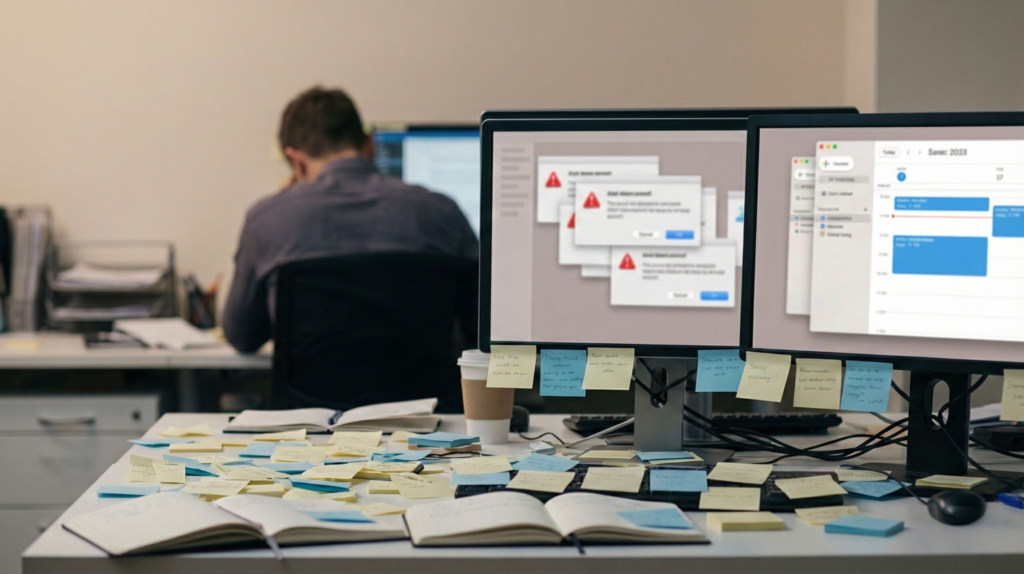
We’ve all been there. You send an email, make a mental note to follow up, and move on. A few days pass. Then a week. Suddenly you remember—too late. The reply never came, the task slipped through, or the opportunity quietly disappeared because the follow-up never happened.
What makes this frustrating is that it happens even when we’re organized, motivated, and using productivity apps. We’re not careless. We’re just juggling too many small commitments at once—emails, reminders, check-ins, calendar nudges—each one easy to forget on its own, but overwhelming together without a clear system.
This is the quiet problem behind modern work: manual follow-ups don’t fail because we’re bad at our jobs—they fail because our attention is constantly fragmented. We rely on memory, sticky notes, or “I’ll do it later,” and those systems crack under pressure as tasks and messages keep piling up.
In this guide, we’ll show how AI tools that replace manual follow-ups can remove that mental load by automating reminders, drafts, and timing—without turning work into something robotic or impersonal. We’ll break down what’s actually going wrong, what can be automated safely, and how AI follow-up automation helps us stay in control while doing less chasing.
If you’ve ever thought, “I swear I meant to follow up on that,” you’re in the right place.
2. The Real Costs of Manual Follow-Ups (Time, Money, Focus)
At first, manual follow-ups don’t look like a serious problem. They feel small. A reminder we’ll set later. An email we’ll resend tomorrow. A note we’ll remember “for sure.”
But over time, these tiny delays add up.
Every missed follow-up costs us more than time. It drains focus, breaks momentum, and creates a low-level mental stress we carry all day. We keep part of our attention busy just remembering to remember.
Research backs this up. According to studies shared by Harvard Business Review, unfinished tasks stay active in our minds and reduce cognitive performance — a phenomenon often linked to attention residue and mental overload (You can read the interesting full post here).
This explains why follow-ups feel heavier than they should. They’re not just tasks — they’re open loops that stay active in our mind until they’re closed.
Here’s what usually happens in real life when follow-ups are handled manually:
• Emails get postponed because they don’t feel urgent
• Reminders pile up until they’re ignored
• Important check-ins depend on memory instead of systems
• We double-check things “just in case,” wasting even more energy
The result is a constant background noise in our workday. Even when nothing is on fire, we still feel behind and slightly on edge.
This is where many people start looking into AI follow-up automation and AI tools that replace manual follow-ups — not to work faster, but to think less about what might be forgotten. The goal isn’t replacing judgment or human decisions. It’s protecting attention and reducing the mental load created by manual follow-ups.
3. What AI Follow-Up Automation Really Solves
When we say AI follow-up automation, we’re not talking about a robot taking over our work. Most of the time, it’s something simpler — and honestly, far more useful.
It helps with the parts we already want to do, but don’t always remember at the right moment.
So what does it actually solve in daily work?
It turns follow-ups into a repeatable system
Instead of relying on memory, we set a rule once. For example: “If there’s no reply in three days, remind me or prepare a polite follow-up.”
The tool handles the timing, while we stay fully in control of the message and the decision.
It reduces the “open loops” in our head
Follow-ups create mental clutter because they’re unfinished. With AI tools that replace manual follow-ups, automation closes that loop. We know something will happen, so we stop carrying it around all day.
It keeps relationships warm without being pushy
A good follow-up is rarely aggressive. It’s usually a short check-in, a helpful reminder, or a simple “just making sure this didn’t get lost.”
AI follow-up automation makes that kind of consistency easier — without sounding robotic.
It connects the places where follow-ups get lost
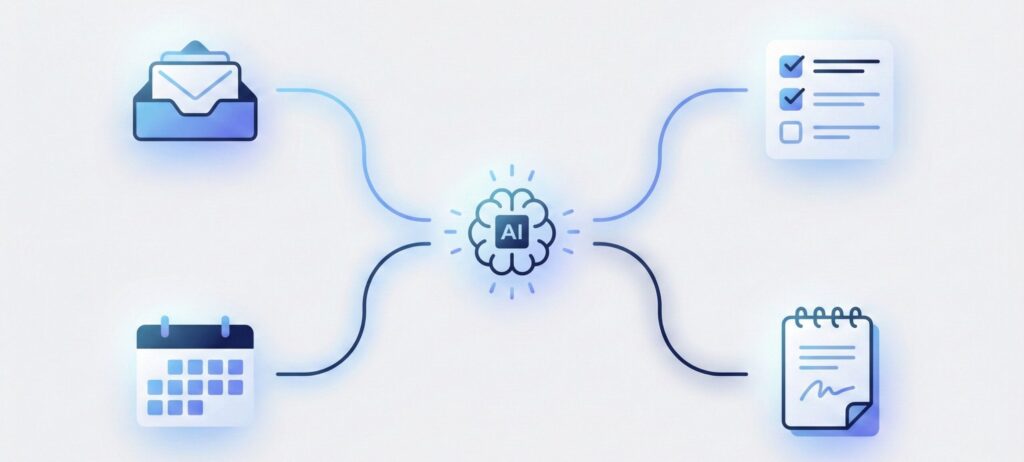
This is the big one. Follow-ups don’t live in one app. They’re spread across email, calendars, task lists, meeting notes, and sometimes messaging tools.
The best AI tools that replace manual follow-ups bridge these gaps instead of adding yet another system to manage.
To make this clearer, here’s the practical difference between manual follow-ups and what we mean by AI-driven follow-up automation:
| What happens | Manual follow-ups | AI follow-up automation |
|---|---|---|
| You send an email and wait | We “remember” to check later | The system prompts us at the right time |
| No reply after a few days | We notice too late or forget | A reminder or draft follow-up appears automatically |
| Tasks depend on other people | We chase reminders manually | Follow-ups trigger based on status or deadlines |
| Meetings create action items | Notes sit unused | Action items become tasks with reminders |
One important point: automation doesn’t mean “send messages on autopilot.” A smart system is more like a co-pilot. It suggests, drafts, reminds, and organizes — while we decide what gets sent.
4. How to Replace Manual Follow-Ups Step by Step
This is the part most people get wrong — not because it’s complex, but because they try to automate everything at once.
A follow-up system works best when it’s simple, predictable, and easy to trust. Here’s a clear way to set it up without overengineering.
Step 1: Identify the follow-ups that keep slipping
Before using any tool, we need clarity.
Ask ourselves:
Which emails do I often forget to chase?
Which tasks depend on someone else replying?
Which meetings create action items that fade away?
These are the best candidates for automation. If something already happens reliably, it doesn’t need AI.
Step 2: Decide what should happen automatically — and what shouldn’t
Good automation is not about sending messages blindly.
A healthy rule:
Automate reminders and drafts
Keep final decisions human
For example:
After 3 days with no reply → show me a reminder
After a meeting → turn notes into tasks
Before a deadline → prompt me to follow up
This is exactly where AI tools that replace manual follow-ups shine: they support us before something is forgotten.
Step 3: Connect the tools you already use
Most follow-ups fail because they’re spread across apps.
Email, calendar, tasks, meetings — they don’t talk to each other.
Modern AI tools focus on bridging these gaps, not replacing everything. This approach aligns with productivity research shared by Harvard Business Review, which shows that reducing context switching is one of the fastest ways to improve focus and reliability, an internal post written by HBR is how multitasking does not help.
Step 4: Start with one simple rule
Instead of building a full system all at once, start with one rule you’ll feel immediately. This is where AI tools that replace manual follow-ups work best: they remove friction without adding complexity.
A single rule is enough to create relief.
Examples of simple follow-up rules:
If an email has no reply after three days → remind me
If a task is blocked → schedule a follow-up reminder
If a meeting ends → extract action items and follow-ups
Each rule replaces a manual check you’d normally try to remember on your own. The timing happens automatically, but the decision stays with us.
Once that first rule works, adding a second one feels natural — not overwhelming. That’s how AI follow-up automation becomes part of your workflow instead of another system you have to manage.
Step 5: Review weekly, not constantly
Automation reduces daily mental load, but it still needs oversight.
A short weekly check is enough:
Are reminders firing at the right time?
Are drafts helpful or too aggressive?
Are we still in control of what gets sent?
If the answer is yes, the system is doing its job.
5. Common Mistakes That Break AI Follow-Up Systems
Even good tools fail when the setup doesn’t match how people actually work.
To avoid repeating the usual “list of mistakes,” here’s a clear diagnostic table you can use to quickly spot what’s going wrong — and how to fix it.
| What goes wrong | What it looks like in real life | Why it breaks the system | How to fix it |
|---|---|---|---|
| Automating too early | Rules are created before the workflow is clear | Automation amplifies confusion instead of reducing it | First write a simple rule in plain language before using any tool |
| Fully automatic sending | Follow-ups go out without review or context | Messages feel cold, mistimed, or inappropriate | Use AI for drafts and reminders — keep sending decisions human |
| Too many rules | Every scenario has its own automation | Alerts lose meaning and start getting ignored | Start with one high-impact rule and expand slowly |
| Poor timing | Reminders arrive at the wrong moment | Interruptions reduce focus and effectiveness | Adjust timing windows based on real work rhythms |
| No review habit | The system is never checked after setup | Small issues grow until trust is lost | Do a short weekly review to keep the system aligned |
This table highlights an important pattern:
most failures are not technical — they’re behavioral.
Research summarized by the American Psychological Association shows that systems reduce stress only when they are predictable and trusted, not when they overload attention with interruptions (interesting read from APA: dealing with information overload).
When we design automation around how we actually think and work, AI tools that replace manual follow-ups become reliable partners instead of background noise.
6. Use AI Ethically Without Losing Control (Tools + Final Takeaways)
Automation should feel like relief, not like we’ve handed our work — or our relationships — to a black box.
The best setups share one simple principle: we stay responsible for the message and the relationship.
AI tools that replace manual follow-ups don’t decide what to say — they help us remember, prepare drafts, and stay consistent when attention drops.
Before turning on any AI follow-up automation, these are the three ethical guardrails we recommend.
1) Keep humans in the loop
Use AI for drafts, reminders, and prompts — and always decide what gets sent. Automation supports judgment; it shouldn’t replace it.
2) Don’t automate sensitive conversations
If a message is emotional, private, legal, or high-stakes, we keep it manual. Some follow-ups need timing and empathy.
3) Check privacy settings before connecting accounts
AI follow-up tools often touch email, calendars, contacts, or meeting notes. That power deserves attention. Review permissions, data handling, and access levels before connecting anything.
Used this way, AI tools that replace manual follow-ups don’t create distance. They protect focus, reduce mental noise, and help us show up more reliably — without crossing ethical lines.
Below is a simple recommendation table (clear and scannable) to help pick the right tool based on what you need to fix today.
| Tool type | Best for | What it helps automate | Good ethical default | Try it |
|---|---|---|---|---|
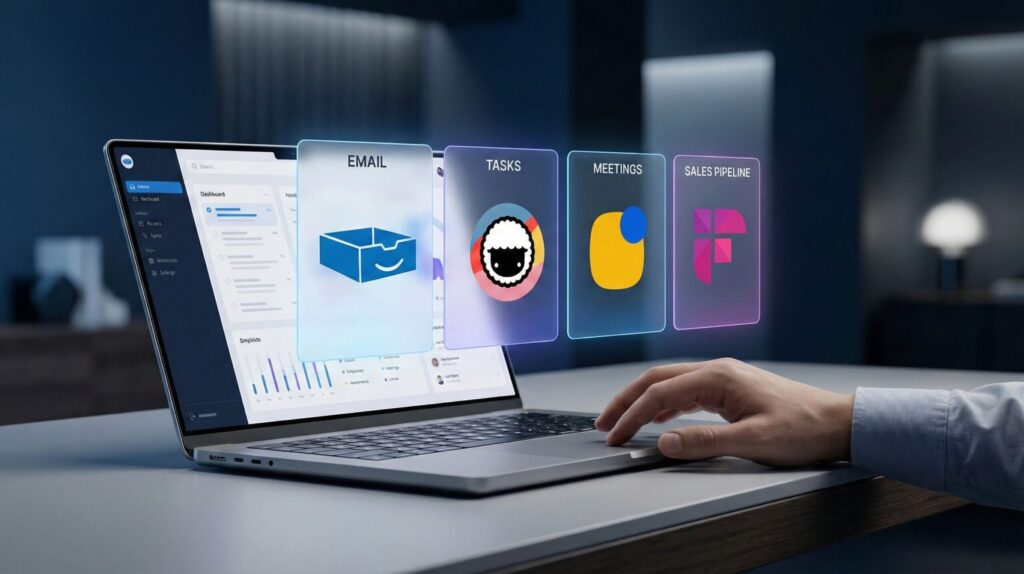
| Email follow-up assistant | Freelancers, sales, client work | Follow-up reminders, draft nudges, inbox triage | Draft first, review before send | Try SaneBox |
| AI task + reminder system | Daily work, side hustles, ADHD-friendly | Auto-reminders, task nudges, blocked follow-ups | Notify, don’t nag | Try Taskade |
| Meeting notes → action items | Teams, managers, recurring meetings | Summaries, tasks, follow-up lists | Ask for consent before recording | Try Fireflies |
| CRM / pipeline follow-ups | Sales, partnerships, outreach | Sequences, reminders, no-reply triggers | Personalize templates | Try Reply.io |
Final takeaway: start small, stay human, and automate only what we’d already be happy doing ourselves — just more consistently. That’s where AI tools that replace manual follow-ups make the biggest difference: they remove mental friction without taking control away from us.
When we set things up this way, we don’t add more noise to our day. We build a system we can trust — one reminder, one follow-up, one workflow at a time. If even one of the tools above helps you stop chasing tasks or second-guessing whether you forgot something, it’s already doing its job.
The best way to understand the impact is simple: pick one follow-up you keep missing and try automating just that. The relief usually comes faster than expected.
7. FAQ – AI Tools That Replace Manual Follow-Ups
Q: What are AI tools that replace manual follow-ups?
A: They are tools designed to automate reminders, drafts, and timing for follow-ups across email, tasks, meetings, and pipelines. Instead of relying on memory, the system helps ensure nothing is forgotten while we stay in control of what gets sent.
Q: Will AI automatically send follow-up emails on my behalf?
A: Not by default — and it shouldn’t. The most reliable setups use AI to suggest, remind, or draft messages, while we review and decide. This keeps communication natural and avoids awkward timing.
Q: Are AI follow-up tools safe to use with sensitive data?
A: They can be, but only if we review permissions carefully. Before connecting email, calendar, or meeting tools, it’s important to understand what data is accessed and how it’s handled.
Q: Do these tools work for personal tasks or only for business?
A: They work for both. Many people use follow-up automation for personal reminders, freelance projects, or side hustles — especially when tasks depend on other people responding.
Q: What’s the biggest mistake people make with follow-up automation?
A: Trying to automate everything at once. The most effective approach is starting with one recurring follow-up problem and expanding only after the system feels reliable.
Q: Can AI tools that replace manual follow-ups reduce stress?
A: Yes, when used thoughtfully. By closing open loops and removing the need to constantly “remember to remember,” these tools help reduce mental load and support better focus.
If you want to go deeper and build a follow-up system that actually sticks, these guides pair naturally with what we covered here:
→ Taskade AI – Your Second Brain for Team Productivity
→ Akiflow AI – Best Daily Planner for Remote Workers?
→ How to Use AI to Turn Notes Into Tasks (Without Losing Context)
→ Best AI Tools for Meeting Productivity: Transcription, Summaries & Action Items
→ AI Workflow Bots: Automate Your 9–5 and Reclaim Your Time
Each of these explores a specific piece of the same puzzle — reducing mental load, closing open loops, and using AI to support work without taking control away from us.