

 Published on: July 24, 2025
Affiliate Disclaimer:
Some of the links in this post are affiliate links. This means we may earn a small commission if you click through and make a purchase, at no extra cost to you. We only recommend tools we truly believe offer value.
1. Introduction: No Login, No Problem – The Best Free AI Tools You Can Use Instantly (2025)
Tired of creating accounts just to try a tool? We’ve all been there. In 2025, the demand for free AI tools no login has exploded — and for good reason.
Many of us want to test ideas quickly without handing over an email address, creating passwords, or agreeing to unclear data policies. Whether you’re generating text, editing images, or exploring creative prompts, today it’s finally possible to use AI tools without login and get real results instantly.
That’s why people keep searching for when and how free AI tools no login actually work. In this guide, we’ve collected the most reliable no login AI tools you can use right now — explaining what they do well, where they fall short, and when they’re the right choice.
In this guide, we’ve collected the top free AI tools no login required. These no login AI tools are:
Easy to use directly in your browser
Great for quick results
Free, with no hidden sign-up traps
Perfect for creators, students, small business owners, and AI-curious users
You’ll find tools for image editing, content writing, sketch-to-art generation, and more. They’re ideal for anyone who wants to explore no sign-up AI tools and test the power of AI without committing to a platform or sharing personal data.
For more powerful tools, explore our AI Tools category or browse Creative AI apps that help with visuals, design, and inspiration. If you’re managing projects or ideas, tools like Taskade AI and Notion AI also offer free access or demo modes — though some features may require login later.
This post focuses on tools that work instantly. No email. No account. Just results.
Yes — some free AI tools no login required really work. These tools let you generate text, images, or ideas directly in your browser without creating an account. They’re ideal for quick tasks, experiments, and learning, as long as you avoid uploading sensitive data.
2. Tool Reviews
We’ve rounded up a selection of the most reliable, creative, and genuinely helpful free AI tools no login needed in 2025. These apps work instantly in your browser and are perfect for fast tasks like generating images, removing backgrounds, or drafting content — all without wasting time creating an account.
Whether you’re a creator, a student, or just exploring AI out of curiosity, these tools are quick to try and surprisingly powerful. Below, you’ll find our top picks with real-world use cases and links to try them immediately.
Below are the best free AI tools no login required we tested. Each tool works directly in your browser, without email registration or sign-up tricks, making them ideal for fast experiments and everyday tasks.

2.1 Scribble Diffusion – Turn Your Doodles into AI Art in Seconds
If you’ve ever wanted to turn a rough sketch into digital art without opening a design app, Scribble Diffusion is for you. It’s one of the most fun and intuitive free AI tools no login required, and it works directly in your browser.
Just draw something simple — even a messy line — then type a short description like “robot in the forest” or *“sunset over mountains.” The tool instantly generates an artwork based on your sketch, letting you use AI tools without login or setup.
Why it’s useful:
Super fast and fun to use
No sign-up or personal data required
Results are imaginative and varied
Best for:
Visual brainstorming for creative projects
Fun sketch-to-art play with kids or students
Creating visual prompts or concept art using no login AI tools
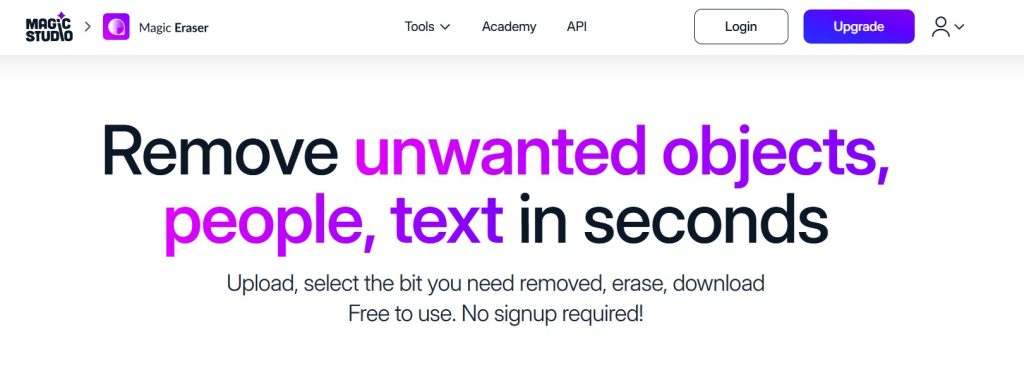
2.2 Magic Eraser – Remove Anything from Any Image Instantly
Need to clean up a photo without downloading an app or signing up? Magic Eraser is a brilliant browser-based tool that lets you highlight and erase any object in seconds.
You upload an image, brush over what you want removed (like a person, power line, or background object), and the AI fills in the space naturally. It’s fast, free, and doesn’t ask for an email.
Why it’s great:
Simple UI that works on desktop and mobile
No login required
Clean results in most cases — great for social or blog use
Best for:
Cleaning up product shots
Removing photobombers
Prepping clean visuals for content
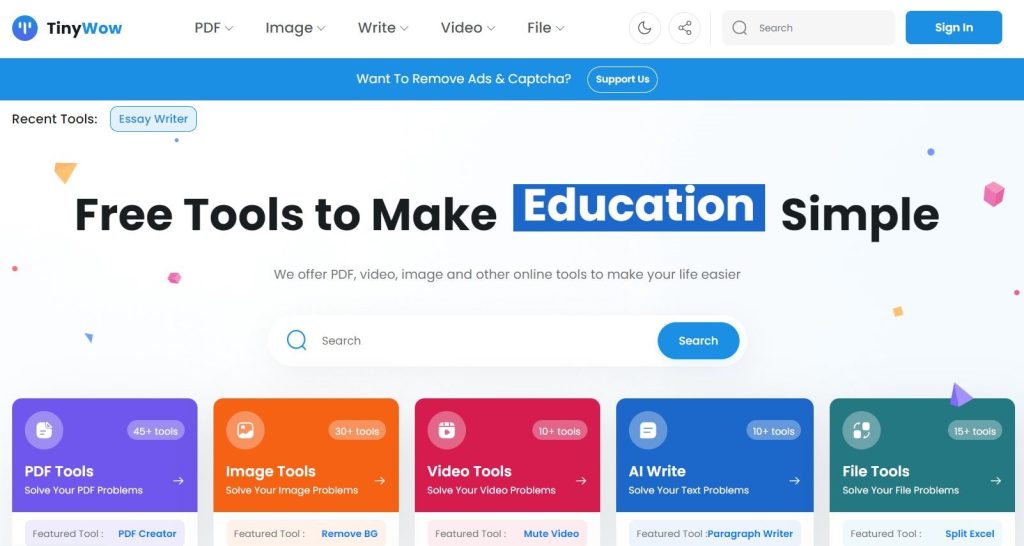
2.3 TinyWow – A Full Toolbox of Free AI Tools
TinyWow is one of the most generous collections of browser tools we’ve seen — and all of them are free with no login. The site offers AI-powered writing tools, file converters, image editors, and even PDF utilities.
You can write blog intros, convert images to different formats, generate headlines, and more — all from one clean dashboard.
Why it’s great:
Over 50 tools in one place
Completely free and no sign-up needed
Fast, ad-supported, and updated regularly
Best for:
Creators who need small tools quickly
Students editing essays or PDFs
Bloggers creating fast content assets
Combine TinyWow’s writing tools with our tips from Notion AI for even better results.
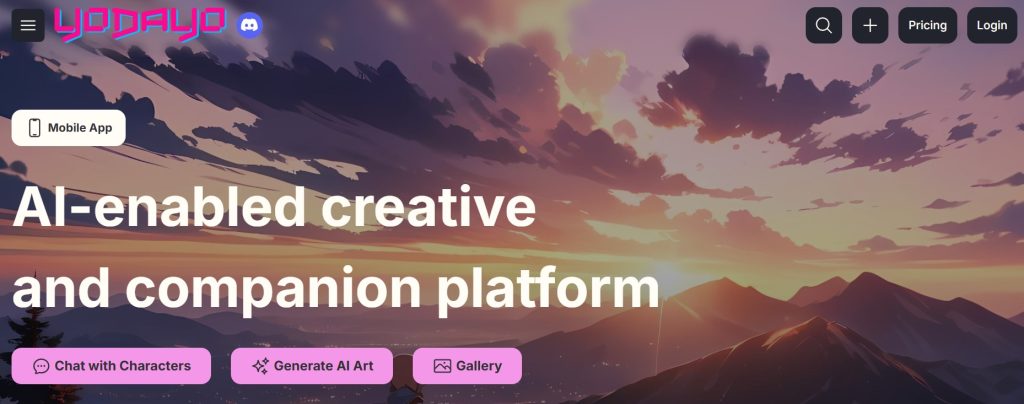
2.4 Yodayo AI – Free AI Anime Art Generator
If you’re into anime or manga visuals, Yodayo AI is a surprisingly polished tool to generate AI art in that unique Japanese style. You can enter prompts like “anime warrior in the snow” and receive instant results — no login or account needed.
You can also explore images created by others and remix them.
Why it’s great:
Very specific anime-style rendering
Free to use and explore
Great for fans and creators in anime communities
Best for:
AI anime profile pics or thumbnails
Game design concepts or fan art
Exploring trending visual styles
Want to go beyond anime? Check out other options in our AI Art Tool List.
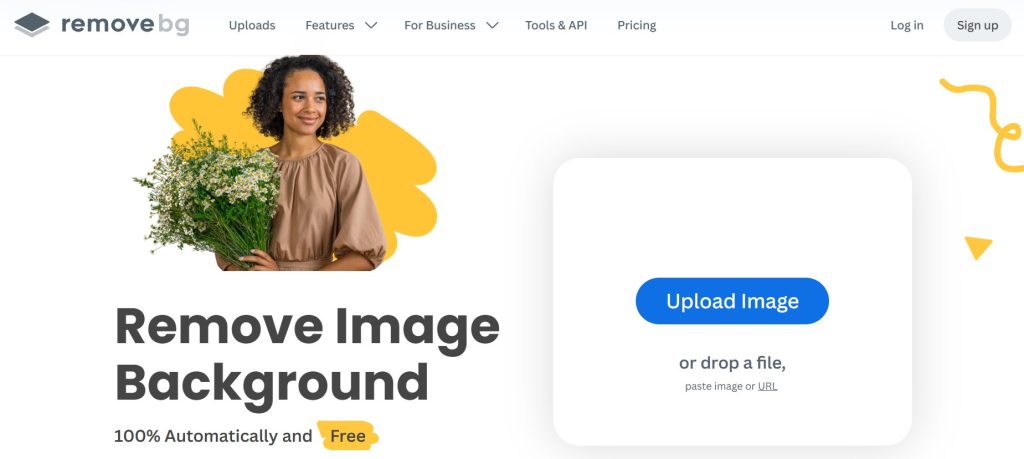
2.5 BgRemover – Fast AI Background Removal
BgRemover does exactly what its name says — and fast. Upload any photo, and the AI removes the background cleanly, giving you a transparent PNG you can use for designs, slides, or posts. No email, no waitlist.
Why it’s great:
Instant download of clean-cut images
No login or credits required
Lightweight and easy for anyone
Best for:
Product photography
Ecommerce shops or thumbnails
Social media post design
Need more design ideas? Browse our Top Creative AI Picks.
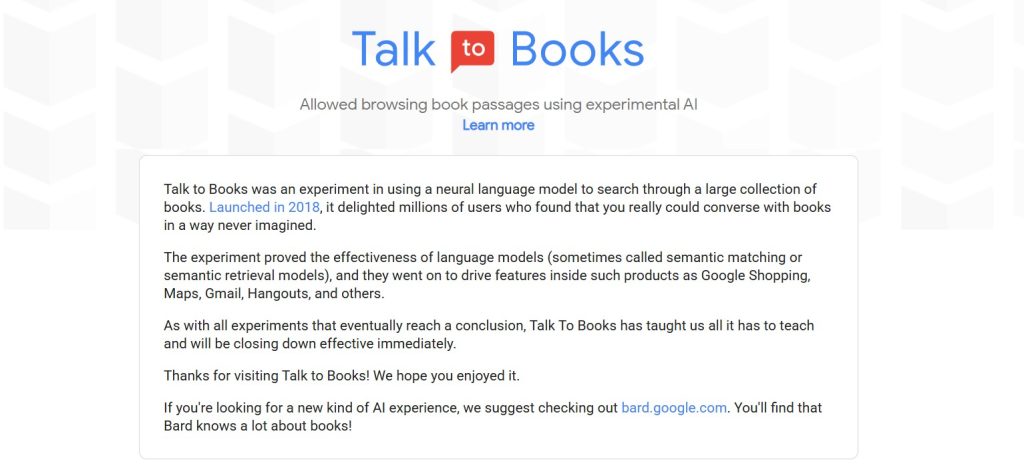
2.6 Talk to Books – Explore Ideas with AI-Powered Book Dialogue
Developed by Google AI, Talk to Books lets you ask a question or enter a thought, and the tool replies with excerpts from real published books. There’s no account required and it feels like a conversation with a digital librarian.
Why it’s great:
Instant access to book excerpts based on semantics
No login or registration
Great for idea exploration, essays, or thought experiments
Best for:
Writers exploring philosophy or culture
Teachers and students looking for sources
Creative thinkers searching fresh angles
Explore more writing and thinking tools in our AI Tools section.

2.7 AI Picasso – Create Paintings from Text with a Fun Interface
AI Picasso offers a colorful, playful way to generate art from text prompts. It’s a lighter tool with instant results — just type a description and pick a style like oil painting or pencil sketch. No login required.
Why it’s great:
Friendly interface for beginners
Great color and style variety
Free and anonymous usage
Best for:
Creative mood boards
School art projects
Quick visuals for presentations

2.8 Vercel AI Text Generator – Simple, Minimal Writing Assistant
This tiny tool hosted on Vercel uses a lightweight AI model to generate responses or expand ideas. Just type your prompt and get back clean AI-generated text. No email, no distractions.
Why it’s great:
Very fast and minimal
Great for one-line copy or captions
100% no login and ad-free
Best for:
Writing tweet ideas or short blurbs
Brainstorming titles
Lightweight writing practice
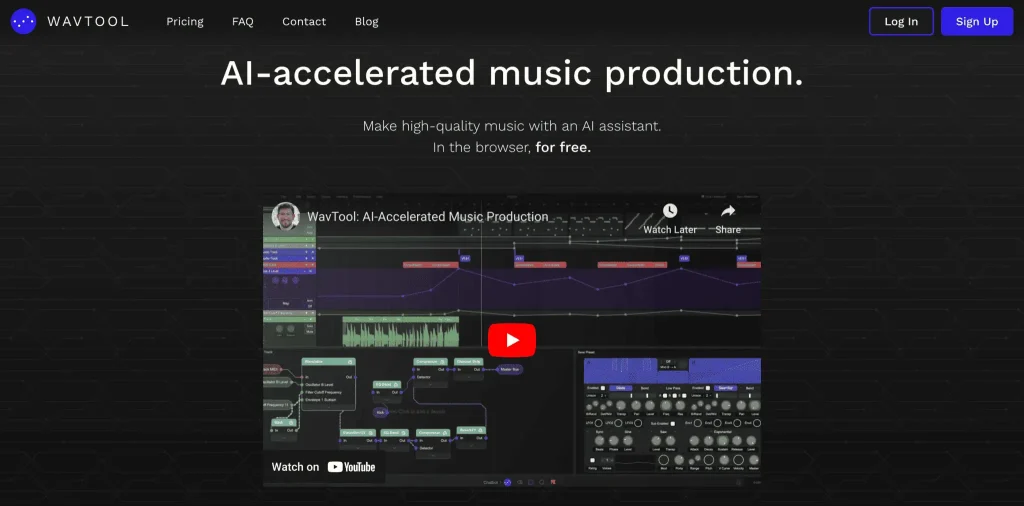
2.9 WavTool (Demo Mode) – Compose AI Music in Your Browser
WavTool is an AI music creator where you can write or generate compositions in-browser. The demo mode allows you to explore melodies and rhythms without any login.
Why it’s great:
Works in your browser, no downloads
Includes text-to-music commands
Very intuitive demo mode
Best for:
Experimenting with audio for content
Students or musicians trying melody ideas
Creating AI background music for video
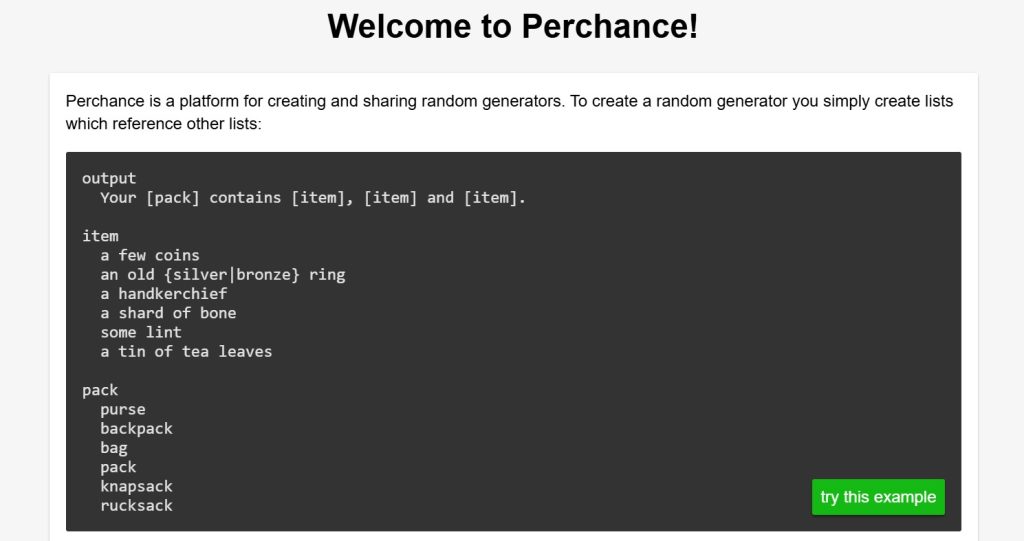
2.10 Perchance – Generate Anything Instantly with Templates
Perchance is a platform of pre-built AI random generators. You can create or use public templates for things like fantasy names, sci-fi dialogue, plot ideas, or even startup names — no login ever.
Why it’s great:
Huge community library of generators
Fast and open source
Creative, nerdy, and fun
Best for:
Writers doing world-building
Game developers and storytellers
Anyone experimenting with randomness
3. Use Cases – When These Tools Are Most Useful
Not every AI project requires a full suite with login credentials and saved settings. In fact, many of the tools we’ve reviewed above are designed for a very specific need: getting something done quickly, privately, and without strings attached.
Here are the most common scenarios where free AI tools no login truly shine:
1. Quick content creation
When you need a headline, caption, image, or idea fast, no login AI tools let you skip setup and get straight to the result.
2. Casual or first-time users
If you’re just testing AI or introducing it to someone new (like a student), free AI tools no login are ideal: low pressure, low barrier, no commitment.
3. Shared computers or public access
In schools, libraries, or co-working spaces where creating accounts isn’t practical, these tools work immediately. You can use AI tools without login and without worrying about saved data.
4. Creative brainstorming
For ideation and experimentation, no sign-up AI tools are perfect. You can iterate quickly without thinking about account limits, dashboards, or saved history.
5. Privacy-conscious workflows
If you prefer not to leave a data trail, these tools allow you to explore AI with no registration and no personal information exchange.
6. One-time tasks
Need to remove a background or generate a quick name? Free AI tools no login make sense when the task is simple and you don’t want to register for a full service.
Whatever your reason, these tools make AI more accessible — and they’re often surprisingly powerful, even without an account.
Coming up next: the pros and cons of using AI without a login, so you can decide when no login AI tools are the right choice — and when they’re not.
4. Pros and Cons of No-Login AI Tools
As useful as these tools are, going password-free isn’t always the perfect choice. Like any shortcut, free AI tools no login come with trade-offs.
Here’s a clear view of the ups and downs:
✅ Pros:
No friction – Open the tool and start using it immediately.
Privacy-friendly – No emails, passwords, or data collection.
Perfect for quick tasks – Ideal for one-off needs or small creative jobs.
Accessible anywhere – Works on public computers or shared networks.
Beginner-friendly – Great for first-time users who don’t want to commit.
❌ Cons:
No saved history – You can’t revisit past sessions or projects.
Limited features – Free/demo versions may not include advanced options.
Temporary access – Tools sometimes switch to login-only later.
No support or recovery – If something goes wrong, there’s no account to contact support with.
In short, these tools are best when you need speed and simplicity — but if you’re building long-term projects or working professionally, a full account might still be worth it.
5. Tips for Using These Tools Efficiently
Even though these tools are built for simplicity, there are smart ways to get the most value from them. Here are a few quick tips to use free AI tools no login more effectively:
1. Bookmark your favorites
Since these tools don’t save your data, saving links helps you return quickly when needed.
2. Always save your output immediately
No login means no autosave — download or copy your result before refreshing the page or closing the tab.
3. Combine tools for better workflows
For example: use Scribble Diffusion to generate an image, then clean it up with Magic Eraser or BgRemover.
4. Be mindful of privacy
Avoid uploading sensitive personal or client data. These tools don’t track you, but they don’t offer encryption either.
5. Keep a swipe file of results
Save examples or outputs you like for reference. This helps compare tools and build your personal AI workflow over time.
6. Check back often
Free tools evolve quickly. Many add features (or limits) over time — so rechecking can help you discover new use cases.
Use these tools like a set of quick-access instruments — not a full creative suite, but powerful when used with intention.
Next up: a few quick reflections on privacy and ethical use.

6. Ethical and Privacy Considerations
While no-login AI tools are convenient, they aren’t completely risk-free. Even if you’re not handing over an email address, there are still a few things worth keeping in mind — especially if you care about transparency, data protection, or responsible tech use.
1. Know what you’re uploading
Just because a tool doesn’t ask for your credentials doesn’t mean your files or text aren’t being processed or temporarily stored. Avoid uploading private or sensitive material.
2. Read the terms if you’re using AI for work
Some tools allow commercial use, others don’t. If you’re using results in a project, check the licensing page (most tools have a footer link or FAQ).
3. Understand who owns the output
Many AI tools clarify that generated content is either public domain, user-owned, or shared with the platform. Don’t assume — verify.
4. Use ethically and respectfully
Don’t use these tools to impersonate others, spread disinformation, or mass-generate fake content. Quick access doesn’t mean careless use.
5. Support good tools
If you find value in a tool, consider sharing it or donating. Free tools often rely on community use or ad support to stay online.
Using AI tools responsibly doesn’t mean avoiding them — it means understanding what’s happening behind the scenes and staying informed.
Next, we’ll wrap it all up with a final summary and quick answers to the most common questions.
7. Conclusion – Try First, Commit Later
There’s something refreshing about tools that just work — no sign-up, no friction. In a time where everything asks for an email address, these free AI tools no login options feel like a breath of fresh digital air.
They’re not meant to replace full-scale platforms or enterprise solutions. Instead, they offer a fast, low-risk way to experiment with AI, solve small problems, or test creative ideas.
Whether you’re creating an image, writing a quick draft, or removing something from a photo, there’s probably a no-login tool that can do the job well — and instantly.
If you found this post helpful, feel free to share it or check out more handpicked tools in our AI Tools category and Creative Tools section.
Coming up next: the FAQ section with the most common questions people ask about no-login AI tools. Let’s clear up the last doubts!
Bonus: Advanced AI Tools with Free Trials
If you’re ready to explore deeper functionality or want pro-level features, here are a few tools we use and recommend. They’re not no-login, but they offer free trials and are ideal for growing your workflow.
 Notion AI – Organize your tasks, write smarter, and automate daily notes
 Copy.ai – Write blogs, emails, and ads with AI
 Taskade AI – A second brain for team productivity
 Canva Pro – Create blog graphics and videos with built-in AI
 Opus Clip – Turn long videos into viral clips using AI
8. Frequently Asked Questions
Q: What are the best free AI tools with no login?
A: Some of the top choices in 2025 include Scribble Diffusion for sketch-to-image art, Magic Eraser for photo cleanup, and TinyWow for all-in-one writing and file tools — all usable without creating an account.
Q: Are no-login AI tools safe?
A: Generally, yes — especially if you’re using them for casual or creative purposes. But always avoid uploading private or sensitive data, as you won’t have control over how it’s stored.
Q: Can I use no-login tools for commercial work?
A: Some allow it, some don’t. Always check the terms of use or licensing information on the tool’s website. For client or business use, it’s best to confirm before publishing results.
Q: Why do some tools start free and later require login?
A: It’s a common model — tools offer open access to grow their user base, then shift to login to unlock monetization, save history, or offer paid plans.
Q: What’s the main benefit of using AI without an account?
A: Speed and simplicity. No sign-up, no email spam, no password fatigue — just fast access to results when you need them.
Q: Do these tools keep my content?
A: Many don’t store data permanently, but unless stated otherwise, assume your inputs might be logged temporarily. Use them mindfully.
Q: Are free AI tools no login safe to use?
A: They’re safe for quick experiments and public content, but not ideal for sensitive data. Since there’s no account, you usually have less control over storage and processing.
Still unsure which tool is right for you? Head back to Section 2 and try one that fits your workflow — no login required!
If you want to go one step further and move from quick experiments to using AI more intentionally, these guides pair naturally with what we explored here:
→ Best AI Tools for Beginners: Start Without a Learning Curve
→ Free AI Tools That Work Without Internet – Privacy-Friendly Options
→ The Truth About Free AI Tools: Are You Paying with Your Data?
Each of these looks at a different side of the same question: how to use AI without friction, pressure, or unnecessary commitments — focusing on speed, privacy, and clarity, instead of hype or lock-ins.