
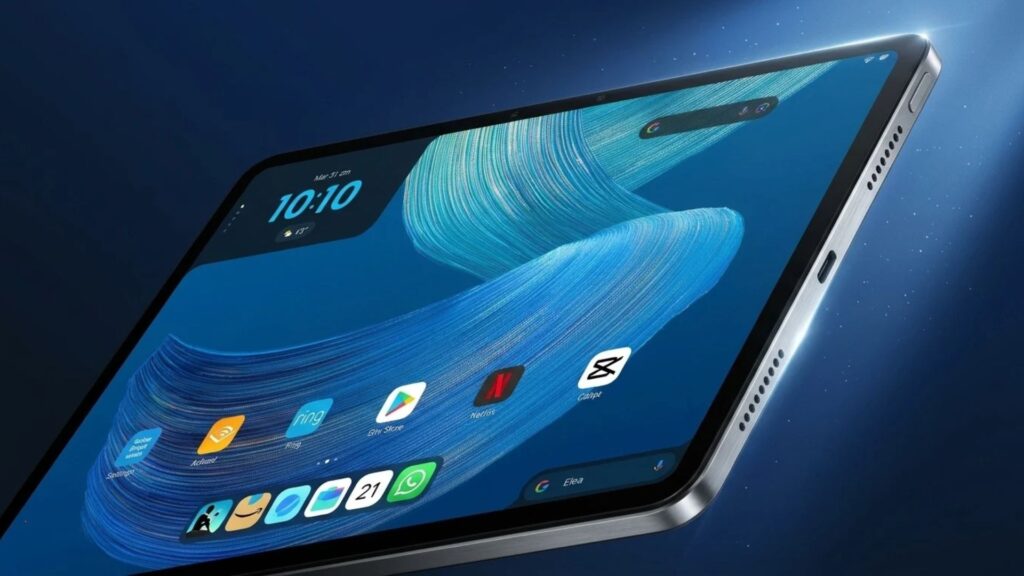
The right Alexa Tablet depends less on the spec sheet than on three things the box doesn't show: whether you pay for Prime, whether you'll pay $20 to remove lock-screen ads, and who will hold it. Amazon retired the cheap Fire line for three Android tablets at $229.99, $329.99 and $499.99, so I worked out which one fits which buyer, and what each really costs over two years.
✅ Short answer: For most people, the Tablet 11 with ads removed ($349.99) is the one to buy: sharp 2.5K screen, 8GB of RAM and the Play Store. Pick the Tablet 8 for reading and travel, the 12 Pro only if you'll type and draw on it, and the Kids Tablet for a child, since it costs the same and comes ad-free with a case.
Some links are affiliate links · they support this site at no extra cost to you · Full disclosure
Alexa Tablet 8 vs 11 vs 12 Pro: what's different?
✅ Short answer: The Tablet 8 and Tablet 11 share the same MediaTek chip; the 11 adds a much sharper 90Hz screen and double the RAM. The 12 Pro is a different class: a faster Dimensity 8400 chip, a 120Hz 3:2 screen, four speakers, pen and keyboard support, and no lock-screen ads.
Every Alexa Tablet runs Android 16 with the full Google Play Store, has an aluminum body and builds Alexa+ into the system. Here's how the three compare on the numbers that change the buying decision.
| Spec | Tablet 8 | Tablet 11 ⭐ | 12 Pro |
|---|---|---|---|
| Price | $229.99 4GB / 64GB | $329.99 8GB / 64GB | $499.99 8GB / 128GB |
| Screen | 8.7", 1340×800 | 11", 2.5K, 90Hz | 12", 2.8K, 120Hz, 3:2 |
| Chip | MediaTek MT8189 | MediaTek MT8189 | Dimensity 8400 |
| Battery (claimed) | Up to 14 h video | Up to 15 h video | Up to 16 h video |
| Weight | 329 g | 466 g | 550 g |
| Speakers | Stereo | Dual Dolby Atmos | Quad Dolby Atmos |
| Lock-screen ads | Yes, $20 to remove | Yes, $20 to remove | None |
| Storage upgrade | 128GB +$50 | 128GB +$50 | Up to 256GB |
| Pen / keyboard | No | Pen + keyboard case | Pro Pen + Pro Keyboard |
Sources: Amazon's announcement, Amazon's product comparison table and Android Police. None of the three takes a microSD card, so pick your storage at checkout.
🌍 UK and EU: the tablets also ship in the UK, Germany, France, Italy and Spain. UK prices start at £199.99, £289.99 and £449.99; check your local Amazon store for euro pricing.
💡 Key takeaway: the Tablet 8 and 11 are the same engine in two sizes of car. The 12 Pro is the only one with a faster engine.
Alexa Tablet Picker: which one should I buy?
I built this picker from the rules in this guide. Answer six questions and it gives you one model, the configuration I'd choose, and what that Alexa Tablet costs you over two years, including the extras Amazon lists separately.
Already paying for streaming, cloud storage and AI apps? My free subscription cost calculator adds Prime, Kids+ and the rest into one yearly number.
The 3 Alexa Tablet models, one by one
I ordered these by who should buy them, not by price. The Tablet 11 comes first because it's the one I'd point most people to, and the first reviews agree.
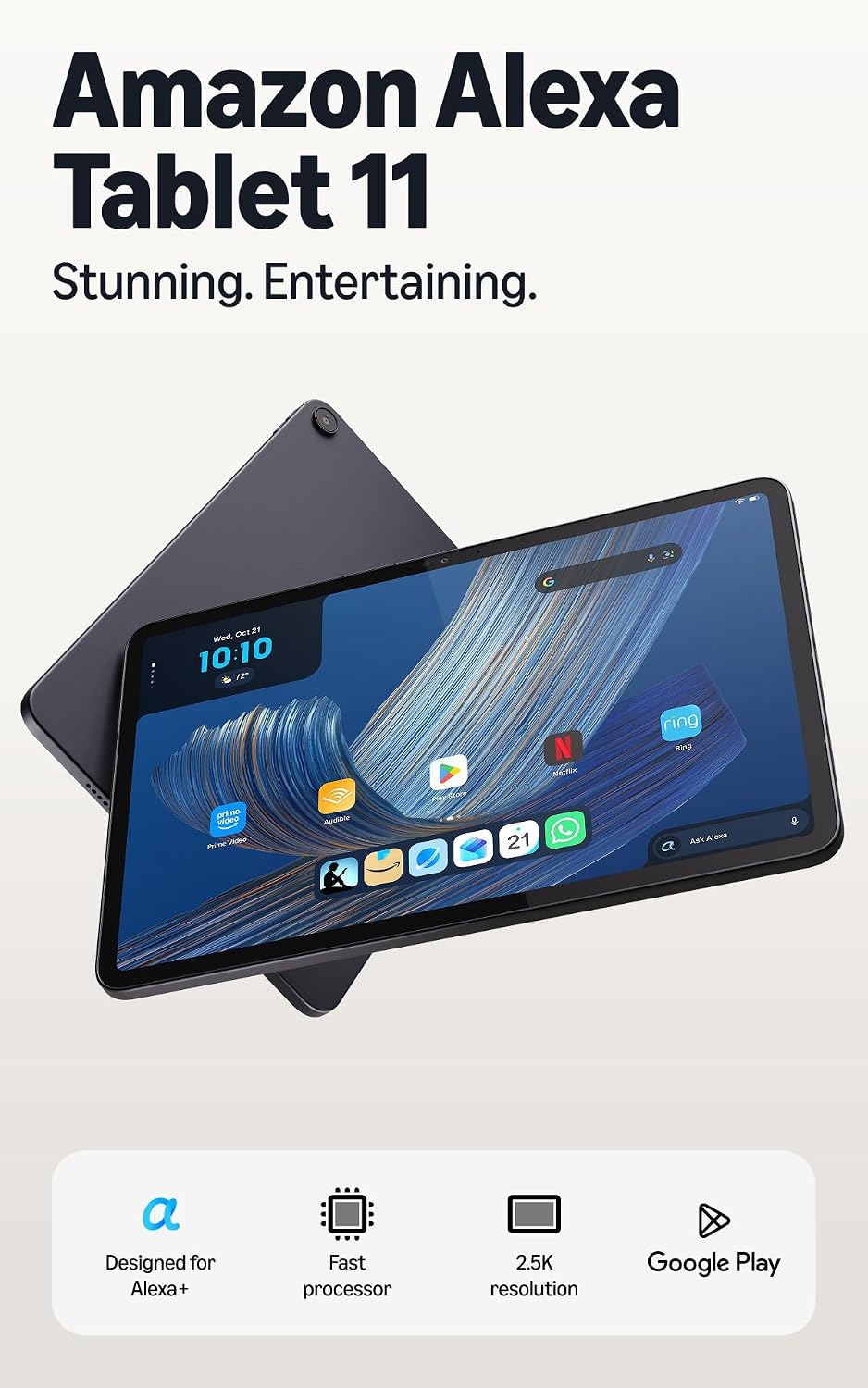
1. Alexa Tablet 11
The sharp 11-inch middle model with 8GB of RAM
$329.99 · $349.99 ad-free
The Tablet 11 pairs a 2560×1600, 90Hz screen with 8GB of RAM, twice the memory of the Tablet 8 on the same chip. That memory is what keeps apps open in the background and makes Android feel quick. You also get dual Dolby Atmos speakers, a fingerprint reader and IP52 dust and splash resistance.
Check price →Reviewers split on value. PhoneArena calls it the model it would recommend to most holiday shoppers. Lon.TV measured performance close to Amazon's older 11-inch tablets and found palm rejection weak with a pen, so it isn't a drawing tablet.
- Best screen for the money here
- 8GB RAM on both storage sizes
- Long claimed battery: 15 h
- Ads unless you pay $20
- Same modest chip as the Tablet 8
- No microSD, no video out
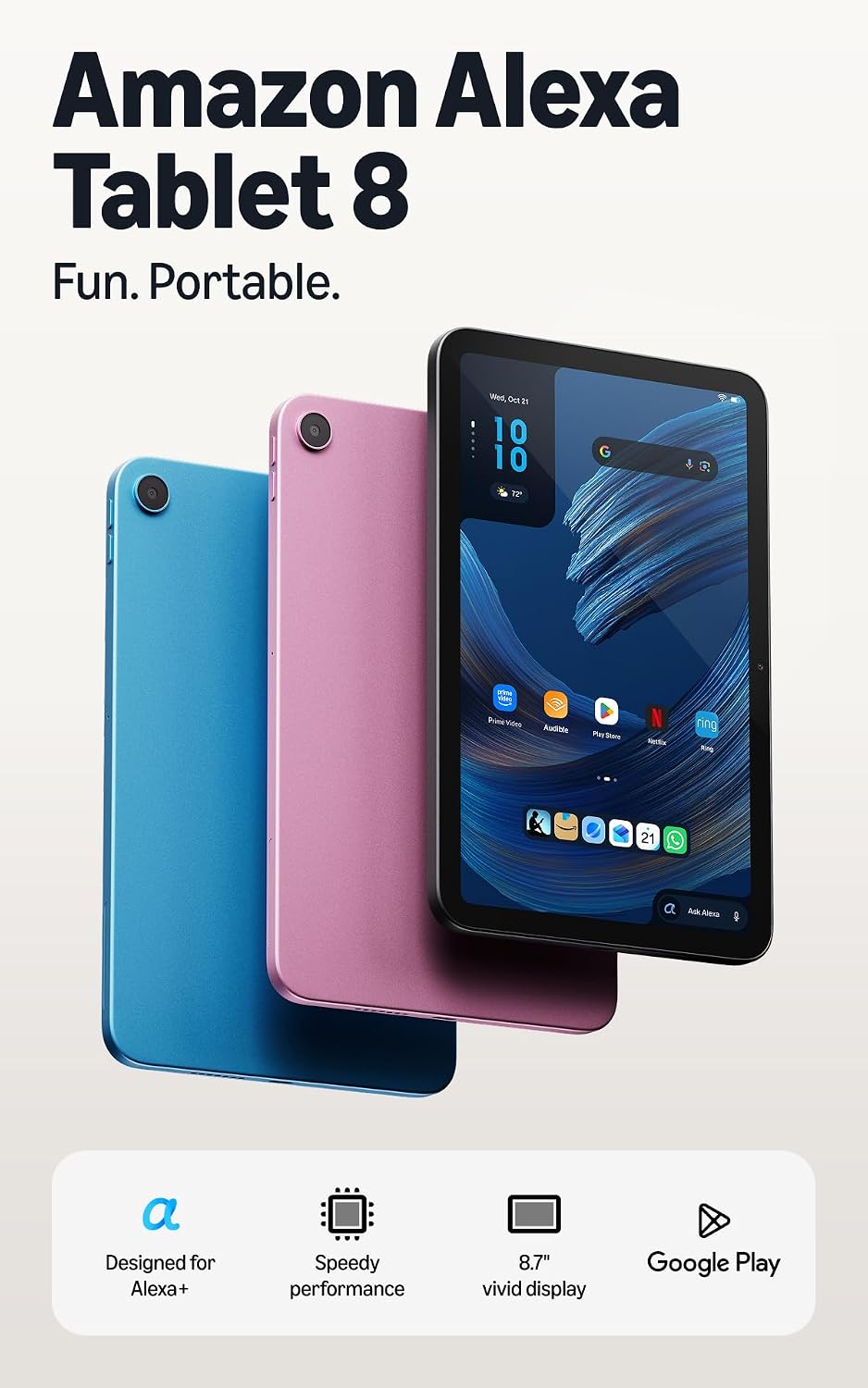
2. Alexa Tablet 8
The light one-handed model, closest to the old Fire HD 8
$229.99 · $249.99 ad-free
At 329 g in an aluminum body, the Tablet 8 is the one you can hold in one hand in bed or on a plane. Open the Kindle app and Amazon switches it to a reading mode that silences notifications, cuts blue light and extends battery life.
Check price →The compromises are the screen and memory. 1340×800 on 8.7 inches looks fine for books and video but soft next to the 11, and 4GB of RAM is thin for heavy multitasking. One early YouTube review calls it a decent tablet that should cost less, and I agree: this is the model to buy on sale.
- Lightest and cheapest model
- Premium metal build at this size
- Kindle reading mode
- Only 4GB RAM at base
- Lowest-resolution screen
- Ads unless you pay $20
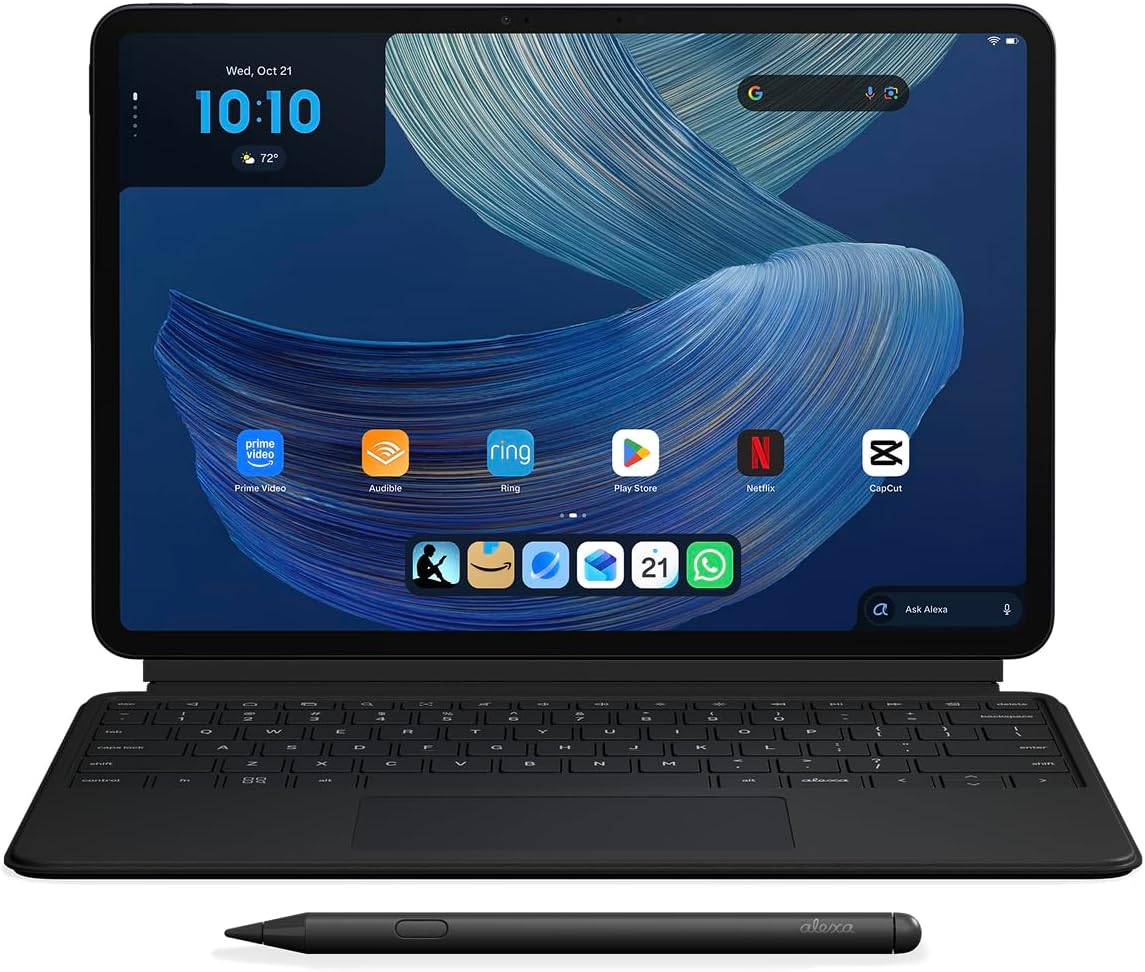
3. Alexa Tablet 12 Pro
A laptop-style tablet with a 120Hz screen and pen support
$499.99 · $649.99 with Keyboard + Pen
This is the Amazon tablet built to stand in for a laptop on light work. The 12-inch, 120Hz screen is smoother than any iPad Air, the 3:2 shape suits documents, and the Dimensity 8400 handles split-screen apps and games. The optional Nanomatte version adds an anti-glare, paper-like surface that pen users like.
Check price →Engadget says it gets almost everything right. BGR adds the fair caveat: the iPad Air's M4 chip is far faster, so heavy editing and pro creative apps still favor Apple.
- 120Hz screen, 3:2 for work
- Magnetic keyboard, no pairing
- Ad-free at every price
- Slower than an iPad Air
- Accessories add $240
- Overkill for streaming only
Want Alexa on a screen that stays on the kitchen counter instead? My smart home assistants guide compares Echo Show displays with Google and Apple.
What does an Alexa Tablet really cost over 2 years?
✅ Short answer: Anywhere from $229.99 to over $1,000. The sticker price is the floor. Ad removal ($20), storage ($50), accessories and, if you don't have Prime, full Alexa+ at $19.99 a month ($479.76 over two years) can more than double what you pay.
I priced the four setups people most often buy, with and without Prime. Prime itself isn't counted, because most buyers already pay for it for shipping and video.
| Setup | Hardware + extras | With Prime | Without Prime* |
|---|---|---|---|
| Tablet 8, ad-free, 64GB | $229.99 + $20 | $249.99 | $249.99 / $729.75 |
| Tablet 11, ad-free, 128GB | $379.99 + $20 | $399.99 | $399.99 / $879.75 |
| 12 Pro + Keyboard + Pen | $649.99 bundle | $649.99 | $649.99 / $1,129.75 |
| Kids Tablet 8 + Kids+ year 2 | $229.99 + 12 months | $325.87 | $337.87 |
Kids+ renews at $7.99/month with Prime or $8.99/month without, after the included year, per iClarified's launch report.
💡 Key takeaway: on Amazon's own hardware, the cheapest model is rarely the cheapest choice once ads, storage and subscriptions are in.
Is the Amazon Kids Tablet worth it over a regular Alexa Tablet?
✅ Short answer: Yes, for most families. The Kids Tablet 8 and Kids Tablet 11 cost the same as the regular models with ads ($229.99 and $329.99), but come ad-free with a kid-proof case and a year of Kids+. The catch is what happens after year one, and the warranty.
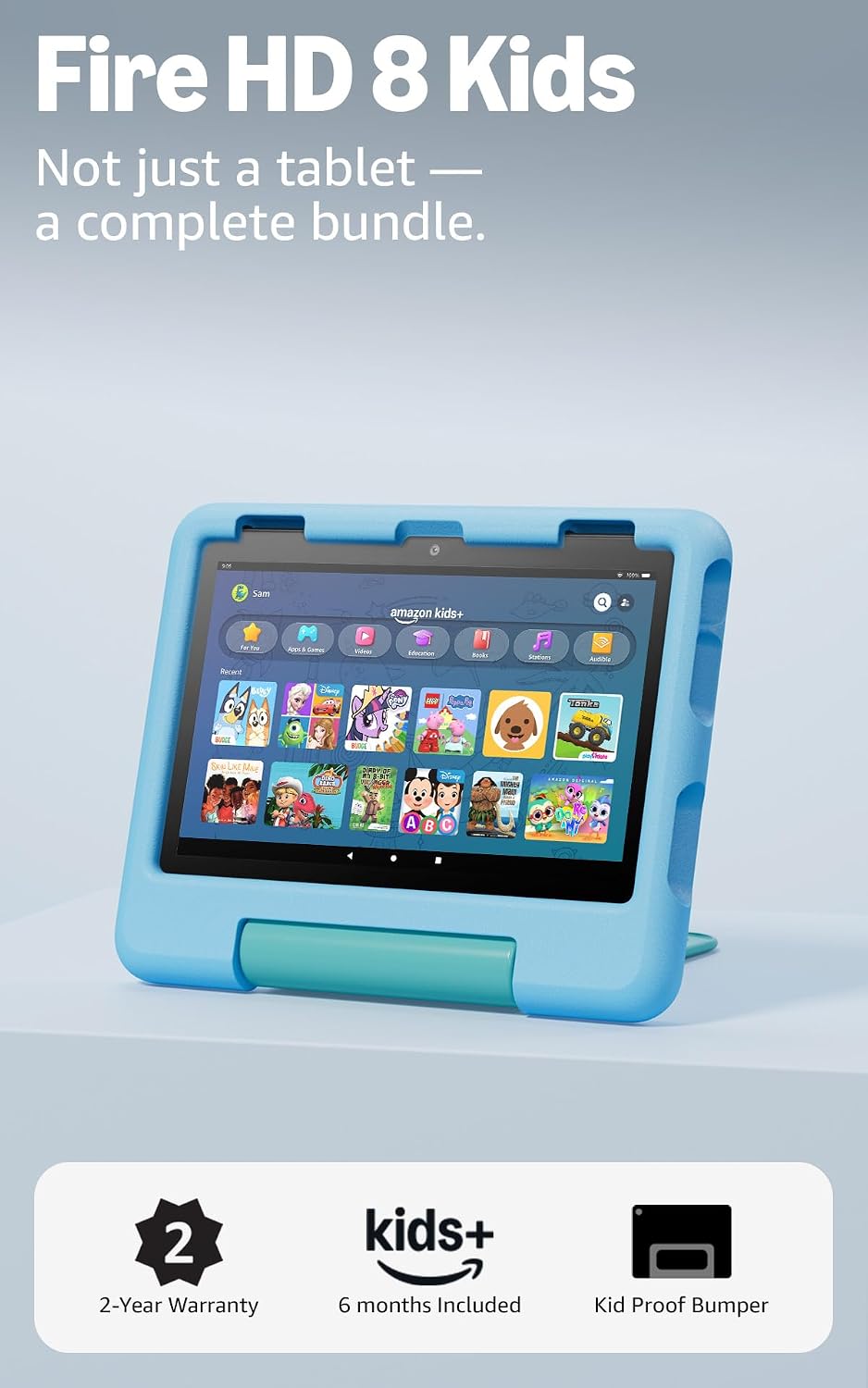
There are two versions of each size. Ages 3–5 get a soft, chunky bumper; ages 6–12 get a slim hard case with a kickstand. Because each Kids Tablet is an Alexa Tablet underneath, kids can reach Google Play, but every download needs a parent's approval in the free Parent Dashboard app, which also sets screen-time limits and "learn first" goals.
- ✅ Ad-free, case and 1 year of Kids+ included
- ✅ Parent approval for every Play Store download
- ⚠️ Kids+ renews after year one
- ⚠️ Check the warranty line before you buy
What changes after the first year?
Kids+ is the hand-picked library of ad-free games, books and videos, plus new creative apps like Stories with Alexa. After the included year it renews at $7.99 a month with Prime ($95.88 a year) or $8.99 without. Cancel it and the tablet, the case and the free Parent Dashboard stay yours.
What about the warranty?
This is the one thing to check before you buy. Old Fire Kids tablets came with a 2-year "worry-free" replacement even for drops. Launch coverage says the new Kids Tablets include a 1-year limited warranty instead, while one Amazon store page still mentions a 2-year guarantee. Read the warranty line on the product page; if it says limited, a cracked screen may not be covered.
If your child is under six and the 2-year guarantee matters most, a discounted Fire Kids tablet is still worth a look while stock lasts. For older kids, the Amazon Kids Tablet 8 is the easier pick: same price as the ad-supported adult model, but everything a kid needs is in the box.
Shopping for a child this season? My guide to whether AI toys are safe covers the talking toys that often land under the same tree.
💡 Key takeaway: the Kids Tablet is a regular Alexa Tablet plus case, Kids+ and no ads, at the ad-supported price. The value is real, as long as you plan for year two.
I have a Fire tablet. Should I upgrade to an Alexa Tablet?
✅ Short answer: Only if Fire OS is holding you back. Your Fire tablet keeps working, and Amazon says existing Fire tablets get support for four years after the last one ships. Upgrade if you want Google Play apps, a faster tablet or Alexa+; otherwise keep it.
Amazon has stopped making Fire tablets and plans to stop shipping them within one to two months of launch, according to TechRepublic's summary of WIRED's reporting. Here's how I'd decide:
One more reason not to rush: Amazon has already announced an Android 17 update for the new tablets and promises at least four years of software updates. That's good news, but it isn't a promise of four major Android versions, so expect security updates more than new features in the later years.
Alexa Tablet vs iPad vs Galaxy Tab: which is better?
✅ Short answer: If you use an iPhone, the $449 iPad is still the safer buy: faster, ad-free and tied into your phone. If you use Android or live in Amazon's world, the Alexa Tablet 11 is cheaper than the iPad with a better screen refresh. Samsung's Galaxy Tab A11 is the budget pick at well under $200.
| Tablet | Price | What it does better | Where it loses |
|---|---|---|---|
| Galaxy Tab A11 (8.7") | About $130 | Price, microSD slot | Older Helio G99 chip, no Alexa+ |
| Alexa Tablet 8 | $229.99 | Alexa+, Kindle mode, metal build | Low-res screen, 4GB RAM, ads |
| Alexa Tablet 11 | $329.99 | 90Hz 2.5K screen, price | Slower than the iPad, ads |
| iPad (A16) | $449 | Speed, apps, iPhone integration | Costs more, 60Hz screen |
| Alexa Tablet 12 Pro | $499.99 | 120Hz 12" screen, cheap keyboard | Chip far behind M4 |
| iPad Air (M4, 11") | $749 | Pro apps, power | $250 more, 60Hz screen |
Check current iPad pricing on Apple's site; Galaxy prices move often. Want a Samsung tablet with a pen in the box? The Galaxy Tab S10 FE lists at $549.99 with its S Pen included.
The deciding question is your phone. An Alexa Tablet runs standard Android, so your Google account, apps and photos carry straight over from an Android phone. iPhone users lose iMessage, AirDrop and Handoff, which matters more day to day than any spec here.
💡 Key takeaway: match the tablet to your phone first, then to your budget.
Should you wait for Black Friday to buy an Alexa Tablet?
✅ Short answer: If it's a gift, yes, unless you see a discount now. The Alexa Tablet line launched in October, and Amazon usually cuts its own devices around Black Friday. But expect modest cuts on brand-new models, not the 50% Fire tablet deals of past years.
Amazon's pattern with brand-new hardware is telling. In its first holiday season, the Echo Dot Max dropped only about 10% and the Echo Show 8 and 11 about 11%, per Security.org's Echo deal tracker, while older Echos fell 36–56%. The deep cuts tend to land on models that have been on sale for a year or more.
My Black Friday AI deals guide shows which gadgets drop and which never do. Still deciding what to give? Try my free AI gift finder.
3 Alexa Tablet settings to change on day one
A few defaults decide how private and how pleasant the tablet feels. These take five minutes.
- Decide on the lock-screen adsOn the Tablet 8 and 11 you can pay the $20 removal fee after purchase, so you can live with the ads for a week and then decide.
- Leave On-Screen Intelligence off until you want itThis Alexa+ feature reads what's on your screen to answer questions about it. Amazon ships it switched off, shows an indicator whenever Alexa can see the display, and lets you turn it off in Settings.
- Turn on Kindle reading modeOpen any book in the Kindle app and choose natural color, paper tone or grayscale. It silences notifications and stretches battery life.
For the rest of your devices, my guides to AI privacy settings and turning off AI features cover Alexa, Google and the big chat apps step by step.
Which Alexa Tablet should you buy?
Start with who will use it and whether you pay for Prime. Here's everything above in one line each.
If I were buying one today for the couch and the occasional trip, I'd get the Alexa Tablet 11 and pay the $20 to remove the ads.
If I needed it for work, the Alexa Tablet 12 Pro bundle is the best-value keyboard tablet I found at its price.
Building out the rest of an Amazon home? My best Amazon AI gadgets list covers the Echo, Ring and Kindle picks that pair with it.