
 Published: July 26, 2025
Want to remove a logo from an old photo or place your own watermark across a batch of visuals in seconds? In 2025, AI watermark tools have made this process incredibly fast — but not always safe. That’s why it’s essential to understand not just how these tools work, but when they can be used legally and ethically.
From content creators to marketers and freelancers, more people are using AI watermark tools to:
Clean up their own visuals for reposting
Add professional branding without design software
Fix timestamps, logos, or text on original content
But while these tools are smart, they can be misused easily. And that misuse can lead to copyright issues, especially when trying to remove watermarks from content you don’t own.
In this post, we’ll walk through:
When it’s legal to remove or add watermarks with AI
The best AI watermark tools in 2025 (free + paid)
What to avoid and how to stay on the right side of copyright law
 Quick note: We’re only featuring tools we believe are safe, trustworthy, and useful for creators. We don’t support illegal content editing — and neither should your AI stack.
For more trustworthy AI recommendations, check out our full AI Tools for Creators roundup or try our favorite ethical design assistant, Canva Pro — it lets you add watermarks across your content in one click.
Before using any AI watermark tools, it’s crucial to understand what you’re legally allowed to do — and what could get you into trouble. Just because a tool can remove a watermark doesn’t mean you have the right to use it that way.
Here’s a quick guide to help you stay on the right side of the law.
 It’s legal when:
 It’s legal when:
You created the image or video yourself
You purchased the content and have full usage rights
You’re removing a watermark that you added earlier
You’re replacing an outdated logo on your own materials
You’re using AI to add a watermark to protect your content
It’s not legal when:
 It’s not legal when:
You’re removing someone else’s watermark from stock or commercial content
You didn’t create or license the image
You’re using AI to make third-party content appear like yours
You intend to share, sell, or publish the edited content without permission
Even with AI, copyright law still applies — and misuse can lead to takedowns, fines, or platform bans.
If you’re ever unsure about an image’s usage rights, check the source or licensing terms. You can also explore watermark-friendly platforms like Canva Pro that give you full control over your brand visuals.
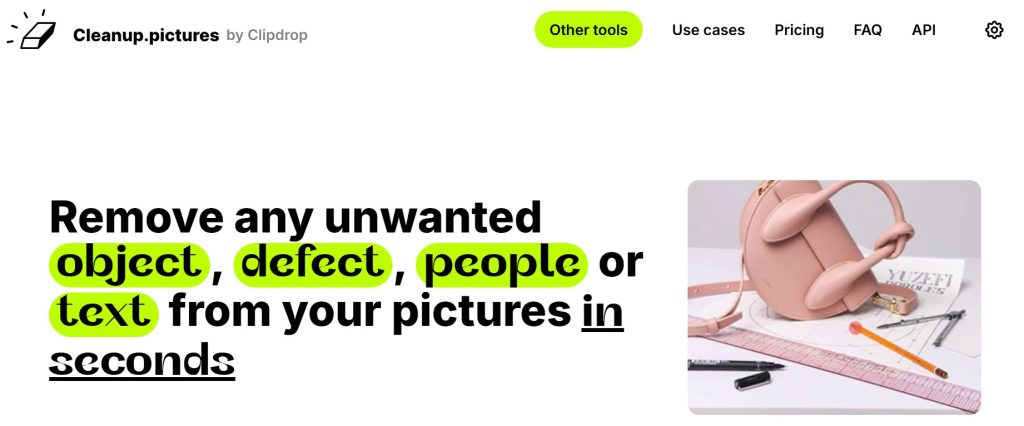
Cleanup.pictures
Best for: Removing watermarks or text from your own photos
How it works: Brush over the watermark → AI fills in the background
Free version:
Yes, with basic resolution (up to 720px)Pro version: Starts at $5/month for HD export and commercial use
Pro tip: Works great for reusing social media templates or mockups
Link: Visit Cleanup.pictures
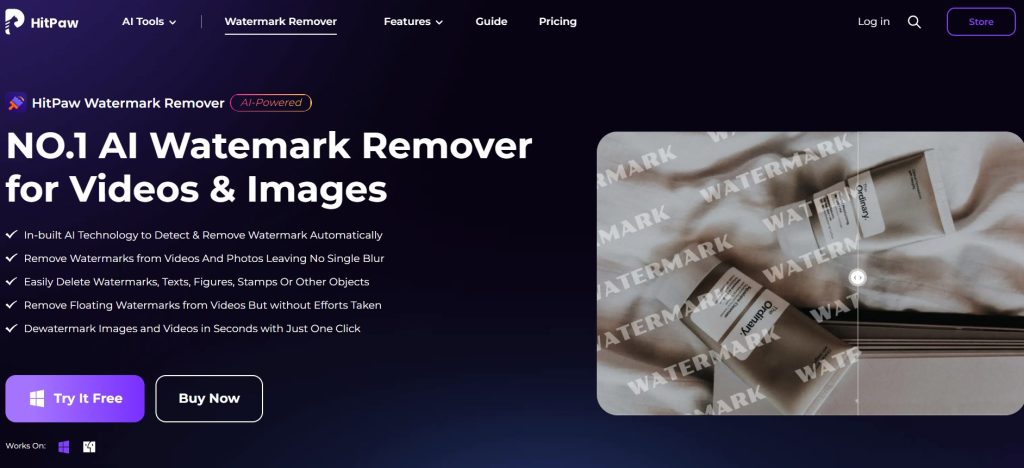
HitPaw Watermark Remover
Best for: Removing timestamps, logos, and watermarks from personal videos or batch images
How it works: Select watermark area → Choose AI fill, blur, or smooth mode
Free trial:
Yes (limited exports and watermark on result)Paid version: Starts at $9.99/month or $39.99 lifetime license
Pro tip: Ideal for creators editing personal video footage
Link: Visit HitPaw
 Yes (limited exports and watermark on result)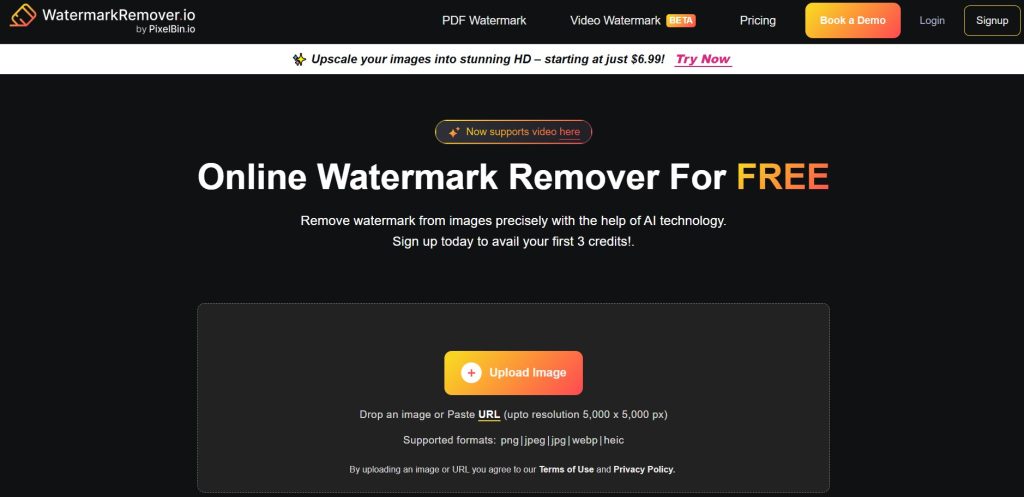
WatermarkRemover.io
Best for: Fast one-click removal of visible watermarks
How it works: Drag & drop image → AI detects and removes watermark
Free version:
Yes, with standard resolutionPro version: Starts at $4.99/week or $49.99/year
Pro tip: Easy-to-use for quick cleanup of your owned visuals
Canva Pro
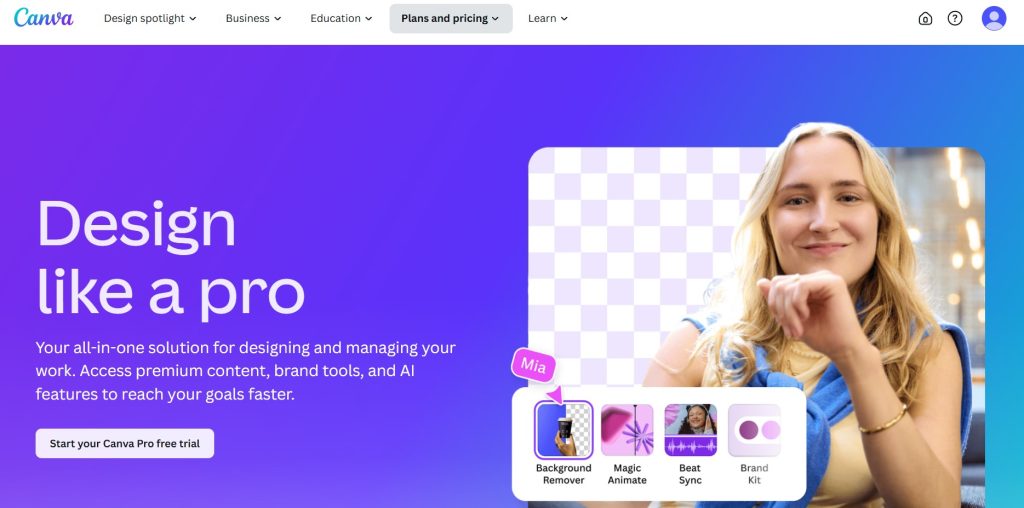
Best for: Adding your own watermarks, logos, and brand assets
How it works: Upload your logo → Apply it with Brand Kit or templates
Free version:
Yes (limited features, no Brand Kit)Pro version: Starts at $12.99/month or $119.99/year
Pro tip: Great for building consistent branding across all content
Link: Try Canva Pro
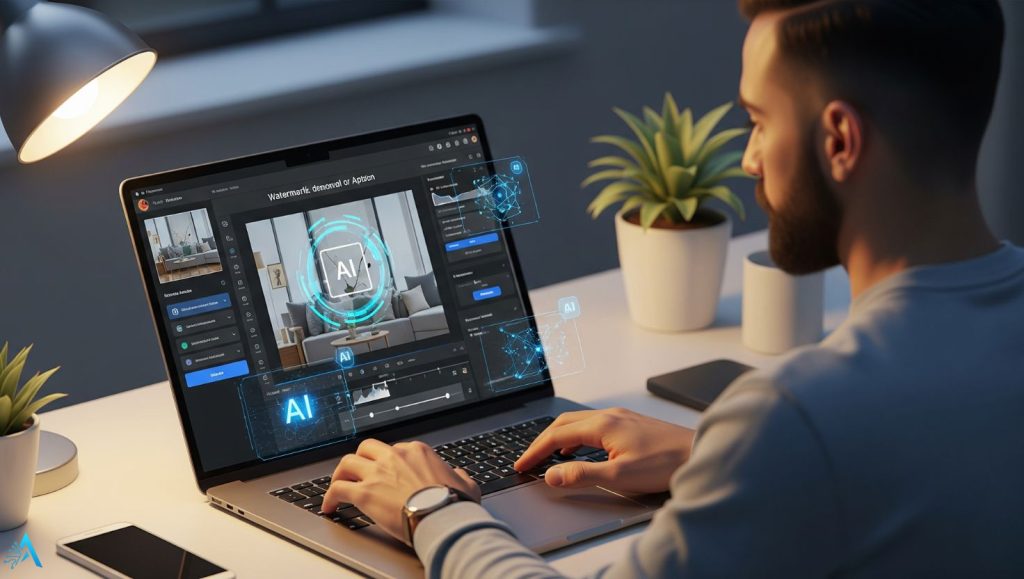
Using AI watermark tools is powerful — but it’s also a responsibility. Many users assume that if a watermark can be removed, it’s fair game. That’s a fast way to get into trouble.
Here’s how to use these tools safely, ethically, and professionally in 2025:
Best Practices for Ethical Use
Only edit content you own or are licensed to modify.
If you downloaded an image from the internet, make sure it’s not protected by copyright or branded by someone else.Use watermark removal for cleanup, not deception.
Removing timestamps, stray logos, or rebranding your own content? No problem. Removing a creator’s watermark? Not okay.Document your edits.
Keep a copy of the original file. This builds trust, especially in professional settings or client work.Use watermark addition for protection.
Tools like Canva Pro or Brandmark.io help add custom logos to your content — a great move for content creators, freelancers, and businesses.When in doubt, link to the source.
If you want to reuse content that isn’t yours, ask permission or credit the creator with a direct link.
Watch Out for These Red Flags
 Watch Out for These Red Flags
“This tool removes any watermark in seconds!”
→ That doesn’t make it legal.“It’s for personal use only.”
→ Still risky if you later share or monetize the content.“AI made it, so it’s mine.”
→ Not unless you own the full rights or prompt result is verifiably original.
 That doesn’t make it legal.
Quick Reminder
If you’re building a brand or working with clients, being ethical isn’t optional — it’s your competitive advantage.
AI is making visual editing easier than ever. Let’s also make it smarter and more responsible.
AI watermark tools can save you time, protect your content, and improve your workflow — but only when used with care.
If you’re removing watermarks from your own assets, cleaning up outdated logos, or applying your branding to new visuals, these tools are an excellent addition to your stack. But the line between ethical use and copyright infringement is thin — and AI doesn’t exempt anyone from the law.
Here’s the rule of thumb:
 Use AI watermark tools only on content you fully own, licensed, or created.
We strongly recommend:
Cleanup.pictures for fixing your own images
Canva Pro for watermarking and brand consistency
HitPaw if you need smart batch editing for video
WatermarkRemover.io for quick, user-friendly edits on approved content
Want more responsible tools like these? Explore our curated AI Tools for Creators or check out this month’s top Free AI Tools with No Login Required.
Let’s use these technologies to enhance our work, not undermine others’.