

 Published on: May 25, 2025
🕒 Last updated on November 05, 2025
Disclosure:
Some links in this post are affiliate links. If you click and purchase, we may earn a small commission at no extra cost to you. Thank you for supporting AIDigitalSpace.com and helping us keep this content free and useful.
1. Why AI Productivity Tools Matter More Than Ever in 2025
In 2025, we’ve officially reached the point where AI isn’t a luxury for busy professionals—it’s the difference between keeping up and burning out. Every day, more creators, entrepreneurs, and teams are discovering that AI tools to boost productivity can save hours once lost to repetitive clicks, emails, and scheduling chaos. According to a recent McKinsey report , productivity-focused AI now drives some of the fastest workplace efficiency gains ever recorded.
What’s changed in 2025 is how seamlessly AI tools to boost productivity fit into our daily workflows. From smart AI that plans your meetings automatically to assistants that summarize notes or automate browser tasks, the focus has shifted from “what can AI do?” to “how to use AI tools effectively.” That’s exactly the gap we’re helping you close here at AI Digital Space, where every tip is built around real ways to save time and work smarter.
We’ve already seen how tools like Bardeen AI and Taskade AI transform scattered to-do lists into structured, self-updating systems. These platforms—and the new generation we’re about to cover—don’t just make you faster; they make your time more meaningful. In this guide, we’ll show you how to use the top 3 AI tools that truly boost productivity in 2025, with real examples and ethical insights to help you stay in control while working smarter.
2. Quick Overview: The 3 Best AI Tools to Boost Productivity
Before diving into the “how,” let’s make the “what” crystal clear. These are the best AI productivity tools 2025 users actually rely on — not just those trending on social media. Each one is among the most effective AI tools to boost productivity, solving three core daily challenges: organization, automation, and time management.
| AI Tool | Best For | Key Feature | Starting Price | Try It |
|---|---|---|---|---|
| Notion AI | Organizing & summarizing projects | Smart note summaries & AI planning inside Notion workspace | Free plan + AI add-on $10/month | Explore |
| Bardeen AI | Browser automations | Automates repetitive online workflows instantly | Free + Pro from $15/month | Try Bardeen |
| Motion AI | Scheduling & time optimization | AI auto-plans meetings, tasks, and priorities | From $19/month (Pro $34) | Get Motion |
These aren’t theoretical picks — they’re AI tools to boost productivity that consistently appear across major reports and tech roundups for 2025, including Zapier’s updated AI productivity list and Ben’s Bites weekly trend brief.
If you enjoy deeper insights into AI workflow tools and habits, “The Productivity Project” by Chris Bailey is a great companion read. It reminds us that efficiency isn’t about doing more — it’s about doing what matters. That’s also the mindset we’ll keep throughout this guide: using AI not to overload our day, but to reclaim focus and balance.
In the next sections, we’ll see how each of these AI tools to boost productivity works in real practice — what they actually do, why they matter, and how to combine them for measurable results.
3. Tool #1: Notion AI – Organize, Summarize, and Plan Smarter
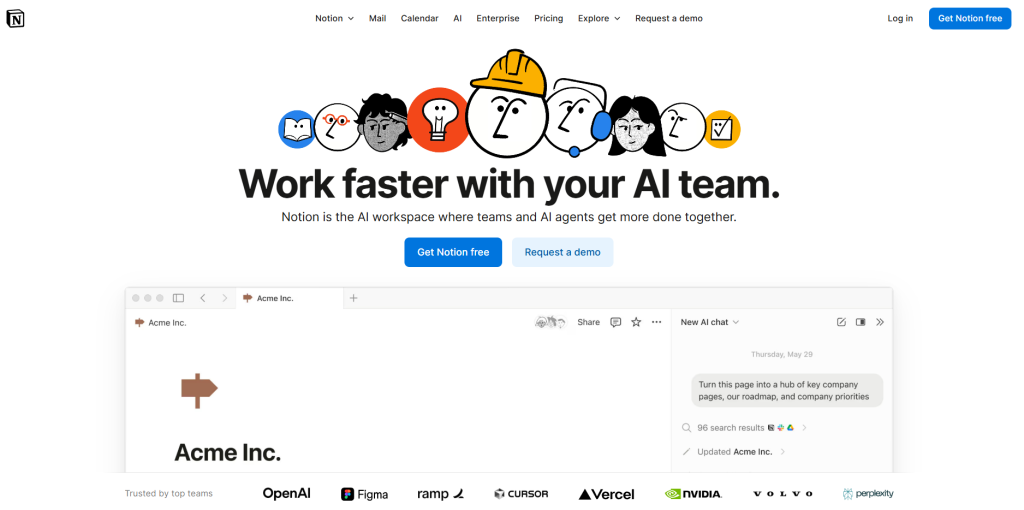
If your daily routine involves juggling notes, deadlines, and endless project updates, Notion AI can turn that chaos into clarity. It’s not just another note-taking app — it’s one of the best AI productivity tools 2025 users rely on to transform how we organize, summarize, and retrieve information. In 2025, Notion’s AI add-on has become even more intuitive, helping users condense long documents, generate task lists, and plan weekly goals directly within their workspace.
The best part is how smoothly it fits into everyday AI workflow tools. You can highlight a section of meeting notes and ask Notion AI to “summarize key points” or “create an action list,” and it instantly produces structured insights. For creators and teams, this means less time rewriting and more time executing ideas efficiently.
Here’s what makes Notion AI stand out among today’s most effective AI tools to boost productivity:
| Feature | What It Does | Use Case Example |
|---|---|---|
| Smart Summaries | Condenses long notes, articles, or transcripts into key points | Summarize a 2-page client brief into an actionable checklist |
| AI Writing Assistant | Helps rewrite, expand, or improve tone across your documents | Refine your proposal tone before sending it to a client |
| Auto-Planning | Generates weekly task lists and goal tracking from notes | Turn brainstorm notes into a project timeline automatically |
We’ve tested how Notion AI fits into collaborative environments, and it consistently ranks high for reducing “context switching” — the constant jumping between apps that kills focus. Paired with its simple interface and affordable pricing (AI add-on from $10/month), it’s a solid foundation for anyone wanting to build an intelligent digital workspace.
If you’d like to explore how Notion stacks up against other AI-powered organizers, check out our comparison on Best All-in-One AI Tools for 2025 — it gives a broader view of where Notion AI stands in the productivity landscape.
4. Tool #2: Bardeen AI – Automate Repetitive Browser Tasks
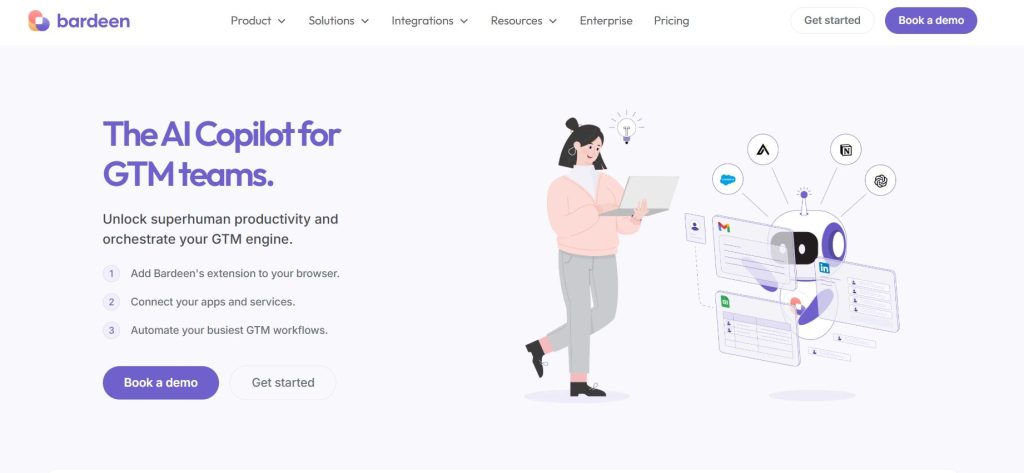
When it comes to saving real time, Bardeen AI is one of the smartest AI tools to boost productivity in 2025. It runs directly in your browser and automates the small, repetitive actions that eat up your day — copying data, sending emails, creating tasks, or transferring info between tools like Notion, Google Sheets, and LinkedIn.
The idea is simple: instead of doing manual clicks, Bardeen does them for you through ready-made “Playbooks.” For example, you can set a workflow that automatically adds a new LinkedIn lead to your CRM or sends a follow-up message when a meeting ends. It’s fast, visual, and doesn’t require coding. Once you trigger a Playbook, the AI handles everything in seconds.
| Feature | What It Does | Example Use |
|---|---|---|
| Playbooks Library | Pre-built automation templates for top web tools | Export LinkedIn profiles to Google Sheets automatically |
| AI Workflow Builder | Lets you create automations in natural language | Type “When I get an email, save the attachment to Drive” |
| Web Integration | Connects to 100+ online platforms and apps | Syncs project updates between Notion and ClickUp |
From what we’ve seen, Bardeen stands out for its balance of simplicity and power. It gives non-technical users the chance to enjoy automation without diving into complex scripts. If your goal is to reduce manual browser work, this is one of the few AI productivity tools that feels like a real assistant rather than another app to manage.
5. Tool #3: Motion AI – Manage Time and Tasks Automatically
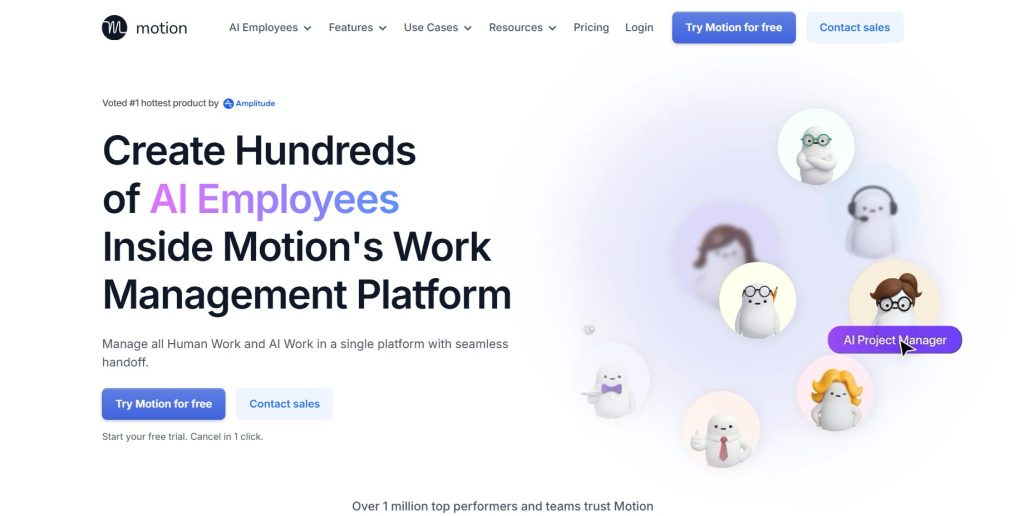
If there’s one AI tool to boost productivity that feels like it gives you extra hours in the day, it’s Motion AI. This smart scheduler plans your entire calendar automatically — from daily tasks to client meetings — and rearranges them in real time when priorities change. Instead of manually deciding what to do next, Motion builds an optimized plan that balances focus, deadlines, and available time.
Here’s the real strength: it eliminates the mental load of planning. You just add your tasks, deadlines, and calendar events, and Motion AI uses algorithms to build your ideal schedule. It even reschedules meetings when new work appears or when you fall behind. For freelancers, teams, and remote workers, that translates into smoother, stress-free days.
| Feature | What It Does | Ideal Use |
|---|---|---|
| AI Scheduling Engine | Automatically prioritizes and schedules your tasks | Plans your workweek around meetings and deadlines |
| Calendar Integration | Syncs with Google and Outlook calendars | Avoids double-bookings and optimizes focus time |
| AI Team Coordination | Distributes workload evenly across teams | Perfect for agencies managing multiple client projects |
Motion AI performs best when used consistently — the more you feed it, the better it understands your work rhythm. It’s also one of the few productivity AI tools that actively reduces decision fatigue, not just tracks tasks. With plans starting at $19/month, it’s a worthy upgrade for anyone serious about time management.
If you’re curious about how Motion compares with all-in-one work platforms like Notion or ClickUp, see our full post Best AI Productivity Tools for Teams 2025 — it breaks down which setup works best depending on your workload and goals.
6. How to Use These AI Tools Together for Maximum Results
Individually, each of these AI tools to boost productivity saves time in its own way — Notion AI helps organize ideas, Bardeen AI automates repetitive browser actions, and Motion AI intelligently manages your daily schedule. When you connect them strategically, they form one of the most efficient AI workflow tools setups available, creating a seamless productivity loop that almost runs on autopilot.
Here’s a simple example workflow that consistently works well for professionals, freelancers, and small teams looking to scale their daily efficiency:
| Step | Tool Used | Purpose | Result |
|---|---|---|---|
| 1 | Notion AI | Create and summarize project notes | Get a clear to-do list from brainstorms |
| 2 | Bardeen AI | Automate task updates and repetitive browser work | Save time syncing Notion tasks with Google Sheets |
| 3 | Motion AI | Schedule tasks and meetings automatically | Workdays planned efficiently with minimal input |
Using them in sequence like this ensures nothing falls through the cracks — your notes turn into actions, automations keep data in sync, and your schedule adapts as things change. You can start simple: use Notion for planning, connect Bardeen for automation, then let Motion organize your time.
From what we’ve seen, the real benefit isn’t just speed — it’s the mental clarity you get from knowing everything is tracked and handled. If you want to take this further, tools like Zapier or Make (formerly Integromat) can connect these AI apps even more deeply, creating a seamless flow between them.
In the next and final section, we’ll look at the ethical side of using productivity AI — how to stay efficient without letting algorithms take over your focus or decision-making.
7. Ethical AI Reflection: Staying Productive Without Losing Control
As AI tools to boost productivity become part of everyday routines, it’s easy to let them quietly shape how we work — deciding when to focus, what to prioritize, and even how we communicate. That’s where we need to pause and think. These tools are powerful allies, but only if we stay intentional about ethical AI use and remember that we’re still the ones in control.
The main ethical challenge is balance. When automation handles scheduling or planning, we risk offloading not just tasks but judgment. For example, Motion AI can rearrange your day for efficiency, but it can’t know when you need rest or creative space. The real productivity boost comes when we treat these AI tools to boost productivity as support systems, not decision-makers.
At AI Digital Space, we believe using AI responsibly means knowing where automation helps and where human awareness must stay in charge. Use AI to reduce the noise, not the meaning of your work. Set boundaries: define what data your tools can access, review automated actions often, and remember — your attention is still the most valuable resource you own.
To go deeper into this topic, you might like our post Avoid These 5 Dark UI Tricks Used by Popular AI Apps — it shows how to stay mindful of subtle design patterns that push automation too far.
By keeping that awareness alive, we can use the best AI productivity tools not to replace our focus, but to protect it — working smarter, faster, and still fully human.
8. FAQ: Using AI Tools to Boost Productivity in 2025
Q: What are the best AI tools to boost productivity in 2025?
A: The top AI tools to boost productivity this year are Notion AI, Bardeen AI, and Motion AI. Notion AI helps organize and summarize projects, Bardeen automates browser tasks, and Motion handles scheduling automatically. Together, they form a complete workflow that saves hours every week.
Q: How can I use AI tools effectively without feeling overwhelmed?
A: Start small. Choose one area to improve—like planning or automation—and integrate just one tool first. Once you’re comfortable, add another that complements it. For example, start with Notion AI for organization, then use Bardeen AI to automate updates. This gradual setup keeps control in your hands while still improving efficiency.
Q: Are AI productivity tools safe to use with sensitive data?
A: Most reputable tools like Notion AI and Motion AI use encrypted connections and privacy settings that let you control what’s shared. Still, always check each app’s privacy dashboard and avoid inputting confidential client data unless the platform guarantees local or end-to-end encryption.
Q: How do I connect different AI tools together?
A: You can link them through native integrations or third-party platforms like Zapier or Make. For example, use Zapier to connect Bardeen AI automations to your Notion workspace or Google Calendar, allowing tasks and updates to sync automatically across apps.
Q: What’s the most time-saving workflow using AI productivity tools?
A: A strong setup is: use Notion AI to summarize notes → connect Bardeen AI to automate browser tasks like copying data or sending follow-ups → let Motion AI schedule everything intelligently. This loop turns raw ideas into structured, actionable days with minimal effort.
Q: Can AI really replace a personal assistant?
A: Not entirely. AI tools handle repetitive work efficiently, but they still lack context, emotional understanding, and creative judgment. Think of them as digital assistants that augment your work—helping you focus on the human parts that truly matter.
Q: How do I avoid over-dependence on AI tools?
A: Set time limits for automation use and review your workflows weekly. Ask yourself: “Is this AI helping me decide better or just faster?” Keep the final say on priorities, and remember that real productivity means doing the right work, not just more work.
Q: Which AI tool gives the best value for money?
A: If you’re starting out, Notion AI offers the strongest mix of price and functionality (AI add-on from $10/month). For heavy automation, Bardeen AI provides advanced workflows even on its free plan, while Motion AI is ideal if your priority is smarter scheduling and team coordination.
In the end, the real secret to productivity in 2025 isn’t working faster—it’s working smarter with the right balance between automation and awareness. Each of these AI tools helps you reclaim time, reduce digital clutter, and focus on what truly matters.
If you’re serious about working smarter with AI in 2025, these guides dive deeper into tools and habits that help turn automation into real productivity gains:
→ Taskade AI – Your Second Brain for Team Productivity
→ Akiflow AI – Best Daily Planner for Remote Workers?
→ Best Free AI Tools with No Login Required (2025)