
Mirko
AI Tech Writer
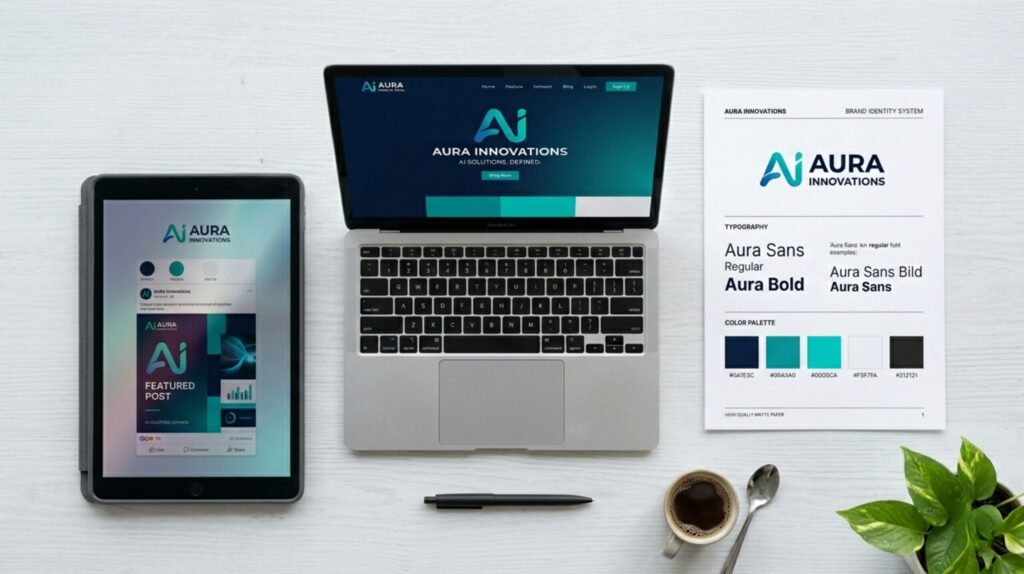
Most solopreneurs use five or more AI design tools weekly — and every one of them generates a different visual style by default. That's not a creativity problem. It's a system problem. We reviewed the workflows of active content creators to build the exact AI visual branding system that keeps every tool producing on-brand output — without starting from scratch each session.
Some links are affiliate links · You support us at no extra cost · Full disclosure
Why Brand Consistency Breaks Down Across AI Tools
AI visual branding is the practice of maintaining consistent colors, fonts, and image style across every AI tool you use for content. Without a shared ruleset, each tool defaults to its own aesthetic — producing assets that look polished individually but fragmented as a brand.
Most solopreneurs don't have a taste problem. They have a system problem.
You use Canva for social posts, Midjourney for hero images, and Gamma for client presentations. Each tool has its own visual defaults. None of them talk to each other.
Research on visual cognition confirms that audiences build brand recognition through repeated, consistent visual patterns. When those patterns shift across platforms, trust drops — even when each asset looks polished on its own.
The fix isn't a new subscription. AI visual branding becomes consistent when every tool gets the same brief before generating anything — one document, one set of rules, applied everywhere.
The Four Places Where AI Visual Branding Breaks Down
- No master color reference — tools default to their own palettes
- No font rules — typography shifts post to post, slide to slide
- No shared image prompt — AI-generated visuals clash in mood and style
- No regular audit — drift builds silently until the brand feels fragmented
This guide solves each failure point in order. The four steps below give you a complete AI visual branding system — built once, maintained in under ten minutes a week.
Start with our overview of creating a personal brand kit with AI design tools — it covers the core elements this system is built on.
Step 1: Build Your Brand Foundation Document
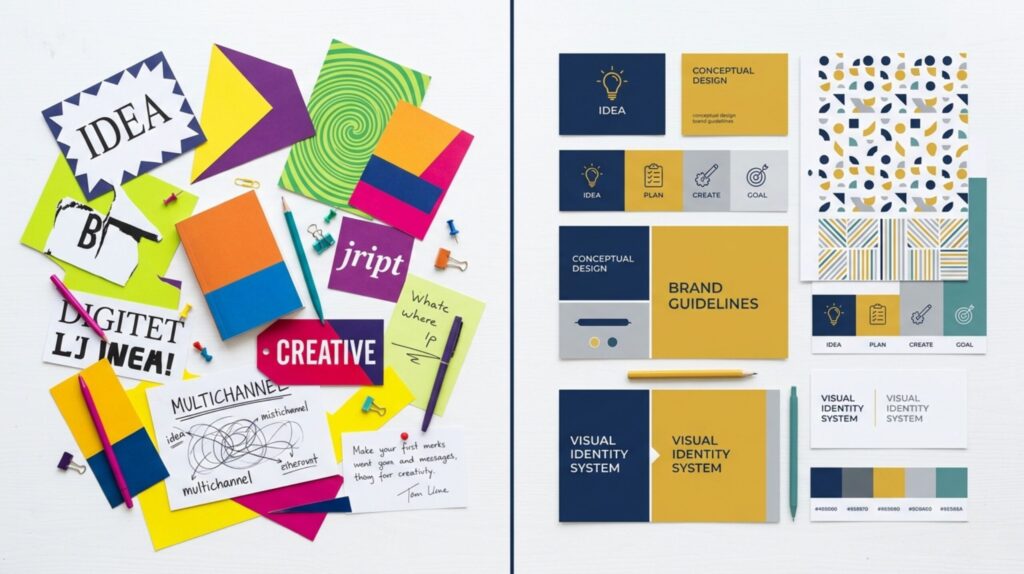
AI visual branding consistency starts with one document.
Not a mood board. Not a folder of screenshots. One concise file that tells every AI tool what your brand looks like, feels like, and specifically avoids.
Call it your Brand Foundation Document. It's the single shared brief for your entire AI visual branding stack — the thing you reference before anything gets generated.
What Your Brand Foundation Document Should Contain
- Brand name + tagline — exact phrasing only, no casual rewrites
- Primary, secondary, and accent hex codes — e.g. #0b2545 / #0033cc
- Font names — heading font and body fallback, no substitutions
- Three visual adjectives — e.g. "clean, confident, minimal"
- Visual "no-list" — styles, tones, or clichés your brand avoids
- Master prompt fragment — a reusable phrase for every AI image tool
The visual adjectives are the most underused element in AI visual branding setups. Feeding "clean, confident, minimal" into Midjourney as a style modifier changes everything about what it generates.
They also work across tools. The same three words go into ChatGPT for copy tone, into Canva's Magic Design as a style prompt, and into Gamma as a presentation mood setting.
Canva Pro's Brand Kit is the fastest way to activate your Foundation Document. Colors, fonts, and logos live in one place — and every Canva design pulls from them automatically.
W3C accessibility standards confirm that consistent visual identification across touchpoints is foundational to how users build trust — a principle that applies directly to brand content.
See how to configure Brand Kit correctly in our guide to making Canva AI designs look professional — it covers every setup step.
Step 2: Lock Down Your Colors and Typography
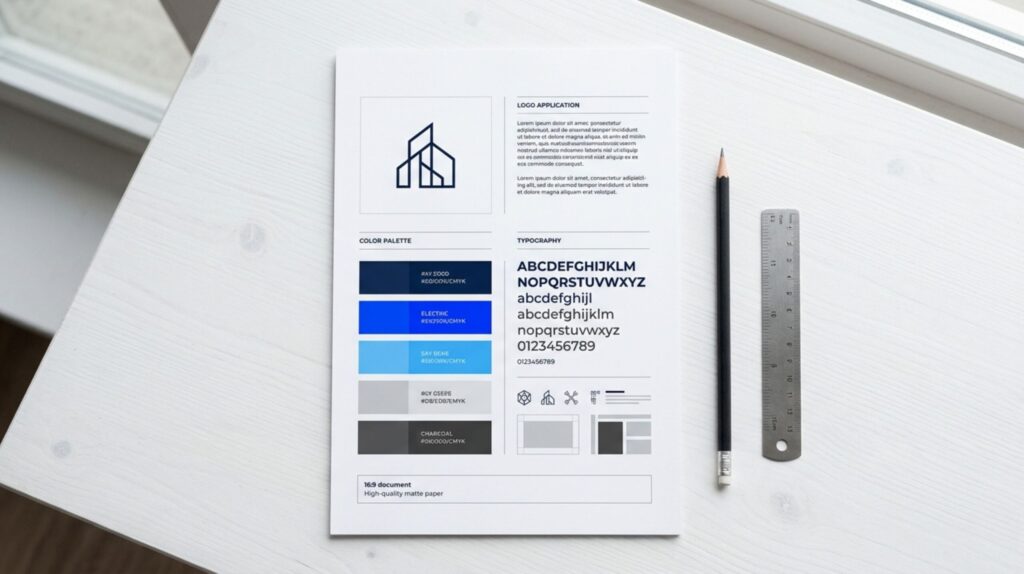
You can have a great logo and still look inconsistent. AI visual branding breaks down most often at the color and font layer — because these are the elements each tool picks independently without guidance.
Locking them down means writing exact values once, so no tool, template, or collaborator can introduce variations.
Build a Four-Color Brand Palette
Keep the palette tight. Four colors covers everything your AI visual branding workflow needs — and fewer choices produce more consistent outputs across tools.
- Primary — your main brand color; used in headlines, key UI, and primary CTAs
- Secondary — a supporting tone for backgrounds, card fills, and dividers
- Accent — high-contrast color for links, highlights, and interactive elements
- Neutral — off-white or light grey for body backgrounds and content cards
The Two-Font Rule
Two fonts. That's the maximum for any AI visual branding system. One heading font, one body font.
Any more and outputs from tools like Gamma — which pull from their own font libraries — start to feel uncoordinated with your Canva designs.
Store your exact font names in the Foundation Document. Add them to every tool's settings panel on setup and to any AI prompt that accepts font preferences.
Your primary text on your background color must pass the WCAG AA contrast minimum of 4.5:1.
Most AI design tools skip this check automatically. Do it once when you set your palette — and it stays locked in permanently.
If you're building a full visual identity from scratch — logo, colors, and typography in one session — our review of Looka AI as a fast branding tool walks through exactly how it handles the package.
Step 3: Write Master Prompt Templates for Every AI Image Tool
The biggest gap in most AI visual branding workflows isn't tools — it's prompts. Every image-generation session starts from zero. The style drifts every single time.
The fix: one master prompt template per tool. Pre-loaded with your brand adjectives, color direction, and composition style. You write it once and paste it at the start of every session.
Strong AI visual branding means the same visual DNA shows up whether you generate in Midjourney, Adobe Firefly, or DALL-E 3.
The AI Visual Branding Master Prompt Formula
- [Subject] — what the image shows
- [Style modifiers] — your three visual adjectives, e.g. "clean, minimal, confident"
- [Color direction] — dominant tones from your brand palette
- [Mood + lighting] — "soft natural light" or "bold studio contrast"
- [Composition] — centered, rule-of-thirds, flat-lay, close-up
- [Negative prompt] — "no watermarks, no text overlay, no cluttered backgrounds"
Run this formula through Midjourney and you get a library of brand-matched visuals that look like they came from one creative team — not six disconnected sessions across three months.
NIST's published guidance on AI system design emphasizes that structured input constraints produce significantly more predictable and reliable outputs. Your prompt template is that constraint.
For generating consistent subjects across multiple image sessions — characters, product angles, and recurring visual themes — our guide on Midjourney character consistency covers the exact techniques.
Step 4: Use One Design Hub and Run a Weekly Visual Audit
AI visual branding doesn't maintain itself. The fourth step isn't a one-time setup — it's the habit that keeps the system from drifting back into chaos.
First: choose one tool as your design hub. Every finished asset — logos, approved color palettes, Canva templates, saved image prompts — lives there and only there.
- Accessible from any device you use to create content
- Shareable with contractors, VAs, or collaborators if needed
- Fast to search — any asset findable in under 20 seconds
- Synced with your Brand Foundation Document
Canva's Brand Kit works well as a design hub for visual assets. Notion or Airtable works for mixed content libraries. The tool matters less than the commitment to using exactly one.
The 10-Minute Weekly AI Visual Branding Audit
Once a week, pull five recent AI-generated assets side by side. Ask three questions — and be honest.
- Do the colors match my defined palette exactly — not approximately?
- Does the visual style feel consistent across all five assets?
- Would a new visitor recognize these as belonging to the same brand?
If any answer is no — update your prompt templates and reset your Brand Kit defaults before the next generation session.
W3C design principles confirm that consistency in visual presentation reduces cognitive load and builds user trust. The same logic applies to every piece of branded content you publish.
For extending your AI visual branding system into presentations and pitch decks, our guide on AI visual storytelling with Gamma shows how to carry the same brand rules into slide content.
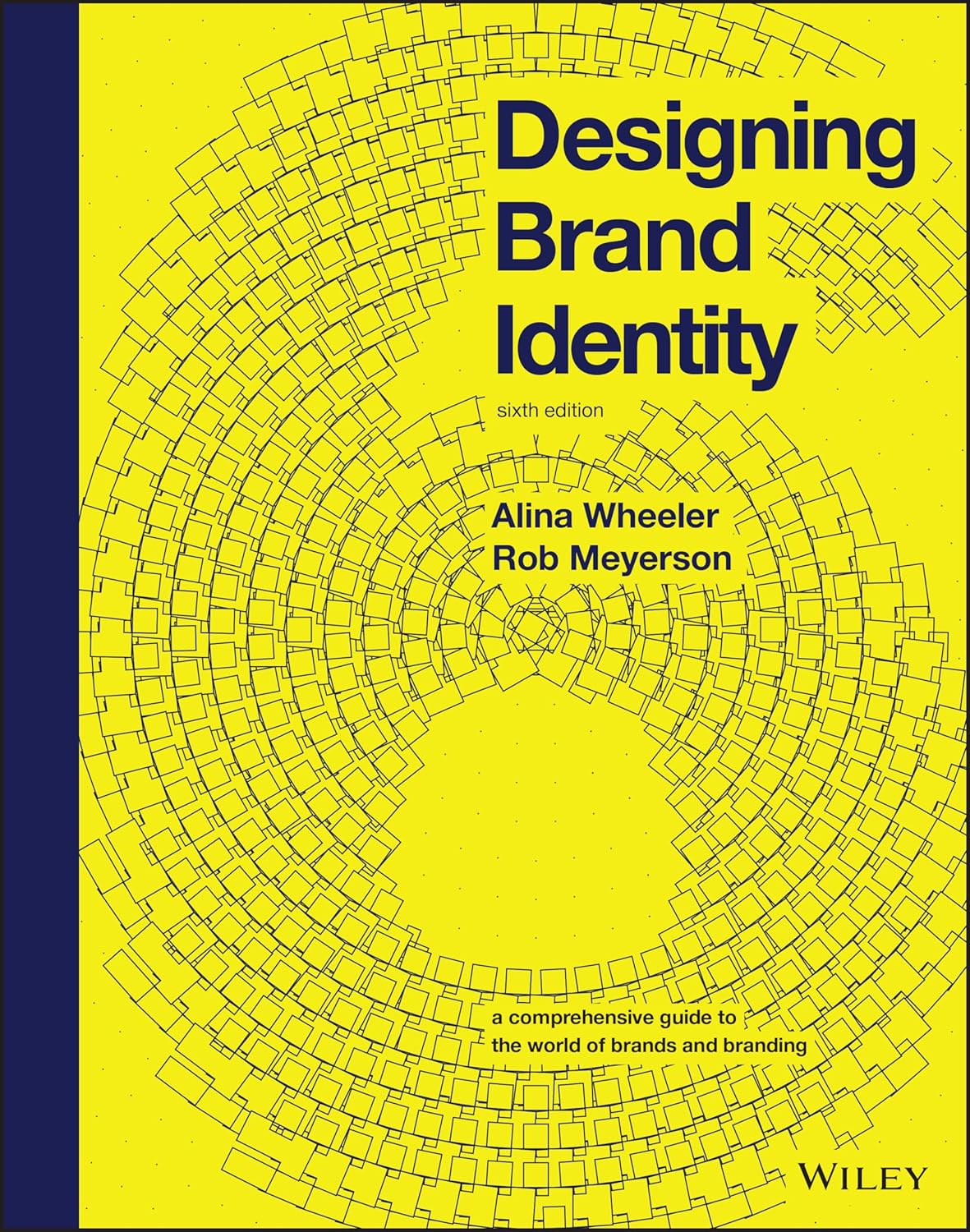
📚 Recommended Read
Designing Brand Identity
Alina Wheeler
The definitive guide to building visual systems that hold together across every touchpoint — print, digital, and now AI-generated content.
View Book →Frequently Asked Questions — AI Visual Branding
What is AI visual branding?
+AI visual branding is the practice of maintaining consistent visual identity — colors, fonts, and image style — across every AI tool you use for content.
Without a shared ruleset, each tool defaults to its own aesthetic. Assets look professional on their own but fragmented side by side.
A brand foundation document and reusable prompt templates solve this by giving every tool the same brief before generating anything.
Why do AI tools produce inconsistent visual outputs?
+Every AI tool operates in isolation. Canva doesn't know what Midjourney last generated. Gamma has no idea what your brand colors are.
Each defaults to its own aesthetic preferences — that's not a bug, it's the default behavior of every generative tool without external guidance.
A master brand document and saved image prompt templates fix this by giving every tool the same visual brief before any session starts.
What should a brand style guide include for AI tools?
+Your AI-ready brand style guide needs six elements: exact hex color codes, font names with fallbacks, and three visual adjectives describing your brand's feel.
Add a visual "no-list" of styles and tones to avoid, plus a master prompt fragment reusable across every image-generation tool you use.
The visual adjectives — e.g. "clean, confident, minimal" — are the most valuable element. They translate directly into better image prompts across every AI tool.
How do I write an AI image prompt that matches my brand?
+Structure your prompt in six parts: subject, visual style modifiers (your brand adjectives), color direction, mood and lighting, composition, and a negative prompt.
Save one template per tool — Midjourney, Adobe Firefly, and DALL-E each use slightly different syntax, so keep them separate in your notes.
Paste the template at the start of every generation session. Visual consistency follows immediately — no more style drift between sessions.
Is Canva or Midjourney better for consistent AI visual branding?
+Canva is better for designed assets — social posts, presentations, and branded templates — because Brand Kit enforces your palette and fonts automatically across every design.
Midjourney is better for atmospheric image generation, but requires prompt templates to stay on-brand without session-to-session drift.
Most solopreneurs use Canva as the visual anchor and Midjourney for hero imagery. See our guide on Midjourney character consistency for advanced techniques.
How often should I audit my AI visual brand?
+Once a week. Pull five recent AI-generated assets side by side and run three checks: color accuracy, style consistency, and brand recognizability.
The whole process takes under 10 minutes when your brand foundation document is active and your prompt templates are saved and ready.
Monthly is the minimum for creators publishing less than twice a week. Active content producers should audit weekly without exception.
What are the best AI visual branding tools for solopreneurs in 2026?
+The strongest stack combines Canva Pro for design and asset management, Midjourney for image generation, and Tailor Brands for full identity generation.
Kittl is one of the most underrated options — its library of brand-aligned templates produces professional output without requiring any design background.
Each tool solves a different layer. The goal isn't to pick one — it's to make all of them follow the same rules.
Can I build a consistent visual brand with AI without design experience?
+Yes — and AI tools make this significantly more achievable than it was two years ago.
The key is building your brand foundation document first: define your colors, fonts, and three visual adjectives before you open any design tool.
With those in place, every AI tool becomes easier to direct. Canva's Brand Kit is the most accessible entry point for anyone without a design background.
🎨 Keep Building Your AI Visual Brand System
You've got the foundation of consistent AI visual branding. Now go deeper with these targeted guides: