

Mirko
AI Tech Writer
Most Keap CRM automation guides walk you through every menu the platform has. That's not what a solopreneur needs on day one.
We researched Keap's automation builder, pricing tiers, and setup order closely enough to map the five automations worth building first — before you touch the other fifty.
Some links are affiliate links · You support us at no extra cost · Full disclosure
What Keap Automation Actually Costs
Keap's Pro plan starts at $249 a month on an annual contract. That price covers exactly 1,500 contacts and two user seats — nothing more.
Go past 1,500 contacts and Keap moves you into a higher tier automatically. For anyone just starting Keap CRM automation, that ceiling arrives faster than most reviews admit.
Keap Pro, broken down:
- $249/month, billed annually
- 1,500 contacts included
- 2 user seats
- 52+ pre-built automation templates
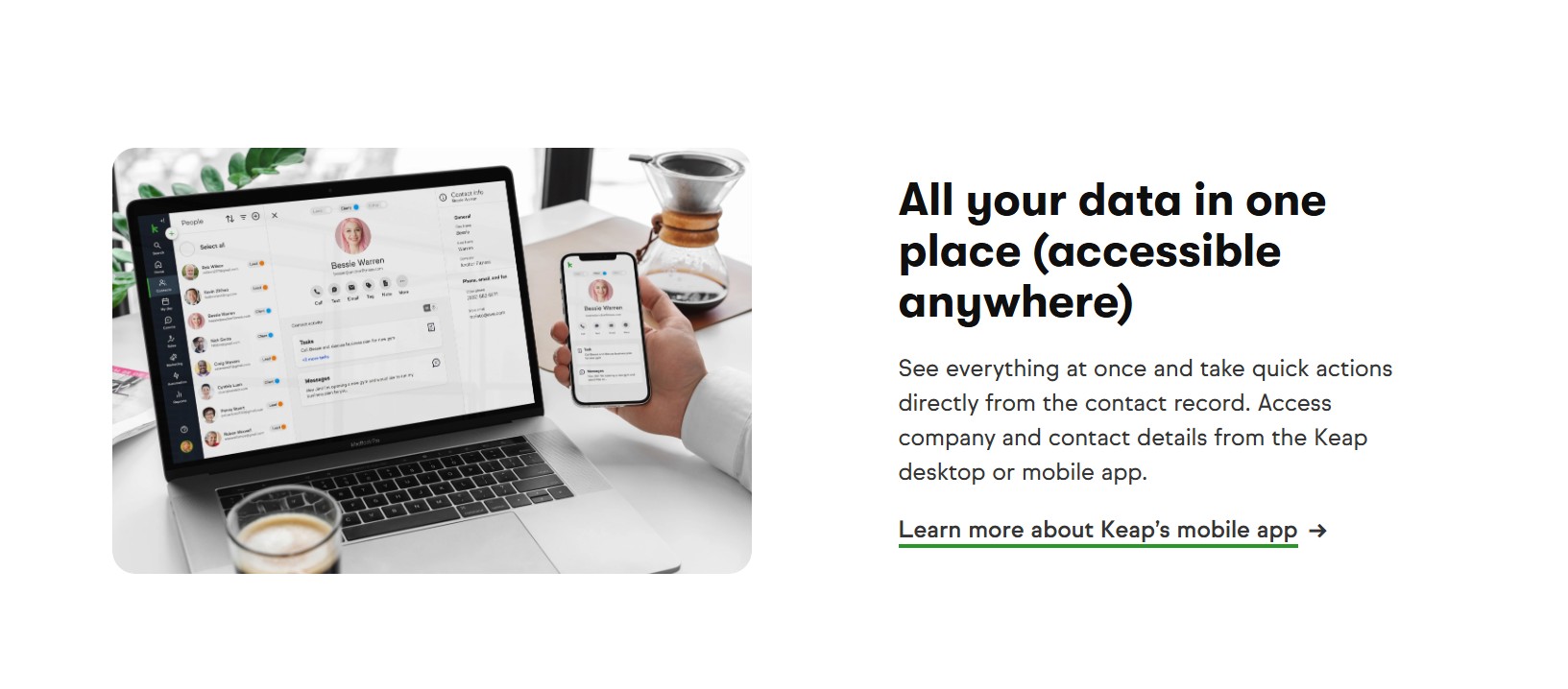
That template library is the real value. Building a tagging system, a follow-up sequence, and a lead-scoring rule from scratch would take a solo operator days, not hours.
If $249 a month feels steep before you've closed a single client through it, Keap isn't necessarily wrong for you.
It might just be early. Our small business AI tools roundup covers lighter options too.
The 5-Step Keap Automation Starter Stack
Skip the platform tour. This is the order we'd build Keap CRM automation in, ranked by how much time each step saves once it's live.
Tag Every Lead the Moment They Opt In
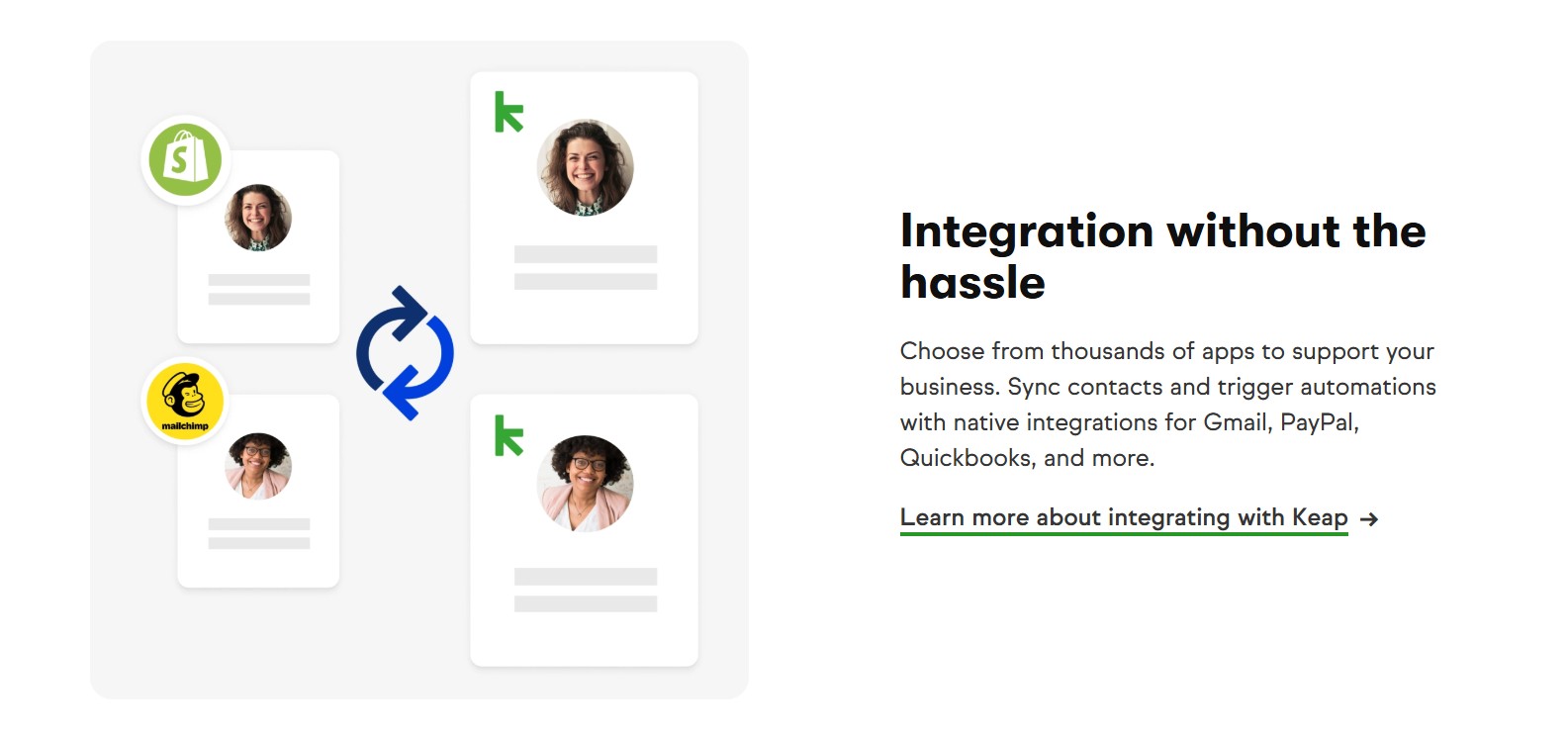
Set a source tag — Website Lead, Webinar Signup, Referral — on every new contact. Every automation after this one reads that tag to decide what happens next.
Launch the Welcome & Nurture Sequence
Trigger a 3–5 email sequence off the source tag from Step 1. Keap's template library covers this out of the box — pull one instead of writing from a blank screen.
Automate Appointment Scheduling & Reminders
Connect Keap's built-in scheduler to your appointment type so confirmations and reminder emails fire without you touching a calendar app.
Fire a "Hot Lead" Trigger When a Deal Moves Stages
When a deal reaches Proposal, auto-apply a Hot Lead tag and create a 3-day follow-up task. No lead sits untouched because you forgot to check the pipeline.
Automate the Post-Sale Handoff
When a deal is marked Won inside Keap, trigger a welcome email, an intake form, and a scheduler link automatically — no manual onboarding checklist required.
Common Keap Automation Mistakes
Most Keap CRM automation problems trace back to setup, not the software. These five show up constantly in support forums and community threads.
- Duplicate tags: Two slightly different tags for the same source (e.g., "Website" and "Website Lead") split your automation logic in half.
- No goal set on a sequence: A campaign with no defined endpoint keeps contacts stuck in it indefinitely.
- Ignoring the 1,500-contact ceiling: An unexpected tier upgrade mid-month is avoidable — check your count monthly.
- Skipping the test run: Broken merge fields ("Hi {FirstName}") only show up if you send a test email to yourself first.
- Never archiving finished campaigns: A cluttered automation list makes the next build slower every single time.
Most of this comes down to discipline, not complexity. If tag chaos is already a problem elsewhere in your stack, our email automation setup guide covers the same hygiene habits from a different angle.
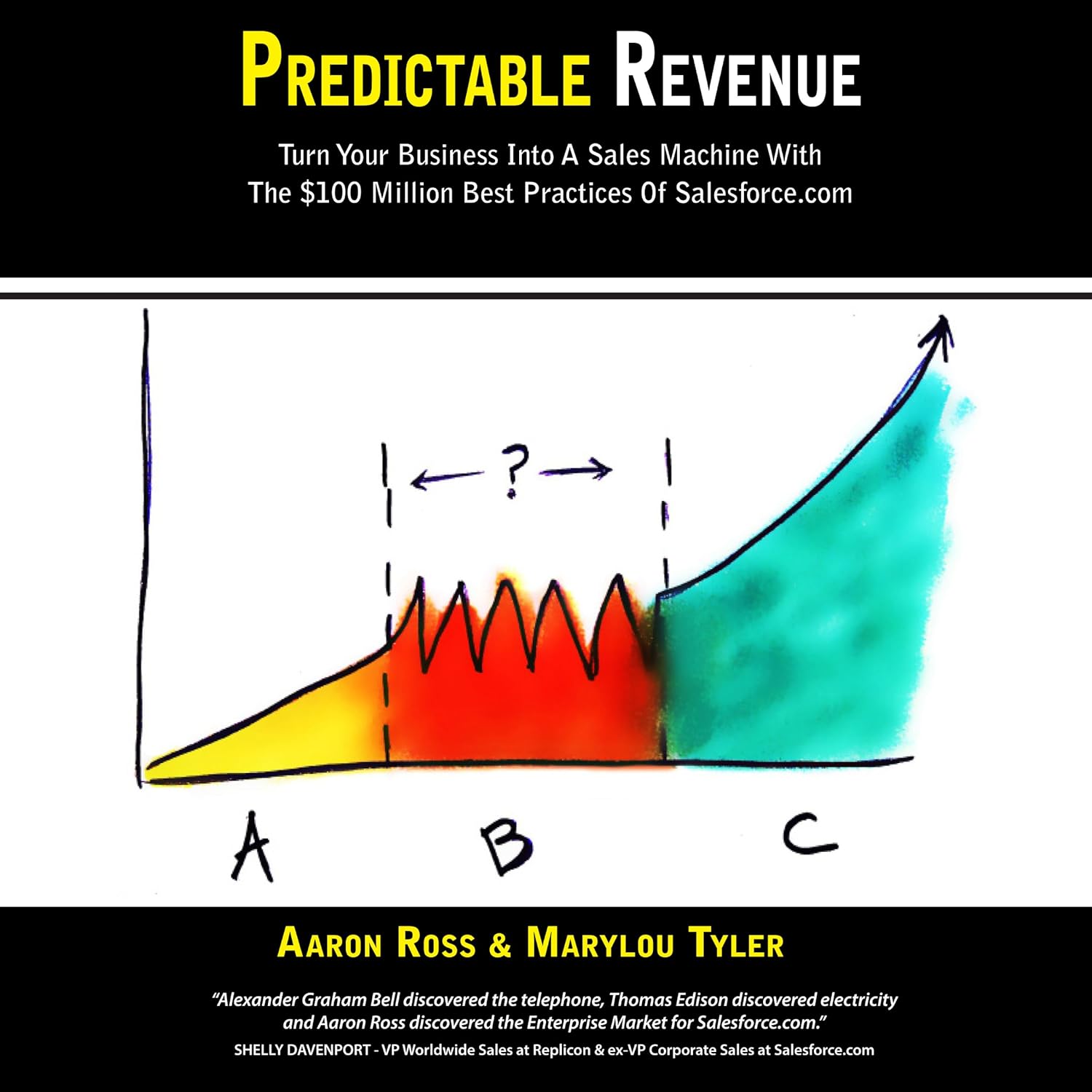
Predictable Revenue
Before you automate a sales process, it helps to understand the system Keap is trying to mirror.
This is the book most outbound sales playbooks — including the deal-stage logic in Step 4 — trace back to.
Check the Book →Keap vs GoHighLevel for Solopreneurs
Both platforms show up constantly in solopreneur tool stacks, and the honest answer depends on your contact list size more than anything else.
| Category | Keap | GoHighLevel | Winner |
|---|---|---|---|
| Starting price | $249/mo (annual) | $97/mo | GoHighLevel |
| Contact limit | 1,500 included | Unlimited, all tiers | GoHighLevel |
| Pre-built automation templates | 52+ ready to clone | Fewer plug-and-play options | Keap |
| Client sub-accounts | Single business only | 3 included on Starter | GoHighLevel |
| Learning curve | Guided, beginner-friendly | Steeper — more modules to learn | Keap |
If you're under 1,500 contacts and want a shorter setup path, Keap CRM automation is the simpler build. Running client sub-accounts or expecting fast list growth points toward GoHighLevel instead.
Frequently Asked Questions — Keap CRM Automation
What is Keap CRM automation?
+Keap CRM automation is the workflow layer inside Keap — tagging contacts, sending sequences, and moving deals through your pipeline without you touching each step by hand.
It's the part of the platform that saves real time once it's set up right, not just the contact database sitting underneath it.
How much does Keap automation cost?
+Keap's Pro plan starts at $249 a month on an annual contract, covering 1,500 contacts and two user seats.
Automation tools ship with every paid tier — there's no separate fee to unlock workflows on top of that.
What's the first automation I should build in Keap?
+Lead tagging comes first, every time. Every automation after it — nurture sequences, hot-lead alerts, post-sale onboarding — reads that tag to decide what to do next.
Build it out of order and the rest of the stack has nothing to trigger off.
Is Keap CRM automation hard to set up for a beginner?
+Not for most solo operators. Keap's drag-and-drop Automation Builder and 52+ templates exist so non-technical users can launch a working sequence without hiring a developer.
Most individual steps in a starter stack — like the five above — take under 30 minutes each.
Keap vs GoHighLevel — which is better for solopreneur automation?
+It comes down to contact volume more than features. Keap's simpler setup wins under 1,500 contacts.
GoHighLevel's unlimited-contact pricing pulls ahead once your list — or client roster — grows fast. Full row-by-row breakdown is above.
Can I automate invoicing and follow-up with Keap?
+Yes — marking a deal Won can trigger a welcome email, an intake form, and a payment request in one motion, matching Step 5 in our starter stack.
For the wider automation stack beyond CRM, our sales automation guide covers the tools that plug in around it.
Why isn't my Keap automation triggering?
+A duplicate or mismatched tag name is the usual culprit. Check that the exact tag referenced in the automation matches the one applied to the contact record.
Send yourself a test run before going live — it catches this in seconds instead of days later.
Does Keap automation work for a true one-person business, not just agencies?
+Yes. Keap — formerly Infusionsoft — was built around small service businesses, not agencies managing multiple client accounts.
The Pro tier's two-seat cap reflects that: it's sized for a solo operator or a very small team.
🤖 Keep Automating Your Solo Business
You've got Keap CRM automation running. Here's where to take the rest of your stack next:

