
Mirko
AI Tech Writer
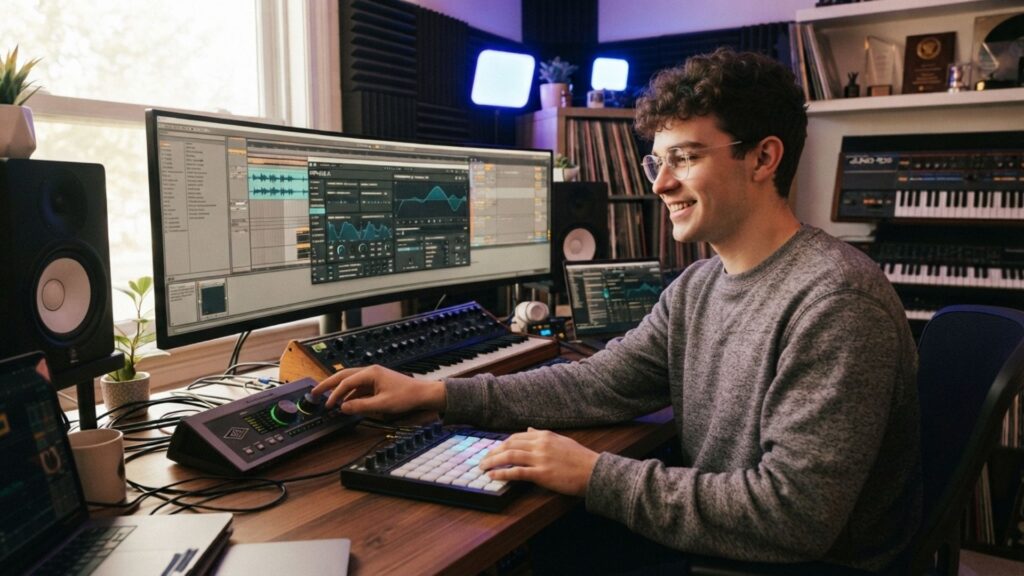
A year ago, AI music generators could barely hold a melody together for 30 seconds. In 2026, Suno alone has over 100 million users generating full songs with vocals, stems, and commercial licenses. I compared 7 AI music generators on sound quality, pricing, licensing, and real use cases — so you can pick the right one without wasting credits on the wrong platform.
Some links are affiliate links · they support this site at no extra cost to you · Full disclosure
What AI Music Generators Can Do Now
If you tried to create music with AI 18 months ago, you got looping beats with robotic vocals. The tools available now are a different category entirely.
The 2025-to-2026 jump brought full-song generation with natural vocals, stem editing in the browser, and commercial licensing that holds up on YouTube and Spotify. Suno's v5.5 model generates tracks where lyrics match the rhythm instead of floating over it — a problem every earlier version had.
- Full songs with vocals from a text prompt
- Stem separation and multitrack editing
- Commercial licenses on paid plans
- MIDI and WAV export for DAW integration
- Vocal articulation can drift on complex lyrics
- Free tiers restrict commercial use and downloads
- Iteration burns credits fast — plan carefully
- Licensing terms vary widely across platforms
You can create music with AI for podcasts, social content, and personal projects right now. Professional releases still benefit from human mixing — but the raw material is dramatically better than a year ago.
7 Best Tools to Create Music with AI
I tested and compared these based on sound quality, pricing, licensing clarity, and use-case fit. If you want to create music with AI that sounds professional, the right tool depends entirely on what you are making.
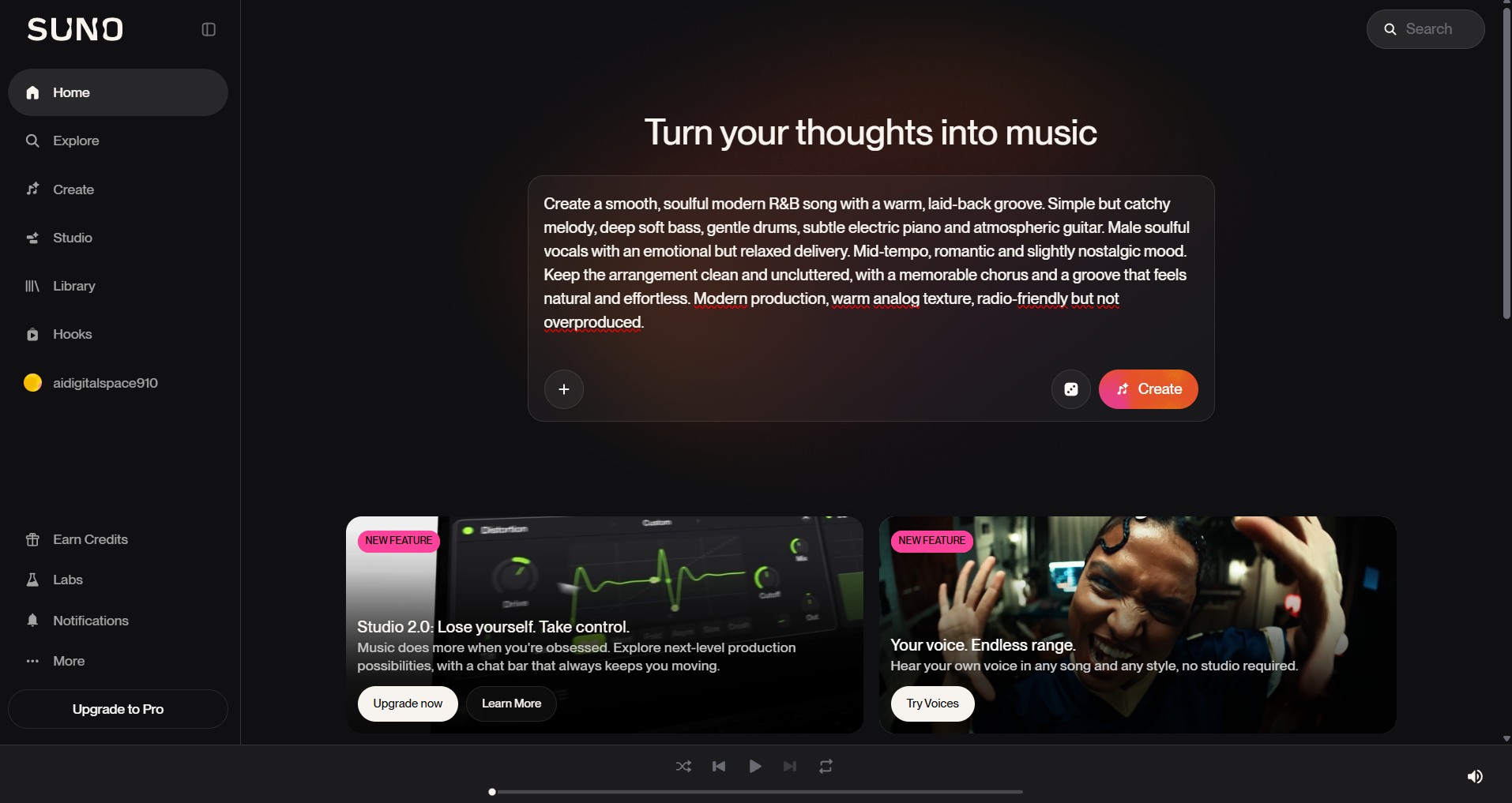
Suno is the most popular way to create music with AI right now — over 100 million users and counting. Type a prompt like "upbeat indie folk about road trips," and the v5.5 model generates a complete song with vocals, instruments, and lyrics in under 30 seconds. Suno Studio adds multitrack editing, BPM control, and MIDI export in the browser.
Free plan: 50 credits/day (~10 songs), non-commercial only. Pro at $10/month adds commercial rights and stem extraction. One detail worth flagging: download limits tighten from September 2026 — 20 downloads/month on Pro, 60 on Premier.
Best for: Full song creation with vocals · Songwriters · Content creators who need original tracks
ElevenLabs started in voice synthesis but now lets you create music with AI that has frighteningly realistic vocals. Users describe the output as "scary real" — and with the right prompts, it is close to indistinguishable from human singing.
The differentiator is vocal quality. If you need singing that sounds genuinely human rather than synthetic, ElevenLabs leads on that front. Voice cloning support also lets you create music with AI using a custom vocal style.
Best for: Vocal-heavy tracks · Voice cloning · Jingles and commercial audio
Where Suno prioritizes speed, Udio lets you create music with AI and refine every layer. Arrangement clarity and production detail are where Udio shines — it rewards iteration more than any other tool on this list.
Critical caveat: Udio temporarily disabled all downloads during a licensing transition with Universal Music Group. Verify download status before subscribing. Free: 10 credits/day + 100/month. Standard: $10/month.
Best for: Producers who want fine control · Instrumental detail · Anyone willing to iterate
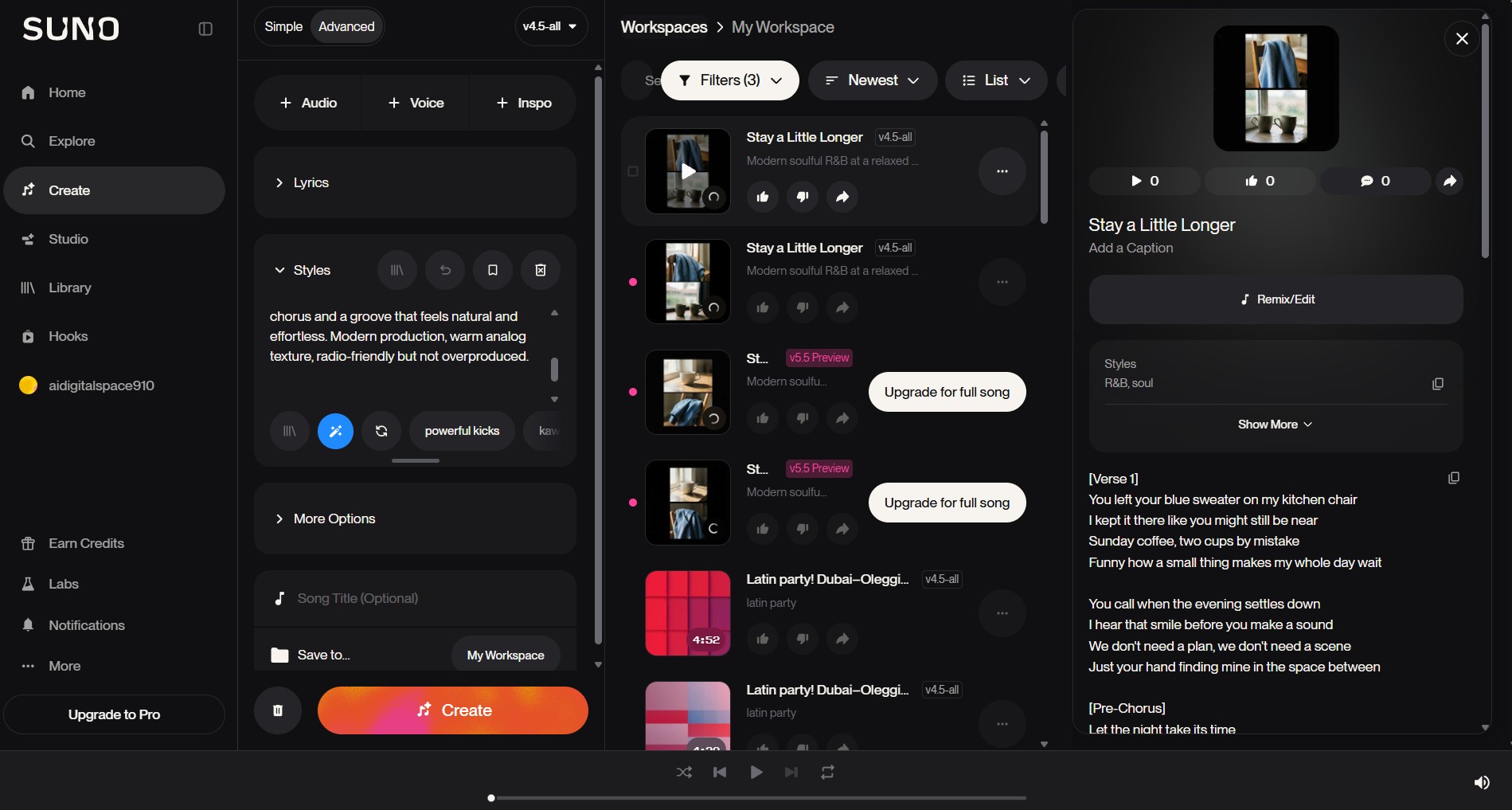
Soundraw lets you create music with AI using a visual mixer instead of text prompts — pick genre, mood, and tempo, then fine-tune bar by bar. The AI trains exclusively on in-house compositions, making every track 100% copyright-safe with zero Content ID risk.
No free downloads — preview for free, but exporting needs a Creator plan at $16.99/month with unlimited downloads. Soundraw is the safest choice if copyright strikes worry you. It joined the AI for Music initiative alongside Roland and UMG.
Best for: YouTubers · Podcasters · Background music for video projects
AIVA is the specialist pick if you want to create music with AI for film, games, or orchestral projects. On cinematic prompts — tension risers, bittersweet strings, heroic brass — AIVA consistently delivered musically "correct" orchestration where general-purpose tools struggled.
Adjust structure, instrumentation, key, and emotion at a granular level. Free: 3 downloads/month (non-commercial). Paid: from $15/month with commercial rights. Not a fit for pop or vocal tracks — AIVA is purely instrumental.
Best for: Film scoring · Game soundtracks · Ambient and classical composition
Boomy is the fastest way to create music with AI if you have zero experience. Pick a genre, click Generate, done in 30 seconds. The differentiator: built-in distribution to Spotify, Apple Music, and YouTube Music — release tracks and collect streaming royalties without a separate distributor.
Free: 25 songs/month with personal downloads. Creator at $2.99/month adds unlimited creation and Spotify release. Output is simpler than Suno — less structural complexity — but for quick content, that is the point. Boomy recently partnered with Yamaha for AI sample integration into hardware.
Best for: Absolute beginners · Quick social content · Streaming release experiments
Mubert is a music-as-a-service platform — create music with AI as continuous streams and loops for studying, working, or social content. Think of it as a music API more than a song maker, purpose-built for background audio that runs continuously.
API integration is available for developers and apps. Free plan gives limited listening and downloads; paid plans add royalty-free commercial use at $14/month. The output is consistent and predictable — for background music, that is a feature.
Best for: Focus music · App/game background audio · Continuous ambient streams
Pricing and Licensing Compared
Pricing alone does not tell the full story when you create music with AI. A $10/month plan without commercial rights costs more in practice than a $16.99 plan that includes them — because you will upgrade once you want to publish. Here is how every tool to create music with AI compares on the numbers that matter.
| Tool | Free Plan | Paid From | Commercial Rights | Best For |
|---|---|---|---|---|
| Suno | 50 credits/day (~10 songs) | $10/mo | Pro+ only | Full songs with vocals |
| ElevenLabs | Limited generation | $5/mo | Paid plans | Realistic AI vocals |
| Udio | 10 credits/day + 100/mo | $10/mo | Paid plans (verify downloads) | Production refinement |
| Soundraw | Generate only (no downloads) | $16.99/mo | All paid plans | Copyright-safe BGM |
| AIVA | 3 downloads/mo (non-commercial) | $15/mo | Standard+ plans | Cinematic & classical |
| Boomy | 25 songs/mo + personal downloads | $2.99/mo | Creator+ plans | Quick tracks + Spotify release |
| Mubert | Limited streaming + downloads | $14/mo | Paid plans | Ambient & background streams |
Price tip: A full AI music stack — song generation (Suno Pro, $10/mo) + royalty-free background music (Soundraw, $16.99/mo) — runs about $27/month combined. That is less than most stock music libraries charge for a single license, and you own the commercial rights to everything you generate.
How to Pick the Right Tool for Your Use Case
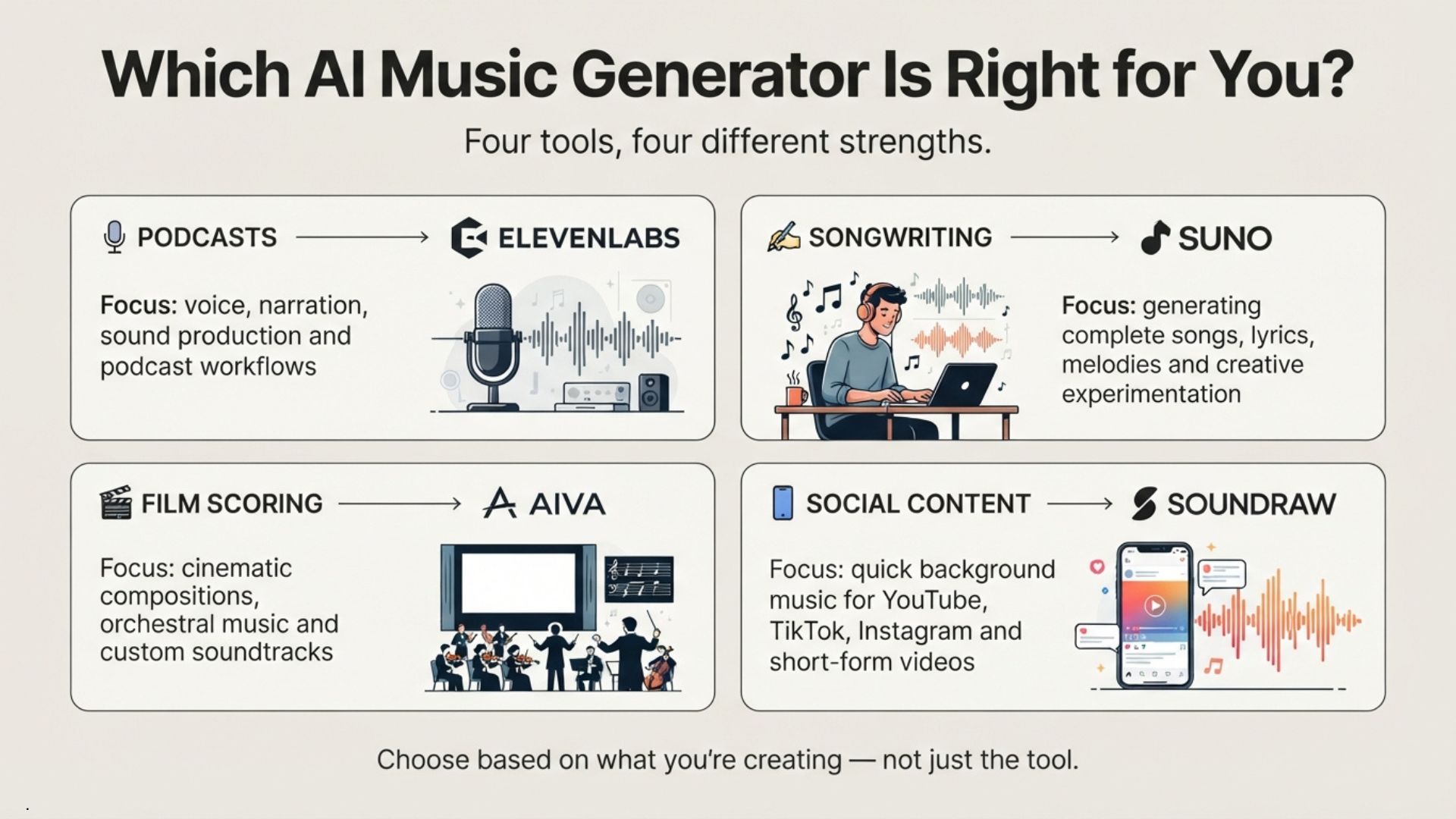
The most common mistake when choosing how to create music with AI is picking a tool based on a review score rather than matching it to what you need. A podcaster does not need Suno's vocal generation — they need copyright-safe background music. A songwriter does not need Soundraw's bar-by-bar mixer — they need lyrics and melody from a prompt. Here is a quick decision guide to create music with AI for your specific situation.
Instrumental tracks that will not trigger Content ID claims. Copyright safety matters most.
Complete tracks — lyrics, singing, instruments — from a text description. Vocal quality and prompt control are the priority.
Orchestral or ambient compositions that follow emotional arcs — tension, resolution, atmosphere.
A TikTok beat, a Reel soundtrack, or a quick loop in under a minute. Speed over depth.
Pro Tips for Better AI Music Results
Most people who create music with AI type a one-line prompt, get a mediocre output, and blame the tool. The difference between a forgettable track and one that sounds genuinely good is in how you use the platform, not which one you picked.
Prompt with Emotion, Not Just Genre
"Pop beat" gives generic output. "Hopeful pop with soft piano, steady drums, and a building chorus" gives you something worth keeping. When you create music with AI, specificity in mood and instrumentation makes the biggest difference in output quality.
Iterate Before Downloading
Credits are finite. On Suno's free plan, each generation costs about 5 credits (50/day = 10 attempts). Refine your prompt between rounds instead of regenerating the same vague description. Save downloads for tracks you are satisfied with.
Layer Tools Together
Generate a song in Suno, export stems, then mix in Descript or GarageBand. Add a voice track from ElevenLabs for realistic vocals over an instrumental. No single tool covers every step — two or three together can.
Always Check the License Before Publishing
This is the step most people skip when they create music with AI. Free plans on Suno and Udio do not include commercial rights — tracks generated on free tiers are personal use only. If you plan to monetize on YouTube, release to Spotify, or use a track in client work, verify your plan grants commercial licensing. Soundraw and Boomy are the most transparent about this.
"AI is the starting material — not the finished product." Even a small human touch, like adjusting one instrument, swapping a lyric line, or layering your own vocal, turns a generated track into something with genuine character.
Frequently Asked Questions — Create Music with AI
🎧 Build Your Full AI Creator Stack
You have the music side covered. Here is where I would go next to round out your creative workflow: