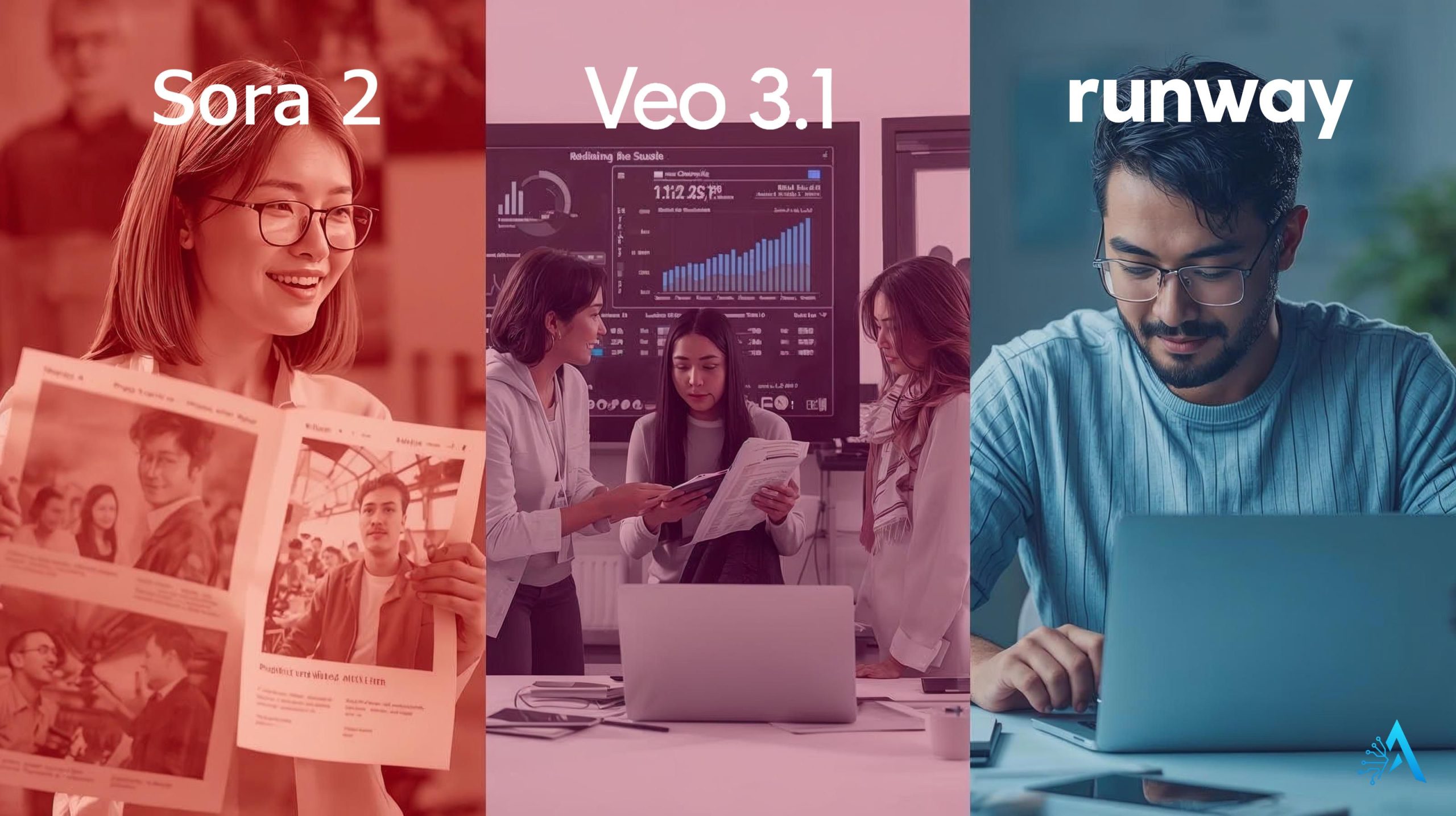
Best AI video tool 2025 – Sora 2 vs Veo 3.1 vs Runway Gen-3 comparison

Sora 2 vs Veo 3.1 vs Runway Gen-3 – Best AI Video Tool in 2025 for Creators

Disclosure:
This post contains affiliate links. If you click and subscribe, we may earn a small commission at no extra cost to you. We only recommend tools like Copy.ai and Writesonic that we’ve tested and believe offer real value to our readers.

1. Introduction – Why AI Video Tools Are the Next Creative Revolution

AI video tools are redefining how we create. What once required expensive cameras and editing suites can now be generated from a single prompt — and that’s exactly why the question of the year is: what’s the best AI video tool in 2025? Between Sora 2, Veo 3.1, and Runway Gen-3, creators are witnessing a turning point in automated video generation. Each platform promises cinematic quality, faster rendering, and smarter scene control — but the differences can completely change your results.

At AI Digital Space, we’ve been following this shift closely, especially as tools like Runway evolve from simple text-to-video apps into full production studios. In parallel, AI tools for creators are becoming essential for freelancers, brands, and agencies that need video content every day. The rise of OpenAI’s Sora 2 and Google’s Veo 3.1 shows that the race for realism is accelerating — and it’s happening right now, not in the distant future.

According to a recent update from TechCrunch, the latest generation of AI video models is closing the gap between machine-generated and real footage. This means sharper motion, cleaner faces, and longer sequences that feel genuinely directed. For anyone producing short-form content or product demos, choosing the right one isn’t just about quality — it’s about efficiency and control. In this comparison, we’ll explore how Sora 2, Veo 3.1, and Runway Gen-3 differ, what each does best, and where creators should invest time (and budget) in 2025.

2. Meet the Contenders – Sora 2, Veo 3.1, and Runway Gen-3 Explained

Best AI video tool 2025 – Sora 2 vs Veo 3.1 vs Runway Gen-3

To understand which platform earns the title of the best tool, we first need to see what each contender brings to the table. In 2025, Sora 2, Veo 3.1, and Runway Gen-3 are leading a fast-moving field, each representing a unique vision of how AI can power video creation.

Sora 2, developed by OpenAI, focuses on storytelling and cinematic control. It can generate long, continuous clips with natural lighting, smooth camera motion, and realistic characters. Its greatest strength is consistency — a single prompt can produce coherent scenes that look like they were shot by a director, not an algorithm.

Veo 3.1, from Google DeepMind, takes a data-driven approach. It uses multimodal inputs (text, reference clips, or even sketches) to achieve ultra-precise scene control. In early tests, Veo 3.1 has proven faster in rendering complex motions and supports 1080p output without losing quality. It’s also deeply integrated with Gemini, allowing creators to refine prompts interactively.

Finally, Runway Gen-3 builds on its reputation for accessibility. It’s browser-based, intuitive, and made for fast-paced creators — think YouTubers, marketers, or agencies that need to deliver polished visuals daily. Gen-3 focuses on short, controllable clips ideal for social media or advertising. Its subscription model and PartnerStack affiliate support make it one of the easiest entries into professional-grade AI video generation.

Our take: these tools aren’t just competitors — they represent three philosophies of creation: cinematic storytelling (Sora 2), scientific precision (Veo 3.1), and creator freedom (Runway Gen-3). The next sections will reveal how they differ in quality, speed, and value for money — because the best AI video tool depends on how you actually use it.

3. Video Quality and Realism – Which AI Tool Feels Most “Human”?
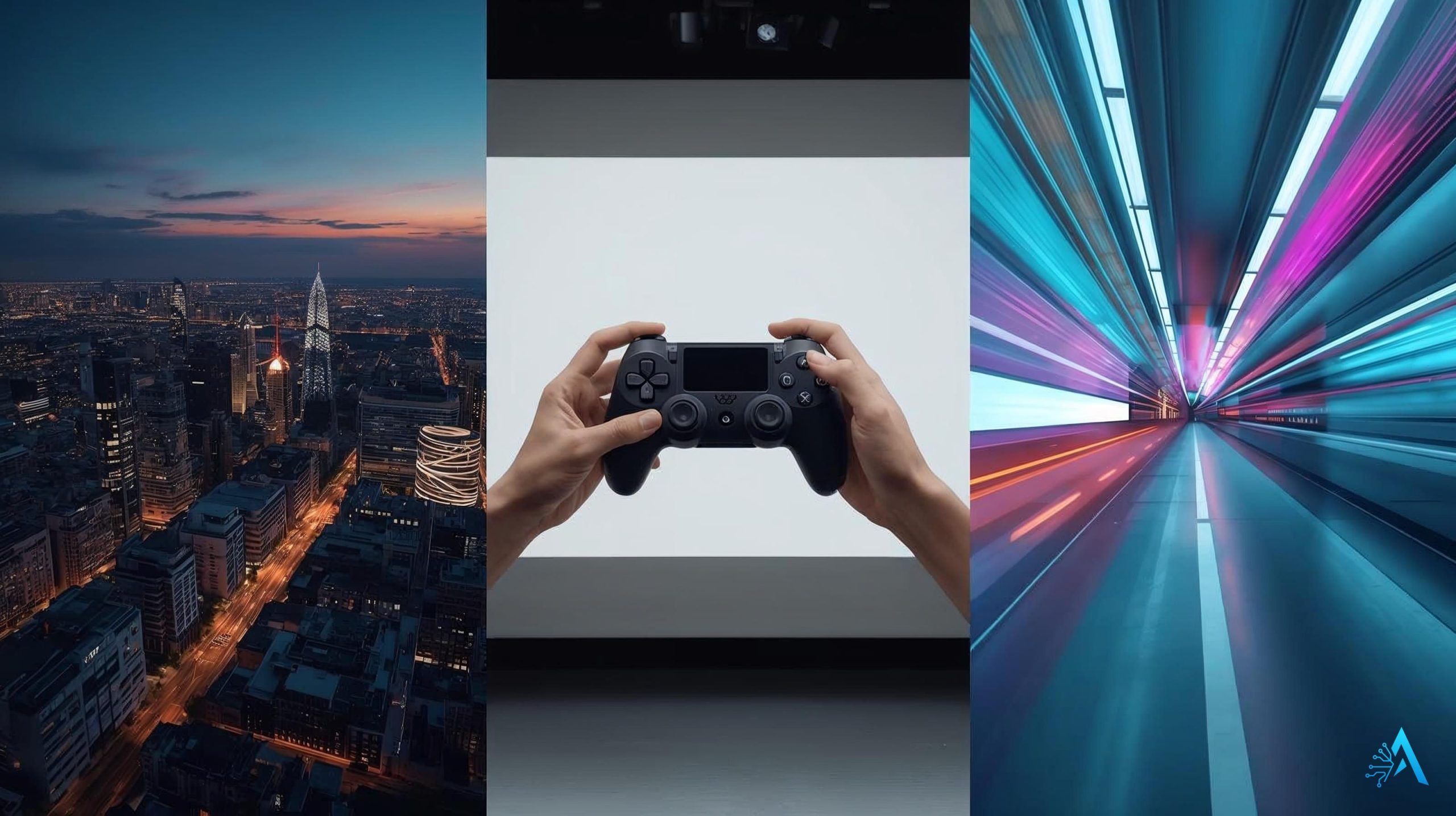
When choosing, quality and realism are what truly separate professional output from generic clips. Each tool approach realism differently — and that difference is what determines which one feels most human to the viewer.

Sora 2 stands out for cinematic depth. Its latest update improves frame continuity and light diffusion, resulting in natural human movement and smooth transitions between shots. Faces are sharper, and backgrounds carry more texture — almost film-grade.

Veo 3.1 pushes realism with mathematical precision. Thanks to DeepMind’s motion modeling, it tracks objects and shadows more accurately. The result is a cleaner, more consistent scene, even in high-action sequences or when generating dynamic lighting conditions.

Runway Gen-3, while more lightweight, offers balanced realism for creators on the go. It might not match Sora’s cinematic fidelity, but it produces visually coherent videos that are ideal for ads, social posts, or fast-turnaround edits.

Below is a quick comparison of the three tools’ visual performance benchmarks:

Feature Sora 2 Veo 3.1 Runway Gen-3
Video Realism Film-like lighting, emotional tone Crisp visuals, scientific precision Good balance for quick edits
Motion Consistency Excellent – cinematic camera flow Top-tier – stable object tracking Moderate – slight jitter in fast scenes
Best Use Case Short films, storytelling Commercials, product demos Social content, creator reels
Affiliate CTA Try Sora 2 Now Try Veo 3.1 Now Try Runway Gen-3

From our experience at AI Digital Space, viewers notice smoothness first — not resolution. That’s where Sora 2 and Veo 3.1 excel, while Runway Gen-3 remains unbeatable for speed and ease of use. In the next section, we’ll see how fast these tools really are and how much control you have once your scene starts rendering.

4. Speed and Control – Rendering, Prompts, and Editing Flexibility

AI video generation workflow diagram – Sora 2, Veo 3.1, Runway Gen-3

Speed and control define how efficient an AI video tool really is. It’s not enough for a model to create stunning footage — if rendering takes hours or prompts respond unpredictably, the workflow breaks. Among the three, the difference in speed and flexibility shows exactly who these tools are built for.

Sora 2 is the slowest of the three, but that’s the trade-off for its cinematic depth. Complex prompts can take several minutes to render, yet the platform’s new timeline-based editor gives creators granular control. You can tweak camera angles, scene transitions, and even emotional tone. It’s designed for professionals who prefer control over speed — those producing short films or storytelling campaigns.

Veo 3.1 finds the sweet spot between speed and precision. Its real-time preview mode lets users adjust prompts mid-generation, reducing wasted iterations. The system also supports multimodal control — you can input text, reference footage, or even rough sketches to refine motion paths. For teams that value flexibility and experimentation, Veo 3.1 delivers measurable time savings without quality loss.

Runway Gen-3, meanwhile, remains the fastest option for quick creators. Rendering short clips takes seconds rather than minutes, and its prompt sensitivity is excellent for iterative creation. However, its editing control is lighter: while you can trim and color-correct directly in-browser, deep cinematic adjustments are limited compared to Sora or Veo. Still, for marketers, social media teams, and content agencies, that speed advantage is gold.


Speed isn’t just convenience — it’s productivity. In daily creative workflows, Runway Gen-3 wins for turnaround, Veo 3.1 for adaptability, and Sora 2 for high-end direction. The best AI video tool depends on whether your priority is crafting perfect shots or publishing consistently — and in 2025, both goals are finally within reach.

5. Use Cases – Who Each AI Video Tool Is Best For

Not every creator needs the same thing from an AI video tool. Some focus on storytelling, others on marketing speed or visual polish. Here’s how Sora 2, Veo 3.1, and Runway Gen-3 fit different types of users — in simple, real-world terms.

Creator Type Sora 2 Veo 3.1 Runway Gen-3
Filmmakers & Storytellers High realism and emotional depth for short films, cinematic shots, and concept scenes. Good for pre-visualizations and mood drafts; can simulate complex scenes quickly. Decent quality for short teasers or trailers; ideal for rapid iterations.
Marketing Teams Strong for brand videos that need narrative appeal and polished pacing. Perfect for campaigns needing precise product motion or controlled branding. Fastest for social ads, reels, and UGC-style content; easy export for multiple platforms.
Educators & Trainers Excellent storytelling for explainer videos with emotional engagement. Best accuracy for instructional videos with animations or scientific models. Simple drag-and-drop setup for class presentations or quick lessons.
Content Creators Useful for cinematic YouTube intros or creative experiments. For creators who want high precision with shorter render times. Top choice for TikTok, Instagram, and fast-paced editing workflows.

If your work relies on storytelling and realism, Sora 2 is unbeatable. If you need technical accuracy and real-time refinement, Veo 3.1 wins. And if your priority is speed, ease, and social-media readiness, Runway Gen-3 is the clear favorite.


For more tool inspiration, check out our post on AI Tools for Creativity — it pairs perfectly with this guide to help you choose tools that match your workflow and goals.

6. Pricing and Plans – What You Really Get for Your Subscription

Choosing also means finding one that fits your budget and workflow. Here’s a clear, quick look at how they price their services — and what you actually get.

Sora 2 works with monthly plans similar to ChatGPT Plus. Expect limited access on the free tier and full HD generation from about $20–$40/month. It’s built for creators who want film-quality output and can trade some speed for precision.

Veo 3.1 runs on a credit-based model inside Google’s ecosystem. You pay for what you generate, so it scales perfectly for teams using Google Cloud or Gemini. It’s ideal for studios that need predictable costs and detailed control.

Runway Gen-3 is the most flexible. It offers both free and paid plans starting near $15/month, with extra credits for power users. You can render short clips fast and store projects in the cloud — perfect for social media and marketing teams.

Tool Pricing Best For Try
Sora 2 From $20–$40/month Filmmakers and creative storytellers Try Sora 2
Veo 3.1 Pay-per-use credits Teams using Google Cloud & Gemini Try Veo 3.1
Runway Gen-3 Free + paid from $15/month Content creators & marketers Try Runway Gen-3

If you need cinematic control, pick Sora 2. For scalable team use, go with Veo 3.1. For speed and affordability, Runway Gen-3 remains the best AI video tool to start with.


7. Integration and Workflow – How They Fit Into Creative Stacks

A good tool should fit smoothly into your creative workflow. Let’s see how they connect with other tools you already use.

Sora 2 integrates with Premiere Pro, DaVinci Resolve, and Final Cut, making it perfect for filmmakers who edit in post. Exports are clean, and OpenAI plans API support for studios soon. Best for professionals who need control and high-end output.

Veo 3.1 connects directly with Google Workspace and Gemini Advanced, so teams can turn scripts or data into videos instantly. Real-time cloud editing means no heavy downloads or version issues — ideal for marketing teams or agencies.

Runway Gen-3 is built for creators who move fast. It links with Canva, CapCut, and Figma, and supports Zapier automation. You can generate clips from text or reuse them across platforms in minutes — perfect for solo creators or social media use.

In short:

  • Sora 2 → for post-production pros.

  • Veo 3.1 → for teams working in Google’s ecosystem.

  • Runway Gen-3 → for creators who want speed and simplicity.

That’s what makes each of them a strong candidates in 2025 — depending on how you create.

8. Ethical AI Reflection – The Line Between Creation and Manipulation

As AI-generated videos become more realistic, the question isn’t only which is the best AI video tool — it’s how responsibly we use them. With these three tools, creators now have the power to produce lifelike scenes that can look completely real to viewers.

This technology is exciting for storytelling, but it also blurs the line between creativity and deception. AI video tools can be misused for misinformation, deepfakes, or synthetic news clips if ethics are ignored. Each platform is aware of this: OpenAI includes visible watermarks and strict content filters in Sora, Google applies detection metadata to Veo, and Runway has clear-use policies that ban misleading media.

We believe innovation and responsibility must grow together. The best creators in 2025 will be those who use these tools transparently — to enhance imagination, not to replace truth.

9. Final Verdict – The Best AI Video Tool in 2025

After testing how each platform performs in quality, speed, pricing, and usability, here’s our clear conclusion: there isn’t a single winner — it depends on what kind of creator you are. Still, each tool shines in its own way, making this one of the most exciting years yet for AI video creation.

Category Winner Why It Stands Out
Best for Cinematic Quality Sora 2 Unmatched realism, natural motion, and emotional storytelling.
Best for Professional Teams Veo 3.1 Scalable workflow, cloud collaboration, and precision control.
Best for Everyday Creators Runway Gen-3 Fast, affordable, and simple to use for short-form content.

If you want high-end cinematic control, Sora 2 leads. For structured, scalable work, Veo 3.1 fits best. But if you need something fast and ready for daily use, Runway Gen-3 remains the most practical AI video tool right now.


Our suggestion: start with Runway Gen-3 to learn how AI fits into your creative process, then move to Sora 2 or Veo 3.1 when your projects demand more depth or realism.

10. FAQ – What Readers Ask Before Choosing an AI Video Tool

Q: Can AI video tools replace traditional video editors?
A: Not yet. AI tools like Sora 2, Veo 3.1, and Runway Gen-3 can generate impressive clips quickly, but fine-tuning still needs traditional editors such as Premiere Pro or DaVinci Resolve. The best approach is to use AI for generation and manual editing for final polish.

Q: Are AI-generated videos copyright-safe?
A: Usually yes — you own the clips you create, but always check each platform’s terms. Runway and OpenAI allow commercial use within limits, while Veo 3.1 follows Google Cloud’s content policy. Avoid using real faces or brands without permission.

Q: What kind of computer do I need to run them?
A: All three run fully online, so you only need a reliable internet connection and a modern browser. There’s no need for a high-end PC or GPU to use any AI video tool efficiently.

Q: Which AI video tool is easiest for beginners?
A: Runway Gen-3 is the simplest to start with. Its interface is intuitive, and you can turn a short idea or prompt into a ready-to-share video in minutes.

Q: Can I use these tools for YouTube or TikTok videos?
A: Definitely. Runway Gen-3 is perfect for quick clips and reels, while Sora 2 and Veo 3.1 are better suited for storytelling, ads, or professional productions.

Q: Are there free versions available?
A: Yes. Runway Gen-3 and Veo 3.1 offer limited free tiers or credits. Sora 2 is still rolling out public access but may include demo clips. Free versions are fine for testing, but premium tiers unlock HD export and longer scenes.

Q: Which one gives the best balance overall?
A: For speed, price, and ease of use, Runway Gen-3 is currently the best for everyday creators. For cinematic depth, choose Sora 2; for structured, scalable work, go with Veo 3.1.