
What Changed for Notion AI and Coda AI in 2026
Two major shifts hit the workspace AI market in the past year. Both directly reshape this Notion AI vs Coda AI comparison — and make most older articles unreliable.
Notion restructured its AI pricing. The standalone $10/user/month AI add-on was discontinued in May 2025. Full Notion AI now requires the Business plan at $20/user/month (billed annually).
Free and Plus users get a limited AI trial. Not the complete feature set.
Coda went through two ownership changes. Grammarly acquired Coda in December 2024, then rebranded the entire parent company to Superhuman in October 2025. As of July 8, 2026, Coda officially became Superhuman Docs.
New domain, new design, same core product underneath.
- Dec 2024: Grammarly acquires Coda
- May 2025: Notion kills the $10/user AI add-on
- Sep 2025: Notion launches AI Agents 3.0
- Oct 2025: Grammarly rebrands to Superhuman
- Feb 2026: Notion ships Custom Agents (v3.3)
- Jul 2026: Coda becomes Superhuman Docs
What follows is current as of August 2026. If you're reading an older Notion AI vs Coda AI comparison that still quotes a $10 AI add-on, it's working with stale numbers.
How Notion AI Works — Agents, Custom Agents & Credits

When people search Notion AI vs Coda AI, the agent question comes up first. Notion's AI layer has grown into three capabilities since the Agents 3.0 launch in September 2025.
Built-in Notion Agent
The default agent handles workspace-wide tasks: summarizing pages, extracting action items from meeting notes, and drafting content. It works inside any page without extra setup.
We tested it on a 12-page project wiki. It correctly identified 8 of 9 open tasks and produced a readable summary in under 10 seconds.
Custom Agents (February 2026)
Custom Agents run on schedules and triggers — triaging support tickets, routing tasks, or answering team questions in Slack. Users choose which LLM powers each agent: GPT-4o, Claude, or Gemini.
This is where Notion AI vs Coda AI diverges most. Notion's agents work autonomously. Coda's AI stays closer to in-document assistance.
- Free: Limited AI trial only
- Plus ($10/user/mo): Limited AI trial only
- Business ($20/user/mo): Full AI — Agents, Custom Agents, AI Meeting Notes
- Custom Agent credits: $10 per 1,000 credits (monthly, no rollover)
For anyone exploring Notion's AI capabilities in depth, we covered 10 hidden Notion AI features worth knowing before subscribing.
How Coda AI Works — Now Superhuman Docs
The platform you knew as Coda AI now lives at docs.superhuman.com. The core functionality remains the same: documents that double as applications, powered by formula-driven AI and Packs integrations.
Maker-Based Billing
Coda's billing model charges only Doc Makers — people who create and build documents. Everyone else (editors, viewers, commenters) is free.
A 30-person team with 5 builders on the Pro plan pays $50/month total. Not $300. That's the math that makes Coda AI compelling for larger organizations with few content creators.
Packs: 800+ Live Integrations
In the Notion AI vs Coda AI comparison, Packs are Coda's strongest differentiator. Over 800 integrations pull live data from Slack, Jira, GitHub, and Salesforce into documents — updating in real time.
If your team runs into common collaboration pitfalls, we covered 3 Coda AI team mistakes and fixes that apply to the Superhuman Docs experience too.
- Free: Core features, doc size limits, basic AI trial
- Pro ($10/Doc Maker/mo): Unlimited doc size, Pro Packs, AI credits
- Team ($30/Doc Maker/mo): Cross-doc sync, folder access, full AI
- AI credit top-ups: $2 (2K credits) · $6 (6K) · $12 (unlimited) per Doc Maker/mo
Notion AI vs Coda AI Feature Comparison
After reviewing both platforms, the Notion AI vs Coda AI contrast comes down to design philosophy. Notion treats the page as the primary unit. Coda treats the table as the primary unit.
| Feature | Notion AI | Coda AI (Superhuman Docs) | Winner |
|---|---|---|---|
| Ease of Use | Block editor, productive in 15 minutes | Formula-driven, steeper learning curve | Notion AI |
| AI Agents | Custom Agents on schedules and triggers | In-doc AI assistance, no autonomous agents | Notion AI |
| Automation Depth | Smart triggers, basic workflow chains | Cross-doc sync, 800+ Packs, custom rules | Coda AI |
| Collaboration | Comments, synced pages, shared wikis | Dynamic dashboards, real-time data views | Coda AI |
| Pricing (Solo) | $20/user/mo (Business required for AI) | $10/Doc Maker/mo (Pro) | Coda AI |
| Template Library | 10,000+ templates, large community | Smaller gallery, more powerful templates | Notion AI |
| Mobile App | Full-featured with offline support | Functional, less polished offline | Notion AI |
| Data Integrations | Growing API, 100+ integrations | 800+ Packs with live data sync | Coda AI |
The Notion AI vs Coda AI scorecard shows no single winner across every category. Notion leads on usability, agents, and ecosystem. Coda leads on automation depth, integrations, and billing flexibility.
For a broader look at how Notion stacks up against other workspace tools, our Notion vs Taskade vs ClickUp comparison covers three-way trade-offs.
Which AI Workspace Fits Your Workflow

The right pick depends on how you work — not which feature list looks longer. Here's how the Notion AI vs Coda AI choice maps to common use cases.
| User Type | Best Pick | Why It Fits |
|---|---|---|
| Solo creators | Notion AI | Visual planning, AI summarization, low setup friction |
| Small teams (<10) | Either | Notion for flexibility; Coda for structured tracking |
| Data-driven startups | Coda AI | Maker billing saves money, Packs connect your stack |
| Enterprise / compliance | Coda AI | SSO, SCIM, audit logging, folder-level permissions |
| Content teams | Notion AI | Block editor, publishing workflows, AI writing assistant |
One pattern we've noticed in the Notion AI vs Coda AI debate: teams that start with Notion tend to stay. Onboarding friction is low and the template library handles most needs.
Teams that switch to Coda usually do so because they've hit Notion's limits on formulas, cross-doc logic, or live external data.
For solopreneurs weighing Notion AI vs Coda AI alongside other platforms, our AI tools for solopreneurs guide covers which tools pair well together.
Both platforms state they don't use workspace content to train their AI models. Notion processes AI prompts within your account boundary. Coda uses partner APIs but avoids storing data beyond session use.
Review each platform's current data security practices before activating AI on sensitive projects.
Final Verdict — The 2026 Productivity Winner
For most people comparing Notion AI vs Coda AI, Notion is the faster starting point. The $20/month Business plan delivers full AI agents, a polished mobile app, and a 100M-user template community.
Switch to Superhuman Docs when your work demands it — live data from external tools, maker-only billing for large teams, or spreadsheet-grade formulas powering your reporting.
Our Notion AI vs Coda AI verdict: start with Notion for a flexible, AI-powered workspace. Upgrade to Superhuman Docs when your workflows outgrow it. Both offer free plans to explore first.
Want to compare even more workspace tools? See our breakdown of Zapier vs Make vs n8n for the automation layer that connects to both platforms.
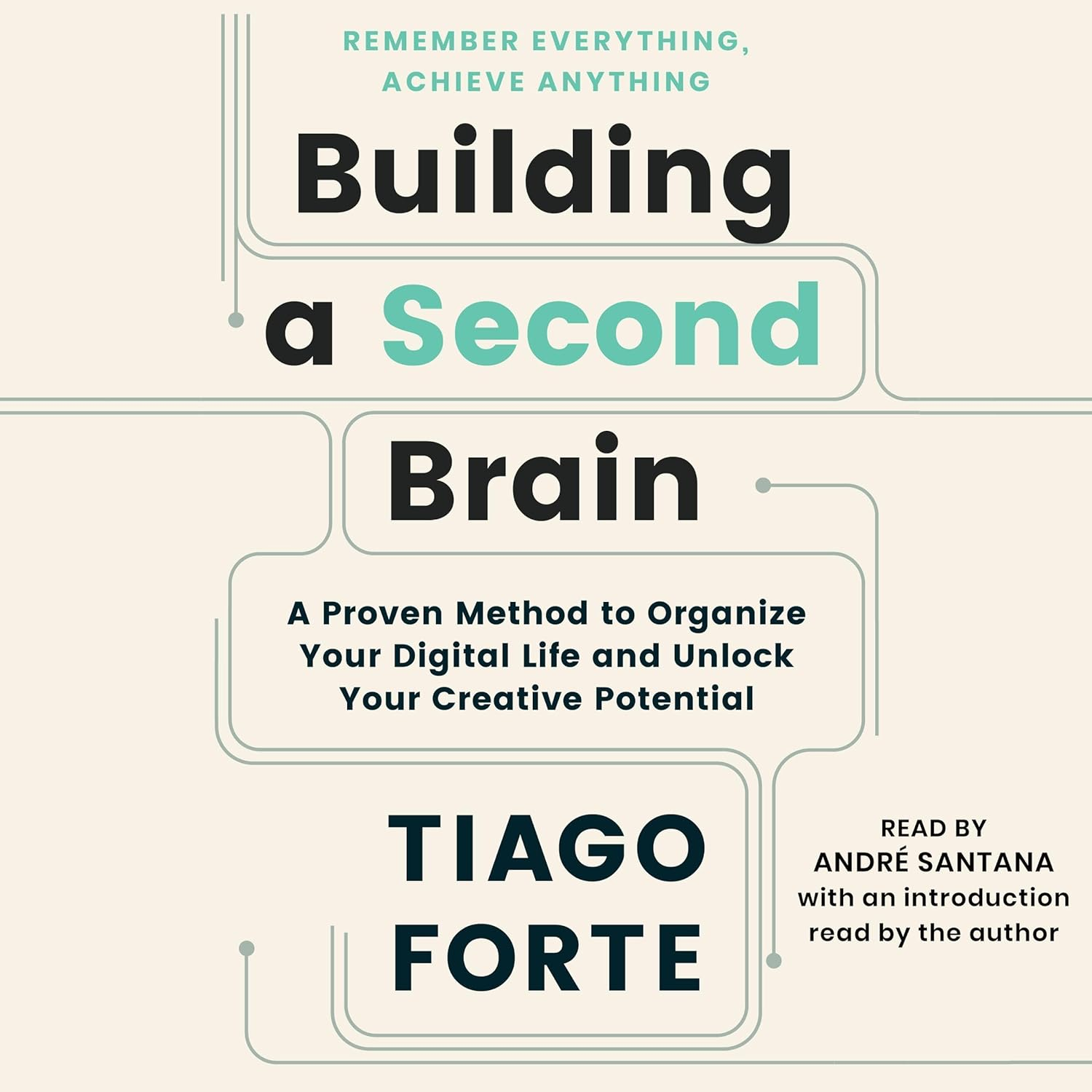
Building a Second Brain
Forte's system for capturing, organizing, and retrieving knowledge maps directly to how both Notion and Coda are designed. If you're choosing a workspace, this book helps you use whichever you pick more effectively.
Check Price on Amazon →