

Why Notion AI Features Keep Evolving for Creators
Notion AI features looked different a year ago. Back in late 2025, most of what it offered was writing help and basic templates. That's not where things stand in 2026.
Notion 3.0 through 3.4 added something the earlier version never had: an agent that works on its own. Not autocomplete, not a chat window.
It's an assistant you hand a goal to, and it goes and does the work across your workspace while you're doing something else.
What's New in Notion AI 2026
Notion has moved well past being just another entry on the list of AI note-taking tools. The 2026 feature set adds live meeting transcription, autonomous agents, and workspace-wide search with citations.

A real content-ops dashboard built inside Notion — the actual workflow this Notion AI features guide is based on.
Notion AI pricing, flagged upfront: full Notion AI now requires the Business plan at $20/user/month billed annually ($24 monthly).
The old $10/month standalone AI add-on was retired in May 2025.
We rebuilt our own weekly content dashboard using the current Notion AI features set to see which of these ten tools earn a place in a real workflow, not just a demo.
Here's what held up, in the order it matters for Notion AI features that actually save time.
If you're setting this up for the first time, our guide to running Notion AI as a daily work dashboard walks through the setup we used for the screenshot above.
Try Notion AI alongside this guide if you want to follow the features hands-on as we cover them.
Smarter Foundations: Notion AI Features for Templates & Automation
The first layer of Notion AI features handles setup work automatically. These three save the most time before you've written a single word.
1. AI-Generated Templates & Pages
Describe a workflow in plain language — "weekly content calendar with a review stage" — and Notion AI drafts the pages, properties, and views for you.
Basic templates work on Free; the full AI-assisted version of this Notion AI feature needs a paid AI seat.
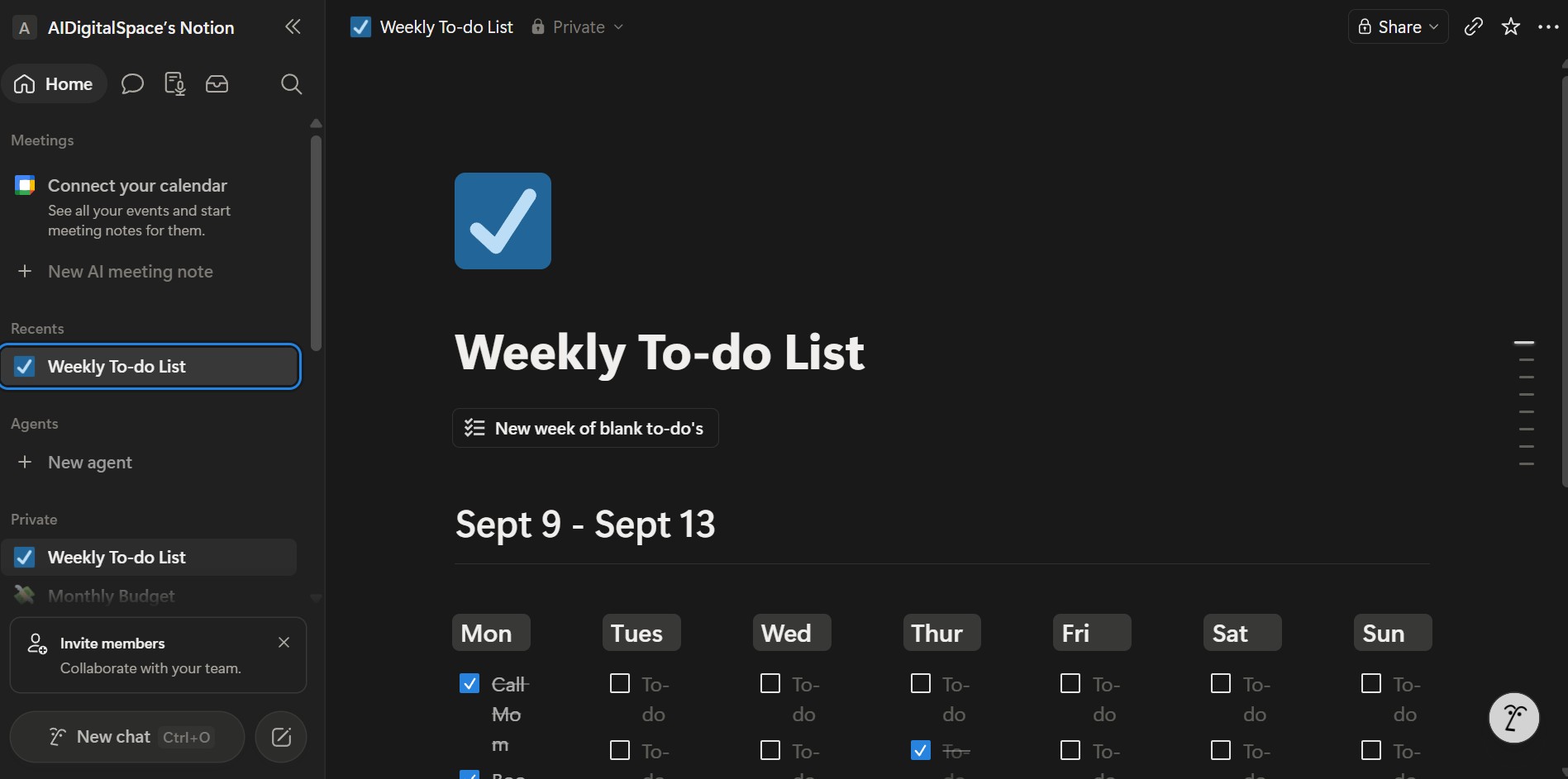
Our editorial calendar, generated from a single prompt and refined over one afternoon.
Our research turned up: the board above took under 20 minutes to set up from a blank workspace, versus the 2+ hours our old spreadsheet migration used to take.
2. Relation-Aware AI Autofill
Autofill got two upgrades in 2026: sub-3-second response on most fields, and the ability to pull from one linked database when generating a value.
3. Cross-Page AI Blocks
Added in March 2026, these blocks resolve content from linked pages automatically. A dashboard summary block now reflects what's written in the pages it points to, not a stale snapshot.
| Notion AI Feature | What Changed | Why It Matters |
|---|---|---|
| AI Autofill | Relation-aware since Feb 2026 | Values reflect linked data, not guesses |
| Cross-Page AI Blocks | Live since March 2026 | Dashboards stay accurate without manual updates |
| Template Generation | Faster prompt-to-page output | Full setups in minutes, not hours |
For turning scattered notes into a working system rather than just a prettier list, our guide to turning notes into tasks with AI covers the follow-up step most people skip.
See Notion's official help documentation for the current Autofill and AI blocks specs, since Notion updates these fairly often.
Notion AI Features for Writing That Adapts to You
Writing is where Notion AI features stop feeling generic. The assistant reads the page you're on before producing anything — a real difference from tools that only see the prompt you typed.
4. Context-Aware Writing With a 50-Page Window
Since January 2026, Notion AI can read across up to 50 linked pages in one request, triple the previous limit.
Ask it to summarize a project, and it pulls from every linked doc, not just the current one.
The editor pulling context from linked project pages before drafting a summary.
5. Multi-Mode Drafting & Voice Input
Turn raw notes, a brainstorm, or a voice memo into a structured draft. Since April 2026, you can also speak prompts directly on macOS and Windows.
Worth a look if you draft a lot of long-form content: highlight a rough outline, use "Ask AI to expand," then switch tone with the refine command instead of rewriting by hand.
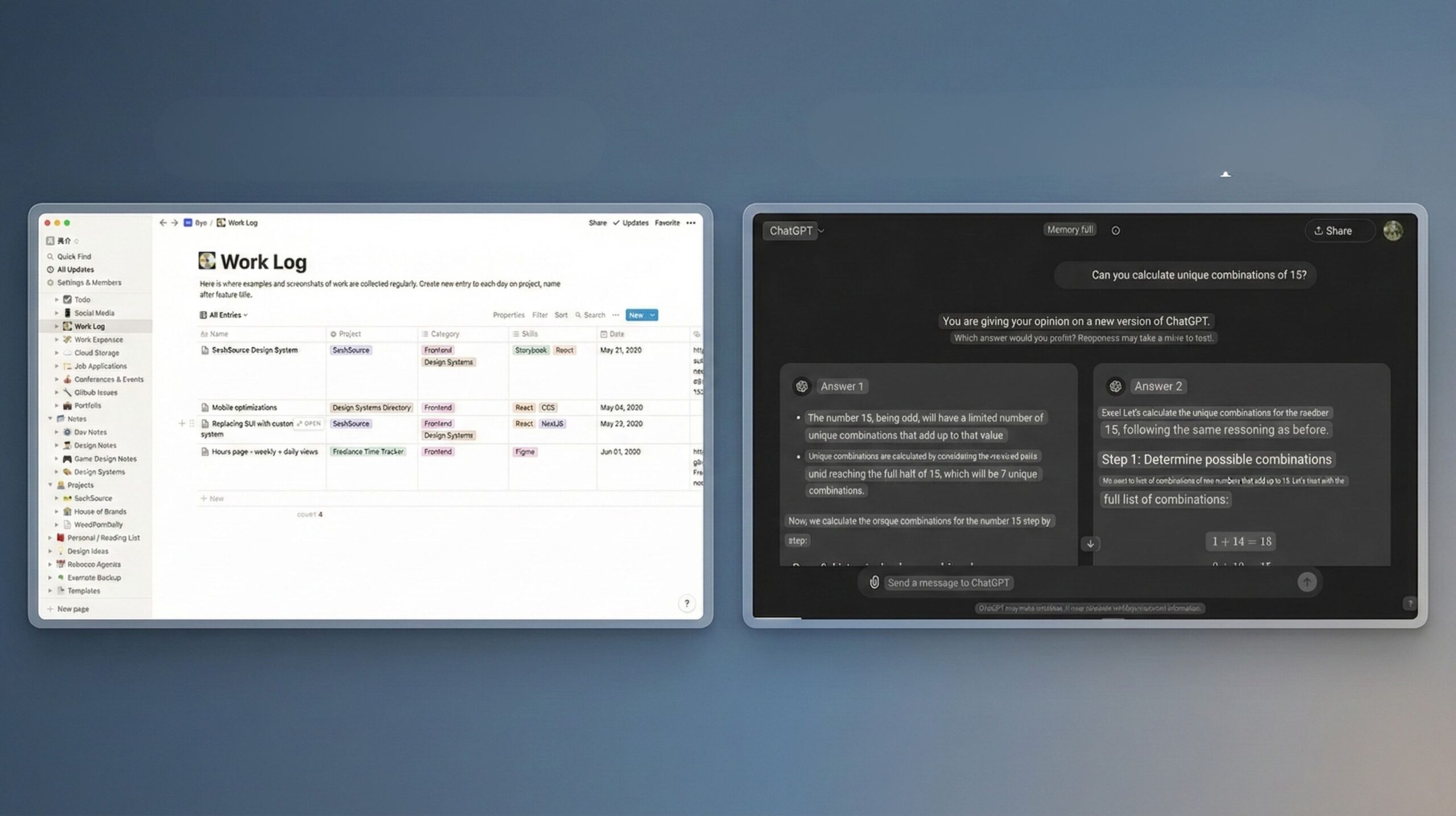
Notion AI focuses on your context. For tone-specific marketing copy, we still lean on a dedicated writer — see our full Notion AI vs ChatGPT comparison for where each tool wins.
Notion AI Features for Planning, Connecting & Search
Once ideas start piling up, the next layer of Notion AI features keeps them from getting lost. This is less about generating content and more about not losing track of what you've made.
6. AI-Assisted Content Planning
Ask Notion AI to group related pages by topic or timeline, and it builds the structure from your existing tags — useful for spotting content pillars you didn't know you had.
7. Enterprise Search With Cited Sources
Since March 2026, workspace-wide search returns answers with source links attached, pulling from connected tools like Slack, Google Drive, and GitHub.
Notion AI pricing note: Enterprise Search requires a Business or Enterprise seat. On Free or Plus, search stays limited to your own Notion workspace.
If your creative process leans more visual than database-driven, our roundup of AI tools for creativity covers where Notion fits next to dedicated design tools.
Notion AI Features for Organization & Collaboration
This is where Notion AI stopped being just one of many AI note-taking tools and started acting on your behalf. Two features carry most of that shift.
8. AI Meeting Notes That Join the Call
Meeting Notes now joins Zoom, Google Meet, or Teams directly — no separate bot to invite.
It transcribes live, then drops a summary with action items into your workspace, auto-assigned by name where possible.
One detail worth flagging: treat the transcript as a working draft, not a compliance record. Review it before sharing externally.
9. Notion Agents: Personal Agent & Custom Agents
We tested this ourselves: we asked Notion's Agent to build a complete expense tracking deck from scratch, with categories, monthly rollups, and a summary view.
We gave it nothing but a plain-language prompt.
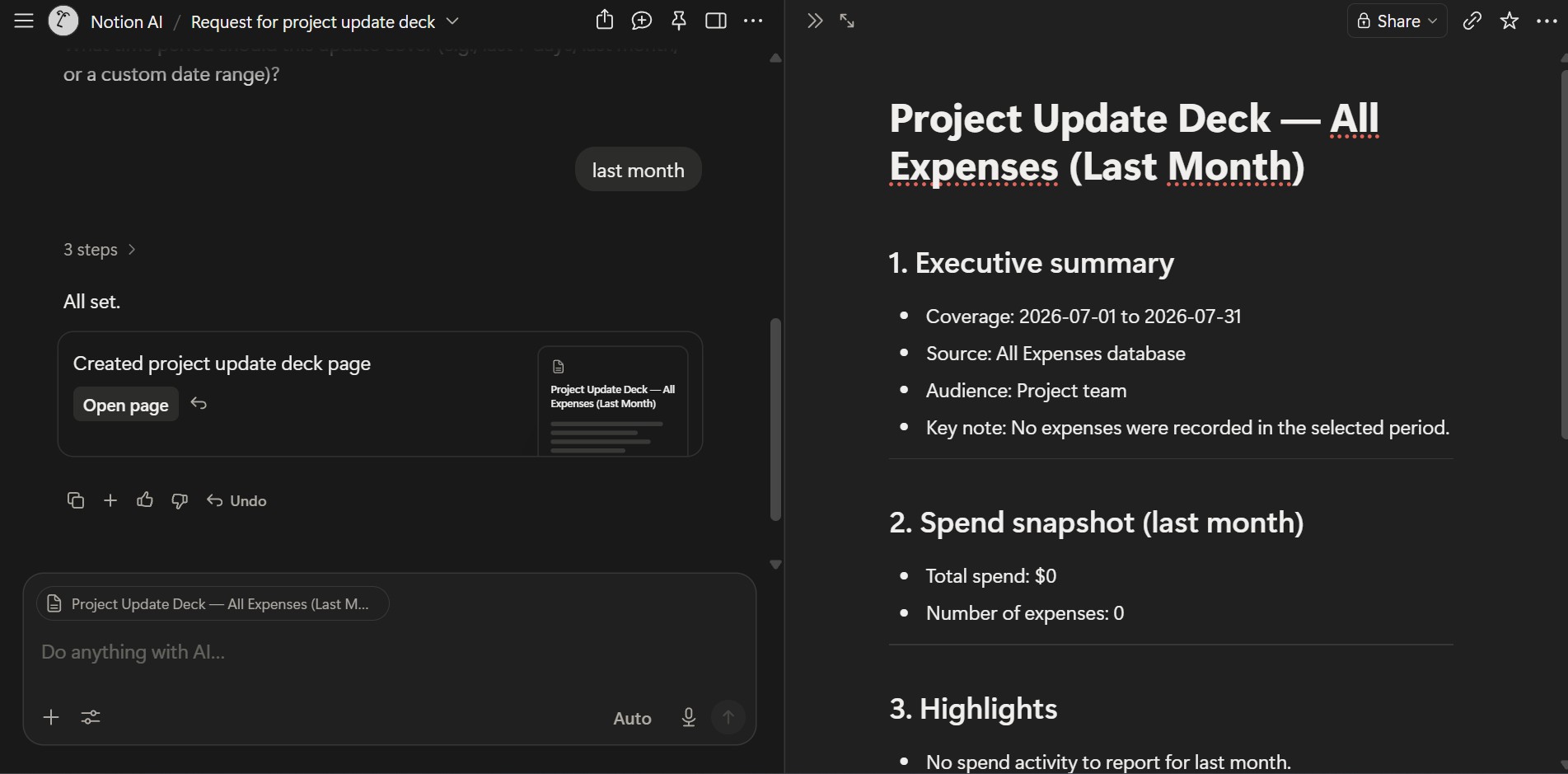
The expense deck Notion's Agent built end-to-end from a single prompt, no manual setup.
Your Personal Agent can work unattended for up to roughly 20 minutes across hundreds of pages this way.
This is one of the Notion Agents features that changed our workflow, not just our demo account.
Custom Agents go further: they run 24/7 as standing "teammates," billed separately at $10 per 1,000 Notion credits since May 2026.
| Notion Agents Type | Runs For | Best For |
|---|---|---|
| Notion Agent (Personal) | Up to ~20 min per task | One-off multi-step requests |
| Custom Agents | 24/7, credit-metered | Recurring team workflows |
Compared with dedicated agent platforms, Notion's version stays inside your workspace with no cross-app hand-off. See our Notion Agents vs ClickUp AI comparison if you're deciding between the two.
Full setup details are in Notion's official release notes for the April 2026 update.