
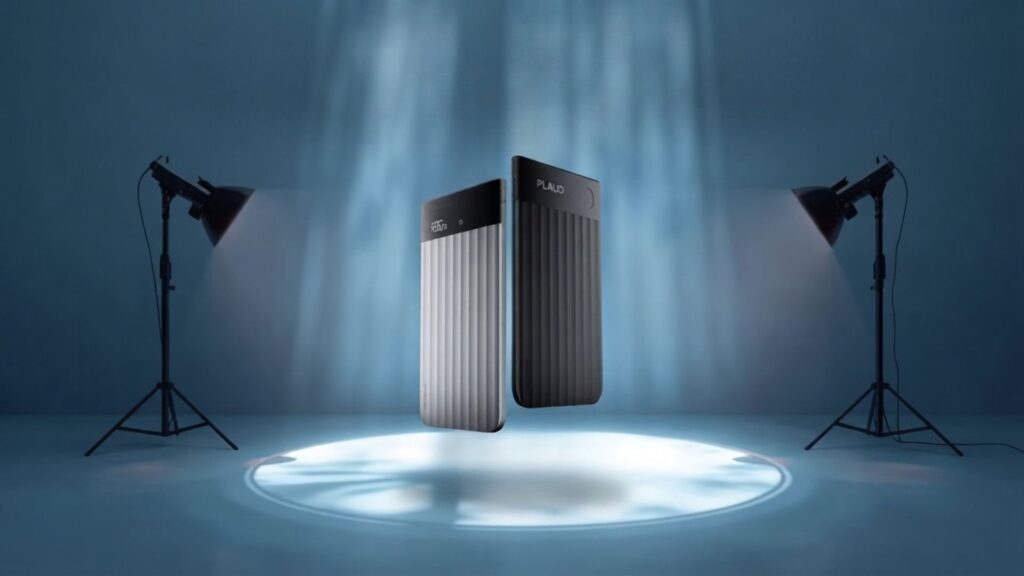
This Plaud Note Pro Review: Why It Keeps Coming Up in 2026
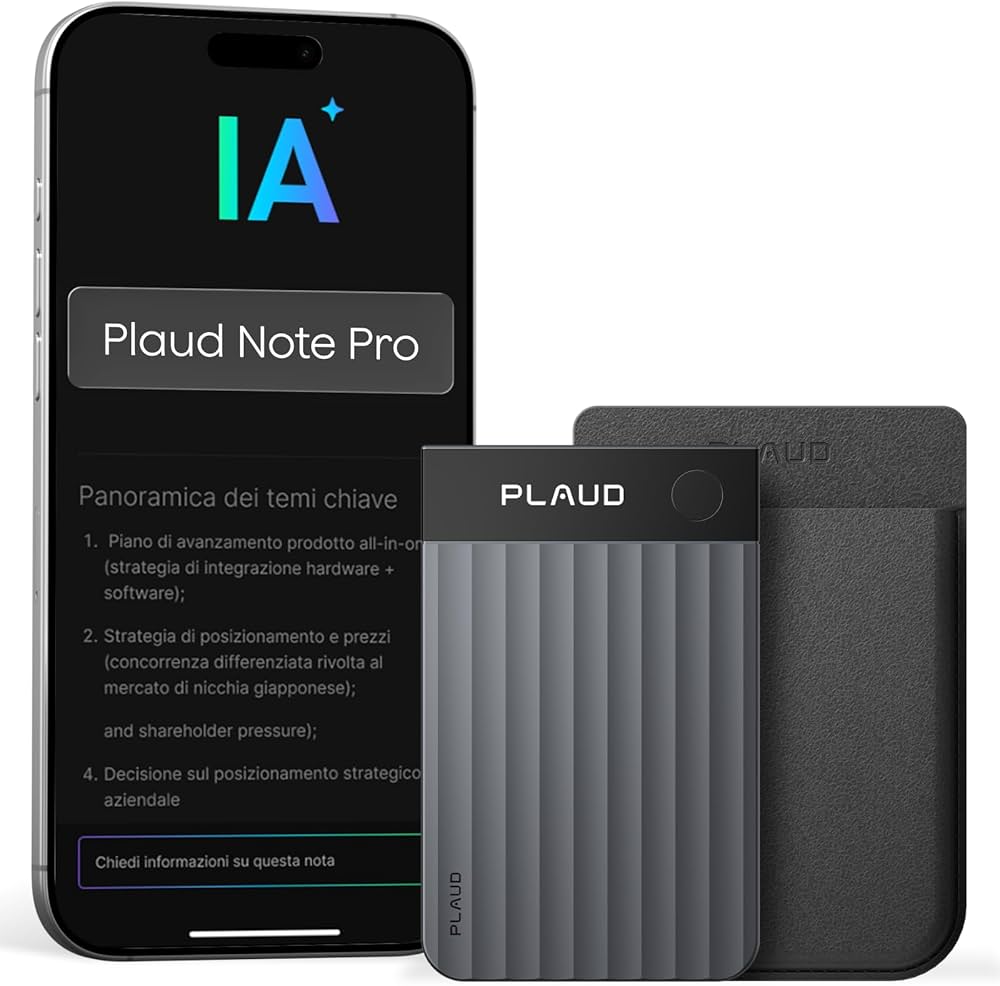
If you're researching a Plaud Note Pro review right now, you've probably noticed the same device popping up everywhere this year. There's a reason for that.
AI note-taking apps got smarter this year. But most of them still depend on your phone's microphone. And phones are terrible recording devices — pockets, background noise, notifications interrupting mid-sentence.
That gap between "the app works fine" and "I missed the one detail that mattered" is smaller than most people think. It's why journalists, consultants, and field workers are going back to dedicated hardware.
A recorder like Plaud Note Pro solves one specific problem: it captures clean audio independent of your phone. Everything downstream — transcription, summaries — gets better once the input does.
For a broader look at how dedicated hardware stacks up against software-only options, we cover the category shift in our AI note taker devices vs apps breakdown.
Plaud Note Pro Review: Specs, Pricing & What You Actually Get
Here's what most "device vs. apps" comparisons skip: the actual numbers. This Plaud Note Pro review starts with the hardware cost, because that's what decides whether this makes sense for you.
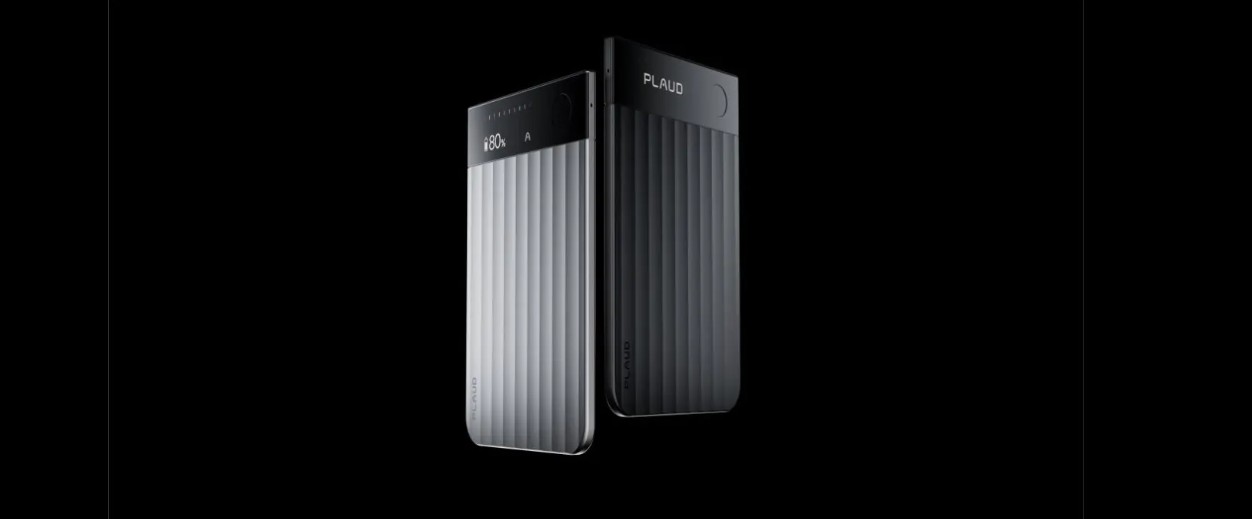
📱 Hardware Specs Covered in This Plaud Note Pro Review
- Price: $189 (device only, one-time cost)
- Dimensions: Credit-card sized, 0.12 inches thin, 1.06 oz
- Microphones: 4 MEMS mics + 1 VPU mic, up to 16 ft range
- Battery: Up to 30 hours (Enhance mode), 50 hours (Endurance mode)
- Storage: 64GB onboard
- Display: 0.95-inch AMOLED with Gorilla Glass
- Languages: Transcription in 112 languages
💳 Subscription Costs (After Purchase)
- Starter: Free forever — 300 transcription minutes/month
- Pro: $99.99/year (~$8.34/month) — 1,200 minutes/month
- Unlimited: $239.99/year — no minute cap
Most casual users never need to upgrade past the free Starter plan. If you're recording daily meetings or long interviews, the Pro tier is the sweet spot for cost per minute.
Any honest Plaud Note Pro review has to mention this: the device picked up real design recognition this year, not just AI hype — worth noting if build quality matters to you.
You can see current pricing and availability directly on Plaud Note Pro's product page.
Plaud Note Pro Review: Head-to-Head vs AI Apps
Now that the numbers are on the table, here's how Plaud Note Pro actually stacks up against apps like Otter and Fireflies in daily use — not just on paper.
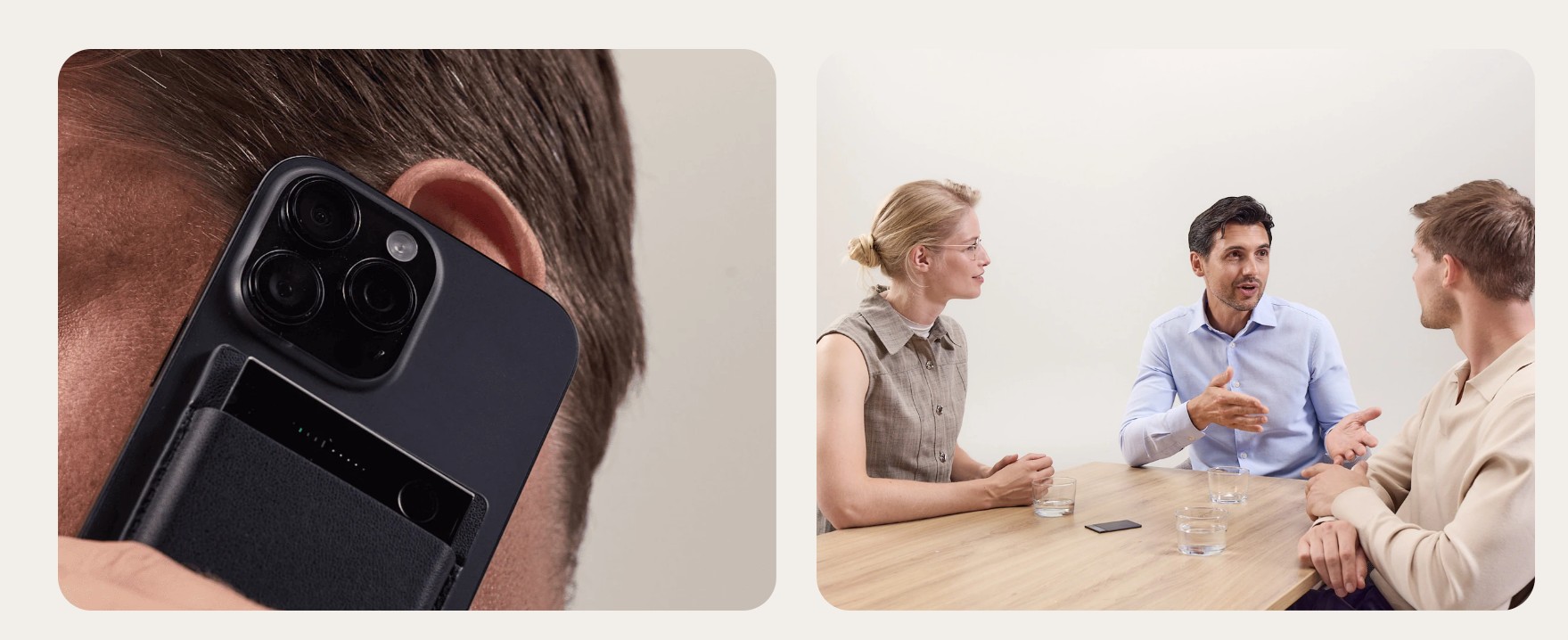
The comparison table below is the core of this Plaud Note Pro review:
| Feature | Plaud Note Pro | AI Apps (Otter, Fireflies) | Winner |
|---|---|---|---|
| Audio Quality | 4-mic array, up to 16 ft range | Depends entirely on phone mic | Plaud Note Pro |
| Start Speed | One tap, no unlock needed | Unlock → open app → allow mic | Plaud Note Pro |
| Software Integration | Syncs to the Plaud app only | Native sync with Notion, Slack, CRMs | AI Apps |
| Monthly Cost | $189 device + $0–$20/month | Usually $0–$15/month, no device | AI Apps |
| Battery Independence | 30 hrs on its own battery | Tied to your phone's battery | Plaud Note Pro |
Apps win on convenience and cost. If you're mostly in quiet online meetings and already live inside Notion or Slack, an app is the simpler, cheaper choice.
Plaud wins on reliability. In-person interviews, commutes, and noisy rooms are exactly where phone-based recording falls apart — and where clean audio pays off.
For a deeper look at how Otter, Fireflies, and Fathom compare against each other specifically, see our Otter vs Fathom vs Fireflies breakdown.
How to Get the Best Results From Either Option
Whether you buy the device or stick with an app, this Plaud Note Pro review found one workflow that actually improves transcript accuracy — not just brand choice.
🎯 A Simple 5-Step Workflow
- 1. Match tool to context: quiet online call → app. Noisy or in-person → Plaud Note Pro or similar hardware.
- 2. Position the mic: unobstructed, similar distance from every speaker.
- 3. Say a verbal header: "Project review, July 22, client name" — gives the AI context.
- 4. File it in one place: Notion, Google Drive, or your main workspace — not scattered across apps.
- 5. Do a 2-minute review: skim for errors, turn decisions into tasks.
That last step matters more than people expect. A quick scan catches misheard names and numbers before they turn into a real mistake later.
Many of our readers run a hybrid setup: Plaud for capture, then an app like Notion AI for organizing and searching transcripts afterward.
Plaud Note Pro Review: Key Differences and Mistakes to Avoid
Beyond specs and pricing, a few practical details decide whether Plaud Note Pro actually earns its place in your bag — or sits in a drawer after week two.
🔑 What This Plaud Note Pro Review Found Actually Separates the Two
- Audio quality: Plaud's dedicated mics give AI models cleaner input than any phone in a noisy room.
- Start speed: No unlock sequence means fewer missed opening seconds in fast-moving conversations.
- Interruptions: Notifications and screen locks can silently stop app-based recordings mid-meeting.
- Battery independence: A dead phone doesn't take your recorder down with it.
None of that means apps are bad — it means the two tools solve different problems, and picking the wrong one for the situation is where most people go wrong.
- Recording in noisy environments and blaming the AI when the transcript is messy.
- Placing the device in a pocket or bag instead of an open, unobstructed spot.
- Sitting too far from the speaker, forcing the AI to guess at unclear audio.
- Skipping the 2-minute review step, then catching errors after they've already cost something.
Fixing these takes no extra tools — just a slightly different habit before you hit record.
Plaud Note Pro Review: Recording, Consent, and Responsible AI Use
Every Plaud Note Pro review should cover this: people care as much about how their audio is stored as they do about accuracy. Here's what responsible use looks like.

Even where one-party consent is legal, telling people you're recording is still the professional move. A simple line works: "I'll record this so I can take accurate notes."
Storage practices vary a lot between tools — some keep audio indefinitely, some use it for model training, some allow full local deletion. It's worth checking before sensitive conversations.
Plaud states its devices are ISO 27001, SOC 2, HIPAA, and GDPR compliant, and says it doesn't train models on your recordings or allow human audio review — details worth confirming yourself before recording anything confidential.
Independent coverage from outlets like The Verge has also noted that AI recorder devices can capture more than audio — metadata and timestamps included — which is worth knowing regardless of which tool you pick.
Used openly, a recorder supports your attention instead of replacing your judgment. Used secretly, it damages trust fast — that line matters more than any feature comparison.
Plaud Note Pro Review Verdict: Who Should Actually Buy This
After the specs, the pricing, and the head-to-head — here's the simplest way to decide after reading this Plaud Note Pro review.
Buy it if: you're in 3+ meetings or calls per week, especially in person or on the move.
Skip it if: you're mostly in quiet online meetings already synced to an app.
The best setup for most people we've researched is actually a mix: Plaud for clean capture, then an app for organizing and searching the transcript afterward.
For more on stacking meeting tools together, see our guide to fixing inaccurate AI meeting notes.