
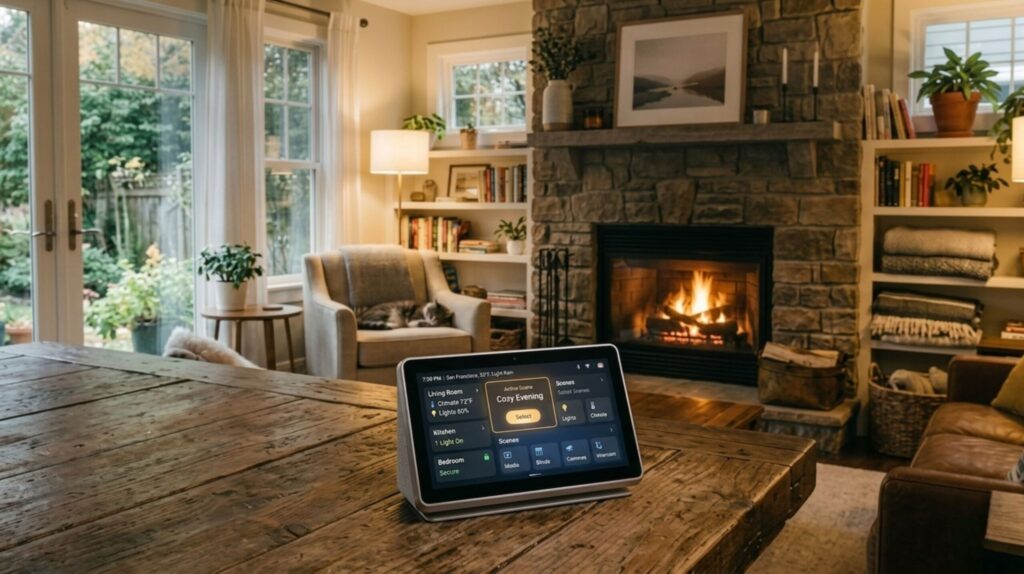
Your bulbs, thermostat and cameras each live in their own app, and none of them talk to each other. A smart home hub is what joins them up. I rebuilt this guide because the version that sat here was wrong on the two things that matter most: which radios a hub has inside it, and what it really costs once it works.
⚡ Short answer: For most homes the Aqara Hub M3 is the best smart home hub, because Matter, Thread and Zigbee are all built into one box at around $160. Buy an Echo Dot Max if you already talk to Alexa, a HomePod mini for an all-Apple house, and Home Assistant Green only if you want full local control and will add its dongles.
Some links are affiliate links · they support this site at no extra cost to you · Full disclosure
What does a smart home hub do, and do you need one?
Short answer: A smart home hub is the box that speaks the radio languages your gadgets use, then exposes them all to one app and one set of automations. You need one once you own battery sensors, or once you want routines that keep running when your internet drops.
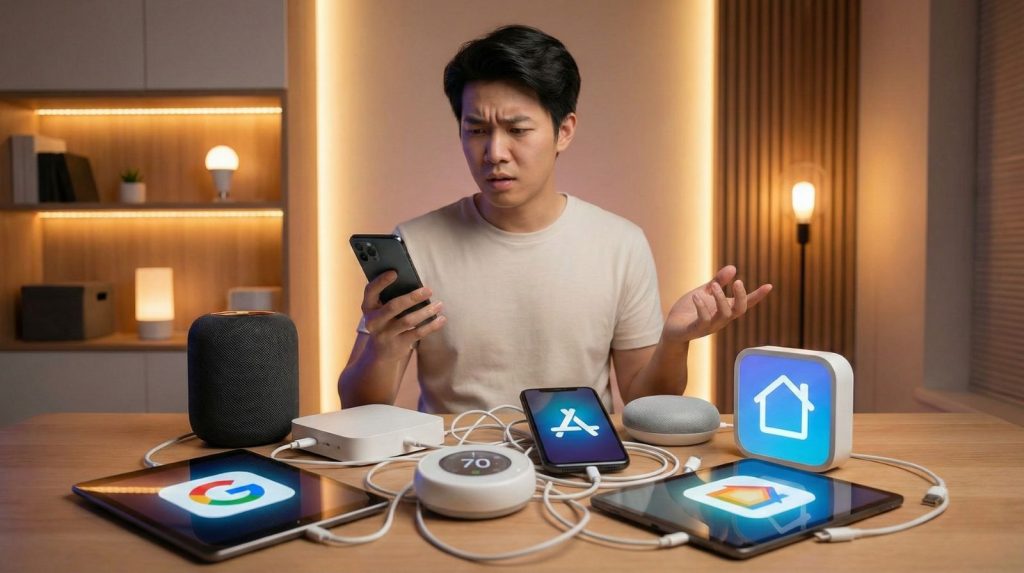
Plenty of smart gear needs no smart home hub. A Wi-Fi plug or a Wi-Fi bulb talks straight to your router and its own app. That works fine until you hit two walls: battery-powered sensors, which avoid Wi-Fi because it drains them, and cloud dependency, which means a broken connection leaves your lights dumb.
The three jobs a hub does
- It carries the radios. Door sensors, motion sensors and many locks use Zigbee, Thread or Z-Wave, none of which your router speaks. The hub holds those antennas.
- It bridges to one app. A good smart home hub exposes old Zigbee kit to Apple Home, Google Home or Alexa through Matter, so a ten-dollar sensor shows up next to your newest gear.
- It runs the automations. The better hubs decide locally, on the device, so a sunset routine fires even when the broadband is down.
That last point is the one people underrate. A cloud-only setup turns your house into a remote control for someone else's server. My rough line: under five Wi-Fi devices and no sensors, skip the hub. Beyond that, a smart home hub pays for itself in reliability alone.
Core distinction: you buy a smart home hub for radios and local control, not for features. Every hub here turns lights on at sunset; only some keep doing it offline.
Matter, Thread, Zigbee or Z-Wave: which do you need?
Short answer: Matter is the language, Thread and Wi-Fi are the roads it travels on, and Zigbee and Z-Wave are the older roads your existing sensors already use. Pick a smart home hub that covers the roads your current devices sit on, plus Thread for whatever you buy next.
This is where most smart home hub guides get vague, and where most expensive mistakes happen. Four names, four different jobs.
Matter is a language, not a radio
Matter is the common standard from the Connectivity Standards Alliance that lets devices from different brands work in the same app. It rides over Wi-Fi, Ethernet or Thread. Saying a hub "supports Matter" tells you nothing about which radios are inside it, which is exactly how shoppers end up with a box that can't see their sensors.
Thread needs a border router
Thread is a low-power mesh for battery devices. Each Thread network needs a border router to reach the rest of your house, and that's usually your smart home hub, a HomePod mini, an Apple TV 4K or a recent Echo. If a Thread device won't pair, nine times in ten the border router is the missing piece.
Zigbee is what your cheap sensors already use
Zigbee is older, cheap and everywhere: Aqara, IKEA, Philips Hue, Sonoff. It also meshes, and mains-powered devices strengthen it. Most of the value in a bridging smart home hub is taking Zigbee gear and making it visible to Matter apps.
Z-Wave is the gap in almost every hub
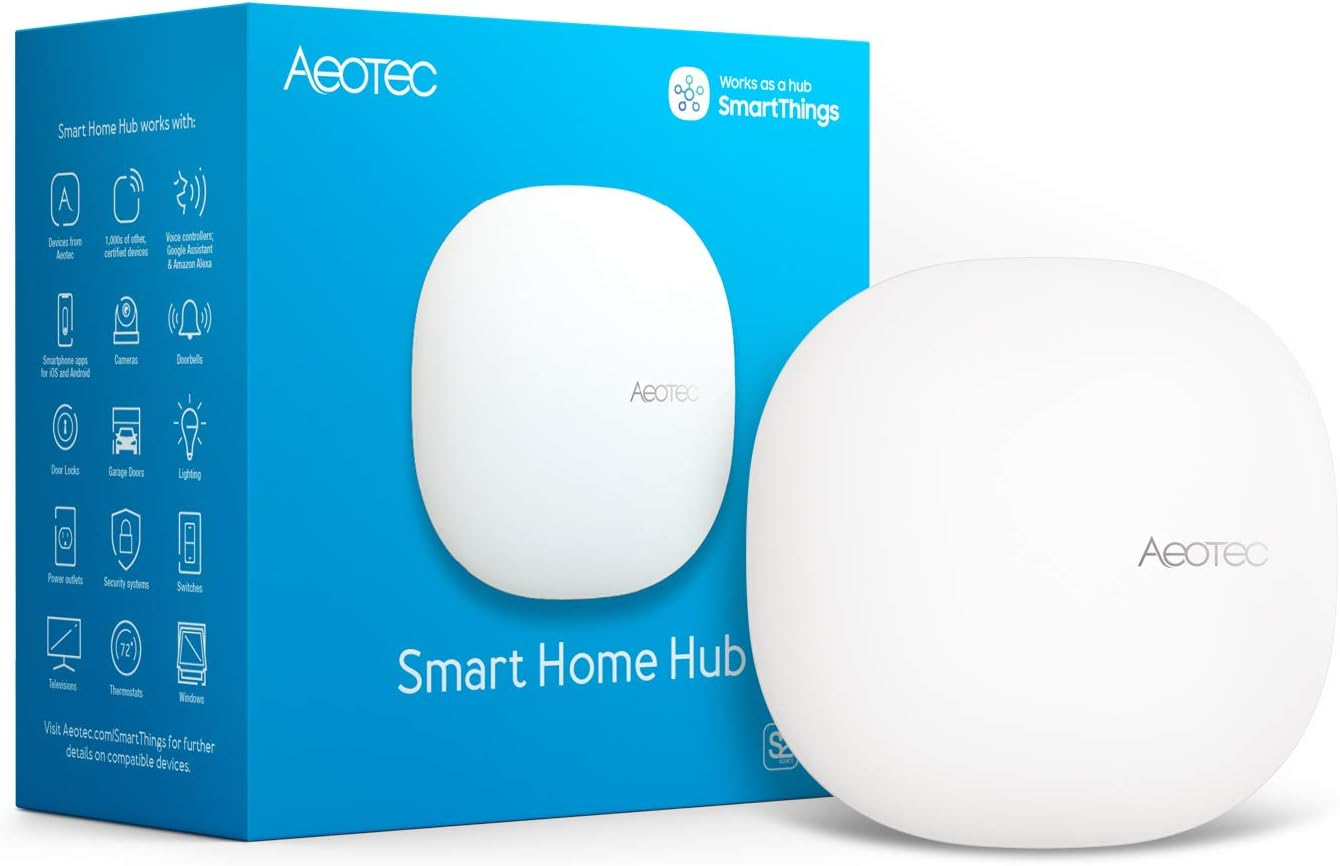
Z-Wave runs on its own frequency, away from Wi-Fi congestion, and it's still common in locks, sirens and professionally installed sensors. Here's the catch worth knowing before you buy: not one of the six picks below has Z-Wave built in. If you own Z-Wave gear, your realistic routes are Home Assistant Green plus its Connect ZWA-2 adapter, or a dedicated multi-protocol box such as the Aeotec Smart Home Hub or a Hubitat controller.
Core distinction: list the devices you already own, write down their radios, and only then pick a smart home hub. Working backwards from the box is how people buy twice.
The 6 best smart home hubs
Smart home hub prices move every week, so each card links to today's price. The figures below are the list prices I found on October 7, 2026, and I name the source whenever a maker publishes it directly.
1. Aqara Hub M3 🏆 Best overall
Matter, Thread and Zigbee in one box, with local automations and no ecosystem lock-in
The M3 is the rare hub that does all three radio jobs on its own: Matter controller, Thread border router and Zigbee 3.0 bridge. That combination is why it's my pick for the best smart home hub for most households, and why it slots into Apple Home, Google Home, Alexa and SmartThings rather than competing with them.
Automations run on the device, so routines survive an internet outage. The infrared blaster is a quiet bonus: it turns an old air conditioner or TV into something your routines can switch, which usually costs a separate bridge.
- All three radios, no dongles
- Local automations on the hub
- Works alongside all four big apps
- No Z-Wave
- Aqara's app is the weak point
- Costs more than an Echo that hubs
2. Amazon Echo Dot Max 💰 Best value
A speaker that happens to be a capable hub, at the lowest price here
If you already say "Alexa" out loud, this is the cheapest honest route to a working smart home hub. Zigbee, Thread and Matter are inside, so your sensors pair to the same box that plays music, and you skip buying hub hardware altogether.
The trade-off is where the thinking happens. Alexa routines lean on Amazon's servers, so an outage takes more of your house with it than a local hub would. Treat it as a convenience-first choice rather than a resilient one.
- Hub and speaker for one price
- Easiest setup of the six
- Huge device compatibility
- Routines depend on the cloud
- Shallow automation logic
- A microphone in every room
💡 Weighing speakers rather than hubs? My best smart home assistants guide compares them on sound, screens and privacy.
3. Amazon Echo Hub 📺 Best wall panel
A mounted touchscreen for people who'd rather tap than talk
The Echo Hub is the same radio set as the Dot Max wrapped around a wall-mounted panel. The argument for it is the household: guests and family can dim lights or check a camera by tapping a screen by the door, with no app to install and no phone to find.
It costs roughly $180, and the honest caveat is that you also want a tidy power run to the wall. As a smart home hub it does nothing the $100 Dot Max can't; you're paying for the glass.
- Anyone can use it without an app
- Camera feeds at the front door
- Full hub radios included
- Nearly double the Dot Max price
- Cable management is on you
- Same cloud reliance as Alexa
4. Apple HomePod mini 🍎 Best for Apple homes
The cheapest way to make Apple Home run locally and reach Thread devices
In an iPhone household the maths is simple. A HomePod mini turns Apple Home into a proper smart home hub: it becomes the home hub that runs your automations and shares your Thread network, which is what Matter locks and sensors need to pair.
What it won't do is Zigbee. If you own Aqara or Hue sensors that aren't Matter devices, you still need a bridge for them. An Apple TV 4K does the same hub job if you'd rather not add a speaker.
- Apple Home automations run locally
- Strongest privacy story here
- Doubles as a decent speaker
- No Zigbee, so no cheap sensor bridge
- Apple Home only
- Siri trails Alexa on device support
💡 Shopping for the door too? The picks in my best smart locks guide mostly need exactly this kind of Thread border router.
5. Home Assistant Green 🔒 Best local control
Unlimited local automation and 1,000+ integrations, once you add the radios
Read this part before you buy, because an older version of this page got it wrong. Home Assistant Green has no Zigbee, Thread or Z-Wave radio inside it. Out of the box it does Matter over Wi-Fi and Ethernet; everything else arrives on a USB stick.
The quirk worth knowing: the Connect ZBT-2 dongle runs either Zigbee or Thread, not both at once. Want your Zigbee sensors and a Thread border router together? That's two dongles. Z-Wave needs a third, the ZWA-2, which does carry standard Z-Wave and Long Range at the same time.
What you get in return is the most capable automation engine of the six, running entirely in your house. No ceiling, no vendor deciding your routines, and a community that integrates almost anything.
- Everything runs locally
- The only pick with a Z-Wave route
- No feature limits, ever
- $199 before any radio
- Zigbee and Thread need a dongle each
- A weekend project, not a ten-minute one
6. SwitchBot Hub 2 📺 Best for old appliances
A bridge for infrared gear and SwitchBot gadgets, not a general-purpose hub
I've kept this one in the guide, but demoted and relabelled it. The Hub 2 is a Matter bridge for SwitchBot's own devices, capped at a handful of them, plus an infrared blaster and a temperature and humidity sensor. It is not a smart home hub in the sense the other five are.
Where it earns its roughly $70: a flat with an old air conditioner, a dumb TV and SwitchBot's curtain or bot gadgets. The newer Hub 3 raises the bridge limit substantially for around $120, which matters only if you own a lot of SwitchBot kit.
- Makes dumb appliances controllable
- Cheapest box here
- Renter-friendly, nothing to install
- Won't pair third-party sensors
- Low Matter bridge limit
- Not a replacement for a real hub
Smart home hubs compared side by side
The column that decides most smart home hub purchases is "radios inside". Everything else is comfort.
| Hub | Radios inside | Z-Wave | Local automations | Ecosystem | List price |
|---|---|---|---|---|---|
| Aqara Hub M3 | Matter, Thread, Zigbee | No | Yes, on device | Apple, Google, Alexa, SmartThings | ~$160 |
| Echo Dot Max | Matter, Thread, Zigbee | No | Partly, cloud-leaning | Alexa | ~$100 |
| Echo Hub | Matter, Thread, Zigbee | No | Partly, cloud-leaning | Alexa | ~$180 |
| HomePod mini | Matter, Thread | No | Yes, Apple Home | Apple Home | ~$100 |
| Home Assistant Green | Matter over Wi-Fi/Ethernet only | With ZWA-2 | Yes, fully local | Its own, bridges to all | $199 + dongles |
| SwitchBot Hub 2 | Wi-Fi, Bluetooth, infrared | No | Limited | SwitchBot, bridges to Matter | ~$70 |
Prices are USD list prices checked on October 7, 2026; street prices usually run lower. In the EU and UK the same hardware is sold with VAT included, so the sticker looks higher while the real gap is small.
What does a smart home hub cost after the box?
Short answer: Four of the six cost exactly what the label says. Home Assistant Green is the one where the sticker and the working total diverge, because each radio is a separate purchase. A fully equipped Green comes to $366 before you connect a single bulb.
I worked this out from the prices on Home Assistant's own hardware pages, checked on October 7, 2026. This is the table I wish the guide I replaced had carried.
| Home Assistant Green setup | What it adds | Running total |
|---|---|---|
| Green on its own | Matter over Wi-Fi and Ethernet | $199 |
| + one Connect ZBT-2 | Zigbee or Thread, pick one | $248 |
| + a second ZBT-2 | Zigbee and Thread together | $297 |
| + Connect ZWA-2 | Z-Wave and Z-Wave Long Range | $366 |
Set that against the Aqara M3 at about $160 with Thread and Zigbee already inside, and the choice stops being about price and starts being about control. Green is worth $366 to someone who wants every automation in their own house; it is poor value for someone who wants lights on at sunset.
None of the six requires a monthly fee to work. If you're tallying what your connected home costs across subscriptions, my free AI subscription cost calculator adds up the recurring side, and my guide to gadgets that cut energy bills covers what a hub can claw back.
Core distinction: compare a smart home hub on the price of a working setup, not the price of the box on the shelf.
How do you set up a smart home hub?
Short answer: Plan the network, place the hub centrally, pair your mains-powered devices before your battery ones, build four routines, then expand one room a week. Allow about 40 minutes for a working smart home hub, and a week for a setup you stop thinking about.
One test worth running on day one: pull the internet for five minutes and see what still works. That single check tells you more about your smart home hub than any spec sheet.
Is a smart home hub private and safe?
Short answer: It depends almost entirely on where the decisions happen. A local smart home hub keeps your movement patterns in your house; a cloud hub sends them to a company that keeps them. Both are reasonable choices, as long as you make it knowingly.
Presence detection is the honest example. For a routine to dim the lights when you leave, something has to know you left. On Home Assistant Green or an Aqara M3 that stays on the hardware you own. On a cloud hub it leaves the house.
Five settings worth changing on day one
- Turn on two-factor sign-in for the smart home hub account. It's the key to your whole house.
- Enable automatic firmware updates, or diary a check each quarter.
- Give housemates their own logins, never your password, and remove access the day someone moves out.
- Switch off recording you don't use, such as voice history or continuous camera upload.
- Put the devices on their own network, a guest Wi-Fi or a separate VLAN, so one weak gadget can't reach your laptop.
The Electronic Frontier Foundation's smart home checklist is the clearest free walkthrough of the router side. For the camera end of it, my smart home AI cameras guide covers what gets stored and where.
Core distinction: ask where the decision is made, not where the data is stored. Local decisions are what keep working when a company changes its mind.
Which smart home hub should you buy?
Start with the devices you already own and the phone in your pocket. Those two facts settle it faster than any feature list.
- Mixed brands, no strong loyalty → Aqara Hub M3. Three radios, one box, works with every major app.
- You already use Alexa → Echo Dot Max, or the Echo Hub if you want a wall panel.
- Everyone has an iPhone → HomePod mini, or an Apple TV 4K you may already own.
- You want full local control, or you own Z-Wave gear → Home Assistant Green plus the right dongles.
- Mostly old infrared appliances → SwitchBot Hub 2, next to one of the above.
If you want one answer: the Aqara Hub M3 is the best smart home hub for most people, because it's the only pick here that covers Matter, Thread and Zigbee without a dongle and without choosing your ecosystem for you.
Whichever you choose, buy the hub before the accessories. That single order of operations prevents most of the money people waste on a smart home hub they outgrow in a year.
Frequently Asked Questions — Smart Home Hubs
🏠 Build out the rest of your smart home
Hub chosen? These guides cover what usually comes next.