How I Use Claude AI Every Day: 7 Workflows That Save Hours
M
Mirko
AI Tech Writer
📅 Published: February 2026·🔄 Last updated: September 2026
Every "Claude AI productivity" post reads like the same list — rewrite this email, summarize that document, repeat. None of them show an actual day. Here's my actual Claude AI daily routine: the seven moments it touches my work, including the two 2026 features most of those lists still skip.
⚡ Quick VerdictClaude AI earns a daily spot — Cowork is the reason 2026 changed my mind
Some links are affiliate links · they support this site at no extra cost to you · Full disclosure
My Claude AI Daily Routine — 7 Moments It Touches My Day
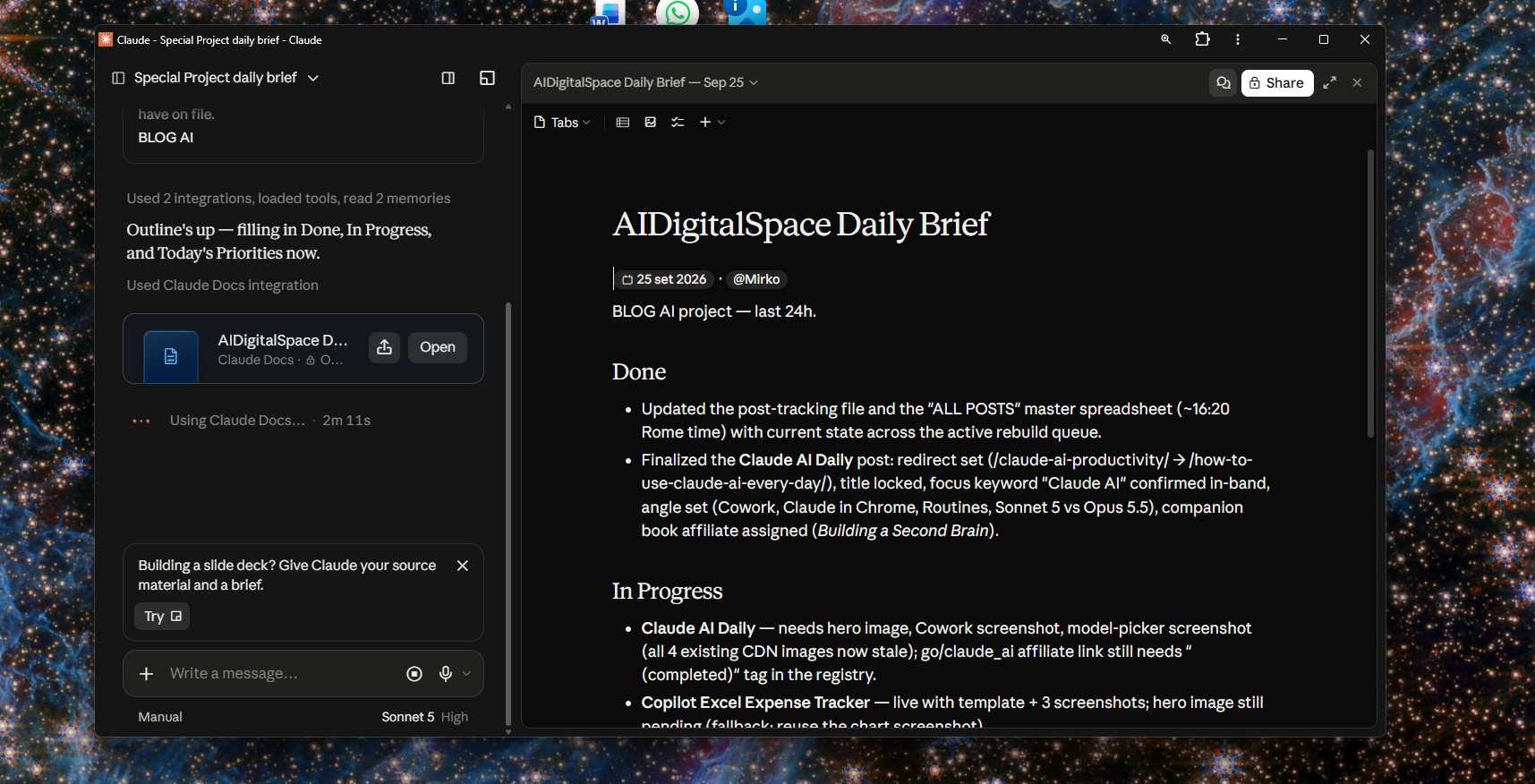
I don't open Claude AI and wonder what to ask. Three saved chats sit in my sidebar — a morning brief, a writing thread, and a Claude Code project for this site — and each one has exactly one job.
"The prompt rarely needs to be clever. It needs to end with the shape I want back — a table, a checklist, or three short paragraphs."
Where Claude AI Shows Up in My Day
Morning —yesterday's notes and today's calendar become a 3-priority plan in under a minute.
Inbox —two rewritten email drafts, side by side, shorter and more confident.
Before a call —a 1-page brief from the agenda: goals, risks, questions to ask.
Midday —Claude Code checks a broken link or a slow section on this site.
Drafting —a rough outline becomes a structured draft with headings and a checklist.
Research —2-3 sources compared for credibility, not just repetition.
Evening —today's notes become done / blocked / tomorrow, so the next day starts half-finished.
That's my Claude AI daily routine end to end — no automation, no plugin, just the same three chats reused on purpose instead of started fresh every time.
What's Actually New in Claude AI for 2026 (Most Guides Skip This)
Most "Claude AI" guides written even six months ago miss what changed this year. Claude Cowork is the biggest one — an agentic desktop app that works across your files and connected apps while you do something else, not just a faster chat window.
"Cowork is the closest thing Claude has to an assistant that works while you're in another tab."
My research turned up one detail most 2026 roundups skip: Cowork itself needs a paid plan — Pro or above. Free gets Claude's regular chat, not Cowork at all.
Cowork vs. Claude in Chrome — Different Jobs
Claude in Chrome browses and acts on pages for you, inside the tab you're already in. Cowork runs longer, multi-step jobs across your files and connected apps in its own window. I reach for Chrome on a single-page task, Cowork for anything touching more than one file.
Claude AI can also run a saved task on a schedule now — a Routine — which is the piece that finally makes a real morning-brief automation possible, instead of something I trigger by hand every day. For a wider automation stack around it, I've also broken down my full AI productivity stack separately.
If you want the source instead of my summary, Anthropic's own Claude product overview covers Cowork, Chrome, and Routines directly.
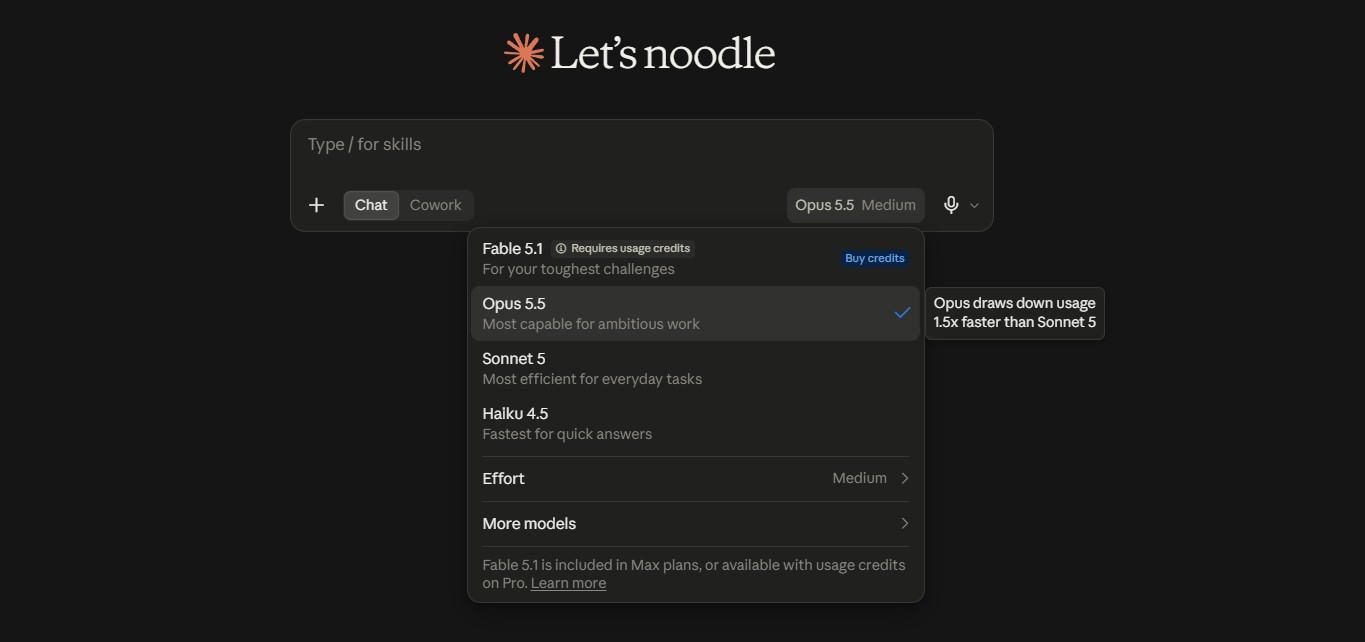
Sonnet 5 vs Opus 5.5: Which Model I Reach For
Sonnet 5 is the model I default to for nearly everything in the routine above — writing, summaries, planning. It's fast enough that I never think about switching.
Opus 5.5 only comes out for work where a mistake costs me something: a client-facing document, a real refactor in Claude Code, or research I'll act on without double-checking.
Task type
Use Sonnet 5 when…
Use Opus 5.5 when…
Daily productivity
Fast writing, clean summaries, planning, repeatable workflows
A complex project where you want maximum depth and consistency
Large documents
Processing many docs quickly with solid, efficient output
Deeper cross-document reasoning (legal, finance, technical) with fewer misses
Coding
Speed for debugging, small changes, explanations, docs
Rule of thumb: start with Sonnet 5. Switch to Opus 5.5 only when you need deeper reasoning, higher reliability, or long-running complex work.
Free vs Pro vs Max: What's Worth Paying For
Claude's free plan covers casual, occasional use well — it's genuinely usable, not a crippled trial. Daily limits are what push most regular users toward Pro.
Pro runs $20 a month (about $17 billed annually) and removes the friction that matters for Claude AI daily use: higher limits, the full model picker, and Cowork itself. Max starts at $100 a month for heavier daily use.
Plan
Price
Best for
Free
$0
Occasional use, testing Claude before you commit
Pro
$20/mo (~$17/mo annual)
Everyday Claude AI daily use, Cowork access, full model picker
Max
From $100/mo
Heavy daily use, long sessions, priority access
My pick: start Free, move to Pro the first week you hit a limit mid-task.
Claude AI vs ChatGPT for Daily Work: Where Each One Wins
Both are good enough now that "which is better" is the wrong question. For my Claude AI daily work — documents, structured output, a clean final draft — Claude AI usually finishes closer to done.
ChatGPT still wins when I want to bounce between five different ideas fast, or the task is more brainstorm than build. I wrote about my full daily ChatGPT routine separately, if that's closer to how you work.
Choose Claude AI if your day is mostly documents, planning, and structured output you can send as-is. Choose ChatGPT if your day is mostly fast iteration and bouncing between unrelated tasks.
Book I'd Pair With This
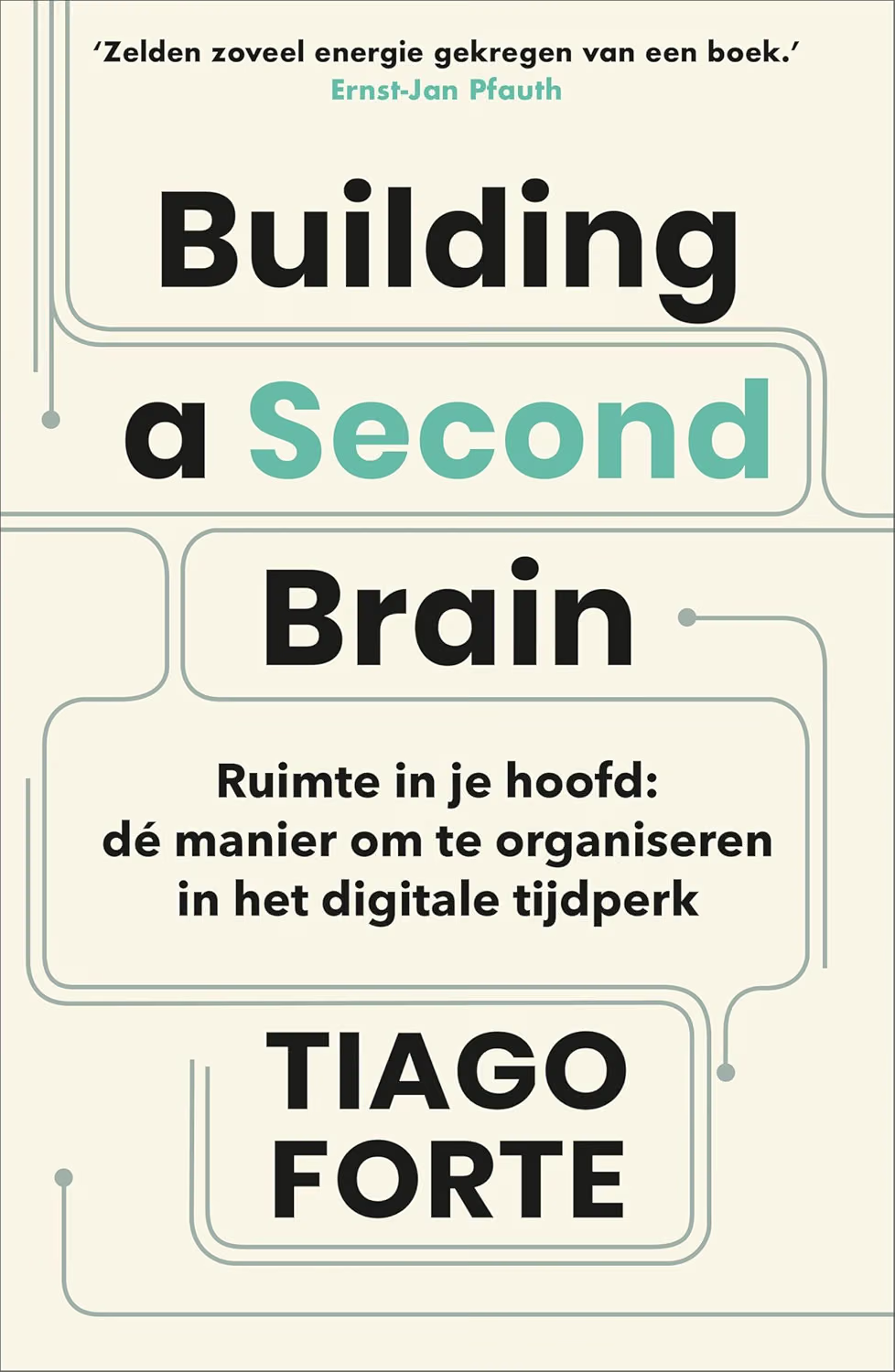
Building a Second Brain — Tiago Forte
Claude AI organizes the moment. This book is the system behind most of my own setup — how I capture, organize, and reuse everything Claude helps me produce.
Yes, and it's genuinely usable for light, occasional work rather than a crippled trial — you get a real model, not a stripped-down version. The catch shows up once you rely on it every day: message limits reset on a rolling window, so if your Claude AI daily habit means several sessions across morning, midday, and evening, you'll likely hit the ceiling before Pro starts to feel optional. Free is still the right starting point — run your actual routine on it for a week and let the limits tell you when to upgrade, instead of guessing in advance.
What is Claude Cowork and do I actually need it?
+
Cowork is Anthropic's desktop app for multi-step work: it can act across your files and connected apps in its own window while you do something else, instead of waiting on a single chat reply. You don't need it if your day is mostly short, one-off questions — a normal chat covers that fine. You'll likely want it once a task regularly spans more than one file or app, like pulling numbers from a spreadsheet into a report draft. It needs a paid plan though — Pro, Max, Team, or Enterprise. Free doesn't include it.
Sonnet 5 or Opus 5.5 — which should I use day to day?
+
Default to Sonnet 5 for daily writing, summaries, and planning — it's fast and holds up for nearly everything in a normal Claude AI daily routine, including most of the seven moments above. Reach for Opus 5.5 specifically when a mistake would cost you real time or credibility: a client-facing document, a serious refactor in Claude Code, or research you're planning to act on without double-checking the sources yourself. Treat the switch as a deliberate choice tied to stakes, not a default you reach for out of habit.
Is Claude AI better than ChatGPT for daily work?
+
It depends on the shape of your day, not raw quality — both tools are strong enough now that "which is better" misses the point. Claude AI tends to finish closer to a send-ready document on structured, document-heavy work: reports, summaries, anything with a clear output shape. ChatGPT tends to feel faster for bouncing between several loosely related ideas in one session, or for rapid brainstorming before you know what you're building. Most people who work daily with AI end up keeping both, and picking per task rather than picking one favorite.
What is Claude Code, and is it only for developers?
+
Claude Code is the agentic coding tool for working across a real codebase — bug fixes, refactors, and documentation, all with context that spans multiple files instead of one snippet at a time. It's built for developers first, and that's still most of what it's used for. But I use it for genuinely non-glamorous site maintenance too: a broken link, a slow section, a small fix on this blog that would otherwise sit in a backlog for weeks because it's too minor to prioritize properly.
Does Claude remember my previous chats?
+
Not by default across every conversation, though memory features have expanded through 2026 depending on your plan and account settings. For the three saved chats in my own routine, I still restate the key context — goals, constraints, tone — at the top of a new thread rather than assuming it carried over from a previous session. That habit is worth keeping regardless of the current feature set, because a restated assumption costs a sentence and a wrong one costs a rewritten output.
How much does Claude Pro cost in 2026?
+
Pro runs $20 a month billed monthly, or around $17 a month if you pay annually — the same figures used in the pricing table above. Max plans start at $100 a month for heavier, higher-limit daily use, with a $200 tier above that for the heaviest users. Prices are set by Anthropic and do shift over time, so treat any blog post's number, mine included, as a starting point rather than the final word — check the official pricing page before you subscribe.
Is it safe to paste confidential work documents into Claude?
+
Treat it the same as any cloud tool: fine for drafts, personal notes, and anonymized data, not for passwords, client PII, API keys, or anything your company policy explicitly restricts. My own habit is swapping sensitive fields for placeholders like [CLIENT NAME] or [ORDER ID] before I paste anything work-related in, which keeps the workflow intact — the structure and the ask stay the same — without carrying the actual risk. If you wouldn't screenshot it and send it casually, don't paste it in either.
That's the actual Claude AI daily routine — seven ordinary moments, two 2026 features most guides still skip, and nothing here I wouldn't run again tomorrow.
Keep Reading
🚀 Keep Building Your Claude AI Workflow
You've got the daily routine down. Here's where I'd go next to round out the rest of your AI stack:
To provide the best experiences, we use technologies like cookies to store and/or access device information. Consenting to these technologies will allow us to process data such as browsing behavior or unique IDs on this site. Not consenting or withdrawing consent, may adversely affect certain features and functions.
Functional
Always active
The technical storage or access is strictly necessary for the legitimate purpose of enabling the use of a specific service explicitly requested by the subscriber or user, or for the sole purpose of carrying out the transmission of a communication over an electronic communications network.
Preferences
The technical storage or access is necessary for the legitimate purpose of storing preferences that are not requested by the subscriber or user.
Statistics
The technical storage or access that is used exclusively for statistical purposes.The technical storage or access that is used exclusively for anonymous statistical purposes. Without a subpoena, voluntary compliance on the part of your Internet Service Provider, or additional records from a third party, information stored or retrieved for this purpose alone cannot usually be used to identify you.
Marketing
The technical storage or access is required to create user profiles to send advertising, or to track the user on a website or across several websites for similar marketing purposes.