
 Published on: June 5, 2025
🕒 Last updated on December 9, 2025
Disclosure:
This post contains affiliate links. If you click and subscribe, we may earn a small commission at no extra cost to you — thank you for supporting our work and helping us keep sharing useful content.
1. Why Notion AI vs ChatGPT Matters for Productivity in 2025
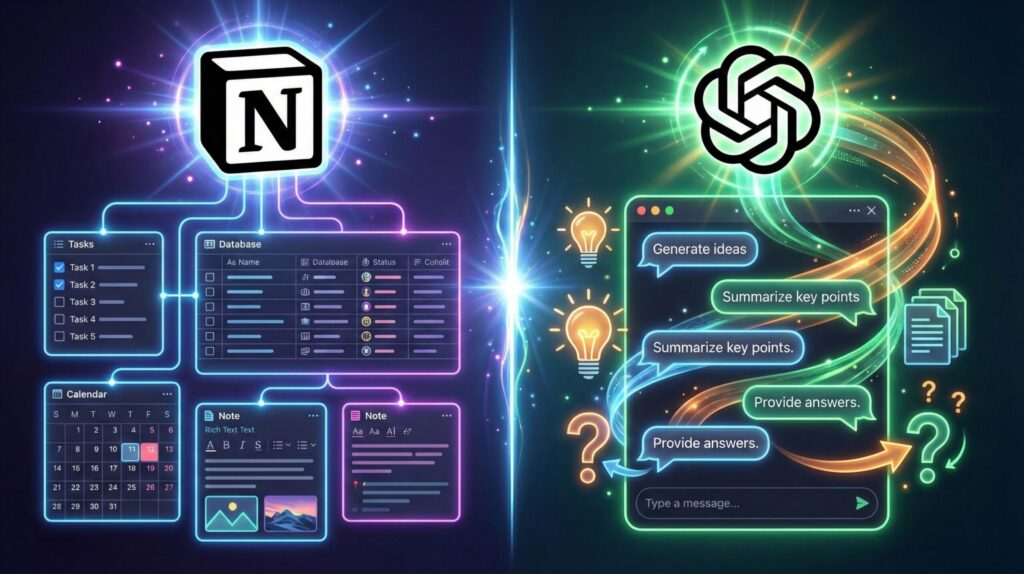
Choosing between Notion AI vs ChatGPT has become a real productivity decision in 2025. Many of us want one tool that can streamline planning, writing, research, and everyday work — but the truth is that each AI assistant excels in different areas. Understanding these differences early helps us build a workflow that saves time instead of creating more friction.
Notion AI fits naturally into structured workspaces: notes, task lists, project boards, and documents all benefit from having smart suggestions built in. ChatGPT, instead, works as a powerful standalone assistant for reasoning, generating ideas, writing, and solving complex tasks. When we compare Notion AI vs ChatGPT, we’re really asking: Do we want AI embedded inside our workspace, or an external brain that works anywhere we are?
This matters even more now because the shift toward AI-powered productivity is accelerating. Posts like our AI Tools for Students and Best All-in-One AI Tools show that people increasingly rely on tools that remove steps, automate routines, and keep information organised. Knowing which assistant is stronger for planning, writing, or managing projects can change how effective we are every single day.
As we move through this guide, we’ll focus only on what helps real users: clear differences, practical workflows, and when it’s smarter to choose one tool over the other. That’s the heart of the Notion AI vs ChatGPT comparison — finding the option that actually makes our week easier.
2. The Problems We Face When Choosing Between Notion AI and ChatGPT
Most people comparing Notion AI vs ChatGPT struggle because the tools overlap in some areas but behave completely differently once we start using them for real work. The confusion usually comes down to these three productivity bottlenecks:
1. We don’t know which tool is better for structured tasks vs open-ended tasks.
Notion AI feels perfect for organising notes and projects, but when the workflow becomes creative, analytical, or multi-step, ChatGPT often performs better. Without understanding this, we waste time switching between tools.
2. We expect one tool to replace the other.
A common mistake in the Notion AI vs ChatGPT comparison is thinking one can fully replace the other. Notion AI enhances an existing workspace, while ChatGPT acts like an external reasoning engine. When we force them into the same role, productivity drops.
3. We lose time because the workflow doesn’t match the tool’s strengths.
If we try to brainstorm inside Notion AI or plan complex tasks inside ChatGPT, the experience feels slower or chaotic. Knowing which tool handles planning, writing, summarising, or project management better can remove half of this friction.
To help solve these problems, this guide focuses on real user workflows, not generic descriptions. Our goal is to make it clear — based on practical use — where each tool saves time and where it doesn’t. That’s the only way to understand the real difference in Notion AI vs ChatGPT, especially for productivity in 2025.
3. Feature Comparison: Notion AI vs ChatGPT Explained Simply
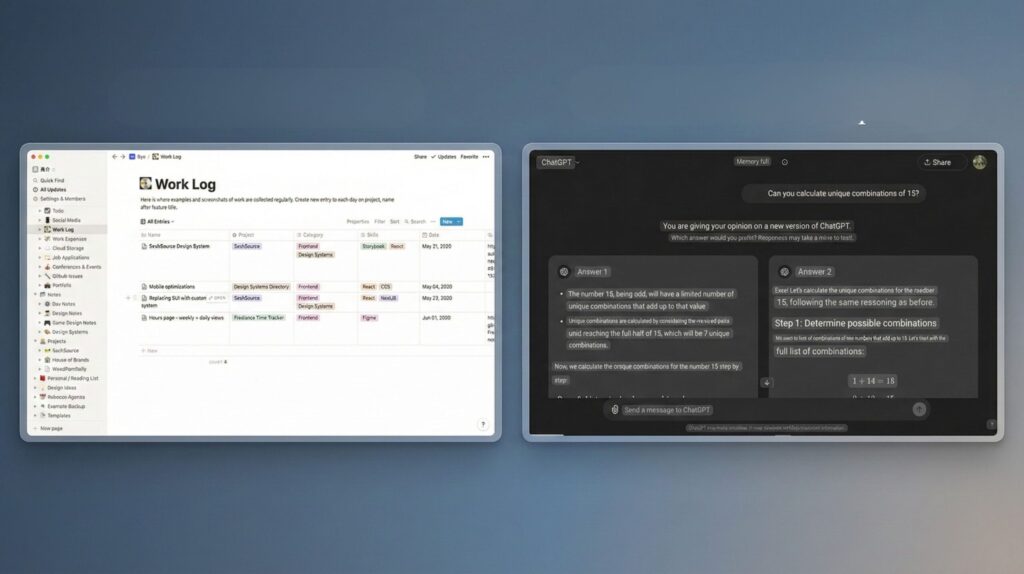
Understanding the real difference between Notion AI vs ChatGPT starts with how each tool is built. Notion AI enhances your existing workspace, while ChatGPT works as a standalone reasoning and writing assistant. This structural difference explains why they perform so differently when we use them for planning, writing, or managing projects.
Here’s the essential comparison most users look for — simple, practical, and focused on productivity:
| Category | Notion AI | ChatGPT |
|---|---|---|
| Core Purpose | AI directly built into your workspace | Standalone assistant for writing, research, reasoning |
| Best For | Notes, docs, project boards, team workflows | Brainstorming, long-form content, planning, problem-solving |
| Workflow Integration | Deep integration across Notion pages and databases | Flexible across apps, copy/paste, API automations |
| Collaboration | Strong for teams already using Notion | Shared chats, team workspaces, multi-user workflows |
| Learning Curve | Very low if you use Notion daily | Easy to start, more flexible and open-ended |
The key takeaway: Notion AI vs ChatGPT isn’t a competition between two identical tools — they solve different productivity problems. Notion AI strengthens structure and organisation, while ChatGPT boosts creativity, writing speed, and idea generation. Most users see the best results when each tool is used in the area where it naturally performs better.
4. Productivity Workflows: When to Use Notion AI vs When to Use ChatGPT
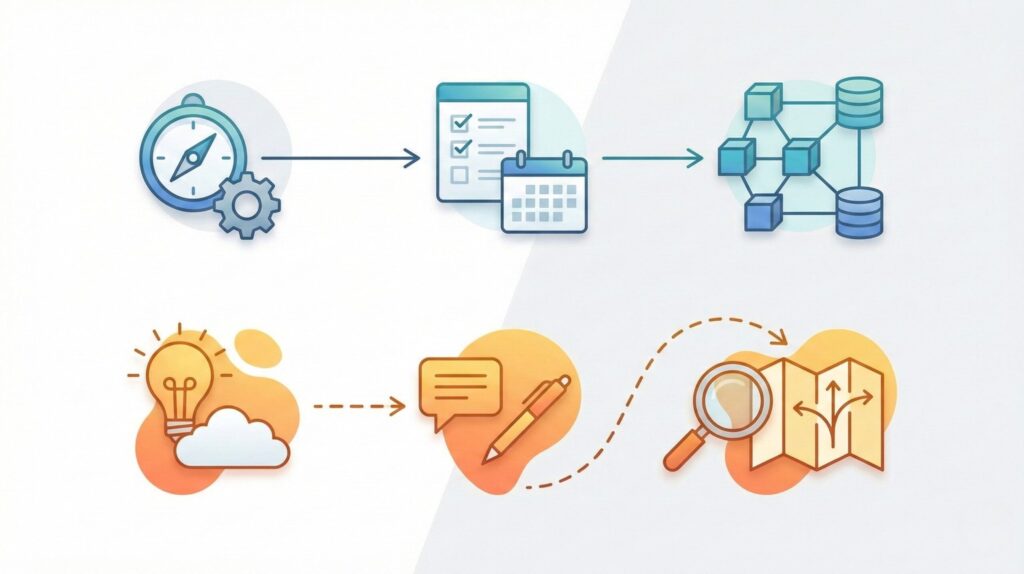
Choosing between Notion AI vs ChatGPT becomes easier when we look at real workflows. Each tool shines in different moments of the day, and using the wrong one for the wrong task is what usually slows us down.
Below is the clearest breakdown of when each assistant saves the most time.
When to Use Notion AI
Use Notion AI when your work involves structure, organisation, or follow-through. It’s strongest when tasks are part of a larger system.
Best moments to use it:
Planning your day or week
Notion AI updates tasks, suggests priorities, and cleans up your to-do list.Organising notes or meeting summaries
It turns raw text into clear action lists inside the page where you’re already working.Updating documents or project boards
Perfect when you want AI to assist without switching tools.Team workflows
Collaboration becomes faster because the whole team sees changes instantly.
Why it works:
Notion AI improves structure — ideal in a “workspace first” approach.
When to Use ChatGPT
ChatGPT is better whenever you need reasoning, creativity, or deep content generation. This is where the Notion AI vs ChatGPT difference becomes obvious.
Use ChatGPT for:
Brainstorming ideas or outlining content
ChatGPT generates options quickly, helping you think clearly.Writing long-form content
Articles, emails, scripts, and reports come out more polished and faster.Research and explanations
It summarises complex topics and turns them into clear, practical insights.Planning complex tasks
ChatGPT handles multi-step thinking better, especially if you need alternatives or analysis.
Why it works:
ChatGPT acts like an external brain — perfect for creativity and structured reasoning.
Simple Rule to Decide
If your task depends on workspace organisation, choose Notion AI.
If your task depends on thinking, writing, or explaining, choose ChatGPT.
This workflow approach removes 80% of the confusion in the Notion AI vs ChatGPT decision.
5. Pricing, Limitations, and Best Use Cases for Each Tool
When comparing Notion AI vs ChatGPT, pricing and limitations are often what decide which tool becomes part of our daily workflow. Even small differences in features or restrictions can change productivity outcomes.
Below is a clear, reliable breakdown — using updated references from the official pricing pages of Notion and OpenAI.
Pricing Overview
| Tool | Pricing (2025) | Notes |
|---|---|---|
| Notion AI | Approx. $8–$15 monthly add-on | Add-on on top of a Notion plan; per-user pricing |
| ChatGPT | Free plan + premium options ($20+ monthly) | Paid tiers include advanced reasoning and faster models |
Sources:
– Official Notion pricing
– Official ChatGPT plans
Limitations to Be Aware Of
Notion AI Limitations
Works only inside Notion — not ideal for tasks outside the workspace
Less powerful in deep reasoning or long-form writing
AI features depend on page structure and formatting
Pricing increases with team size
ChatGPT Limitations
Not embedded inside your workflow — requires switching apps
Output sometimes needs context that Notion databases already contain
Can generate long responses that require manual restructuring
Advanced features cost extra in premium plans
Understanding these limits is key in making a fair Notion AI vs ChatGPT comparison.
Best Use Cases: Who Should Choose What?
Choose Notion AI if you…
Work daily inside Notion pages, tasks, or project boards
Want AI to assist without leaving your workspace
Need fast summaries, clean notes, or organised documents
Collaborate with a team that already uses Notion
Choose ChatGPT if you…
Write long texts (emails, scripts, articles, briefs)
Need creativity, brainstorming, or multi-step reasoning
Do research, learning, or content analysis
Want an AI assistant that works across every app or device
Quick Recommendation
Most people benefit from using both tools for different tasks.
Notion AI handles organisation.
ChatGPT handles thinking and writing.
That’s the most balanced way to maximise productivity in the Notion AI vs ChatGPT workflow.
6. Ethical and Data Privacy Considerations You Should Know
Whenever we compare Notion AI vs ChatGPT, it’s not just a matter of productivity—it’s also about how each tool handles our data. AI assistants process sensitive information, and understanding what happens behind the scenes helps us work smarter and more responsibly.
1. Data storage and document content
Notion AI processes information inside your existing workspace.
This means task lists, meeting notes, and documents may be stored long-term in your account. Notion states that AI inputs are not used to train external models, but the data remains part of your workspace environment.ChatGPT processes prompts in isolated sessions.
According to OpenAI’s policy, prompts from ChatGPT’s paid tiers are not used to train models unless users opt in.
Reference: Open AI Policies
This difference matters depending on how sensitive your information is.
2. Risk of over-reliance
AI tools can shape how we think and work. In the Notion AI vs ChatGPT debate, the biggest risk isn’t the technology—it’s outsourcing too much decision-making. AI should support our workflow, not replace human judgment.
Common risks include:
Accepting suggestions without verifying them
Allowing AI to influence priorities or task planning too strongly
Losing the ability to work without prompts or guidance
Responsible use means reviewing outputs and keeping control of decisions.
3. Transparency with teams and collaborators
If you work with others, it’s important that everyone knows where AI is involved:
Notion AI can generate summaries or rewrite content inside shared pages
ChatGPT may be used to draft documents that later circulate in teams
Clear communication prevents misunderstandings and maintains trust.
4. Protecting sensitive information
A simple rule works in most cases:
If you wouldn’t paste it into an email, avoid pasting it into any AI tool.
This applies to:
contracts
passwords
client data
legal documents
financial records
Using Notion AI vs ChatGPT responsibly means keeping boundaries on what information we share.
Using AI ethically doesn’t limit productivity—it protects the quality of our work and the security of our data. This makes the comparison between Notion AI vs ChatGPT more than a feature debate; it becomes a reflection on how we want AI to support our work in the long term.
7. Final Insights: Which AI Tool Helps You Work Smarter in 2025?
After looking at how Notion AI vs ChatGPT perform across real workflows, pricing, and limitations, the conclusion is clear: both tools are excellent—but for very different reasons. Notion AI strengthens organisation inside your workspace, while ChatGPT boosts creativity, reasoning, and writing speed. Most users see the biggest productivity gains when they use each tool where it naturally excels.
If your day involves planning, note-taking, and updating project pages, Notion AI is the smoother choice. If instead you write long content, need structured thinking, or want an external assistant for ideas and research, ChatGPT remains the stronger option. Understanding this balance helps us avoid tool fatigue and build a workflow that saves real time.
To help you test the ideal setup, here’s a quick recommendation: start by assigning Notion AI to organisation tasks, and ChatGPT to thinking and writing tasks. This split removes friction and makes your workday noticeably faster.
8. FAQ – Notion AI vs ChatGPT
Is Notion AI better than ChatGPT for everyday productivity?
Notion AI is better for structured work like notes, tasks, and project organisation because it lives inside your workspace. ChatGPT is stronger for writing, research, brainstorming, and complex reasoning. Most people benefit from using both tools together rather than choosing only one.
Can ChatGPT replace Notion AI for planning and organisation?
ChatGPT can help you plan, outline, and prioritise tasks, but it cannot replace the integrated workflow tools inside Notion. This is why the comparison Notion AI vs ChatGPT depends heavily on whether you need an AI that works inside your documents or a standalone assistant that handles thinking tasks.
Does Notion AI store or use my data to train models?
Notion AI processes content inside your workspace and states that user data is not used to train external models. However, your information remains stored within your Notion account. For highly sensitive data, always review your workspace permissions and avoid inserting confidential content.
Is ChatGPT safe for handling work-related information?
ChatGPT’s paid plans do not use prompts to train models unless you opt in, according to OpenAI’s updated policy. Still, you should avoid pasting confidential data into any AI tool. When comparing Notion AI vs ChatGPT, always consider the sensitivity of the information you share.
Which tool is best for students or freelancers?
Students often benefit from ChatGPT for writing, studying, and explanations, while freelancers use Notion AI to manage projects and client notes. The best choice depends on your workflow: organisation → Notion AI; creative work and reasoning → ChatGPT.
If you enjoyed this comparison, you can explore all our detailed AI tool matchups to find the perfect solutions for your workflow.
If this comparison helped you understand how Notion AI and ChatGPT really fit into daily productivity workflows in 2025 — beyond hype or generic use cases — and you’d like to go deeper into practical, real-world AI tools we’ve already tested and explained, you may also find these guides useful:
 Taskade AI – Your Second Brain for Team Productivity Akiflow AI – Best Daily Planner for Remote Workers? Best All-in-One AI Tools for 2025 – Work, Write & Organize Smarter