
Mirko
AI Tech Writer
📅 Published: June 30, 2025·🔄 Last updated: September 27, 2026·⏱️ 12 min read
Flux AI is the image generator most people have heard of but few have tried on purpose. It comes from Black Forest Labs, the team that originally built Stable Diffusion, and its current FLUX.2 models quietly power images inside tools you may already use.
I went through the official model docs, the pricing tables, the licenses, and the blind-vote leaderboards to answer three plain questions: Is Flux AI any good? What does it cost? And should you use it instead of Midjourney or ChatGPT?
Short version: Flux AI wins on price per image, text inside images, and product consistency. It loses on ease of use and on raw "wow" scores. Below is exactly where the line falls, so you can pick in five minutes instead of five subscriptions.
Best pick if you need cheap, consistent, text-accurate images for a business. Skip it if you want one-click art with zero setup.
Some links in this post are affiliate links. If you buy through them I may earn a commission at no extra cost to you. Read the disclaimer.
What Is Flux AI? (The 30-Second Answer)
Flux AI is a family of text-to-image and image-editing models made by Black Forest Labs, a German lab founded by the researchers behind Stable Diffusion. The current generation, FLUX.2, turns a written prompt or up to 10 reference photos into images at up to 4 megapixels, with some of the cleanest in-image text available.
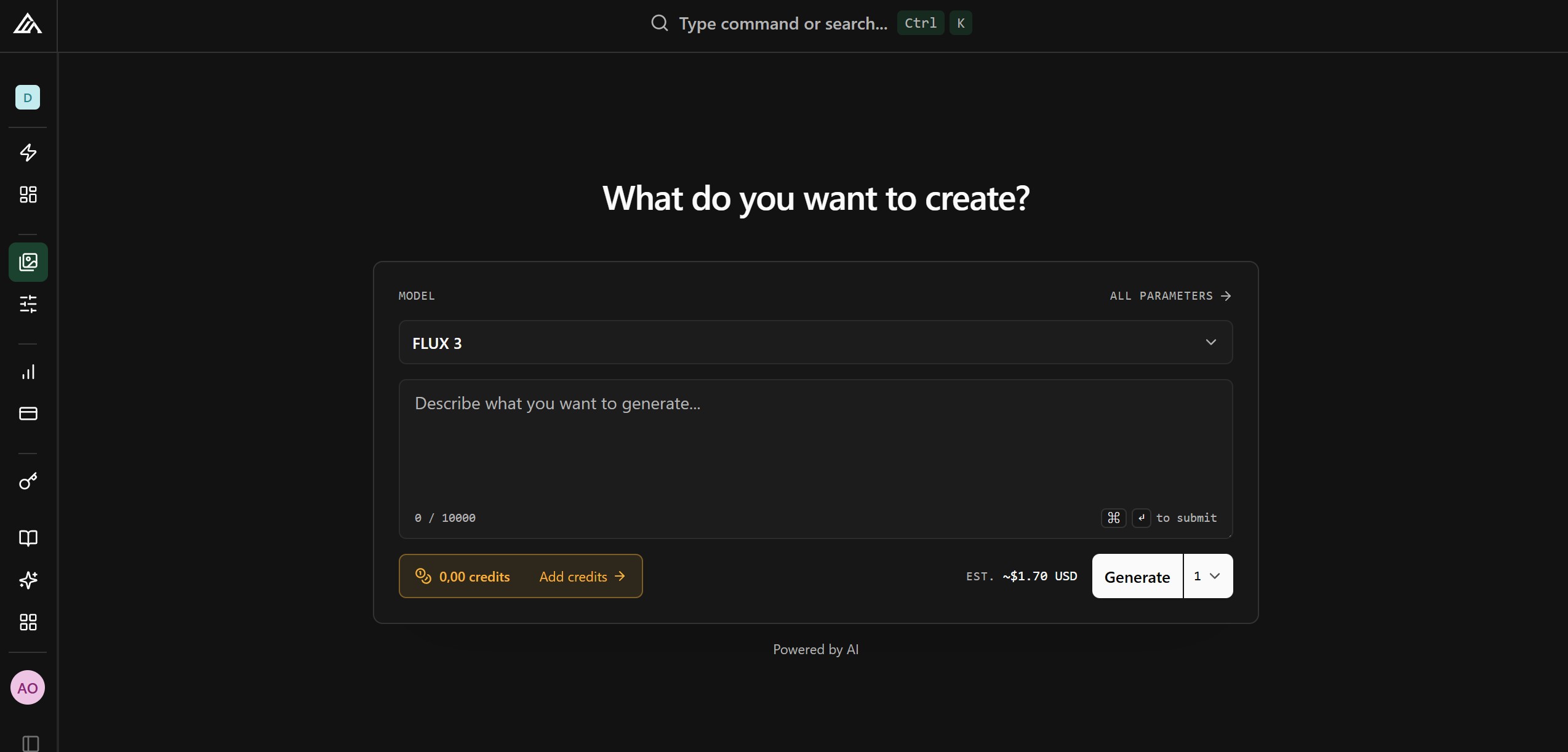
You don't download "an app" called Flux. You reach it three ways: the official FLUX Playground in your browser, creative platforms that bundle it next to other models, or free open weights you run on your own graphics card.
That split is why people find Flux AI confusing. The same model name shows up in a dozen places, at a dozen prices, under different licenses. The rest of this review untangles it.
⚠️ Watch out for look-alike "Flux AI" sites
Many domains with "Flux AI" in the name are third-party resellers, not Black Forest Labs. Some still run older FLUX.1 models behind their own subscription. The official home is bfl.ai. If a site asks for a monthly plan before you see which model version you're getting, keep looking.
A quick timeline so the version names make sense
The FLUX.2 Models Explained: Which One Do You Need?
Flux AI ships as five main models. They share one architecture, so the choice is about quality ceiling vs. speed vs. cost, not about different features. For most people it comes down to Pro or Klein.
| Model | Best for | Starting price* | Where it runs |
|---|---|---|---|
| FLUX.2 [max] | Top quality, strongest prompt following, live web grounding for current products | $0.07 | API, Playground, partner apps |
| FLUX.2 [pro] ⭐ | The everyday default: production quality at a low price | $0.03 | API, Playground, partner apps |
| FLUX.2 [flex] | Fine control over steps and guidance, sharpest typography | $0.05 | API, Playground |
| FLUX.2 [dev] | Developers, LoRA training, maximum local quality | Free weights | Your own GPU (heavy) |
| FLUX.2 [klein] 4B / 9B | Sub-second drafts, apps, gaming PCs | $0.014 / free weights | API or consumer GPU |
*Black Forest Labs list price per text-to-image generation at about 1 megapixel. Larger images and edits cost more. Check the official pricing page before you budget.
💡 Pick your model in 3 seconds
One thing that changed from the old lineup: the free "Schnell" model belongs to FLUX.1. In FLUX.2, the fast, free role moved to Klein 4B, which is open-source under Apache 2.0 and small enough for a gaming PC.
7 Things Flux AI Does Better Than Most Image Generators
These are the reasons designers and developers keep choosing Flux AI even when flashier tools top the charts. Each one maps to a real job, not a spec sheet.
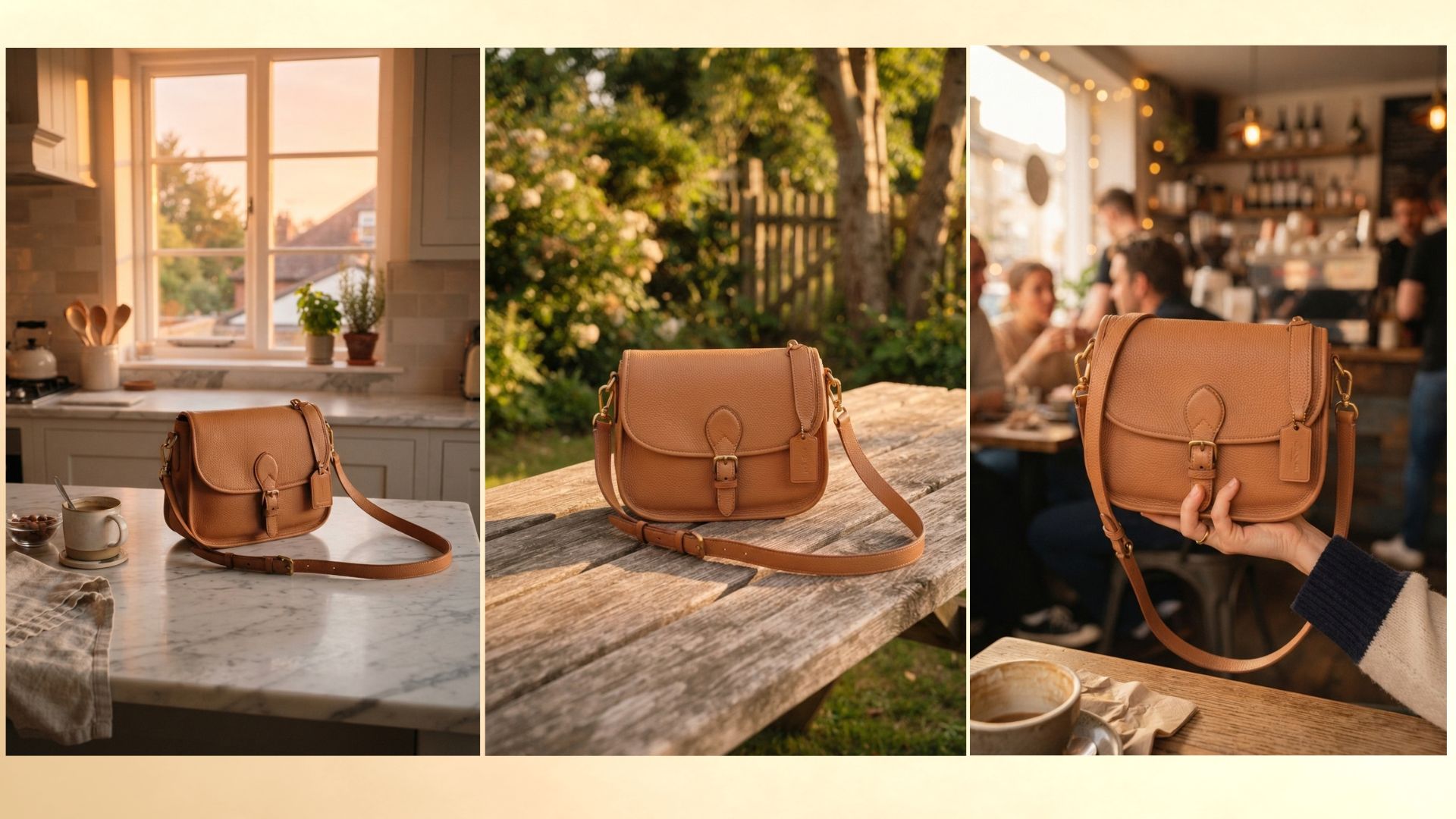
Same product, same face, every image
Feed it up to 10 reference images and Flux AI keeps the product, character, or style locked across a whole set. That is the difference between one nice picture and a usable ad campaign.
Text that reads like text
Posters, menus, packaging, and UI mockups come out with legible words, even at small sizes. Older generators turned "SALE" into "SAEL"; FLUX.2 gets it right most of the time.
Exact brand colors
Type a HEX code like #FF5A1F in the prompt and it steers the palette toward that color. Small detail, huge time saver if you work with a brand guide.
Print-ready 4-megapixel output
Generation and editing both work at up to 4MP, so you can crop, print, or use images on large banners without an extra upscaling step.
Edit with plain English
Upload a photo and write "swap the background for a sunny kitchen" or "make the jacket red." FLUX.2 edits the image and keeps everything else in place, the job FLUX.1 Kontext pioneered.
Pay per image, not per month
On the official Playground you buy credits (1 credit = $0.01) instead of a subscription. If you only need 40 images this month, you pay for 40.
You can own the model
Midjourney and ChatGPT never let you download their image models. Flux AI publishes open weights, so a developer can run Klein 4B offline, privately, and with no per-image fee.
Typical older generators
SAEL 3O% OF
What FLUX.2 is built to do
SALE 30% OFF
Strength #2 illustrated: the typo problem FLUX.2's text rendering was designed to fix.
Where Flux AI Falls Short
No review is useful without the downsides. These are the ones that matter if you are a regular user, not a developer.
It isn't the leaderboard champion
On the Artificial Analysis blind-vote arena, OpenAI's GPT Image models and Google's latest Gemini image models sit above FLUX.2 [max]. For a single jaw-dropping image, those rivals often edge it out.
No friendly all-in-one app
The official Playground works, but it feels like a developer console next to ChatGPT or Midjourney's web studio. There is no chat, no community feed, no mobile app. That's why many people use Flux AI through a platform instead.
The licensing is easy to get wrong
Klein 4B is Apache 2.0. Dev and Klein 9B use a non-commercial license for running the model in a product. Paid API images are fine for business. Mixing those up is the most common mistake I see in Flux AI tutorials, so I gave it its own section below.
✅ Pros
- Among the lowest prices per image
- Clean text and exact HEX colors
- Up to 10 reference images
- Open weights you can run offline
- No subscription required
❌ Cons
- Not #1 in blind quality votes
- Bare-bones official interface
- Confusing license split
- Dev model needs serious hardware
- Plenty of copycat "Flux AI" sites
Flux AI vs Midjourney vs ChatGPT vs Gemini
This is the comparison most readers came for. Each tool wins a different job, so read the "Best for" row first.
| Flux AI (FLUX.2) | Midjourney | ChatGPT (GPT Image) | Gemini (Nano Banana) | |
|---|---|---|---|---|
| Best for | Product shots, text, brand work | Artistic, moody concept art | Complex prompts, overall quality | Quick free photo edits |
| Free option | Starter credits + free open weights | None | Limited on free plan | Yes, in the Gemini app |
| Entry price | $0.03 per Pro image | $10/month | $20/month (Plus) | Free / Google AI plans |
| Text in images | ⭐⭐⭐⭐⭐ | ⭐⭐⭐ | ⭐⭐⭐⭐⭐ | ⭐⭐⭐⭐ |
| Consistency (refs) | Up to 10 images | Style & character refs | Several uploads | Several uploads |
| Run it yourself | ✅ Open weights | ❌ | ❌ | ❌ |
| Ease of use | ⭐⭐⭐ | ⭐⭐⭐⭐ | ⭐⭐⭐⭐⭐ | ⭐⭐⭐⭐⭐ |

Pick Flux AI if…
you sell products, need text on images, or want to pay only for what you generate.
Pick Midjourney if…
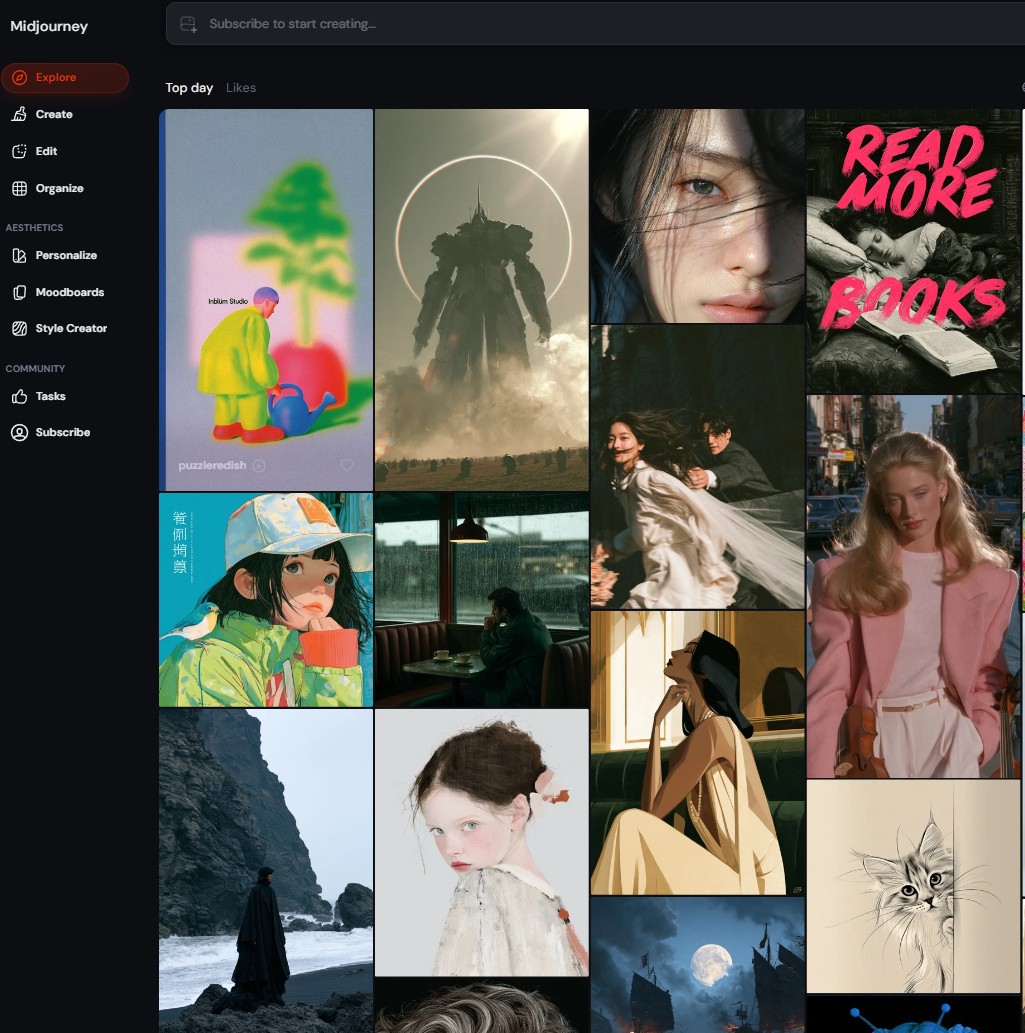
you want gorgeous art direction with little prompting. My Midjourney prompt hacks help here.
Pick ChatGPT or Gemini if…
you want to chat your way to an image. See my Nano Banana guide.
How to Use Flux AI: 3 Ways to Start (One Is Free)
Pick your route by how you like to work. Most beginners should start with route 1 or 2 and never touch a graphics card.
Route 1 · Official
FLUX Playground
Sign up at bfl.ai, get free starter credits with no card, then pay per image. Best for trying every FLUX.2 model at list price.
Route 2 · Easiest
An all-in-one studio
Platforms that bundle FLUX.2 next to other models, plus editing, upscaling, and saved characters. Best if you want one bill and a friendly interface.
Route 3 · Free forever
Run it on your PC
Install ComfyUI and load Klein 4B. Needs a recent NVIDIA card with roughly 8 to 13GB of VRAM. No per-image cost, full privacy.
For route 2, OpenArt is the one I'd point most beginners to. It lists FLUX.2 Pro and Max in its model menu, gives new accounts trial credits, and lets you compare FLUX.2 side by side with Midjourney-style and Gemini models from one prompt box.
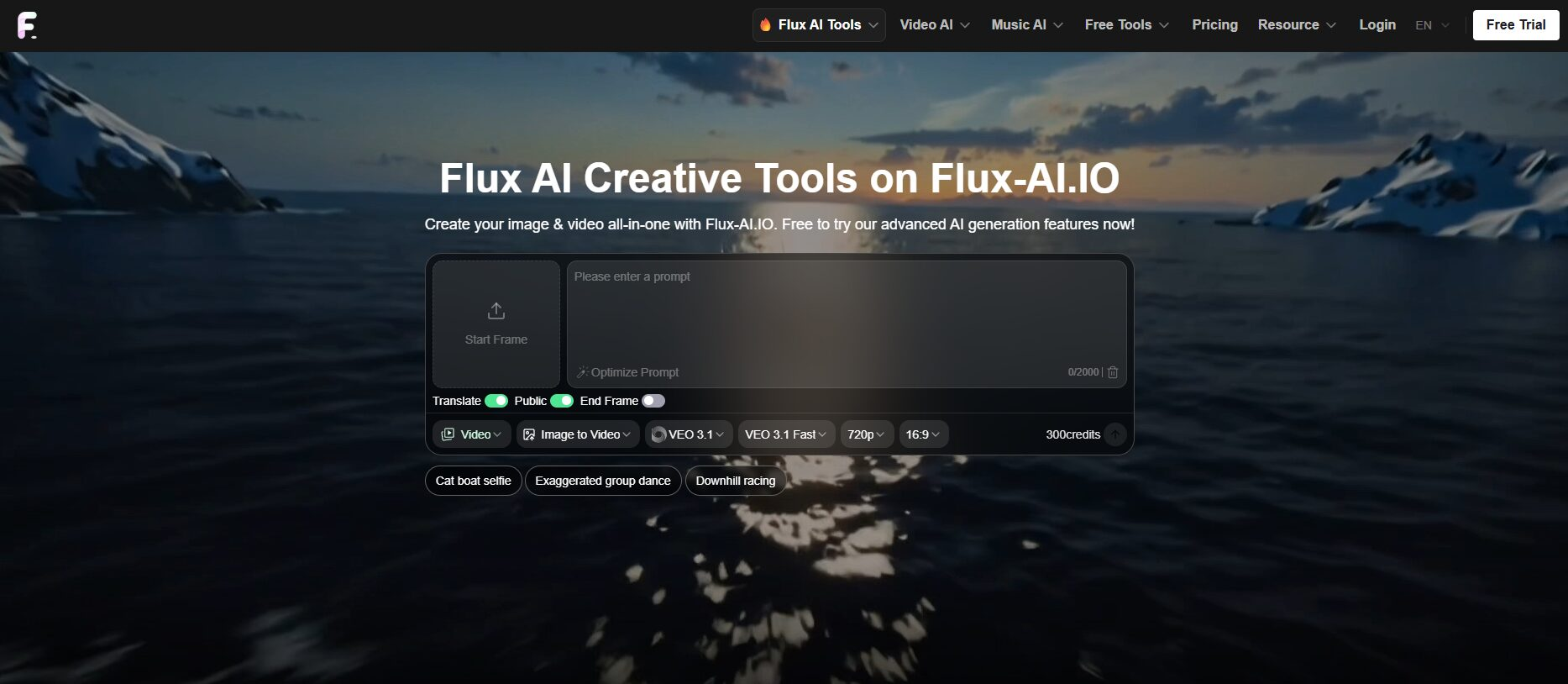
If you prefer free daily credits over a trial, ImagineArt is worth a look. It carries FLUX.2 Pro, Max, and Klein, plus FLUX.1 Kontext for editing, all on one credit balance.
Your first FLUX.2 image in 5 steps
- 1Open the Playground or your platform and sign in. Confirm the model menu says FLUX.2, not FLUX.1.
- 2Choose FLUX.2 [pro] for your first runs. It is the best balance of cost and quality.
- 3Write the prompt as a full sentence: subject, setting, lighting, camera, and any text in quotes. The formula below does the work for you.
- 4Add reference images if you have a product or face to keep consistent. Start with one or two, not ten.
- 5Generate, then edit instead of re-rolling. Ask for one change at a time ("warmer light", "remove the cup") to keep what already works.
🧪 Copy-paste prompt formula
[Subject] in [setting], [lighting], shot on [camera/lens], [mood]. Text on the [object] reads "[YOUR TEXT]". Brand color [#HEX].
Example: A matte black coffee bag on a marble kitchen counter, soft morning window light, shot on a 50mm lens, calm and premium. Text on the bag reads "NORTH ROAST". Brand color #C2410C.
▶️ Watch: Flux AI from prompt to finished image
Flux AI Pricing: What 100 Images Cost
Monthly plans hide the real number. Here is what 100 standard images cost at each vendor's own list price, which is the fairest way to compare.
List prices at roughly 1 megapixel from Black Forest Labs, Google, and OpenAI API pages and the Artificial Analysis price index. Midjourney figure assumes you use all of the Basic plan's fast hours. Platform subscriptions price Flux AI differently.
The takeaway: FLUX.2 Pro costs about one-seventh of GPT Image 2 at high quality for the same batch. If you generate product shots in bulk, that gap pays for a lot of coffee.
What costs extra
Bigger images cost more because pricing scales with megapixels. Edits start higher than fresh generations (FLUX.2 Pro edits from $0.045). Reference images add input megapixels, which can push the price up, so a stack of references on Max is the priciest thing you can do. BFL's pricing calculator shows the exact figure before you run it.
Can You Use Flux AI Images Commercially?
Yes, if you generate through the paid API, the Playground, or a platform whose terms allow it. The confusion comes from the open-weight models, where the license covers how you run the model, not only the pictures.
| How you use it | License | Safe for business? |
|---|---|---|
| Playground or BFL API (Pro, Max, Flex, Klein) | BFL API terms | ✅ Yes |
| Klein 4B on your own computer or server | Apache 2.0 | ✅ Yes |
| Dev or Klein 9B running inside a paid app | FLUX Non-Commercial | ⚠️ Buy a license |
| Third-party platform (OpenArt, ImagineArt, etc.) | That platform's terms | 🔎 Check the plan |
Two cautions no license fixes: don't generate real people or trademarked logos you don't own, and label AI images where your platform or client expects it. I'm not a lawyer, so for high-stakes client work, read the current license files on GitHub yourself.
Who Should Use Flux AI (and Who Shouldn't)
Match your situation to a card. If none fits, one of the chat-based generators will serve you better.
🛍️
Etsy & Shopify sellers
One product photo becomes a full set of lifestyle shots with matching labels.
📣
Small business marketers
Flyers, sale banners, and social ads where the words have to be spelled right.
🎬
YouTubers & creators
Thumbnails with a consistent face or mascot across a whole series.
👩💻
Developers
Cheap API calls or free local weights for apps that generate images at scale.
🙅
Skip it if…
you make a few images a month for fun. Gemini's free tier covers that with less setup.
Designers comparing more options should read my list of AI tools for designers, and if you want a Flux-powered tool with real-time drawing, my Krea AI review covers it.
Final Verdict: Is Flux AI Worth It?
Yes, for anyone who makes images for a business. Flux AI gives you near top-tier quality, reliable text, and product consistency at a price the big names can't touch. It doesn't win every blind vote, and its official interface is plain, but neither of those stops it from being the smartest value in AI images right now.
If you only want the prettiest picture with the least effort, stay with ChatGPT or Midjourney. If you want 100 on-brand product shots for the price of a sandwich, Flux AI is the one to learn.
Where to try Flux AI today
Keep reading
More AI image tools I've broken down