
 Published on: August 18, 2025
- 1. The AI Image Trick That’s Taking Over TikTok
- 2. Why It Works So Well for Views and Engagement
- 3. The Easiest Tools to Use (Free & Paid)
- 4. Step-by-Step: Create the Effect in Minutes
- 5. Make It TikTok-Ready
- 6. Quick Wins & Mistakes to Avoid
- 7. Extra Ideas to Keep the Trend Fresh
- 8. Final Takeaways to Master the AI Image Trick
- 9. FAQ: Quick Answers for Beginners
Affiliate Disclaimer:
Some of the links in this post are affiliate links. This means we may earn a small commission if you click through and make a purchase, at no extra cost to you. We only recommend tools we truly believe offer value.
1. The AI Image Trick That’s Taking Over TikTok
If you’ve been scrolling TikTok lately, chances are you’ve come across a mesmerizing video where an ordinary photo transforms into a stunning, surreal masterpiece in seconds. That’s the AI image trick everyone is talking about — and it’s changing how creators think about content.
This viral effect blends AI photo generation with smart editing to create visuals that are not only eye-catching but also tailor-made for TikTok’s fast-paced feed. Unlike static images, this AI image trick taps into the platform’s love for quick, surprising transformations that make viewers stop, watch again, and share.
The trend first gained traction thanks to creators experimenting with tools like CapCut AI effects (official site) and advanced AI image generators, which can turn simple ideas into scroll-stopping art. On AI Digital Space’s creativity tools guide, we’ve already seen how these tools empower beginners and pros alike to produce professional-looking visuals in minutes — without expensive equipment or complex skills.
What makes this AI image trick so addictive? It’s a mix of surprise, beauty, and the feeling that “I could try this too.” TikTok’s algorithm rewards that kind of content, giving even small accounts the chance to rack up thousands (or millions) of views when the execution hits the sweet spot.
2. Why It Works So Well for Views and Engagement
The reason this AI image trick is dominating TikTok isn’t magic — it’s psychology. TikTok’s audience thrives on novelty, fast payoff, and emotional reactions. When someone sees an image change in a way they’ve never seen before, they instinctively stop scrolling. That moment of surprise is exactly what the algorithm loves to boost.
TikTok’s algorithm measures watch time, rewatches, and shares as strong engagement signals. The AI image trick checks all three boxes:
Watch time — The transformation holds attention until the end.
Rewatches — Viewers want to see the effect again, noticing new details.
Shares — People send it to friends with “you have to see this.”
This isn’t just a TikTok thing. Visual novelty and transformation are timeless hooks in social media marketing — the same reason before-and-after photos perform well on Instagram (Meta’s research confirms it).
From a creator’s perspective, the AI image trick is low-cost, repeatable, and adaptable to any niche. Whether you’re showing fashion, food, travel, or even education, the transformation effect works.
The takeaway? It’s not just about making something pretty — it’s about using the AI image trick as a storytelling tool that delivers surprise and satisfaction in under 10 seconds.
3. The Easiest Tools to Use (Free & Paid)
One of the reasons the AI image trick exploded is that you don’t need expensive gear or advanced editing skills. A few well-chosen tools — some completely free — can take you from idea to viral-ready content in minutes.
Free Options
CapCut AI Effects – TikTok’s favorite editing app, owned by ByteDance, has built-in AI tools for transformations and animations (official CapCut site).
Canva’s AI Image Generator – Perfect for beginners who want a quick, drag-and-drop workflow without learning complicated software.
Fotor AI – A free web-based editor that blends photo enhancement with AI-driven effects, good for quick experimental looks.
Paid Options (More Control & Quality)
Adobe Photoshop with Generative Fill – Ideal if you want professional-grade control over your AI image trick and high-resolution output.
Runway ML – Popular with creators for its real-time background replacement and AI scene generation.
Remini AI – Known for upscaling and enhancing images, making your transformations even more striking.
On our AI tools for creators guide, we break down which tools are best for speed vs. quality. In general:
If you want speed → Go with CapCut or Canva.
If you want precision and brand consistency → Photoshop or Runway ML is worth it.
The key is to start with one tool and master it, instead of trying them all at once. This way, your AI image trick looks polished and recognizable, building your personal style over time.
4. Step-by-Step: Create the Effect in Minutes
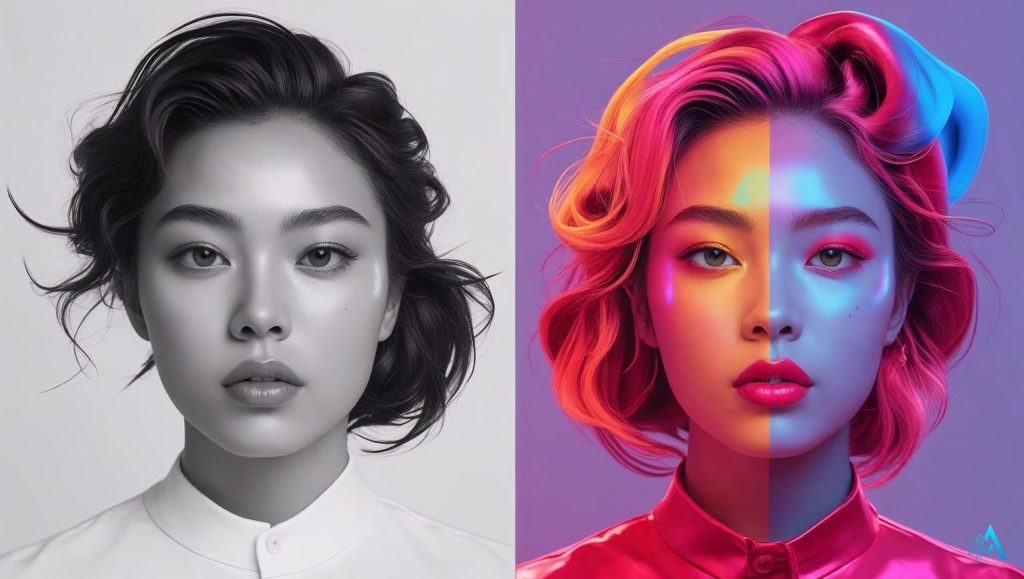
You don’t need to spend hours learning editing software to pull off the AI image trick. In fact, you can get it done in under 10 minutes once you know the right workflow.
Step 1 – Pick Your Base Image
Choose a clear, well-lit photo to start with. For maximum impact, go for something simple that can dramatically change — portraits, objects, or minimal backgrounds work best.
Step 2 – Open Your AI Editing Tool
If you’re using CapCut AI Effects, import your photo and explore the “AI Transform” or “AI Animation” features (CapCut tutorial here).
If you prefer a web-based option like Canva’s AI Image Generator, start with a blank design, upload your image, and apply the transformation effect.
Step 3 – Apply the Transformation
This is where the magic happens. Use prompts or effect presets to describe how you want your image to look after the transformation. On our AI prompt guide, you’ll find examples that make your AI image trick stand out.
Step 4 – Fine-Tune the Details
Adjust brightness, contrast, and saturation so your transformed image pops. If your platform allows, crop it vertically (9:16) so it’s TikTok-ready.
Step 5 – Export in High Quality
Always export in the highest resolution available — a blurry or pixelated transformation loses impact.
Pro Tip: Save your prompt and settings so you can quickly recreate or tweak the AI image trick for future videos. Consistency helps build your brand identity and makes your content instantly recognizable in the feed.
5. Make It TikTok-Ready
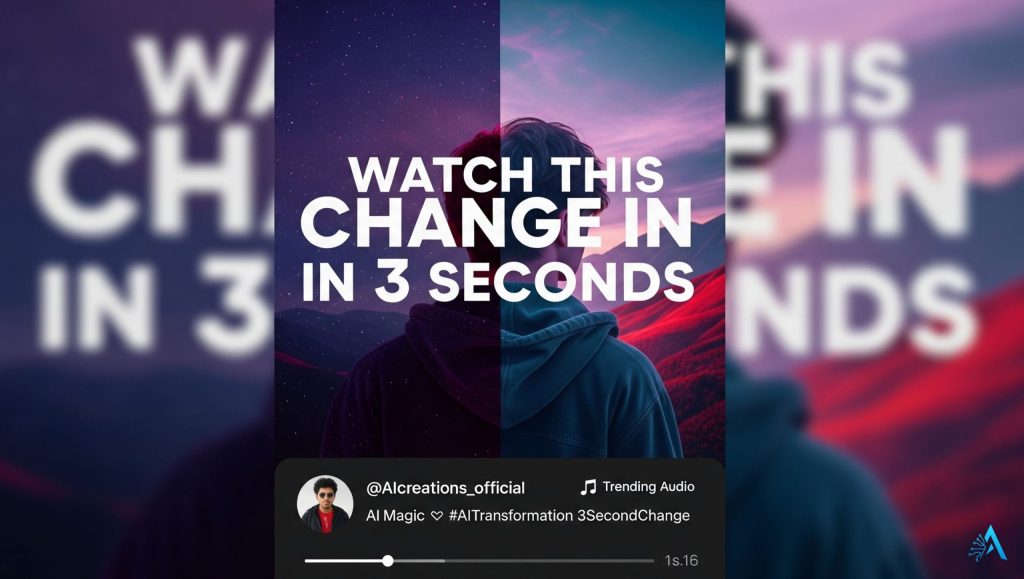
A great AI image trick can flop if it’s not presented in a way TikTok’s audience — and algorithm — loves. Here’s how to turn your visual into a post people actually watch, share, and comment on.
1. Use a Hook in the First 2 Seconds
TikTok decides whether to push your video within the first moments. Add on-screen text like “Watch this picture change in 3 seconds” or “AI made this… wait for it.” The goal is to make viewers curious enough to stay until the transformation.
2. Pair It With Trending Audio
Music is half the magic. Go to TikTok’s “For You” page and check what’s trending, or explore the TikTok Creative Center (official TikTok trends page) for updated audio lists. Sync your transformation with a beat drop for extra impact.
3. Add Subtle Captions
Even visual content benefits from captions. A short sentence explaining the AI image trick adds context and keeps people hooked if they’re watching with sound off.
4. Post at the Right Time
Follow TikTok strategy post to meet engagement peaks in the early evening (6–9 PM local time) and late morning (11 AM–1 PM). Experiment to find your personal sweet spot.
5. Keep It Short and Loopable
TikTok favors videos under 15 seconds that loop seamlessly. End your transformation in a way that blends back to the first frame — it subtly encourages rewatches.
If you get these basics right, your AI image trick isn’t just pretty — it’s optimized for TikTok’s algorithm and ready to reach thousands, even if your account is brand new.
6. Quick Wins & Mistakes to Avoid
You don’t need to reinvent your TikTok strategy to make the AI image trick work — but a few smart tweaks can make a big difference.
Quick Wins
Batch your creations – Make 3–5 transformations in one sitting so you can post consistently without last-minute stress.
Test different styles – Swap between realistic, artistic, and surreal effects to see which gets the most engagement.
Add a call to action (CTA) – Something as simple as “Which version do you like better?” sparks comments and boosts the algorithm.
Mistakes to Avoid
Overcomplicating the prompt – Too many details can lead to messy, less impressive results. Keep prompts clear and focused.
Posting without testing sound sync – Mismatched timing between transformation and audio kills the wow factor.
Ignoring platform updates – TikTok’s effect popularity changes fast. Check the TikTok Effect House – nofollow to spot new trends early.
The secret is simple: less clutter, more clarity, and a clear wow moment. Do that, and your AI image trick will stand out even in the busiest feed.
7. Extra Ideas to Keep the Trend Fresh
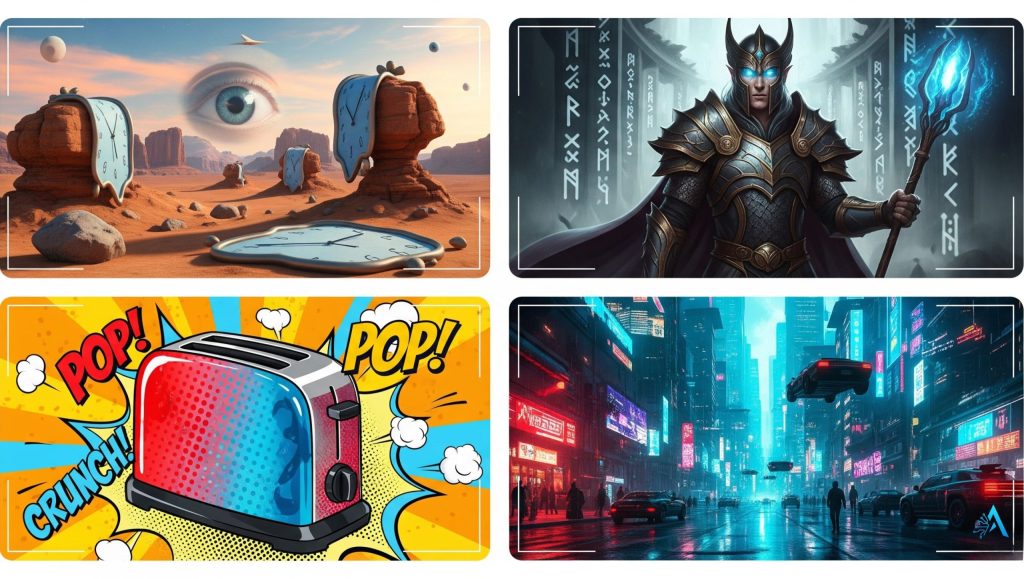
The fastest way to burn out a trend is to repeat the exact same thing over and over. TikTok’s audience loves familiarity, but they also crave novelty. Here’s how to keep your AI image trick fresh without losing your style.
1. Change the Theme by Season or Event
Use seasonal colors, holidays, or pop culture moments. A Halloween-themed transformation or a summer festival look instantly feels relevant.
2. Collaborate With Other Creators
Partner with someone in a different niche — like food, fitness, or travel — and adapt the AI image trick to their content. Collabs expand your reach and bring in new audiences.
3. Build Mini-Series
Turn your transformations into “Part 1 / Part 2” sequences so viewers follow your account for the next reveal. This is a proven engagement strategy on TikTok (Creator tips from TikTok).
4. Mix in Other AI Tools
Try pairing the transformation with AI voiceovers, captions, or background music.
5. Challenge Your Audience
Ask followers to suggest prompts for your next AI image trick. Not only does it boost comments, but it also makes them feel part of the process.
Keeping your content varied will help you ride the trend longer, turn casual viewers into loyal followers, and keep TikTok’s algorithm interested in your posts.
8. Final Takeaways to Master the AI Image Trick
The AI image trick isn’t just another fleeting TikTok effect — it’s a tool you can adapt, evolve, and make your own. By understanding why it works, using the right tools, and keeping your content fresh, you can turn this trend into a consistent engagement booster.
But there’s one more thing to keep in mind: with great reach comes great responsibility. AI-generated visuals can be powerful, but they should always be used with respect for others’ work, personal likeness, and cultural sensitivities. Avoid using the trick to mislead or create harmful content — not only can it damage your reputation, but it can also lead to account restrictions or removal.
If you stay creative, ethical, and consistent, your AI image trick posts can do more than get views — they can help you build a recognizable brand, connect with your audience, and stay ahead of TikTok’s fast-changing trends.
So, keep experimenting, keep learning, and keep sharing. The next viral transformation might just be yours.
9. FAQ: Quick Answers for Beginners
Q: What exactly is the AI image trick on TikTok?
A: The AI image trick is a visual effect where a photo is transformed using AI editing tools, creating a surprising before-and-after reveal that grabs attention on TikTok’s fast-paced feed.
Q: Do I need professional editing skills to use the AI image trick?
A: No, most AI tools that power the AI image trick are beginner-friendly, with drag-and-drop features and preset effects that can be applied in minutes.
Q: Which free tools work best for the AI image trick?
A: CapCut AI Effects, Canva’s AI Image Generator, and Fotor AI are excellent free options for creating the AI image trick without spending money.
Q: How long should my TikTok video be when using the AI image trick?
A: Ideally under 15 seconds, so it’s quick, loopable, and optimized for TikTok’s algorithm to encourage rewatches and shares.
Q: How can I make my AI image trick posts go viral?
A: Combine a strong visual transformation with trending audio, post at peak engagement hours, and add a simple call to action to boost interaction.
Q: Are there risks in using AI-generated images on social media?
A: Yes, avoid using copyrighted content or images that could mislead viewers. Always credit sources if required and follow TikTok’s community guidelines.
Q: Can the AI image trick work outside of TikTok?
A: Absolutely, the AI image trick can be adapted for Instagram Reels, YouTube Shorts, and even Pinterest for extra reach.