
Mirko
AI Tech Writer
Every Humata AI vs ChatGPT comparison I've found is still running 2025 pricing. Humata quietly switched to a per-page billing model this year, and neither tool actually reads a scanned PDF without OCR — a limit almost none of the existing posts mention. I checked both directly against their current pricing pages to see which one is actually worth your subscription in 2026.
Some links are affiliate links · they support this site at no extra cost to you · Full disclosure
1. Why PDF Reading Is Still a Problem in 2026
PDFs are everywhere — research papers, contracts, financial reports, textbook chapters — and they're still static files that don't talk back. You can't ask a PDF "what's the point of section three?" You scroll, you search, you piece it together by hand. That's the exact gap Humata AI vs ChatGPT both try to close.
They don't close it the same way, though, and the gap between them has actually widened since last year. Humata AI built its whole product around documents — upload a file, get cited answers pulled straight from specific pages. ChatGPT reads the PDF too, but it's really a general assistant that happens to accept file uploads — it can summarize your PDF and then turn that summary into an essay, a slide deck, or a follow-up email in the same conversation.
So the real Humata AI vs ChatGPT question isn't whether an AI can read your PDF — both can. It's whether you need a tool that stays locked on the document itself, or one that turns what it reads into your next piece of work. That's what the rest of this comparison is built around.
2. Quick Answer — Which AI Works Better?
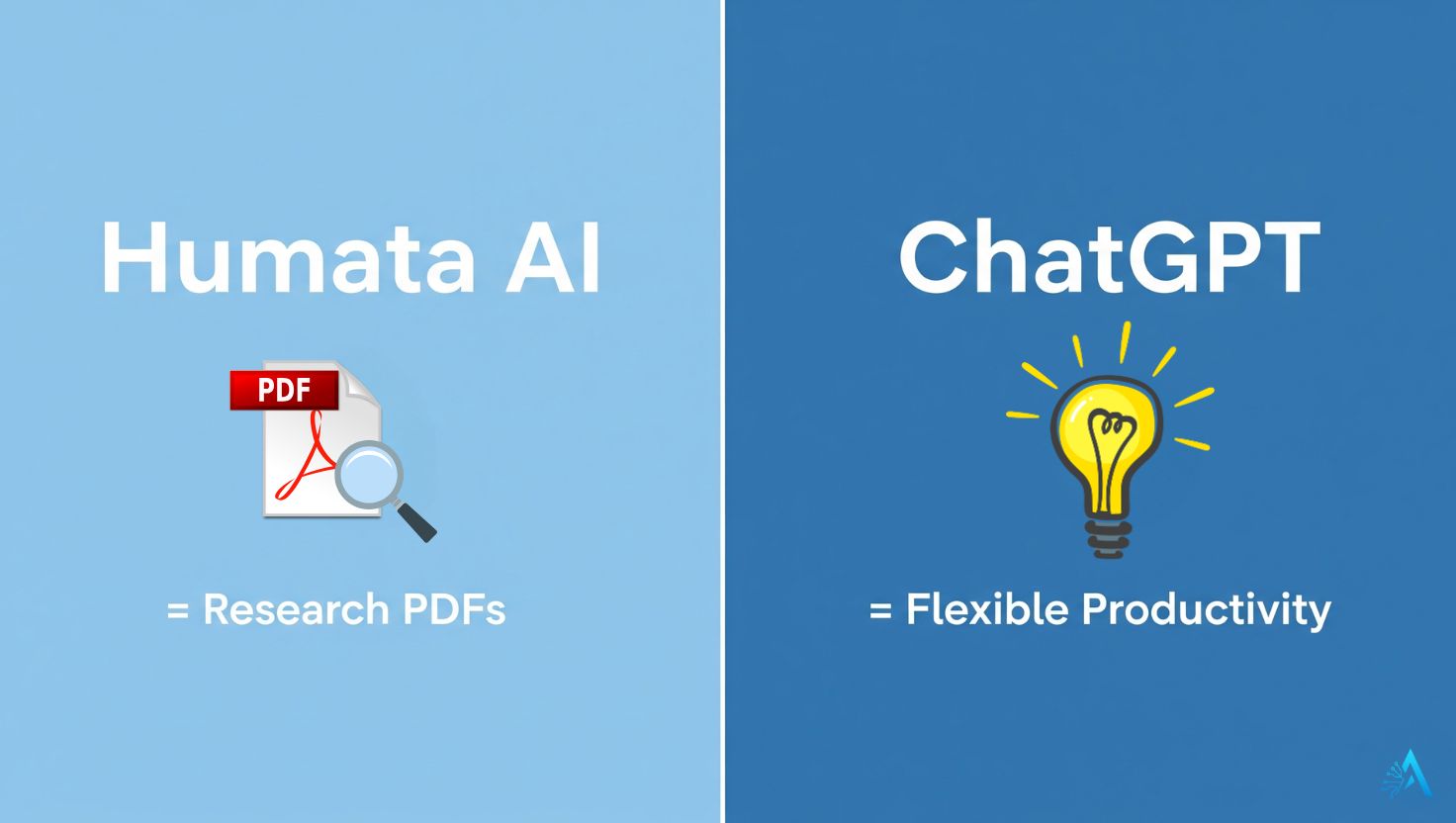
Boiled down, the Humata AI vs ChatGPT decision comes to this: choose Humata AI when your PDF is a dense academic paper, a legal contract, or a technical manual and you need every answer traceable back to an exact page. Choose ChatGPT when you need the PDF's content turned into something else — an outline, a summary email, a study guide — not just explained.
A lot of people end up running Humata AI vs ChatGPT as a workflow, not a single choice. A researcher might upload a 40-page paper to Humata AI for a precise, cited breakdown of the methodology, then paste that breakdown into ChatGPT to draft a literature-review paragraph. It's rarely either/or once you're doing real work.
One option most "Humata vs ChatGPT" posts skip entirely: if your priority is free and citation-heavy academic work specifically, Google's NotebookLM is worth checking before you pay for either — more on that in Section 6.
3. Feature Comparison: Humata AI vs ChatGPT for PDF Reading
Here's where the Humata AI vs ChatGPT pricing story actually changed. Humata AI now bills by the page, not a flat monthly rate — a detail that changes which plan makes sense depending on how many documents you actually process.
| Feature | Humata AI | ChatGPT |
|---|---|---|
| Free plan limit | 60 pages/month, 10 answers | 3 file uploads/day, 500 MB storage |
| Entry paid plan | Student: $1.99/mo — 200 pages | Plus: $20/mo — 80 files/3 hrs |
| Overage cost | $0.02/page (Student & Expert) | None — hard cap per file instead |
| Per-document cap | 500 pages (Expert), 5,000 (Team) | 512 MB / ~2 million tokens per file |
| Scanned PDFs (OCR) | Team plan and above only | Enterprise only — Plus/Pro skip images |
| Cited, page-level answers | Yes, built-in on every plan | No — summarizes, doesn't cite pages |
| Beyond the PDF | Standalone — document Q&A only | Drafts, code, images, connected apps |
Pricing and limits verified against each provider's current pricing page, September 2026 — always worth a quick check before you subscribe, since both vendors change plans without much notice.
This is the overage detail every other Humata AI vs ChatGPT post misses: on Humata's Student or Expert plan, a single 300-page dissertation can blow past your monthly page allowance and start billing per page automatically. ChatGPT doesn't nickel-and-dime you that way — it just stops accepting more of the file once you hit the token ceiling, silently, with no warning banner.
4. Humata AI: Strengths and Weaknesses
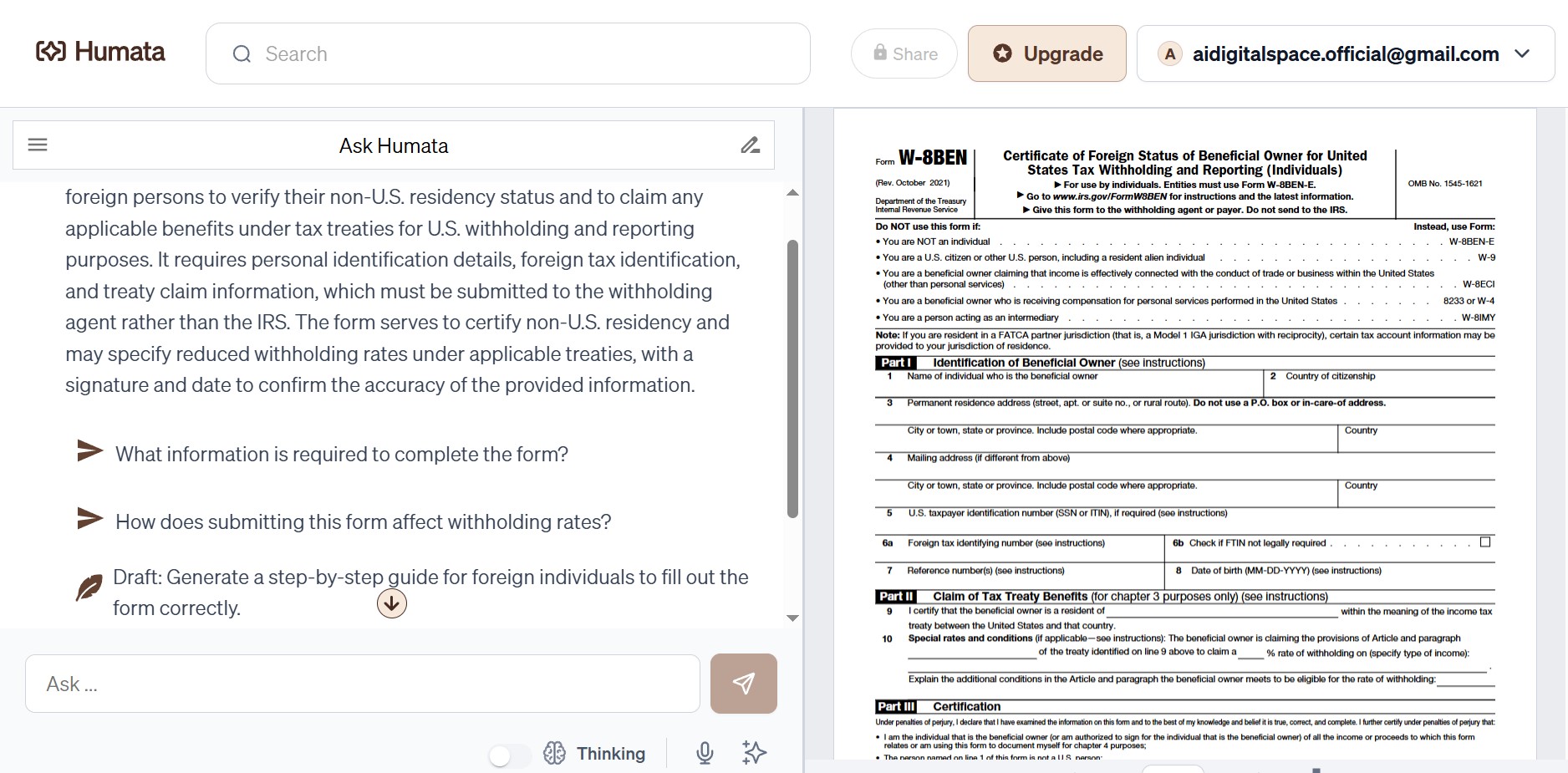
In the Humata AI vs ChatGPT matchup, Humata AI was built from day one around one job: reading documents and pointing you to exactly where an answer came from. That focus shows up as both its biggest strength and its biggest limitation.
Where Humata AI Pulls Ahead
- Page-level citations on every plan — every answer links back to the exact page it came from, which matters when you need to verify a claim rather than just trust it.
- Cross-document queries — Humata can search across a whole folder of PDFs at once, useful for a literature review spanning a dozen papers.
- Built for dense, technical text — legal contracts, research papers, and financial reports with heavy jargon are exactly its home turf.
Where It Falls Short
- Standalone tool — once you've extracted an answer, Humata won't help you write the essay, email, or report it feeds into. You're copying output elsewhere.
- Free tier is genuinely tight — 60 pages and 10 answers a month is closer to a trial than a real workflow.
- Per-page overage adds up — a heavy month of long documents on the Student or Expert plan can quietly cost more than the subscription itself.
5. ChatGPT: Strengths and Weaknesses
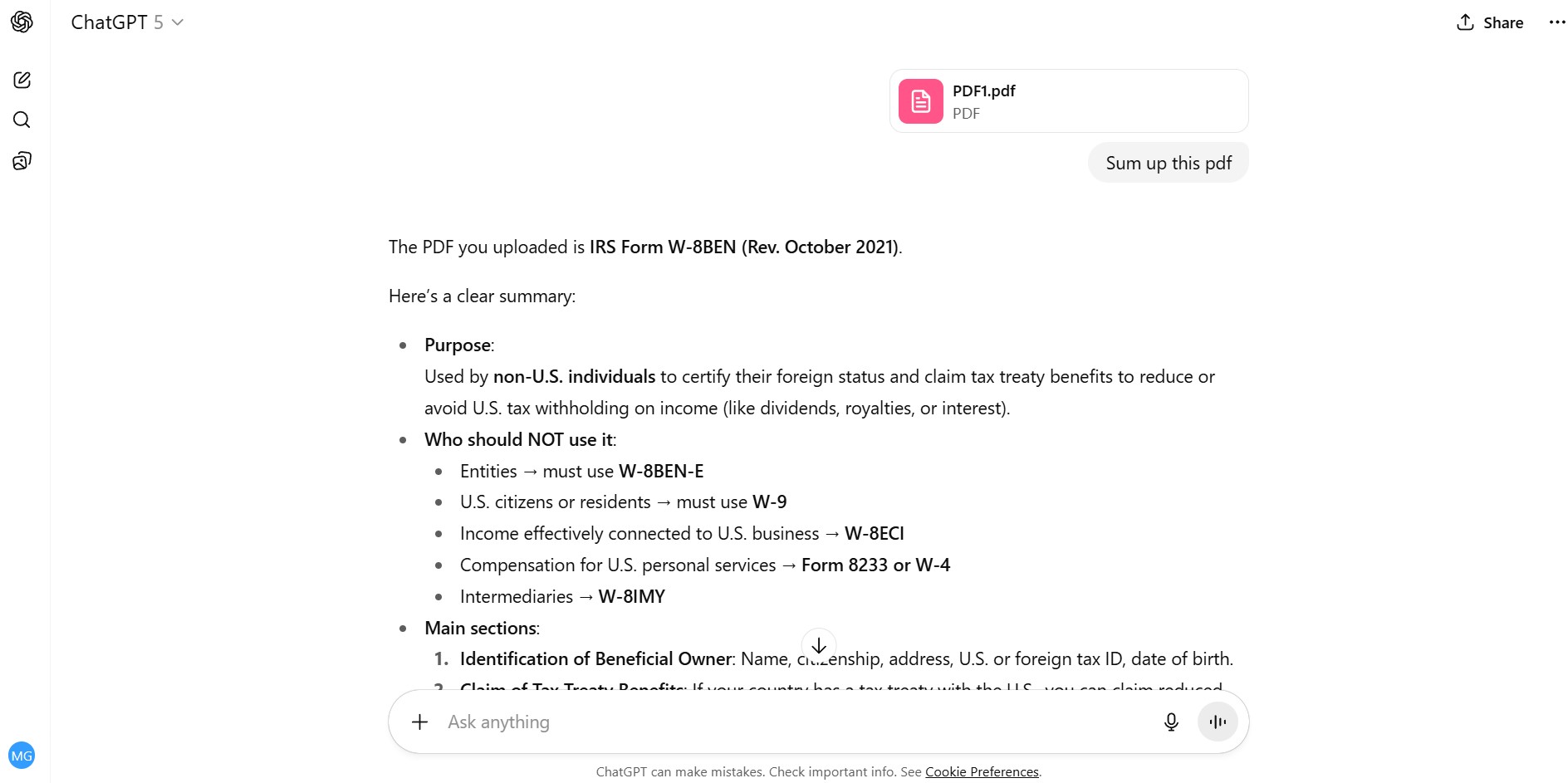
Flip the Humata AI vs ChatGPT comparison around and the picture changes: where Humata stays locked on the document, ChatGPT treats a PDF as one input among many. That versatility is the whole appeal — and also where it loses ground on pure document accuracy.
Where ChatGPT Pulls Ahead
- Everything happens in one conversation — upload the PDF, get a summary, then immediately ask it to turn that summary into an outline, an email, or slide bullet points.
- Generous free tier — 3 uploads a day covers most casual research without paying anything.
- Plus is a flat $20/month — no per-page overage to track, which is simpler to budget than Humata's usage-based billing.
Where It Falls Short
- No page-level citations — ChatGPT summarizes and paraphrases; it won't point you to the exact page a claim came from the way Humata does.
- Silent truncation on long files — every plan, Plus and Pro included, caps a single document around 2 million tokens with no warning when a file gets cut off mid-read.
- Scanned PDFs go nowhere — outside of Enterprise, ChatGPT extracts the text layer and discards images entirely, so a scan with no selectable text returns nothing useful.
6. Best Use Cases — Who Should Choose What
The right Humata AI vs ChatGPT answer depends less on which tool is "better" and more on what you're actually doing with the PDF once it's been read.
Students Writing Essays or Studying for Exams
ChatGPT is usually the better partner here — it doesn't just summarize the chapter, it helps turn that summary into an outline or a set of practice questions in the same thread. For a step-by-step walkthrough, see how to use ChatGPT for studying.
Researchers and Academics
This is where the Humata AI vs ChatGPT gap is widest: when the document is technical and citation accuracy matters, Humata AI's page-linked answers save real verification time — especially across a folder of related papers rather than one file at a time.
Professionals and Analysts
If your job means moving straight from "read the report" to "draft the slides," ChatGPT's ability to act on what it just read wins out over Humata's document-only scope.
The Free Option Most Comparisons Skip
If your work is academic, citation-heavy, and you don't want to pay for either tool, Google's NotebookLM is free, cites sources the way Humata does, and can work across multiple documents in one notebook. It's not in this post's title, but leaving it out of the decision would be misleading — I've also written a full NotebookLM setup guide if you want to try it before paying for anything.
7. Ethical and Reliability Notes

In any Humata AI vs ChatGPT decision, accuracy isn't the only thing that matters — what happens to the file after you upload it does too. Both tools process your document in the cloud, which means avoiding confidential contracts or financial statements unless you're certain of each platform's data policy.
According to OpenAI's privacy policy, conversations and uploaded content may be retained for model improvement unless you disable chat history or use temporary chat. Humata states in its terms that uploads are processed on encrypted, SOC2-compliant infrastructure — but neither company's policy is a substitute for you deciding what's too sensitive to upload at all.
Verification matters just as much as privacy. Even a tool built around citations can misread a dense table or a conditional clause — something I've covered in more depth in AI hallucinations, explained. Treat either tool as a fast first pass, not the final word on what a document says.
8. Conclusion — Final Verdict
The Humata AI vs ChatGPT verdict comes down to this: choose Humata AI if page-level citations and precision on dense, technical documents matter more than anything else you'd do with the file afterward. Choose ChatGPT if the PDF is step one of a bigger task — writing, planning, or building something from what it says.
Neither is the wrong answer in this Humata AI vs ChatGPT matchup, and plenty of people end up paying for both. What changed since the last time this comparison got written isn't which tool "wins" — it's the price of getting it wrong: Humata's per-page overage and ChatGPT's silent 2-million-token ceiling can both bite you if you don't know they're there.
Know which one you're short on — precision or flexibility — and the choice mostly makes itself.
9. FAQ — Humata AI vs ChatGPT for PDF Reading
🔍 Get More Out of Your AI Research Stack
Now that the Humata AI vs ChatGPT decision is settled for your workflow, here's where I'd go next to round out how you research and write with AI: