
Mirko
AI Tech Writer
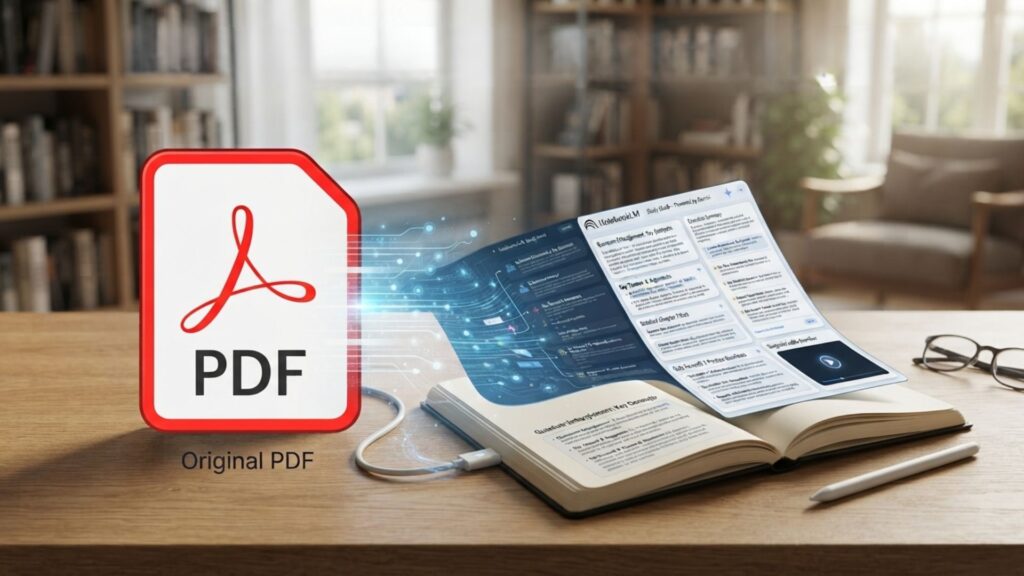
Ever opened a 40-page PDF the night before an exam and had no idea where to start? A stack of readings isn't really a study problem — it's an organization problem. Gemini and NotebookLM can turn that same PDF into a structured NotebookLM study guide in minutes, complete with key terms, sample questions, and a way to quiz yourself on it.
Some links are affiliate links · no extra cost to you · Details
Why a NotebookLM Study Guide Beats a Plain PDF
Reading a PDF twice doesn't help you remember it. Your brain needs something to do with the information, not just more exposure to it. That's the whole idea behind a NotebookLM study guide.
💡 Building a NotebookLM Study Guide From Real Sources
NotebookLM only answers using the documents you upload, so a NotebookLM study guide built from your own PDF won't invent facts your professor never mentioned.
Google confirmed in December 2025 that NotebookLM now runs on Gemini 3, its most capable model at the time. That upgrade improved how well it understands dense, technical material inside a single PDF.
Since April 2026, Gemini's own Notebooks feature syncs with NotebookLM automatically. Upload a PDF once, and both apps can reference it — handy if you're already living inside Gemini for other schoolwork.
Retrieval practice — actively testing yourself instead of re-reading — is one of the most reliable ways to remember material long-term, according to Cornell's Center for Teaching Innovation. A NotebookLM study guide is built with that in mind: it generates likely questions, not just a summary.
A quick note from testing this ourselves: chat-only summaries tend to skip figures and footnotes. NotebookLM's study guide keeps pulling from the original PDF anytime you ask a follow-up question, which chat-based summaries don't always do as reliably. We covered NotebookLM's audio and podcast side in more depth in our full NotebookLM walkthrough — worth a look if you haven't tried the podcast feature yet.
Upload Your PDF and Set Up the Notebook
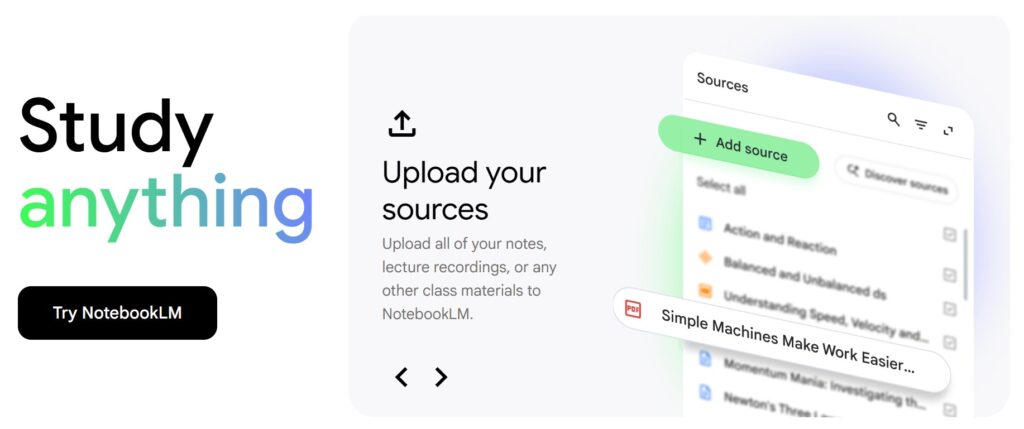
Setting up a NotebookLM study guide takes less time than making coffee. Here's the exact process, step by step.
- Go to notebooklm.google.com and sign in with your Google account.
- Click New Notebook and give it a name that matches the exam or class.
- Upload your PDF — drag it in directly, or pull it from Google Drive.
- Wait for NotebookLM to generate its automatic summary of the file.
- Repeat for any extra lecture slides or notes covering the same topic.
NotebookLM's free tier lets you add up to 50 sources per notebook, which is plenty for a single course. Paid Google AI plans raise that ceiling if you're combining multiple classes.
⚠️ One Mistake That Breaks a NotebookLM Study Guide
Scanned PDFs without a text layer confuse NotebookLM's citations. Run a scanned file through OCR first, or the study guide it builds may skip whole pages.
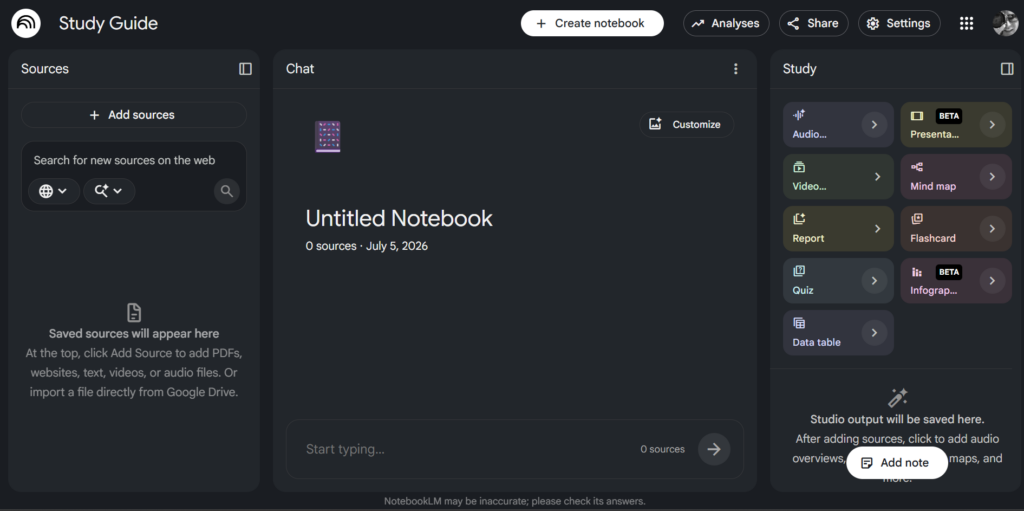
Once your sources are in, open the Studio panel on the right side of the screen. That's where the actual NotebookLM study guide gets built, along with flashcards, quizzes, and audio overviews. If this is your first time building a study system with AI, our roundup of free AI learning tools covers a few other options worth trying alongside NotebookLM.
Generate the Study Guide
With your sources loaded, click Study Guide inside the Studio panel. NotebookLM reads everything you uploaded and returns key terms, a short summary, and a handful of practice questions.
The default output is genuinely useful, but it treats every chapter equally. If your exam only covers half the material, the default NotebookLM study guide doesn't know that.
⚖️ Default Study Guide vs. a Custom Prompt
- Default: covers the whole PDF evenly, generic questions
- Custom prompt: focuses on exam-relevant sections, flags likely test formats
Try replacing the one-click button with a typed prompt instead: "Build a study guide organized by exam topic, not chapter order, and mark anything likely to show up as a short-answer question." NotebookLM restructures the same source material around that instruction.
This is where Gemini's improved reasoning shows up. Since the Gemini 3 upgrade, NotebookLM handles multi-step instructions like this far more consistently than it did a year ago.
Once you have a guide you're happy with, you'll probably want to keep it next to your other class notes. Notion AI offers this through their AI-powered workspace pages, and you can check Notion AI here if you'd like everything in one place. For more ways to turn a guide into quiz-ready material, our quiz generator guide is a useful follow-up.
Turn the Guide Into Practice With Gemini
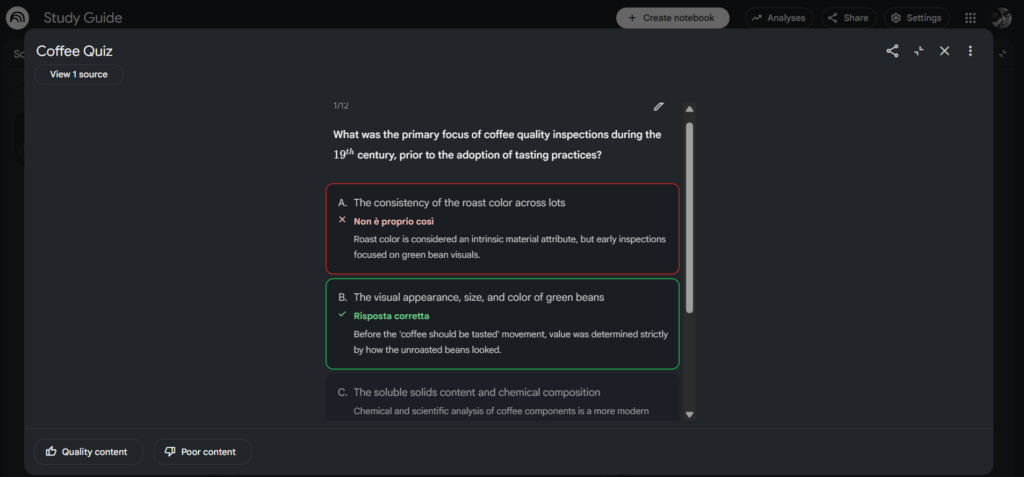
A NotebookLM study guide is only half the job. The other half is testing yourself on it before the real exam does.
Since Gemini added Notebooks in April 2026, any notebook you built in NotebookLM shows up automatically inside the Gemini app too. Open it there and ask Gemini directly: "Quiz me on this study guide, one question at a time."
Gemini's study notebooks feature goes further. It runs a short diagnostic quiz first, then builds lessons around whatever you got wrong, tracking your progress on a simple dashboard as you go.
✅ Why Testing Beats Re-Reading
Actively recalling an answer, even if you get it wrong first, strengthens memory more than reading the same page a third time.
Prefer listening over reading? NotebookLM's Audio Overview turns your study guide into a two-host podcast-style discussion — useful for a commute or a walk before the exam. Google covers this in more detail on its official education blog.
If you're deciding which app to lean on day to day for this kind of work, our Gemini vs. ChatGPT comparison breaks down where each one pulls ahead.
Frequently Asked Questions — NotebookLM Study Guide
What is a NotebookLM study guide?
+A NotebookLM study guide is a structured summary NotebookLM generates from PDFs, slides, or notes you upload — key terms, a short overview, and sample questions, all grounded in your source material.
You get it from the Studio panel after adding at least one source. It updates automatically if you add or remove sources from the notebook.
Is NotebookLM free to turn a PDF into a study guide?
+Yes. NotebookLM's free tier includes the study guide feature, flashcards, quizzes, and audio overviews at no cost. It caps you at up to 50 sources per notebook.
Google's paid AI plans raise that source limit, but they aren't required just to generate a basic study guide.
How is a Gemini study guide different from asking ChatGPT to summarize a PDF?
+NotebookLM strictly grounds its answers in the documents you upload, so a NotebookLM study guide won't pull in outside facts your source never mentioned.
ChatGPT can also summarize PDFs well, but it draws more freely on its general training data unless you specifically restrict it to the file.
Can NotebookLM handle scanned PDFs without a text layer?
+Not reliably. If a PDF is just a scanned image with no selectable text, NotebookLM may misread or skip sections entirely, weakening the study guide.
Run the file through an OCR tool first so the text becomes selectable, then re-upload it.
How many sources can I add to one notebook?
+Free NotebookLM accounts can add up to 50 sources per notebook — PDFs, Google Docs, slides, and website links combined.
Combining multiple courses or a semester's worth of material? A paid Google AI plan raises that ceiling considerably.
Can I turn the study guide into flashcards or a quiz?
+Yes. The same Studio panel that generates your NotebookLM study guide also offers one-click Flashcards and Quiz options.
For more control, see our quiz generator guide for prompt ideas beyond the basic defaults.
Does Gemini's Notebooks feature replace NotebookLM?
+No, it complements it. Gemini Notebooks, rolled out in April 2026, syncs sources with NotebookLM so you can chat with the same material in either app.
Audio Overviews and Video Overviews still only exist inside NotebookLM itself.
Is my uploaded PDF used to train Google's AI models?
+No. Google states NotebookLM does not use your uploaded content to train its generative AI models unless you specifically submit feedback.
Workspace accounts have an even stricter policy on this.
🎓 Keep Building Your AI Study Toolkit
You've got a working NotebookLM study guide. Here's how to go further with it: