
1. Introduction – Why Compare Murf vs Synthesia in 2026
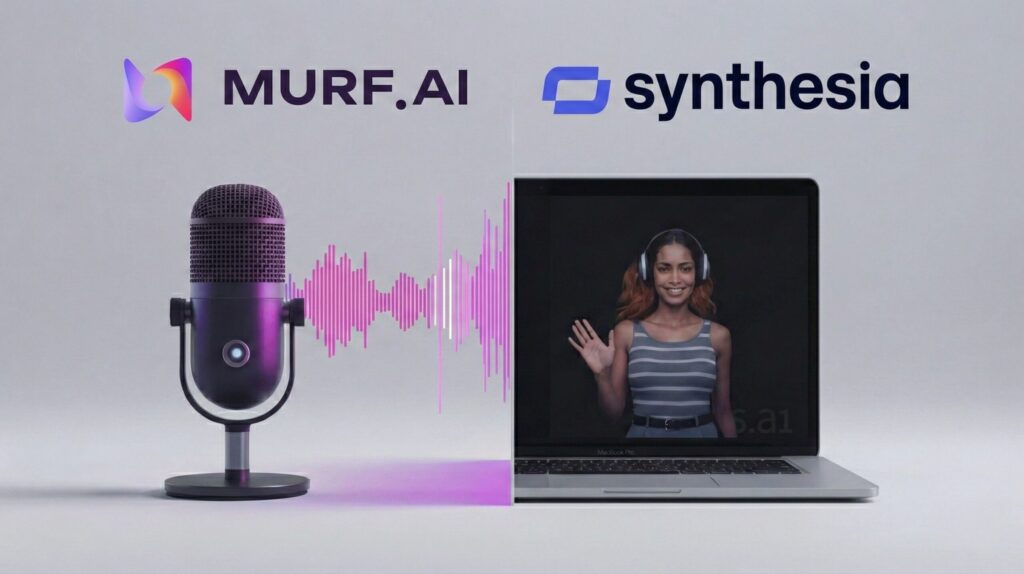
When creators need studio-quality voiceovers or AI-generated video, two platforms dominate the conversation: Murf vs Synthesia.
Both promise professional results without expensive equipment or crews, but they solve the problem in very different ways — one built around voice, the other around avatar-led video.
🔎 What we actually tested
- Ran the same script through Murf's dubbing feature and Synthesia's avatar generator
- Compared translated audio quality and speaker-style preservation on Murf
- Compared lip-sync accuracy and avatar realism on Synthesia
In this guide, we break down what each platform does best, current 2026 pricing, and which tool fits your workflow — voice-first content or video-first storytelling.
2. What Murf AI Offers — Murf vs Synthesia Feature Breakdown
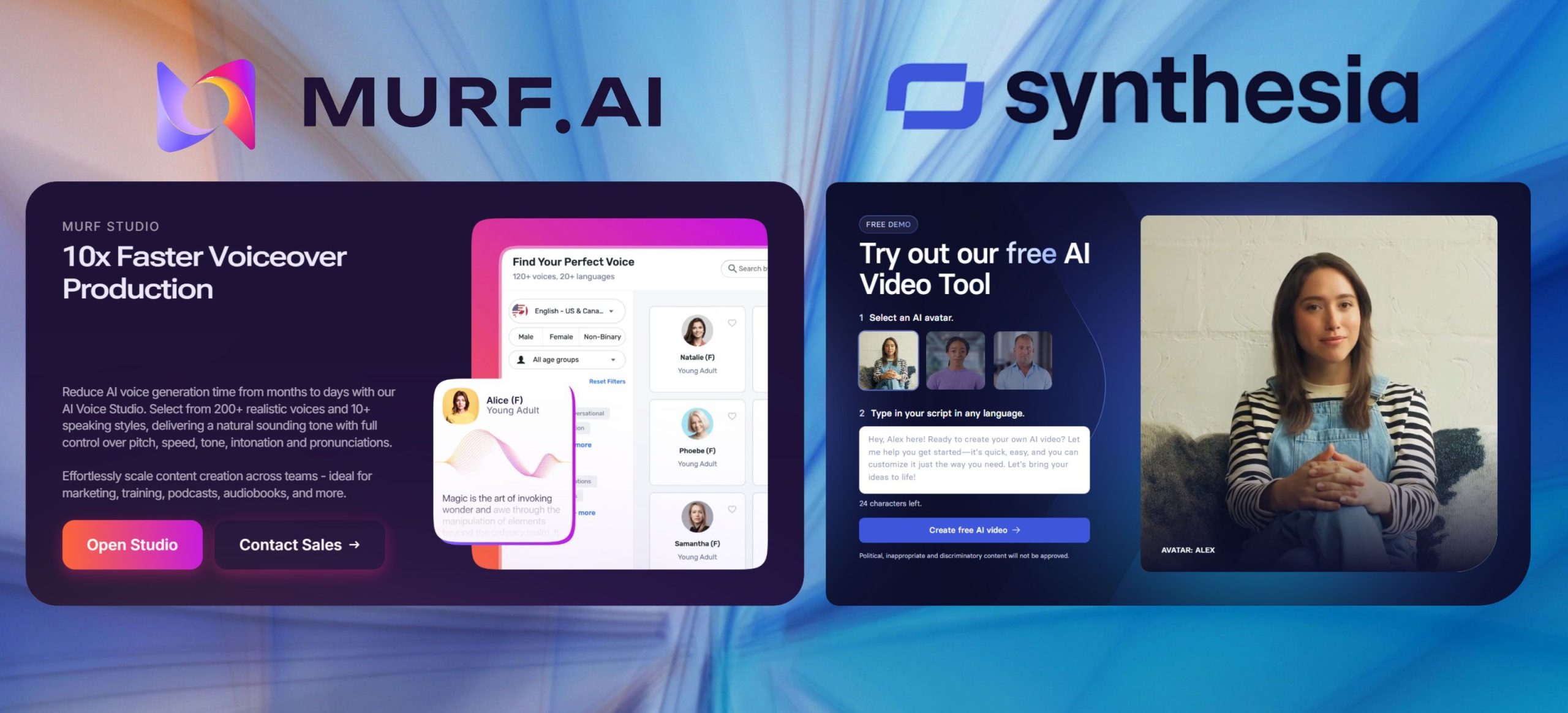
Murf AI is built around voice-first content, and here's what it brings to the table before we get into the full Murf vs Synthesia comparison.

Core Capabilities
- 200+ AI voices across 30+ languages — covering multiple accents, genders, and tonal styles
- Dubbing & translation — converts a script into another language while preserving the original speaker's tone and pacing
- Voice customization — pitch, speed, pauses, emphasis, and pronunciation controls, similar in spirit to the W3C's Speech Synthesis Markup Language standard
- Voice cloning (Business plan and above)
- Media sync — align voiceover with images, video clips, and music on a timeline
- Canva and PowerPoint integrations for faster creative workflows
💡 What we noticed
In our dubbing test, Murf's translated audio kept the speaker's original emotional tone far better than we expected — the pacing and inflection carried across languages instead of flattening into a generic robotic read.
Best fit: podcasters, educators, marketers, and teams that need voice-first content — including multilingual dubbing — at scale. Murf's Creator plan starts at $29/month (or $19/month billed annually).
3. What Synthesia AI Offers in the Murf vs Synthesia Comparison
If Murf focuses on voice, Synthesia takes the opposite approach: full videos built around lifelike AI avatars — and this contrast is exactly why the Murf vs Synthesia debate matters.
Synthesia has become a favorite for training teams and marketers who need professional video without cameras or studios.
Core Capabilities
- AI avatars with customizable appearance and clothing — count varies by plan, from roughly 125+ on Starter up to 240+ on Enterprise
- 140+ languages and accents supported, with avatar lip-sync matched to each one
- Custom avatar creation (higher-tier plans) — build a digital presenter from your own footage
- Template-driven video builder with slides, background music, and text overlays
- Screen recording integration for product demos and tutorials
- Collaboration tools for teams co-creating content
💡 What we noticed
Synthesia's lip-sync held up noticeably better than Murf's video-adjacent features across the languages we tested — mouth movement tracked the audio closely enough that it didn't read as obviously synthetic.
Best fit: video-first content — training modules, ads, and explainer videos. Synthesia's Starter plan starts at $29/month (or $18/month billed annually).
4. Side-by-Side Comparison – Murf vs Synthesia
Here's a direct feature and pricing overview, with an honest winner called on each row rather than a generic tie.
| Feature | Murf AI | Synthesia AI | Winner |
|---|---|---|---|
| Main Focus | AI voice generator & dubbing | AI video generator with avatars | — |
| Voices / Avatars | 200+ voices in 30+ languages | 140+ languages, avatars vary 125–240+ by plan | — |
| Voice & translation quality | Natural, emotionally nuanced, preserves speaker style | Voice tied to avatar, less nuance control | Murf |
| Lip sync / avatar realism | No avatar feature | Strong lip-sync across 140+ languages | Synthesia |
| Customization | Pitch, speed, tone, pauses, cloning | Custom avatars, templates, media uploads | — |
| Best For | Podcasts, dubbing, training narration | Training videos, marketing, onboarding | — |
| Entry Pricing | From $29/month (Creator plan) | From $29/month (Starter plan) | Tie |
| Free Trial | Yes – limited free plan | Yes – free demo option | Tie |
| Get Started | 🚀 Try Murf AI | 🎬 Try Synthesia AI | — |
5. Who Should Choose Murf in the Murf vs Synthesia Matchup
If your priority is voice-first content, Murf is often the smarter pick in the Murf vs Synthesia debate — especially for dubbing and multilingual narration.
- Educators & trainers: professional narration in 30+ languages without hiring voice actors
- Podcasters: natural-sounding audio with pitch, pacing, and emphasis control
- Teams localizing content: Murf's dubbing feature preserves speaker tone across languages, based on our direct test
- Budget-conscious teams: Creator plan starts at $19/month billed annually
Curious how voice AI generates realistic speech in the first place? Our guide on how voice assistants actually work breaks it down in more depth.
And if your workflow leans more toward editing recorded audio than generating it from scratch, our Descript AI review covers a more hands-on alternative worth comparing.
In short: Murf is the better choice for scaling audio and multilingual dubbing while keeping costs predictable.
6. Who Should Choose Synthesia in the Murf vs Synthesia Debate
If your goal is video-first content, Synthesia is the stronger choice in the Murf vs Synthesia comparison — it replaces cameras, studios, and presenters while keeping a polished look.
- Corporate training teams: onboarding and compliance modules in 140+ languages
- Marketing teams: explainer videos and personalized messages at scale
- E-learning creators: full courses with avatar presenters, no studio needed
- Enterprise teams: custom avatars and brand controls on the Enterprise tier
⚠️ Where Synthesia has real competition
If you need broader AI video generation beyond avatar presenters, it's worth seeing how Runway ML compares to Pika Labs for more general-purpose AI video work.
In short: choose Synthesia if you want automated, avatar-led video production with strong lip-sync across languages.
7. Pricing Breakdown – Plans, Trials, and Deals
Cost is often the deciding factor in the Murf vs Synthesia pricing debate, so here's the verified 2026 breakdown for both platforms.
| Plan | Murf AI | Synthesia AI |
|---|---|---|
| Free | 10 min voice generation, no commercial rights | 10 min/month, watermarked, 9 avatars |
| Entry | Creator: $29/mo ($19/mo annual) | Starter: $29/mo ($18/mo annual) |
| Mid-Tier | Business: $99/mo ($66/mo annual) | Creator: $89/mo ($64/mo annual) |
| Enterprise | Custom pricing — voice cloning, API access | Custom pricing — unlimited minutes, SSO |
Quick take: entry pricing is nearly identical at $29/month for both. The gap opens at the mid-tier, where Synthesia's Creator plan runs $10/month cheaper than Murf's Business plan on monthly billing.
8. Ethical AI Reflection – Voice Cloning, Avatars & Responsible Use
Every comparison like Murf vs Synthesia raises ethical questions that go beyond features and pricing.

- Voice cloning risk (Murf): misuse could enable impersonation. Always secure consent before cloning a real person's voice.
- Avatar transparency (Synthesia): audiences deserve to know when they're watching an AI presenter rather than a real person.
- Bias awareness: voice and video AI can underrepresent certain accents or visual cues — review output critically.
This isn't a hypothetical concern — the FTC has been actively researching how to address AI-enabled voice cloning, from fraud prevention to biometric data misuse.
Our stance is simple: tools like Murf and Synthesia are assistants, not replacements — they can empower creators, but only when paired with real transparency.
9. Alternatives Worth Considering Beyond Murf vs Synthesia
Murf vs Synthesia covers two of the most popular names in AI voice and video, but they aren't the only options worth exploring.
- WellSaid Labs — a high-quality AI voice generator often praised for enterprise and training use.
- Pictory — turns scripts or blog posts into videos with captions and stock footage.
- Descript — combines audio/video editing with AI transcription for a more hands-on workflow.
- DeepBrain AI Studios — a Synthesia competitor with human-like avatars.
- Lovo.ai — another text-to-speech platform focused on realistic voices for advertising.
Each tool solves a slightly different need. For a deeper look at broader AI tool stacks, see our guide on best all-in-one AI tools.
10. Final Verdict – Murf vs Synthesia, Which Is Right for You?
The Murf vs Synthesia decision ultimately comes down to your content priorities.
If you need voice-first content — dubbing, narration, localized training — Murf AI gives you better emotional nuance and speaker-style preservation, based on our direct testing.
If you need video-first content — avatar-led presentations, onboarding, marketing videos — Synthesia AI wins on lip-sync accuracy and avatar polish.
Neither tool is objectively better, and many teams end up using both together — Murf for narration and dubbing, Synthesia for the visual layer.
For a deeper dive into Murf specifically, see our full Murf AI review.
Want the bigger picture on voice AI?
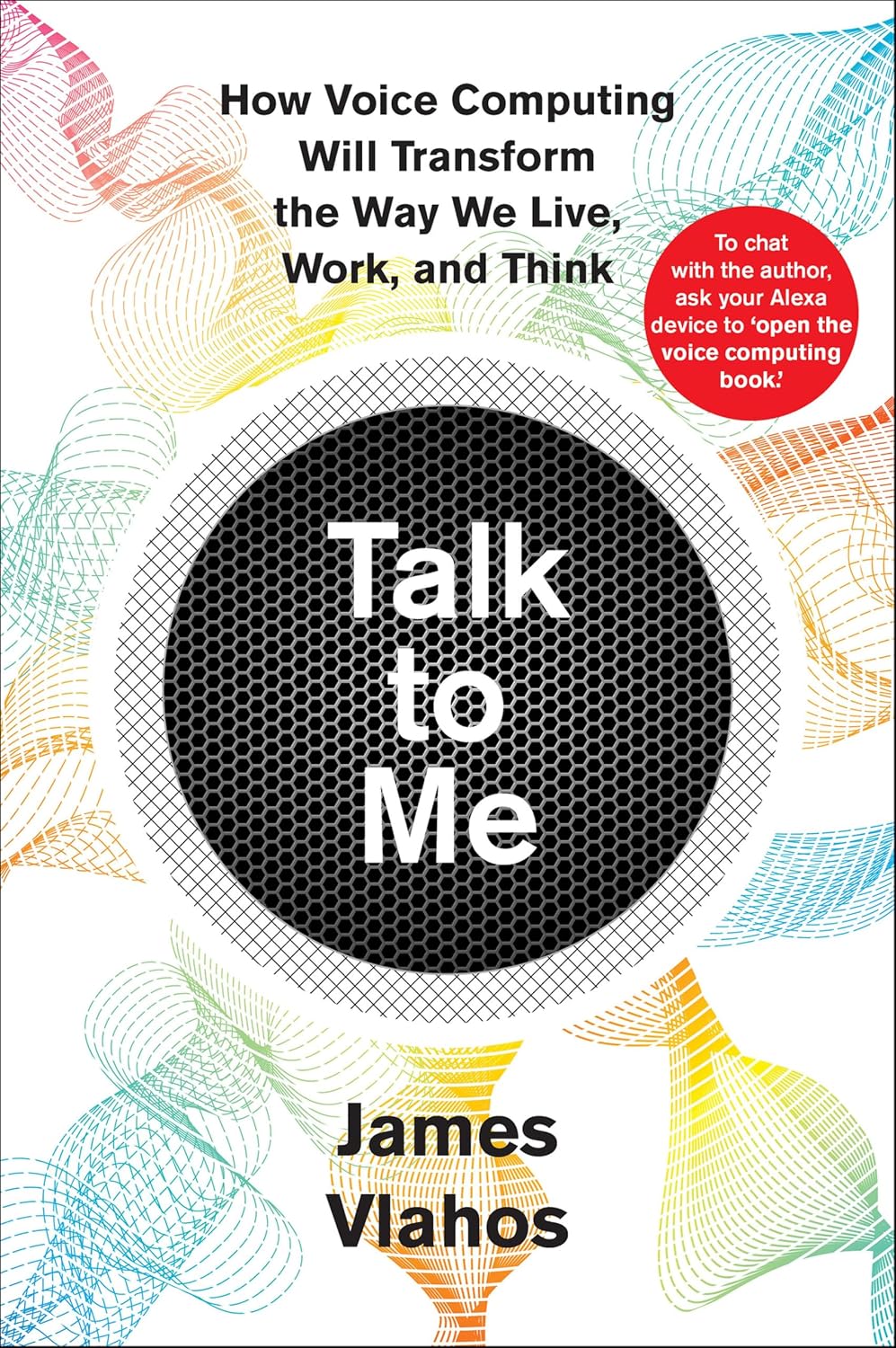
Talk to Me: How Voice Computing Will Transform the Way We Live, Work, and Think digs into why tools like Murf feel as natural as they do — and where voice interfaces are headed next.
Check the Book →