
Mirko
AI Tech Writer
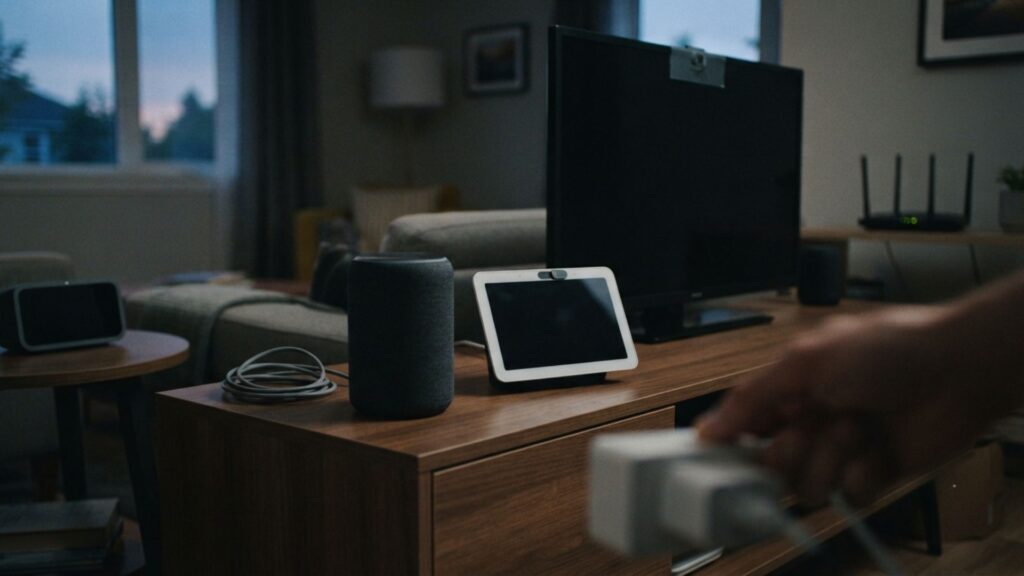
Most AI home devices keep working long after you stop talking to them — logging activity, buffering audio, or quietly syncing history to a server you never checked. We researched the exact settings worth disabling across the most common brands, so you can keep the convenience without handing over a running log of your daily life.
Some links are affiliate links · You support us at no extra cost · Full disclosure
1. Why AI Home Devices Need Your Attention Now
Smart homes get chattier over time, not quieter. You add a speaker, then a vacuum, then a video doorbell — and each one starts listening, logging, or reporting the moment it's plugged in.
That's the real story here: convenience arrives immediately, but a running log of your daily habits often ships turned on by default.
Most people never see a prompt asking permission for any of it. The setting just exists, quietly, three menus deep.
What should you disable on AI home devices? Start with cloud voice history, "improvement" or learning programs, activity timelines, and permanent map storage on robot vacuums — the four settings behind most unnecessary data collection.
Here's what most guides skip: people don't want to unplug their gadgets. They want a short, specific list of what to switch off.
That's exactly what this guide gives you — the highest-impact settings first, brand by brand, with no guesswork involved.
Tip: Pick the device you use most, then fix its highest-impact setting first. One disabled ambient-listening mode often beats ten smaller tweaks scattered across other gadgets.
2. The Hidden Data AI Home Devices Collect
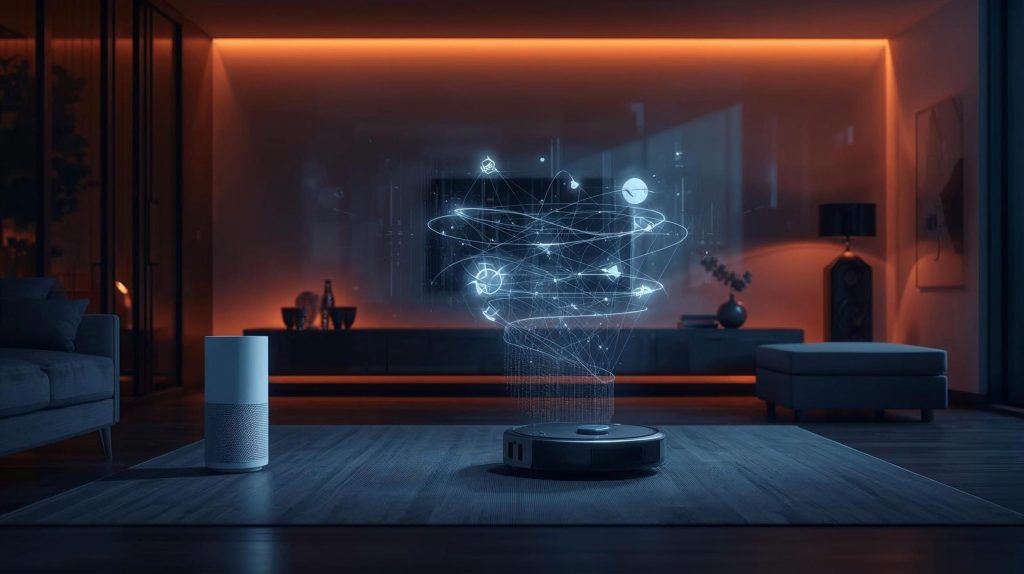
Picture your smart gadgets as always-on notetakers, not passive helpers. Most keep working quietly in the background, long after you stop talking to them.
Four categories cover almost everything AI home devices typically collect:
- Activity logs — when a device was used, how often, and in what order.
- Environment data — motion, temperature, humidity, or air quality readings.
- Voice buffers — short audio clips around a wake word, sometimes kept indefinitely.
- Cloud diagnostics — performance stats uploaded automatically, whether you asked or not.
These settings usually sit three or four menus deep inside a companion app. Defaults sound harmless — "device insights," "voice learning" — so almost nobody touches them.
If you've read our guide on how voice assistants work, you'll recognize this pattern. Convenience and data collection are bundled together by design, not by necessity.
A few gadgets handle this better. Local-first hubs process commands on your own network instead of a manufacturer's cloud — worth knowing before your next purchase.
Tip: Manufacturers publish data-handling pages in their support docs. A five-minute read tells you what stays local and what gets uploaded.

Recommended Read
Digital Minimalism — Cal Newport
A useful companion once you start cutting back on ambient tracking — it's about building intention around tech, not giving it up entirely.
Check the Book →3. The Features You Should Disable First
When people picture securing AI home devices, they imagine a maze of settings. In practice, five toggles cause most of the exposure.
Each one takes under a minute to fix, and together they remove most of the background noise.
5 Settings Most AI Home Devices Hide By Default
- Always-listening / ambient modes — speakers and hubs buffer short audio clips to catch wake words. Turn this off if you don't use voice control daily.
- Cloud sync for device logs — most gadgets upload usage history by default, even if you never touch remote access.
- Activity timelines — these track when you're home, when you leave, and how you move through rooms.
- "Improvement" or "training" programs — labeled things like "help improve responses," these send extra data to the manufacturer.
- Permanent map storage on robot vacuums — some models let you clean without storing a floor plan in the cloud.
None of these take longer to disable than it took to read this sentence — and skipping them is the single biggest gap we see across most smart homes.
Tip: If a device offers a local-processing mode, use it. It cuts unnecessary cloud traffic and usually keeps working even if your Wi-Fi drops.
4. How to Turn Off Tracking, Brand by Brand
Most AI home devices hide their privacy controls somewhere slightly different. The pattern repeats: open the companion app, then check Settings → Privacy or Voice & Recognition.
Amazon Echo
Important 2026 update: Amazon removed its "Do Not Send Voice Recordings" option in March 2025. Every Echo device now processes voice requests through Amazon's cloud — there's no local-only mode left.
If privacy matters to you, the physical mute button does more than any in-app toggle at this point. Use it whenever you're not actively using voice commands.
Google Home
Google still offers more granular control. Under Settings → Privacy → Your Data in the Assistant, uncheck voice and audio activity storage and shorten auto-delete from "keep forever" to three months.
Robot Vacuums
Look for "local maps only" instead of permanent cloud storage. The Roborock S8 Pro Ultra keeps full mapping performance while storing your layout on-device — one of the few models built this way.
Buying New AI Home Devices in 2026
Check for the FCC's Cyber Trust Mark before you buy. The shield logo discloses what a device collects and whether that data gets sold — up front, not buried in a terms-of-service page afterward.
Tip: Brand documentation is often clearer than in-app labels. Apple and Dyson both publish plain-language explanations of each privacy toggle.
5. Common Privacy Mistakes and Fast Fixes
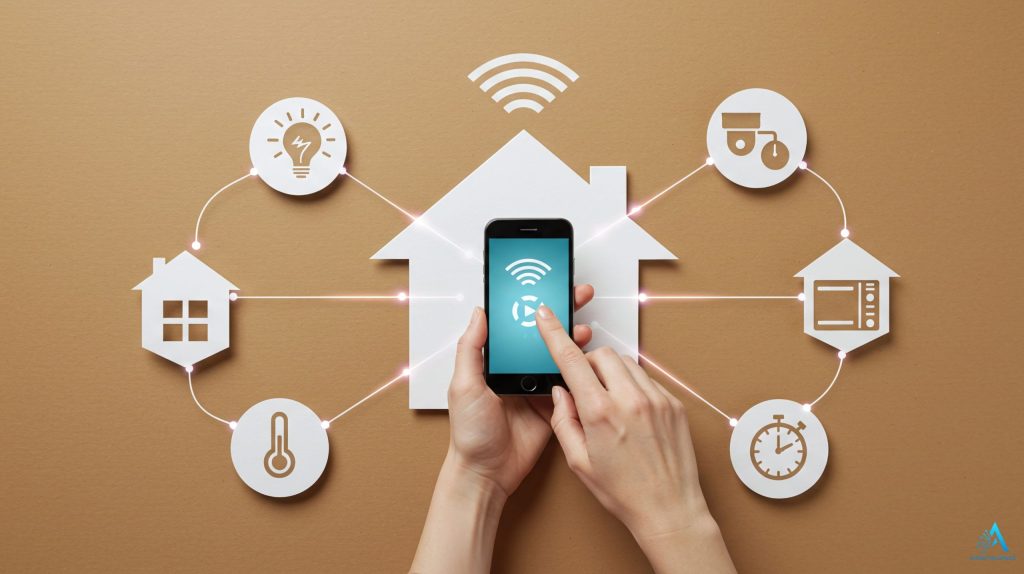
Even careful people leave AI home devices collecting more than needed. The fastest fix is recognizing these five patterns.
1. Trusting Default Settings Too Much
Defaults enable cloud syncing, diagnostics, and behavioral learning even when you never use those features.
Quick Fix
Turn off anything labeled "analytics," "improve accuracy," or "device insights."
2. Forgetting Small Accessories
Smart plugs and sensors quietly log routines — when appliances turn on, and typical movement patterns.
Quick Fix
Disable "usage trends" and any feature that auto-shares routines between devices. Similar logic applies to smart cameras.
3. Never Checking the Cloud Dashboard
Many brands store longer histories online than what shows in the app itself.
Quick Fix
Log into the manufacturer's privacy portal, delete stored logs, and repeat monthly.
4. Leaving Full Mapping Enabled on Robot Vacuums
Some vacuums store detailed home maps in the cloud by default, even without needing to.
Quick Fix
Switch to "local maps only" inside the companion app whenever it's available.
5. Not Rechecking Permissions After Updates
Software updates often silently re-enable cloud syncing and learning programs.
Quick Fix
After each update, revisit the privacy menu and disable anything reactivated. Pairs well with a smart lock privacy check at the same time.
None of this means changing everything at once. A few targeted tweaks across your AI home devices make the biggest difference to your overall home security privacy.

6. Ethical Settings and Final Recommendations
Living with AI home devices means accepting a trade-off. These tools genuinely make life easier, but they also reshape what "private space" means at home.
AI doesn't decide what to collect — we set the rules, often without noticing. When cloud history or learning programs stay on by default, a device quietly builds a picture of your routine.
- Avoids long-term storage you don't actually need
- Limits data shared outside your home network
- Keeps automation helpful instead of intrusive
- Restores a sense of choice over your own routine
If you're building a setup from scratch, our smart home hub guide covers the options that respect this balance from day one.
Ethical use isn't about rejecting technology. It's choosing what stays on, what stays local, and what genuinely earns its place in your home.
Open the Smart Home Setup Guide →Frequently Asked Questions — AI Home Devices and Privacy
Do AI home devices record even when I'm not using them?
+Many do. Devices commonly keep short audio buffers, activity logs, or sensor readings active by default, even outside active use.
These usually live inside a privacy or device history menu, and most can be switched off without touching core functions.
Which settings should I disable first for better privacy?
+Start with cloud voice history, analytics programs, learning modes, and permanent map saving on robot vacuums.
Each takes under a minute inside the companion app, and none affect the features people actually rely on.
Does Amazon Echo still let me keep voice recordings off the cloud?
+No. Amazon removed the local-only voice processing option in March 2025. Every Echo device now sends requests through Amazon's servers.
The physical mute button is currently the only way to fully stop audio capture on these devices.
Are robot vacuum maps safe to store in the cloud?
+Generally secure, but not always necessary. The Roborock S8 Pro Ultra offers a local-only mapping mode with full cleaning performance.
That's the more private option if remote cloud access isn't something you actively need.
Do smart plugs and small accessories track data too?
+Yes. Smart plugs and sensors often log appliance routines and usage patterns by default, even for basic on/off scheduling.
Turning off predictive scheduling and routine-sharing keeps automation useful while limiting what gets uploaded.
How often should I check my smart home privacy settings?
+A monthly review works well for most households. Also check right after major firmware updates.
Manufacturers occasionally re-enable cloud syncing by default when pushing new software, undoing changes you'd already made.
What is the FCC Cyber Trust Mark and does it help with privacy?
+It's a labeling program rolling out through 2026 for smart devices meeting baseline security standards.
A scannable QR code discloses what data a device collects — useful to check before buying, not after.
Can I use AI home devices without any cloud connection at all?
+Mostly, if you choose local-first hardware. Home Assistant Green processes automations entirely on your own network.
Most mainstream voice assistants still need some cloud connection, so full offline use means picking different hardware from the start.
🔐 Keep Building a More Private Smart Home
You've disabled the highest-risk settings on your AI home devices. Here's where to go next: