
 Published on: October 3, 2025
2. What the TikTok Algorithm Actually Does
3. Key Signals TikTok Uses to Choose Your Feed
4. How the For You Page (FYP) Is Built Step by Step
5. Ways to Influence What TikTok Shows You
6. Common Myths About the TikTok Algorithm
7. Tools and Settings to Personalize Your Feed
8. Ethical AI Reflection – Transparency, Privacy, and Control
9. Comparison Table – TikTok vs Instagram vs YouTube Algorithms
10. Final Tips – Making the Algorithm Work for You
1. Introduction – Why Everyone Talks About the TikTok Algorithm
If you’ve ever scrolled through TikTok and wondered “why am I seeing this video?”, you’re not alone. The TikTok algorithm has become one of the most talked-about systems on social media because it shapes what we discover, who goes viral, and even what products we end up buying. Unlike old social networks where the feed was chronological, TikTok’s For You Page is a personalized mix built by signals you give off—sometimes without realizing it.
As AI Digital Space, we follow these changes closely, because understanding how the algorithm works isn’t just curiosity—it’s practical knowledge. If you’re a creator, the TikTok algorithm determines whether your content reaches thousands or disappears into silence. If you’re just scrolling for fun, it still influences your mood, your time spent on the app, and even your shopping habits. That’s why we’ve seen growing searches around “how the TikTok feed works” and “why TikTok shows certain videos” (source).
On our site, we’ve already explored practical AI uses for creators in posts such as AI tools for designers. Now, it’s time to go step-by-step into TikTok’s system, so we can understand the signals behind it—and most importantly, learn how to make the algorithm work for us rather than against us.
2. What the TikTok Algorithm Actually Does
At its core, the TikTok algorithm is a recommendation engine. Its job is simple: predict which videos you’ll watch, like, and share. Every swipe tells TikTok something—whether you stay on a clip, skip it, or rewatch it. Those signals feed into the system, which then decides what to show you next.
Unlike a search engine, TikTok doesn’t wait for you to ask. It constantly learns from behavior: time of day, type of content, even the music you prefer. That’s why two people can open the app at the same moment and see completely different feeds. For TikTok, the goal is maximum engagement—keeping you scrolling longer and interacting more.
In short, the algorithm is less about chance and more about calculated prediction. By turning user actions into data, it builds a personal content path for each of us.
3. Key Signals TikTok Uses to Choose Your Feed
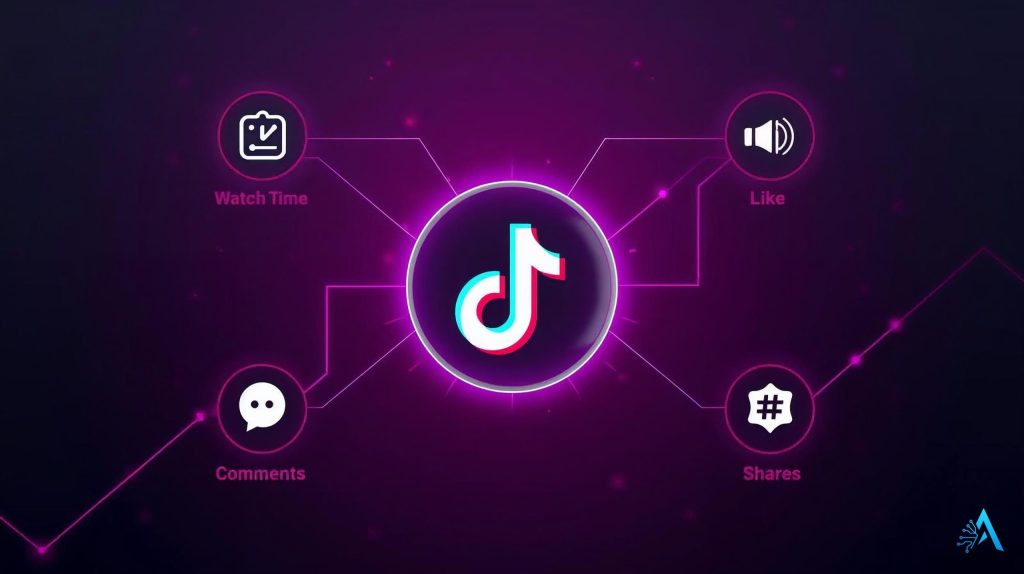
The TikTok algorithm doesn’t pick videos at random. It reads signals from your activity and ranks content based on how likely you are to enjoy it. Here are the main ones:
Watch time – The most powerful signal. Finishing a video (or rewatching) tells TikTok it’s valuable.
Engagement – Likes, comments, shares, and saves all increase the weight of a video.
Content details – Captions, sounds, hashtags, and text on screen help TikTok match you with topics.
Device and settings – Language, location, and device type refine recommendations without defining them completely.
New content testing – TikTok pushes fresh videos to small groups first. If they perform well, they spread to bigger audiences.
Together, these signals form the scoring system behind your For You Page. The algorithm combines them to predict what you’ll tap next, aiming to maximize time spent on the app.
4. How the For You Page (FYP) Is Built Step by Step
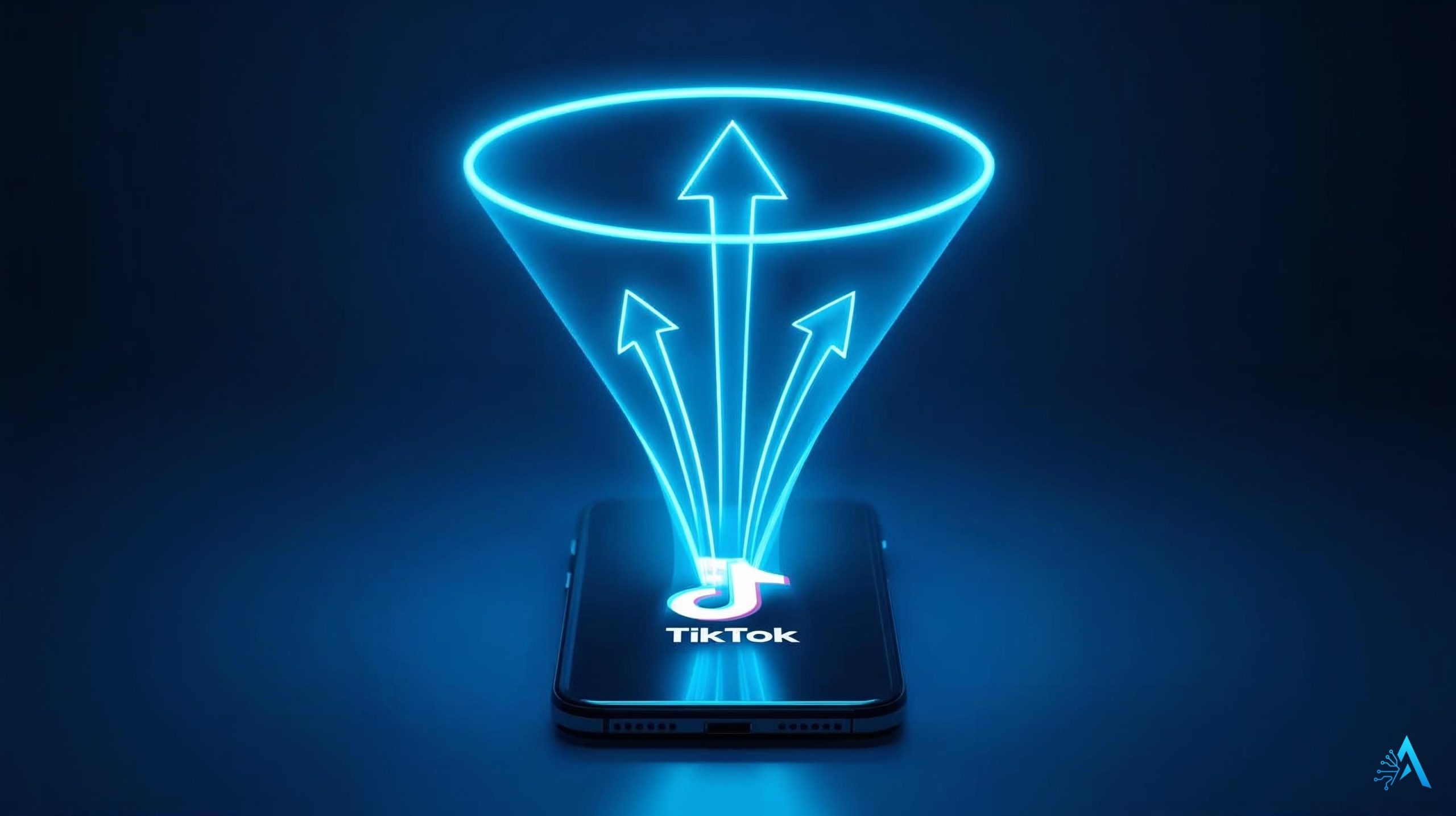
The TikTok algorithm builds your For You Page in stages. Think of it as a funnel: from millions of videos down to the handful you see when you open the app.
Step 1 – Collect signals
Every action you take (watch time, likes, comments) is logged. TikTok also notes video details—hashtags, sounds, and captions.
Step 2 – Initial testing
Fresh content is shown to a small test group. If they watch to the end, engage, or rewatch, the video gets a higher “score.”
Step 3 – Ranking by relevance
Videos with strong early signals are pushed to wider audiences. At this stage, TikTok compares them against your personal activity to decide if they fit your interests.
Step 4 – Personal feed assembly
Your FYP is then stacked with clips that the algorithm predicts will keep you engaged. That’s why creators who optimize descriptions, hashtags, and editing often outperform.
For creators, tools like Canva Pro help design better covers and captions, while Opus Clip can repurpose long videos into short, TikTok-ready clips. Both align perfectly with how the algorithm favors well-packaged content.
For background, TikTok itself explains some of these steps in its official newsroom update.
5. Ways to Influence What TikTok Shows You
The good news: you’re not just a passive viewer. The TikTok algorithm reacts quickly to your signals, which means you can shape your feed. Here’s how:
Engage with what you like
Watch videos you enjoy until the end, and don’t be shy about liking or saving them. These actions push similar content higher in your FYP.
Use “Not Interested” wisely
When a video feels off-topic, hold down and tap Not Interested. It tells TikTok to reduce similar clips in your feed.
Search and follow
Looking up hashtags or following accounts around a theme (fitness, recipes, tech) teaches the algorithm to bring you more of it.
Refresh when needed
If your feed feels stuck, clearing search history and resetting recommendations can help TikTok rebuild your interests from scratch.
6. Common Myths About the TikTok Algorithm
Because the TikTok algorithm feels mysterious, plenty of myths spread online. Here are the most common ones—and what’s actually true:
Myth 1 – Hashtags alone make you go viral
Fact: Hashtags help with categorization, but watch time and engagement weigh far more in the ranking.
Myth 2 – Posting at “secret times” guarantees reach
Fact: Consistency matters more than timing. The algorithm rewards steady posting, not magic hours.
Myth 3 – Followers equal For You Page success
Fact: Even new accounts can hit the FYP if their videos perform well with test audiences.
Myth 4 – TikTok hides your content on purpose
Fact: Videos with low engagement drop naturally. It’s not suppression—it’s the system favoring higher-scoring clips.
For creators who want data instead of myths, platforms like Analisa.io or social analytics dashboards available via PartnerStack affiliates give deeper insight into what actually drives reach.
7. Tools and Settings to Personalize Your Feed
TikTok doesn’t leave you powerless. The app includes built-in options to fine-tune what you see, and a few third-party tools can help you understand your habits better.
TikTok’s own controls
Not Interested: Long-press on any video to reduce similar content.
Filter keywords: In settings, you can block words or hashtags from appearing in your feed.
Clear history: Resetting your search and watch history gives the algorithm a fresh start.
Third-party helpers
If you want deeper insights into trends or audience behavior, analytics platforms like Analisa.io or scheduling tools such as Later can show you which content styles resonate most. While TikTok’s algorithm itself is closed, these tools make patterns easier to spot.
Using these settings and helpers in combination gives you more influence over what fills your For You Page—and keeps the experience closer to what you actually enjoy.
8. Ethical AI Reflection – Transparency, Privacy, and Control
Every time we use TikTok, the algorithm learns from us. While this creates a highly personalized experience, it also raises important questions. How much should a platform know about our preferences, daily routines, or even emotions?
From an ethical perspective, the challenge lies in balance: TikTok aims to maximize engagement, but users should keep control of their digital footprint. This is why being aware of settings like “Not Interested” or keyword filters isn’t just about feed quality—it’s about data ownership.
As AI Digital Space, we believe algorithms should work with people, not just on people. Transparency on how recommendations are built, along with simple privacy controls, helps users make informed choices. And for creators, respecting these limits is part of building healthier digital spaces.
For readers interested in the broader picture, our article on AI hallucinations explores another case where algorithms can mislead and why awareness is key.
9. Comparison Table – TikTok vs Instagram vs YouTube Algorithms
To put TikTok’s recommendation system in perspective, it helps to see how it compares with other platforms. While each algorithm has the same end goal—keep us engaged—their methods differ.
| Platform | Main Signals | Strengths | Weaknesses |
|---|---|---|---|
| TikTok | Watch time, replays, engagement, content details | Fast discovery, viral potential for small creators | Opaque system, highly addictive |
| Follows, likes, saves, story interactions | Strong community building, multiple content formats | Harder for new accounts to grow organically | |
| YouTube | Watch duration, clicks, subscriptions, topic interest | Great for long-form content and monetization | Slower growth, heavy competition |
This side-by-side view shows how TikTok differs by giving more weight to short-term watch behavior, while Instagram relies more on your social graph and YouTube favors longer watch sessions.
10. Final Tips – Making the Algorithm Work for You
The TikTok algorithm can feel complex, but the way to work with it is surprisingly simple. For everyday users, it means training your feed: watch what you like, dismiss what you don’t, and explore new topics intentionally. For creators, it means focusing less on “hacks” and more on making videos that people actually watch to the end and want to share.
If you’re serious about improving your content, using creative tools such as CapCut or planning posts with Later can give you an edge—because the algorithm favors quality and consistency over quick tricks.
In the end, the algorithm isn’t a mystery box. It’s a system designed to respond to behavior. The more you understand its signals, the more control you gain—whether that’s for building an audience or simply making your feed more enjoyable.