
Why Most People Get Weak AI Results
Ever asked ChatGPT or Gemini a question and felt the answer was off? You're not the problem — your prompt probably is.
Most users type what comes to mind and expect magic, then wonder why the reply feels generic.
Knowing how to write better prompts for AI tools is what separates average replies from brilliant ones.
"A small change in phrasing can turn a flat, generic output into something clear, creative, and useful."
We've seen this pattern everywhere: people trust AI for writing, learning, and work, yet skip the setup that makes it effective.
In our Taskade AI review, structured prompts turned random thoughts into organized action plans — proof that clarity pays off.
How AI Actually Reads Your Prompt
Before you can write better prompts for AI tools, it helps to understand what happens the moment you hit Enter.
AI doesn't think like a person — it predicts what's most likely to come next based on the words you feed it.
🧠 The core difference
You know what you mean. The AI only knows what you typed — it fills every gap with a guess.
Think of your AI tool as a collaborator with no memory of what you mean, only what you say. A vague prompt forces it to guess your tone and purpose.
Harvard University's IT department, which maintains internal AI-use guidance for staff and students, makes a similar point.
Give the model a role, a goal, and context — the way you'd brief a colleague, not a search bar. See Harvard's AI assistant guidelines.
Separate research from MIT Technology Review backs this up: precise input measurably reduces hallucinations and off-topic answers.
Define the Goal Before the Prompt
If you don't know exactly what you want, the AI won't either.
Before typing a word, define your end goal: an idea, a summary, a plan, or a rewrite.
Think of it like briefing a colleague. You wouldn't say "write something" — you'd say what tone, length, and outcome you need.
✅ Checklist: Write Better Prompts for AI Tools, Step by Step
- What's the actual output — an idea, a draft, a plan, or a rewrite?
- Who is this for, and what tone fits them?
- What length or format do you need (list, table, paragraph)?
- What should the AI avoid including?
Every item on that checklist exists for one reason: it's easier to write better prompts for AI tools when the goal is explicit first.
Our research into current prompting guides confirms the same pattern: strong 2026 frameworks lead with a clear role, task, and constraint — not just a topic.
7 Hacks to Write Better Prompts for AI Tools
These seven hacks are the backbone of writing better prompts for AI tools — practical shifts that make every request sharper.
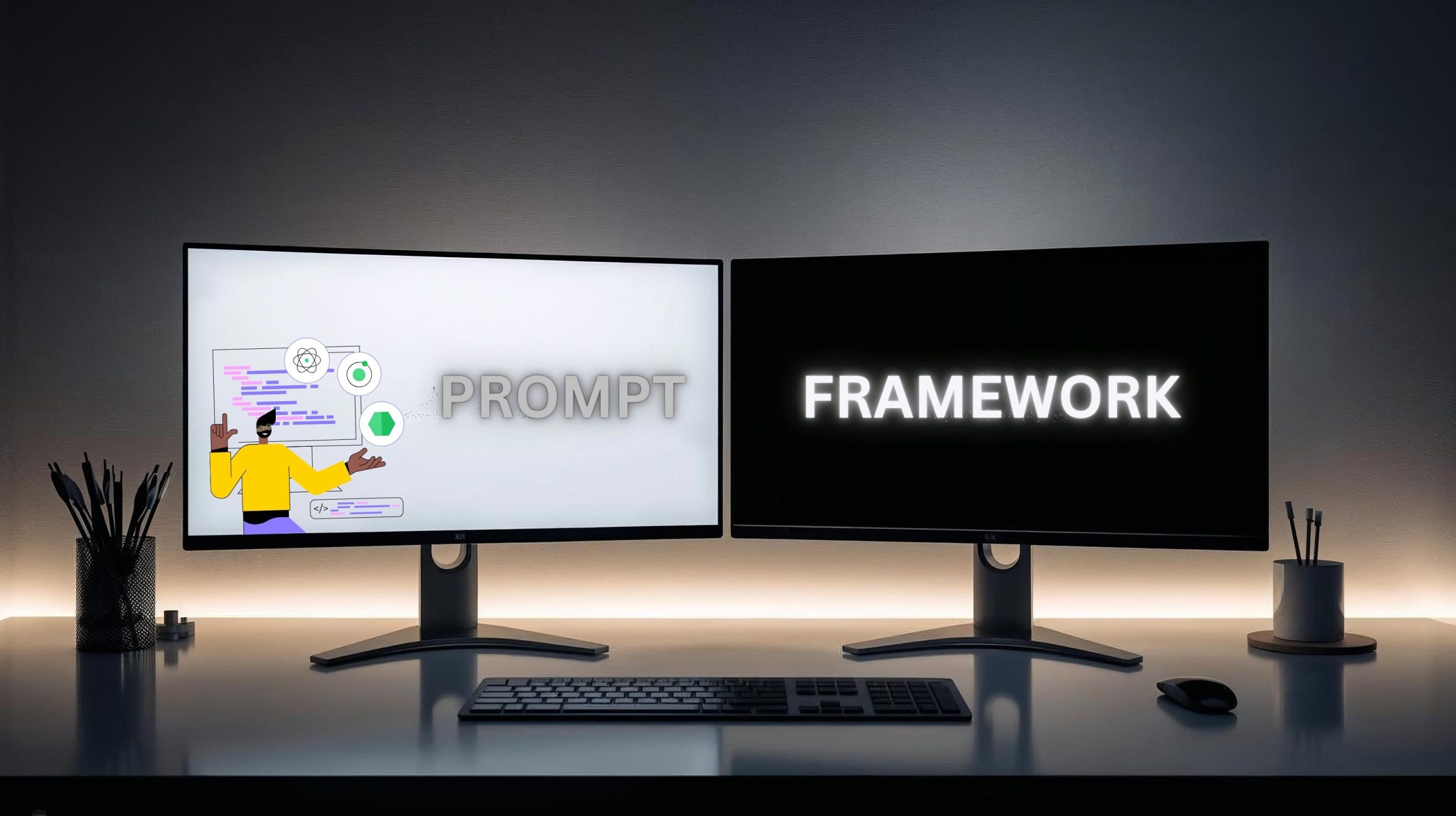
A quick before/after view of how to write better prompts for AI tools in practice.
Use the table below as a quick reference whenever you sit down to write better prompts for AI tools.
| Hack | Before | After (Improved Prompt) |
|---|---|---|
| 1. Role Context | Write a post about AI prompts. | You are a content strategist. Write a clear, step-by-step post on how to write better prompts for AI tools. |
| 2. Goal Statement | Give me AI tips. | List 5 AI prompt tips that improve writing accuracy and tone consistency. |
| 3. Step-by-Step Requests | Help me plan content. | Outline my content strategy in 3 steps: research, draft, refine. |
| 4. Tone + Audience | Explain AI prompts. | Explain AI prompts for beginners in a friendly, practical tone. |
| 5. Examples + Context | How do I get better AI results? | Show examples of how small prompt changes improve AI output. |
| 6. Constraints | Summarize this article. | Summarize this article in under 100 words, neutral tone, short sentences. |
| 7. Refinement Loop | That's not what I wanted. | Refine this answer to sound more human and workflow-focused. |
Never send your first draft. Rewrite the prompt once, add a goal, and define who's "speaking" — it's a small effort with a real payoff.
Tools That Help You Write Better Prompts for AI Tools
Once you know how to write better prompts for AI tools, the next step is a workflow that keeps your best ones organized.

Two tools that make it easier to write better prompts for AI tools every day.
⚠️ One detail worth flagging
Our research turned up something worth knowing before you pay for a prompt-optimizer subscription: PromptPerfect, a well-known AI prompt-optimization tool, is shutting down on September 1, 2026.
The closure follows Elastic's acquisition of its parent company, Jina AI. New signups have already closed, so we're not recommending it here.
Two tools we do trust for this: Notion AI for storing and reusing prompts, and Taskade for turning a prompt straight into a task list.
| Tool | Best for | Prompt library? | Try it |
|---|---|---|---|
| Notion AI | Organizing prompts as reusable templates across projects | Yes | Try Notion AI → |
| Taskade | Turning a structured prompt into a real-time task list | Yes | Try Taskade → |
Chrome extensions like AIPRM add a searchable library of community prompt templates directly inside ChatGPT — a fine starting point, though we don't currently have a partnership behind it to recommend a specific plan.
Responsible Prompting in 2026

Learning to write better prompts for AI tools also means using them responsibly.
Learning to write better prompts for AI tools isn't just about sharper answers — it's also about using AI responsibly.
Every prompt influences how information gets created and shared. Phrasing can subtly introduce bias or emotional framing that the AI then amplifies.
Give the AI clear, balanced context — "summarize both pros and cons of AI-generated art" instead of "prove why AI art is bad" — and it stays factual and fair.
Responsible prompting also means respecting privacy. Never feed sensitive data or someone else's work into an AI model without permission.
Writing prompts is ultimately a reflection of how clearly we communicate. Better questions lead to more trustworthy answers.
For a deeper look at responsible prompt design, see Prompt Engineering for Generative AI, a solid next read on the topic.
Final Thoughts & Next Steps
Learning to write better prompts for AI tools isn't a luxury anymore — it's a skill worth mastering.
Start small: pick one hack from this guide and test it today.
Then build your own prompt library inside Notion AI or Taskade, so every new idea starts sharper than the last.
If you want to go further, our guide to AI prompt chains shows how to link prompts together for complex, multi-step outputs.
For where to apply these skills next, see our Jasper vs Copy.ai comparison and the full Taskade AI review.