

Mirko
AI Tech Writer
Sick of creating yet another account just to test an AI tool? Most AI platforms force you through email verification, password creation, and privacy policies before you can even try them. These no-login tools let you jump straight in—sketch to image in seconds, remove backgrounds instantly, or clean up photos—without handing over your email. Perfect for quick tasks, testing before committing, or staying off yet another mailing list.
🧭 Quick Navigation
Some links are affiliate links · You support the blog at no extra cost · Details
1. Introduction: No Login, No Problem – The Best Free AI Tools You Can Use Instantly
Tired of creating accounts just to try a tool? We’ve all been there. In 2026, the demand for free AI tools no login has exploded — and for good reason.
Many of us want to test ideas quickly without handing over an email address, creating passwords, or agreeing to unclear data policies. Whether you’re generating text, editing images, or exploring creative prompts, today it’s finally possible to use AI tools without login and get real results instantly.
That’s why people keep searching for when and how free AI tools no login actually work. In this guide, we’ve collected the most reliable no login AI tools you can use right now — explaining what they do well, where they fall short, and when they’re the right choice.
In this guide, we’ve collected the top free AI tools no login required. These no login AI tools are:
Easy to use directly in your browser
Great for quick results
Free, with no hidden sign-up traps
Perfect for creators, students, small business owners, and AI-curious users
You’ll find tools for image editing, content writing, sketch-to-art generation, and more. They’re ideal for anyone who wants to explore no sign-up AI tools and test the power of AI without committing to a platform or sharing personal data.
For more powerful tools, explore our AI Tools category or browse Creative AI apps that help with visuals, design, and inspiration. If you’re managing projects or ideas, tools like Taskade AI and Notion AI also offer free access or demo modes — though some features may require login later.
This post focuses on tools that work instantly. No email. No account. Just results.
Yes — some free AI tools no login required really work. These tools let you generate text, images, or ideas directly in your browser without creating an account. They’re ideal for quick tasks, experiments, and learning, as long as you avoid uploading sensitive data.
2. Tool Reviews
We’ve rounded up a selection of the most reliable, creative, and genuinely helpful free AI tools no login needed in 2025. These apps work instantly in your browser and are perfect for fast tasks like generating images, removing backgrounds, or drafting content — all without wasting time creating an account.
Whether you’re a creator, a student, or just exploring AI out of curiosity, these tools are quick to try and surprisingly powerful. Below, you’ll find our top picks with real-world use cases and links to try them immediately.
Below are the best free AI tools no login required we tested. Each tool works directly in your browser, without email registration or sign-up tricks, making them ideal for fast experiments and everyday tasks.
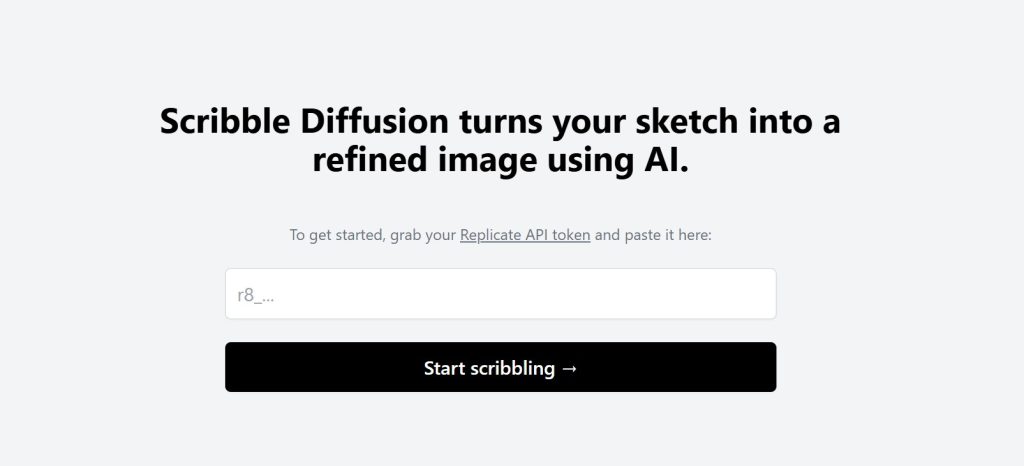
2.1 Scribble Diffusion – Turn Your Doodles into AI Art in Seconds
If you’ve ever wanted to turn a rough sketch into digital art without opening a design app, Scribble Diffusion is for you. It’s one of the most fun and intuitive free AI tools no login required, and it works directly in your browser.
Just draw something simple — even a messy line — then type a short description like “robot in the forest” or *“sunset over mountains.” The tool instantly generates an artwork based on your sketch, letting you use AI tools without login or setup.
Why it’s useful:
Super fast and fun to use
No sign-up or personal data required
Results are imaginative and varied
Best for:
Visual brainstorming for creative projects
Fun sketch-to-art play with kids or students
Creating visual prompts or concept art using no login AI tools
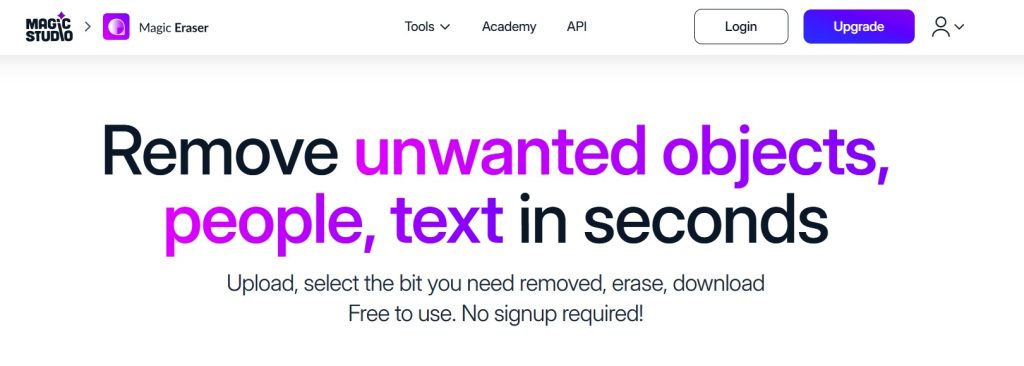
2.2 Magic Eraser – Remove Anything from Any Image Instantly
Need to clean up a photo without downloading an app or signing up? Magic Eraser is a brilliant browser-based tool that lets you highlight and erase any object in seconds.
You upload an image, brush over what you want removed (like a person, power line, or background object), and the AI fills in the space naturally. It’s fast, free, and doesn’t ask for an email.
Why it’s great:
Simple UI that works on desktop and mobile
No login required
Clean results in most cases — great for social or blog use
Best for:
Cleaning up product shots
Removing photobombers
Prepping clean visuals for content
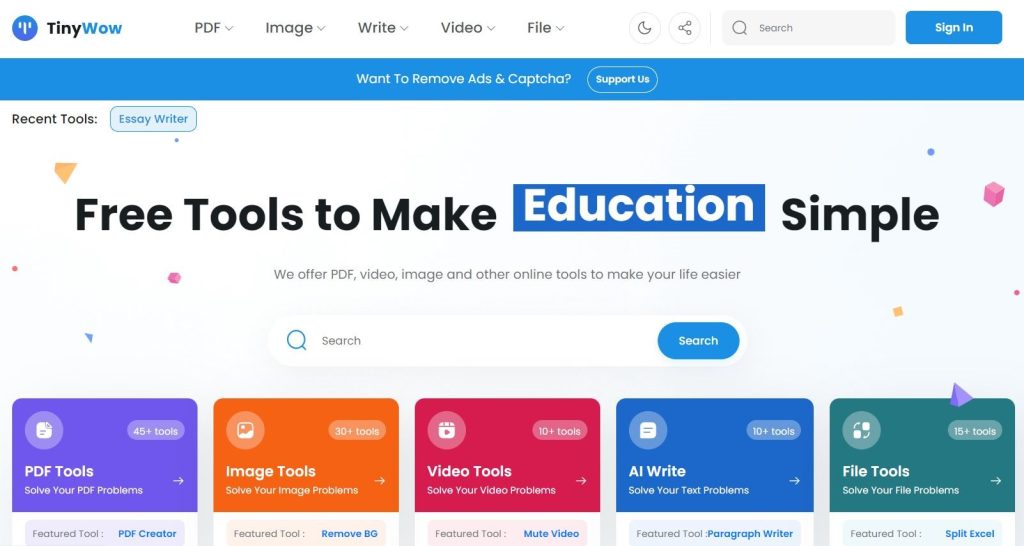
2.3 TinyWow – A Full Toolbox of Free AI Tools
TinyWow is one of the most generous collections of browser tools we’ve seen — and all of them are free with no login. The site offers AI-powered writing tools, file converters, image editors, and even PDF utilities.
You can write blog intros, convert images to different formats, generate headlines, and more — all from one clean dashboard.
Why it’s great:
Over 50 tools in one place
Completely free and no sign-up needed
Fast, ad-supported, and updated regularly
Best for:
Creators who need small tools quickly
Students editing essays or PDFs
Bloggers creating fast content assets
Combine TinyWow’s writing tools with our tips from Notion AI for even better results.
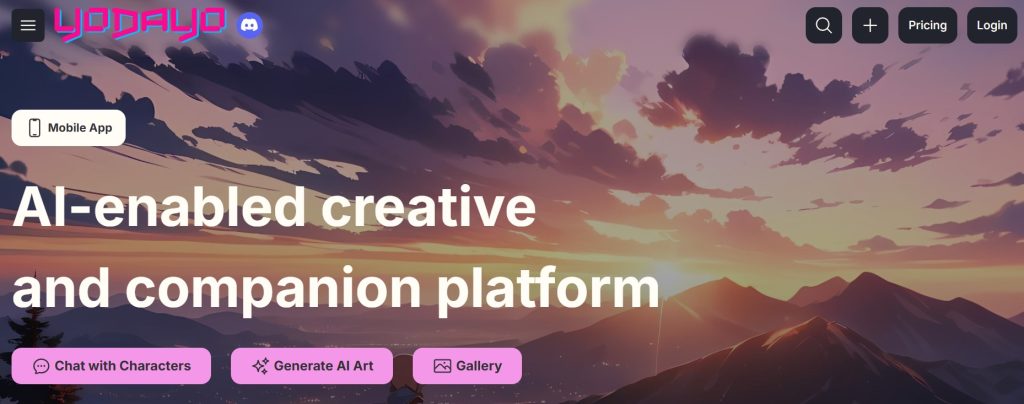
2.4 Yodayo AI – Free AI Anime Art Generator
If you’re into anime or manga visuals, Yodayo AI is a surprisingly polished tool to generate AI art in that unique Japanese style. You can enter prompts like “anime warrior in the snow” and receive instant results — no login or account needed.
You can also explore images created by others and remix them.
Why it’s great:
Very specific anime-style rendering
Free to use and explore
Great for fans and creators in anime communities
Best for:
AI anime profile pics or thumbnails
Game design concepts or fan art
Exploring trending visual styles
Want to go beyond anime? Check out other options in our AI Art Tool List.
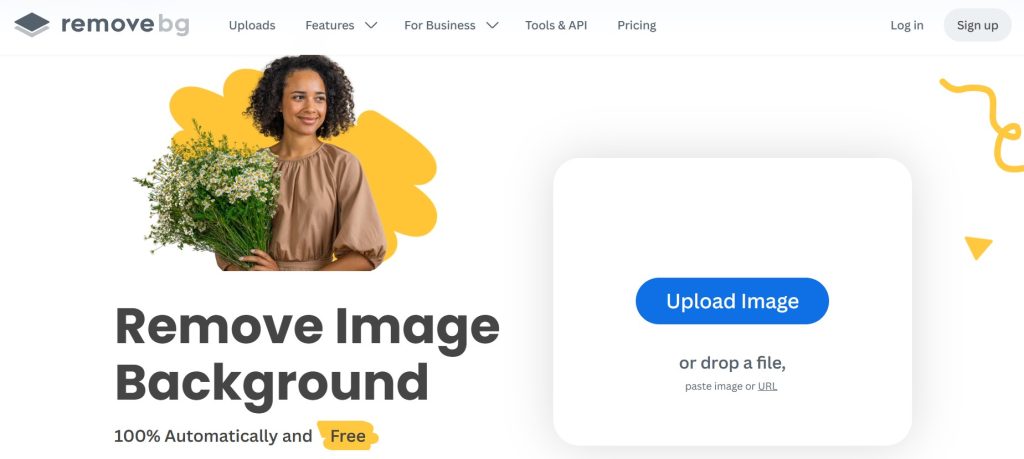
2.5 BgRemover – Fast AI Background Removal
BgRemover does exactly what its name says — and fast. Upload any photo, and the AI removes the background cleanly, giving you a transparent PNG you can use for designs, slides, or posts. No email, no waitlist.
Why it’s great:
Instant download of clean-cut images
No login or credits required
Lightweight and easy for anyone
Best for:
Product photography
Ecommerce shops or thumbnails
Social media post design
Need more design ideas? Browse our Top Creative AI Picks.
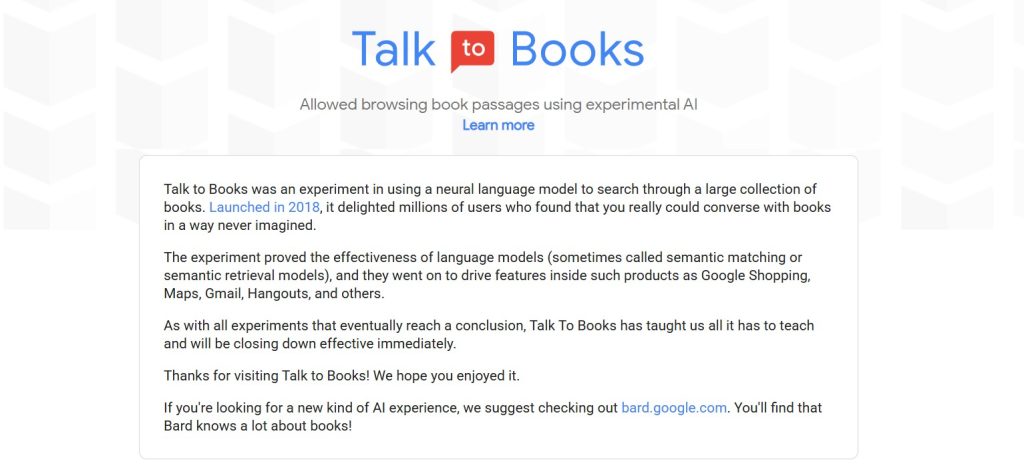
2.6 Talk to Books – Explore Ideas with AI-Powered Book Dialogue
Developed by Google AI, Talk to Books lets you ask a question or enter a thought, and the tool replies with excerpts from real published books. There’s no account required and it feels like a conversation with a digital librarian.
Why it’s great:
Instant access to book excerpts based on semantics
No login or registration
Great for idea exploration, essays, or thought experiments
Best for:
Writers exploring philosophy or culture
Teachers and students looking for sources
Creative thinkers searching fresh angles
Explore more writing and thinking tools in our AI Tools section.

2.7 AI Picasso – Create Paintings from Text with a Fun Interface
AI Picasso offers a colorful, playful way to generate art from text prompts. It’s a lighter tool with instant results — just type a description and pick a style like oil painting or pencil sketch. No login required.
Why it’s great:
Friendly interface for beginners
Great color and style variety
Free and anonymous usage
Best for:
Creative mood boards
School art projects
Quick visuals for presentations
2.8 Vercel AI Text Generator – Simple, Minimal Writing Assistant
This tiny tool hosted on Vercel uses a lightweight AI model to generate responses or expand ideas. Just type your prompt and get back clean AI-generated text. No email, no distractions.
Why it’s great:
Very fast and minimal
Great for one-line copy or captions
100% no login and ad-free
Best for:
Writing tweet ideas or short blurbs
Brainstorming titles
Lightweight writing practice
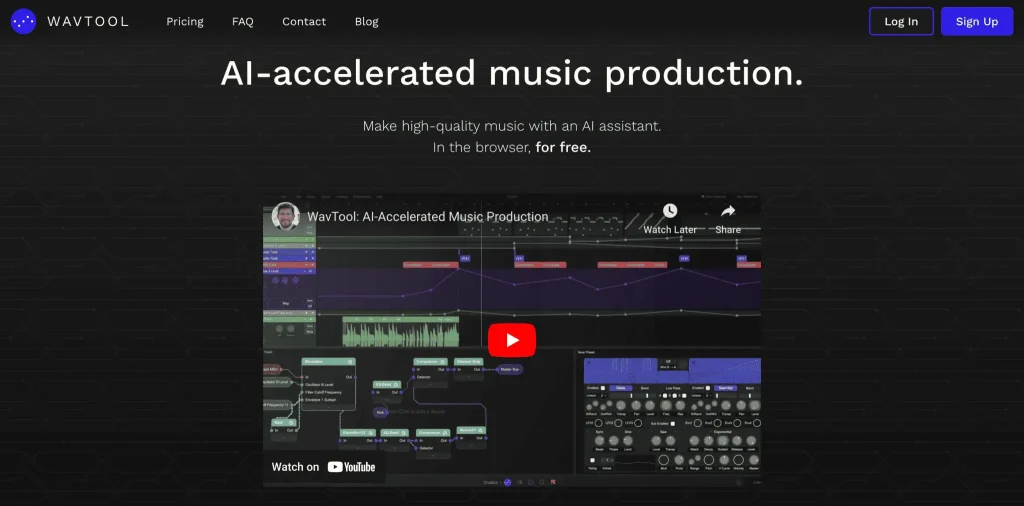
2.9 WavTool (Demo Mode) – Compose AI Music in Your Browser
WavTool is an AI music creator where you can write or generate compositions in-browser. The demo mode allows you to explore melodies and rhythms without any login.
Why it’s great:
Works in your browser, no downloads
Includes text-to-music commands
Very intuitive demo mode
Best for:
Experimenting with audio for content
Students or musicians trying melody ideas
Creating AI background music for video
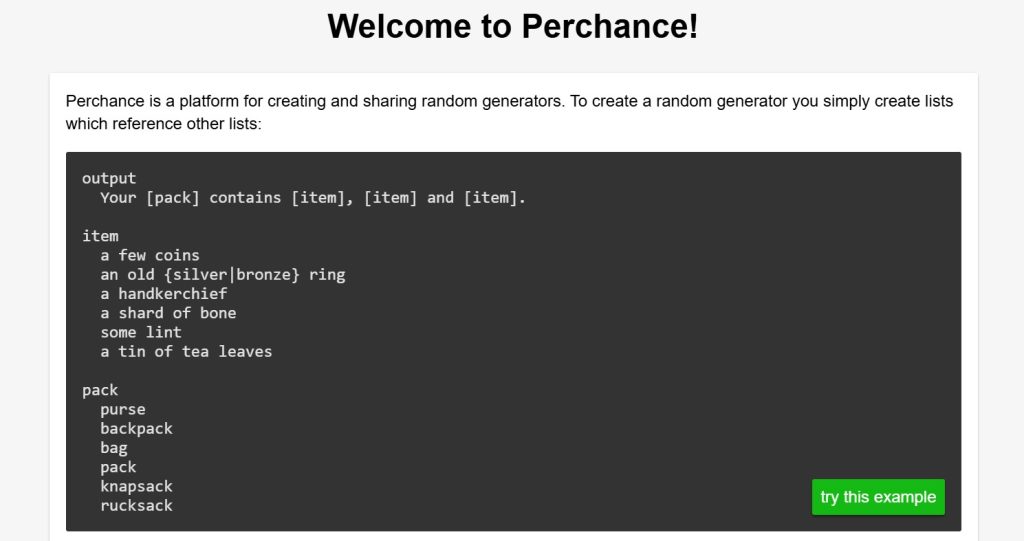
2.10 Perchance – Generate Anything Instantly with Templates
Perchance is a platform of pre-built AI random generators. You can create or use public templates for things like fantasy names, sci-fi dialogue, plot ideas, or even startup names — no login ever.
Why it’s great:
Huge community library of generators
Fast and open source
Creative, nerdy, and fun
Best for:
Writers doing world-building
Game developers and storytellers
Anyone experimenting with randomness
3. Use Cases – When These Tools Are Most Useful
Not every AI project requires a full suite with login credentials and saved settings. In fact, many of the tools we’ve reviewed above are designed for a very specific need: getting something done quickly, privately, and without strings attached.
Here are the most common scenarios where free AI tools no login truly shine:
1. Quick content creation
When you need a headline, caption, image, or idea fast, no login AI tools let you skip setup and get straight to the result.
2. Casual or first-time users
If you’re just testing AI or introducing it to someone new (like a student), free AI tools no login are ideal: low pressure, low barrier, no commitment.
3. Shared computers or public access
In schools, libraries, or co-working spaces where creating accounts isn’t practical, these tools work immediately. You can use AI tools without login and without worrying about saved data.
4. Creative brainstorming
For ideation and experimentation, no sign-up AI tools are perfect. You can iterate quickly without thinking about account limits, dashboards, or saved history.
5. Privacy-conscious workflows
If you prefer not to leave a data trail, these tools allow you to explore AI with no registration and no personal information exchange.
6. One-time tasks
Need to remove a background or generate a quick name? Free AI tools no login make sense when the task is simple and you don’t want to register for a full service.
Whatever your reason, these tools make AI more accessible — and they’re often surprisingly powerful, even without an account.
Coming up next: the pros and cons of using AI without a login, so you can decide when no login AI tools are the right choice — and when they’re not.
4. Pros and Cons of No-Login AI Tools
As useful as these tools are, going password-free isn’t always the perfect choice. Like any shortcut, free AI tools no login come with trade-offs.
Here’s a clear view of the ups and downs:
✅ Pros:
No friction – Open the tool and start using it immediately.
Privacy-friendly – No emails, passwords, or data collection.
Perfect for quick tasks – Ideal for one-off needs or small creative jobs.
Accessible anywhere – Works on public computers or shared networks.
Beginner-friendly – Great for first-time users who don’t want to commit.
❌ Cons:
No saved history – You can’t revisit past sessions or projects.
Limited features – Free/demo versions may not include advanced options.
Temporary access – Tools sometimes switch to login-only later.
No support or recovery – If something goes wrong, there’s no account to contact support with.
In short, these tools are best when you need speed and simplicity — but if you’re building long-term projects or working professionally, a full account might still be worth it.
5. Tips for Using These Tools Efficiently
Even though these tools are built for simplicity, there are smart ways to get the most value from them. Here are a few quick tips to use free AI tools no login more effectively:
1. Bookmark your favorites
Since these tools don’t save your data, saving links helps you return quickly when needed.
2. Always save your output immediately
No login means no autosave — download or copy your result before refreshing the page or closing the tab.
3. Combine tools for better workflows
For example: use Scribble Diffusion to generate an image, then clean it up with Magic Eraser or BgRemover.
4. Be mindful of privacy
Avoid uploading sensitive personal or client data. These tools don’t track you, but they don’t offer encryption either.
5. Keep a swipe file of results
Save examples or outputs you like for reference. This helps compare tools and build your personal AI workflow over time.
6. Check back often
Free tools evolve quickly. Many add features (or limits) over time — so rechecking can help you discover new use cases.
Use these tools like a set of quick-access instruments — not a full creative suite, but powerful when used with intention.
Next up: a few quick reflections on privacy and ethical use.
The AI-First Company
by Ash Fontana
Ready to move beyond free tools? This book teaches you how to systematically evaluate, integrate, and scale AI tools in your workflow—from casual experimentation to production-ready systems.
- Practical frameworks for choosing the right AI tools
- Real-world case studies from AI-first companies
- Strategies to move from testing to implementation

6. Ethical and Privacy Considerations
While no-login AI tools are convenient, they aren’t completely risk-free. Even if you’re not handing over an email address, there are still a few things worth keeping in mind — especially if you care about transparency, data protection, or responsible tech use.
1. Know what you’re uploading
Just because a tool doesn’t ask for your credentials doesn’t mean your files or text aren’t being processed or temporarily stored. Avoid uploading private or sensitive material.
2. Read the terms if you’re using AI for work
Some tools allow commercial use, others don’t. If you’re using results in a project, check the licensing page (most tools have a footer link or FAQ).
3. Understand who owns the output
Many AI tools clarify that generated content is either public domain, user-owned, or shared with the platform. Don’t assume — verify.
4. Use ethically and respectfully
Don’t use these tools to impersonate others, spread disinformation, or mass-generate fake content. Quick access doesn’t mean careless use.
5. Support good tools
If you find value in a tool, consider sharing it or donating. Free tools often rely on community use or ad support to stay online.
Using AI tools responsibly doesn’t mean avoiding them — it means understanding what’s happening behind the scenes and staying informed.
Next, we’ll wrap it all up with a final summary and quick answers to the most common questions.
7. Conclusion – Try First, Commit Later
There’s something refreshing about tools that just work—no sign-up, no friction. In a time where everything asks for an email address, these free AI tools no login options feel like a breath of fresh digital air.
They’re not meant to replace full-scale platforms or enterprise solutions. Instead, they offer a fast, low-risk way to experiment with AI, solve quick problems, or test creative ideas without commitment.
Whether you’re creating an image, writing a quick draft, or removing something from a photo, there’s probably a no-login tool that can do the job well—and instantly.
The beauty of no-login AI tools? Speed. No barriers between you and the solution. No “verify your email” interruptions. Just immediate results when you need them most.
If you found this guide helpful, feel free to explore more AI tools in our comprehensive guides below.
Coming up next: the FAQ section with the most common questions people ask about no-login AI tools. Let’s clear up the last doubts!
Bonus: Advanced AI Tools with Free Trials
If you’re ready to explore deeper functionality or want pro-level features, here are a few tools we use and recommend. They’re not no-login, but they offer free trials and are ideal for scaling your workflow.
Bonus: Advanced AI Tools with Free Trials
If you're ready to explore deeper functionality or want pro-level features, here are a few tools we use and recommend. They're not no-login, but they offer free trials and are ideal for growing your workflow.
-
🧠
Notion AI
Organize your tasks, write smarter, and automate daily notes
-
✍️
Copy.ai
Write blogs, emails, and ads with AI
-
📋
Taskade AI
A second brain for team productivity
-
🎨
Canva Pro
Create blog graphics and videos with built-in AI
-
📹
Opus Clip
Turn long videos into viral clips using AI
8. Frequently Asked Questions
What are the best free AI tools with no login in 2026?
+TinyWow leads the pack with 200+ tools requiring zero signup. It handles PDFs, images, videos, and text conversion. Magic Eraser excels at removing unwanted objects from photos, while BG Remover delivers instant background removal.
For creative work, Scribble Diffusion transforms sketches into polished art, and Vercel AI lets you test multiple language models side-by-side. All work instantly in your browser—no email verification, no password creation, no waiting.
Are no-login AI tools safe to use?
+Safe for casual and creative work, but avoid uploading sensitive data. Without an account, you have no control over data retention policies or processing logs. Reputable tools like TinyWow and Magic Eraser don't store uploads permanently, but temporary server logs may exist.
Use these tools for public content, mock-ups, or quick experiments. Never upload confidential documents, personal photos with metadata, client work requiring NDA compliance, or financial information. For sensitive projects, choose tools with account systems and clear privacy policies.
Can I use no-login AI tools for commercial work?
+It depends entirely on each tool's terms of service. TinyWow allows commercial use for most features. BG Remover permits commercial outputs but restricts bulk processing to paid tiers. Magic Eraser's free tier is personal use only—commercial requires subscription.
Always check licensing before using outputs in client deliverables, product listings, or marketing materials. Look for "Commercial Use" sections in their terms. For client work requiring legal protection, upgrade to paid accounts with explicit commercial licenses and customer support.
Why do some free tools eventually require login?
+It's a strategic user acquisition funnel. Tools offer no-login access to remove friction and grow user base quickly. Once users are hooked, they introduce accounts to enable project history, cloud storage, collaboration features, and paid plan conversions.
This model benefits everyone: new users test risk-free, power users gain advanced features through accounts, and tools monetize sustained usage. Expect this shift if a no-login tool gains popularity—enjoy the open access while it lasts, but don't rely on it for critical workflows long-term.
What's the main benefit of using AI tools without creating an account?
+Instant access without email spam, password fatigue, or data sharing. You get results in seconds—no verification emails, no profile forms, no newsletter subscriptions cluttering your inbox. Perfect for one-off tasks, testing before committing, or staying off marketing lists.
This approach also preserves privacy. No account means no persistent user profile, no cross-tool tracking, and minimal digital footprint. For quick experiments, learning new techniques, or casual creative projects, no-login tools remove every barrier between idea and execution.
Do these tools keep my uploaded content?
+Most claim automatic deletion after processing, but assume temporary server logs exist. Reputable tools like TinyWow delete uploads within 1-2 hours. Lesser-known tools may retain data longer or use it for model training.
Without an account dashboard, you can't verify deletion or request removal under GDPR/CCPA. Use these tools mindfully: watermark test images, avoid uploading originals for critical projects, and read privacy policies. For absolute control, choose tools with transparent data handling and account-based deletion features.
What are the limitations of free no-login AI tools?
+Lower resolution outputs, rate limits, watermarks, and no project history. Free tiers often cap exports at 1080p, limit daily uses (5-10 generations), add subtle branding, and delete results after download—you can't retrieve past work.
Advanced features like batch processing, API access, priority queues, and custom models require paid accounts. For professional work, these constraints quickly become bottlenecks. Start with no-login tools to validate workflows, then upgrade when hitting limits consistently.
Can I trust the quality of outputs from no-login tools?
+Quality matches paid versions for basic tasks but lacks fine-tuning control. Magic Eraser's object removal rivals Photoshop's Content-Aware Fill for simple edits. BG Remover produces clean cutouts comparable to Remove.bg. TinyWow's PDF conversions are production-ready.
Where they fall short: edge refinement, handling complex scenes, artistic control, and iterative improvement. No-login tools prioritize speed over precision. For client work requiring pixel-perfect results, use these tools for rapid prototyping, then refine in professional software.
How do no-login tools make money if everything is free?
+Freemium conversion, strategic ads, and data partnerships. Most display non-intrusive ads or limit free usage to drive paid upgrades. TinyWow offers Pro plans removing ads and unlocking batch features. Others monetize through API access for businesses.
Some tools use anonymized data to improve models (check privacy policies). A few operate at a loss during growth phases, funded by venture capital betting on future monetization. This model works because 95% of users never convert—but the 5% who do subsidize everyone else.
What should I do if a no-login tool suddenly requires signup?
+Migrate immediately or accept the new terms. Download any work in progress, document your workflows, and identify alternatives from our tool list. If you've integrated the tool into production, evaluate whether their paid tier justifies the cost versus switching to competitors.
This shift is common and usually permanent. Tools rarely revert to no-login once they've added authentication. Treat no-login access as temporary convenience, not a permanent feature. For critical workflows, always maintain backup tools requiring accounts with clear service agreements.
Are there privacy risks with using AI tools without accounts?
+Less user tracking but more uncertainty about data handling. No account means no persistent profile linking your activities across sessions. However, you also lack transparency—no dashboard showing what's stored, no deletion controls, no GDPR request portal.
IP addresses, browser fingerprints, and upload metadata can still be logged. For maximum privacy, use VPNs, strip image EXIF data before upload, and avoid tools with opaque ownership or server locations in data-permissive jurisdictions. Balance convenience against your privacy threat model.
Which use cases are best suited for no-login AI tools?
+Quick experiments, learning workflows, and low-stakes creative projects. Perfect for testing AI capabilities before investing in paid tools, creating social media content, educational demos, personal creative exploration, and one-off tasks like resume formatting or background removal for listings.
Not ideal for: client deliverables requiring accountability, projects needing version history, workflows requiring consistent outputs over time, or anything involving sensitive data. Use no-login tools as your AI sandbox—experiment freely, then graduate successful workflows to professional platforms with proper infrastructure.
Try First, Commit Later
No-login AI tools prove that powerful AI doesn't always require surrendering your email address. They're perfect for testing ideas, learning new techniques, and getting quick results without the friction of account creation. Use them as your AI experimentation sandbox—validate what works, understand your needs, then graduate to professional tools when your workflows demand more control.
The best approach? Keep a bookmark folder of these instant-access tools for rapid prototyping, while maintaining paid accounts with proper infrastructure for client work and critical projects. Balance convenience with accountability, and you'll build a toolkit that handles everything from quick experiments to production deliverables.