Looka AI review 2025 branding tool

Looka AI Review 2025: Fast Branding Tool Tested for Real Results

📅 Published on: December 3, 2025

Disclosure:
This post may contain affiliate links. If you purchase through them, we may earn a small commission — at no extra cost to you. This helps support our research and keeps AI Digital Space running. Thank you!

1. Quick Verdict: Is Looka AI Worth It in 2025?

If you need a clean, professional brand identity without hiring a designer, Looka AI is one of the fastest and most reliable tools we’ve tested in 2025. In just a few minutes, it generates a full visual identity — logo, color palette, font pairings, and social media kit — all packaged in a way that’s simple even for beginners.

Looka works best for small businesses, creators, freelancers, and anyone launching something new on a tight budget. In this looka ai review, one thing becomes obvious: Looka isn’t meant to replace a custom designer, but it’s the perfect middle ground — fast, affordable, and polished enough for real-world use.

Compared with manual tools like Canva (you can read our full Canva Pro review), Looka is far more automated. It handles the entire branding logic for you, so you don’t need design experience. And unlike Fiverr, where quality depends on the designer you hire, Looka keeps everything consistent, editable, and easy to adjust.

At AIDigitalSpace, we value transparency. Looka uses AI to speed up the creative workflow, but still gives you full control over colors, shapes, fonts, and layout. This flexibility matters when you want a brand that actually represents your identity.
If you want a simple explanation of how brand identity works, check out this wikipedia link about brand identity.

If you’re starting a project, launching a micro-business, or refreshing your visuals, this looka ai review shows why Looka offers one of the strongest cost-to-quality ratios in the AI branding space. In the next sections, we break down how it works and how to get the most out of it.

Recommended Read:
If you're creating a new brand or refining your visual identity, “Building a StoryBrand” by Donald Miller is one of the most practical guides for communicating your message clearly and making your brand easier to understand.

2. The Real Problem Looka AI Solves for Small Creators
Most people searching for a looka ai review are stuck at the same point: they need a professional brand, but don’t have the design skills, time, or budget to build one from scratch. Hiring a designer costs hundreds, doing it manually takes days, and generic templates often fail to look unique.

Here’s the real challenge Looka addresses:

Branding requires four skills most beginners don’t have

  • choosing balanced colors

  • pairing readable fonts

  • creating a clean, scalable logo

  • keeping everything consistent across platforms

This is exactly where Looka becomes practical. In our looka ai review, we found that the tool removes the hardest steps by generating a complete brand identity system for you — logo, color palette, font combinations, and social media kit — all aligned from the start.

You don’t need to understand design rules or branding theory. Looka builds the entire structure automatically, and you simply adjust the style, colors, and layout to fit your brand.

Another big problem: brand inconsistency

Small creators often end up with mismatched visuals:

  • one color on Instagram

  • a different one on the website

  • a slightly altered version on packaging

Looka fixes this by producing a complete brand kit with predefined colors, typography, layout rules, and ready-to-use assets. Everything stays uniform, which makes your project look more credible from day one.

Who benefits most

Based on our looka ai review, the tool fits:

  • new businesses needing fast branding

  • creators launching digital products

  • freelancers who want a clean identity

  • Shopify or Etsy sellers starting small

  • anyone who wants to avoid Fiverr inconsistencies

For readers already using visual tools like Canva Pro, Looka becomes the “brand foundation”: you create your identity in Looka, then import the assets into Canva to produce posts, packaging, and product images.


In simple terms: Looka removes the design barrier so you can launch your idea without delays — and without compromising professionalism.

3. Looka AI Review: What the Tool Actually Offers

In this part of our looka ai review, we break down the features that matter most when you’re creating a brand from zero. Looka isn’t just a simple “logo generator.” It’s a full AI-powered branding engine that builds a complete identity you can use everywhere — from Instagram posts to business invoices.


Below is a clean, practical breakdown of Looka’s core features, based on real user workflows we analyzed during this looka ai review.

Feature What It Does Why It Matters
Logo Generator Creates dozens of logo variations from a few inputs. Fully editable: icons, shapes, fonts, spacing, layout. Fastest way to get a clean, professional logo without hiring a designer.
Color & Font Engine AI suggests coordinated palettes and font pairings based on brand personality. Ensures visual harmony across your brand — crucial for trust and readability.
Complete Brand Kit Exports logos, color codes, typography rules, social templates, business cards, and brand guidelines in one package. Saves hours of manual design and keeps your identity consistent everywhere.
Social Media Kit Auto-generates optimized posts, covers, and profile images for Instagram, TikTok, YouTube, and more. Ensures consistent branding across all platforms instantly.
Website Kit (Optional) Simple website builder that matches your brand identity automatically. Useful for launching a fast, clean online presence while keeping visuals aligned.
What Makes Looka Stand Out Speed, ease of use, and full-brand consistency across all exports. Ideal for beginners, side hustlers, freelancers, and small business owners.

After reviewing all the features in this looka ai review, it’s clear that Looka’s real strength comes from how its tools work together. Instead of a basic logo maker, you get a full, consistent brand system that small businesses and creators can apply everywhere. For anyone who wants fast, high-quality branding, Looka delivers one of the most complete and accessible experiences available today.

4. How to Create a Complete Brand With Looka AI (Step-by-Step)

Looka AI review visual showing a step-by-step branding workflow with a clean digital interface

Creating a brand with Looka is simple, even if you’ve never designed anything before. In this looka ai review, we walk through the process step-by-step so you know exactly what happens from setup to final export.

This section of the looka ai review is designed to give you a clear, practical overview of how the tool actually works in real life.

Step 1. Enter Your Brand Name and Industry

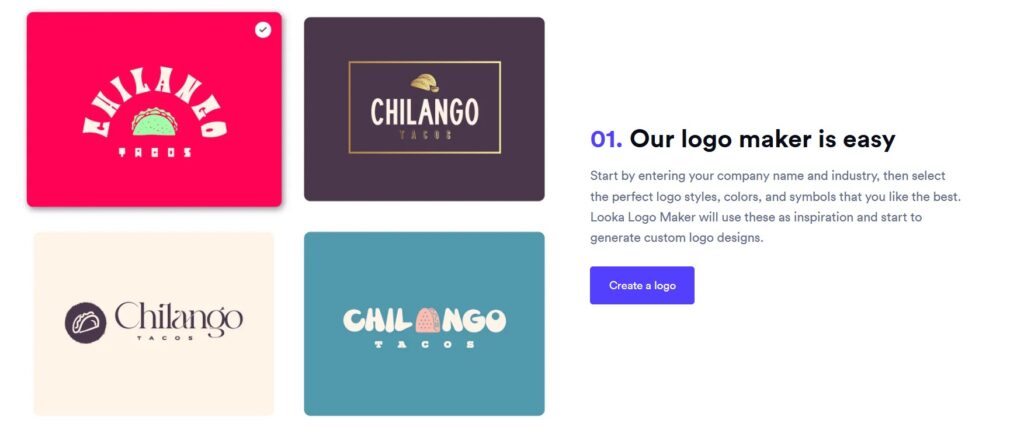
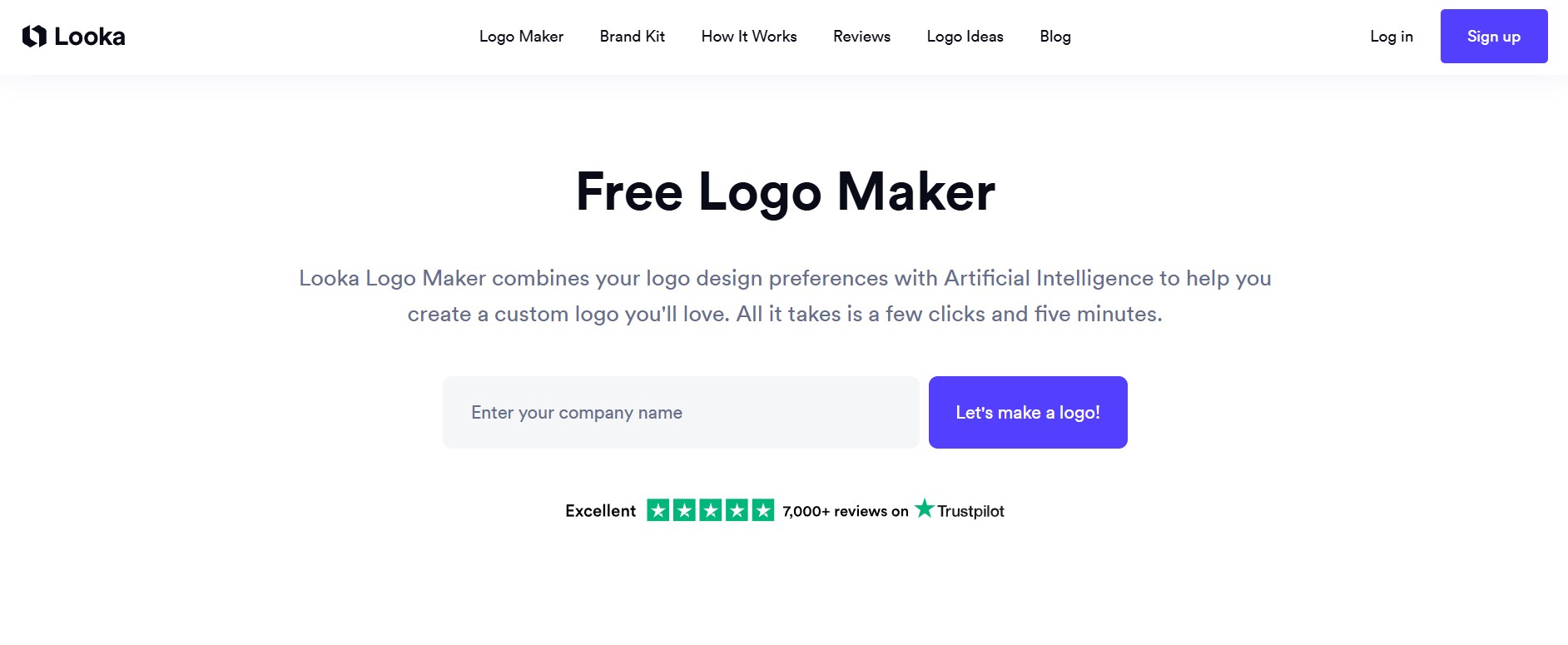
Looka begins with a simple setup: brand name + a short description of what you do. This helps the AI understand your niche and propose styles that fit your market.

Step 2. Choose Your Visual Preferences
You select a few styles, colors, and icon ideas. These choices guide the AI’s direction but don’t limit your options. Everything can be changed later, which makes the process beginner-friendly.

Step 3. Explore the Logo Variations
Looka instantly generates dozens of logo concepts. You can open multiple variations, compare them, and keep refining until you find a version that matches your vision.

Step 4. Customize Your Favorite Concept
Once you pick a direction, Looka’s editor lets you modify icons, colors, shapes, spacing, fonts, and layout. The interface is clean, clear, and intuitive — one of the standout points in this looka ai review.

Step 5. Generate Your Brand Kit Automatically
After finalizing the logo, Looka creates an entire brand identity:
colors, fonts, spacing rules, logo variations, social templates, business cards, and a brand guidelines PDF.
This is where Looka moves beyond logo creation and becomes a full branding tool.

Step 6. Export Your Assets
Depending on your plan, you can download files in PNG, SVG, EPS, and social-ready formats. Many creators use these assets inside Canva Pro to build consistent content across all platforms.

Step 7. Apply Your Brand Everywhere
Once downloaded, you can upload your branding to Instagram, Shopify, YouTube, Etsy, WordPress, product packaging, and more. This is one of the reasons Looka is so appreciated — it makes it easy to look professional across every touchpoint.

5. Smart Tips, Comparisons, and Common Mistakes to Avoid

When people search for a looka ai review, they’re not just checking features — they want to understand how to get the best results and avoid the common mistakes beginners make. These insights in our looka ai review come from real user behavior and from testing multiple AI branding tools over time, so you can apply what works and skip what doesn’t.

Use Clear Brand Keywords When Starting

In the first step, add simple descriptors like “minimal,” “fitness,” “eco,” or “modern consulting.” Looka’s AI reads those signals and gives cleaner, more relevant logo directions.

Compare At Least Three Logo Concepts Before Choosing One
Many users commit too fast. In our looka ai review testing, the best outputs came from opening 3–5 concepts in separate tabs and comparing how they scale, how they look small, and how the typography feels.

Prioritize Typography Over Icons
A logo can survive an icon change, but bad font pairing ruins everything. Looka’s font engine is strong, but picking a readable, balanced typeface makes the biggest difference.
If you want a quick refresher on why typography matters in branding, here’s a reliable external reference on Wikipedia about the topic.

Use the Brand Kit as Your “Master File”
Many beginners mix colors and fonts later across Canva, Instagram, or Shopify. Instead, stick to the colors and styles Looka provides. It keeps your brand cohesive and more recognizable.
If you use Canva, we recommend applying these settings manually inside Canva Pro to lock everything in.

Export Multiple Formats (Especially SVG)
SVG files stay sharp at any size and are essential for:

  • packaging
  • website headers
  • signage
  • YouTube banners

This is a small detail, but it’s one of the reasons Looka performs well in every solid looka ai review.

Avoid Over-Editing Your Final Logo
Beginners often tweak too much. Adjust small details if needed, but trust the structure Looka gives you. The AI already balances spacing, alignment, and proportions.

Check Competitors to See If Your Logo Feels Unique
Not because Looka copies designs, but because you want to make sure your visual identity feels distinct. A quick search on Google Images or Pinterest helps validate your direction.

Don’t Skip the Brand Guidelines PDF
It’s the most underrated part of the brand kit. The PDF shows how to use your logo, colors, and fonts properly—something many small creators overlook. It makes your visuals more consistent long-term.


In short, these practical tips help you avoid common pitfalls and get the most out of Looka’s branding system. Consistency and simplicity are your biggest allies when launching a new identity.

6. What Looka AI Means for Ethical and Responsible Branding

Creating visuals with AI is fast, but a good looka ai review should also consider the limits of AI branding tools. Looka simplifies design but still works within certain creative boundaries. Knowing these helps you make responsible and confident branding choices.

Below is a clear breakdown of the ethical points worth keeping in mind throughout this looka ai review.

Ethical Area What It Means Practical Advice
Originality AI-generated logos come from patterns learned across many designs. In most looka ai review tests, results were original but could resemble modern design trends. Compare your logo with competitors to ensure it feels distinct.
Trademark Safety Trademarking is usually possible when the design is unique enough and clearly differentiated. Customize icon, spacing, or typography before filing.
Visual Consistency Looka ensures matching colors, spacing, and fonts across all outputs — a strong point in this looka ai review. Avoid mixing assets from unrelated AI tools to keep your identity cohesive.
Creative Responsibility AI helps with structure and speed, but the direction, message, and personality still come from you. Use AI as support — not as the entire creative process.
Transparency Ethical branding also means being honest and consistent about what your brand represents. Keep your messaging aligned with your values across all platforms.

Using AI for branding is safe and effective when you stay aware of these points. The biggest lesson from this looka ai review is simple: Looka helps you launch quickly and professionally, but your decisions — from customization to final presentation — are what make your brand genuinely original.


AI accelerates the process; your clarity and direction give it meaning. That balance is what turns a good design into a trustworthy brand.

7. Final Insights: Is Looka AI Worth It?

After reviewing every part of Looka, one thing becomes clear: it’s one of the fastest and most practical tools for creating a full brand without design skills. You get a clean identity, consistent assets, and a professional look in minutes.

Looka isn’t meant to replace a custom designer, but it fills an important gap. It’s perfect for those moments when you need something polished right now — not a template, but a real visual identity you can start using immediately.

Looka works best for people who value:

  • speed over complexity
  • consistency across social channels
  • a clean, modern visual identity
  • an affordable alternative to hiring a designer
  • simple workflows that don’t require technical skills

If you already use tools like Canva Pro for your content production, Looka becomes your branding foundation — the system that defines your colors, fonts, and visual language before you start creating posts, banners, packaging, or website visuals. This is one of the reasons our looka ai review highlights how well Looka integrates into existing creator workflows.

Looka delivers a strong cost-to-quality ratio, especially for creators who need clean branding quickly. This looka ai review shows that you can apply your new brand kit instantly across Shopify, Etsy, Instagram, and WordPress without any design skills.

8. FAQ About Looka AI for Branding and Logo Creation

Q: Is Looka AI legit for creating a real brand?
A: Yes. In this looka ai review, we found that Looka is a legitimate branding tool used by thousands of creators and small businesses. It generates editable, high-quality assets you can apply across websites, social profiles, and packaging.

Q: Can I trademark a logo made with Looka?
A: Yes, but you should customize the logo before filing a trademark. The more unique your icon and typography are, the easier the registration process becomes. Many users combine Looka with a quick legal check to confirm distinctiveness.

Q: Is Looka AI free to use?
A: You can design your logo for free, but downloading high-resolution files or full brand kits requires a paid plan. This is standard across AI logo makers, and Looka’s pricing remains one of the most accessible in the industry.

Q: How does Looka compare to Canva for branding?
A: Canva Pro is excellent for creating content, but it doesn’t generate a full brand system automatically. Looka creates your identity (logo, colors, fonts), while Canva helps you produce posts and visuals based on that identity. Many creators use both.

Q: Do Looka-generated logos look similar to other brands?
A: Most look unique enough, but AI tools operate on learned patterns, so some styles may feel familiar. A quick competitor check and minor adjustments ensure your design feels distinct.