Mirko
Founder & AI Tech WriterLooka vs Logomaster looks like a contest between two AI logo makers, but most buyers lose money on the package, not the tool. Looka's $20 Basic gets you one PNG file, and Logomaster's $39 Basic allows no changes after purchase. I ran the free design flow in both, then priced every package, refund rule and ownership clause so you know what you're paying for before checkout.
⚡ Short answer: For most small businesses, Looka's $65 Premium package is the better buy: vector files, color versions and unlimited edits for a one-time fee. Logomaster wins if you want more hands-on icon control, or a one-time bundle with social assets and mockups ($159 Enterprise) instead of Looka's yearly Brand Kit.
🆕 What changed in this update (October 30, 2026)
- Added every package with current prices for both tools.
- New sections on refunds, auto-renewal, trademark and copyright.
- Added a 4-question package picker with 2-year cost.
- Added the "same logo" question readers ask most.
- Added two alternatives for buyers who need something different.
Some links are affiliate links · they support this site at no extra cost to you · Full disclosure
Looka vs Logomaster: the real difference
Short answer: Looka is brand-first: a guided wizard, a polished logo and an optional yearly Brand Kit with 300+ templates for social posts, business cards and a website. Logomaster is logo-first: a bigger icon library, more manual control in the editor, and one-time packages only, with no subscription.
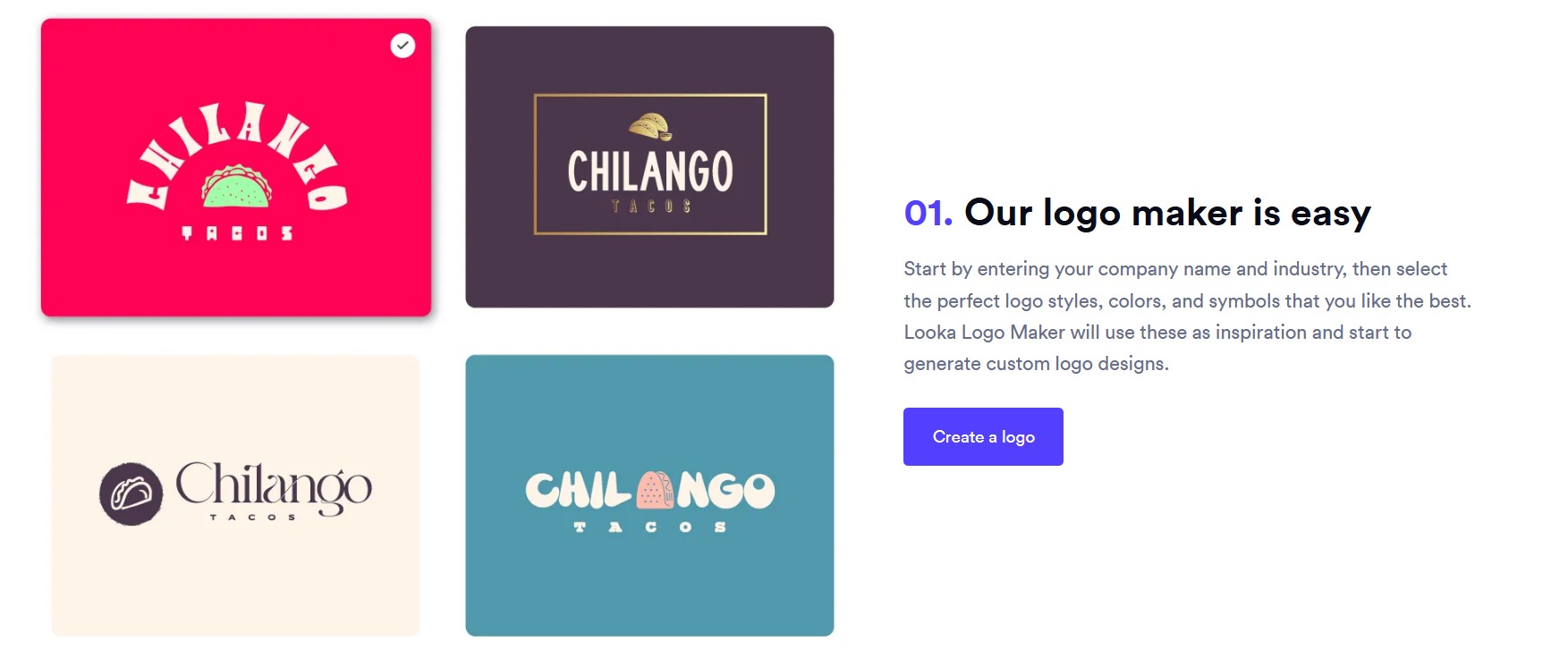
Both work the same way at the start. You type your business name, pick an industry and a few styles you like, and the AI returns dozens of concepts. You edit fonts, colors, icons and layout for free. You only pay when you download. That free stage is where you should spend most of your time, because the purchase locks in what you get.

| What matters | Looka | Logomaster | Edge |
|---|---|---|---|
| Free to design | Yes, pay at download | Yes, pay at download | Tie |
| Cheapest usable file | $65 (Basic is 1 PNG) | $39 hi-res PNG, no edits | Logomaster |
| Vector files (SVG/EPS) | From $65 Premium | From $99 Premium | Looka |
| Edits after purchase | Unlimited from Premium | Unlimited from Premium | Tie |
| Brand assets | 300+ templates, yearly plan | Social assets + mockups, one-time | Depends |
| Website | Brand Kit Web, $129/yr | Not a focus | Looka |
| Billing model | One-time or yearly | One-time only | Logomaster |
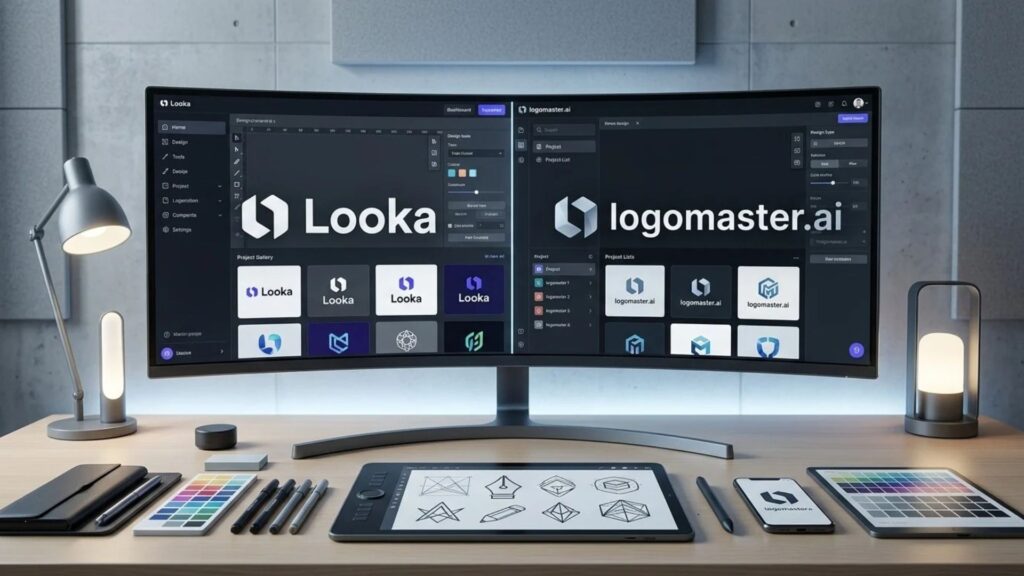
The editor is where the two feel different. You can see it in the two screens above. Logomaster users on Trustpilot often mention picking icons from the library to get closer to what they had in mind. Looka steers you more: you pick from its suggestions and adjust them. If you already know the look you want, Logomaster gives you more levers. If you want the tool to lead, Looka is the easier ride.
Looka vs Logomaster pricing: every package
Short answer: Looka sells two one-time packages, Basic at $20 and Premium at $65, plus two yearly plans: Brand Kit at $96 and Brand Kit Web at $129. Logomaster sells three one-time packages: Basic at $39, Premium at $99 and Enterprise at $159. Designing is free on both.
🔵 Looka
| Basic $20 one-time | One PNG file. No vectors, no edits |
| Premium $65 one-time | PNG, SVG, EPS, PDF; transparent, color and black/white versions; unlimited edits |
| Brand Kit $96/year | Premium files + 300+ templates: social, business cards, email signature, letterhead |
| Brand Kit Web $129/year | Brand Kit + AI-generated website and hosting |
🟢 Logomaster
| Basic $39 one-time | High-res PNG on white and transparent; no changes after purchase |
| Premium $99 one-time | Adds print-ready vector files, custom background color, unlimited changes and re-downloads |
| Enterprise $159 one-time | Adds all color versions, up to 5 logo variations, social media assets, mockups, font names and palette |
Look at the 2-year cost, not the sticker. Looka Premium and every Logomaster package are paid once. The Brand Kit renews every year, so two years cost $192, and Brand Kit Web costs $258. If you cancel a Brand Kit, Looka says you keep the rights to your logo and its edits, but you lose the templates.
To see how a yearly Brand Kit fits next to the other tools you already pay for, run my free AI subscription cost calculator.
Looka vs Logomaster: the package traps buyers regret
Short answer: Three mistakes show up again and again in reviews: buying Looka's $20 Basic and getting a single PNG, buying Logomaster's Basic and then needing a change, and treating Looka's Brand Kit as a one-time fee when it renews every year.
Key idea: if you'll ever print the logo, put it on merch or adjust it, skip both Basic packages. Vector files and edits are what make a logo usable for years.
Looka vs Logomaster refunds and auto-renewal
Short answer: Looka refunds only within 7 days of purchase and only if you haven't downloaded or used the files. Cancelling a Brand Kit stops the next renewal but doesn't refund the current year. Logomaster doesn't publish a clear refund policy, so treat every package as final.
Looka's own help page on cancelling a Brand Kit spells it out: no automatic refund, and none once files are downloaded or 7 days have passed. Downloading a file to "see how it looks" ends your refund right away, so preview everything inside the editor first.
- 1
Set a reminder at checkout
If you buy a Brand Kit, add a calendar reminder 11 months out to decide whether to keep it.
- 2
Cancel from your account
In Looka: menu, Account, Subscriptions, then Cancel next to your Brand Kit. Access runs to the end of the paid year.
- 3
Ask support if you were just renewed
Some users report Looka refunding a renewal they forgot about when they asked quickly. It's goodwill, not policy, so ask right away.
Do you own the logo? Trademark vs copyright
Short answer: Yes for commercial use: both tools give you full rights to use the purchased logo for your business, and Looka says you keep them even after a Brand Kit ends. You can usually register it as a trademark if it's distinctive. Copyright is weaker, because US law protects human authorship, not raw AI output.
This is the question readers ask most, and the honest answer has three parts. Each one protects something different, so it helps to keep them apart.
✅ Usage rights
Included on paid packages from both tools. You can put the logo on your site, products and ads.
™️ Trademark
Possible if the logo identifies your business, is distinctive and doesn't clash with an existing mark. AI creation doesn't block it.
©️ Copyright
Weak for purely AI-made artwork. Human changes, such as redrawing or a custom wordmark, can make parts protectable.
Lawyers writing in Bloomberg Law put it plainly: a business may be able to register an AI logo as a trademark yet have no copyright claim. For most small businesses the trademark is what matters, because it stops a competitor from using a confusingly similar mark. I'm not a lawyer, so check with one before you file.
Can someone else get the same logo?
Short answer: An identical file is unlikely, but a very similar one is possible. Both tools build logos from shared icon, font and layout libraries, so two businesses in the same industry can land on near-twins. Change the icon, adjust the type and run a trademark search before you print anything.
 The generic-logo problem: same icon style, same layout, different names.
The fix is to treat the AI concept as a first draft. Swap the default icon for a less common one, change letter spacing, and pick your own color instead of the suggested palette. Then search the USPTO database, or your national trademark office, for marks in your category. Ten minutes here saves a rebrand later. My guide to making AI designs look professional covers the same moves for other brand assets.
Looka vs Logomaster package picker: which one to buy?
Short answer: Answer four questions and the picker names the tool, the exact package and what it costs over two years. It uses the list prices above, so it works as a sanity check before you reach checkout.
If the picker sends you to a website, my comparison of AI website builders ranked by 2-year cost shows what a site costs once the intro price ends.
Looka vs Logomaster: which one for your situation
Short answer: Choose Looka for a new business that needs matching social posts, cards and maybe a site, or for anything printed. Choose Logomaster for a side project with a fixed budget, when you want tight control over the icon, or when you want brand extras without a subscription.
One case where neither fits: if the brand is the product, for example a funded startup, a consumer goods label or a rebrand, a human designer is worth the extra cost. AI tools are built for speed and a fair price, not for an identity that has to stand out in a crowded shelf.
Before you pay: a 6-point checklist
Short answer: Check the logo at favicon size and in black and white, confirm the package includes vector files if you'll print, read the edit and refund rules, change at least one default element, and run a quick trademark search. Do all of it inside the free editor, before you download.
🔍 1. Shrink it
Zoom out until it's the size of a browser tab icon. If the text blurs, drop the slogan.
⚫ 2. Kill the color
View it in one color. A strong logo still reads on a black-and-white receipt.
📐 3. Confirm vectors
Printing needs SVG or EPS: Looka Premium and up, Logomaster Premium and up.
✏️ 4. Read the edit rule
Both Basic packages lock the design. Unlimited changes start one tier up.
🎨 5. Change a default
Swap the icon or the font so your logo isn't a stock combination.
™️ 6. Search the name
Look up your name and similar marks in your trademark office's database for your category.
Once the logo is set, a consistent kit matters more than the mark itself. My step-by-step guide to a personal brand kit with AI design tools shows how to carry the same colors and fonts across every channel.
If neither fits: two alternatives
Short answer: Tailor Brands bundles the logo with a website, business tools and LLC formation for founders starting from zero. Kittl is a design editor with logo templates and a commercial license from its Pro plan, for people who want to build the logo by hand and keep designing merch and social graphics afterwards.
1. Tailor Brands 🚀 Best for new founders🔎 Researched
AI logo maker inside a business launch platform
Tailor Brands' own help center says full logo rights come with one of its Basic, Standard or Premium subscriptions, billed monthly, yearly or every two years. Prices only appear after you finish the design, and yearly billing is far cheaper than monthly. It makes sense when you also want the website, documents or company formation in one place.
2. Kittl 🎨 Best for hands-on design🔎 Researched
Design editor with logo templates and AI tools
Kittl isn't a logo generator in the Looka sense: you start from a template and shape it yourself. Pro costs about $15 a month, less on yearly billing, and adds vector exports and a commercial license for up to 500,000 copies. That suits print-on-demand sellers and anyone who will keep designing after the logo is done.
For a wider field, including free options, see my roundup of the best AI logo makers, my full Looka review and the Logome.ai review.
A logo can't fix a message nobody understands. This book helps you say what you do in one sentence first, which makes picking a style in any logo maker much easier.
See the book →My verdict on Looka vs Logomaster
Short answer: In Looka vs Logomaster, Looka wins for most buyers because $65 Premium covers print, color versions and edits for less than Logomaster's comparable package. Logomaster wins on editor control and on one-time brand extras. Whichever you choose, skip the Basic tier unless the logo is web-only and final.
Back to where this started: the tool matters less than the package. Spend your time in the free editor, run the checklist, then buy the tier that includes vectors and edits. Use Looka if you want the guided route, and Logomaster if you want to steer the design yourself.
Frequently Asked Questions — Looka vs Logomaster
I write every guide on this site myself and recheck prices when vendors change them. For this comparison I went through the free design flow in both tools; anything after checkout, such as file delivery and refunds, comes from each company's own pages and user reviews and is marked as research.