

Mirko
AI Tech Writer
Most "best AI workflow bots" lists are recycled from a year ago — half the tools in them have dead free tiers, discontinued affiliate programs, or pricing pages that changed twice since. I went through the current lineup one by one and checked what's still standing. Here are the five worth setting up in 2026, what they really cost, and which once-popular pick I'm leaving out.
⚡ Quick answer: the AI workflow bots worth setting up right now are Lindy AI (inbox & calendar), MindStudio (build-your-own, free to start), Taskade Genesis (task-board agents), MeetGeek (meeting notes), and Browse AI (web data) — all five have working pricing and active programs as of this update. These are the only AI workflow bots I could verify were live and accurately priced this month.
Some links are affiliate links · they support this site at no extra cost to you · Full disclosure
Why Most "Best AI Workflow Bots" Lists Are Already Stale
I checked every tool that usually shows up on an AI workflow bots roundup before writing this one, and three of the usual names didn't hold up. Bardeen — the browser-automation tool that started this whole category — is still running, but its affiliate program is closed right now, so I'm not sending you there as a paid recommendation. ClickUp's AI partner program stopped accepting new applicants. And a couple of "free forever" bots quietly moved to invite-only waitlists sometime in the last few months.
None of that means those tools are bad. It means a list copy-pasted from last year is already wrong in places that cost you time — signing up for a waitlist, or hunting for a free tier that no longer exists.
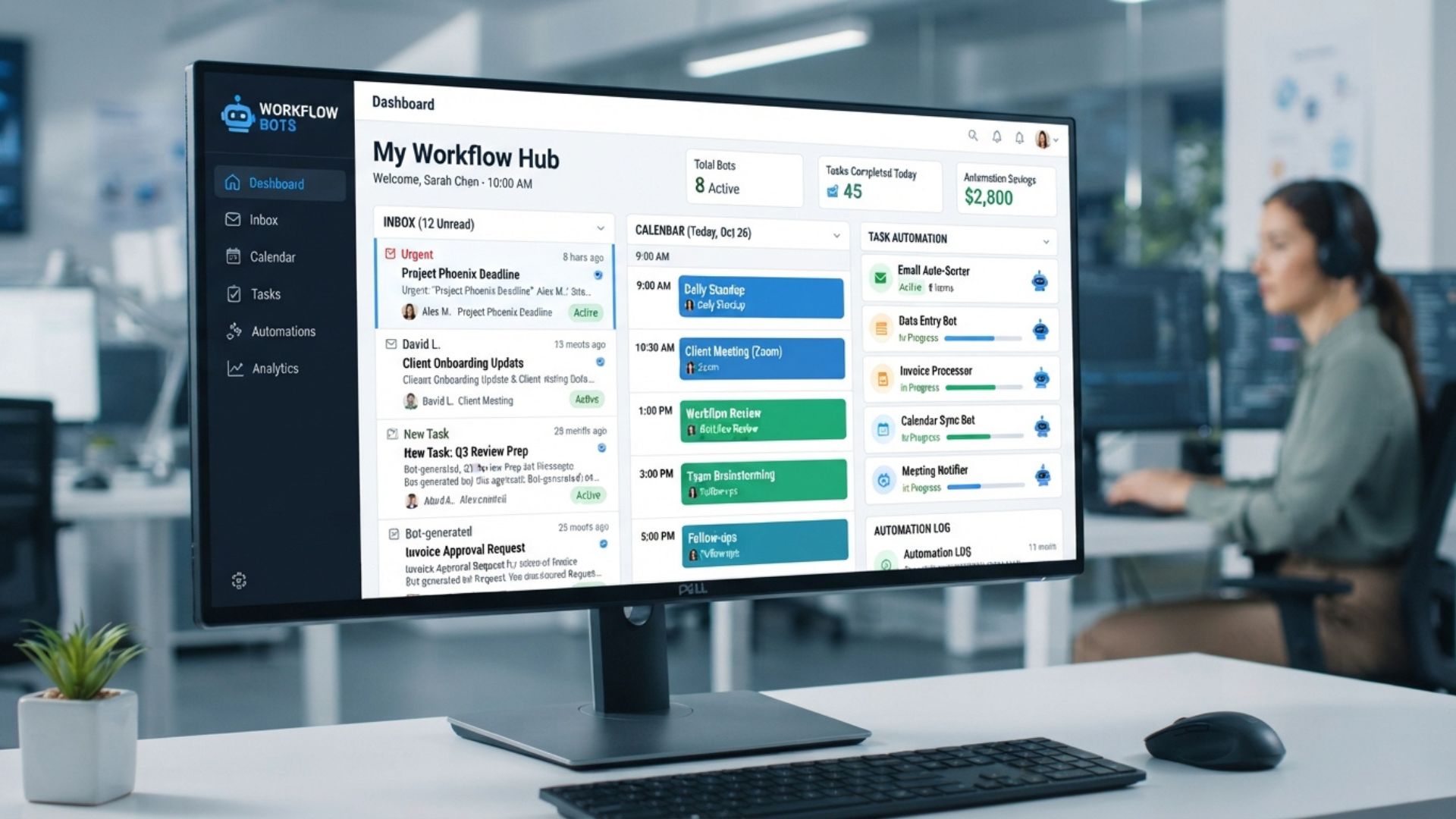
So the five below are the ones I could verify were live, priced accurately, and doing the job "AI workflow bots" promises: taking a recurring piece of your work — inbox, meetings, data pulls, task routing — off your plate without you babysitting it.
The 5 AI Workflow Bots Worth Setting Up in 2026
Every one of these AI workflow bots is a genuine AI agent — something that decides what to do next, not just a trigger-and-action recipe. If you already run Zapier or Make and just want more connectors, that's a different job; my Zapier vs Make vs n8n comparison covers that side of the automation stack in full.
5 AI workflow bots compared at a glance:
| AI Workflow Bot | Best For | Starting Price | Free Plan? |
|---|---|---|---|
| Lindy AI | Inbox, calendar & meetings | $49.99/mo | No — 7-day trial |
| MindStudio | Building a custom bot | $20/mo (Individual) | Yes — 1 agent, 1,000 runs/mo |
| Taskade Genesis | Small teams, task routing | $16/mo (Pro) | Yes |
| MeetGeek | Meeting notes & follow-ups | $15.99/user/mo | Yes — 5 hrs/mo |
| Browse AI | Watching & scraping websites | $19/mo (Personal) | Yes — 50 credits/mo |
Running all five on entry-level plans costs about $121/month combined — still cheaper than one hour of a virtual assistant's time each week.
Pick by the task you're avoiding, not the highest-rated tool — a $200/mo agent platform sitting half-configured saves you nothing.
Lindy AI — the Closest Thing to a Digital Employee
Of the five, Lindy AI is the one built specifically around the "AI workflow bots" idea rather than general automation. You describe a job in plain English — "read my inbox every morning, draft replies to anything routine, flag the rest" — and Lindy builds an agent for it instead of asking you to wire triggers together.
Pricing runs Plus at $49.99/month, Pro at $99.99/month, and Max at $199.99/month, with a 7-day free trial and no permanent free tier as of this update — worth knowing before you commit, since some older reviews still list a free plan that no longer exists.
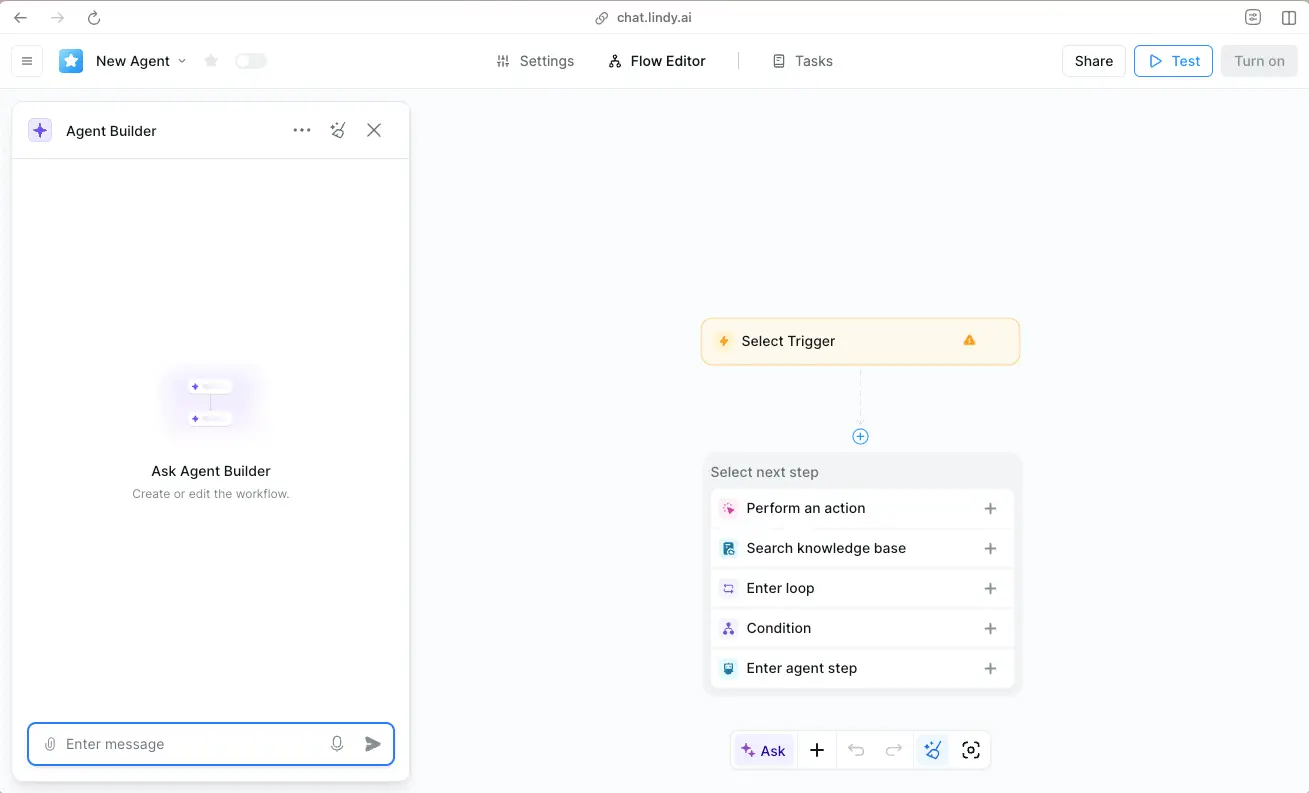
If you want the direct comparison against the tool it's most often confused with, I've laid it out in full in Lindy AI vs Bardeen AI, and the step-by-step in how to set up Lindy AI.
MindStudio & Taskade — Build Your Own Bot Instead
MindStudio is the pick if Lindy's ready-made agents don't quite fit your workflow. It's a no-code builder — drag blocks together, connect over 200 AI models, and ship the result as a web app, a scheduled job, or a Chrome extension. The free plan gives you one agent and 1,000 runs a month, which is enough to test a real use case before paying anything; Individual is $20/month for unlimited agents and runs.
Where Taskade Genesis Fits
Taskade takes a different angle: instead of a standalone bot, its Genesis agents live inside the task board your team already uses, so a meeting summary can turn straight into an assigned task without switching apps. Plans run free, then Starter at $6/month, Pro at $16/month, which undercuts most single-purpose agent tools on this list. Both still count as genuine AI workflow bots, even without Lindy's pre-built agent library.
My full breakdown of MindStudio's block editor and pricing tiers is in the MindStudio review; for Taskade specifically, see the Taskade AI review.
Automating Meetings and Web Data
Two narrower jobs deserve their own AI workflow bots rather than one general-purpose agent trying to cover everything. MeetGeek sits in on calls, writes the summary, and pushes action items into your CRM or task tool — the free plan covers 5 hours of transcription a month, and Pro runs $15.99 per user. For the full lineup against Otter and Fireflies, I compared all three in Best AI Meeting Notes 2026.
Browse AI handles the opposite end of the AI workflow bots spectrum: pointing a "robot" at a page and having it pull structured data on a schedule — competitor pricing, lead lists, inventory counts — without writing a scraper. The free plan includes 50 credits a month with unlimited robots, and Personal starts at $19/month billed annually. My hands-on notes are in the Browse AI review.
A World Without Email — Cal Newport
Before you hand a bot your inbox, it's worth reading Newport's case for why constant messaging broke deep work in the first place — the problem these AI workflow bots are patching over, explained clearly.
Get the Book →Which AI Workflow Bots Should You Start With?
Picking the right AI workflow bots comes down to whichever task you've complained about out loud in the last week, not the highest-rated tool on this page.
For a broader setup — connecting several AI workflow bots into one system rather than running them separately — my AI agent workflow setup guide walks through wiring email, calendar, and tasks together, and building an AI assistant stack covers the fuller replace-a-VA version of this.
FAQ — AI Workflow Bots
🔧 Build Out the Rest of Your Stack
Five AI workflow bots is a starting lineup, not the whole system. Here's where I'd go next to connect these AI workflow bots and decide what to skip.