
Mirko
AI Tech Writer
Every "best AI apps for mobile" list this year ranks by hype and skips the part where half of what people download gets deleted within a week. I built this one around what's still on people's home screens in 2026 — including the free AI Apple and Google already built into your phone, which most guides leave out entirely.
Some links in this post are affiliate links · they support this site at no extra cost to you · Full disclosure
Why Most "Best AI Apps for Mobile" Lists Get This Wrong
Most roundups of AI apps for mobile rank by download count or affiliate payout, not by what survives on a home screen once the novelty wears off. I researched this list the way I use my own phone — starting from what I'd keep installed, not from what looks impressive in a screenshot.
"The best AI apps for mobile in 2026 aren't the ones with the most hype — they're the ones still open on your phone in week three."
That's the filter behind this list: real coverage across chat, research, writing, voice, and video, a checked price for every pick, and an honest answer on what your phone already gives you for free. If a tool didn't earn its spot on my own phone, it isn't here — better to point you at four apps you'll use than ten you'll delete by Friday.
The Free AI Already Built Into Your Phone
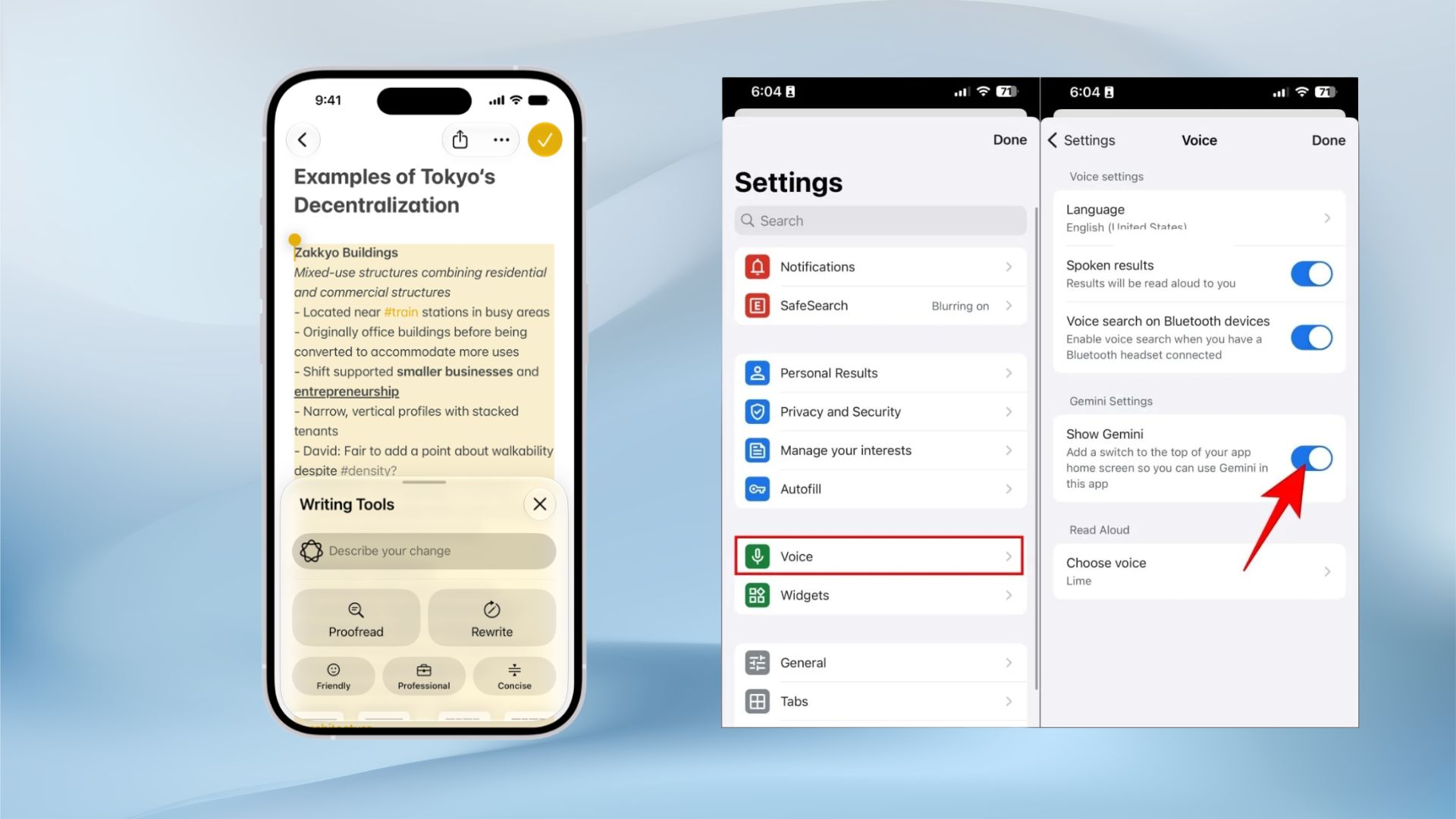
Before you download anything, check what's already sitting on your phone. Apple Intelligence and Google Gemini both qualify as AI apps for mobile in every sense that matters — they just didn't need an App Store listing to get there.
Apple Intelligence (iOS 26 and Later)
Handles Writing Tools, Visual Intelligence, Image Playground, and Genmoji on-device and free, on iPhone 15 Pro and newer. As of iOS 26, Siri can hand a complex request straight to ChatGPT with no OpenAI account required. Full setup: my Apple Intelligence guide.
Google Gemini (Android and Workspace)
Pulls directly from Gmail, Docs, and Calendar, and Gemini Live adds a real voice mode at no cost — one of the more capable free AI apps for mobile once it's tied into a Google account. Google doesn't currently run an affiliate program for Gemini, so there's no link to click — just my Gemini setup and privacy checklist.
"If the AI is already free and built into the phone you're holding, that's the one to try first — not the one with the flashiest App Store screenshot."
The 10 AI Apps for Mobile Worth Installing in 2026
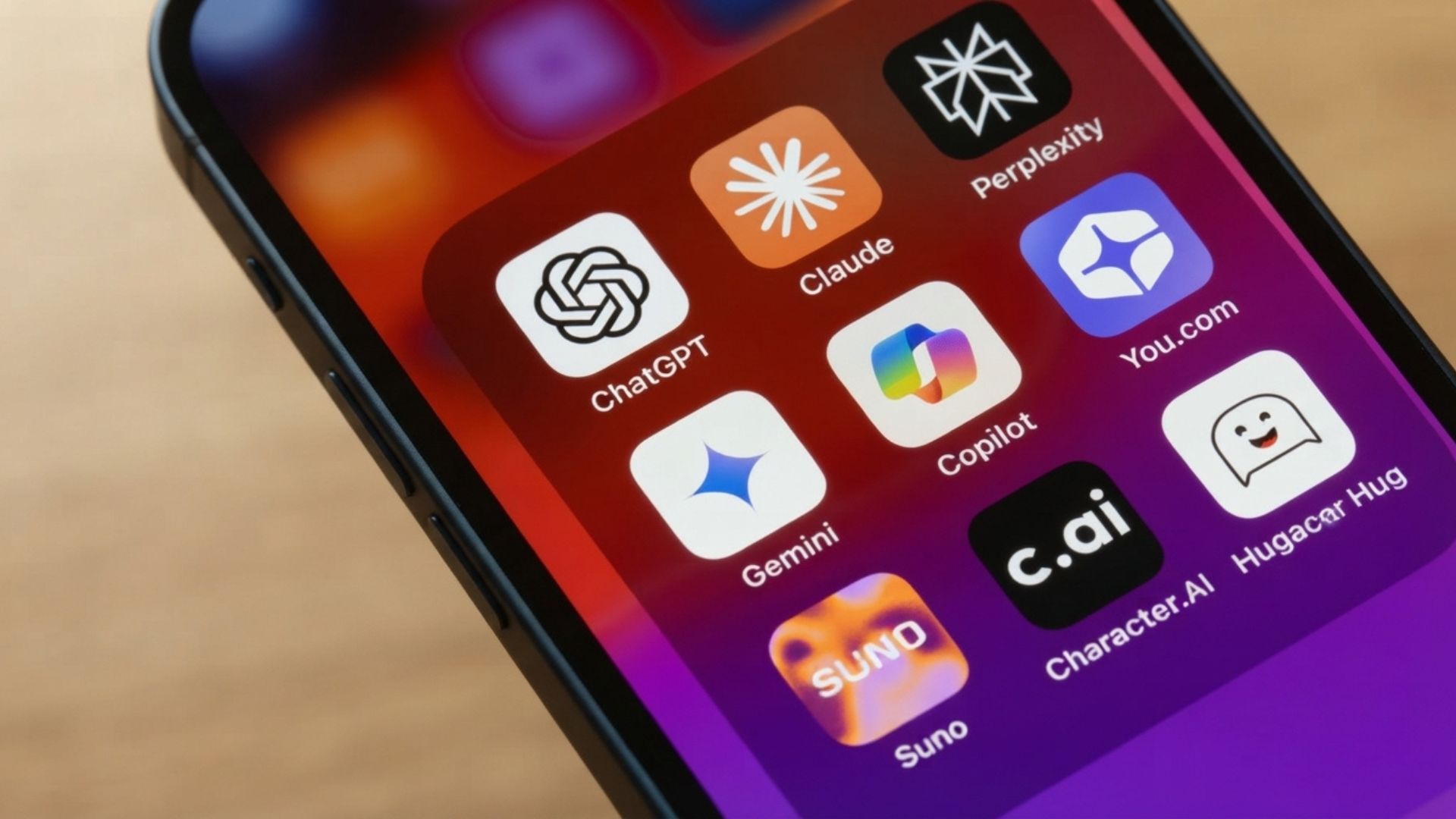
These ten cover every real job people use AI apps for mobile for in 2026 — chat, research, writing, design, voice, and video — with a confirmed platform and price for each. I've grouped them by what they do best, not by hype.
💡 Which AI Apps for Mobile to Download First
- Need cited, checkable research → Perplexity
- Need a writing keyboard that works everywhere you type → Grammarly
- Need to turn a long video into short clips → Opus Clip
- Need a talking avatar video without filming yourself → HeyGen
- Need a video generated from a single photo or prompt → Kling AI
- Need tasks, outlines, and notes in one place → Taskade
ChatGPT (OpenAI)
CHATStill the most-downloaded AI app worldwide and the top Productivity app in the App Store through 2026. Voice mode handles a real back-and-forth conversation, and image input lets you photograph something and ask about it directly.
Perplexity AI
RESEARCHDelivers source-cited answers instead of a single black-box reply — the reason I reach for it over a generic chatbot whenever I need to fact-check something before publishing. The free tier already covers most casual research, and annual billing drops Pro to $16.67/mo.
Claude AI
WRITINGThe strongest pick for drafting or reviewing longer text from a phone — it holds nuance and context better than a quick-answer assistant, which matters if you're editing something more involved than a caption. See 17 practical ways to work faster with Claude.
Grammarly
KEYBOARDThe keyboard-level integration is the real differentiator: it checks tone and grammar inside your actual messaging and email apps instead of a separate window you copy text into and back out of. See Grammarly vs ChatGPT for writing.
Canva Magic Studio
DESIGNDesigns a full carousel post, a Reels cover, or a quick photo edit from your phone in about the time it takes to open a laptop and find the file. Magic Edit alone makes this one of the more useful AI apps for mobile if you post daily.
ElevenLabs Reader
VOICEThe realistic voice model is the differentiator here — long articles, PDFs, and your own drafts turn into listenable audio for a commute or a walk. My full walkthrough: how to use ElevenLabs.
Opus Clip
REPURPOSEFinds the strongest moments in a longer recording and cuts them to size for Reels, Shorts, and TikTok automatically — useful if you're repurposing a podcast or a long-form video from your phone between meetings. *verify current price
Taskade AI
TASKSMixes a task manager with an AI assistant that drafts an outline or a checklist from a single prompt, and it syncs across devices in real time — the one I still keep on my own home screen out of this whole list.
Kling AI
GENERATETurns a single photo or a short prompt into a video clip — one of the newer AI apps for mobile worth testing before committing to a full shoot. See turning photos into movie scenes with Kling AI. *verify current pricing
HeyGen
AVATARGenerates a talking-avatar video straight from a script, no filming required — useful for creators who don't want to be on camera every single day but still want a consistent face on their content. *verify current pricing
That's the full lineup of AI apps for mobile worth your storage in 2026 — ten picks across every category, each with a confirmed platform and price.
Compare the Best AI Apps for Mobile at a Glance
A fast side-by-side of the AI apps for mobile I reach for most, if you don't want to read all ten cards above.
| Tool | Best For | Platforms | Price | Try It |
|---|---|---|---|---|
| ChatGPT | All-purpose assistant, voice mode | iOS, Android | Free / $20/mo | Try ChatGPT → |
| Perplexity AI ⭐ PICK | Cited research on mobile | iOS, Android | Free / $20/mo | Try Perplexity → |
| Grammarly | Writing keyboard, every app | iOS, Android | Free / $12/mo | Try Grammarly → |
| ElevenLabs Reader | Text-to-speech, commute audio | iOS, Android | Free / $6/mo | Try ElevenLabs → |
| Taskade AI | Task lists, outlines, notes | iOS, Android | Free / $4/mo | Try Taskade → |
One Book Worth Reading Before You Download Anything Else
If you want the thinking behind why these AI apps for mobile work the way they do, skip the App Store reviews and read this instead. Ethan Mollick — a Wharton professor and one of the most cited voices on practical AI use — frames AI as a coworker, tutor, and coach rather than a search box, and that framing changes how you'll use every app on this list.
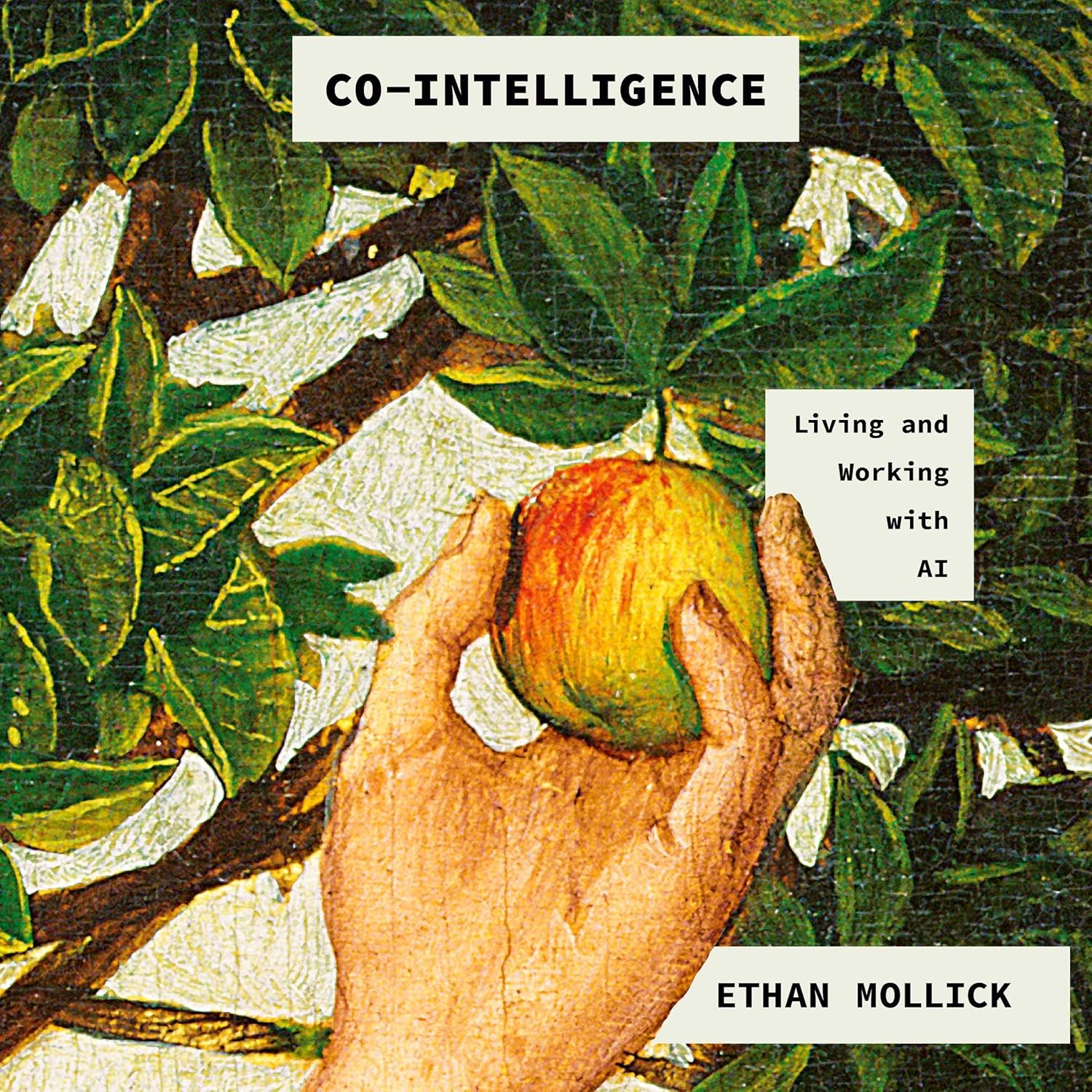
Co-Intelligence: Living and Working with AI
A New York Times bestseller on working alongside AI instead of just prompting it. By Ethan Mollick, Wharton School.
Get the Book →Using AI Apps for Mobile Without Drowning in Subscriptions
The fastest way to waste money on AI apps for mobile is subscribing to five of them at once.
A single $20/month subscription to one strong chatbot covers most daily use. Add a second paid tool only once you hit a wall the free tier genuinely can't clear — not before.
Stack by Task, Not by Hype
Match the tool to the job instead of the trend: Perplexity for anything you need to fact-check or cite, Grammarly for tone across every app you type in, ElevenLabs for turning text into audio for a commute. Three apps covering three real jobs beats ten apps covering one job each.
"If you can't say which task a subscription earns its keep on, that's the one to cancel first."
Turn on voice mode wherever it's offered — it's the single feature that makes AI apps for mobile feel faster than typing, especially one-handed. And check each app's settings for an on-device or offline mode before assuming everything needs a live connection; more of this runs locally than it did even a year ago.
Privacy and Ethics on Mobile AI
AI apps for mobile process real data — your voice, your photos, your drafts — so it's worth spending five minutes in each app's privacy settings before handing over a year of habits. I ran this pass myself before finalizing this list, and two settings surprised me more than the rest.
Microphone and photo-library permissions are worth checking first — several apps on this list request background access they don't strictly need for their core feature. My full walkthrough is in what to check on your phone today, and for the deeper cut on apps listening when they shouldn't, see stop AI apps from listening in the background.
None of this means avoid AI apps for mobile — it means use them with the same awareness you'd bring to any app touching your camera, mic, or contacts. The tools are genuinely useful. Being deliberate about what you grant them access to just keeps that usefulness from costing you more than it should.