
Mirko
AI Tech Writer
Grammarly vs ChatGPT is the wrong fight to pick if you're trying to write faster today — I've run both side by side for months, on real emails and real drafts.
They're not competing for the same job. One catches your mistakes as you type. The other builds the paragraph in the first place.
Here's the current pricing, what changed since last year on both sides, and the exact order I use them in.
Some links are affiliate links · no extra cost to you · Full disclosure
Why Grammarly vs ChatGPT Matters for Everyday Writing
I make the Grammarly vs ChatGPT call every day without noticing it. Every email, report, or caption forces a quick decision about which tool fits the task.
Both promise clarity and speed. But they solve different problems, and knowing the difference keeps your writing fast without losing your voice.
As of September 2026, Grammarly's free plan includes 100 AI prompts a month, while ChatGPT's free tier now runs unlimited text chats on the GPT-5.6 Luna model.
That's a real change from a year ago, when free ChatGPT capped out around 10 messages every five hours.
If you only ever hit the free tier, that gap now runs the other way: ChatGPT's free plan has no message ceiling, while Grammarly Free still caps generative help at 100 prompts.
Grammarly keeps sentences clean, consistent, and professional. ChatGPT generates ideas, rewrites sections, and helps structure complex thoughts in seconds.
What Grammarly Pro and ChatGPT Plus Cost
Grammarly's paid tier is called Pro, priced at $12/month billed annually ($30/month if you pay monthly), and it adds 2,000 AI prompts plus full-sentence rewrites.
You can try Grammarly here if real-time correction is your main need.
ChatGPT Plus runs $20/month and includes the GPT-5.6 Sol model, Deep Research, and image generation. See ChatGPT's current plans if drafting and idea generation is the bigger bottleneck.
The Real Problem: Fast Writing Without Losing Your Voice

Most daily writing happens fast — emails, reports, chats, briefs. The real challenge isn't producing text. It's producing clear, correct writing without extra editing time.
This is where the Grammarly vs ChatGPT decision becomes practical. One tool prioritizes precision. The other helps shape and expand ideas.
Grammarly works best when you need real-time correction inside tools you already use — email, documents, browsers. ChatGPT is stronger for structuring or expanding ideas from scratch.
On AIDigitalSpace, tools like Taskade show the same pattern: productivity improves when you pick the right assistant for the moment, not the most powerful one available.
Grammarly vs ChatGPT Overview: What Each Tool Does Better
To compare Grammarly vs ChatGPT fairly, look at their strengths side by side. They handle different stages of writing, not the same job with different branding.
| Criteria | Grammarly | ChatGPT | Winner |
|---|---|---|---|
| Real-time grammar & tone checks | Built-in, works everywhere | Requires prompting | Grammarly |
| Drafting from scratch / rewriting | Not designed for this | Core strength | ChatGPT |
| Works inside apps you already use | 500,000+ apps & sites | Copy-paste workflow | Grammarly |
| Free plan text/prompt capacity | 100 AI prompts/month | Unlimited text chats, image/upload caps apply | ChatGPT |
| Idea generation & brainstorming | Not built for this | Core strength | ChatGPT |
| Polishing already-written client work | Purpose-built for this | Needs specific prompting | Grammarly |
Six criteria, one Grammarly vs ChatGPT scorecard — updated for the current pricing and models.
Choosing between Grammarly vs ChatGPT gets easier once you map their roles to real workflows. Grammarly suits fast writing where accuracy matters most. ChatGPT suits shaping content before that final pass.
Priced Out of Both? The QuillBot Alternative
Before picking a side in Grammarly vs ChatGPT, there's a third option worth knowing about.
Neither Grammarly Pro nor ChatGPT Plus is expensive on its own, but running both adds up to $32/month minimum on annual billing. If that's more than your writing needs justify, QuillBot covers the middle ground.
QuillBot's paraphrasing and grammar checker won't match ChatGPT for drafting from a blank page, and its real-time checking is thinner than Grammarly's.
But its paid tier undercuts both on price while still covering rewrites, a grammar checker, and a summarizer in one subscription.
When QuillBot Is the Better Call
Students and occasional writers who need occasional rewrites and grammar catches — not a daily professional workflow — get most of the value at a lower monthly cost.
QuillBot's current plans are worth a look before committing to two separate subscriptions.
How to Use Grammarly and ChatGPT Together
The fastest way to improve everyday writing is treating Grammarly vs ChatGPT as a combined workflow, not a choice between the two.
1. Draft or reshape ideas in ChatGPT
Start with rough notes inside ChatGPT's GPT-5.6 Sol model. Ask it to organize your message or rewrite it in a more direct tone — this gives you structure fast, without staring at a blank page.
2. Let Grammarly refine the draft
Paste the draft into your document. Grammarly checks tone, clarity, and correctness in real time, which prevents over-editing and a tone that doesn't sound like you.
- For clarity → Grammarly
- For rewriting or expanding → ChatGPT
- For tone consistency → Grammarly
- For simplifying complex text → ChatGPT
This separation keeps the workflow fast and predictable — no duplicate editing, no wasted time. It's the closest thing to a settled answer in the Grammarly vs ChatGPT debate.
For longer documents, writing better prompts speeds up the ChatGPT half even further.
Key Differences, Common Mistakes, and When to Choose Each
Understanding how Grammarly vs ChatGPT behave in real workflows helps you avoid mistakes that slow writing down. Grammarly focuses on accuracy. ChatGPT is stronger earlier, when ideas need shape.
Grammarly wants to make your writing better. ChatGPT wants to write it for you. Neither instinct is wrong — they just answer to a different moment in the process.
Common Mistakes to Avoid
These are the mistakes that come up most in a real Grammarly vs ChatGPT workflow:
- Using ChatGPT for tiny grammar fixes Grammarly handles faster
- Expecting Grammarly to rewrite long sections — it isn't built for structural edits
- Copying ChatGPT output without adding your own voice
- Editing the same paragraph in both tools, which wastes time
Here's the short version of the Grammarly vs ChatGPT call, broken down by situation:
When to Choose Grammarly
- Professional emails or reports needing a consistent tone
- Real-time clarity as you type
- Quick, accurate fixes without changing your style
When to Choose ChatGPT
- Shaping a draft from notes or bullet points
- Simpler explanations or clearer rewrites
- Organizing long content into a cleaner structure
What Changed Recently on Both Sides
Most Grammarly vs ChatGPT comparisons repeat the same 2025 numbers without checking whether they still hold. Two things changed enough to matter.
ChatGPT's Free Tier Dropped Its Message Cap
In August 2026, OpenAI removed the roughly 10-messages-per-5-hours limit on the ChatGPT free tier and made text chat unlimited on the GPT-5.6 Luna model.
For a reader deciding between free plans, that's a meaningfully bigger shift than another price bump would have been.
Grammarly's Parent Company Isn't Just Grammarly Anymore
My research turned up a detail most comparisons skip: Grammarly's parent company acquired the email client Superhuman in July 2025 and renamed itself Superhuman Platform Inc. that October.
Grammarly the writing assistant is now one product inside a wider platform push, alongside a pending Coda acquisition.
That doesn't change which tool fits your writing today. It's worth knowing before a "Superhuman bundle" upsell shows up inside your Grammarly account and you're not sure why.
Ethical Reflection: Voice, Privacy, and Responsible AI Use
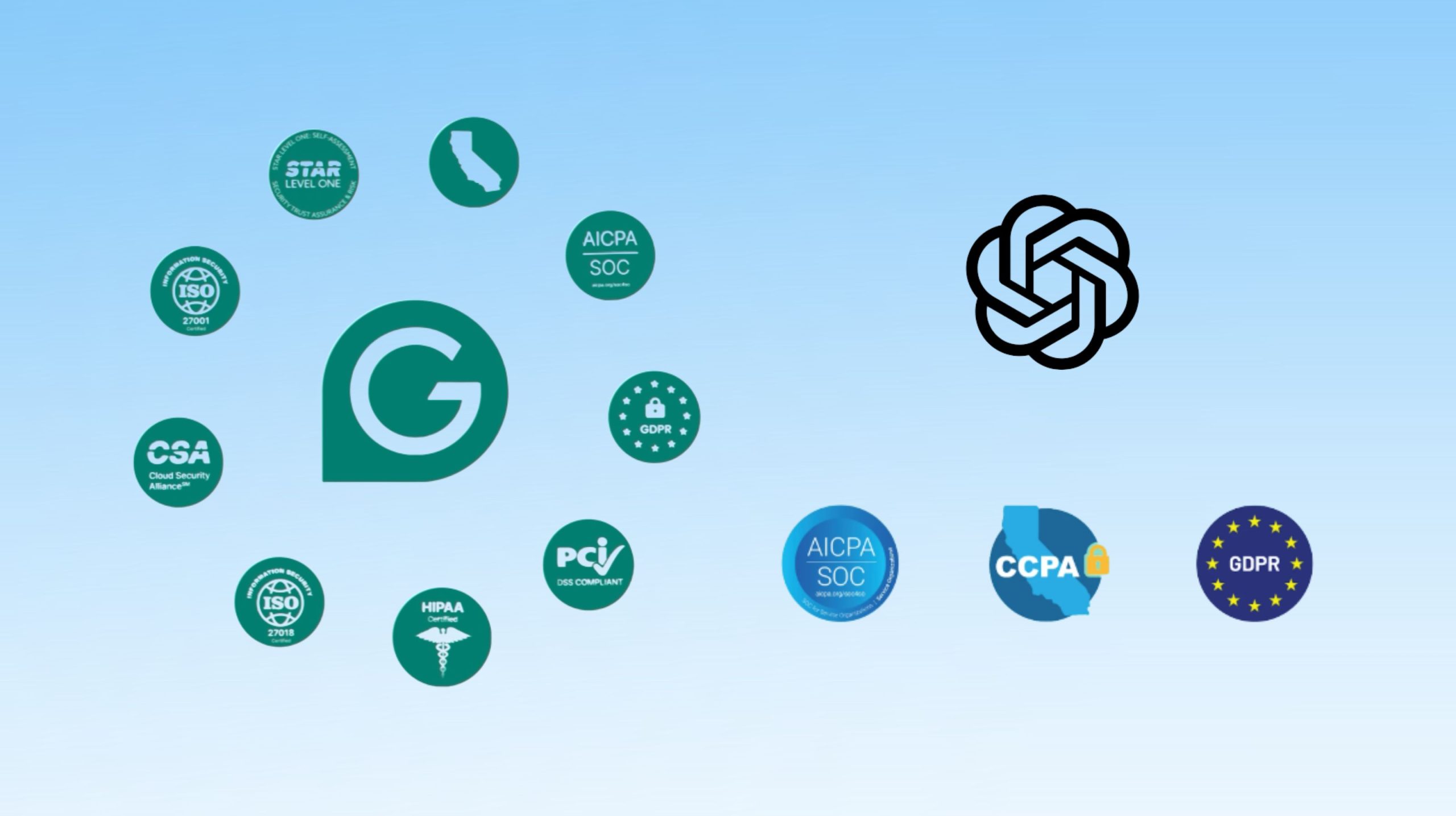
When I look at Grammarly vs ChatGPT from an ethical angle, the goal isn't just writing faster. It's writing responsibly. Both tools analyze text to improve it.
- Protect sensitive information. Avoid pasting confidential data or client details into any AI tool. On paid plans, business data isn't used for model training by default.
- Keep transparency in mind. If you're writing for a team or client, let them know AI supports part of the workflow.
- Maintain your authentic voice. AI can unintentionally flatten tone, especially when ChatGPT reshapes larger sections. Your own read-through is still essential.
- Use suggestions as guidance, not rules. Not every suggestion improves clarity.
- Verify facts manually. ChatGPT can improve structure, but real facts should always be checked independently.
For a practical framework on how AI tools should handle data responsibly, the National Institute of Standards and Technology's AI Risk Management Framework is a genuinely useful reference point.
Final Insights and My Practical Recommendation
After comparing Grammarly vs ChatGPT, the most effective approach isn't choosing one over the other. It's using each exactly where it delivers value.
As of September 2026, Grammarly Pro costs $12/month billed annually and ChatGPT Plus costs $20/month, with a genuinely useful free tier on each.
ChatGPT's free tier no longer caps how much you can chat, which changes the free-vs-free comparison more than either price did this year.
| Priority | Best Pick |
|---|---|
| Accuracy, tone, professionalism | Grammarly |
| Speed, drafting, idea development | ChatGPT |
| Tight budget, occasional use | QuillBot |
| Both — most professionals end up here | Grammarly + ChatGPT together |
That's the practical shape of the Grammarly vs ChatGPT decision. Most readers benefit from running both side by side, especially under deadlines or when switching across tasks during the day.
Frequently Asked Questions — Grammarly vs ChatGPT
✍️ Build Your Full AI Writing Stack
You've got the Grammarly vs ChatGPT decision sorted. Here's where I'd go next: