
Why AI for Creators Actually Matters Now
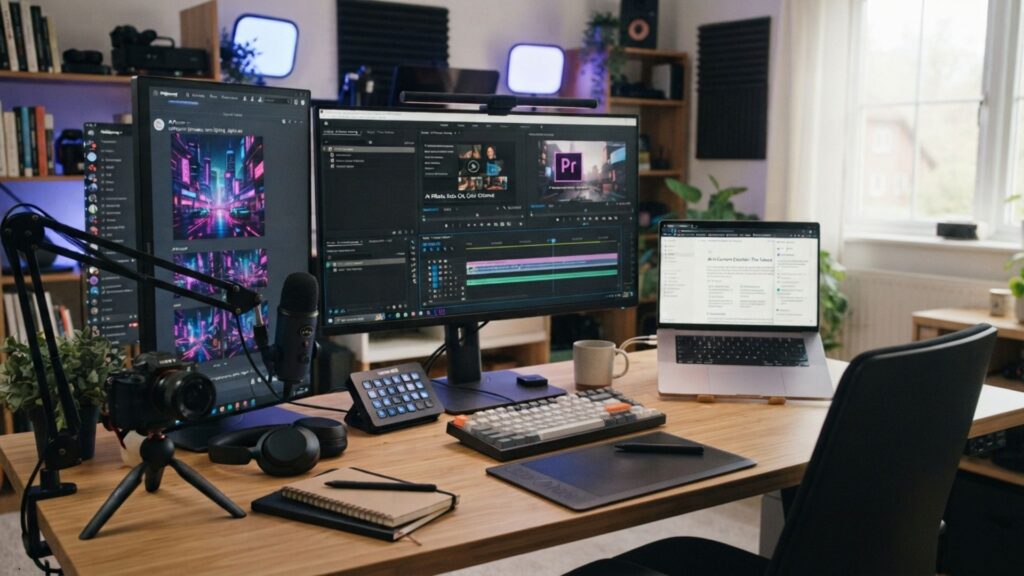
Every "AI for creators" roundup makes the same move: four logos, one table, done. That's not a workflow — it's a shopping list. What I found researching this space for 2026 is that creators who actually save time aren't picking random tools off a list. They're running a 3-layer stack: a foundation model for thinking, a specialty tool for doing, and an automation layer that connects the two.
Layer one is whatever chat model you already default to — Claude, ChatGPT, Gemini. I've written a full breakdown of getting more out of one in 17 practical ways to work faster with Claude AI, so I won't repeat that here. The layer that actually decides how your art, writing, and video work turns out is layer two — the specialty tool built for one job, and built well.
The Layer Most Guides Skip
Layer three — automation that moves work between the other two without you copy-pasting — is the one most "best tools" posts never mention, because it isn't a single product you can screenshot into a table. It's the reason two creators using the same five apps can still work at completely different speeds.
Picking the right tool matters less than picking the right layer for that tool to sit in.
The AI for Creators Stack: Art, Writing & Video
Layer two is where most of an AI for creators budget should go, since it's where the actual output happens. I picked one tool per craft — art, writing, design, and video — based on pricing I verified directly against each tool's current plans, not marketing copy. Every link above is a tool with an active, confirmed program, not a placeholder.
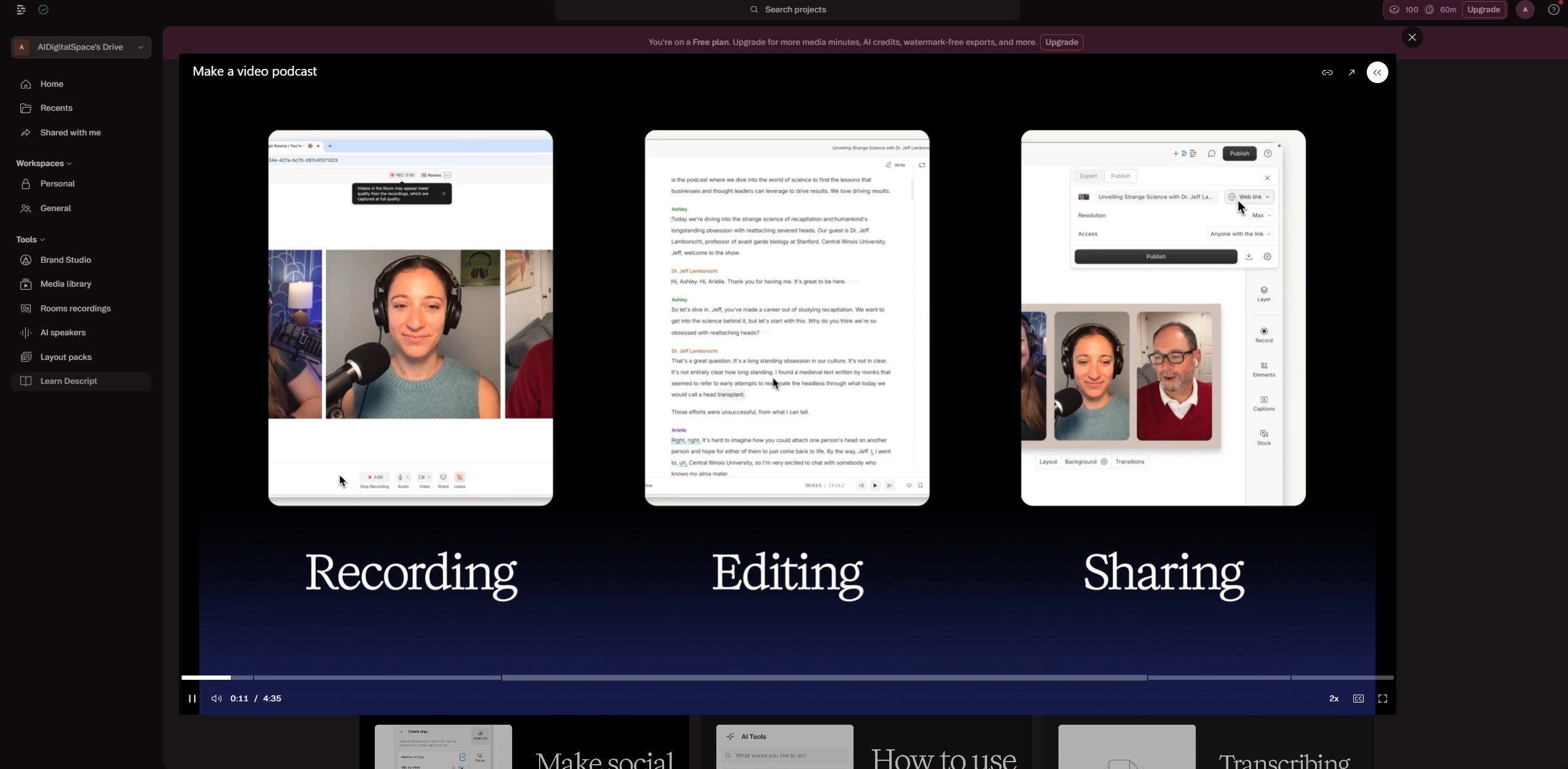
Layer 2 at a Glance💡 Quick tip: add the tool for whichever craft is your current bottleneck first — not the cheapest, not the trendiest. Descript at $24/month replaces a separate transcription tool, editor, and voice-cleanup app; Kittl at $10/month does the same for anyone still exporting flat PNGs out of a general design tool.
For the full budget-to-pro breakdown across every layer, I put together a companion piece: the complete AI setup guide for content creators.
How I'd Build an AI for Creators Workflow, Step by Step
An AI for creators stack only works if the layers actually talk to each other. Here's the order I'd set it up in, whether you're starting from zero or replacing a pile of disconnected apps.
Think in Layer One First
Get the concept right in your foundation model before opening any specialty tool. Give it a role and a format — "you're my creative director, give me three concept directions" beats "give me an idea." Anthropic's own prompt engineering documentation covers this well, and it's free.
Move Into the Specialty Tool
Once the concept is set, hand it to layer two — OpenArt for illustration, or Kittl for anything typography- or brand-heavy. Save the output as a template so your visual identity holds together across projects.
Let Video Close the Loop
For motion, Descript handles anything built from a transcript — podcasts, talking-head video, tutorials — while Kling AI is worth the separate subscription only once you're generating footage from scratch.
The order matters more than the tools: idea first, craft second, motion last — never the reverse.
Real Creators, Real Stacks
An AI for creators stack looks different depending on which craft is your main output. Here's how it actually breaks down by role.
Visual Artists & Designers
Illustrators and brand designers are pairing OpenArt for concept generation with Kittl for the final typography and export pass — composition and color first, precise vector work second. That order avoids the most common failure: polishing a layout built on a concept nobody actually liked.
Writers & Content Marketers
For blog posts, captions, and email sequences, Storylab AI's $15/month Pro plan covers the repetitive first-draft work — hooks, outlines, social repurposing — while the actual editing and voice still has to come from a person. I cover what breaks when writers skip that step in I Gave 4 AI Writing Tools One Prompt — Here's What Broke.
Video Creators & Podcasters
Almost every video-heavy creator I've researched runs Descript as the editing layer, since transcript-based editing turns a multi-hour cut into a text-editing job. I've written a separate, mechanics-first walkthrough on editing YouTube videos in Descript if you want the details.
Recommended reading: The Creative Act: A Way of Being by Rick Rubin — the counterweight to all this automation talk, worth reading before you build any stack at all.
The Mistakes That Waste the Stack
Most of what goes wrong with an AI for creators setup isn't the tools — it's how they're combined. Four patterns show up constantly in the workflows I've reviewed.
Vague Briefs Into Layer One
"Make an image of a person" produces generic, forgettable output. Give the model context and purpose instead — the quality jump is immediate.
Running Five Tools at Once
Trying every new launch fragments minutes of work into hours. Two or three tools, learned deeply, beat five used shallowly.
Skipping the Human Review Pass
Speed doesn't remove the need to check tone, bias, and originality before anything ships, especially for client work.
Never Saving What Worked
Without a saved record of prompts that worked, every project starts from zero instead of building on the last one.
Most AI workflow failures aren't a tools problem — they're a discipline problem wearing a tools costume.
Where the Human Still Has to Show Up

Every layer of an AI for creators stack runs on models trained on existing work. That's not a reason to avoid them — it's a reason to always add something the model couldn't have generated on its own.
Ownership Starts With What You Change
Treat AI output as a first draft, not a final one. The edit, the rewrite, the reinterpretation — that's the part that's actually yours, and it's what keeps the work recognizably you instead of recognizably "AI."
Disclosure Builds Trust, Not Suspicion
A simple line — "drafted with AI support, edited by hand" — reads as more credible than silence, not less. Audiences increasingly notice when content sounds interchangeable with everything else online; I wrote more about why that's happening in why the internet sounds the same now.
The model can generate a draft. Only you can generate a reason someone should read it.
Recommended reading: The Age of AI: And Our Human Future by Henry Kissinger, Eric Schmidt & Daniel Huttenlocher — a useful frame for thinking about where automation should and shouldn't lead.