The best underrated AI tools don't write about the work, they finish it. You already know ChatGPT can draft an email, yet you still lose Sunday nights building slides, clipping videos by hand and digging through receipts. I researched dozens of lesser-known apps and kept seven that finish one chore end to end, most with a free plan you can try tonight.
+ Castmagic, Raycast and Kittl below, plus one 100% free bonus.
Some links are affiliate links · they support this site at no extra cost to you · Full disclosure
Why Underrated AI Tools Win at Everyday Chores
A general chatbot gives you text. You still paste it into slides, format the email, rename the files and schedule the post. Underrated AI tools are built around the finished output instead: a designed deck, a captioned clip, a categorized expense report. That last mile is where most of your hours go.
Underrated AI tools also tend to be cheaper. Most of the picks below start free or under $10 a month, because smaller companies compete on price and generous trials while the big names compete on brand.
How I picked these underrated AI tools
My full screening method for spotting overhyped apps lives in my 4-step AI hype filter. Brand-new to all of this? Start with these beginner AI tools first.
Underrated AI Tools Compared Side by Side
Here is the fast answer. Prices are the lowest listed entry tier I found in my research; most vendors quote yearly billing, so monthly billing usually costs more. Always confirm on the vendor page before you pay, because underrated AI tools change pricing more often than big brands.
| Tool | Free option | Paid from | Try it |
|---|---|---|---|
| 📊 Gamma | ✅ 400 one-time credits | ~$8–10/mo | Try → |
| 🎙️ Castmagic | ⚠️ Paid (check trial) | ~$21/mo yearly | Try → |
| 🎬 Opus Clip | ✅ 60 min/mo | $15/mo | Try → |
| 📥 Clean Email | ✅ Up to 1,000 emails | $29.99/yr | Try → |
| 🧾 SparkReceipt | ✅ Start free | $79/yr | Try → |
| ⌨️ Raycast | ✅ Free core app | $8/mo yearly | Try → |
| 🎨 Kittl | ✅ 5 projects | ~$14/mo yearly | Try → |
🤔 Not sure yet? Jump to the 30-second picker and match a tool to your week.
📊 1. Gamma: Slide Decks From One Prompt
The 7 underrated AI tools, one by one
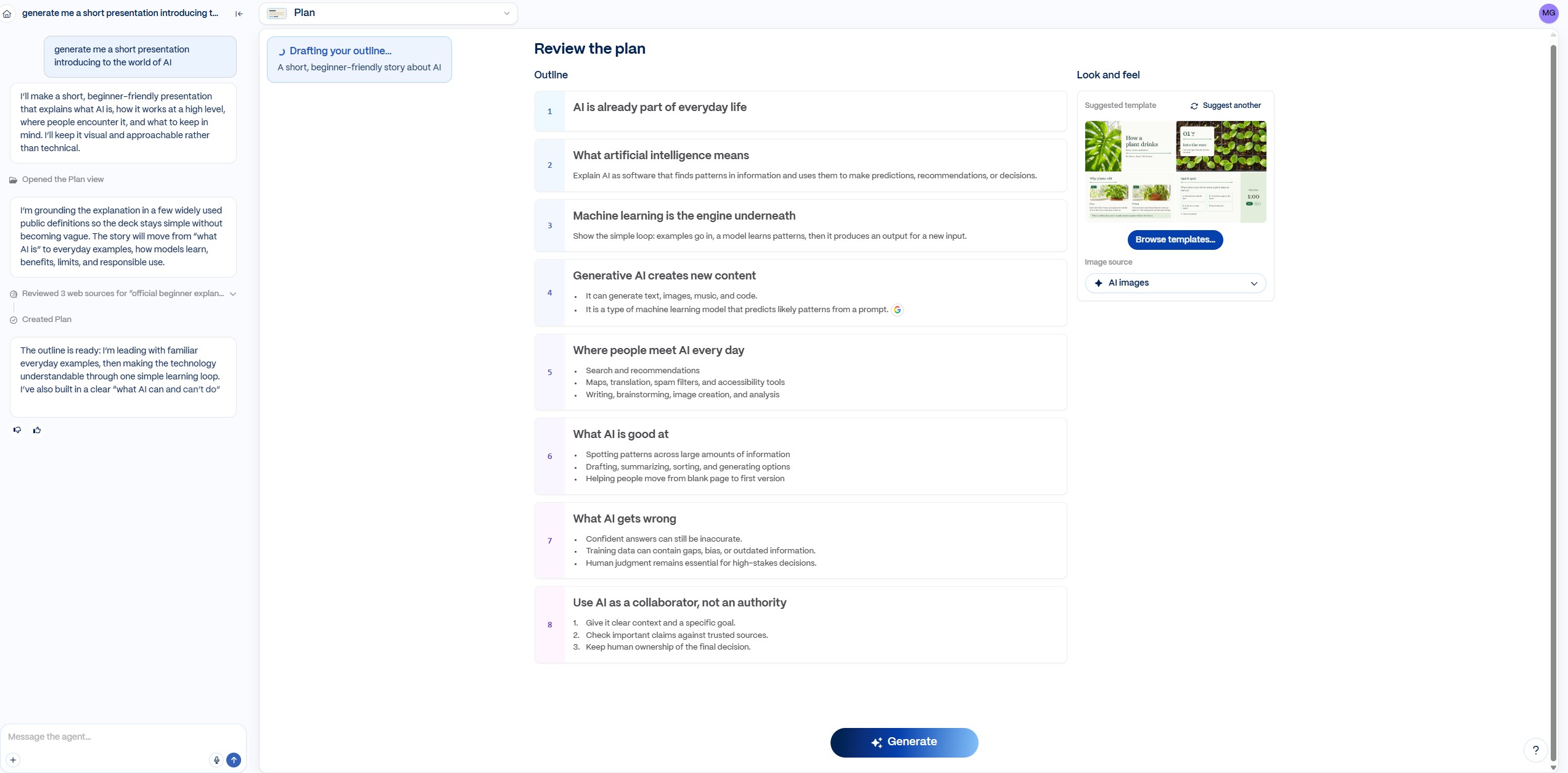
Gamma turns a prompt, a pasted outline or an uploaded document into a fully designed presentation, with layouts, images and consistent fonts already in place. It also builds one-page docs and simple web pages, and exports to PowerPoint or PDF when your boss insists on a file.
👤 Who it is for
Students with a class presentation due tomorrow, sales reps rebuilding the same pitch for every client, teachers, and small business owners pitching a bank or a landlord. If you have ever lost an evening nudging text boxes in PowerPoint, this is the first of the underrated AI tools to try.
⏱️ Where it saves you time
The blank-slide stage disappears. You describe the deck, Gamma drafts every slide, and you spend your time fixing the story instead of the formatting. Editing one card at a time with AI ("make this shorter", "turn this into a chart") keeps revisions quick.
- Free plan with 400 one-time AI credits
- Exports to PowerPoint and PDF
- Looks professional with zero design skill
- Free decks carry Gamma branding
- Credits run out fast on big decks
- Pricing is per seat for teams
🎙️ 2. Castmagic: One Recording, a Week of Content
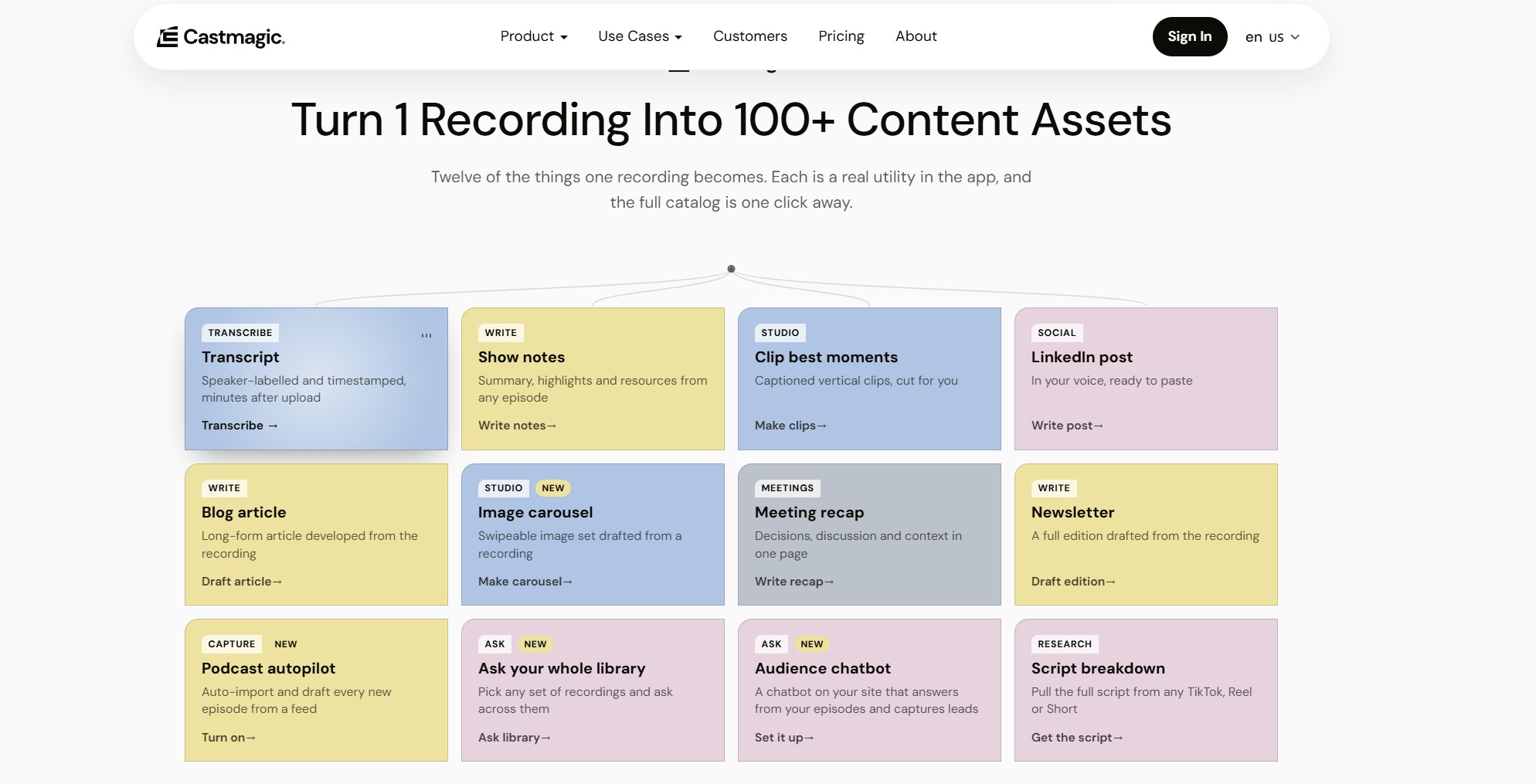
Castmagic takes a podcast episode, Zoom call, webinar or YouTube link and returns a transcript plus ready-to-edit content: show notes, timestamps, key quotes, a blog post, a newsletter and social captions. It supports 60+ languages and imports straight from Zoom, Google Drive and YouTube.
👤 Who it is for
Podcasters, coaches, real estate agents who post video walkthroughs, consultants who run client calls, and anyone who talks better than they write. If your best ideas live in recordings nobody reads, few underrated AI tools pay off faster.
⏱️ Where it saves you time
Repurposing is the job most creators skip because it takes longer than recording. Castmagic does the first pass for every format at once, so a single 45-minute episode feeds your blog, email list and socials for the week.
- Every output from one upload
- Custom prompts in your own voice
- Imports from Zoom, Drive and YouTube
- No permanent free plan at the time of my research
- Big price jump between tiers
- Transcripts slip on heavy jargon or accents
🎬 3. Opus Clip: Long Videos Into Viral Shorts
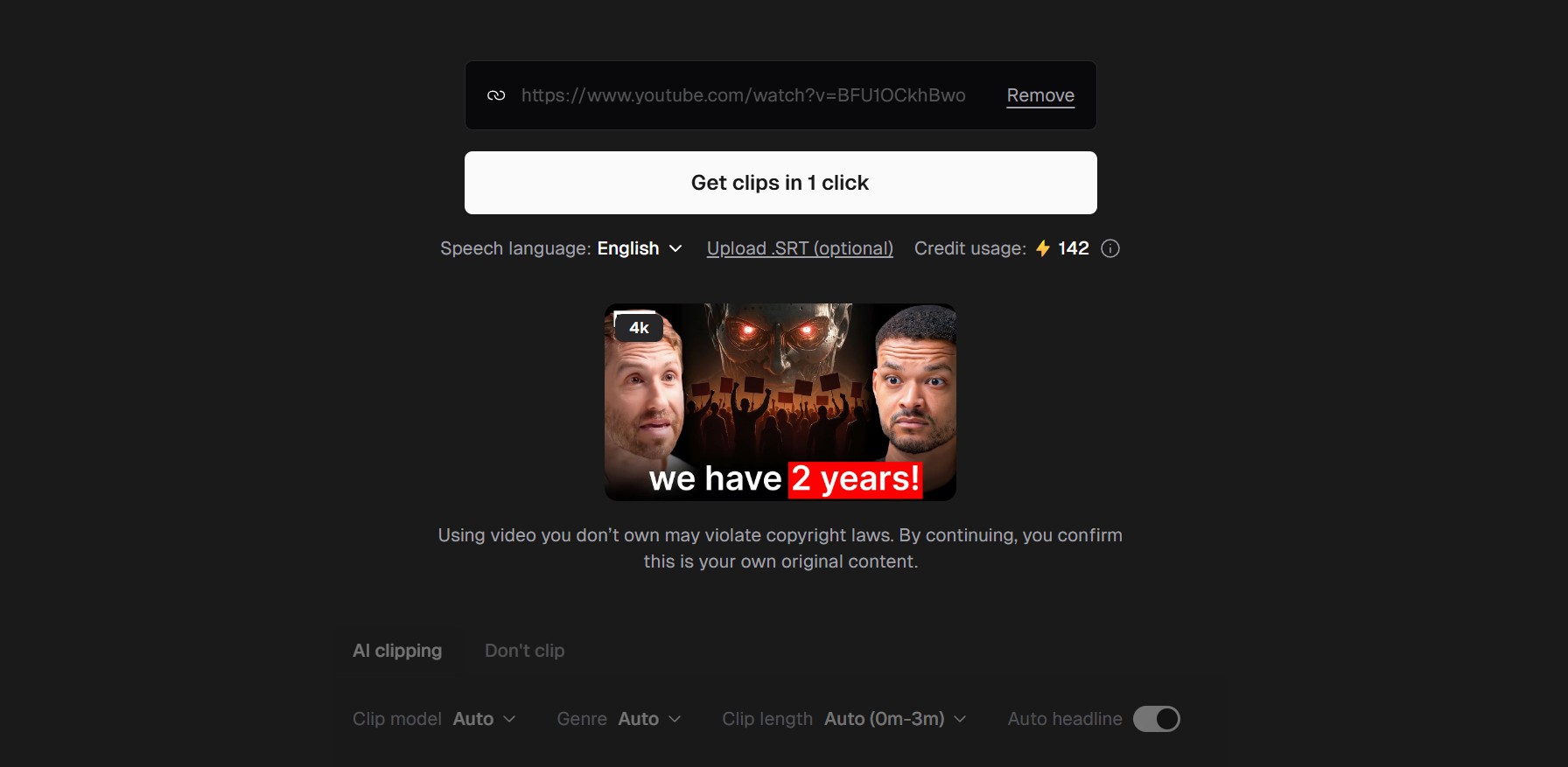
Opus Clip watches your long video, finds the moments most likely to hold attention, and cuts them into vertical clips with animated captions for TikTok, Reels and YouTube Shorts. Each clip gets a virality score, so you know which to post first.
👤 Who it is for
YouTubers, podcast hosts with video, church and nonprofit media teams, coaches who run webinars, and small businesses sitting on hours of unused footage. Among underrated AI tools for video, this one turns a single long recording into a month of short-form posts.
⏱️ Where it saves you time
Finding, reframing and captioning highlights by hand is slow editing work. Opus Clip does all three, and you only review and approve. One credit equals one minute of source video, so a 60-minute recording uses 60 credits no matter how many clips you keep.
- Free plan with 60 minutes a month
- Auto-reframes speakers to vertical
- Virality score ranks your clips
- Free clips carry a watermark
- Free exports expire after 3 days
- AI picks miss context sometimes
📥 4. Clean Email: Inbox Zero in One Afternoon
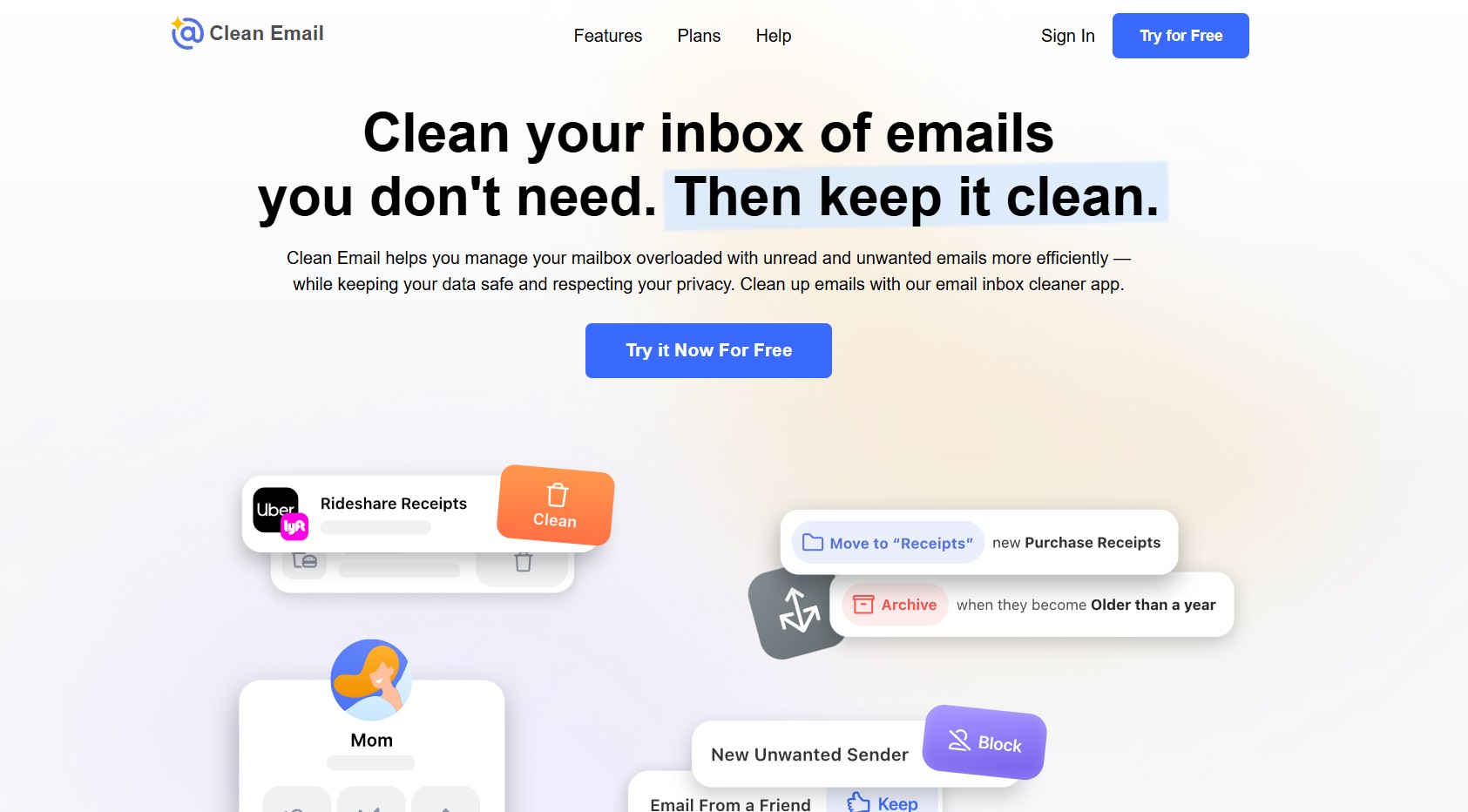
Clean Email connects to Gmail, Outlook, Yahoo, iCloud or any IMAP inbox and groups your mail by sender and type, so you archive or delete thousands of messages in a few clicks. The Unsubscriber, Screener and Auto Clean rules then keep the clutter from coming back.
👤 Who it is for
Anyone with a five-figure unread count, small business owners buried in notifications, and families who share one old inbox. The company states it does not read or sell your data, which matters for any of these underrated AI tools that touch your mailbox.
⏱️ Where it saves you time
Instead of deleting messages one by one, you act on whole groups: every promo from one store, every newsletter you never open, every receipt older than a year. Auto Clean rules then run in the background every day.
- Works with every major email provider
- Unsubscribe from lists in bulk
- Rules keep cleaning automatically
- Some employers block third-party mailbox access
- Free plan stops at 1,000 emails
- It cleans, it is not an email app
🧾 5. SparkReceipt: Receipts Sorted Before Tax Season
SparkReceipt, one of the most practical underrated AI tools for money admin, reads a photo of any receipt, even a crumpled one, and extracts the vendor, amount, date and tax, then files it into a tax-friendly category. It can also fetch receipts from Gmail or Outlook, export reports to Excel or PDF, and sync with QuickBooks Online or Xero.
👤 Who it is for
US freelancers on 1099s, Etsy and eBay sellers, rideshare and delivery drivers, and anyone who dreads the shoebox of receipts every spring. The IRS expects you to keep records that support your deductions, and of all the underrated AI tools I looked at, this is the lowest-effort way to do it.
⏱️ Where it saves you time
Data entry is gone: you snap, it sorts. At tax time you export one report or invite your accountant straight into the account, instead of rebuilding a year of spending from bank statements. Pair it with my Excel expense tracker walkthrough if you like a spreadsheet view too.
- Reads messy paper and email receipts
- Syncs with QuickBooks Online and Xero
- Price locked for life while subscribed
- Pro plan caps scans at 50 a month
- Bank feeds sit on the higher tier
- Not full accounting software
⌨️ 6. Raycast: AI on Every Mac Keystroke
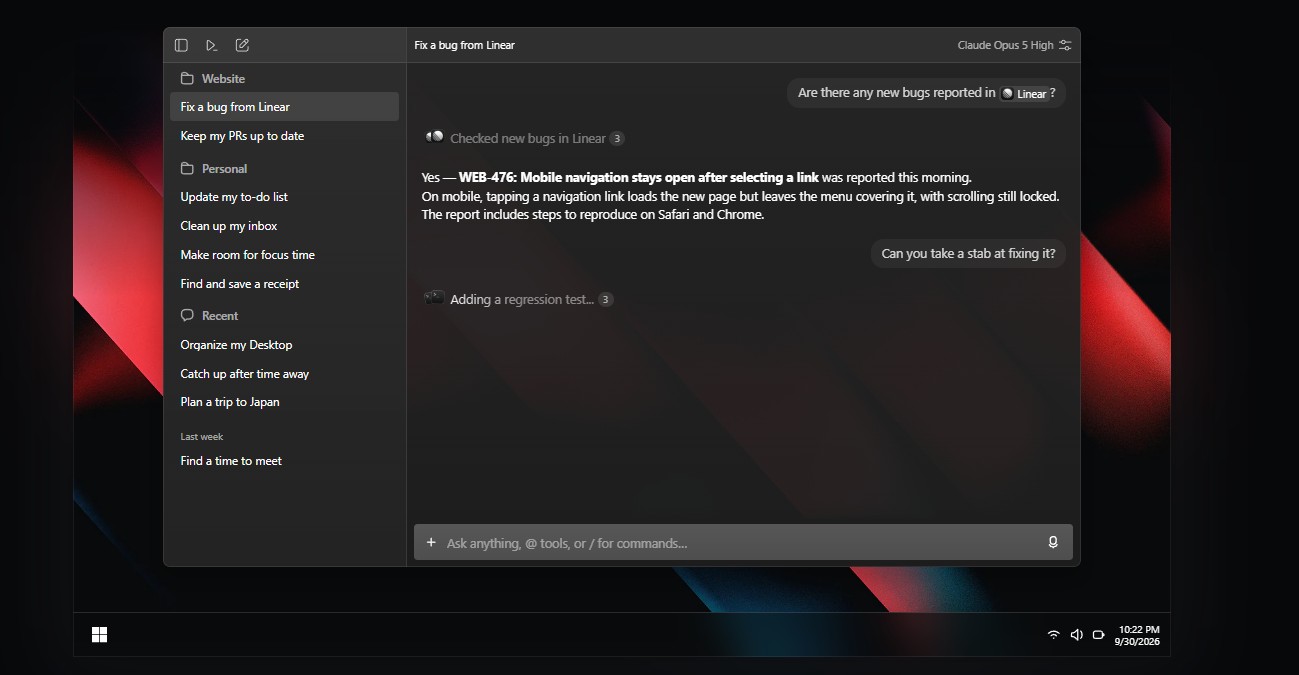
Raycast replaces Spotlight on your Mac with a command bar that launches apps, remembers everything you copied, snaps windows into place and expands text snippets. Pro adds AI you can call over any selected text: fix grammar, summarize, translate or ask a question without opening a browser tab.
👤 Who it is for
Office workers, remote employees and freelancers who live on a Mac all day. If you switch between ten apps an hour, Raycast cuts the clicks. It is Mac-first, so Windows users should pick one of the other underrated AI tools instead.
⏱️ Where it saves you time
Small savings add up: clipboard history saves re-copying, snippets save retyping your address or sign-off, and Quick AI answers land without breaking your focus. The free version already replaces several paid Mac utilities.
- Free core app is generous
- AI over any text you select
- Thousands of free extensions
- Mac only (plus an iOS app)
- Free plan limits AI to 50 messages
- Keyboard-first takes a week to click
🎨 7. Kittl: Logos, Tees and Merch Designs
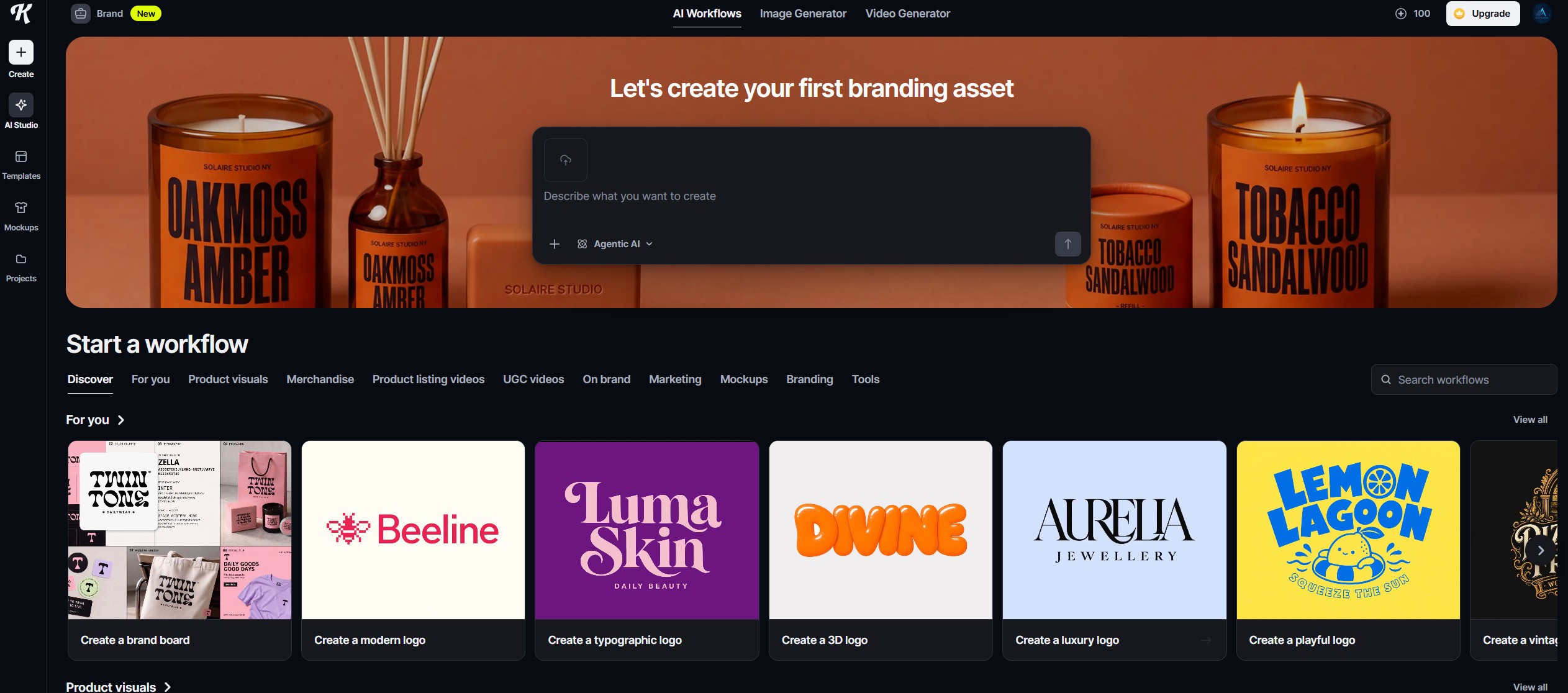
Kittl is a browser design tool built for logos, t-shirts, posters and product mockups. Its text effects, vintage templates and AI image tools produce the bold, print-ready look that sells on Etsy and print-on-demand stores, with vector exports on paid plans.
👤 Who it is for
Etsy shop owners, print-on-demand sellers, small brands on a budget, and side hustlers designing merch for a local team or event. If Canva feels too generic for your product, Kittl is one of the underrated AI tools that fills the gap.
⏱️ Where it saves you time
Templates plus AI generation get you from idea to a print-ready file fast, and mockups show the design on a shirt or mug before you order anything. For a wider set of design apps, see my AI tools for designers list.
- Standout typography and text effects
- Built-in product mockups
- Free plan to try the editor
- Free plan caps you at 5 projects
- Smaller template library than Canva
- AI tokens run out on heavy use
Which Underrated AI Tools Should You Start With?
Do not install all seven underrated AI tools today. Match the tool to the chore that eats the most of your week, and give it one real project for 7 days. Real work shows you in a week what a demo never will.
Want a done-for-you setup instead? My 3-tool AI productivity stack shows how a small set of apps covers planning, automation and notes together.
Bonus Free Pick and 3 Mistakes With Underrated AI Tools
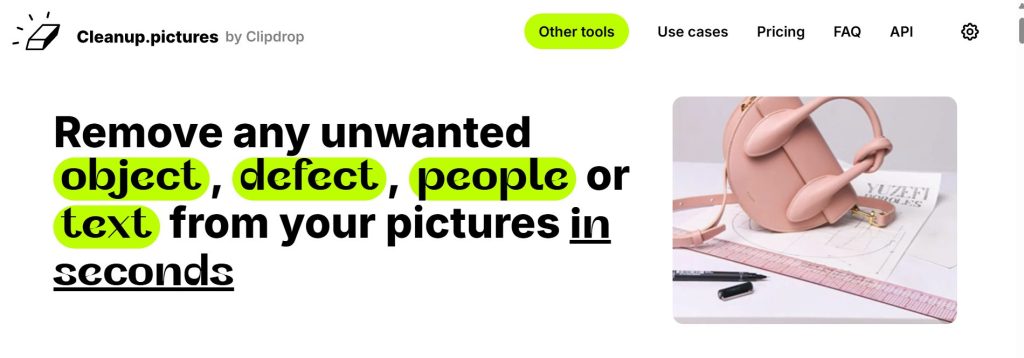
🖼️ Cleanup.pictures: erase anything from a photo

Paint over a photobomber, a power line or a stray coffee cup and Cleanup.pictures fills the gap with a believable background. It is free with daily limits and lower resolution, which is plenty for social posts and marketplace listings. Its sister app Clipdrop sells the paid plan that lifts the limits.
❌ Mistake 1: signing up for everything at once
Seven new logins in one weekend is a recipe for using none of them. Start with one of the underrated AI tools tied to a task you already do every week, then add a second only once the first runs on autopilot.
❌ Mistake 2: paying before you hit a real limit
Free plans and trials exist so you can test on real work. Upgrade only after you bump into the same limit three times in one week; that is your proof the tool earns its price.
❌ Mistake 3: judging the tool on its first output
Underrated AI tools improve as you learn them, so give each app ten real uses, adjust your prompts or settings, and judge the tenth result. For more no-signup options, browse my free AI tools with no login.
The Book That Pairs With These Underrated AI Tools
Every tool on this list does the same thing underneath: it takes a repeat task off your plate. The classic playbook for that mindset is Tim Ferriss's The 4-Hour Workweek, built around eliminating low-value work, automating what is left and buying back your time.
Frequently Asked Questions: Underrated AI Tools
🚀 Find More Hidden Gems for Your Stack
You've met the quiet specialists. Here is where I would go next to build out the rest of your toolkit:
🧰All-in-One AI Tools: Replace 5 SubscriptionsOne platform instead of juggling separate apps→🏪Best AI Tools for Small Business OwnersThe core stack for owners and solo operators→🧩AI Chrome Extensions Worth InstallingBrowser add-ons that save clicks all day→