
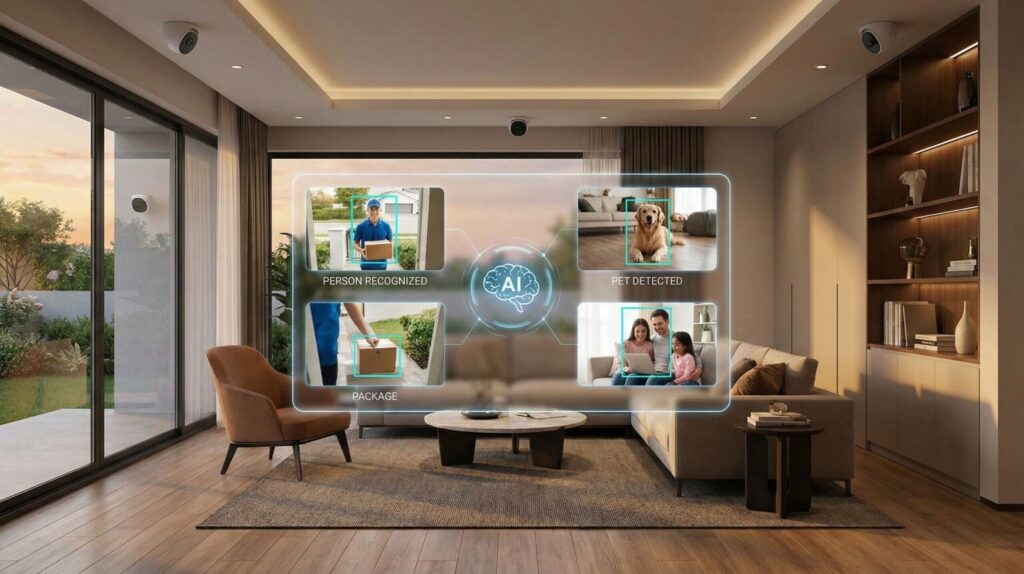
The right AI security camera is the one that fixes the problem you have today: a monthly fee you're tired of paying, alerts every time a tree moves, worries about who sees your footage, or a rental you can't drill into. So I rebuilt this guide around six problems, one pick for each, and the 3-year math most reviews skip.
⚡ Short answer: If you never want a monthly bill, get the eufyCam S3 Pro kit for a house or the Tapo C425 for one or two cameras. If you live in Google's world, the new 2K Nest Cam is the smartest AI security camera here, but its best AI needs a $10–$20 plan. Alexa homes should pick Ring and change four privacy settings on day one.
Some links are affiliate links · they support this site at no extra cost to you · Full disclosure
Which AI security camera fixes your problem?
Short answer: Start with the problem, not the spec sheet. Resolution and "AI" labels look the same on every box. What separates one AI security camera from another is where the footage lives, what the free tier includes, and how well it ignores things that aren't people.
Here are the six reasons people shop for an AI security camera right now, and the pick I'd point each one to.
Core distinction: an AI security camera is two purchases, the hardware and the plan. Compare both, or the cheap camera ends up the expensive one.
Camera Matcher: which AI security camera should I buy?
I built this matcher from the rules in this guide. Five questions, one pick, and what that pick's plan costs you over three years for the number of cameras you need.
1. Where does it go?
2. How do you feel about a monthly plan?
3. Which assistant runs your home?
4. What do you need to cover?
5. How many cameras?
Plan prices in the matcher are the US list prices I checked for this update. Want every subscription in your home on one page? My free subscription cost calculator adds them up for the year.
The 7 best AI security cameras
Each AI security camera below solves one problem better than the rest. Prices move every week on Amazon, so the buttons show today's price; where a brand publishes a list price, I show it with the source.
1. eufyCam S3 Pro 🏆 Best no monthly fee
4K solar cameras that keep footage and AI at home
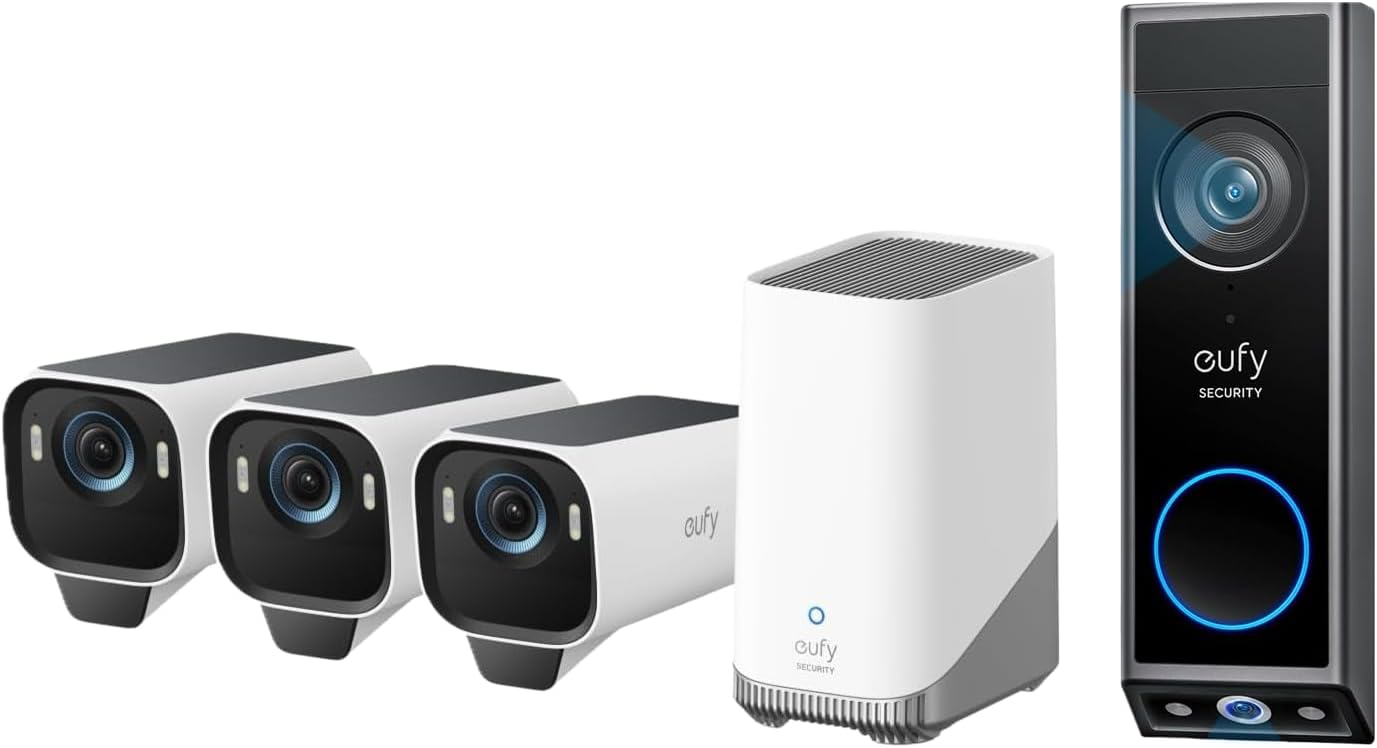
This is the AI security camera for people who are done with subscriptions. Recordings go to the HomeBase S380 in your house, with 16 GB built in and room for a hard drive up to 16 TB, so there's no plan to buy. eufy pairs motion sensing with radar, which helps it ignore leaves and shadows, and the solar panel keeps the battery topped up.
One honest caveat: a few years ago a researcher showed eufy sending thumbnails to its cloud despite "local only" marketing. New York's attorney general settled with the company for $450,000 and required proper encryption and regular penetration testing, per Mozilla's privacy review. I'd still buy it, with cloud features left off.
- Zero monthly cost, forever
- Sharpest night video here
- Fewer false alerts with radar
- High upfront kit price
- HomeBase must stay powered
- Past privacy failures to weigh
2. TP-Link Tapo C425 💰 Best budget
A wire-free 2K camera with free AI alerts and microSD storage
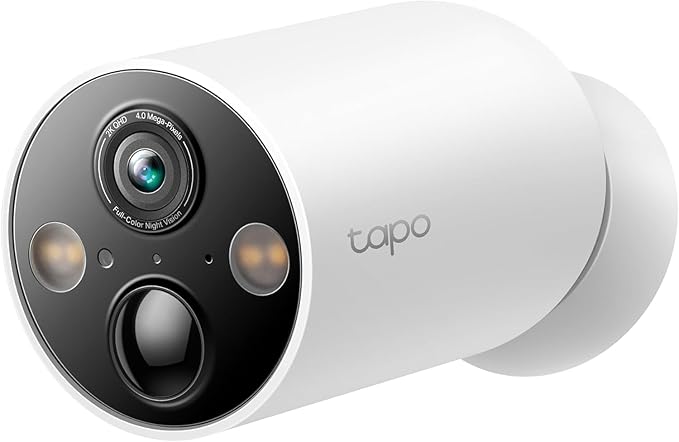
The C425 is the cheapest AI security camera here with person, pet and vehicle detection and no plan. Clips save to a microSD card in the camera, and TP-Link rates the 10,000 mAh battery at up to 300 days between charges. Add the solar panel and you may never take it down.
The trade-off is smarts. Reviewers find its AI fine at telling a dog from a car, but there's no face recognition or natural-language search. For one or two spots, that's all most homes need.
- Free AI detection
- Months of battery life
- Low price per camera
- Basic AI, no faces
- Thief can take the SD card
- No Apple Home
3. Google Nest Cam 🧠 Smartest AI
Gemini describes what happened and lets you search your footage in plain words
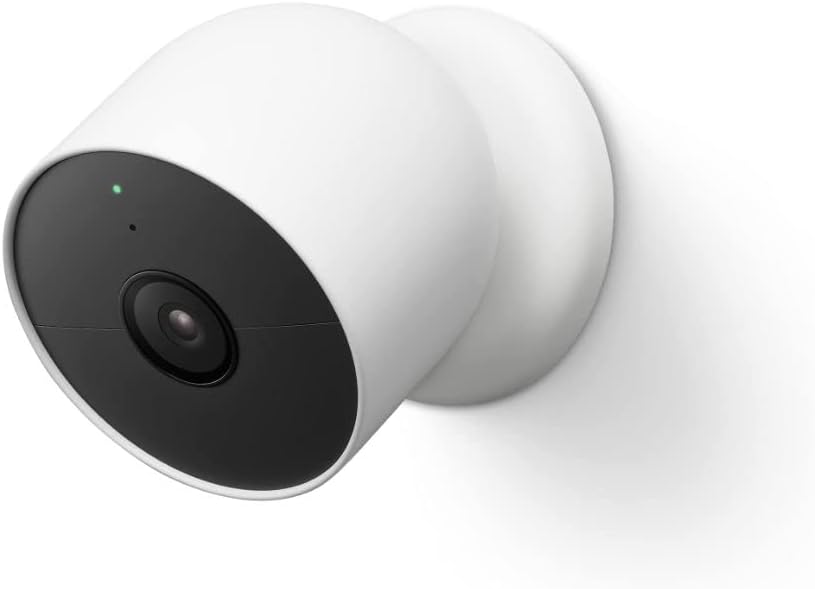
Google's newest wired Nest Cams moved to 2K HDR and were designed around Gemini. With a plan, alerts read like a sentence ("a delivery driver left a box and walked back to a white van"), and you can ask your camera history questions instead of scrubbing a timeline. No other AI security camera here does that as well.
The catch: Nest Aware is gone, replaced by Google Home Premium. Standard ($10/month or $100/year) gives 30 days of history; Advanced ($20/month or $200/year) adds the Gemini video search and daily summaries, per Google's announcement. Without a plan you keep six hours of event history on the new models.
- Best AI descriptions and search
- Flat plan for all cameras
- Google AI Pro includes Standard
- No local storage
- Best AI needs $20/month
- Battery model is still 1080p
4. Ring Spotlight Cam Plus 🗣️ Best for Alexa
Lights, siren and Echo Show live view, with the cheapest single-camera plan
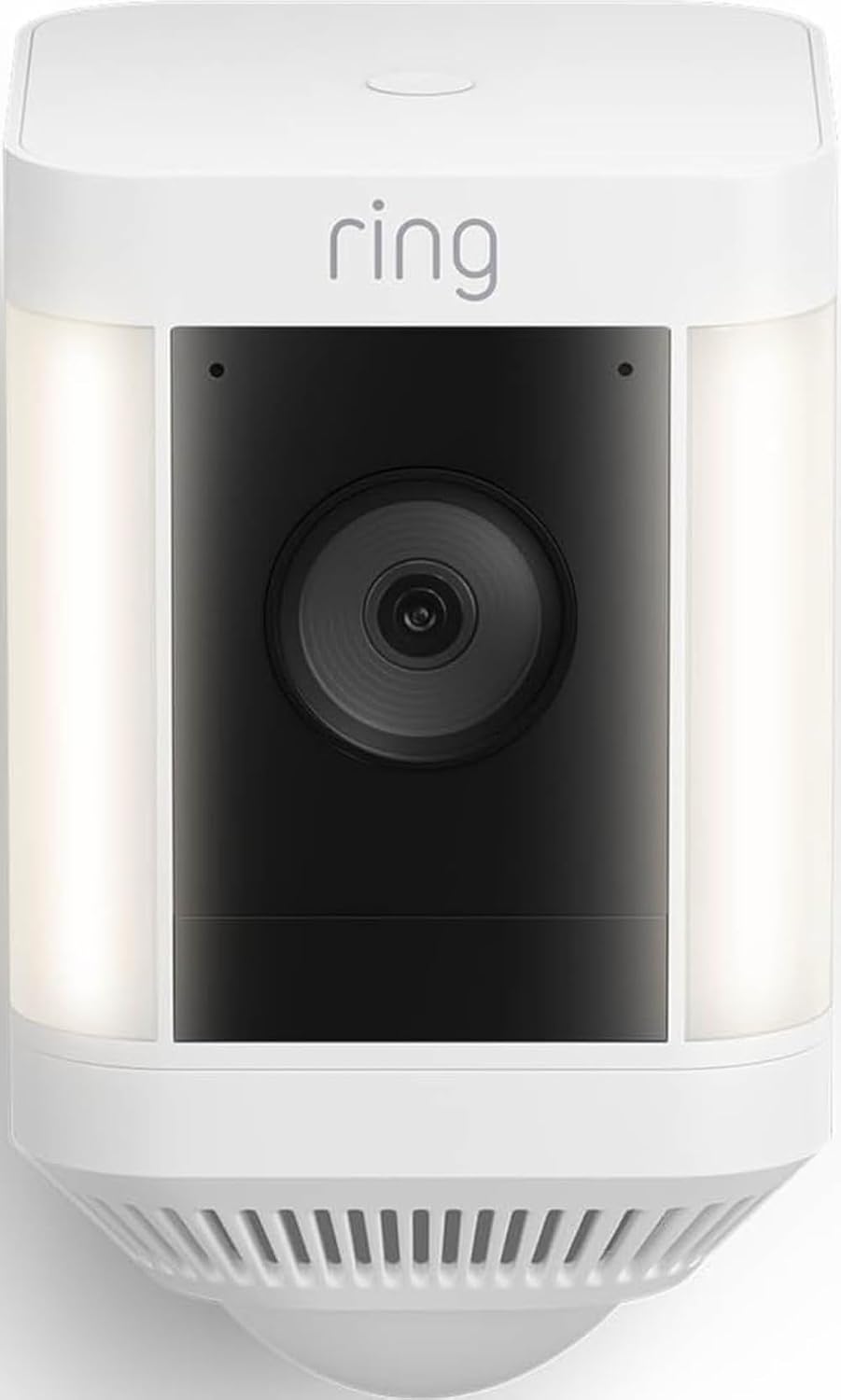
If an Echo already runs your home, Ring is the AI security camera with the least friction: live view on an Echo Show, routines that switch on lights, and a spotlight that scares people off before they reach the door. Ring's plans now go by Solo, Multi and Pro.
Ring is also the brand with the loudest privacy debate. Its Familiar Faces facial recognition and the on-by-default Search Party pet finder drew backlash after Ring promoted it in a Super Bowl ad. Both can be switched off; I show how in the privacy section below.
- Tightest Alexa integration
- Lights and siren deter
- Cheap one-camera plan
- Recordings need a plan
- Privacy settings to change
- End-to-end encryption disables AI
5. Arlo Pro (6th Gen) 🎯 Most detection types
Wire-free 2K with the widest list of things it can tell apart
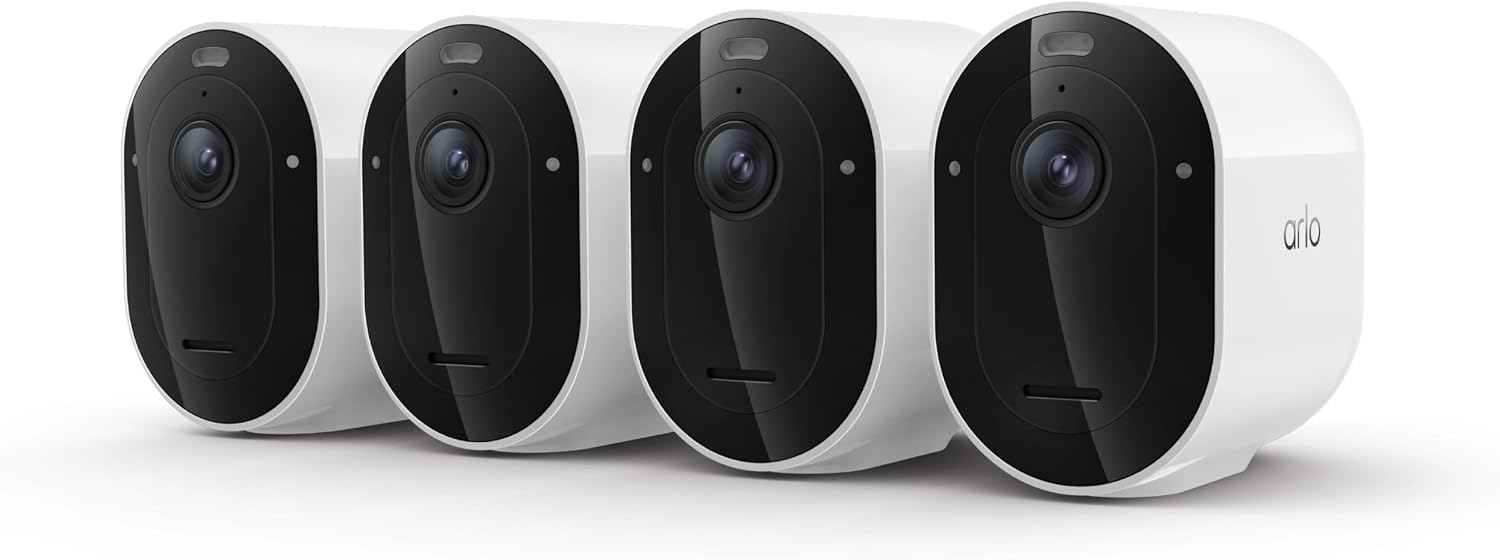
The Pro 6 replaced the Pro 5S that the old version of this guide recommended. It keeps 2K HDR and color night vision, adds USB-C and about 15% more battery, and with a plan it recognizes people, vehicles, animals and packages, plus smoke and CO alarm sounds.
I have to correct my earlier advice here: Arlo is not a no-subscription AI security camera. Without Arlo Secure you get live view and motion alerts, but no saved clips and no object detection.
- Widest detection list
- Works with all big ecosystems
- Truly wire-free
- Useless without a plan
- Priciest 3-year total here
- Local storage needs a SmartHub
6. Reolink E1 Outdoor 🔄 Best pan & tilt
One plug-in camera that turns to follow what it detects
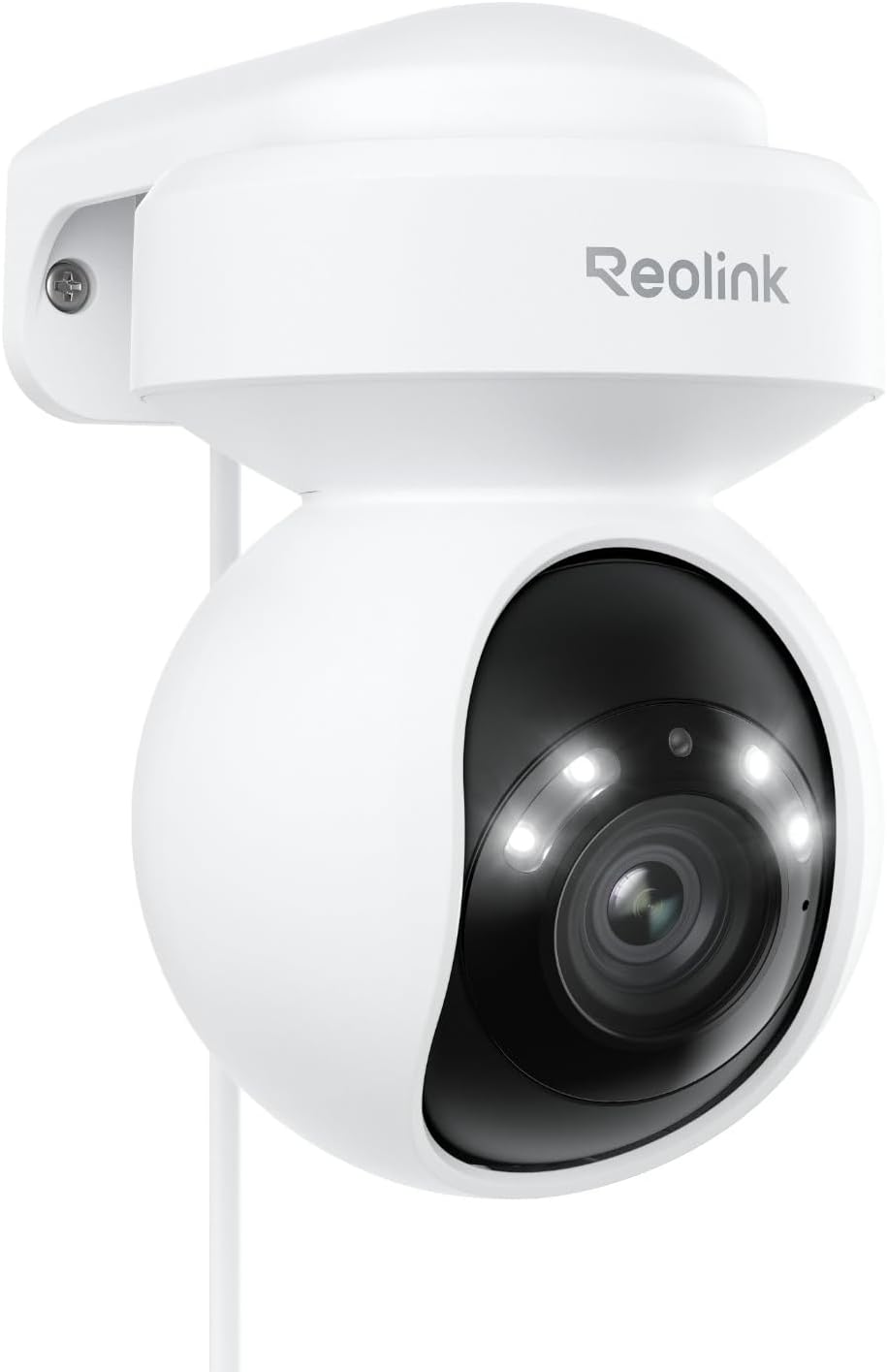
The E1 Outdoor pans 355°, tilts 50° and zooms 3x optically, then follows a person or car across the frame. That makes it the AI security camera for one wide yard or a long driveway, where three fixed cameras would otherwise be needed.
Person, vehicle and animal detection run on the camera, and recordings go to a microSD card up to 512 GB or a Reolink hub, with 24/7 recording if you want it. It needs an outlet, and it supports dual-band Wi-Fi. The E1 Outdoor Pro is the 4K, Wi-Fi 6 step up.
- Covers what three fixed cams do
- Free AI and 24/7 recording
- Footage stays local
- Needs a nearby outlet
- Looks one way at a time
- App less polished than Google's
7. eufy Indoor Cam 2K 🏢 Best for renters
A no-drill indoor camera aimed at the door, with local storage
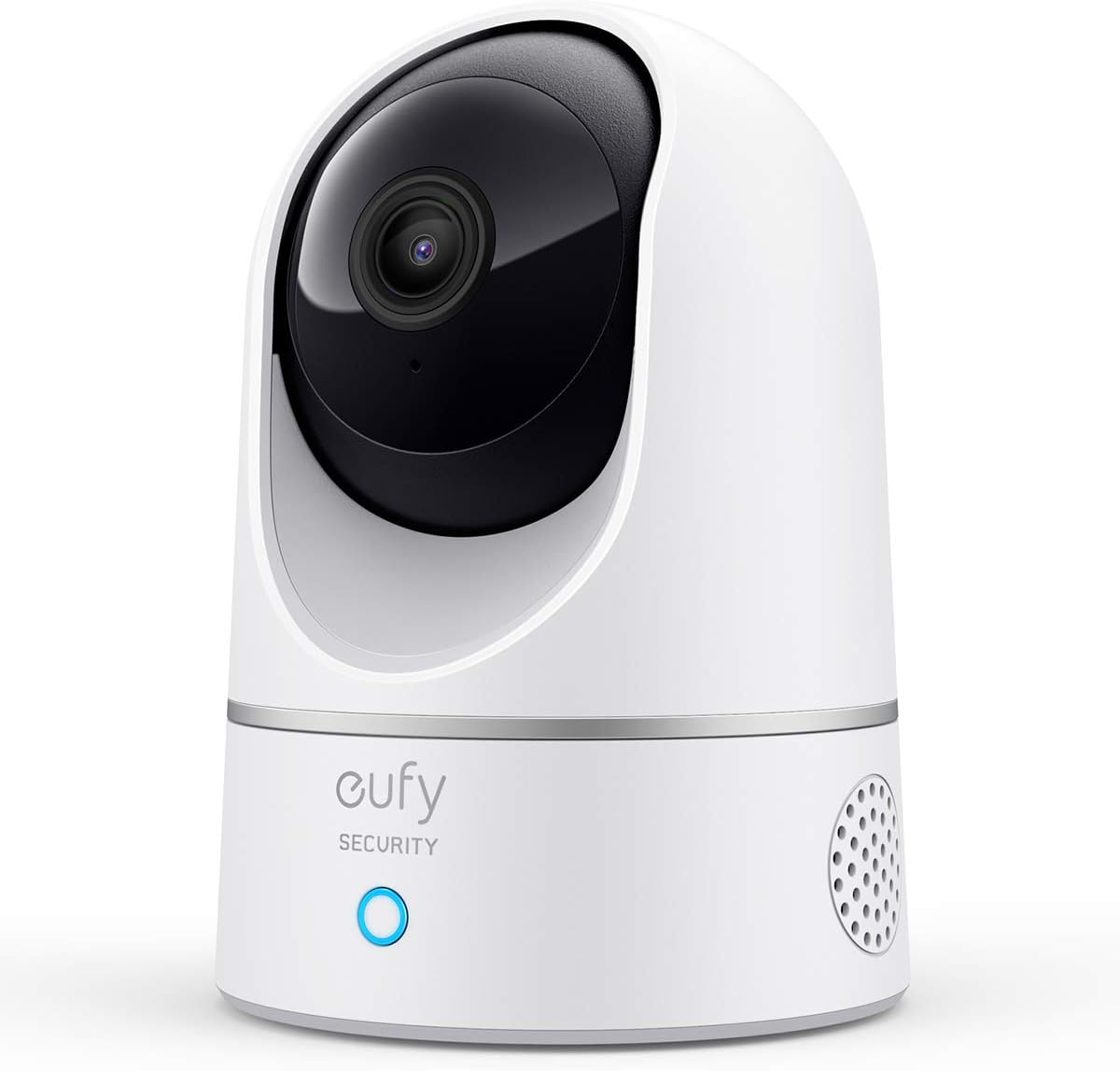
If your lease rules out drilling, point one indoor AI security camera at the front door from a shelf. eufy's 2K indoor cams record to a microSD card and tell people from pets without a plan, so you see who came in, not every time the cat jumps on the sofa.
Use the app's privacy mode, or a physical cover, whenever you're home. Indoor cameras see the most private parts of your life, so I'd never leave one recording a bedroom or bathroom.
- No install, moves with you
- Free local AI alerts
- Low cost
- Sees only inside
- Needs an outlet
- Same brand-trust caveat as #1
Want the doorbell side of this? My Ring 4K vs Nest Doorbell comparison covers the two biggest AI doorbells.
What does an AI security camera cost over 3 years?
Short answer: From $0 to about $720 in plan fees alone. Local-storage cameras (eufy, Tapo, Reolink) cost nothing after purchase. Ring, Nest and Arlo charge every month, and over three years the plan can cost more than the camera.
I ran the numbers for each AI security camera brand from its published US prices, using annual billing where the brand offers it and monthly billing where it doesn't.
| Camera brand | Plan you'd want | 3 years, 1 camera | 3 years, 3 cameras | Free tier keeps |
|---|---|---|---|---|
| eufyCam S3 Pro | None | $0 | $0 | Everything, on HomeBase |
| Tapo C425 | None (Tapo Care optional) | $0 | $0 | AI alerts + microSD clips |
| Reolink E1 Outdoor | None | $0 | $0 | AI alerts + 24/7 local |
| Ring | Solo (1) / Multi (2+) | $149.97 | $299.97 | Live view + alerts |
| Google Nest | Home Premium Standard | $300 | $300 | 6 h history (new models) |
| Arlo | Arlo Secure (1 / unlimited) | $288–$360 | $648–$720 | Live view + motion alerts |
Two results surprised me. First, Ring is the cheapest of the subscription brands for one camera, but its smartest features (Familiar Faces, video descriptions) sit in Pro at $599.97 over three years. Second, a 4-camera eufy kit at its $499.99 sale price works out to about $125 per camera for three years, less than a single Nest Cam Outdoor plus its Standard plan ($149.99 + $300 = $449.99).
Core distinction: a subscription AI security camera is a rental. If you'll own it longer than two years, local storage almost always wins on cost.
Why does my AI security camera send so many false alerts?
Short answer: Usually because general motion alerts are still on, the zone includes the street, or the camera faces lights, trees or cobwebs. Switch alerts to people only, redraw the zone and lower sensitivity one step at a time. These seven fixes come from eufy, Tapo, Ring and Wyze support docs and owner forums.
- Turn off "all other motion." Leave only Person (and Package at the door) switched on. On almost every AI security camera app, this one toggle cuts the noise more than anything else.
- Redraw the activity zone. Exclude the sidewalk, the road and your neighbor's yard. Alerts outside the zone are the most common complaint I found.
- Lower sensitivity one notch, then test. Walk the edge of where you want detection to start, check the alert, and repeat. Big jumps make the camera miss real visitors.
- Aim away from lights and moving branches. Headlights, a flickering streetlight behind leaves, or a reflective window can fool person detection at night.
- Clean the lens and clear cobwebs. Infrared lights attract insects, and a spider web in front of the lens looks like a body to the AI.
- Mount it a little lower and angled down. A camera pointing straight down sees only heads, which is harder to classify than a full body.
- Use modes and schedules. Mute the backyard camera while you're home, and let it alert only when you're away or asleep.
Still flooded after all seven? That's when the AI security camera itself matters. Cameras that confirm motion with radar or a heat (PIR) sensor before the AI runs, like the eufyCam S3 Pro, ignore far more shadows than video-only models.
Which AI security camera is best for privacy?
Short answer: One that records locally and runs its AI on the device, such as Reolink, Tapo or eufy with cloud features off. Cloud AI from Ring and Google is smarter, but it works because the company processes your video. You can't have both at once.
Ring makes the AI security camera trade-off plain. Turning on its end-to-end encryption means only your enrolled phones can see videos, but it switches off person detection, facial recognition, 24/7 recording, pre-roll and AI video search. Google's Gemini descriptions also run in Google's cloud.
Four settings to change on any Ring camera
- Search Party: on by default. Turn it off in Control Center → Search Party if you don't want your camera scanned for lost pets.
- Familiar Faces: leave it off unless you want facial recognition; Ring blocks it in Illinois, Texas and Portland under local biometric laws.
- Community and police requests: review them in Control Center so you choose what gets shared.
- End-to-end encryption: switch it on if privacy matters more to you than AI alerts.
Five rules for every brand
- Use a unique password and two-factor sign-in on the camera account.
- Keep firmware on auto-update.
- Never aim indoor cameras at bedrooms or bathrooms, and use privacy mode or a physical camera cover when you're home.
- Keep outdoor cameras off neighbors' windows; recording audio can also be illegal in some states without consent.
- Put cameras on a guest Wi-Fi network, as the FTC's guide to securing home devices recommends.
For the rest of your house, my list of AI home devices to lock down and the AI privacy settings guide walk through speakers, TVs and apps.
Core distinction: the more an AI security camera "understands," the more of your footage it has to send somewhere. Decide which side of that line you want before you buy.
Which AI security camera should you buy?
Pick the problem first, then the AI security camera. Here's the one-line version of everything above.
- No monthly fee, several cameras: eufyCam S3 Pro kit.
- No monthly fee, one or two spots: Tapo C425.
- Smartest alerts, Google home: Nest Cam with Google Home Premium.
- Alexa home, lights and siren: Ring Spotlight Cam Plus, privacy settings changed.
- Mixed ecosystem, wire-free: Arlo Pro (6th Gen) with Arlo Secure.
- Big yard, one outlet: Reolink E1 Outdoor.
- Renting: eufy Indoor Cam 2K facing the door.
If I were buying today for a house, I'd start with the eufyCam S3 Pro: the best night video here and nothing to pay after year one.
On a smaller budget, one Tapo C425 on the driveway gives you free AI alerts for the price of a few months of someone else's plan.
Pair your camera with a smart lock and you can see and open the door from one app; my best smart locks guide covers which ones work together.